oil temperature DODGE VIPER 2015 VX / 3.G Owners Manual
[x] Cancel search | Manufacturer: DODGE, Model Year: 2015, Model line: VIPER, Model: DODGE VIPER 2015 VX / 3.GPages: 400, PDF Size: 9.59 MB
Page 155 of 400
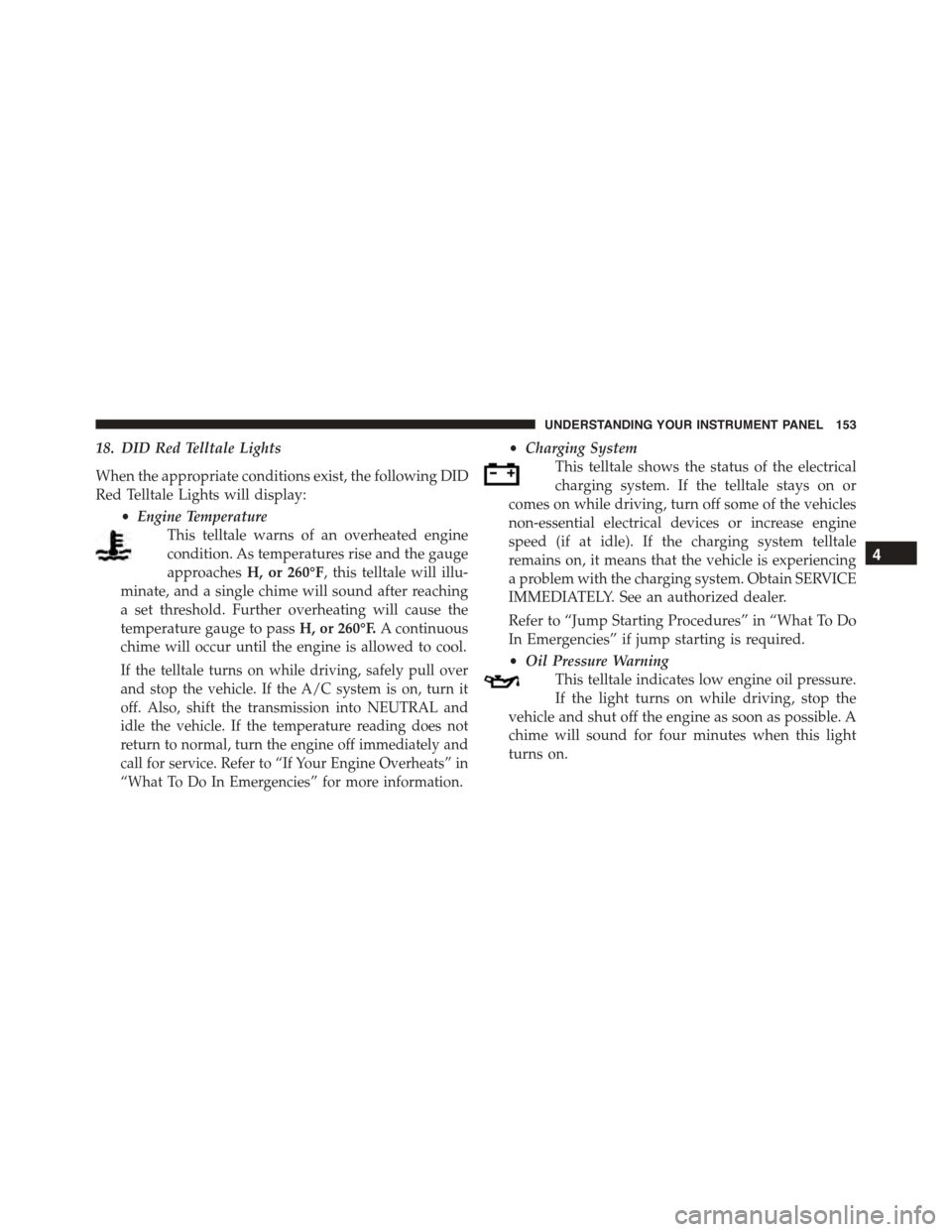
18. DID Red Telltale Lights
When the appropriate conditions exist, the following DID
Red Telltale Lights will display:
•Engine Temperature
This telltale warns of an overheated engine
condition. As temperatures rise and the gauge
approachesH, or 260°F, this telltale will illu-
minate, and a single chime will sound after reaching
a set threshold. Further overheating will cause the
temperature gauge to passH, or 260°F.A continuous
chime will occur until the engine is allowed to cool.
If the telltale turns on while driving, safely pull over
and stop the vehicle. If the A/C system is on, turn it
off. Also, shift the transmission into NEUTRAL and
idle the vehicle. If the temperature reading does not
return to normal, turn the engine off immediately and
call for service. Refer to “If Your Engine Overheats” in
“What To Do In Emergencies” for more information.
•Charging System
This telltale shows the status of the electrical
charging system. If the telltale stays on or
comes on while driving, turn off some of the vehicles
non-essential electrical devices or increase engine
speed (if at idle). If the charging system telltale
remains on, it means that the vehicle is experiencing
a problem with the charging system. Obtain SERVICE
IMMEDIATELY. See an authorized dealer.
Refer to “Jump Starting Procedures” in “What To Do
In Emergencies” if jump starting is required.
•Oil Pressure Warning
This telltale indicates low engine oil pressure.
If the light turns on while driving, stop the
vehicle and shut off the engine as soon as possible. A
chime will sound for four minutes when this light
turns on.
4
UNDERSTANDING YOUR INSTRUMENT PANEL 153
Page 156 of 400
Do not operate the vehicle until the cause is cor-
rected. This light does not show how much oil is in
the engine. The engine oil level must be checked
under the hood.
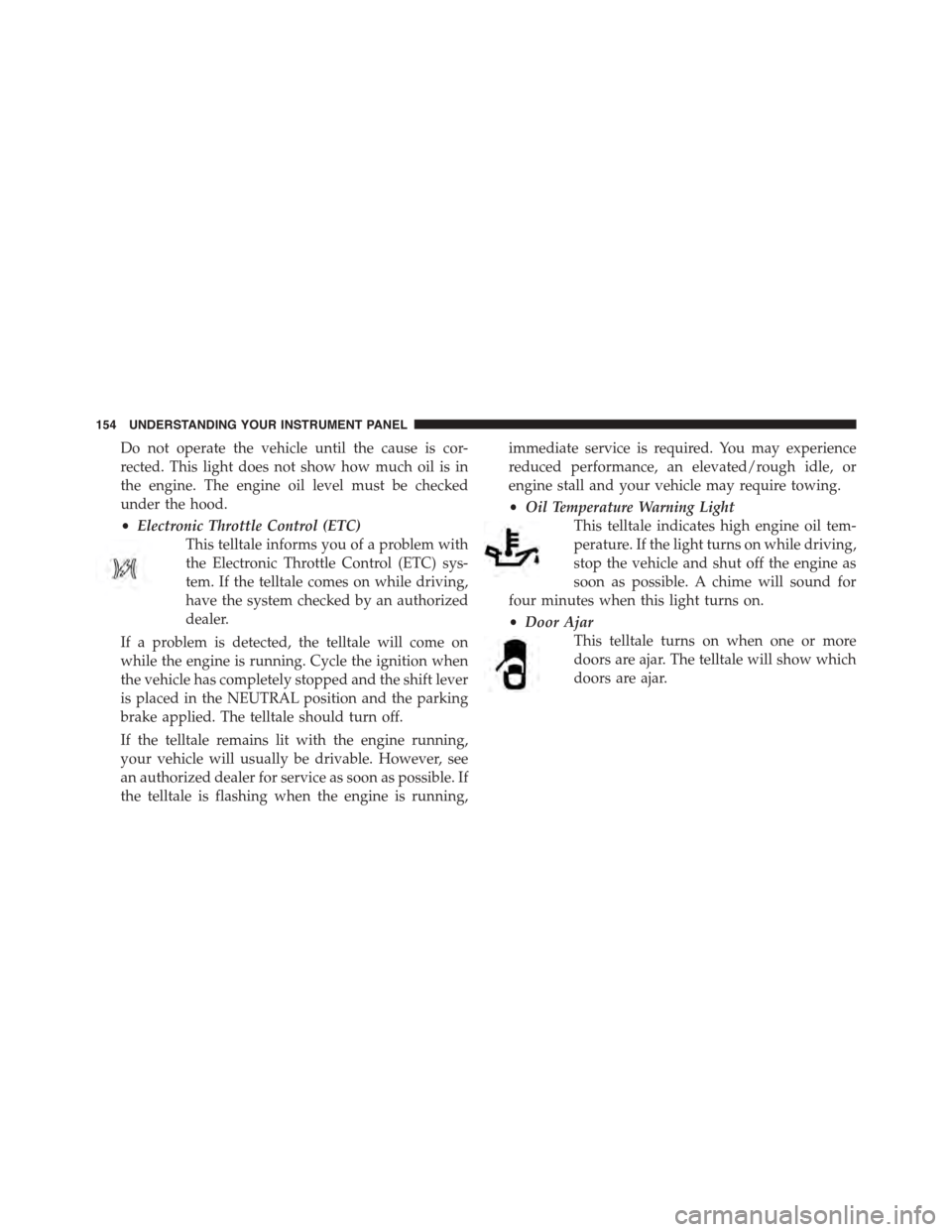
•Electronic Throttle Control (ETC)
This telltale informs you of a problem with
the Electronic Throttle Control (ETC) sys-
tem. If the telltale comes on while driving,
have the system checked by an authorized
dealer.
If a problem is detected, the telltale will come on
while the engine is running. Cycle the ignition when
the vehicle has completely stopped and the shift lever
is placed in the NEUTRAL position and the parking
brake applied. The telltale should turn off.
If the telltale remains lit with the engine running,
your vehicle will usually be drivable. However, see
an authorized dealer for service as soon as possible. If
the telltale is flashing when the engine is running,
immediate service is required. You may experience
reduced performance, an elevated/rough idle, or
engine stall and your vehicle may require towing.
•Oil Temperature Warning Light
This telltale indicates high engine oil tem-
perature. If the light turns on while driving,
stop the vehicle and shut off the engine as
soon as possible. A chime will sound for
four minutes when this light turns on.
•Door Ajar
This telltale turns on when one or more
doors are ajar. The telltale will show which
doors are ajar.
154 UNDERSTANDING YOUR INSTRUMENT PANEL
Page 163 of 400
Driver Information Display (DID) Messages
•Front Seat Belts Unbuckled
•Driver Seat Belt Unbuckled
•Passenger Seat Belt Unbuckled
•Key Fob Battery Low
•Service Air Bag System
•ESC Status (ESC OFF, ESC ON, ESC SPORT, ESC
TRACK, RAIN MODE) — Refer to “Starting And
Operating” for further information.
•Oil Pressure Low
•Fuel Low
•Service Antilock Brake System
•Service Electronic Throttle Control
•Cruise Off
•Cruise Ready
•Cruise Set To XXX MPH
•Tire Pressure Screen With Low Tire Pressure Warnings
•Service Tire Pressure System
•Parking Brake Engaged
•Brake Fluid Low
•Service Electronic Braking System
•Engine Temperature Hot
•Battery Voltage Low
•Service Electronic Throttle Control
•Lights On
•Right Turn Signal Light Out
•Left Turn Signal Light Out
4
UNDERSTANDING YOUR INSTRUMENT PANEL 161
Page 169 of 400
Oil Temperature
Push and release the UP or DOWN arrow button until
“Oil Temperature” is highlighted in the DID. Push and
release the RIGHT arrow button, and the oil temperature
will be displayed.
Engine Hours
Push and release the UP or DOWN arrow button until
“Engine Hours” is highlighted in the DID. Push and
release the RIGHT arrow button, and the oil temperature
will be displayed.
Intake Air Temp.
Push and release the UP or DOWN arrow button until
“Intake Air Temp.” is highlighted in the DID. Push and
release the RIGHT arrow button, and the intake air
temperature will be displayed.
Current Power
Push and release the UP or DOWN arrow button until
“Current Power” is highlighted in the DID. Push and
release the RIGHT arrow button, and the current power
will be displayed.
Current Torque
Push and release the UP or DOWN arrow button until
“Current Torque” is highlighted in the DID. Push and
release the RIGHT arrow button, and the current torque
will be displayed.
4
UNDERSTANDING YOUR INSTRUMENT PANEL 167
Page 173 of 400
Screen Setup Driver Selectable Items
Upper Left
•None
•Compass
•Temperature
•Range To Empty (RTE)
•Average Fuel
•Current Fuel
•Trip A
•Trip B
•Elapsed Time
•Oil Pressure
•Oil Temperature
•Battery
•Coolant Temperature
Upper Right
•None
•Compass
•Temperature
•Range To Empty (RTE)
•Average Fuel
•Current Fuel
•Trip A
•Trip B
•Elapsed Time
•Oil Pressure
4
UNDERSTANDING YOUR INSTRUMENT PANEL 171
Page 174 of 400
•Oil Temperature
•Battery
•Coolant Temperature
•RIGHT Arrow Button
Restore To Defaults (Restores All Settings To Default
Settings)
Push and release the RIGHT arrow button to
confirm.
Digital Speed
•On
•Off
Tach. Peak Hold
When enabled, the Tach. Peak Hold function marks the
peak Revolutions Per Minute (RPM) on the tachometer
gauge for 3 seconds when the RPM is above 4000. Using
the UP and DOWN arrow switches on the left side of the
steering wheel, select the gauges icon from the menu on
the left side of the cluster (highlighted red is the active
menu item). Use the right arrow to enter the gauges setup
screen and the up down arrows to select Tach Peak from
the menu of gauge options.
172 UNDERSTANDING YOUR INSTRUMENT PANEL
Page 194 of 400
NOTE:The distance measurement will be aborted if the
brake pedal is released before the vehicle comes to a
complete stop.
•Brake Speed
Displays the speed the vehicle is traveling when the
brake pedal is depressed.
NOTE:Brake Distance and Speed timers will only dis-
play#ready#when vehicle is traveling at greater than 30
MPH (48 km/h).
G-Force
When selected, this screen displays all four G-Force
values (two lateral and two longitudinal) as well as
steering angle.
When a G-Force greater than zero is measured, the
display will update the value real-time. As the G-Force
falls, the peak forces will continue to display.
Gauges 1
When selected, this screen displays the following values:
•Oil Temperature
Displays the actual oil temperature.
•Oil Pressure
Displays the actual oil pressure.
•Battery Voltage
Displays the actual battery voltage.
Gauges 2
When selected, this screen displays the following values:
•Coolant Temperature
Displays the actual coolant temperature.
•Oil Temperature
Displays the actual oil temperature.
192 UNDERSTANDING YOUR INSTRUMENT PANEL
Page 195 of 400
•Intake Air Temperature
Displays the actual intake air temperature.
•Oil Pressure
Displays the actual oil pressure.
•Battery Voltage
Displays the actual battery voltage.
Engine
When selected, this screen displays the following values:
•Speed (mph)
Displays the actual speed.
•Horsepower (hp)
Displays the actual horsepower.
•Torque (ft-lb)
Displays the actual torque.
•Oil Pressure (psi)
Displays the actual oil pressure.
Options
When selected, this screen allows you to set your SRT
home page picture, and configure the vehicle color.
Uconnect® RADIOS — IF EQUIPPED
For detailed information about your Uconnect® radio,
refer to your Uconnect® Supplement Manual.
4
UNDERSTANDING YOUR INSTRUMENT PANEL 193
Page 293 of 400
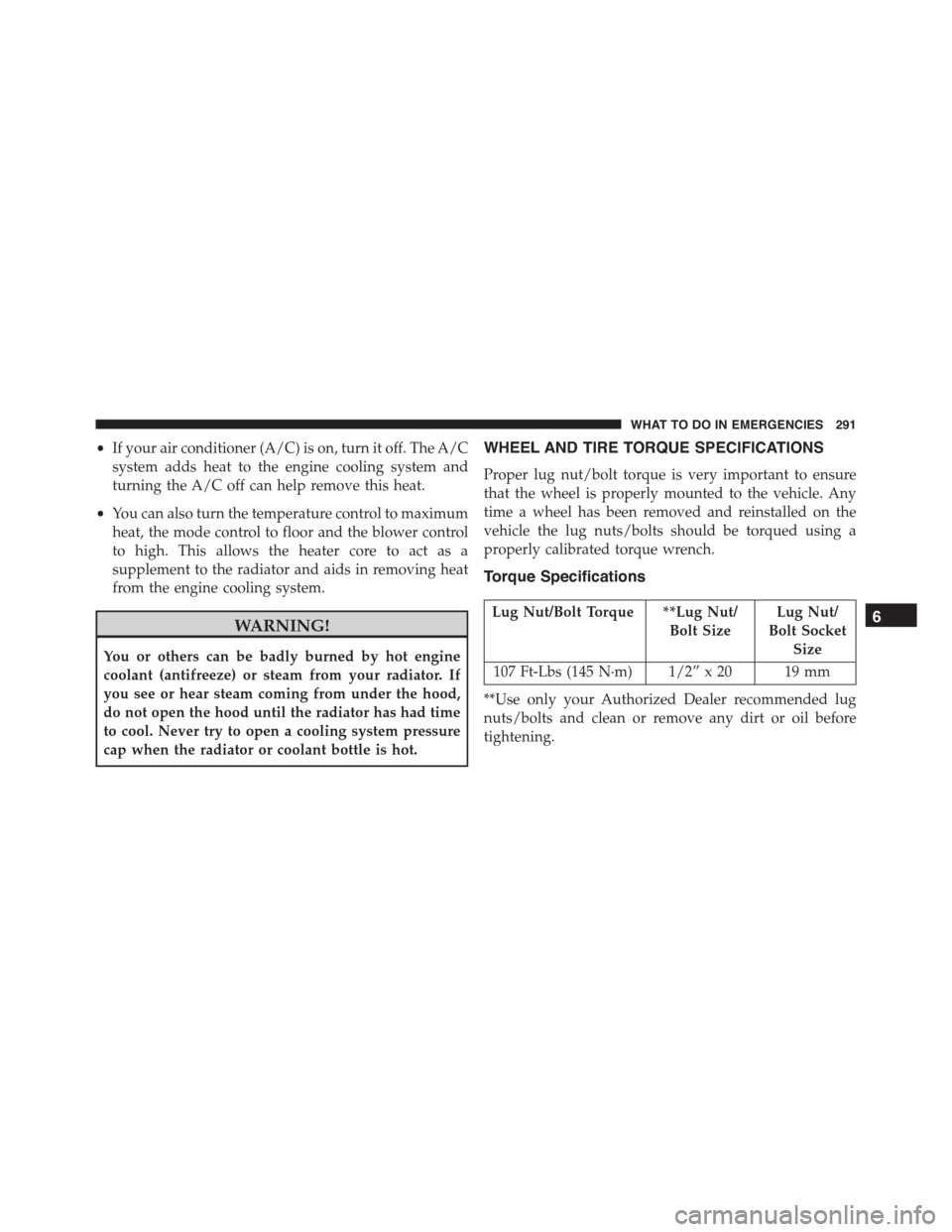
•If your air conditioner (A/C) is on, turn it off. The A/C
system adds heat to the engine cooling system and
turning the A/C off can help remove this heat.
•You can also turn the temperature control to maximum
heat, the mode control to floor and the blower control
to high. This allows the heater core to act as a
supplement to the radiator and aids in removing heat
from the engine cooling system.
WARNING!
You or others can be badly burned by hot engine
coolant (antifreeze) or steam from your radiator. If
you see or hear steam coming from under the hood,
do not open the hood until the radiator has had time
to cool. Never try to open a cooling system pressure
cap when the radiator or coolant bottle is hot.
WHEEL AND TIRE TORQUE SPECIFICATIONS
Proper lug nut/bolt torque is very important to ensure
that the wheel is properly mounted to the vehicle. Any
time a wheel has been removed and reinstalled on the
vehicle the lug nuts/bolts should be torqued using a
properly calibrated torque wrench.
Torque Specifications
Lug Nut/Bolt Torque **Lug Nut/
Bolt Size
Lug Nut/
Bolt Socket
Size
107 Ft-Lbs (145 N·m) 1/2” x 20 19 mm
**Use only your Authorized Dealer recommended lug
nuts/bolts and clean or remove any dirt or oil before
tightening.
6
WHAT TO DO IN EMERGENCIES 291
Page 319 of 400
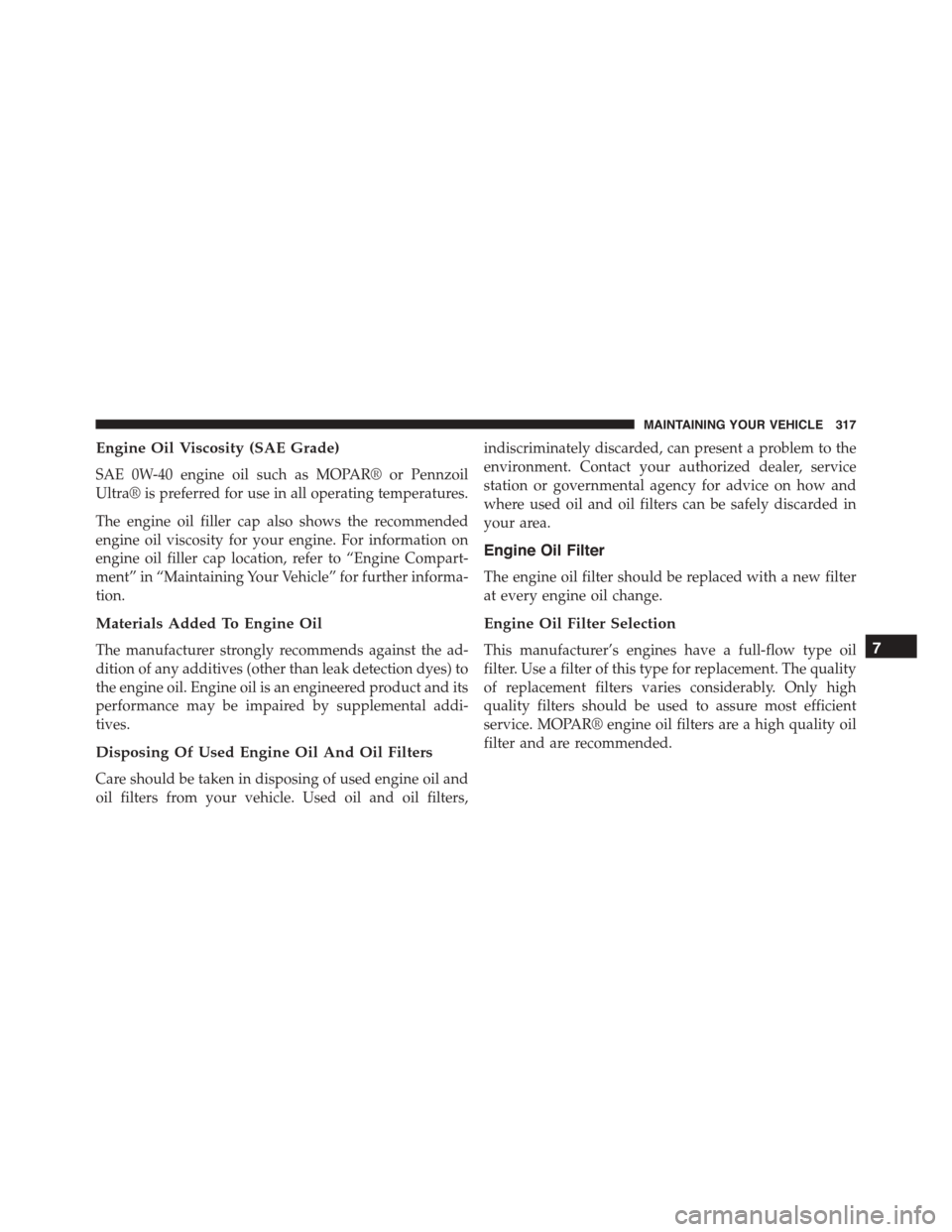
Engine Oil Viscosity (SAE Grade)
SAE 0W-40 engine oil such as MOPAR® or Pennzoil
Ultra® is preferred for use in all operating temperatures.
The engine oil filler cap also shows the recommended
engine oil viscosity for your engine. For information on
engine oil filler cap location, refer to “Engine Compart-
ment” in “Maintaining Your Vehicle” for further informa-
tion.
Materials Added To Engine Oil
The manufacturer strongly recommends against the ad-
dition of any additives (other than leak detection dyes) to
the engine oil. Engine oil is an engineered product and its
performance may be impaired by supplemental addi-
tives.
Disposing Of Used Engine Oil And Oil Filters
Care should be taken in disposing of used engine oil and
oil filters from your vehicle. Used oil and oil filters,
indiscriminately discarded, can present a problem to the
environment. Contact your authorized dealer, service
station or governmental agency for advice on how and
where used oil and oil filters can be safely discarded in
your area.
Engine Oil Filter
The engine oil filter should be replaced with a new filter
at every engine oil change.
Engine Oil Filter Selection
This manufacturer’s engines have a full-flow type oil
filter. Use a filter of this type for replacement. The quality
of replacement filters varies considerably. Only high
quality filters should be used to assure most efficient
service. MOPAR® engine oil filters are a high quality oil
filter and are recommended.
7
MAINTAINING YOUR VEHICLE 317