ignition FIAT 500 2013 2.G Owner's Guide
[x] Cancel search | Manufacturer: FIAT, Model Year: 2013, Model line: 500, Model: FIAT 500 2013 2.GPages: 423, PDF Size: 9.86 MB
Page 158 of 423
The light also will turn on when the parking brake is applied
with the ignition switch in the ON/RUN position.
NOTE:This light shows only that the parking brake is
applied. It does not show the degree of brake application.
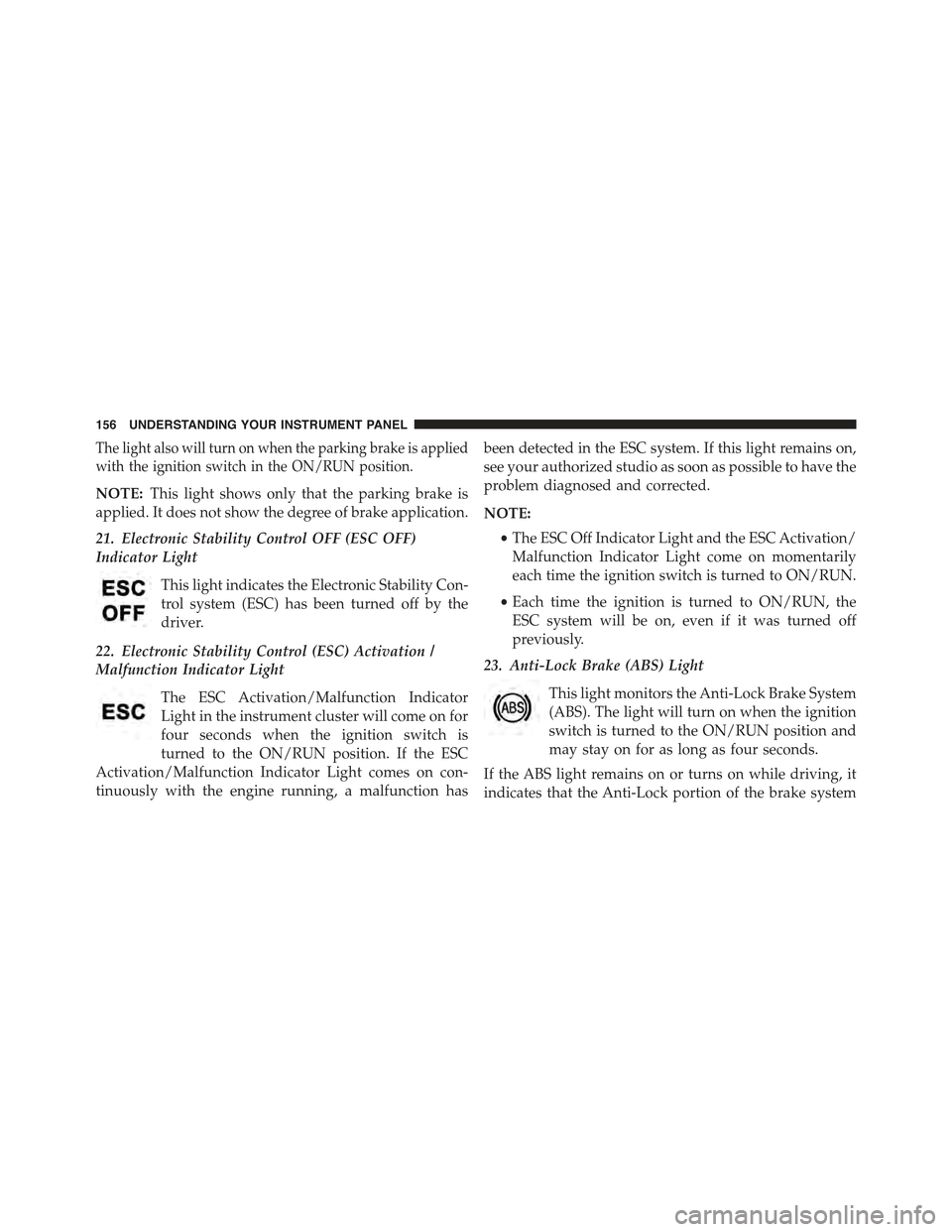
21. Electronic Stability Control OFF (ESC OFF)
Indicator Light
This light indicates the Electronic Stability Con-
trol system (ESC) has been turned off by the
driver.
22. Electronic Stability Control (ESC) Activation /
Malfunction Indicator Light
The ESC Activation/Malfunction Indicator
Light in the instrument cluster will come on for
four seconds when the ignition switch is
turned to the ON/RUN position. If the ESC
Activation/Malfunction Indicator Light comes on con-
tinuously with the engine running, a malfunction has
been detected in the ESC system. If this light remains on,
see your authorized studio as soon as possible to have the
problem diagnosed and corrected.
NOTE:
•The ESC Off Indicator Light and the ESC Activation/
Malfunction Indicator Light come on momentarily
each time the ignition switch is turned to ON/RUN.
•Each time the ignition is turned to ON/RUN, the
ESC system will be on, even if it was turned off
previously.
23. Anti-Lock Brake (ABS) Light
This light monitors the Anti-Lock Brake System
(ABS). The light will turn on when the ignition
switch is turned to the ON/RUN position and
may stay on for as long as four seconds.
If the ABS light remains on or turns on while driving, it
indicates that the Anti-Lock portion of the brake system
156 UNDERSTANDING YOUR INSTRUMENT PANEL
Page 159 of 423
is not functioning and that service is required. However,
the conventional brake system will continue to operate
normally if the BRAKE warning light is not on.
If the ABS light is on, the brake system should be serviced
as soon as possible to restore the benefits of Anti-Lock
brakes. If the ABS light does not turn on when the
ignition switch is turned to the ON/RUN position, have
the light inspected by an authorized studio.
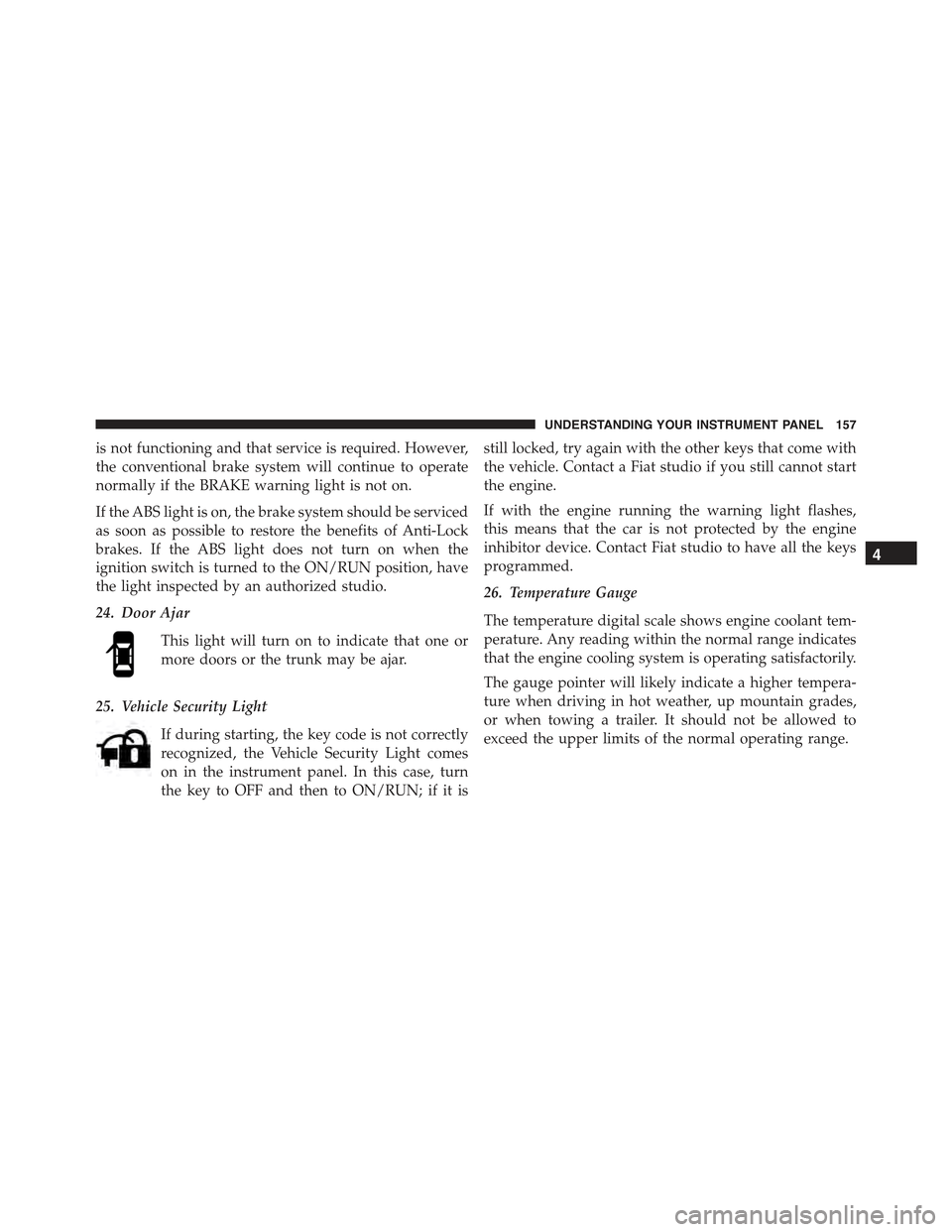
24. Door Ajar
This light will turn on to indicate that one or
more doors or the trunk may be ajar.
25. Vehicle Security Light
If during starting, the key code is not correctly
recognized, the Vehicle Security Light comes
on in the instrument panel. In this case, turn
the key to OFF and then to ON/RUN; if it is
still locked, try again with the other keys that come with
the vehicle. Contact a Fiat studio if you still cannot start
the engine.
If with the engine running the warning light flashes,
this means that the car is not protected by the engine
inhibitor device. Contact Fiat studio to have all the keys
programmed.
26. Temperature Gauge
The temperature digital scale shows engine coolant tem-
perature. Any reading within the normal range indicates
that the engine cooling system is operating satisfactorily.
The gauge pointer will likely indicate a higher tempera-
ture when driving in hot weather, up mountain grades,
or when towing a trailer. It should not be allowed to
exceed the upper limits of the normal operating range.
4
UNDERSTANDING YOUR INSTRUMENT PANEL 157
Page 161 of 423
service, so that you can be sure that it is properly reset, or
that the door jamb sticker is accurate if the odometer
must be reset at zero.
NOTE:If the vehicle is equipped with the Electronic
Vehicle Information Center (EVIC) in the instrument
cluster, all warnings including “door” and “gate” and
“Change Engine Oil” will only be displayed in the EVIC
display. For additional information, refer to “Electronic
Vehicle Information Center (EVIC).”
Refer to the “Electronic Vehicle Information Center
(EVIC)” for further information.
28. Fuel Gauge / Fuel Door Reminder
The fuel door reminder indicates that the fuel filler door
is located on the right side of the vehicle. When the
ignition switch is in the ON/RUN position, the digital
scale will show the level of fuel remaining in the fuel
tank.
NOTE:The fuel gauge and range will not immediately
update accurately when refueling with the engine on.
29. Tachometer
The white area of the scale shows the permissible engine
revolutions-per-minute (RPM x 1000) for each gear range.
Before reaching the red area, ease up on the accelerator to
prevent engine damage.
30. Speedometer
The Speedometer shows the vehicle speed in miles per
hour (mph) and/or kilometers per hour (km/h).
4
UNDERSTANDING YOUR INSTRUMENT PANEL 159
Page 166 of 423
3. Briefly press theSET ESCbutton to select the dis-
played submenu option and to open the relevant setup
menu.
4. Press the UPor DOWNbutton (by single
presses) to select the new setting for this submenu
option.
5. Briefly press theSET ESCbutton to store the new
setting and go back to the previously selected sub-
menu option.
6. Press and hold theSET ESCbutton to return to the
main menu (short hold) or the main screen (longer
hold).
Change Engine Oil Indicator System
Change Engine Oil
Your vehicle is equipped with an engine oil change
indicator system. The “Change Engine Oil” message will
flash in the EVIC display for approximately 10 seconds
after a single chime has sounded to indicate the next
scheduled oil change interval. The engine oil change
indicator system is duty cycle based, which means the
engine oil change interval may fluctuate, dependent
upon your personal driving style.
Unless reset, this message will continue to display each
time you turn the ignition switch to the ON/RUN
position. To turn off the message temporarily, press and
release theSET ESCbutton. To reset the oil change
indicator system (after performing the scheduled main-
tenance), refer to the following procedure.
1. Turn the ignition switch to the ON position.(Do not
start the engine.)
2. Fully depress the accelerator pedal slowly, three times
within 10 seconds.
3. Turn the ignition switch to the OFF/LOCK position.
164 UNDERSTANDING YOUR INSTRUMENT PANEL
Page 168 of 423
Start Of Trip Procedure
With the ignition on, press and hold theTRIPbutton for
over one second to reset.
Exit Trip
To exit the Trip function, wait until all the values have
been displayed or hold theSET ESCbutton for longer
than one second.
Briefly press theSET ESCbutton to go back to the menu
screen or press and hold theSET ESC(approximately
one second) to go back to the main screen without storing
settings.
Trip Functions
Both trip functions are resettable (reset — start of new
trip).
“Trip A” can be used to display the figures relating to:
•Trip distance A
•Average consumption
•Instant consumption A
•Average speed A
•Travel time A (driving time).
“Trip B” can be used to display the figures relating to:
•Trip distance B
•Average consumption B
•Average speed B
•Travel time B (driving time).
NOTE:“Trip B” functions may be excluded (see “Trip B
Data”). “Range” and “Instantaneous consumption” can-
not be reset.
166 UNDERSTANDING YOUR INSTRUMENT PANEL
Page 195 of 423
The chosen mode appears on the display:
•“Radio off: 00 min” — The radio turns off in connec-
tion with the ignition key; the radio is turned auto-
matically off as soon as the key is turned to the STOP
position.
•“Radio off: 20 min” — The radio turns off indepen-
dently from the ignition key; the radio remains on for
a maximum period of 20 minutes after the key has
been turned to the STOP position.
System Reset Function
This function is used to restore all settings to the factory
values. The options are:
•NO — No restore intervention.
•YES — The default parameters will be restored. Dur-
ing such operation, the wording “Resetting” appears
on the display. At the end of the operation, the source
does not change and the previous situation will be
displayed.
Radio
(Tuner) Introduction
When the car radio is turned on, the last function that
was selected before turning it off (Radio, CD, CD MP3,
AUX) is activated.
To select the Radio function when another audio source is
being listened to, briefly press the TUNER button.
Once the Radio mode has been activated, the display will
show the name (RBDS stations only) or the frequency of
the selected radio station, the frequency band selected
(e.g. FMA) and the preset button number (e.g. P1).
4
UNDERSTANDING YOUR INSTRUMENT PANEL 193
Page 201 of 423
CD Loading/Ejecting
To load the CD, insert it gently into the slot to activate the
motorized loading system, which will position it cor-
rectly.
The CD can be loaded with the radio off and the ignition
key turned to ON/RUN. In this case, the radio will
remain off. When the radio is turned on, the last source
listened to before being switched off, will be activated.
When a CD is inserted, the display will show the symbol
“CD” and the wording “CD Reading.” They will remain
displayed for the whole time required for the radio to
read the CD. When this time has elapsed the radio
automatically starts playing the first track.
Press thebutton with the radio turned on, to
activate the motorized CD ejection system. After ejec-
tion, the last audio source listened to before playing
the CD will be heard.
If the CD is not removed from the radio, it will automati-
cally be reloaded about 20 seconds later but will not
resume playing until the#MEDIA#button is pressed to
select the CD mode. The radio will switch to the last
source prior to CD mode.
The CD cannot be ejected if the radio is off.
Possible Error Messages
If the loaded CD cannot be read (e.g. a CD ROM has been
inserted or the CD is inserted the wrong way or there is
a reading error) the display shows the wording “CD Disc
error.”
The CD will then be ejected and the audio source
activated before the CD mode selection will be heard.
A CD which cannot be read will not be ejected until these
functions are over. At the end, with the CD mode
activated, the display will show the wording “CD Disc
error” for a few seconds and then the CD will be ejected.
4
UNDERSTANDING YOUR INSTRUMENT PANEL 199
Page 221 of 423
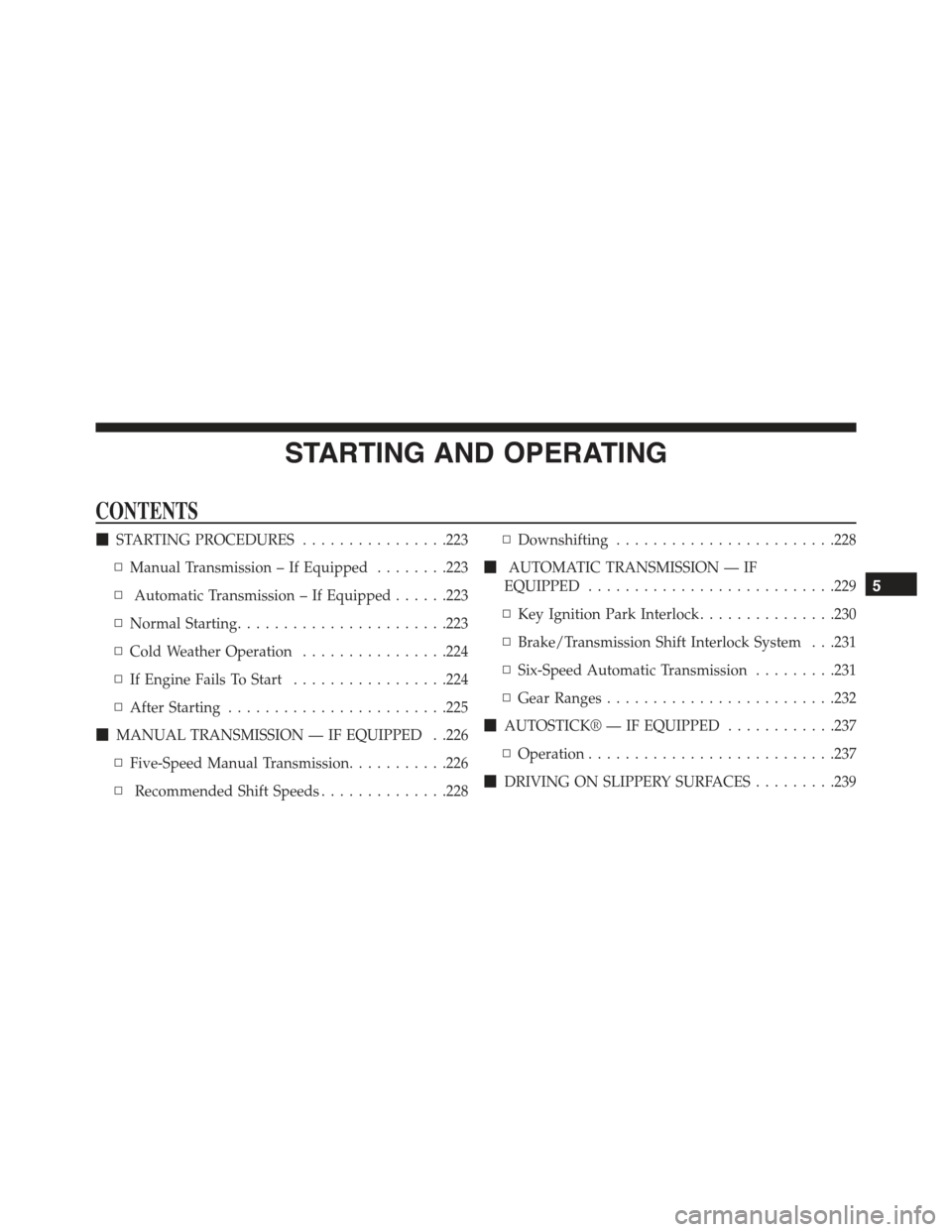
STARTING AND OPERATING
CONTENTS
!STARTING PROCEDURES................223
▫Manual Transmission – If Equipped........223
▫Automatic Transmission – If Equipped......223
▫Normal Starting.......................223
▫Cold Weather Operation................224
▫If Engine Fails To Start.................224
▫After Starting........................225
!MANUAL TRANSMISSION — IF EQUIPPED . .226
▫Five-Speed Manual Transmission...........226
▫Recommended Shift Speeds..............228
▫Downshifting........................228
!AUTOMATIC TRANSMISSION — IF
EQUIPPED...........................229
▫Key Ignition Park Interlock...............230
▫Brake/Transmission Shift Interlock System . . .231
▫Six-Speed Automatic Transmission.........231
▫Gear Ranges.........................232
!AUTOSTICK® — IF EQUIPPED............237
▫Operation...........................237
!DRIVING ON SLIPPERY SURFACES.........239
5
Page 225 of 423
STARTING PROCEDURES
Before starting your vehicle, adjust your seat, adjust both
inside and outside mirrors, and fasten your seat belts.
WARNING!
•Never leave children alone in a vehicle, or with
access to an unlocked vehicle.
•Allowing children to be in a vehicle unattended is
dangerous for a number of reasons. A child or
others could be seriously or fatally injured. Chil-
dren should be warned not to touch the parking
brake, brake pedal or the shift lever.
•Do not leave the key fob in or near the vehicle (or
in a location accessible to children), and do not
leave the ignition in the ACC or ON/RUN position.
A child could operate power windows, other con-
trols, or move the vehicle.
Manual Transmission – If Equipped
Apply the parking brake, place the shift lever in NEU-
TRAL, and press the clutch pedal before starting the
vehicle. This vehicle is equipped with a clutch interlock-
ing ignition system. It will not start unless the clutch
pedal is pressed to the floor.
Automatic Transmission – If Equipped
The shift lever must be in the PARK or NEUTRAL
position before you can start the engine. Apply the brakes
before shifting to any driving gear.
NOTE:You must press the brake pedal before shifting
out of PARK.
Normal Starting
NOTE:Normal starting of either a cold or a warm
engine is obtained without pumping or pressing the
accelerator pedal.
5
STARTING AND OPERATING 223
Page 226 of 423
Turn the ignition switch to the AVV (START) position and
release it when the engine starts. If the engine fails to start
within 10 seconds, turn the ignition switch to the STOP
(OFF/LOCK) position, wait 10 to 15 seconds, then repeat
the “Normal Starting” procedure.
Cold Weather Operation
To prevent possible engine damage while starting at low
temperatures, this vehicle will inhibit engine cranking
when the ambient temperature is less than –22° F (–30° C)
and the oil temperature sensor reading indicates an
engine block heater has not been used. An externally-
powered electric engine block heater is available as
optional equipment or from your authorized studio.
The message “plug in engine heater” will be displayed in the
instrument cluster when the ambient temperature is below
5° F (–15° C) at the time the engine is shut off as a reminder
to avoid possible crank delays at the next cold start.
CAUTION!
Use of the recommended SAE 5W-30 oil and adher-
ing to the prescribed oil change intervals is important
to prevent engine damage and ensure satisfactory
starting in cold conditions.
If Engine Fails To Start
WARNING!
Never pour fuel or other flammable liquids into the
throttle body air inlet opening in an attempt to start
the vehicle. This could result in a flash fire causing
serious personal injury.
224 STARTING AND OPERATING