ignition FIAT 500 2015 2.G User Guide
[x] Cancel search | Manufacturer: FIAT, Model Year: 2015, Model line: 500, Model: FIAT 500 2015 2.GPages: 438, PDF Size: 2.96 MB
Page 52 of 438
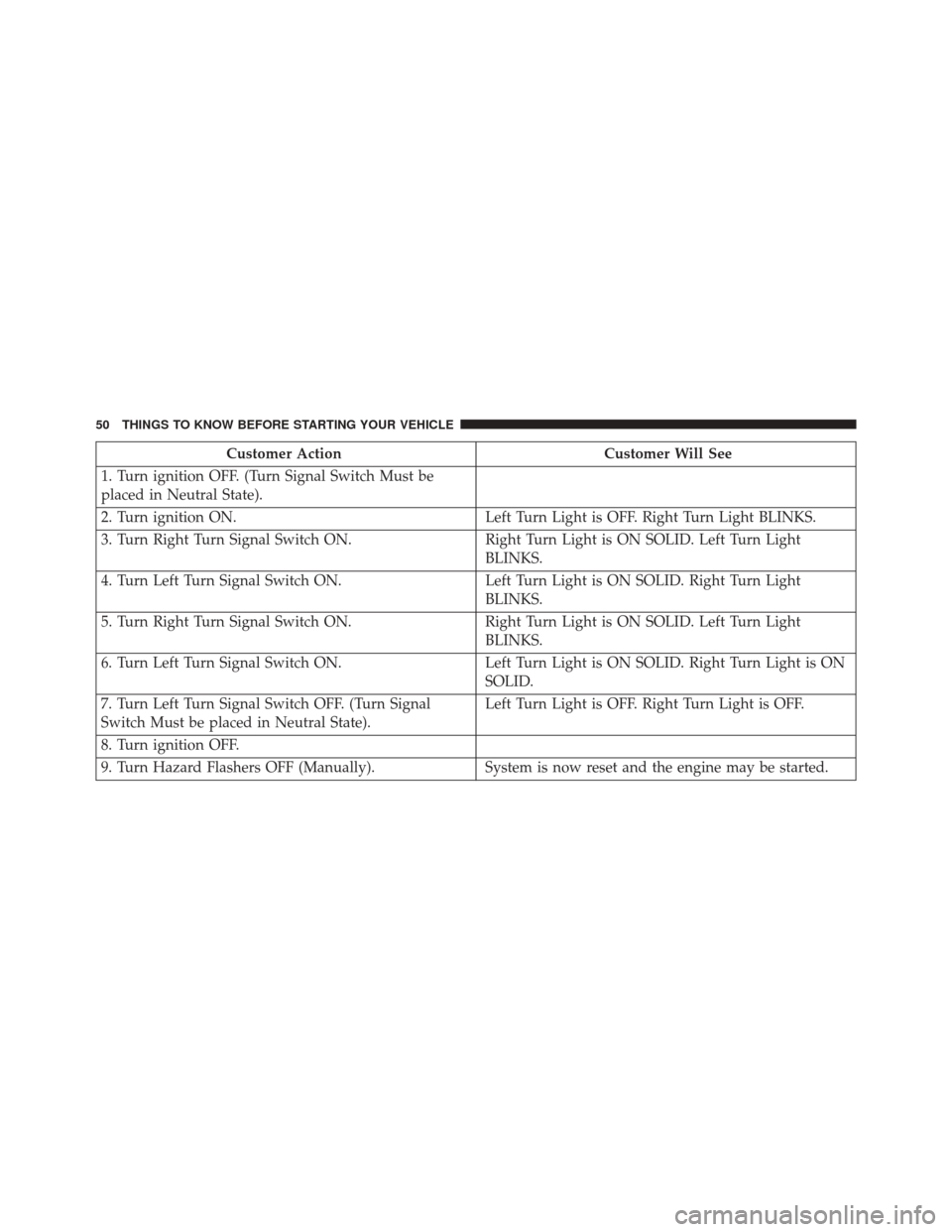
Customer ActionCustomer Will See
1. Turn ignition OFF. (Turn Signal Switch Must be
placed in Neutral State).
2. Turn ignition ON. Left Turn Light is OFF. Right Turn Light BLINKS.
3. Turn Right Turn Signal Switch ON. Right Turn Light is ON SOLID. Left Turn Light
BLINKS.
4. Turn Left Turn Signal Switch ON. Left Turn Light is ON SOLID. Right Turn Light
BLINKS.
5. Turn Right Turn Signal Switch ON. Right Turn Light is ON SOLID. Left Turn Light
BLINKS.
6. Turn Left Turn Signal Switch ON. Left Turn Light is ON SOLID. Right Turn Light is ON
SOLID.
7. Turn Left Turn Signal Switch OFF. (Turn Signal
Switch Must be placed in Neutral State). Left Turn Light is OFF. Right Turn Light is OFF.
8. Turn ignition OFF.
9. Turn Hazard Flashers OFF (Manually). System is now reset and the engine may be started.
50 THINGS TO KNOW BEFORE STARTING YOUR VEHICLE
Page 53 of 438
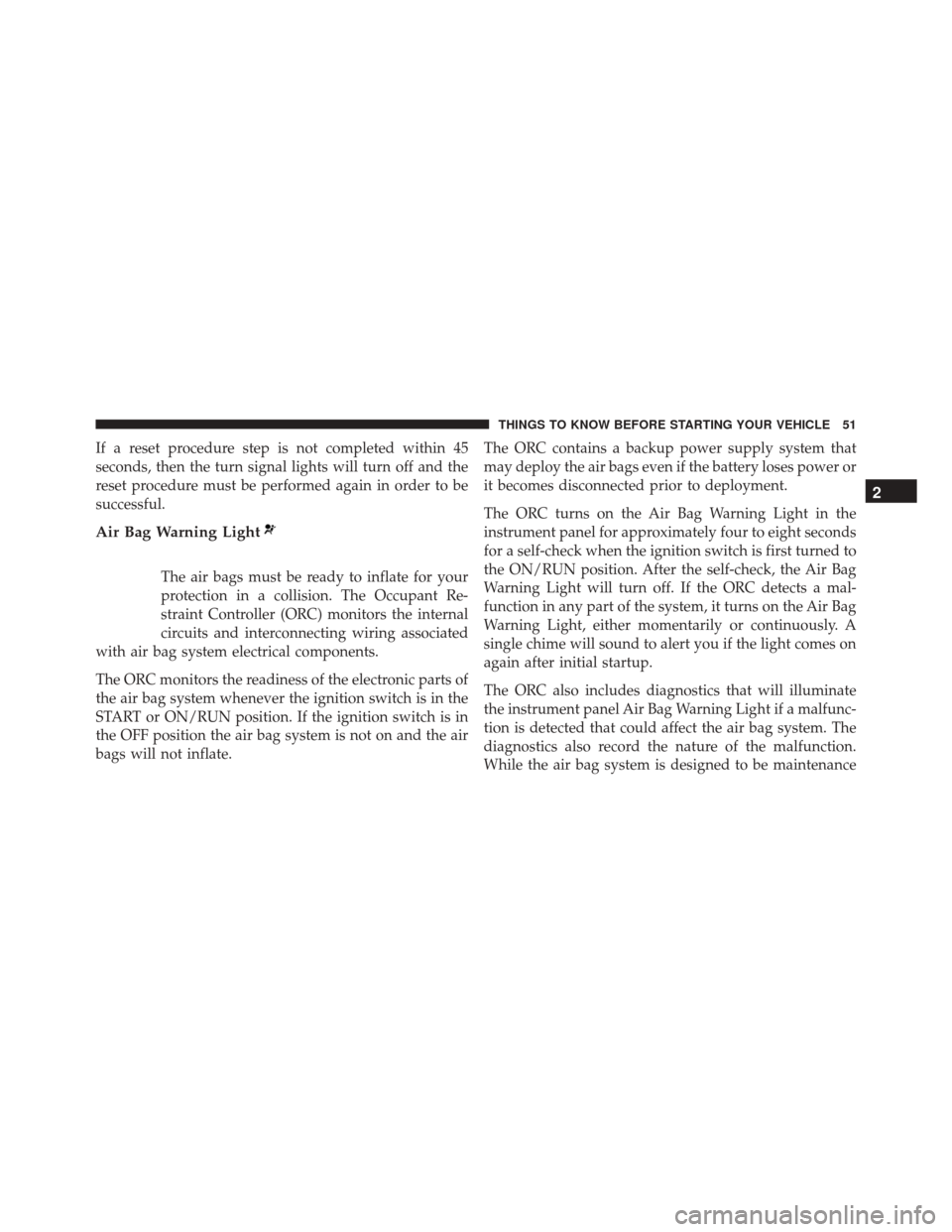
If a reset procedure step is not completed within 45
seconds, then the turn signal lights will turn off and the
reset procedure must be performed again in order to be
successful.
Air Bag Warning Light
The air bags must be ready to inflate for your
protection in a collision. The Occupant Re-
straint Controller (ORC) monitors the internal
circuits and interconnecting wiring associated
with air bag system electrical components.
The ORC monitors the readiness of the electronic parts of
the air bag system whenever the ignition switch is in the
START or ON/RUN position. If the ignition switch is in
the OFF position the air bag system is not on and the air
bags will not inflate. The ORC contains a backup power supply system that
may deploy the air bags even if the battery loses power or
it becomes disconnected prior to deployment.
The ORC turns on the Air Bag Warning Light in the
instrument panel for approximately four to eight seconds
for a self-check when the ignition switch is first turned to
the ON/RUN position. After the self-check, the Air Bag
Warning Light will turn off. If the ORC detects a mal-
function in any part of the system, it turns on the Air Bag
Warning Light, either momentarily or continuously. A
single chime will sound to alert you if the light comes on
again after initial startup.
The ORC also includes diagnostics that will illuminate
the instrument panel Air Bag Warning Light if a malfunc-
tion is detected that could affect the air bag system. The
diagnostics also record the nature of the malfunction.
While the air bag system is designed to be maintenance
2
THINGS TO KNOW BEFORE STARTING YOUR VEHICLE 51
Page 54 of 438
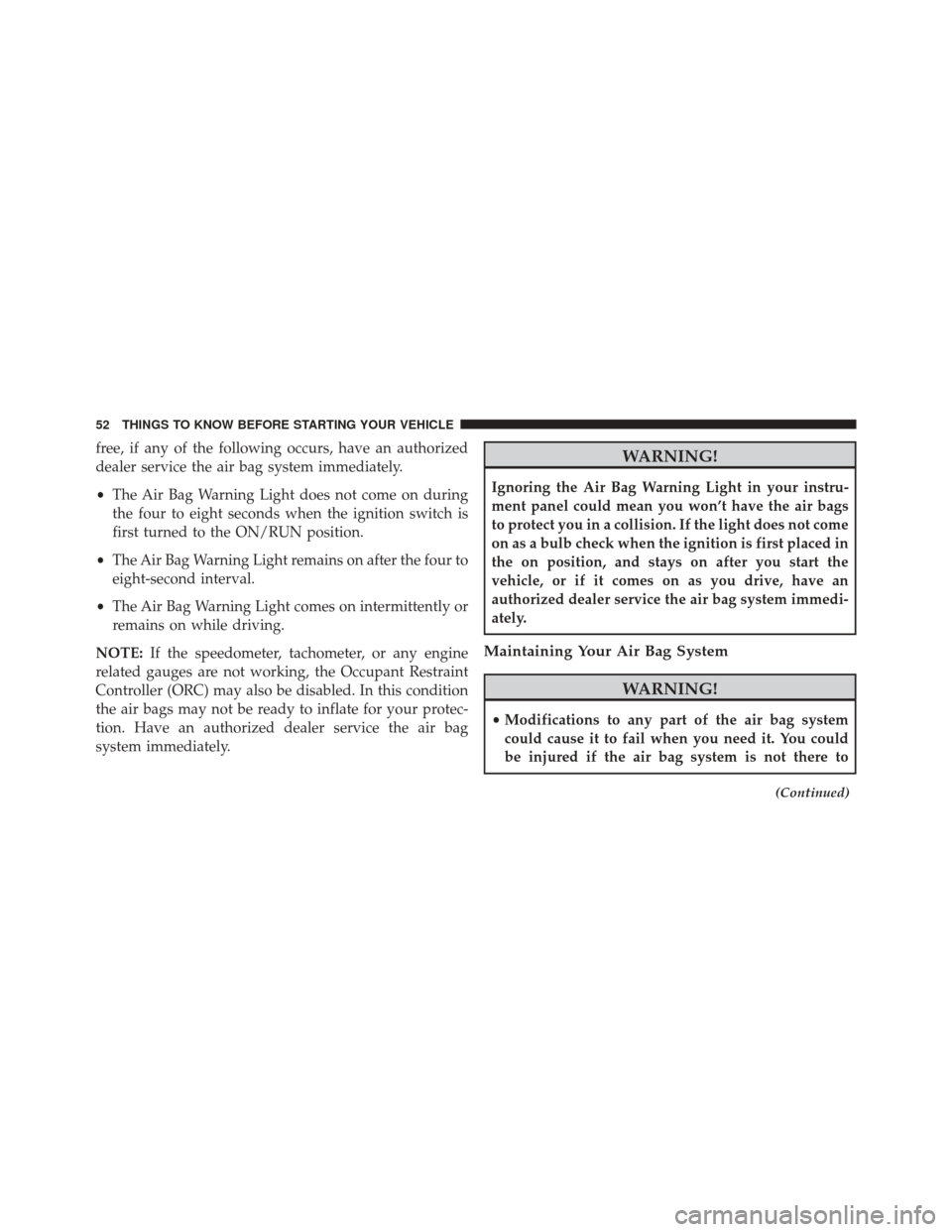
free, if any of the following occurs, have an authorized
dealer service the air bag system immediately.
•The Air Bag Warning Light does not come on during
the four to eight seconds when the ignition switch is
first turned to the ON/RUN position.
• The Air Bag Warning Light remains on after the four to
eight-second interval.
• The Air Bag Warning Light comes on intermittently or
remains on while driving.
NOTE: If the speedometer, tachometer, or any engine
related gauges are not working, the Occupant Restraint
Controller (ORC) may also be disabled. In this condition
the air bags may not be ready to inflate for your protec-
tion. Have an authorized dealer service the air bag
system immediately.WARNING!
Ignoring the Air Bag Warning Light in your instru-
ment panel could mean you won’t have the air bags
to protect you in a collision. If the light does not come
on as a bulb check when the ignition is first placed in
the on position, and stays on after you start the
vehicle, or if it comes on as you drive, have an
authorized dealer service the air bag system immedi-
ately.
Maintaining Your Air Bag System
WARNING!
• Modifications to any part of the air bag system
could cause it to fail when you need it. You could
be injured if the air bag system is not there to
(Continued)
52 THINGS TO KNOW BEFORE STARTING YOUR VEHICLE
Page 78 of 438
Safety Checks You Should Make Inside The
Vehicle
Seat Belts
Inspect the seat belt system periodically, checking for
cuts, frays, and loose parts. Damaged parts must be
replaced immediately. Do not disassemble or modify the
system.
Front seat belt assemblies must be replaced after a
collision. Rear seat belt assemblies must be replaced after
a collision if they have been damaged (i.e., bent retractor,
torn webbing, etc.). If there is any question regarding seat
belt or retractor condition, replace the seat belt.
Air Bag Warning Light
The light should come on and remain on for
four to eight seconds as a bulb check when the
ignition switch is first turned ON. If the light isnot lit during starting, see your authorized dealer. If the
light stays on, flickers, or comes on while driving, have
the system checked by an authorized dealer.
Defroster
Check operation by selecting the defrost mode and place
the blower control on high speed. You should be able to
feel the air directed against the windshield. See your
authorized dealer for service if your defroster is inoper-
able.
Floor Mat Safety Information
Always use floor mats designed to fit the footwell of your
vehicle. Use only floor mats that leave the pedal area
unobstructed and that are firmly secured so that they
cannot slip out of position and interfere with the pedals
or impair safe operation of your vehicle in other ways.
76 THINGS TO KNOW BEFORE STARTING YOUR VEHICLE
Page 84 of 438
POWER CONVERTIBLE TOP — IF EQUIPPED
On vehicles equipped with a power convertible top, the
power convertible top switch is located on the overhead
console. The switch contains two buttons. The passenger
side button, is used to open the power top, and the driver
side button, is used to close the power top.NOTE:
•
The power top buttons will operate when the ignition
switch is turned to the ACC/ON/RUN position.
• The power top can be remotely operated with the key
fob. Refer to “Opening Power Top Remote Function”
in “Things To Know Before Starting” for more infor-
mation.
Lowering The Power Top
Auto Open
Push the top open button approximately one second for
the three-quarter open/spoiler position. Push the top
open button for approximately one second a second time
to fully open the convertible top.
Manual Open
For manual open, push and hold the open button until
desired roof position or until spoiler position.
Power Convertible Top Switch
82 UNDERSTANDING THE FEATURES OF YOUR VEHICLE
Page 98 of 438
NOTE:
•The media player does not support audio files com-
pressed with other formats and DRM (Digital Rights
Management) protected audio files. Non-supported
audio files that may be present on the USB device will
be ignored.
• To use the media player, you have to simply connect
(directly or by an extension lead) your USB device to
the center console USB port. After turning the ignition
key to ON, BLUE&ME™ will start building your
media library. At the end of this operation you can surf
the complete library and scroll its categories as re-
quired using the buttons on the steering wheel or voice
commands. BLUE&ME™ will then play your selection
via the car sound system.WARNING!
• Driving while distracted can result in loss of ve-
hicle control, accident and injury. It is strongly
recommended that you use extreme caution when
using any device or feature that may take your
focus off the road or your hands off the steering
wheel. Your primary responsibility is the safe op-
eration of your vehicle.
• The use of any handheld device while driving is
not recommended. Use voice-operated systems
when possible. Follow all applicable laws that may
affect the use of electronic devices while driving.
(Continued)
96 UNDERSTANDING THE FEATURES OF YOUR VEHICLE
Page 108 of 438
In hot climates, the prop rod may be hot. Pick up the prop
rod at the foam on the end of the prop rod.
CAUTION!
To prevent possible damage, do not slam the hood to
close it. Lower the hood until it is open approxi-
mately 6 inches (15 cm), and then drop it. This should
secure both latches. Never drive your vehicle unless
the hood is fully closed, with both latches engaged.
WARNING!
Be sure the hood is fully latched before driving your
vehicle. If the hood is not fully latched, it could open
when the vehicle is in motion and block your vision.
Failure to follow this warning could result in serious
injury or death.
LIGHTS
Multifunction Lever
The multifunction lever, located on the left side of the
steering wheel, controls the operation of the headlights,
headlight beam selection, passing light and turn signals.
NOTE:The external lights can only be turned on with
the ignition in the ON/RUN position.
Headlights
Rotate the end of the multifunction lever up-
ward to the first detent for headlight operation.
106 UNDERSTANDING THE FEATURES OF YOUR VEHICLE
Page 109 of 438
NOTE:When the headlights are turned on, the Daytime
Running Lights will be deactivated.
High Beams
With the low beams activated, push the multi-
function lever towards the instrument panel to
turn on the high beams. Pull the multifunction lever
toward the steering wheel to turn off the high beams.
Flash-To-Pass
You can signal another vehicle with your headlights by
partially pulling the multifunction lever toward the steer-
ing wheel. This will cause the high beam headlights to
turn on until the lever is released.
Parking Lights
To turn on the parking lights, remove the key
or turn the ignition to OFF/LOCK position and
turn on the headlights.
Headlight Operation
3
UNDERSTANDING THE FEATURES OF YOUR VEHICLE 107
Page 111 of 438
Lane Change Assist
Tap the lever up or down once, without moving beyond
the detent, and the turn signal (right or left) will flash
three times then automatically turn off.
Follow Me Home/Headlight Delay
When this feature is selected the driver can choose to
have the headlights remain on for a preset period of time.
Activation
Remove the key or turn the ignition to the OFF/LOCK
position, and pull the multifunction lever toward the
steering wheel, within two minutes. Each time the lever
is pulled, the activation of the lights will be extended by
30 seconds. The activation of the lights can be extended to
a maximum of 210 seconds.
Deactivation
Pull the multifunction lever toward the steering wheel
and hold it for more than two seconds.
Interior Lights
The interior light switches are located in the overhead
console. The interior lights can be set to three different
positions (Off/Left Position, Center Position, On/Right
Position).
Using the switch on the left overhead, push the switch to
the right from its center position and the lights are always
on. Push the switch to the left from its center position and
the lights are always off. Leave the switch in the center
position, and the lights are turned on and off when the
doors are opened or closed. The switch on the right side
of the overhead console controls the map or reading
function of the lights. Push the switch to the right to turn
3
UNDERSTANDING THE FEATURES OF YOUR VEHICLE 109
Page 112 of 438
on the right light and push the switch to the left to turn
on the left light.
CAUTION!
Before getting out of the vehicle be sure that the
switch is in the center position or that the lights are
off to avoid draining the battery.
Interior Light Timing (Center Position)
There are four different modes of operation that can be
activated in this position:
•When one door is opened a three minute timer is
activated. •
When the key is removed from the ignition (within
two minutes of the ignition being turned off), a 10
second timer is activated.
• When the doors are unlocked with the Key Fob a 10
second timer is activated.
• When the doors are locked with the Key Fob the lights
will turn off.
Interior Light Timing (On/Right Position)
• When all doors are closed a 15 minute timer is
activated.
NOTE: The timer is deactivated when the key is moved
into the ON/RUN position.
110 UNDERSTANDING THE FEATURES OF YOUR VEHICLE