key FIAT 500 2017 2.G User Guide
[x] Cancel search | Manufacturer: FIAT, Model Year: 2017, Model line: 500, Model: FIAT 500 2017 2.GPages: 350, PDF Size: 3.01 MB
Page 21 of 350
NOTE:To prevent the key from being locked in the
vehicle, the doors will automatically unlock if the
driver’s door handle is pushed when the key is in the
ignition.Auto Door Locks
When enabled, the door locks will lock automatically
when the vehicles speed exceeds 12 mph (20 km/h).
NOTE: Use the Automatic Door Locks feature in accor-
dance with local laws.
Refer to “Uconnect Settings” in “Understanding Your
Instrument Panel” for further information.
POWER WINDOWS
Power Window Switches
There are single window controls located on the shifter
bezel, below the climate controls, which operate the
driver and passenger door windows. The window
controls will operate when the ignition switch is in the
ON/RUN position.
Driver ’s Power Door Lock Handle
2
THINGS TO KNOW BEFORE STARTING YOUR VEHICLE 19
Page 22 of 350
WARNING!
Never leave children unattended in a vehicle, and
do not let children play with power windows. Do
not leave the key fob in or near the vehicle, or in a
location accessible to children. Occupants, particu-
larly unattended children, can become entrapped
by the windows while operating the power window
switches. Such entrapment may result in serious
injury or death.
Auto-Down
The driver’s door window switch has an Auto-Down
feature. Push the window switch for approximately one
second, release, and the window will go down auto-
matically. To cancel the Auto-Down movement, operate
the switch in either the up or down direction and
release the switch.
Wind Buffeting
Wind buffeting can be described as the perception of
pressure on the ears or a helicopter-type sound in the
ears. Your vehicle may exhibit wind buffeting with the
windows down, or the sunroof (if equipped) in certain
open or partially open positions. This is a normal
occurrence and can be minimized. If the buffeting
occurs with the sunroof open, adjust the sunroof open-
ing to minimize the buffeting or open any window.
LIFTGATE
To unlock the liftgate, use the key fob or activate the
power door lock switches located on the driver door
handle.
To open the liftgate, squeeze the liftgate release handle
and pull the liftgate open with one fluid motion.
Power Window Switches
20 THINGS TO KNOW BEFORE STARTING YOUR VEHICLE
Page 65 of 350
WARNING!(Continued)
•NEVER place any objects under the floor mat
(e.g., towels, keys, etc.). These objects could
change the position of the floor mat and may
cause interference with the accelerator, brake, or
clutch pedals.
• If the vehicle carpet has been removed and re-
installed, always properly attach carpet to the
floor and check the floor mat fasteners are secure
to the vehicle carpet. Fully depress each pedal to
check for interference with the accelerator, brake,
or clutch pedals then re-install the floor mats.
• It is recommended to only use mild soap and
water to clean your floor mats. After cleaning,
always check your floor mat has been properly
installed and is secured to your vehicle using the
floor mat fasteners by lightly pulling mat.
Periodic Safety Checks You Should Make
Outside The Vehicle
Tires
Examine tires for excessive tread wear and uneven wear
patterns. Check for stones, nails, glass, or other objects
lodged in the tread or sidewall. Inspect the tread for cuts and cracks. Inspect sidewalls for cuts, cracks and
bulges. Check the wheel bolts for tightness. Check the
tires (including spare) for proper cold inflation pres-
sure.
Lights
Have someone observe the operation of brake lights
and exterior lights while you work the controls. Check
turn signal and high beam indicator lights on the
instrument panel.
Door Latches
Check for proper closing, latching, and locking.
Fluid Leaks
Check area under vehicle after overnight parking for
fuel, engine coolant, oil, or other fluid leaks. Also, if
gasoline fumes are detected or if fuel, power steering
fluid (if equipped), or brake fluid leaks are suspected.
The cause should be located and corrected immediately.
2
THINGS TO KNOW BEFORE STARTING YOUR VEHICLE 63
Page 70 of 350
POWER CONVERTIBLE TOP — IF EQUIPPED
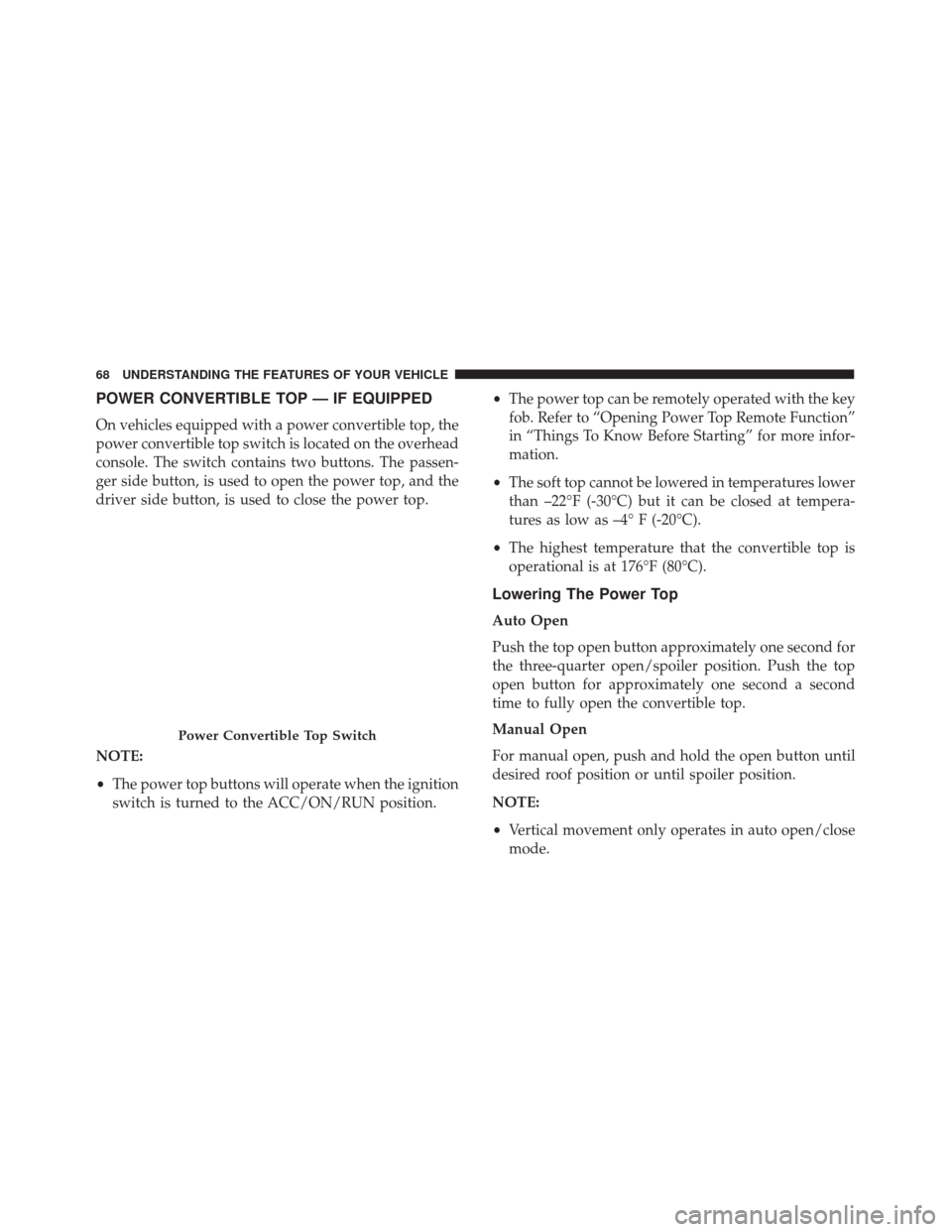
On vehicles equipped with a power convertible top, the
power convertible top switch is located on the overhead
console. The switch contains two buttons. The passen-
ger side button, is used to open the power top, and the
driver side button, is used to close the power top.
NOTE:
•The power top buttons will operate when the ignition
switch is turned to the ACC/ON/RUN position. •
The power top can be remotely operated with the key
fob. Refer to “Opening Power Top Remote Function”
in “Things To Know Before Starting” for more infor-
mation.
• The soft top cannot be lowered in temperatures lower
than –22°F (-30°C) but it can be closed at tempera-
tures as low as –4° F (-20°C).
• The highest temperature that the convertible top is
operational is at 176°F (80°C).
Lowering The Power Top
Auto Open
Push the top open button approximately one second for
the three-quarter open/spoiler position. Push the top
open button for approximately one second a second
time to fully open the convertible top.
Manual Open
For manual open, push and hold the open button until
desired roof position or until spoiler position.
NOTE:
• Vertical movement only operates in auto open/close
mode.
Power Convertible Top Switch
68 UNDERSTANDING THE FEATURES OF YOUR VEHICLE
Page 72 of 350
CAUTION!(Continued)
opening a door or lowering a window while the
top is wet may allow water to drip into the
vehicle’s interior.
• Use care when washing the vehicle, water pres-
sure directed at the weather strip seals may cause
water to leak into the vehicle’s interior.
Power Convertible Top Relearn Procedure
If your power convertible top does not operate in the
Auto Opening/Closing mode (automatically opening/
closing to the one-quarter open and three-quarter open
comfort stops), or if the remote keyless power top
function is inoperable, or if the trunk lid does not open
- the following relearn procedure may be necessary.
1. Confirm that the door/trunk lid are closed.
2. Begin with the top in the fully closed position (using manual mode).
3. Hold the OPEN button to move the top to the fully open position.
4. CONTINUE to hold the OPEN button for an addi- tional three seconds. 5. Release the OPEN button.
6. Hold the CLOSED button to move the top to the fully
closed position.
7. CONTINUE to hold the CLOSED button until the top begins to cycle fully open, then release the
CLOSED button.
At the end of step 7 the top will automatically cycle to
the fully open position, and then close to the 1/4 open
position.
This will confirm that the relearn procedure was suc-
cessful.
Auto Open/Close will now be functional. Trunk lid
operation will be functional. Remote Keyless Power Top
Function will be functional.
NOTE: DO NOT interrupt this activity.
If the power convertible top does not relearn, repeat the
procedure a second time.
70 UNDERSTANDING THE FEATURES OF YOUR VEHICLE
Page 85 of 350
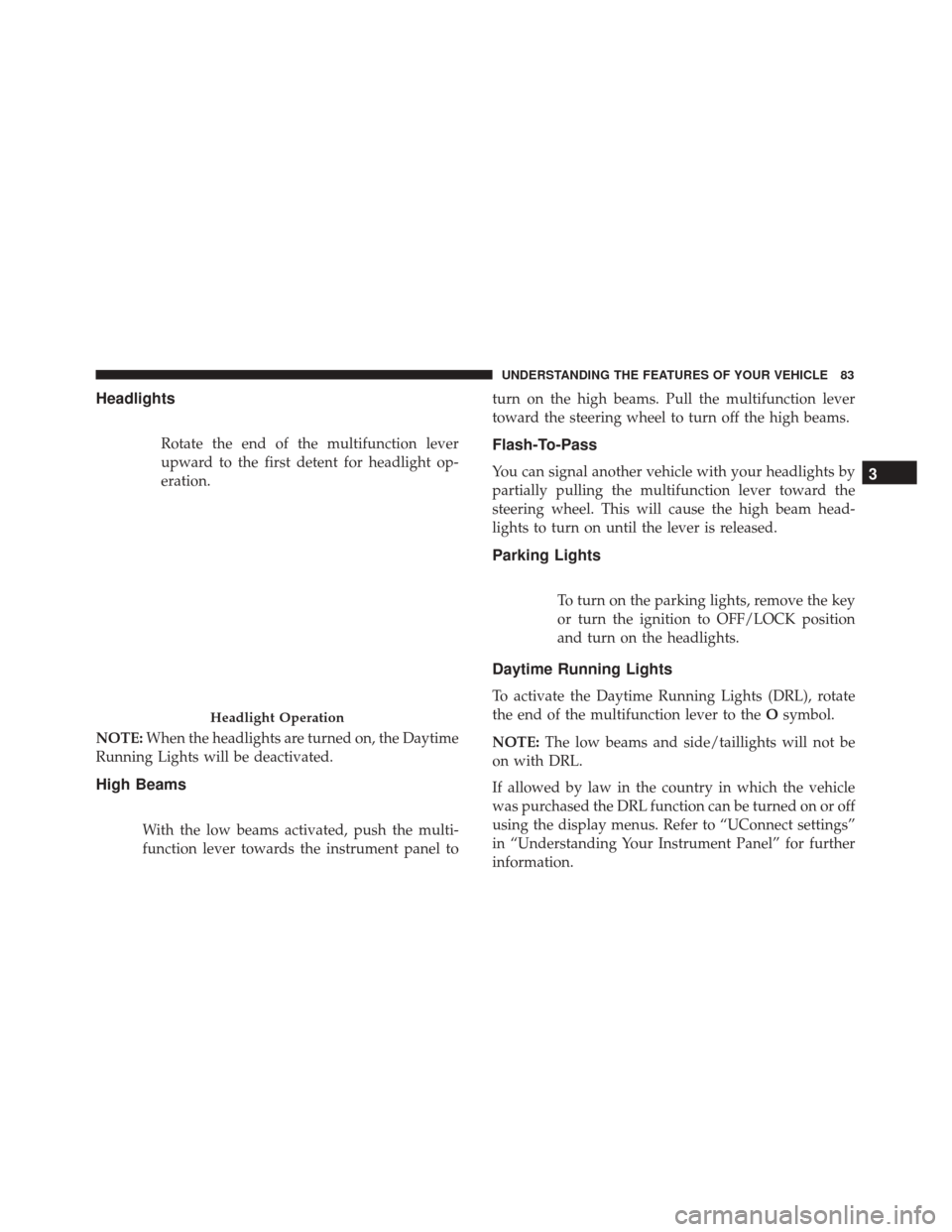
Headlights
Rotate the end of the multifunction lever
upward to the first detent for headlight op-
eration.
NOTE: When the headlights are turned on, the Daytime
Running Lights will be deactivated.
High Beams
With the low beams activated, push the multi-
function lever towards the instrument panel to turn on the high beams. Pull the multifunction lever
toward the steering wheel to turn off the high beams.
Flash-To-Pass
You can signal another vehicle with your headlights by
partially pulling the multifunction lever toward the
steering wheel. This will cause the high beam head-
lights to turn on until the lever is released.
Parking Lights
To turn on the parking lights, remove the key
or turn the ignition to OFF/LOCK position
and turn on the headlights.
Daytime Running Lights
To activate the Daytime Running Lights (DRL), rotate
the end of the multifunction lever to the
Osymbol.
NOTE: The low beams and side/taillights will not be
on with DRL.
If allowed by law in the country in which the vehicle
was purchased the DRL function can be turned on or off
using the display menus. Refer to “UConnect settings”
in “Understanding Your Instrument Panel” for further
information.
Headlight Operation
3
UNDERSTANDING THE FEATURES OF YOUR VEHICLE 83
Page 86 of 350
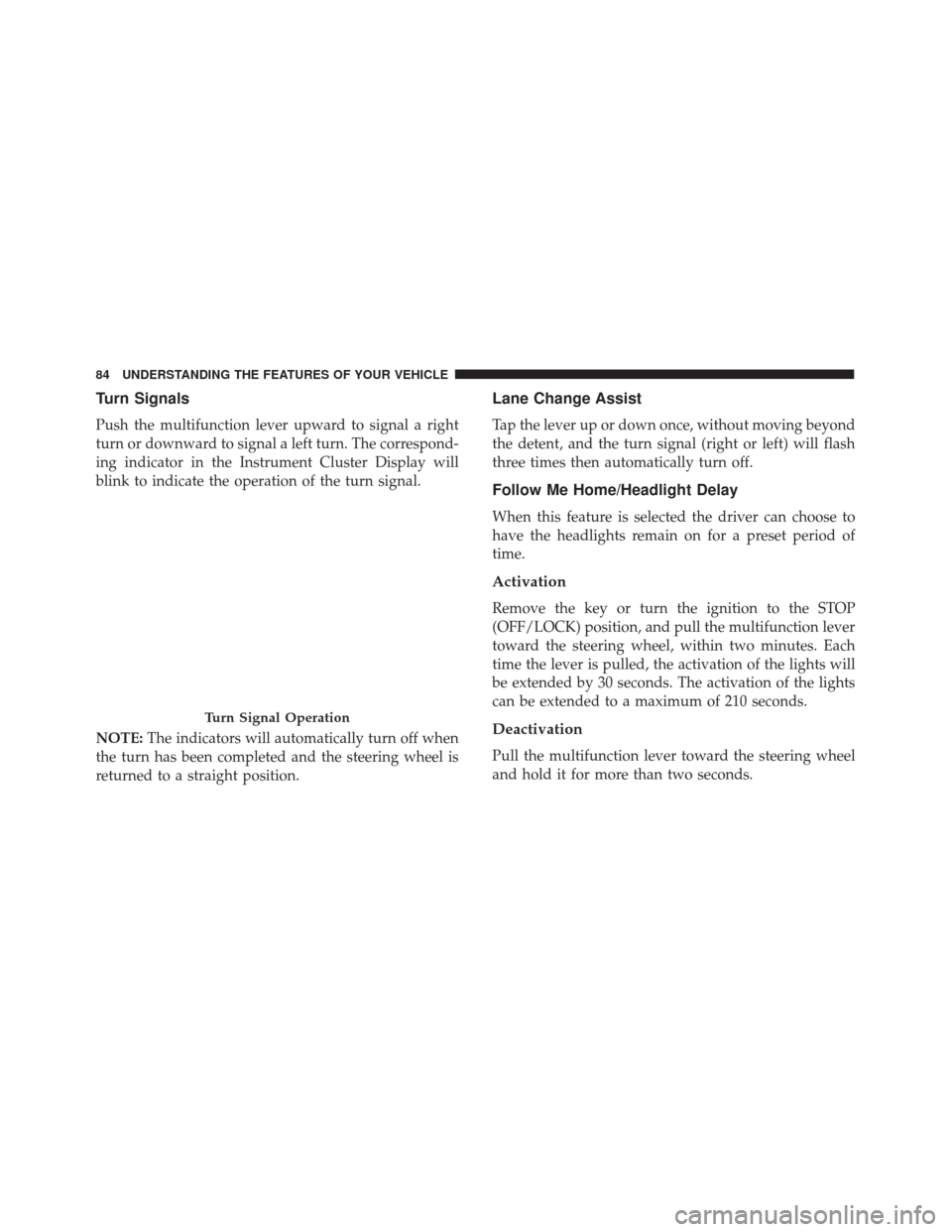
Turn Signals
Push the multifunction lever upward to signal a right
turn or downward to signal a left turn. The correspond-
ing indicator in the Instrument Cluster Display will
blink to indicate the operation of the turn signal.
NOTE:The indicators will automatically turn off when
the turn has been completed and the steering wheel is
returned to a straight position.
Lane Change Assist
Tap the lever up or down once, without moving beyond
the detent, and the turn signal (right or left) will flash
three times then automatically turn off.
Follow Me Home/Headlight Delay
When this feature is selected the driver can choose to
have the headlights remain on for a preset period of
time.
Activation
Remove the key or turn the ignition to the STOP
(OFF/LOCK) position, and pull the multifunction lever
toward the steering wheel, within two minutes. Each
time the lever is pulled, the activation of the lights will
be extended by 30 seconds. The activation of the lights
can be extended to a maximum of 210 seconds.
Deactivation
Pull the multifunction lever toward the steering wheel
and hold it for more than two seconds.
Turn Signal Operation
84 UNDERSTANDING THE FEATURES OF YOUR VEHICLE
Page 87 of 350
Interior Lights
The interior light switches are located in the overhead
console. The interior lights can be set to three different
positions (Off/Left Position, Center Position, On/Right
Position).
Using the switch on the left overhead, push the switch
to the right from its center position and the lights are
always on. Push the switch to the left from its center
position and the lights are always off. Leave the switch
in the center position, and the lights are turned on and
off when the doors are opened or closed. The switch on
the right side of the overhead console controls the map
or reading function of the lights. Push the switch to the
right to turn on the right light and push the switch to
the left to turn on the left light.
CAUTION!
Before getting out of the vehicle be sure that the
switch is in the center position or that the lights are
off to avoid draining the battery.
Interior Light Timing (Center Position)
There are four different modes of operation that can be
activated in this position:
•When one door is opened a three minute timer is
activated.
• When the key is removed from the ignition (within
two minutes of the ignition being turned off), a 10
second timer is activated.
• When the doors are unlocked with the key fob a 10
second timer is activated.
• When the doors are locked with the key fob the lights
will turn off.
Interior Light Timing (On/Right Position)
• When all doors are closed a 15 minute timer is
activated.
NOTE: The timer is deactivated when the key is moved
into the ON/RUN position.
3
UNDERSTANDING THE FEATURES OF YOUR VEHICLE 85
Page 100 of 350
POWER SUNROOF — IF EQUIPPED
The power sunroof roof switch is located in the over-
head console.
WARNING!
•Never leave children alone in a vehicle, or with
access to an unlocked vehicle. Never leave the key
fob in or near the vehicle, or in a location acces-
sible to children. Occupants, particularly unat-
tended children, can become entrapped by the
(Continued)
WARNING! (Continued)
power sunroof while operating the power sunroof
switch. Such entrapment may result in serious
injury or death.
• In a collision, there is a greater risk of being
thrown from a vehicle with an open sunroof. You
could also be seriously injured or killed. Always
fasten your seat belt properly and make sure all
passengers are properly secured.
• Do not allow small children to operate the sun-
roof. Never allow your fingers, other body parts,
or any object to project through the sunroof
opening. Injury may result.
To Open
Push and hold the power sunroof switch rearward for
approximately one second and the sunroof will stop at
the vented position. Push the switch a second time and
hold for approximately one second and release, the
sunroof will open fully, then stop automatically. This is
called “Express Open”. During Express Open opera-
tion, any movement of the sunroof switch will stop the
sunroof.
Power Sunroof Switch
98 UNDERSTANDING THE FEATURES OF YOUR VEHICLE
Page 124 of 350
Electronic Throttle Control (ETC) Warning Light
Red TelltaleLight What It Means
Electronic Throttle Control (ETC) Warning Light
This light informs you of a problem with the Electronic Throttle Control (ETC) system. If a
problem is detected while the engine is running, the light will either stay on or flash de-
pending on the nature of the problem. Cycle the ignition key when the vehicle is safely and
completely stopped and the transmission is placed in the PARK position. The light should
turn off. If the light remains on with the engine running, your vehicle will usually be driv-
able; however, see an authorized dealer for service as soon as possible.
If the light continues to flash when the engine is running, immediate service is required and
you may experience reduced performance, an elevated/rough idle, or engine stall and your
vehicle may require towing. The light will come on when the ignition is first turned to ON/
RUN and remain on briefly as a bulb check. If the light does not come on during starting,
have the system checked by an authorized dealer.
122 UNDERSTANDING YOUR INSTRUMENT PANEL