lights FIAT 500C 2015 2.G User Guide
[x] Cancel search | Manufacturer: FIAT, Model Year: 2015, Model line: 500C, Model: FIAT 500C 2015 2.GPages: 438, PDF Size: 2.96 MB
Page 111 of 438
Lane Change Assist
Tap the lever up or down once, without moving beyond
the detent, and the turn signal (right or left) will flash
three times then automatically turn off.
Follow Me Home/Headlight Delay
When this feature is selected the driver can choose to
have the headlights remain on for a preset period of time.
Activation
Remove the key or turn the ignition to the OFF/LOCK
position, and pull the multifunction lever toward the
steering wheel, within two minutes. Each time the lever
is pulled, the activation of the lights will be extended by
30 seconds. The activation of the lights can be extended to
a maximum of 210 seconds.
Deactivation
Pull the multifunction lever toward the steering wheel
and hold it for more than two seconds.
Interior Lights
The interior light switches are located in the overhead
console. The interior lights can be set to three different
positions (Off/Left Position, Center Position, On/Right
Position).
Using the switch on the left overhead, push the switch to
the right from its center position and the lights are always
on. Push the switch to the left from its center position and
the lights are always off. Leave the switch in the center
position, and the lights are turned on and off when the
doors are opened or closed. The switch on the right side
of the overhead console controls the map or reading
function of the lights. Push the switch to the right to turn
3
UNDERSTANDING THE FEATURES OF YOUR VEHICLE 109
Page 112 of 438
on the right light and push the switch to the left to turn
on the left light.
CAUTION!
Before getting out of the vehicle be sure that the
switch is in the center position or that the lights are
off to avoid draining the battery.
Interior Light Timing (Center Position)
There are four different modes of operation that can be
activated in this position:
•When one door is opened a three minute timer is
activated. •
When the key is removed from the ignition (within
two minutes of the ignition being turned off), a 10
second timer is activated.
• When the doors are unlocked with the Key Fob a 10
second timer is activated.
• When the doors are locked with the Key Fob the lights
will turn off.
Interior Light Timing (On/Right Position)
• When all doors are closed a 15 minute timer is
activated.
NOTE: The timer is deactivated when the key is moved
into the ON/RUN position.
110 UNDERSTANDING THE FEATURES OF YOUR VEHICLE
Page 113 of 438
Front Fog Lights — If Equipped
The fog light switch is located on the center stack of the
instrument panel, just below the radio.Push the switch once to turn the front fog lights on. Push
the switch a second time to turn the front fog lights off.
WINDSHIELD WIPERS AND WASHERS
The windshield wiper/washer lever is located on the
right side of the steering column.
NOTE:
The windshield wipers/washers will only oper-
ate with the ignition in the ON/RUN position.
Fog Light Switch
3
UNDERSTANDING THE FEATURES OF YOUR VEHICLE 111
Page 133 of 438
CAUTION!(Continued)
•Accessories that draw higher power (i.e., coolers,
vacuum cleaners, lights, etc.) will degrade the bat-
tery even more quickly. Only use these intermit-
tently and with great caution.
• After the use of high power draw accessories, or
long periods of the vehicle not being started (with
accessories still plugged in), the vehicle must be
driven a sufficient length of time to allow the
generator to recharge the vehicle’s battery.
CIGAR LIGHTER — IF EQUIPPED
This is located on the center console, in front of the cup
holders. To activate the cigar lighter, push and release the
knob. After a few seconds the knob automatically returns
to its initial position, and the cigar lighter is ready for use.
WARNING!
When the cigar lighter is in use it becomes very hot.
To avoid serious injury, handle the cigar lighter with
care. Always check that the cigar lighter has turned
off.
3
UNDERSTANDING THE FEATURES OF YOUR VEHICLE 131
Page 141 of 438
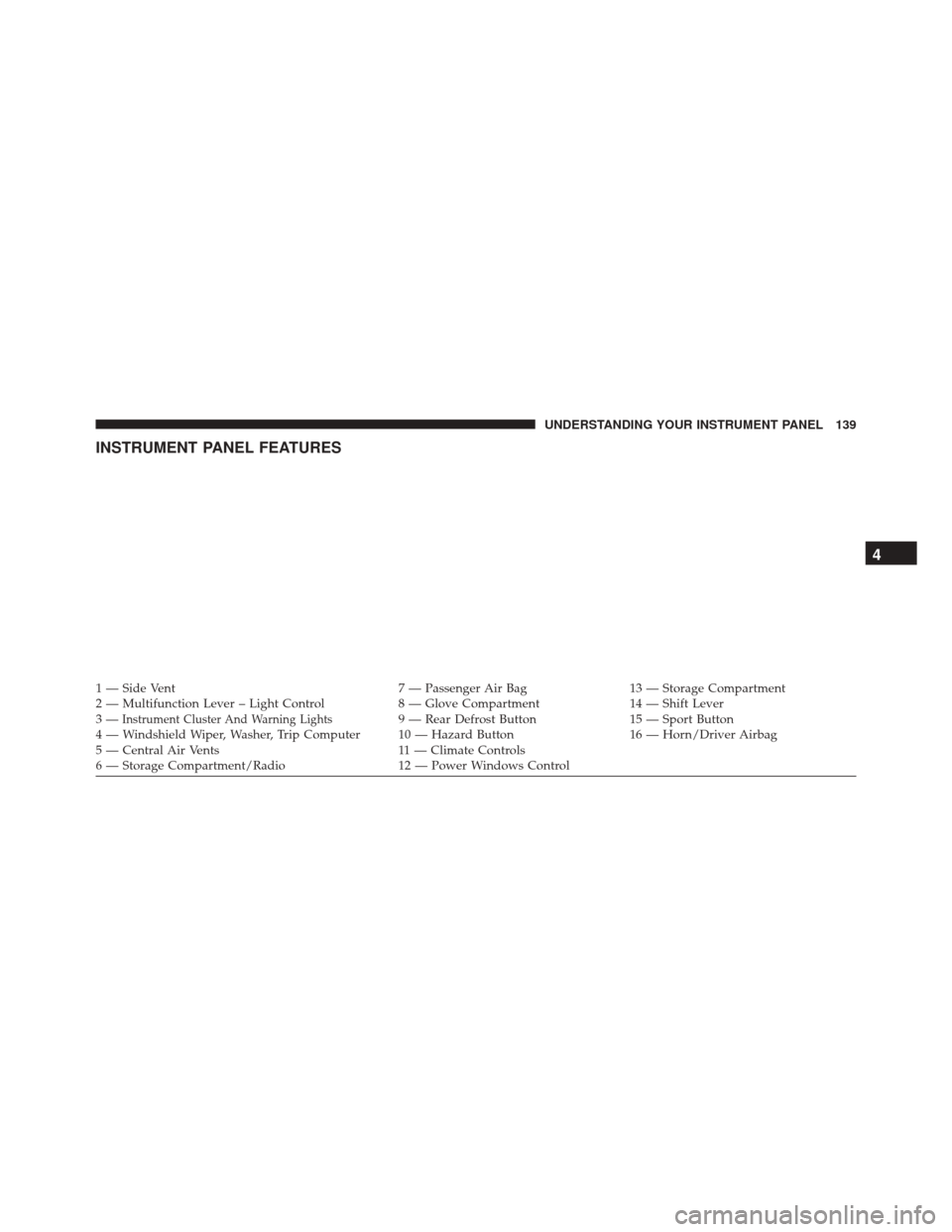
INSTRUMENT PANEL FEATURES
1 — Side Vent7 — Passenger Air Bag13 — Storage Compartment
2 — Multifunction Lever – Light Control 8 — Glove Compartment14 — Shift Lever
3—
Instrument Cluster And Warning Lights9 — Rear Defrost Button 15 — Sport Button
4 — Windshield Wiper, Washer, Trip Computer 10 — Hazard Button 16 — Horn/Driver Airbag
5 — Central Air Vents 11 — Climate Controls
6 — Storage Compartment/Radio 12 — Power Windows Control
4
UNDERSTANDING YOUR INSTRUMENT PANEL 139
Page 148 of 438
5. Air Bag Warning LightThis light will turn on for four to eight seconds
as a bulb check when the ignition switch is first
turned to ON/RUN. If the light is either not on
during starting, stays on, or turns on while
driving, have the system inspected at an authorized
dealer as soon as possible. Refer to “Occupant Restraints”
in “Things To Know Before Starting Your Vehicle” for
further information.
6. Park/Headlight ON Indicator — If Equipped
This indicator will illuminate when the park
lights or headlights are turned on.
7. High Beam Indicator This light shows that the high beam headlights
are on. Push the multifunction control lever
away from you to switch the headlights to high beam. Pull the lever toward you to switch the headlights
back to low beam. If the driver’s door is open, and the
headlights or park lights are left on, the high beam
indicator light will remain illuminated and a chime will
sound.
8. Seat Belt Reminder Light
When the ignition switch is first turned to
ON/RUN, this light will turn on for four to
eight seconds as a bulb check. During the bulb
check, if the driver’s seat belt is unbuckled, a
chime will sound. After the bulb check or when driving,
if the driver’s seat belt remains unbuckled, the seat belt
reminder light will flash or remain on continuously. Refer
to “Occupant Restraints” in “Things To Know Before
Starting Your Vehicle” for further information.
146 UNDERSTANDING YOUR INSTRUMENT PANEL
Page 150 of 438
WARNING!(Continued)
drive slowly or park over flammable substances such
as dry plants, wood, cardboard, etc. This could result
in death or serious injury to the driver, occupants or
others.
10. Front Fog Light Indicator — If Equipped This indicator will illuminate when the front
fog lights are on.
11. Electric Power Steering Malfunction Warning Light This telltale is on when the Electric Power
Steering is not operating and needs service.
12. Rear Fog Light Indicator — If Equipped This indicator will illuminate when the rear fog
lights are on. 13. Rear Defrost Indicator
This indicator will illuminate when the rear win-
dow defroster is on. The rear window defroster
automatically turns off after 20 minutes.
CAUTION!
Failure to follow these cautions can cause damage to
the heating elements:
• Use care when washing the inside of the rear
window. Do not use abrasive window cleaners on
the interior surface of the window. Use a soft cloth
and a mild washing solution, wiping parallel to the
heating elements. Labels can be peeled off after
soaking with warm water.
• Do not use scrapers, sharp instruments, or abrasive
window cleaners on the interior surface of the
window.
• Keep all objects a safe distance from the window.
148 UNDERSTANDING YOUR INSTRUMENT PANEL
Page 159 of 438
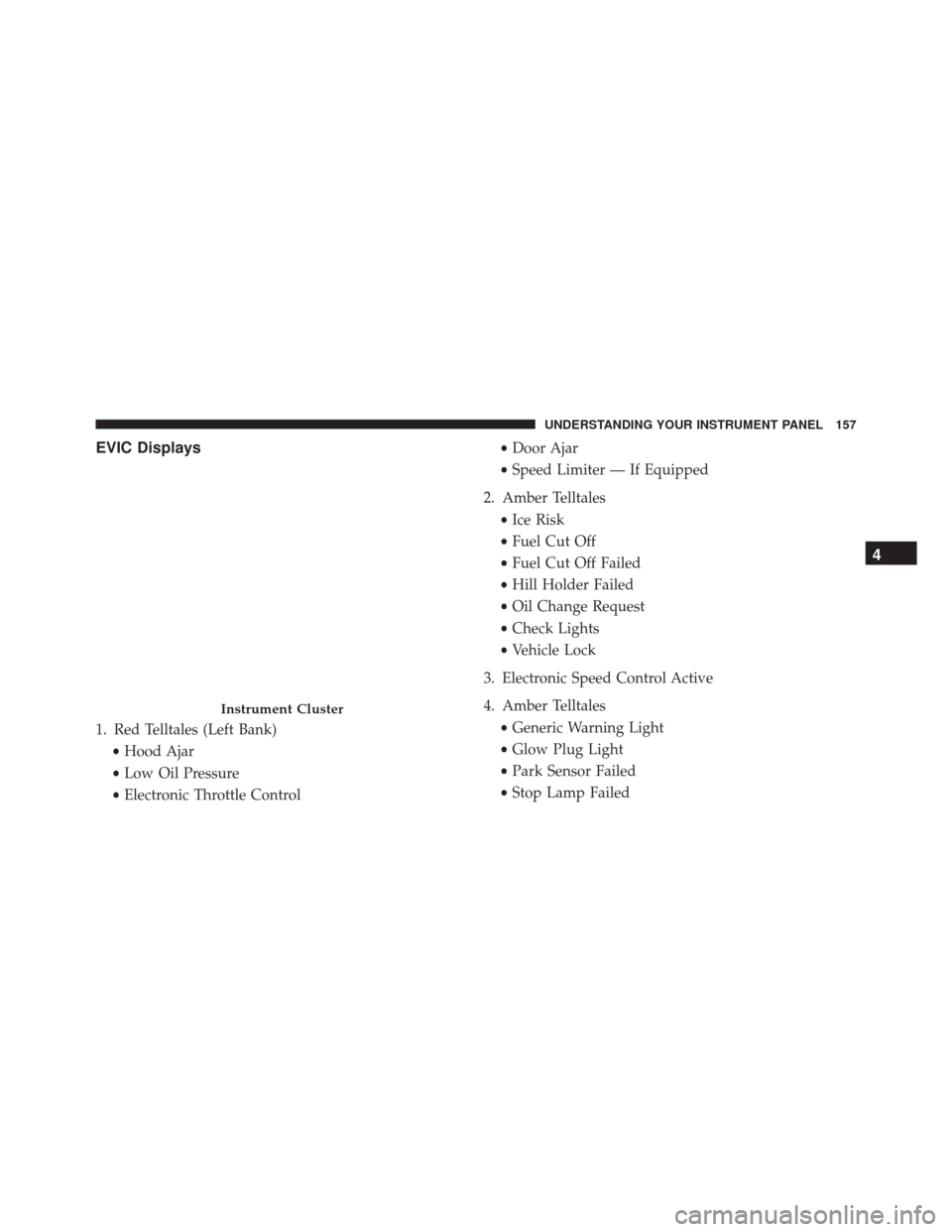
EVIC Displays
1. Red Telltales (Left Bank)•Hood Ajar
• Low Oil Pressure
• Electronic Throttle Control •
Door Ajar
• Speed Limiter — If Equipped
2. Amber Telltales •Ice Risk
• Fuel Cut Off
• Fuel Cut Off Failed
• Hill Holder Failed
• Oil Change Request
• Check Lights
• Vehicle Lock
3. Electronic Speed Control Active
4. Amber Telltales •Generic Warning Light
• Glow Plug Light
• Park Sensor Failed
• Stop Lamp Failed
Instrument Cluster
4
UNDERSTANDING YOUR INSTRUMENT PANEL 157
Page 161 of 438
Electronic Vehicle Information Center (EVIC)
Setup Menu
The menu comprises a series of functions arranged in a
cycle. Push and release the UP
and DOWNbuttons
to access the different options and settings (setup).
The setup menu can be activated by pushing the MENU
button. A single push on the UP
or DOWNbuttons
will scroll through the setup menu options. The menu
includes the following functions:
• Speed Beep
• Trip B Data
• Set Time
• Set Date
• See Radio
• Speed Display •
Autoclose
• Units
• Language
• Buzzer Volume
• Button Volume
• Daylights (D.R.L.)
• Hill Start
• Tire Pressure
• Unlock Driver Door First
• Unlock All Doors
• Exit Menu
4
UNDERSTANDING YOUR INSTRUMENT PANEL 159
Page 178 of 438
Lock
WhenUnlock Driver Door is selected, only the driver’s
door will unlock on the first push of the Remote Keyless
Entry (RKE) transmitter UNLOCK button. When Unlock
Drivers Door is selected, you must push the RKE trans-
mitter UNLOCK button twice to unlock the passenger
door. When All Doorsis selected, both of the doors will
unlock on the first push of the RKE transmitter UNLOCK
button. To make your selection, push and release the
SELECT button until “Unlock Driver Door” or “All
Doors” appears.
Exit Menu
This function closes the initial menu screen.
Briefly push and release the MENUbutton to go back to
the main screen.
Push and release the
button to return to the first
menu option (Speed Beep).
Push and release thebutton to return to the last
menu option (Daylights).
176 UNDERSTANDING YOUR INSTRUMENT PANEL