change time FIAT 500C 2019 Owner's Manual
[x] Cancel search | Manufacturer: FIAT, Model Year: 2019, Model line: 500C, Model: FIAT 500C 2019Pages: 332, PDF Size: 3.17 MB
Page 299 of 332
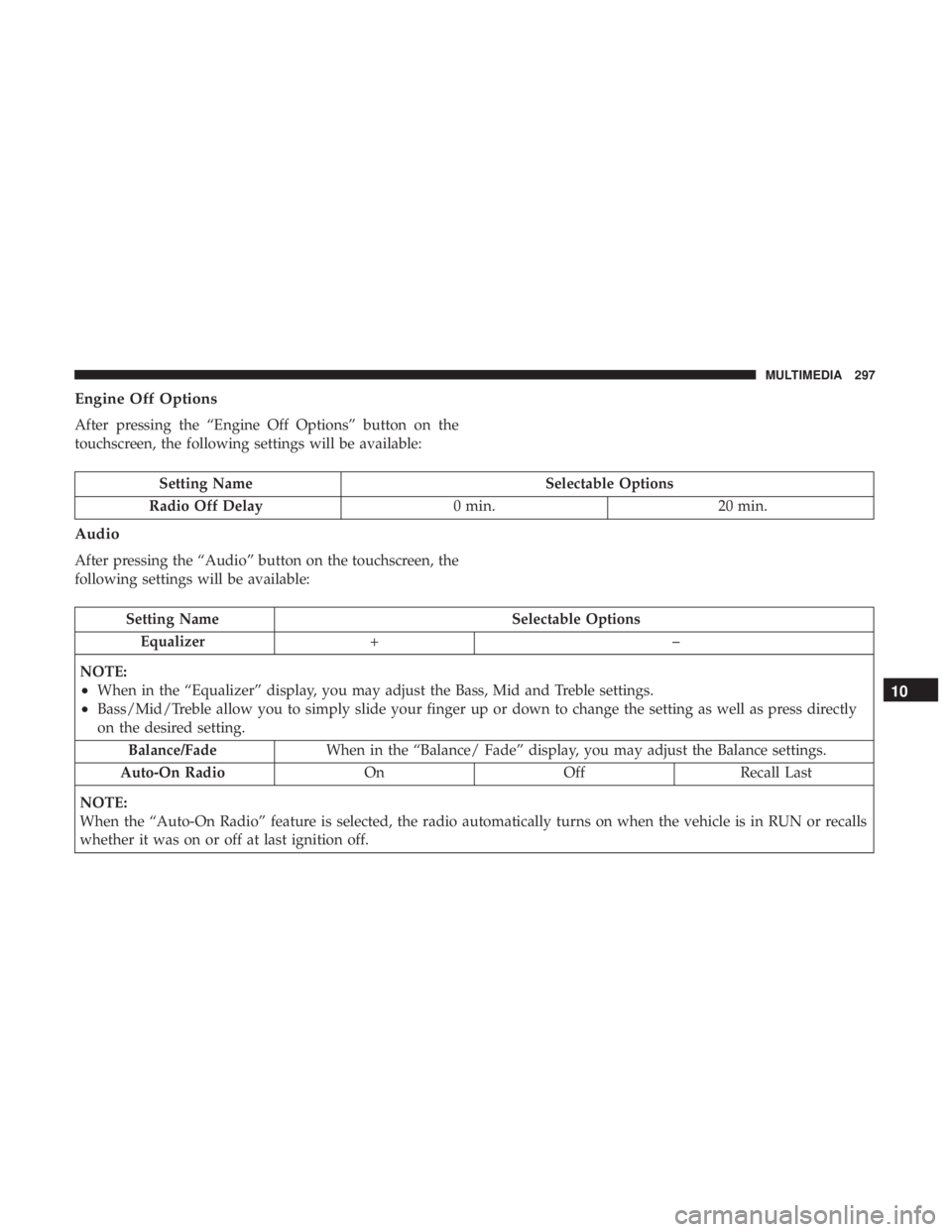
Engine Off Options
After pressing the “Engine Off Options” button on the
touchscreen, the following settings will be available:
Setting NameSelectable Options
Radio Off Delay 0 min.20 min.
Audio
After pressing the “Audio” button on the touchscreen, the
following settings will be available:
Setting Name Selectable Options
Equalizer +–
NOTE:
•When in the “Equalizer” display, you may adjust the Bass, Mid and Treble settings.
•Bass/Mid/Treble allow you to simply slide your finger up or down to change the setting as well as press directly
on the desired setting. Balance/Fade When in the “Balance/ Fade” display, you may adjust the Balance settings.
Auto-On Radio OnOffRecall Last
NOTE:
When the “Auto-On Radio” feature is selected, the radio automatically turns on when the vehicle is in RUN or recalls
whether it was on or off at last ignition off.
10
MULTIMEDIA 297
Page 305 of 332
not satisfactorily “clear” by the repositioning of the an-
tenna, it is recommended that the radio volume be turned
down or off during mobile phone operation.
General Information
The following regulatory statement applies to all Radio
Frequency (RF) devices equipped in this vehicle:
This device complies with Part 15 of the FCC Rules and
with Industry Canada license-exempt RSS standard(s).
Operation is subject to the following two conditions:
•This device may not cause harmful interference, and
• This device must accept any interference received, in-
cluding interference that may cause undesired opera-
tion.
NOTE: Changes or modifications not expressly approved
by the party responsible for compliance could void the
user ’s authority to operate the equipment.
UCONNECT 3/3 NAV VOICE RECOGNITION QUICK
TIPS
Introducing Uconnect
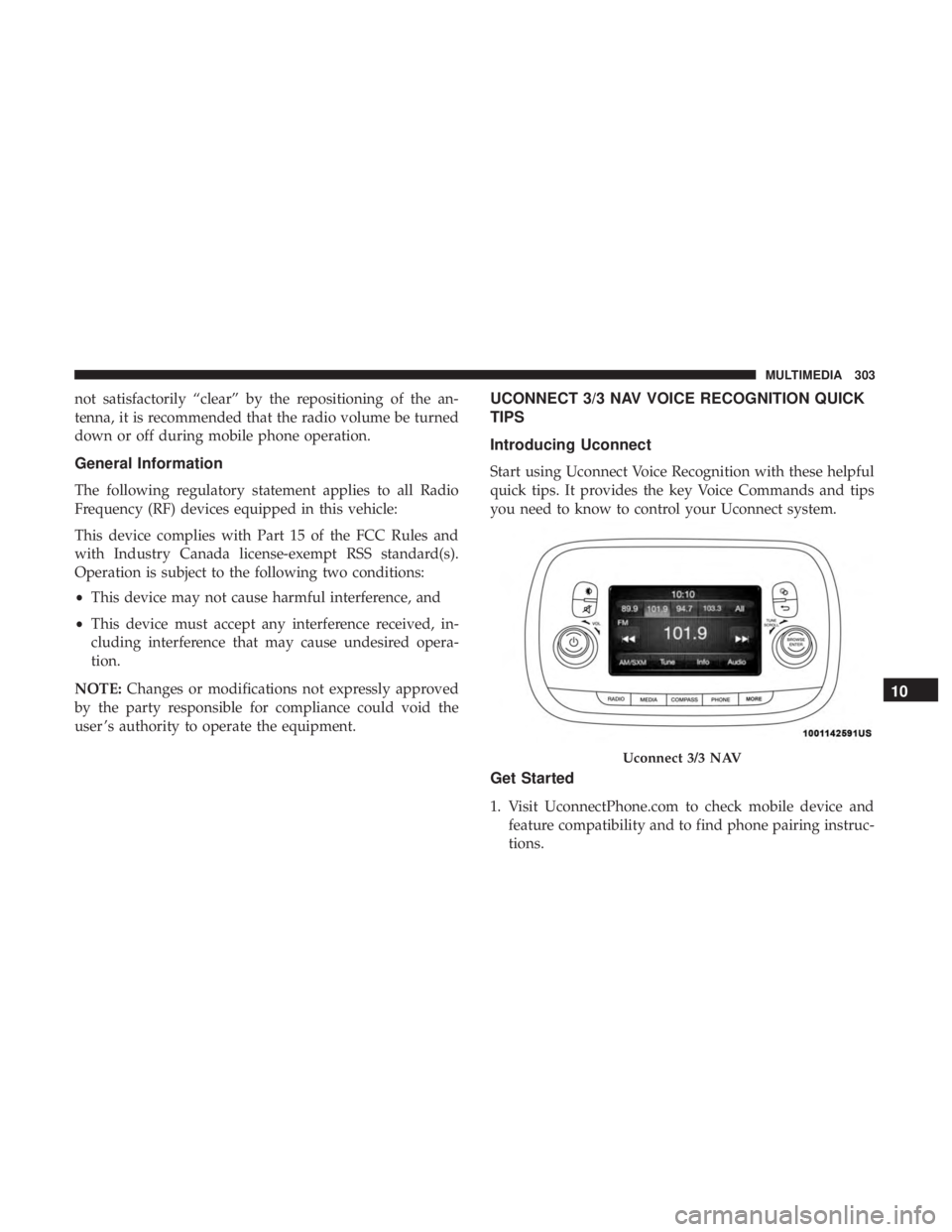
Start using Uconnect Voice Recognition with these helpful
quick tips. It provides the key Voice Commands and tips
you need to know to control your Uconnect system.
Get Started
1. Visit UconnectPhone.com to check mobile device and feature compatibility and to find phone pairing instruc-
tions.
Uconnect 3/3 NAV
10
MULTIMEDIA 303
Page 308 of 332
Media
Uconnect offers connections via USB, Bluetooth and Aux-
iliary ports (if equipped). Voice operation is only available
for connected USB and iPod devices.
Push the VR button
. After the beep, say one of the
following commands and follow the prompts to switch
your media source or choose an artist.
• “Change source to Bluetooth”
• “Change source to iPod”
• “Change source to USB”
• “Play artist Beethoven”; “ Play albumGreatest Hits”;
“ Play song Moonlight Sonata”; “ Play genreClassical”
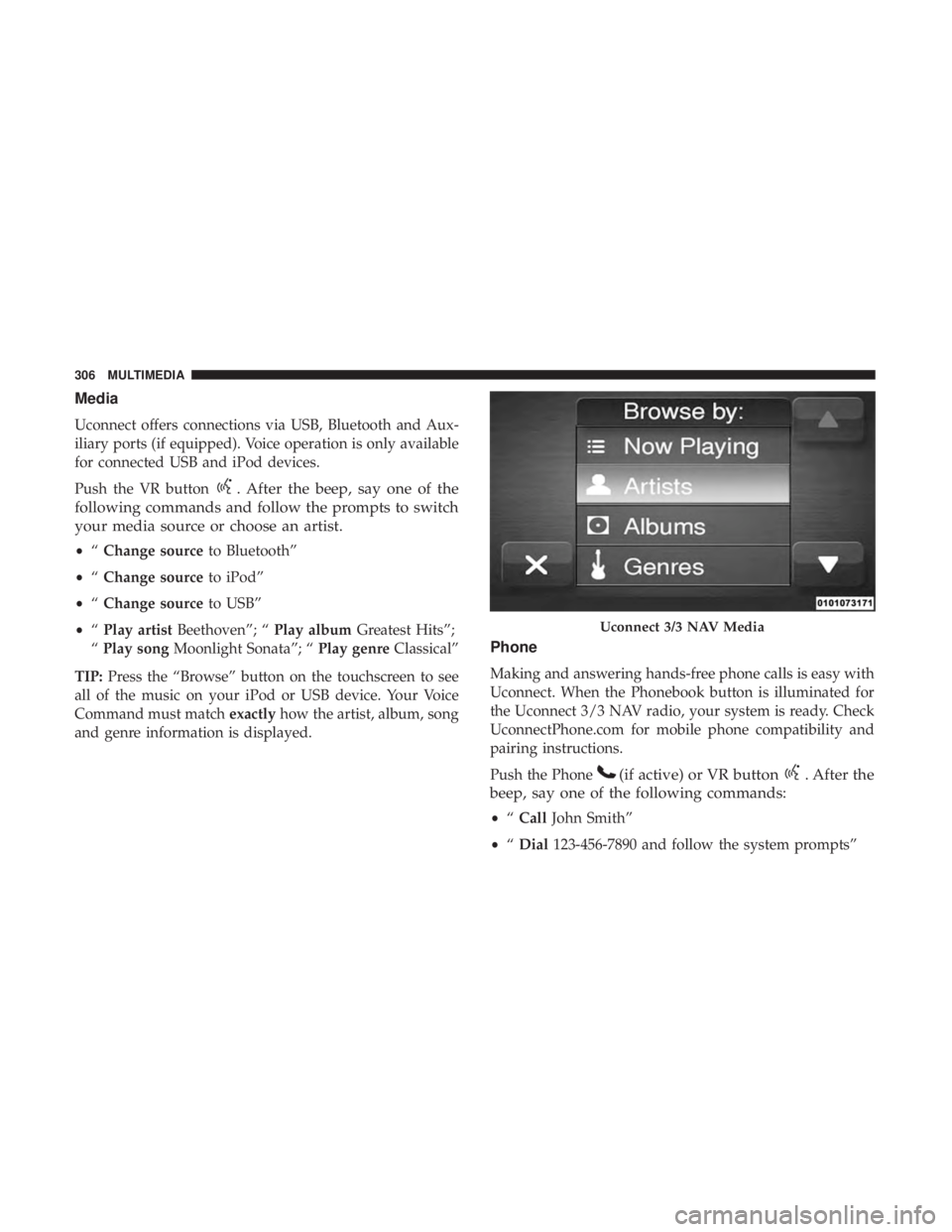
TIP: Press the “Browse” button on the touchscreen to see
all of the music on your iPod or USB device. Your Voice
Command must match exactlyhow the artist, album, song
and genre information is displayed.
Phone
Making and answering hands-free phone calls is easy with
Uconnect. When the Phonebook button is illuminated for
the Uconnect 3/3 NAV radio, your system is ready. Check
UconnectPhone.com for mobile phone compatibility and
pairing instructions.
Push the Phone
(if active) or VR button. After the
beep, say one of the following commands:
• “Call John Smith”
• “Dial 123-456-7890 and follow the system prompts”
Uconnect 3/3 NAV Media
306 MULTIMEDIA
Page 309 of 332
•“Redial (call previous outgoing phone number)”
• “Call back (call previous incoming phone number)”
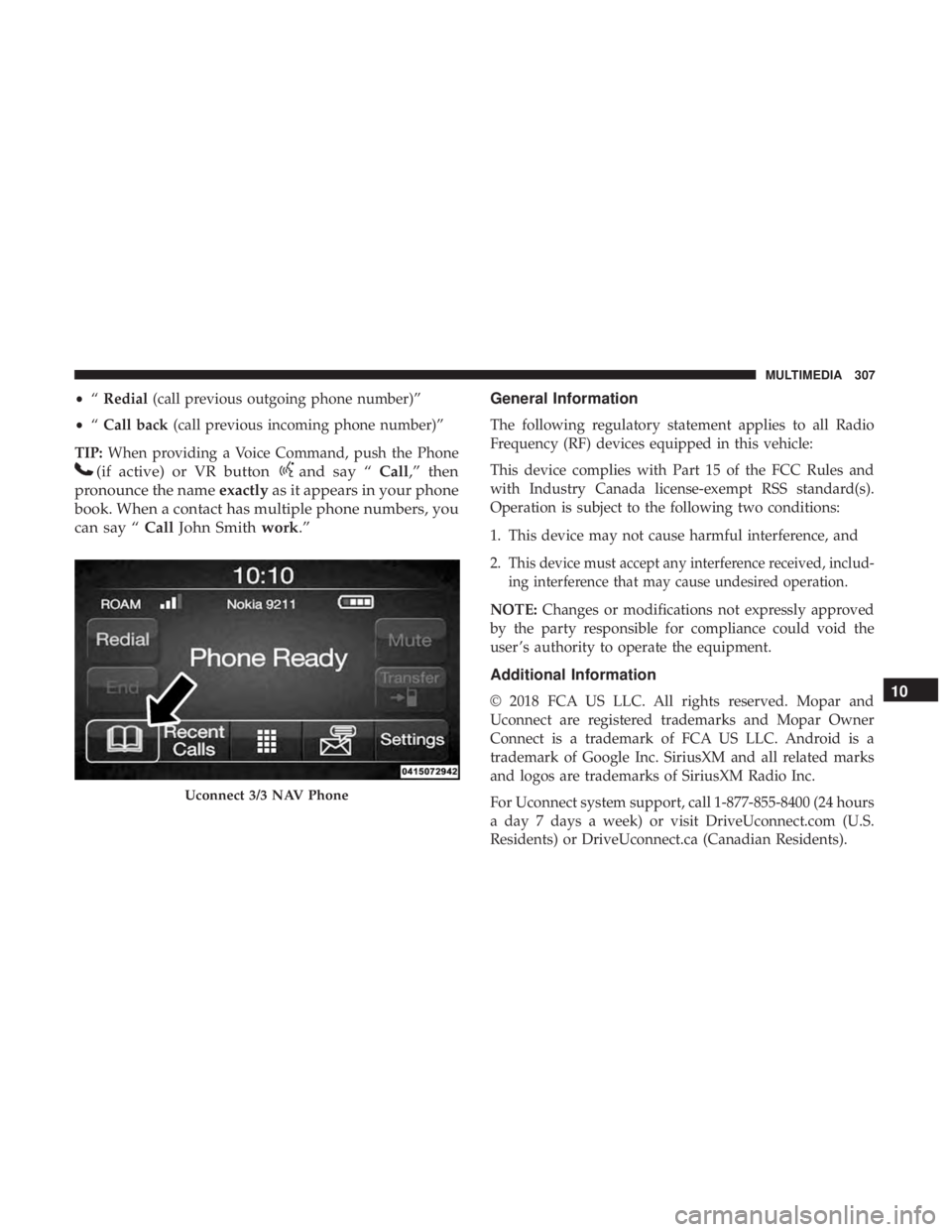
TIP: When providing a Voice Command, push the Phone
(if active) or VR buttonand say “ Call,” then
pronounce the name exactlyas it appears in your phone
book. When a contact has multiple phone numbers, you
can say “ CallJohn Smith work.” General Information
The following regulatory statement applies to all Radio
Frequency (RF) devices equipped in this vehicle:
This device complies with Part 15 of the FCC Rules and
with Industry Canada license-exempt RSS standard(s).
Operation is subject to the following two conditions:
1. This device may not cause harmful interference, and
2.
This device must accept any interference received, includ-
ing interference that may cause undesired operation.
NOTE:
Changes or modifications not expressly approved
by the party responsible for compliance could void the
user ’s authority to operate the equipment.
Additional Information
© 2018 FCA US LLC. All rights reserved. Mopar and
Uconnect are registered trademarks and Mopar Owner
Connect is a trademark of FCA US LLC. Android is a
trademark of Google Inc. SiriusXM and all related marks
and logos are trademarks of SiriusXM Radio Inc.
For Uconnect system support, call 1-877-855-8400 (24 hours
a day 7 days a week) or visit DriveUconnect.com (U.S.
Residents) or DriveUconnect.ca (Canadian Residents).
Uconnect 3/3 NAV Phone
10
MULTIMEDIA 307
Page 323 of 332
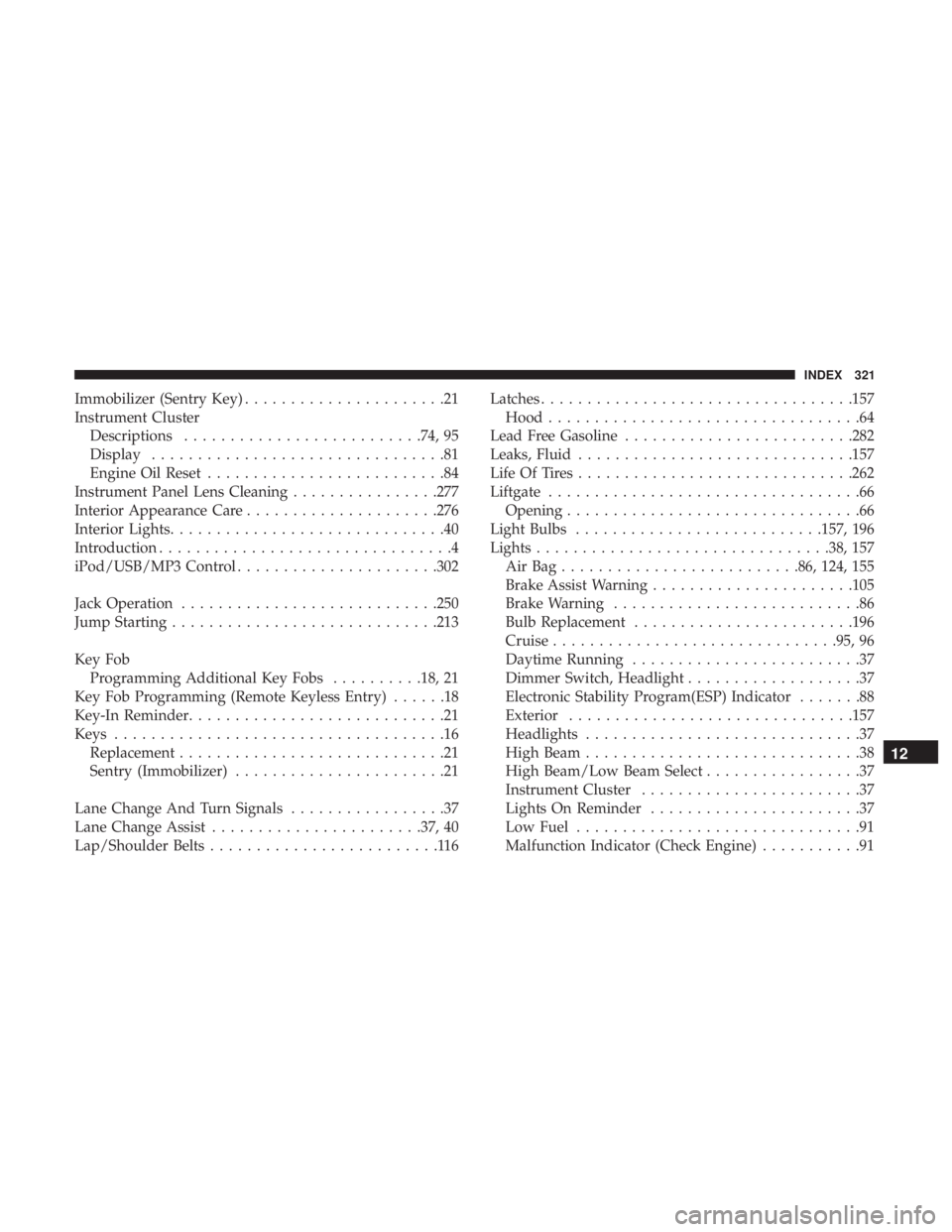
Immobilizer (Sentry Key)......................21
Instrument Cluster Descriptions ......................... .74, 95
Display ................................81
Engine Oil Reset ..........................84
Instrument Panel Lens Cleaning ................277
Interior Appearance Care .....................276
Interior Lights ..............................40
Introduction ................................4
iPod/USB/MP3 Control ..................... .302
Jack Operation ........................... .250
Jump Starting ............................ .213
Key Fob Programming Additional Key Fobs ..........18, 21
Key Fob Programming (Remote Keyless Entry) ......18
Key-In Reminder ............................21
Keys ....................................16
Replacement .............................21
Sentry (Immobilizer) .......................21
Lane Change And Turn Signals .................37
Lane Change Assist ...................... .37, 40
Lap/Shoulder Belts .........................116 Latches
................................. .157
Hood ..................................64
Lead Free Gasoline ........................ .282
Leaks, Fluid ............................. .157
Life Of Tires ............................. .262
Liftgate ..................................66
Opening ................................66
Light Bulbs .......................... .157, 196
Lights ............................... .38, 157
AirBag......................... .86, 124, 155
Brake Assist Warning ..................... .105
Brake Warning ...........................86
Bulb Replacement ....................... .196
Cruise .............................. .95, 96
Daytime Running .........................37
Dimmer Switch, Headlight ...................37
Electronic Stability Program(ESP) Indicator .......88
Exterior .............................. .157
Headlights ..............................37
High Beam ..............................38
High Beam/Low Beam Select .................37
Instr
ument Cluster ........................37
Lights On Reminder .......................37
Low Fuel ...............................91
Malfunction Indicator (Check Engine) ...........91
12
INDEX 321