charging FIAT 500E 2018 Owner's Manual
[x] Cancel search | Manufacturer: FIAT, Model Year: 2018, Model line: 500E, Model: FIAT 500E 2018Pages: 302, PDF Size: 3.32 MB
Page 210 of 302
3. Connect the negative end(-)of the jumper cable to the
negative (-)post of the booster battery.
4. Connect the opposite end of the negative (-)jumper
cable to a good vehicle ground (exposed metal part of
the discharged vehicle underhood compartment) away
from the battery.
WARNING!
Do not connect the jumper cable to the negative (-) post
of the discharged battery. The resulting electrical spark
could cause the battery to explode and could result in
personal injury. Only use the specific ground point, do
not use any other exposed metal parts.
5. Start the vehicle that has the booster battery, and allow it to idle for a few minutes. Then turn the key to the
RUN position on the vehicle with the discharged bat-
tery.
6. Once the vehicle is started, remove the jumper cables in the reverse sequence:
Disconnecting The Jumper Cables
1.
Disconnect the negative (-)jumper cable from the vehicle
ground (-)of the vehicle with the discharged battery.
2. Disconnect the negative end (-)of the jumper cable from
the negative (-)post of the booster battery.
3. Disconnect the opposite end of the positive (+)jumper
cable from the positive (+)post of the booster battery.
4. Disconnect the positive (+)end of the jumper cable from
the positive (+)post of the discharged vehicle.
If frequent jump starting is required to start your vehicle,
you should have the battery and charging system in-
spected at an authorized dealer.
MANUAL PARK RELEASE
WARNING!
Always secure your vehicle by fully applying the
parking brake before activating the Manual Park Re-
lease. Activating the Manual Park Release will allow
your vehicle to roll away if it is not secured by the
parking brake, or by proper connection to a tow
vehicle. Activating the Manual Park Release on an
unsecured vehicle could lead to serious injury or death
for those in or around the vehicle.
In order to move the vehicle in cases where the transmis-
sion will not shift out of PARK (such as a dead battery), a
208 IN CASE OF EMERGENCY
Page 270 of 302
Charging Schedule
To set up a charging schedule, press the “More” or “Set-
tings” button on the touchscreen.
Setting NameSelectable Options
Enable Schedule OnOff
NOTE:
Continue setting up the schedule, picking from the following menus:
•Weekdays or Weekends
•Start and End Times
Safety/Assistance
After pressing the “Safety/Assistance” button on the
touchscreen, the following settings will be available:
Setting Name Selectable Options
Hill Start Assist — If Equipped OnOff
Rear View Camera Delay OnOff
ParkView Backup Camera Active Guide Lines — If Equipped On
Off
NOTE: When this feature is enabled, active (dynamic) grid lines are overlaid on the Rear Backup Camera image to
illustrate the width of the vehicle and its projected back up path based on the steering wheel position. A dashed cen-
ter line overlay indicates the center of the vehicle to assist with parking or aligning to a hitch/receiver.
268 MULTIMEDIA
Page 278 of 302
TELEMATICS MODEM
Your vehicle is equipped with a 3G CDMA cellular modem
to connect the vehicle with your device to provide the
following features:
•Range and State of Charge Information
• Configure Scheduled Charging Profile
• Average and total energy used
• Charge station location and availability on in vehicle
NAV map
• Send navigation destination to vehicle from within
Mobile App
• Remote Door Lock/Unlock
• Remote Horn and Lights Activation
• Pre-conditioning of interior temperature
• Email and SMS notifications
NOTE: This device complies with Part 15 of the FCC.
Operation is subject to the following conditions:
• This device may not cause harmful interference.
•
This device must accept any interference received, includ-
ing interference that may cause undesired operation.
Changes or modifications not expressly approved by the
party responsible for compliance could void the user ’s
authority to operate the equipment.
UCONNECT 3/3 NAV VOICE RECOGNITION QUICK
TIPS
Introducing Uconnect
Start using Uconnect Voice Recognition with these helpful
quick tips. It provides the key Voice Commands and tips
you need to know to control your Uconnect system.
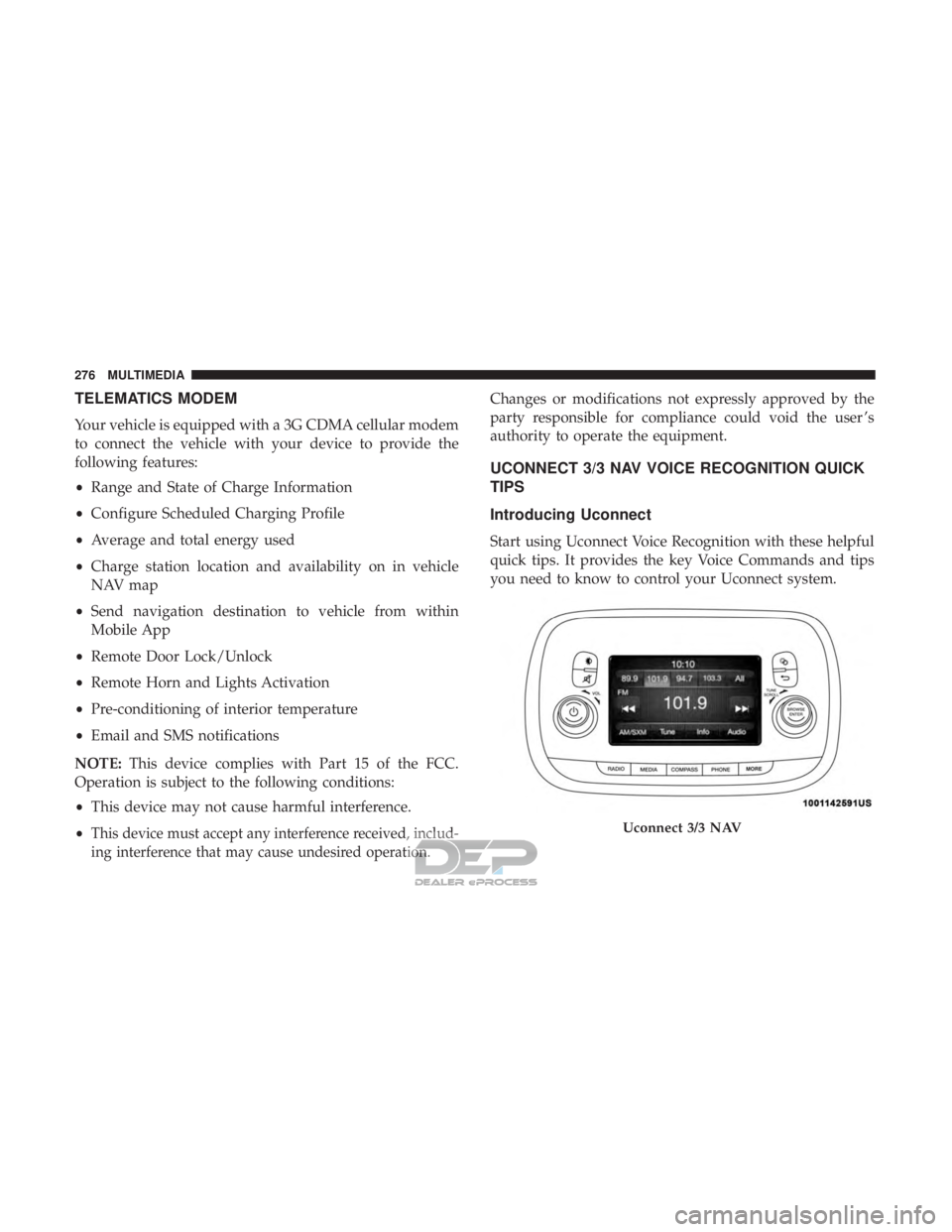
Uconnect 3/3 NAV
276 MULTIMEDIA
Page 292 of 302
Adding Washer Fluid........................217
AirBag ................................ .122
Advance Front Air Bag ....................122
Air Bag Operation ........................124
Air Bag Warning Light .....................121
Driver Knee Air Bag ..................... .125
Enhanced Accident Response .............130, 212
Event Data Recorder (EDR) .................212
FrontAirBag .......................... .122
If Deployment Occurs .....................129
Knee Impact Bolsters ..................... .124
Maintaining Your Air Bag System .............131
Maintenance ............................131
Side Air Bags .......................... .125
Transporting Pets ........................148
Air Bag Light .......................90, 121, 149
Air Conditioner Maintenance ..................224
Air Conditioning Filter .......................71
Air Conditioning, Operating Tips ................70
Air Conditioning Refrigerant ..................224
Air Conditioning System .....................224
Air Pressure Tires................................. .237
Alarm Security Alarm ...........................41 Alarm System
Security Alarm ...........................41
Alterations/Modifications, Vehicle ................5
Anti-Lock Brake System (ABS) .................100
Anti-Lock Warning Light .................93, 96, 97
Arming System Security Alarm ...........................41
Audio Systems (Radio) .......................262
Automatic Dimming Mirror ....................54
Automatic Transmission ..................... .157
Gear Ranges ............................159
Battery ...............................92, 218
Charging ...............................16
Charging System Light .....................92
Belts, Seat ............................... .149
Body Mechanism Lubrication ..................225
B-Pillar Location .......................... .232
Brake
Assist System ........................ .101
Brake Fluid ...............................259
Brake, Parking ............................ .156
Brake System ............................ .227
Anti-Lock (ABS) ........................ .100
Fluid Check ............................227
Master Cylinder ........................ .227
290 INDEX
Page 293 of 302
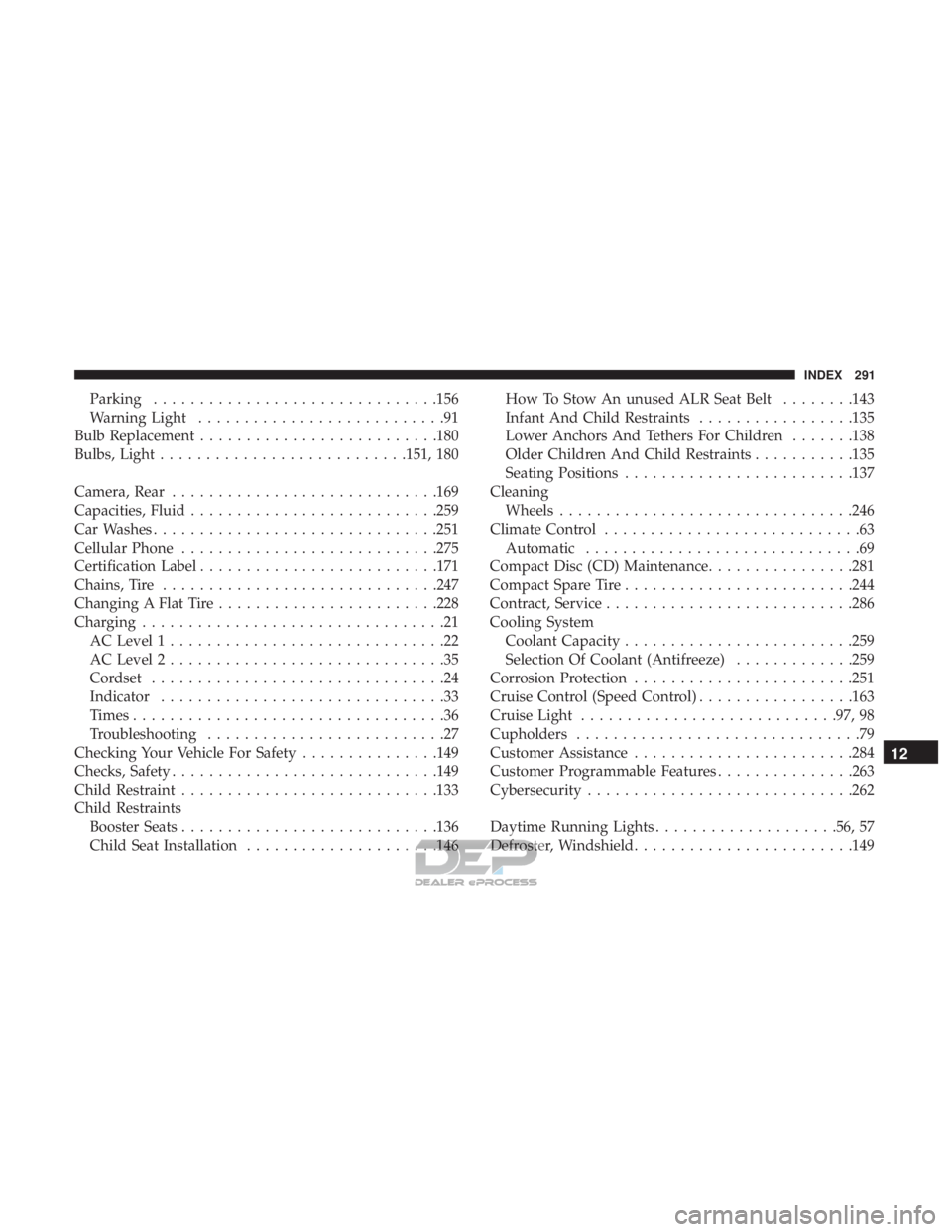
Parking...............................156
Warning Light ...........................91
Bulb Replacement ..........................180
Bulbs, Light .......................... .151, 180
Camera, Rear ............................ .169
Capacities, Fluid .......................... .259
Car Washes ...............................251
Cellular Phone ............................275
Certification Label ..........................171
Chains, Tire ............................. .247
Changing A Flat Tire ........................228
Charging .................................21
AC Level 1 ..............................22
AC Level 2 ..............................35
Cordset ................................24
Indicator ...............................33
Times ..................................36
Troubleshooting ..........................27
Checking Your Vehicle For Safety ...............149
Checks, Safety ............................ .149
Child Restraint ............................133
Child Restraints Booster Seats ............................136
Child Seat Installation .....................146 How To Stow An unused ALR Seat Belt
........143
Infant And Child Restraints .................135
Lower Anchors And Tethers For Children .......138
Older Children And Child Restraints ...........135
Seating Positions ........................ .137
Cleaning Wheels ............................... .246
Climate Control ............................63
Automatic ..............................69
Compact Disc (CD) Maintenance ................281
Compact Spare Tire ........................ .244
Contract, Service .......................... .286
Cooling System Coolant Capacity ........................ .259
Selection Of Coolant (Antifreeze) .............259
Corrosion Protection ........................251
Cr uise
Control (Speed Control) .................163
Cruise Light ............................97, 98
Cupholders ...............................79
Customer Assistance ........................284
Customer Programmable Features ...............263
Cybersecurity ............................ .262
Daytime Running Lights ....................56, 57
Defroster, Windshield ........................149
12
INDEX 291