instrument panel FIAT 500L 2015 2.G Manual PDF
[x] Cancel search | Manufacturer: FIAT, Model Year: 2015, Model line: 500L, Model: FIAT 500L 2015 2.GPages: 438, PDF Size: 12.64 MB
Page 213 of 438
Get Started
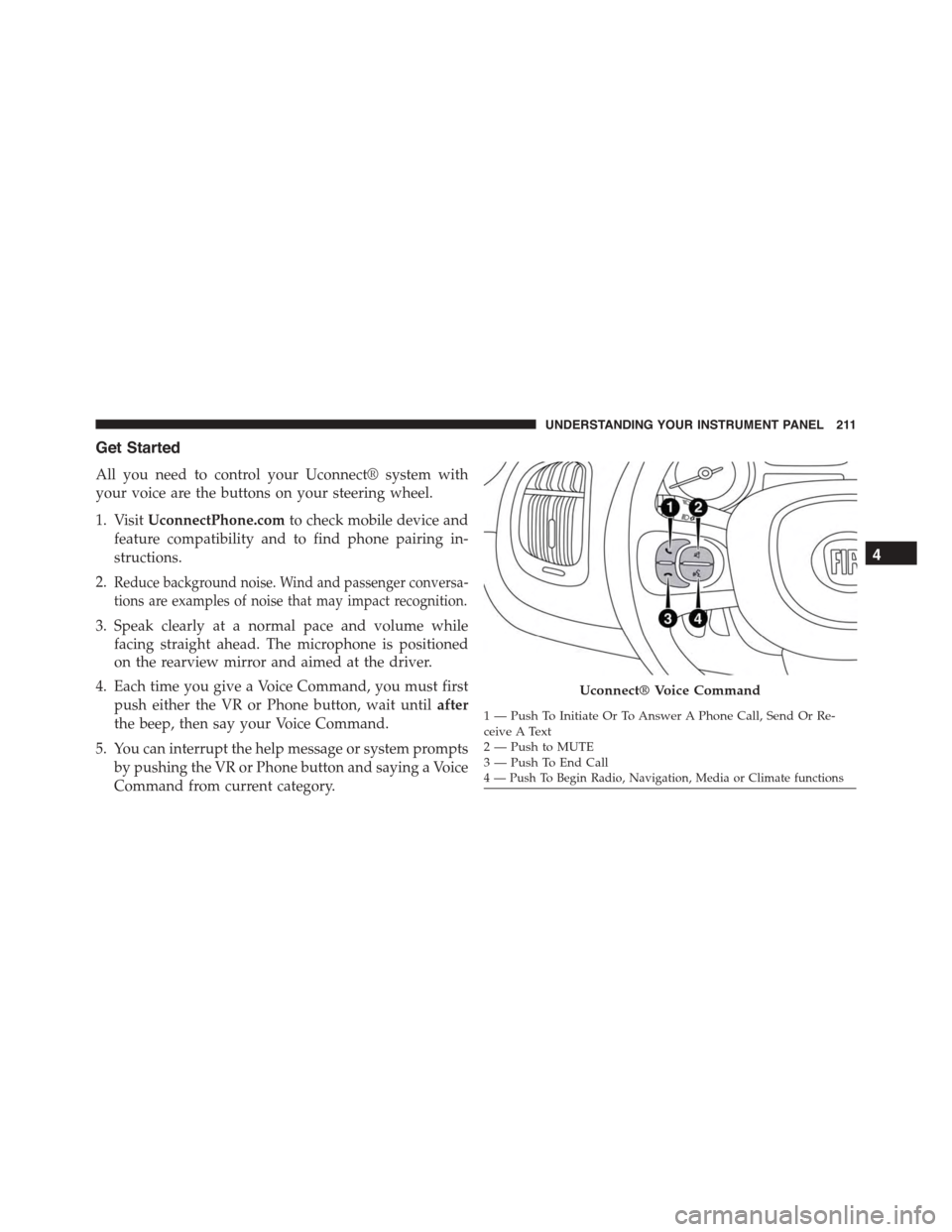
All you need to control your Uconnect® system with
your voice are the buttons on your steering wheel.
1. VisitUconnectPhone.comto check mobile device and
feature compatibility and to find phone pairing in-
structions.
2.Reduce background noise. Wind and passenger conversa-
tions are examples of noise that may impact recognition.
3. Speak clearly at a normal pace and volume while
facing straight ahead. The microphone is positioned
on the rearview mirror and aimed at the driver.
4. Each time you give a Voice Command, you must first
push either the VR or Phone button, wait untilafter
the beep, then say your Voice Command.
5. You can interrupt the help message or system prompts
by pushing the VR or Phone button and saying a Voice
Command from current category.
Uconnect® Voice Command
1—PushToInitiateOrToAnswerAPhoneCall,SendOrRe-ceive A Text2—PushtoMUTE3—PushToEndCall4 — Push To Begin Radio, Navigation, Media or Climate functions
4
UNDERSTANDING YOUR INSTRUMENT PANEL 211
Page 214 of 438
Basic Voice Commands
The basic Voice Commands below can be given at any
point while using your Uconnect® system.
Push the VR button. After the beep, say$
•Cancelto stop a current voice session
•Helpto hear a list of suggested Voice Commands
•Repeatto listen to the system prompts again
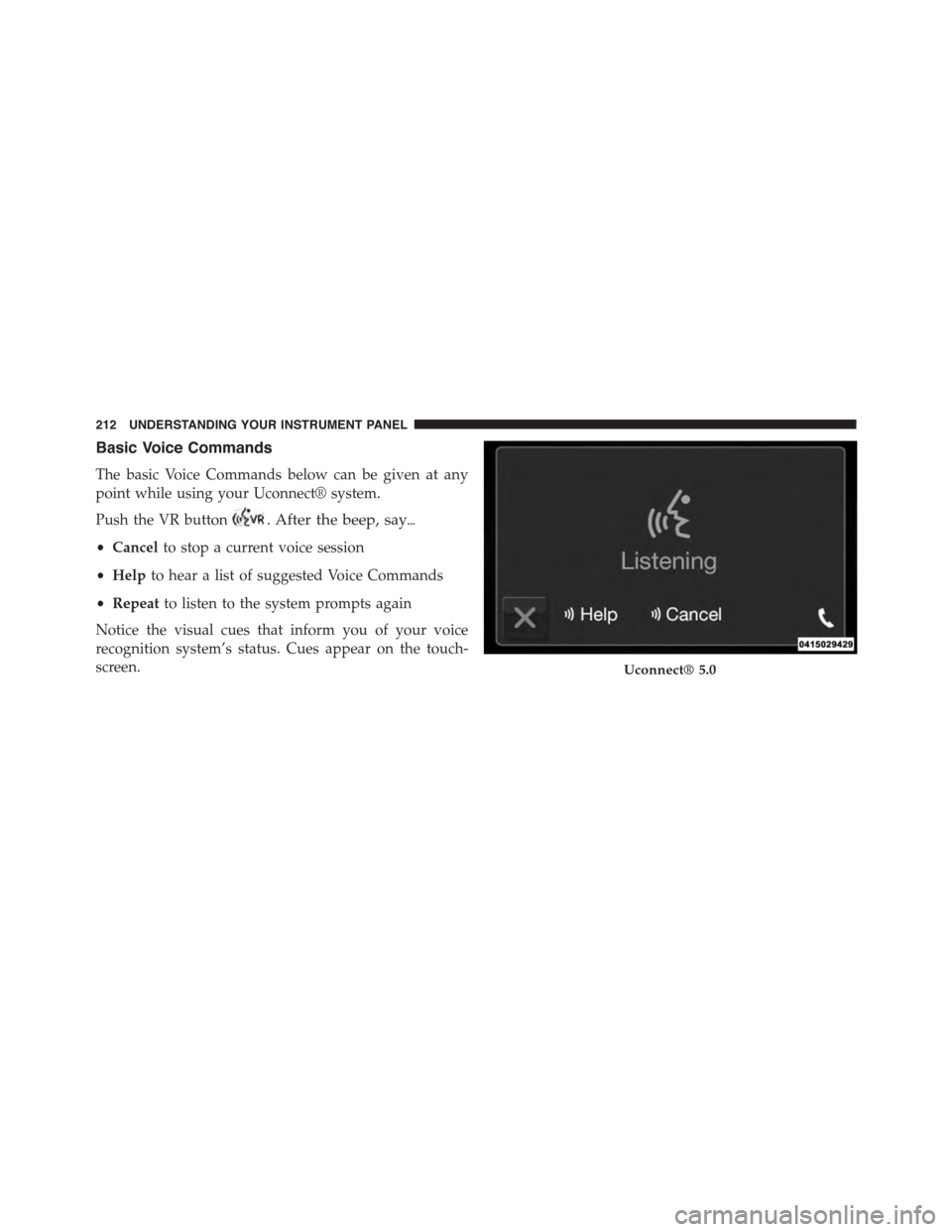
Notice the visual cues that inform you of your voice
recognition system’s status. Cues appear on the touch-
screen.Uconnect® 5.0
212 UNDERSTANDING YOUR INSTRUMENT PANEL
Page 215 of 438
Radio
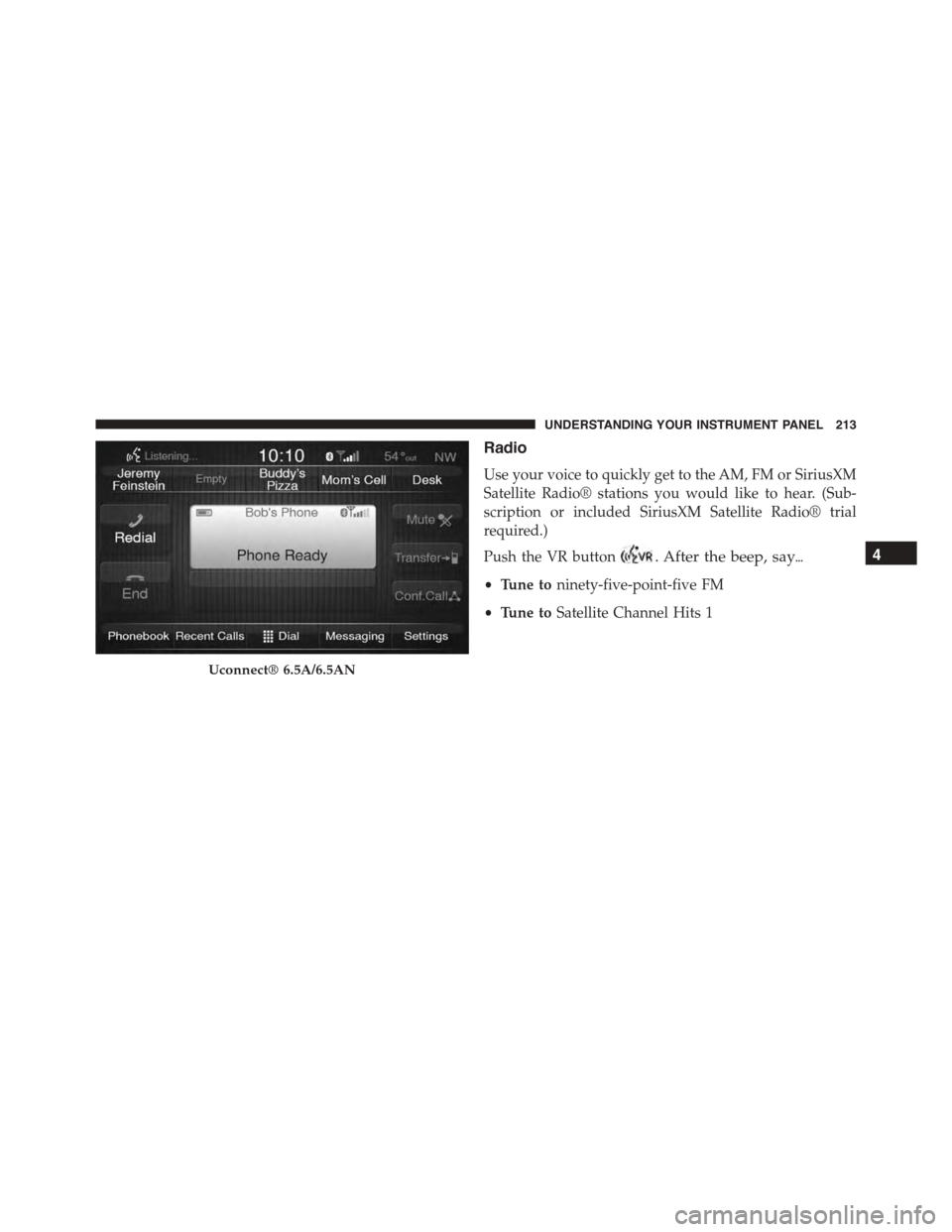
Use your voice to quickly get to the AM, FM or SiriusXM
Satellite Radio® stations you would like to hear. (Sub-
scription or included SiriusXM Satellite Radio® trial
required.)
Push the VR button. After the beep, say$
•Tune toninety-five-point-five FM
•Tune toSatellite Channel Hits 1
Uconnect® 6.5A/6.5AN
4
UNDERSTANDING YOUR INSTRUMENT PANEL 213
Page 216 of 438
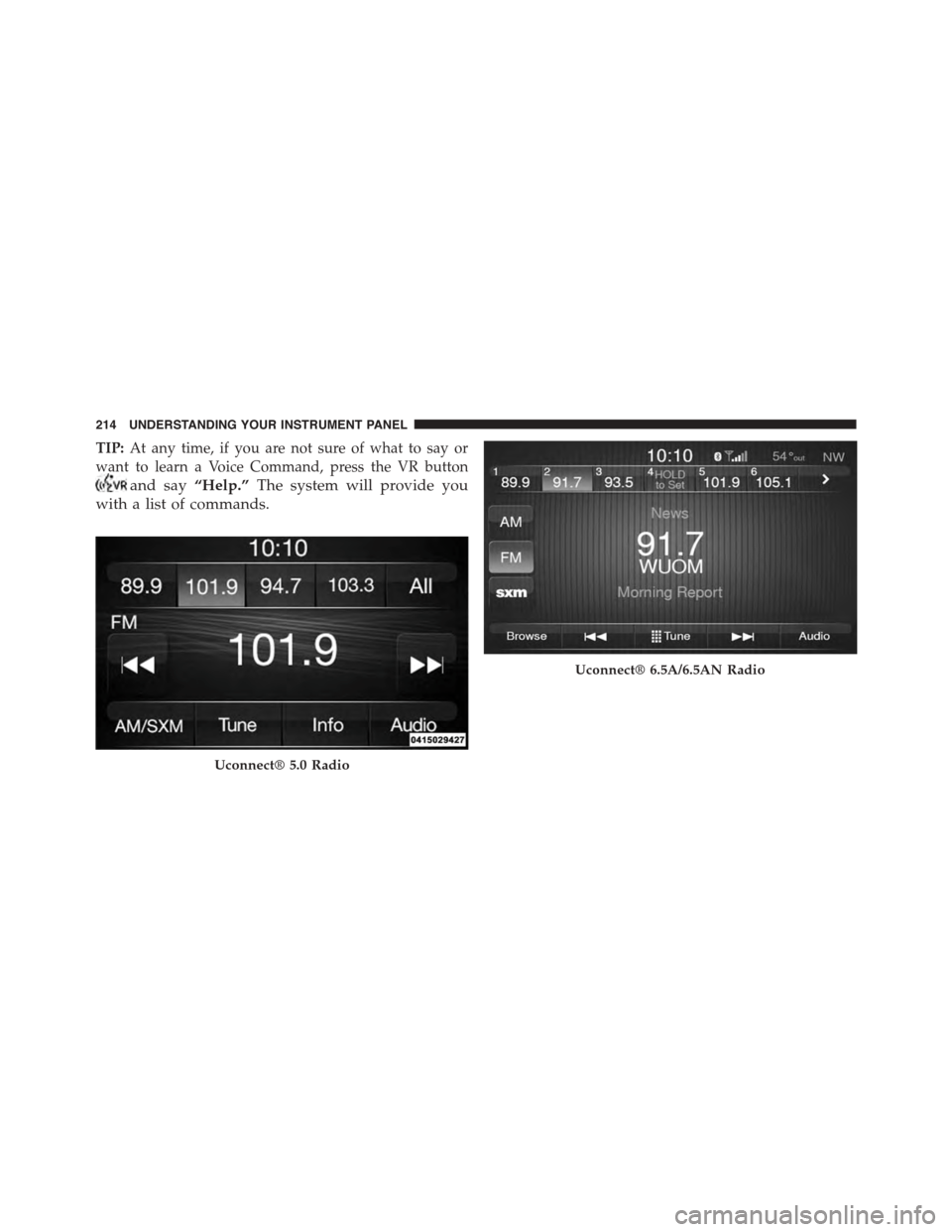
TIP:At any time, if you are not sure of what to say or
want to learn a Voice Command, press the VR button
and say“Help.”The system will provide you
with a list of commands.
Uconnect® 5.0 Radio
Uconnect® 6.5A/6.5AN Radio
214 UNDERSTANDING YOUR INSTRUMENT PANEL
Page 217 of 438
Media
Uconnect® offers connections via USB Port, Bluetooth®
and Auxiliary Ports (If Equipped). Voice operation is only
available for connected USB and iPod® devices. (Remote
CD player optional and not available on all vehicles.)
Push the VR button. After the beep, say one of the
following commands and follow the prompts to
switch your media source or choose an artist.
•Change sourceto Bluetooth®
•Change sourceto iPod®
•Change sourceto USB
•Play artistBeethoven;Play albumGreatest Hits;Play
songMoonlight Sonata;Play genreClassical
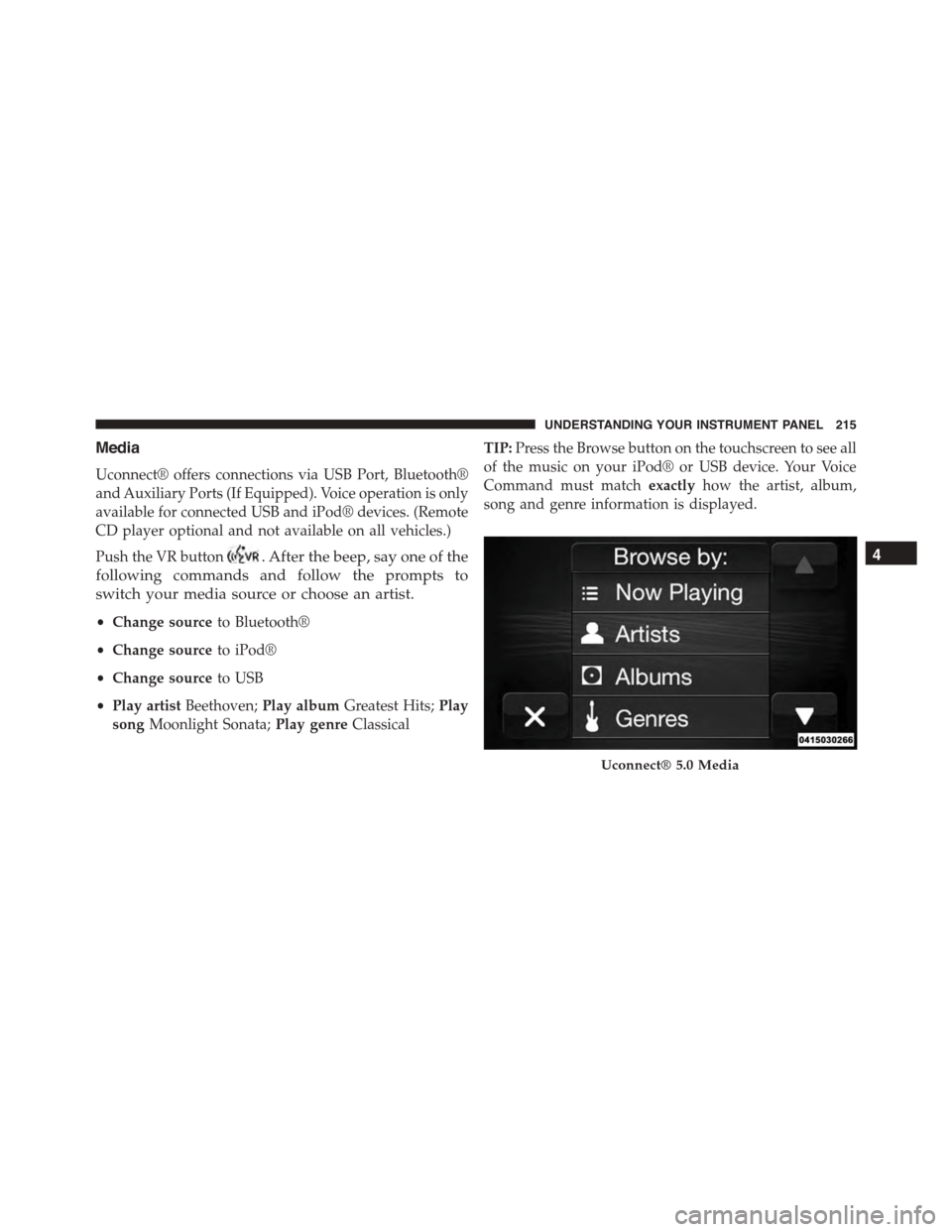
TIP:Press the Browse button on the touchscreen to see all
of the music on your iPod® or USB device. Your Voice
Command must matchexactlyhow the artist, album,
song and genre information is displayed.
Uconnect® 5.0 Media
4
UNDERSTANDING YOUR INSTRUMENT PANEL 215
Page 218 of 438
Phone
Making and answering hands-free phone calls is easy
with Uconnect®. When the Phonebook button is illumi-
nated on your touchscreen, your system is ready. Check
UconnectPhone.com for mobile phone compatibility and
pairing instructions.
Push the Phone button. After the beep, say one of
the following commands$
•CallJohn Smith
•Dial123-456-7890 and follow the system prompts
•Redial(call previous outgoing phone number)
•Call back(call previous incoming phone number)
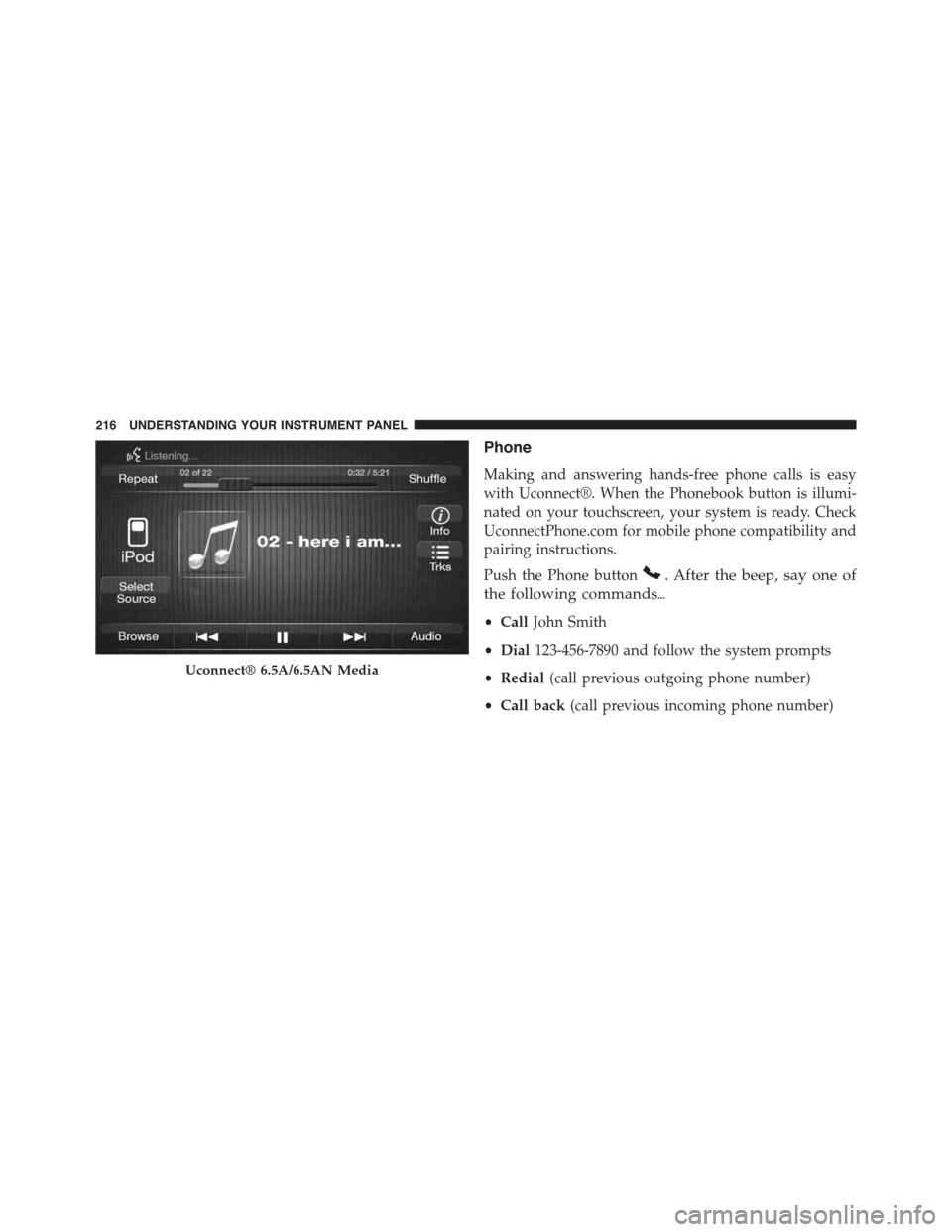
Uconnect® 6.5A/6.5AN Media
216 UNDERSTANDING YOUR INSTRUMENT PANEL
Page 219 of 438
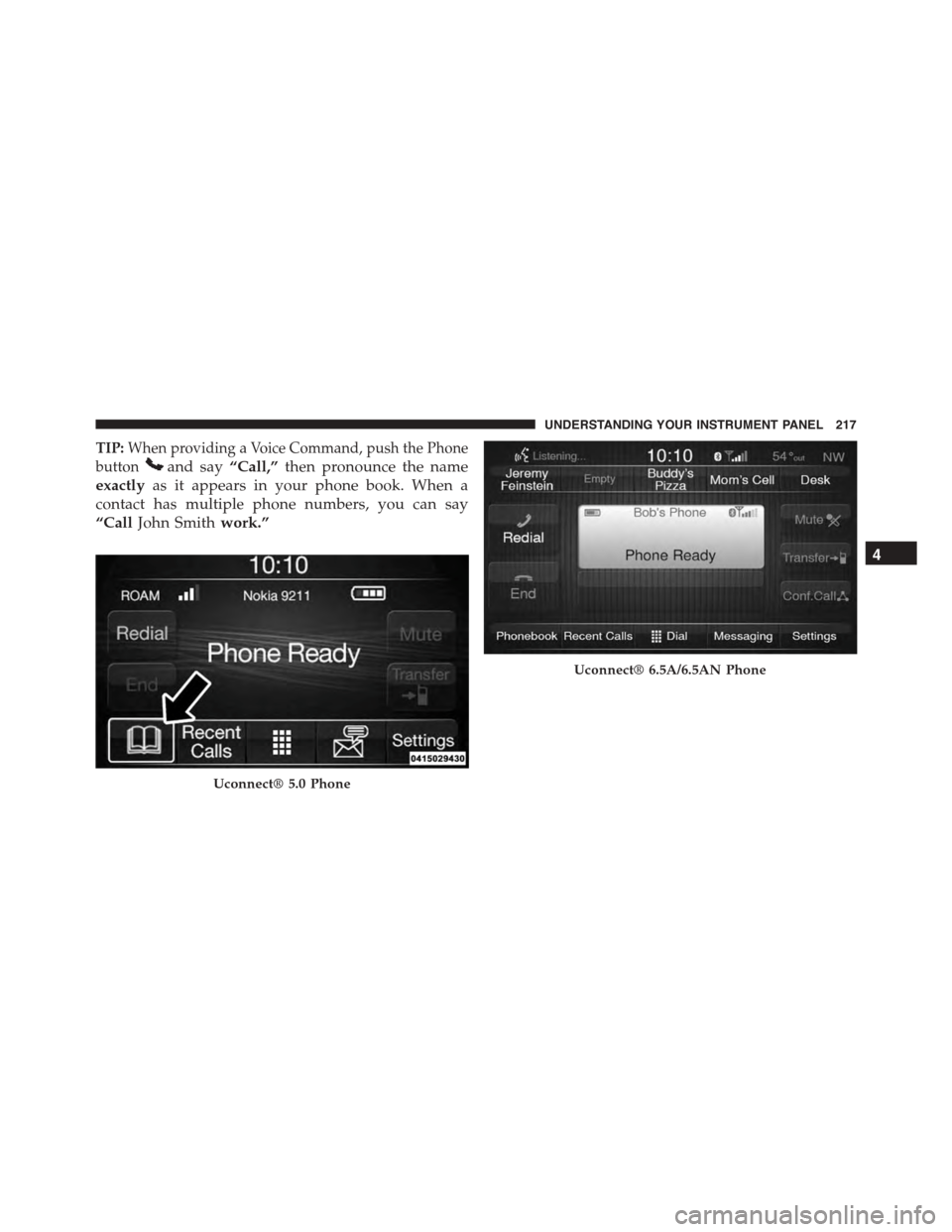
TIP:When providing a Voice Command, push the Phone
buttonand say“Call,”then pronounce the name
exactlyas it appears in your phone book. When a
contact has multiple phone numbers, you can say
“CallJohn Smithwork.”
Uconnect® 5.0 Phone
Uconnect® 6.5A/6.5AN Phone
4
UNDERSTANDING YOUR INSTRUMENT PANEL 217
Page 220 of 438
Navigation (6.5A/6.5AN)
The Uconnect® navigation feature helps you save time
and become more productive when you know exactly
how to get to where you want to go.
1. To enter a destination, push the VR button. After
the beep, say:
•For the 6.5AN Uconnect® System, say:“Navigate to
800 Chrysler Drive Auburn Hills, Michigan.”
2. Then follow the system prompts.
TIP:To start a POI search, push the VR button.
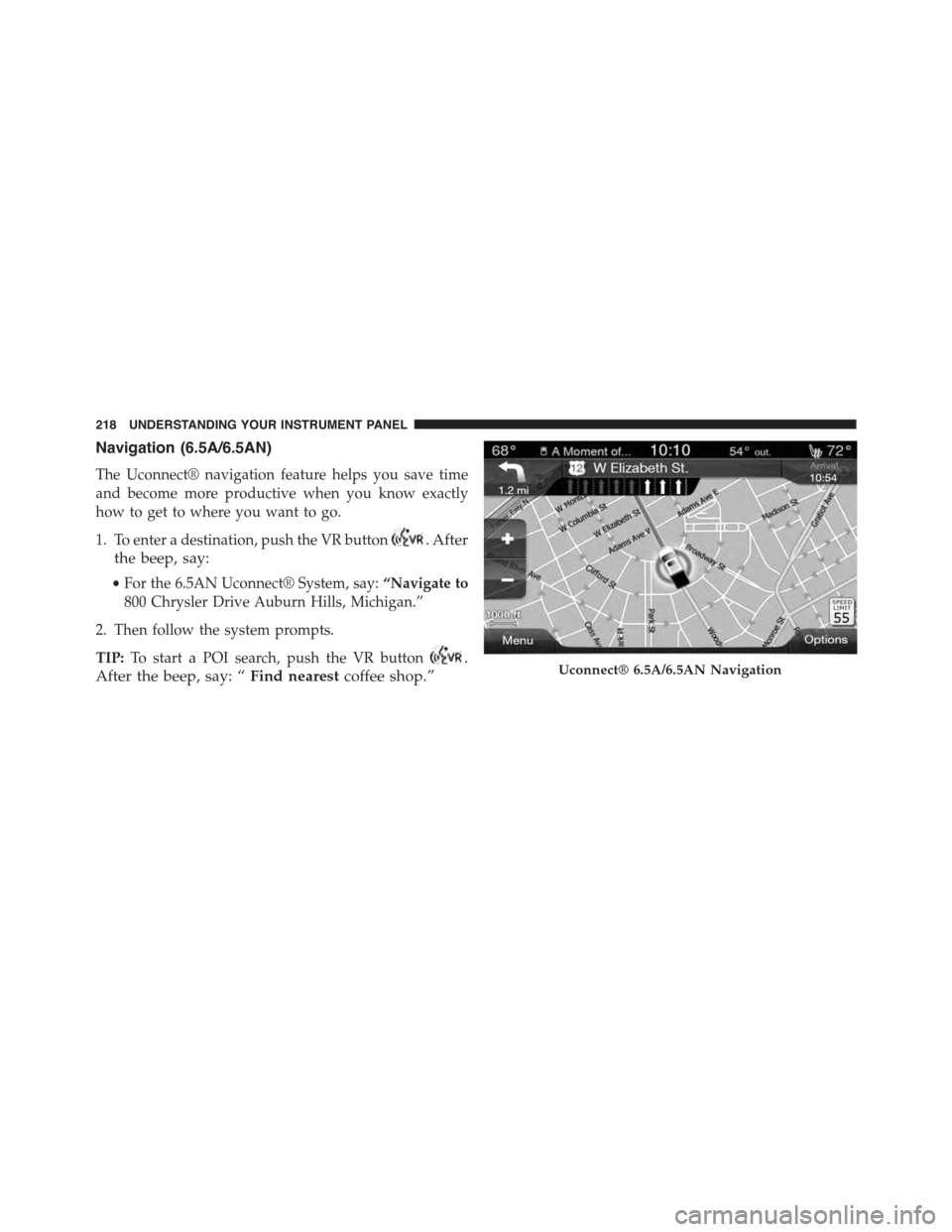
After the beep, say: “Find nearestcoffee shop.”Uconnect® 6.5A/6.5AN Navigation
218 UNDERSTANDING YOUR INSTRUMENT PANEL
Page 221 of 438
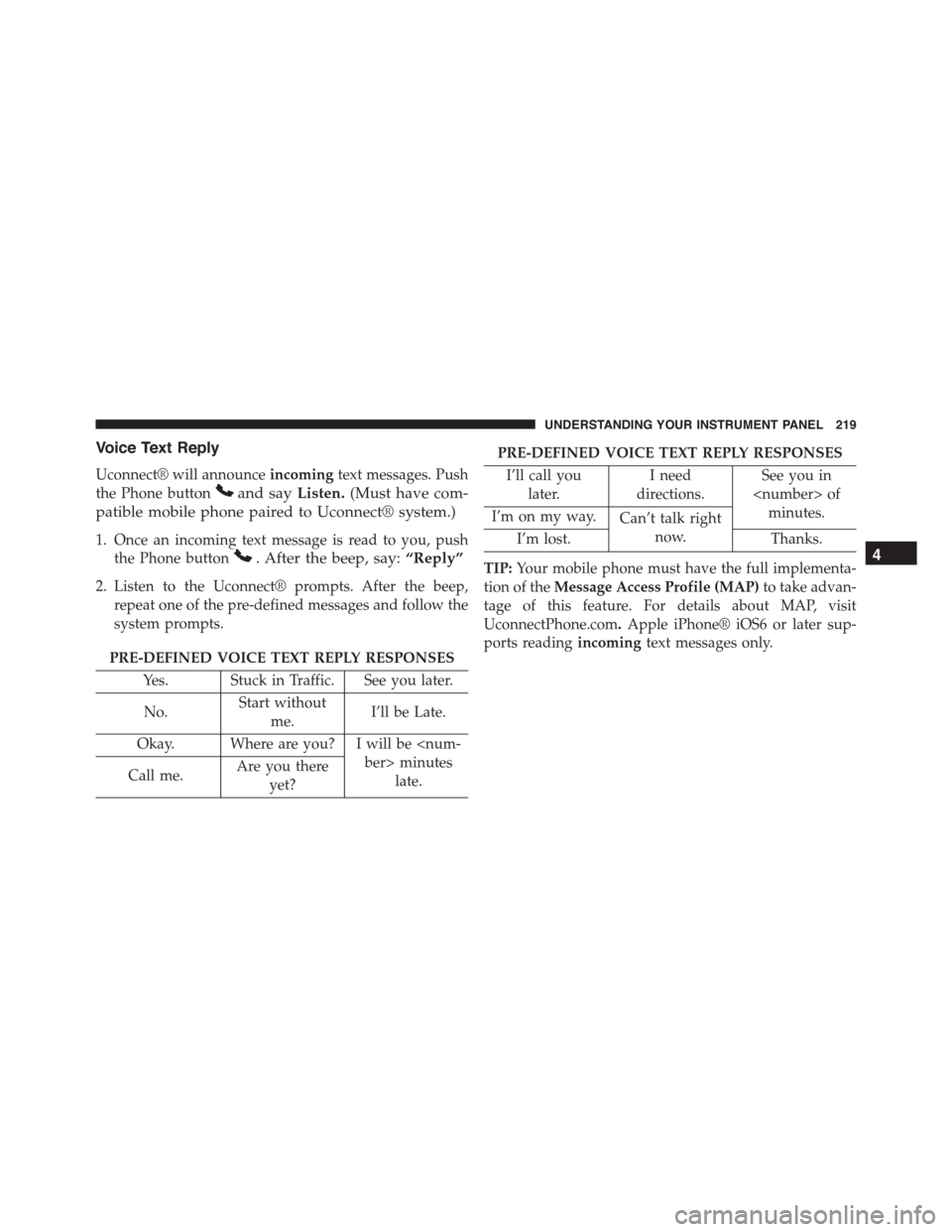
Voice Text Reply
Uconnect® will announceincomingtext messages. Push
the Phone buttonand sayListen.(Must have com-
patible mobile phone paired to Uconnect® system.)
1. Once an incoming text message is read to you, push
the Phone button. After the beep, say:“Reply”
2. Listen to the Uconnect® prompts. After the beep,
repeat one of the pre-defined messages and follow the
system prompts.
PRE-DEFINED VOICE TEXT REPLY RESPONSES
Yes. Stuck in Traffic. See you later.
No.Start without
me.I’ll be Late.
Okay. Where are you? I will be
late.Call me.Are you there
yet?
PRE-DEFINED VOICE TEXT REPLY RESPONSES
I’ll call you
later.
I need
directions.
See you in
minutes.I’m on my way.Can’t talk right
now.I’m lost.Thanks.
TIP:Your mobile phone must have the full implementa-
tion of theMessage Access Profile (MAP)to take advan-
tage of this feature. For details about MAP, visit
UconnectPhone.com.Apple iPhone® iOS6 or later sup-
ports readingincomingtext messages only.
4
UNDERSTANDING YOUR INSTRUMENT PANEL 219
Page 222 of 438

Additional Information
© 2014 Chrysler Group LLC. All rights reserved. Mopar
and Uconnect are registered trademarks and Mopar
Owner Connect is a trademark of Chrysler Group LLC.
Android is a trademark of Google Inc. SiriusXM and all
related marks and logos are trademarks of SiriusXM
Radio Inc. Yelp, Yelp logo, Yelp burst and related marks
are registered trademarks of Yelp.
Uconnect® System Support:
•U.S. residents call 1-877-855-8400 or visit
DriveUconnect.com
•Canadian residents call 1-800-465-2001 (English) or
1-800-387-9983 (French) or visit DriveUconnect.ca
Mon. – Fri., 7:00 am – 12:00 am, ET
Sat., 8:00 am – 10:00 pm, ET
Sun., 9:00 am – 5:00 pm, ET
Uconnect® Access Services Support 1-855-792-4241.
Please have your Uconnect® Security PIN ready when
you call.
220 UNDERSTANDING YOUR INSTRUMENT PANEL