light FIAT 500L 2017 2.G Owner's Manual
[x] Cancel search | Manufacturer: FIAT, Model Year: 2017, Model line: 500L, Model: FIAT 500L 2017 2.GPages: 370, PDF Size: 3.56 MB
Page 93 of 370
Headlights
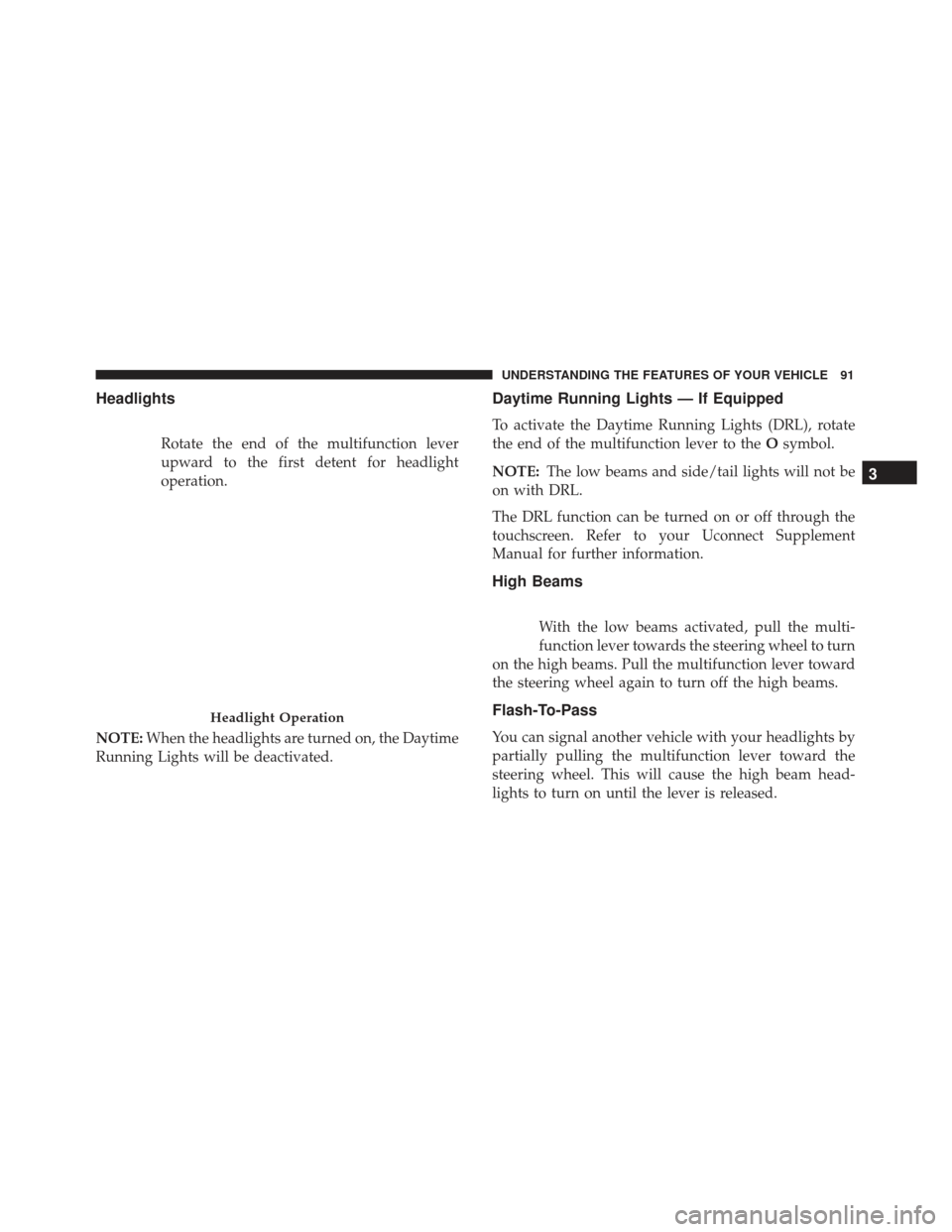
Rotate the end of the multifunction lever
upward to the first detent for headlight
operation.
NOTE: When the headlights are turned on, the Daytime
Running Lights will be deactivated.
Daytime Running Lights — If Equipped
To activate the Daytime Running Lights (DRL), rotate
the end of the multifunction lever to the Osymbol.
NOTE: The low beams and side/tail lights will not be
on with DRL.
The DRL function can be turned on or off through the
touchscreen. Refer to your Uconnect Supplement
Manual for further information.
High Beams
With the low beams activated, pull the multi-
function lever towards the steering wheel to turn
on the high beams. Pull the multifunction lever toward
the steering wheel again to turn off the high beams.
Flash-To-Pass
You can signal another vehicle with your headlights by
partially pulling the multifunction lever toward the
steering wheel. This will cause the high beam head-
lights to turn on until the lever is released.
Headlight Operation
3
UNDERSTANDING THE FEATURES OF YOUR VEHICLE 91
Page 94 of 370
Parking Lights
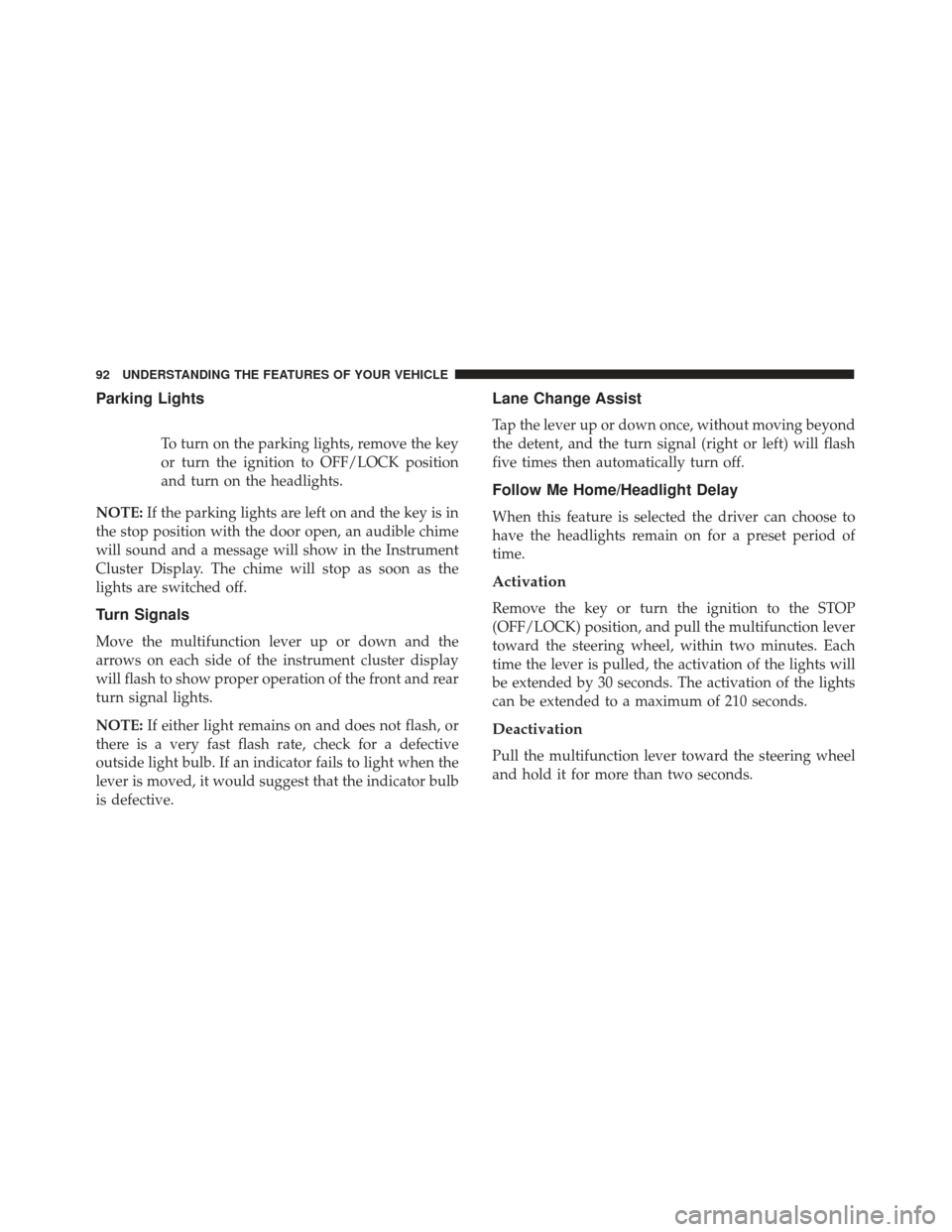
To turn on the parking lights, remove the key
or turn the ignition to OFF/LOCK position
and turn on the headlights.
NOTE: If the parking lights are left on and the key is in
the stop position with the door open, an audible chime
will sound and a message will show in the Instrument
Cluster Display. The chime will stop as soon as the
lights are switched off.
Turn Signals
Move the multifunction lever up or down and the
arrows on each side of the instrument cluster display
will flash to show proper operation of the front and rear
turn signal lights.
NOTE: If either light remains on and does not flash, or
there is a very fast flash rate, check for a defective
outside light bulb. If an indicator fails to light when the
lever is moved, it would suggest that the indicator bulb
is defective.
Lane Change Assist
Tap the lever up or down once, without moving beyond
the detent, and the turn signal (right or left) will flash
five times then automatically turn off.
Follow Me Home/Headlight Delay
When this feature is selected the driver can choose to
have the headlights remain on for a preset period of
time.
Activation
Remove the key or turn the ignition to the STOP
(OFF/LOCK) position, and pull the multifunction lever
toward the steering wheel, within two minutes. Each
time the lever is pulled, the activation of the lights will
be extended by 30 seconds. The activation of the lights
can be extended to a maximum of 210 seconds.
Deactivation
Pull the multifunction lever toward the steering wheel
and hold it for more than two seconds.
92 UNDERSTANDING THE FEATURES OF YOUR VEHICLE
Page 95 of 370
Front Fog Lights — If Equipped
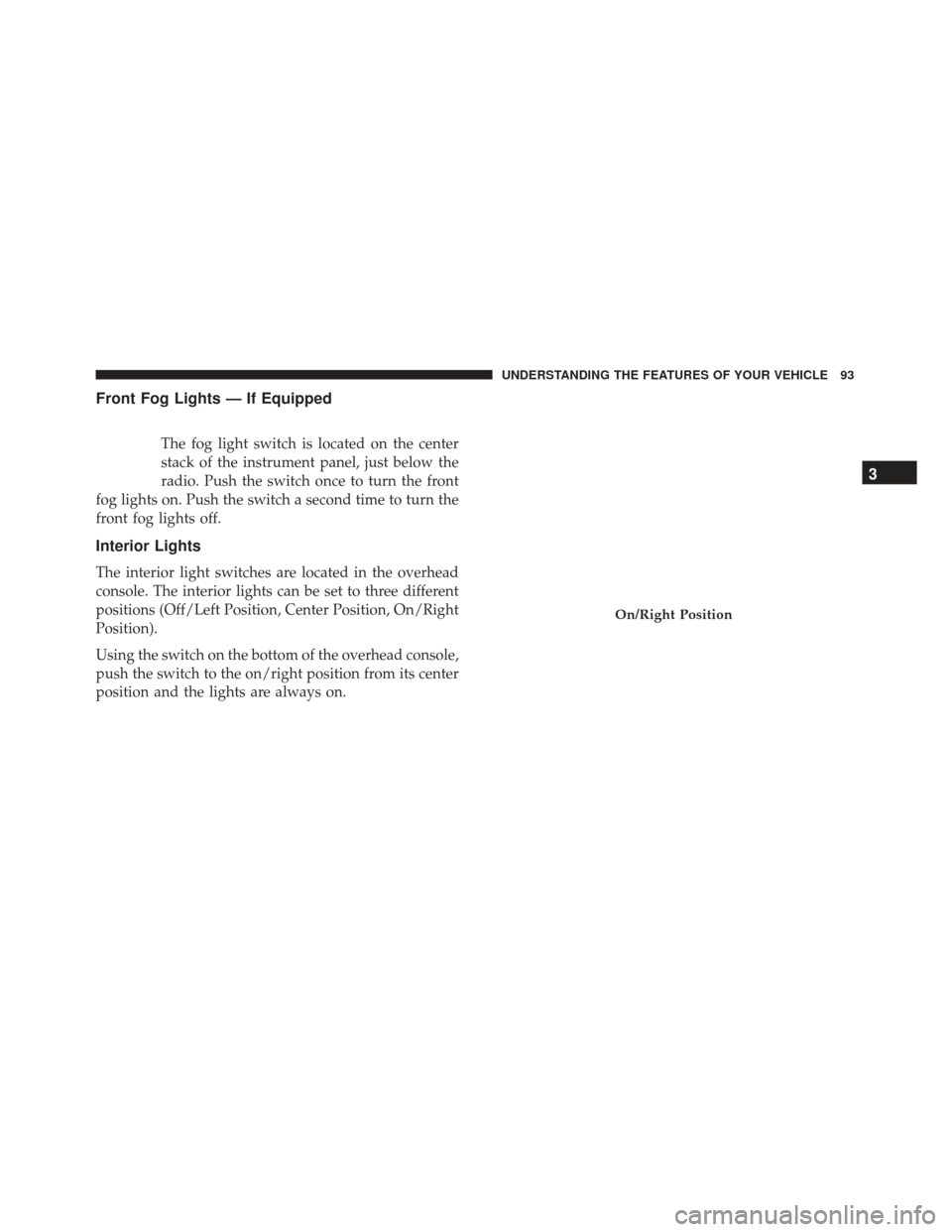
The fog light switch is located on the center
stack of the instrument panel, just below the
radio. Push the switch once to turn the front
fog lights on. Push the switch a second time to turn the
front fog lights off.
Interior Lights
The interior light switches are located in the overhead
console. The interior lights can be set to three different
positions (Off/Left Position, Center Position, On/Right
Position).
Using the switch on the bottom of the overhead console,
push the switch to the on/right position from its center
position and the lights are always on.
On/Right Position
3
UNDERSTANDING THE FEATURES OF YOUR VEHICLE 93
Page 96 of 370
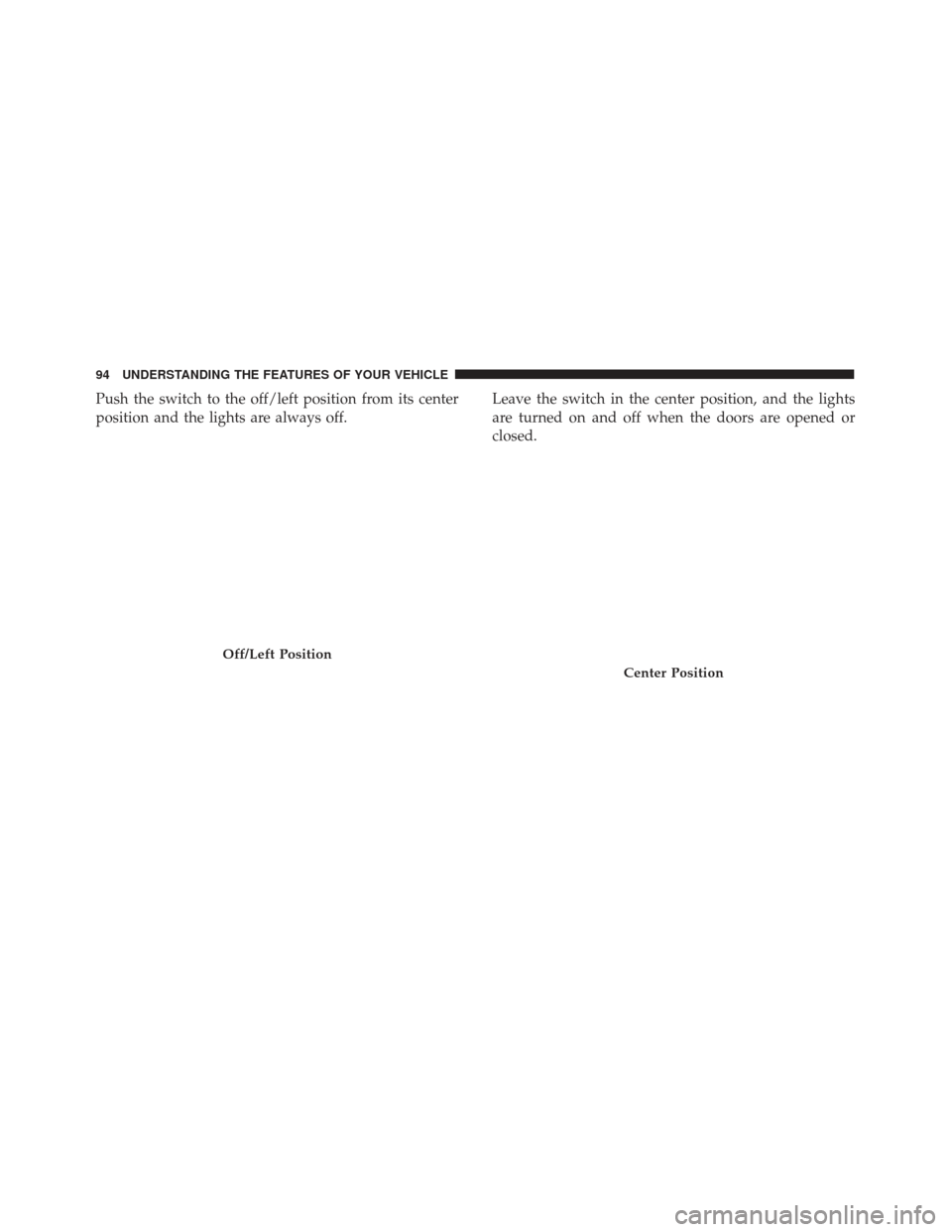
Push the switch to the off/left position from its center
position and the lights are always off.Leave the switch in the center position, and the lights
are turned on and off when the doors are opened or
closed.
Off/Left Position
Center Position
94 UNDERSTANDING THE FEATURES OF YOUR VEHICLE
Page 97 of 370
The switches on the left and right sides of the overhead
console controls the map or reading function of the
lights. Push the switch to the right to turn on the right
light and push the switch to the left to turn on the left
light.
CAUTION!
Before getting out of the vehicle be sure that the
switch is in the center position or that the lights are
off to avoid draining the battery.
Interior Light Timing (Center Position)
There are four different modes of operation that can be
activated in this position:
•When one door is opened a three minute timer is
activated.
• When the key is removed from the ignition (within
two minutes of the ignition being turned off), a 10
second timer is activated.
• When the doors are unlocked with the key fob a 10
second timer is activated.
• When the doors are locked with the key fob the lights
will turn off.
Interior Light Timing (On/Right Position)
•When all doors are closed a 15 minute timer is
activated.
NOTE: The timer is deactivated when the key is moved
into the ON/RUN position.Map/Reading Light Switches
3
UNDERSTANDING THE FEATURES OF YOUR VEHICLE 95
Page 103 of 370
To Activate
Push the on/off button. The cruise control set indicator
light in the instrument cluster display will illuminate.
To turn the system off, push the on/off button a second
time. The cruise control set indicator light will turn off.
The system should be turned off when not in use.
WARNING!
Leaving the Electronic Speed Control system on
when not in use is dangerous. You could acciden-
tally set the system or cause it to go faster than you
want. You could lose control and have an accident.
Always leave the system off when you are not using
it.
To Set A Desired Speed
Turn the Electronic Speed Control on. When the vehicle
has reached the desired speed, push the SET (-) button
and release. Release the accelerator and the vehicle will
operate at the selected speed.NOTE:
The vehicle should be traveling at a steady
speed and on level ground before pushing the SET (-)
button.
To Deactivate
A soft tap on the brake pedal, pushing the CANC
button, or normal brake pressure while slowing the
vehicle will deactivate Electronic Speed Control with-
out erasing the set speed memory. Pushing the ON/
OFF button or turning the ignition switch OFF erases
the set speed in memory.
To Resume Speed
To resume a previously set speed, push the RES (+)
button and release. Resume can be used at any speed
above 25 mph (40 km/h).
To Vary The Speed Setting
To Increase Speed
When the Electronic Speed Control is set, you can
increase speed by pushing the RES (+) button.
3
UNDERSTANDING THE FEATURES OF YOUR VEHICLE 101
Page 105 of 370
•If the button is continually pushed, the set speed will
continue to decrease until the button is released, then
the new set speed will be established.
To Accelerate For Passing
Press the accelerator as you would normally. When the
pedal is released, the vehicle will return to the set speed.
Using Electronic Speed Control On Hills
The transmission may downshift on hills to maintain
the vehicle set speed.
NOTE: The Electronic Speed Control system maintains
speed up and down hills. A slight speed change on
moderate hills is normal.
On steep hills, a greater speed loss or gain may occur so
it may be preferable to drive without Electronic Speed
Control.
WARNING!
Electronic Speed Control can be dangerous where
the system cannot maintain a constant speed. Your
vehicle could go too fast for the conditions, and you
(Continued)
WARNING! (Continued)
could lose control and have an accident. Do not use
Electronic Speed Control in heavy traffic or on
roads that are winding, icy, snow-covered or slip-
pery.
REAR PARK ASSIST — IF EQUIPPED
The Rear Park Assist system provides an audible indi-
cation of the distance between the rear fascia/bumper
and a detected obstacle when backing up, e.g. during a
parking maneuver. Refer to the “Park Assist System
Usage Precautions” for the limitations of this system
and recommendations.
Rear Park Assist is automatically activated when the
transmission is placed into REVERSE. As the distance
from an obstacle behind the vehicle decreases, the
audible alert becomes more frequent.
Interaction With Trailer Towing
The Rear Park Assist system is automatically deacti-
vated when a trailer is hitched to the vehicle. The
system will be automatically activated as soon as the
trailer is removed.
3
UNDERSTANDING THE FEATURES OF YOUR VEHICLE 103
Page 112 of 370
GARAGE DOOR OPENER — IF EQUIPPED
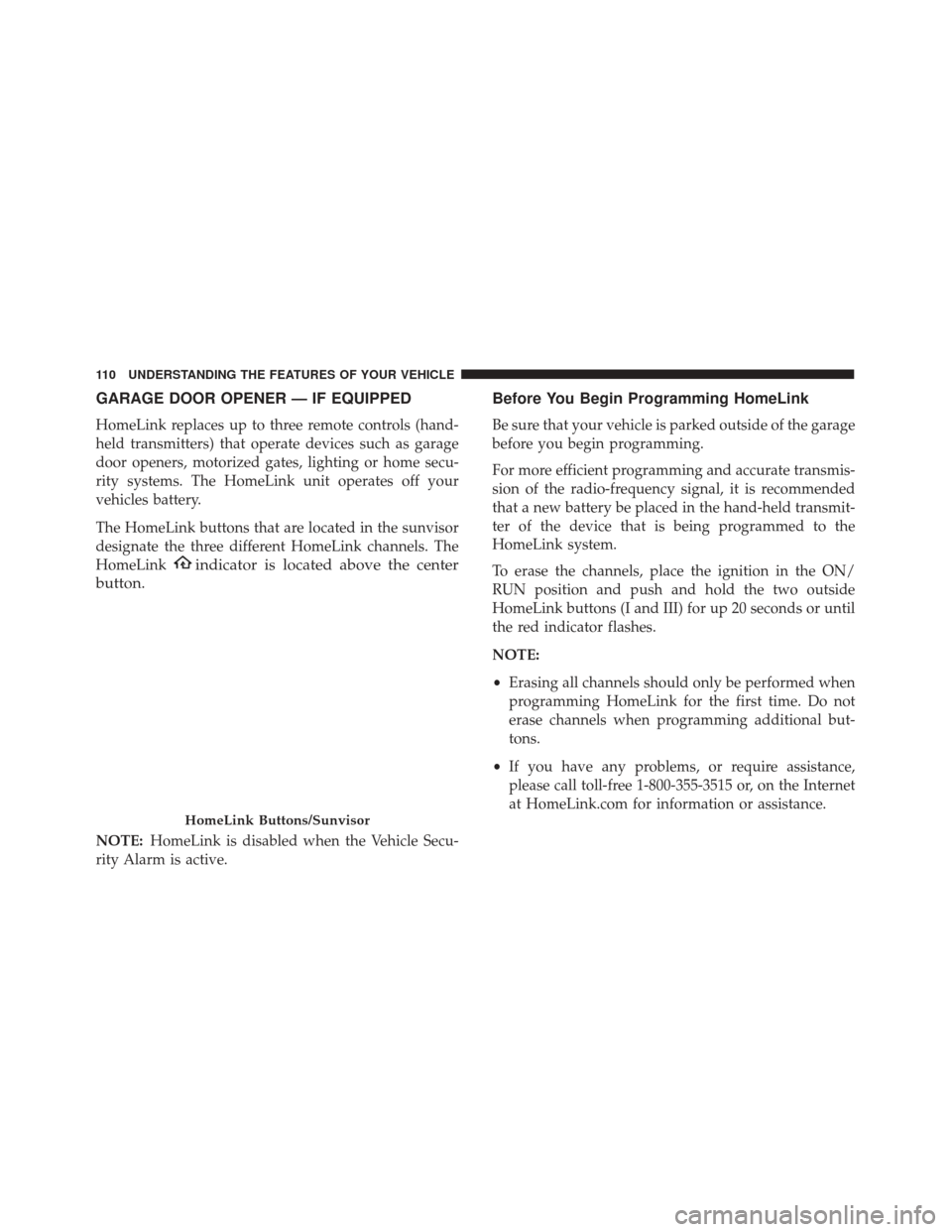
HomeLink replaces up to three remote controls (hand-
held transmitters) that operate devices such as garage
door openers, motorized gates, lighting or home secu-
rity systems. The HomeLink unit operates off your
vehicles battery.
The HomeLink buttons that are located in the sunvisor
designate the three different HomeLink channels. The
HomeLink
indicator is located above the center
button.
NOTE: HomeLink is disabled when the Vehicle Secu-
rity Alarm is active.
Before You Begin Programming HomeLink
Be sure that your vehicle is parked outside of the garage
before you begin programming.
For more efficient programming and accurate transmis-
sion of the radio-frequency signal, it is recommended
that a new battery be placed in the hand-held transmit-
ter of the device that is being programmed to the
HomeLink system.
To erase the channels, place the ignition in the ON/
RUN position and push and hold the two outside
HomeLink buttons (I and III) for up 20 seconds or until
the red indicator flashes.
NOTE:
• Erasing all channels should only be performed when
programming HomeLink for the first time. Do not
erase channels when programming additional but-
tons.
• If you have any problems, or require assistance,
please call toll-free 1-800-355-3515 or, on the Internet
at HomeLink.com for information or assistance.
HomeLink Buttons/Sunvisor
110 UNDERSTANDING THE FEATURES OF YOUR VEHICLE
Page 113 of 370
Programming A Rolling Code
For programming garage door openers that were manu-
factured after 1995:
These garage door openers can be identified by the
“LEARN” or “TRAIN” button located where the hang-
ing antenna is attached to the garage door opener. It is
NOT the button that is normally used to open and close
the door. The name and color of the button may vary by
manufacturer.1. Place the ignition in the ON/RUN position.
NOTE:
For vehicles equipped with Keyless Enter-N-
Go, place the ignition in the RUN position with the
engine ON. Make sure while programming HomeLink
with the engine ON that your vehicle is outside of your
garage, or that the garage door remains open at all
times.
2.
Place the hand-held transmitter 1 to 3 inches (3 to 8 cm)
away from the HomeLink button you wish to program
while keeping the HomeLink indicator light in view.
3. Push and hold the HomeLink button you want to program while you push and hold the hand-held
transmitter button.
4. Continue to hold both buttons and observe the indicator light. The HomeLink indicator will flash
slowly and then rapidly after HomeLink has re-
ceived the frequency signal from the hand-held
transmitter. Release both buttons after the indicator
light changes from slow to rapid.
5. At the garage door opener motor (in the garage), locate the “LEARN” or “TRAINING” button. This
can usually be found where the hanging antenna
wire is attached to the garage door opener/device
Training The Garage Door Opener
1 — Door Opener
2 — Training Button
3
UNDERSTANDING THE FEATURES OF YOUR VEHICLE 111
Page 114 of 370
motor. Firmly push and release the “LEARN” or
“TRAINING” button. On some garage door
openers/devices there may be a light that blinks
when the garage door opener/device is in the
LEARN/TRAIN mode.
NOTE: You have 30 seconds in which to initiate the next
step after the LEARN button has been pushed.
6. Return to the vehicle and push the programmed HomeLink button twice (holding the button for two
seconds each time). If the garage door opener/device
activates, programming is complete.
NOTE: If the garage door opener/device does not
activate, push the button a third time (for two seconds)
to complete the training.
To program the remaining two HomeLink buttons,
repeat each step for each remaining button. DO NOT
erase the channels.
Reprogramming A Single HomeLink Button
(Rolling Code)
To reprogram a channel that has been previously
trained, follow these steps:
1. Cycle the ignition to the ON/RUN position. NOTE:
For vehicles equipped with Keyless Enter-N-
Go, place the ignition in the RUN position with the
engine ON. Make sure while programming HomeLink
with the engine ON that your vehicle is outside of your
garage, or that the garage door remains open at all
times.
2. Push and hold the desired HomeLink button until the indicator light begins to flash after 20 seconds.
Do not release the button.
3. Without releasing the button, proceed with “Pro-
gramming A Rolling Code” step 2 and follow all
remaining steps.
Programming A Non-Rolling Code
For programming Garage Door Openers manufactured
before 1995:
1. Place the ignition in the ON/RUN position.
NOTE: For vehicles equipped with Keyless Enter-N-
Go, place the ignition in the RUN position with the
engine ON. Make sure while programming HomeLink
with the engine ON that your vehicle is outside of your
garage, or that the garage door remains open at all
times.
112 UNDERSTANDING THE FEATURES OF YOUR VEHICLE