light FIAT 500X 2014 2.G Owner's Manual
[x] Cancel search | Manufacturer: FIAT, Model Year: 2014, Model line: 500X, Model: FIAT 500X 2014 2.GPages: 476, PDF Size: 5.32 MB
Page 69 of 476
operation of the headlights, side marker lights, daytime
running lights, fog lights and the dimming of the
instrument cluster and interior lighting.
Turning on the headlights will illuminate the instru-
ment cluster and the controls located on the instrument
panel.Automatic Lighting — If Equipped
Light Sensor
The light sensor is equipped with an infrared LED,
located on the windshield. It detects changes in light
intensity outside the vehicle, based on the sensitivity of
light set by using the Menu on the display or on the
Uconnect system.
The higher the sensitivity, the lesser the amount of
external light required for controlling the lighting.
Automatic Headlights
Turn the headlight switch to the AUTO position.
When the automatic headlights are enabled, the head-
light time delay is active. After the ignition switch is
placed in the STOP mode, the headlights will automati-
cally turn off after approximately 90 seconds depending
on the settings of the feature.
The timing of the headlights is adjustable between 0, 30,
60 and 90 seconds. Refer to “Uconnect Settings” in
“Multimedia” for further information.
NOTE:The engine must be running before the head-
lights will come on in the automatic mode.
Headlight Switch
1 — Rotate Headlight Switch
2 — Ambient Light Dimmer
3 — Instrument Panel Dimmer
4 — Push Fog Light Switch
4
GETTING TO KNOW YOUR VEHICLE 67
Page 70 of 476
Daytime Running Lights (DRL) — If Equipped
The Daytime Running Lights (DRLs) will turn on when
the engine is started and remain on unless the head-
lights are turned on or the engine is shut off.
The DRLs will be disabled during turn signal operation
and resume operation when the turn signal operation
has ended.
Front Fog Lights — If Equipped
The front fog light switch is built into the headlight
switch.To activate the front fog lights, turn on the
parking lights or the low beam headlights and
push the headlight switch. To turn off the front fog
lights, push the headlight switch a second time or turn
off the headlight switch.
An indicator light in the instrument cluster illuminates
when the fog lights are turned on. NOTE:
•
The fog lights will operate with the low beam head-
lights or parking lights on. Selecting the high beam
headlights will turn off the fog lights.
• The fog lights also function as cornering lights.
Therefore there will be times when only one light is
on.
Parking Lights
Rotate the headlight switch to the first position to turn
on the parking lights. The parking light indicator in the
cluster will illuminate.
Headlight Delay
This feature provides the safety of headlight illumina-
tion for up to 90 seconds when leaving your vehicle in
an unlit area.
The time delay of the headlights is programmable
between 0, 30, 60 and 90 seconds. Refer to “Uconnect
Settings” in “Multimedia” for further information.
Headlight Delay Activation
To activate the delay feature, place the ignition in the
STOP position while the headlights are still on. Then,
68 GETTING TO KNOW YOUR VEHICLE
Page 71 of 476
turn off the headlights within two minutes. The delay
interval begins when the headlight switch is turned off.
Headlight Delay Disable
The feature is disabled by turning on the headlights, the
parking lights or by placing the ignition in RUN mode.
If you shut off the lights before the ignition is turned on,
they will turn off in the normal manner.
NOTE:The lights must be turned off within two
minutes of placing the ignition in STOP mode to
activate this feature.
High Beams
To turn on the high beam headlights, push the turn
signal lever forward (toward the front of the vehicle)
and an indicator will illuminate in the cluster. To turn
off the high beams, pull the turn signal lever rearward
(toward the rear of the vehicle). NOTE:
The headlights must be on for the high beams to
activate.
High Beam And Turn Signal Controls
4
GETTING TO KNOW YOUR VEHICLE 69
Page 72 of 476
Turn Signals
Move the multifunction lever up or down and the
arrows on each side of the instrument cluster flash to
show proper operation of the front and rear turn signal
lights.
When the Daytime Running Lights are on and a turn
signal is activated, the Daytime Running Lamp will
turn off on the side of the vehicle in which the turn
signal is flashing. The Daytime Running Lamp will turn
back on when the turn signal is turned off.
INTERIOR LIGHTS
Front Courtesy Light
The courtesy lights will automatically turn on when the
door is open or closed. The light switches in the
overhead console are for reading lamps.Push the driver or passenger light switch to operate the
reading lamps individually.
Front Courtesy/Reading Lights
1 — Left Courtesy/Reading Light
2 — Left Light Switch
3 — Right Light Switch
4 — Right Courtesy/Reading Light
70 GETTING TO KNOW YOUR VEHICLE
Page 73 of 476
NOTE:
•Before exiting the vehicle, make sure that the interior
lights are turned off. This will prevent the battery
from discharging once the doors are closed.
• If a light is left on it will automatically be turned off
after approximately 15 minutes after the ignition is in
STOP mode.
Dome Light Timing
The Dome Light will automatically illuminate when the
doors are unlocked, the doors are opened or after the
doors are closed.
Timing Entering The Vehicle
The dome lights illuminate in the following ways:
• When the doors are unlocked, the dome light will
illuminate for approximately 27 seconds.
• When one of the doors is opened, the dome light will
illuminate for approximately three minutes.
• When the doors are closed, the dome light will
automatically shut off after approximately 27 sec-
onds. NOTE:
The timing stops once the ignition is placed in
the RUN or START mode.
The dome light will turn off under any of the following
conditions:
• The dome light is disabled when the ignition is
placed in the RUN or START mode.
• The dome lights will turn off automatically when the
doors are locked.
• The dome lights will automatically turn off after
approximately fifteen minutes of inactivity to pre-
serve the battery.
Timing Exiting The Vehicle
The dome light will illuminate under the following
conditions when the ignition is turned to the STOP
mode:
• The dome light will illuminate for 27 seconds after
the key is removed from the vehicle.
• The opening of one of the doors (approximately three
minutes).
• After closing a door (approximately 27 seconds).
4
GETTING TO KNOW YOUR VEHICLE 71
Page 74 of 476
The dome light timing is disabled when the doors are
locked.
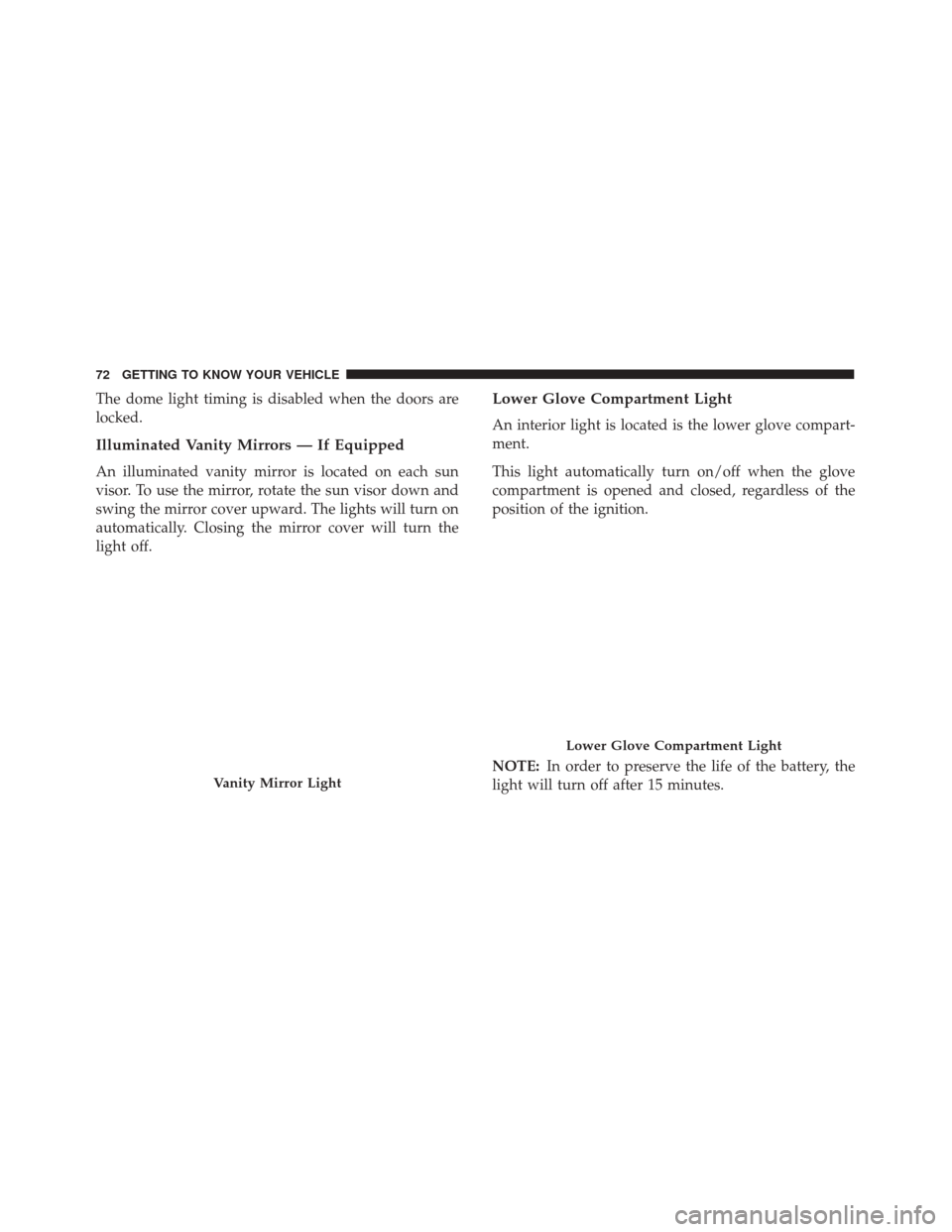
Illuminated Vanity Mirrors — If Equipped
An illuminated vanity mirror is located on each sun
visor. To use the mirror, rotate the sun visor down and
swing the mirror cover upward. The lights will turn on
automatically. Closing the mirror cover will turn the
light off.
Lower Glove Compartment Light
An interior light is located is the lower glove compart-
ment.
This light automatically turn on/off when the glove
compartment is opened and closed, regardless of the
position of the ignition.
NOTE:In order to preserve the life of the battery, the
light will turn off after 15 minutes.
Vanity Mirror Light
Lower Glove Compartment Light
72 GETTING TO KNOW YOUR VEHICLE
Page 75 of 476
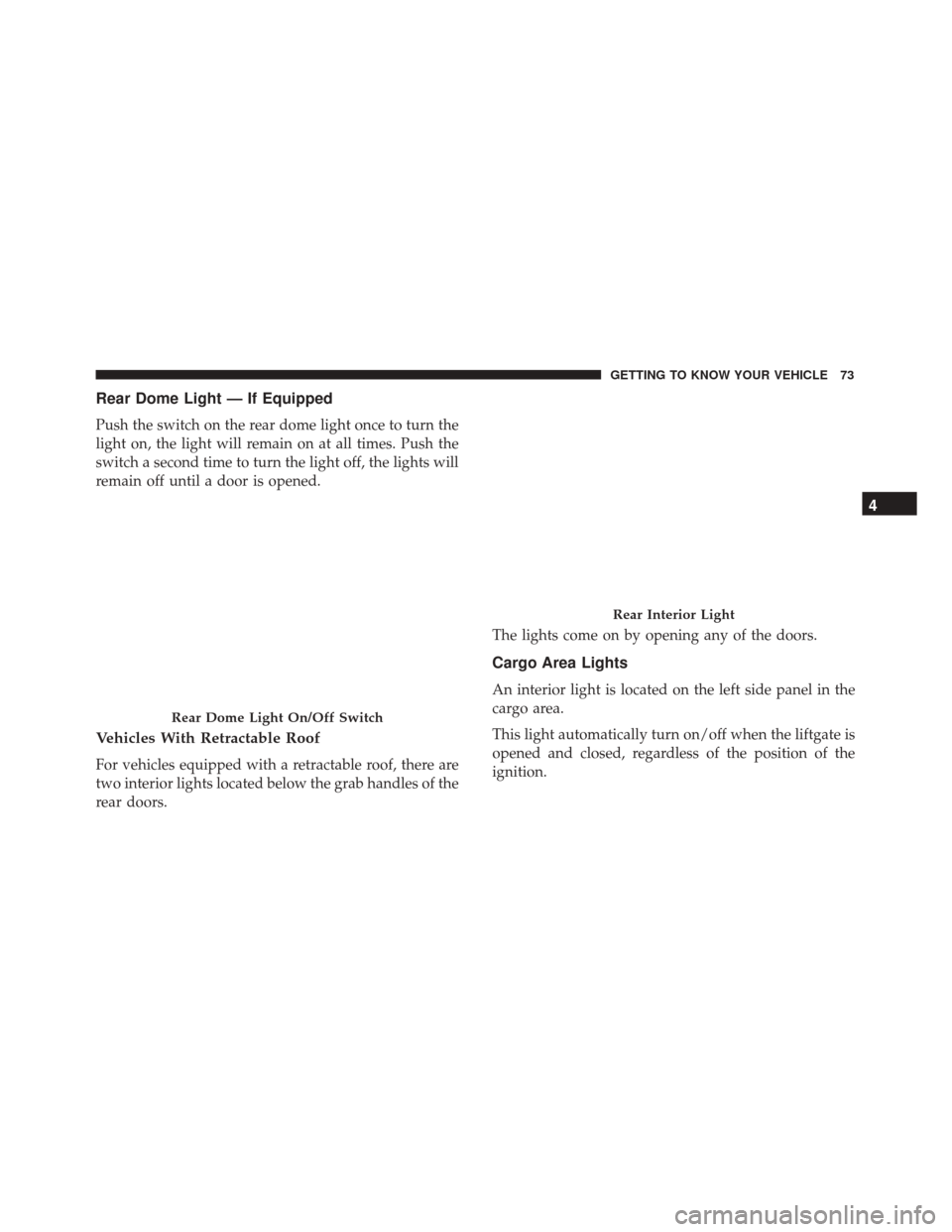
Rear Dome Light — If Equipped
Push the switch on the rear dome light once to turn the
light on, the light will remain on at all times. Push the
switch a second time to turn the light off, the lights will
remain off until a door is opened.
Vehicles With Retractable Roof
For vehicles equipped with a retractable roof, there are
two interior lights located below the grab handles of the
rear doors.The lights come on by opening any of the doors.
Cargo Area Lights
An interior light is located on the left side panel in the
cargo area.
This light automatically turn on/off when the liftgate is
opened and closed, regardless of the position of the
ignition.
Rear Dome Light On/Off Switch
Rear Interior Light
4
GETTING TO KNOW YOUR VEHICLE 73
Page 76 of 476
NOTE:In order to preserve the life of the battery, the
light will turn off after 15 minutes.
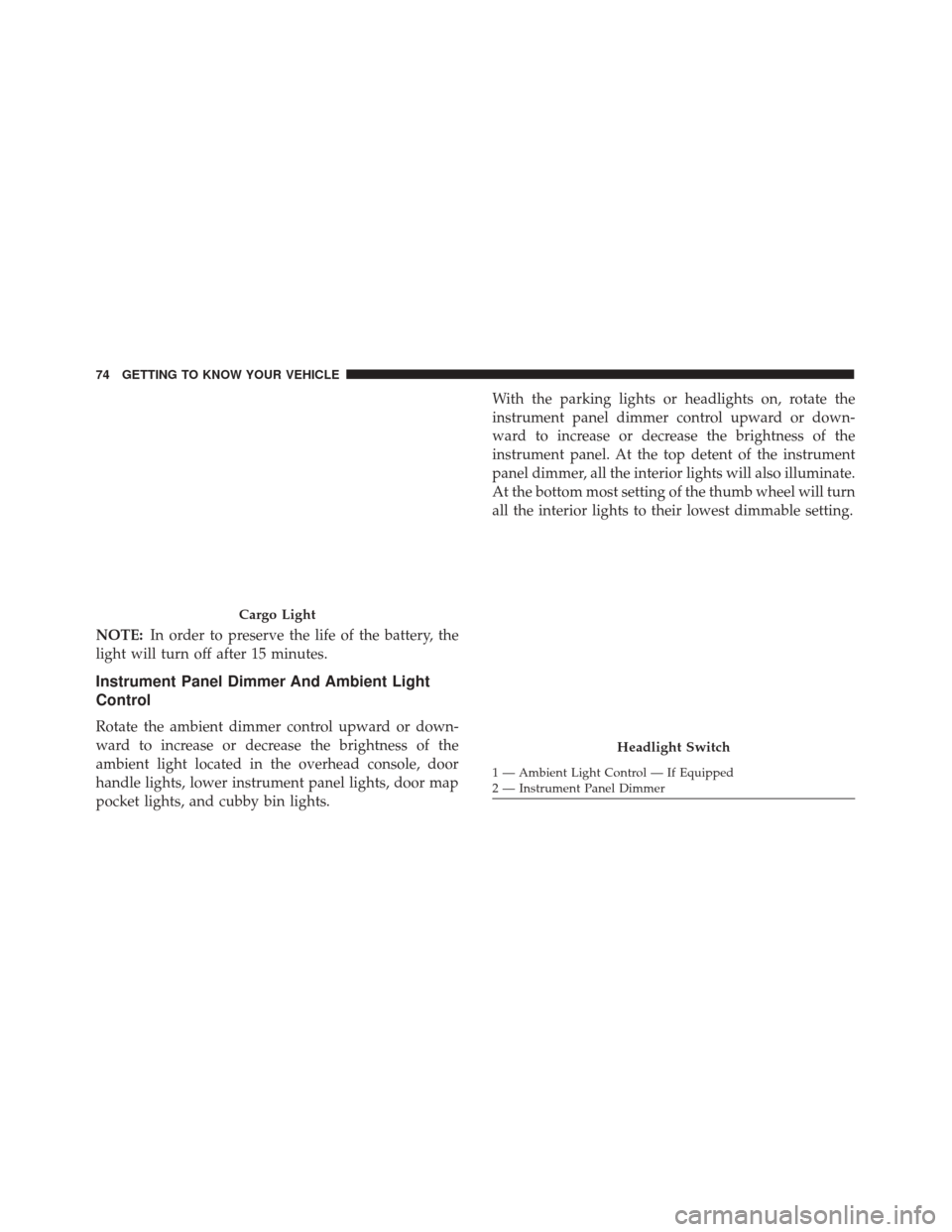
Instrument Panel Dimmer And Ambient Light
Control
Rotate the ambient dimmer control upward or down-
ward to increase or decrease the brightness of the
ambient light located in the overhead console, door
handle lights, lower instrument panel lights, door map
pocket lights, and cubby bin lights. With the parking lights or headlights on, rotate the
instrument panel dimmer control upward or down-
ward to increase or decrease the brightness of the
instrument panel. At the top detent of the instrument
panel dimmer, all the interior lights will also illuminate.
At the bottom most setting of the thumb wheel will turn
all the interior lights to their lowest dimmable setting.
Cargo Light
Headlight Switch
1 — Ambient Light Control — If Equipped
2 — Instrument Panel Dimmer
74 GETTING TO KNOW YOUR VEHICLE
Page 84 of 476
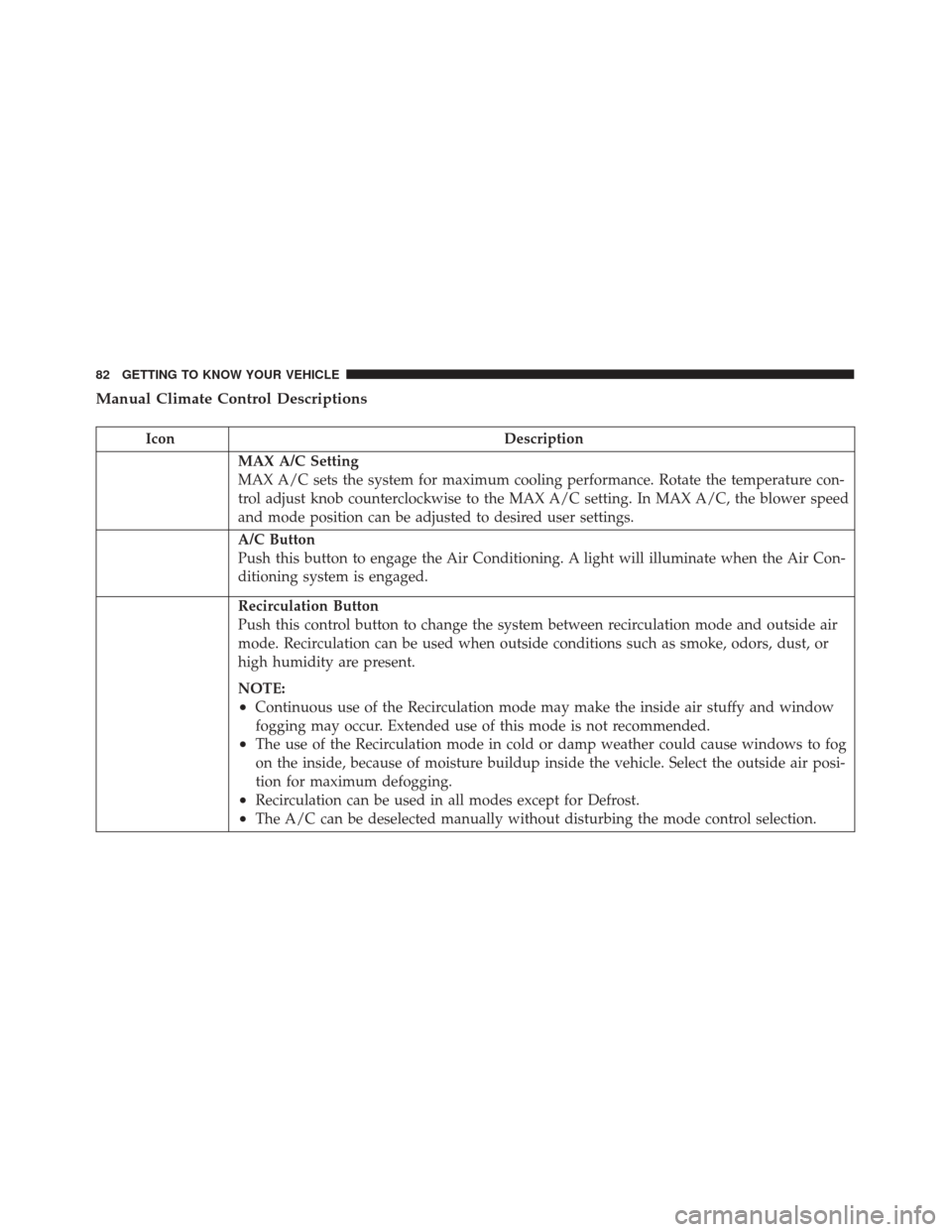
Manual Climate Control Descriptions
IconDescription
MAX A/C Setting
MAX A/C sets the system for maximum cooling performance. Rotate the temperature con-
trol adjust knob counterclockwise to the MAX A/C setting. In MAX A/C, the blower speed
and mode position can be adjusted to desired user settings.
A/C Button
Push this button to engage the Air Conditioning. A light will illuminate when the Air Con-
ditioning system is engaged.
Recirculation Button
Push this control button to change the system between recirculation mode and outside air
mode. Recirculation can be used when outside conditions such as smoke, odors, dust, or
high humidity are present.
NOTE:
•Continuous use of the Recirculation mode may make the inside air stuffy and window
fogging may occur. Extended use of this mode is not recommended.
•The use of the Recirculation mode in cold or damp weather could cause windows to fog
on the inside, because of moisture buildup inside the vehicle. Select the outside air posi-
tion for maximum defogging.
•Recirculation can be used in all modes except for Defrost.
•The A/C can be deselected manually without disturbing the mode control selection.
82 GETTING TO KNOW YOUR VEHICLE
Page 86 of 476
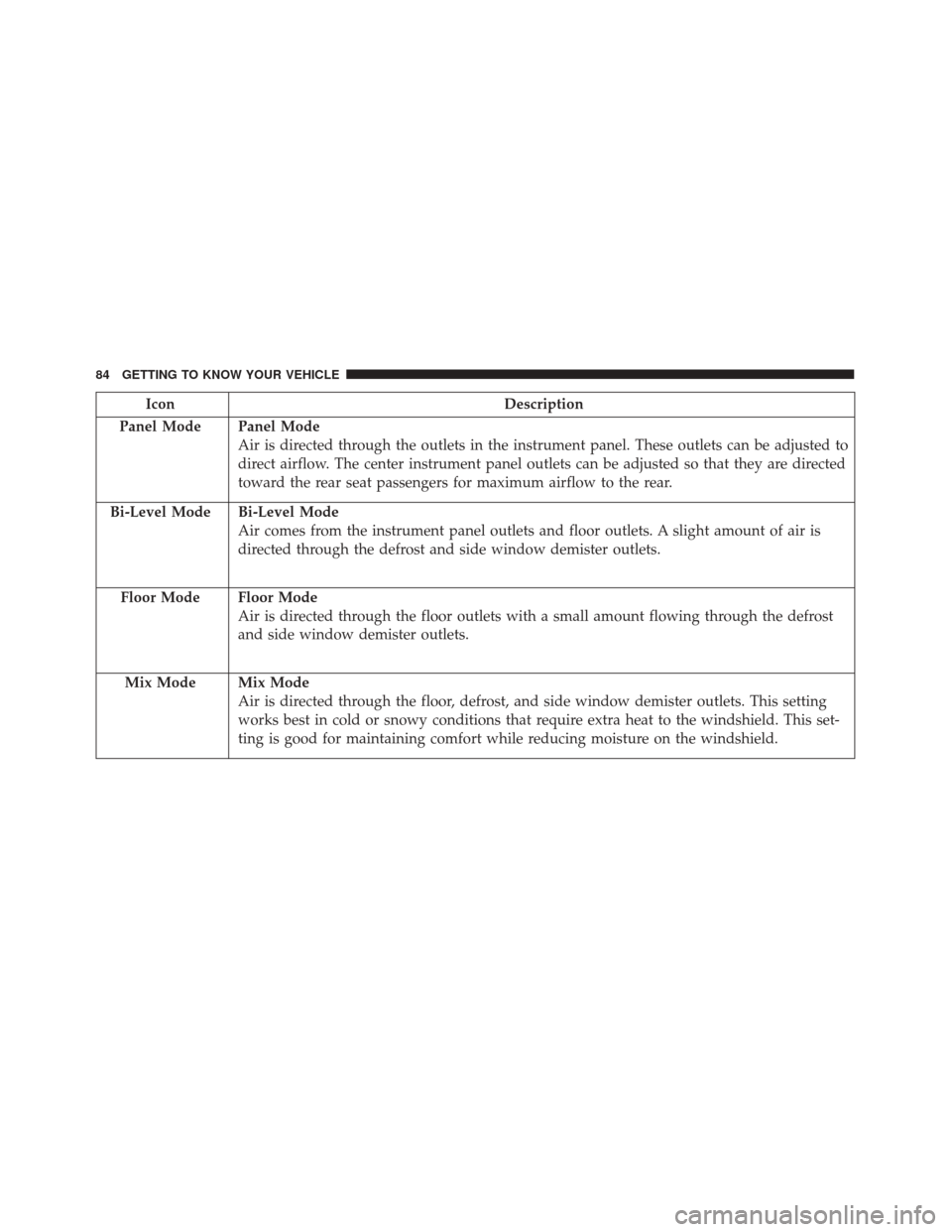
IconDescription
Panel Mode
Panel Mode
Air is directed through the outlets in the instrument panel. These outlets can be adjusted to
direct airflow. The center instrument panel outlets can be adjusted so that they are directed
toward the rear seat passengers for maximum airflow to the rear.
Bi-Level Mode
Bi-Level Mode
Air comes from the instrument panel outlets and floor outlets. A slight amount of air is
directed through the defrost and side window demister outlets.
Floor Mode
Floor Mode
Air is directed through the floor outlets with a small amount flowing through the defrost
and side window demister outlets.
Mix Mode
Mix Mode
Air is directed through the floor, defrost, and side window demister outlets. This setting
works best in cold or snowy conditions that require extra heat to the windshield. This set-
ting is good for maintaining comfort while reducing moisture on the windshield.
84 GETTING TO KNOW YOUR VEHICLE