elect FIAT 500X 2016 2.G Owners Manual
[x] Cancel search | Manufacturer: FIAT, Model Year: 2016, Model line: 500X, Model: FIAT 500X 2016 2.GPages: 587, PDF Size: 5.18 MB
Page 545 of 587
Exit” button on the touchscreen, then choose “Yes” or
“No.” The button will highlight indicating that the set-
ting has been selected.
•Flash Lights With Lock
When this feature is selected, the exterior lights will flash
when the doors are locked with the Remote Keyless
Entry (RKE) transmitter. To make your selection, press
the “Flash Headlights With Lock” button on the touch-
screen, then choose “Yes” or “No.” The button will
highlight indicating that the setting has been selected.
• Sound Horn With Lock
When this feature is selected, the horn will sound when
the door locks are activated. To make your selection,
press the “Sound Horn With Remote Lock” button on the
touchscreen, then choose “1st Press” “2nd Press” or
“Off.” The button will highlight indicating that the
setting has been selected. •
Sound Horn With Remote Start
When this feature is selected, the horn will sound when
the Remote Start is activated. To make your selection,
press the “Sound Horn With Remote Start” button on the
touchscreen, then choose “On” or “Off.” The button will
highlight indicating that the setting has been selected.
• Remote Door Unlock
This feature will allow you to program your remote door
locks to open “All” or only the “Driver” with the first
push of the Remote Keyless Entry (RKE) transmitter or
grabbing the Passive Entry door handle. To make your
selection, press the “Remote Door Unlock” button on the
touchscreen and choose from “All” or “Driver.”
NOTE: If “Driver Door” is selected, the (RKE) transmitter
will have to be pushed two times in order to unlock all
doors.
11
MULTIMEDIA 543
Page 546 of 587
•Passive Entry
This feature allows you to lock and unlock the vehicles
door(s) without having to press the Remote Keyless
Entry (RKE) transmitter lock or unlock buttons. To make
your selection, press the “Passive Entry” button on the
touchscreen, then choose “On” or “Off.” The button will
highlight indicating that the setting has been selected.
• Memory Linked To Key Fob — If Equipped
This feature provides automatic driver seat positioning to
enhance driver mobility when entering and exiting the
vehicle. To make your selection, press the “Memory
Linked To Key Fob” button on the touchscreen and select
from “On” or “Off.” NOTE:
The seat will return to the memorized seat
location (if Recall Memory with Remote Key Unlock is set
to ON) when the Remote Keyless Entry (RKE) transmitter
is used to unlock the door.
Engine Off Options
After pressing the “Engine Off Options” button on the
touchscreen the following settings will be available:
• Radio Off Delay
When this feature is selected, the radio will stay on for a
preset time after the ignition key is turned to STOP/OFF.
To change the Radio Off Delay status, press the “0 MIN”
or “20 MIN” button on the touchscreen to select your
desired time interval.
544 MULTIMEDIA
Page 547 of 587
•Headlight Off Delay — If Equipped
When this feature is selected, the driver can choose to
have the headlights remain on for 0, 30, 60, or 90 seconds
when exiting the vehicle. To change the Headlight Off
Delay status press the “+” or “–” button on the touch-
screen to select your desired time interval.
Audio
After pressing the “Audio” button on the touchscreen the
following settings will be available:
• Balance/Fade
When in this display you may adjust the Balance and
Fade settings. Press and drag the speaker icon, use the
arrows to adjust, or tap the speaker icon to readjust to the
center. •
Equalizer
When in this display you may adjust the Bass, Mid and
Treble settings. Adjust the settings with the “+” and “–”
buttons on the touchscreen or by selecting any point on
the scale between the “+” and “–” buttons on the
touchscreen.
NOTE: Bass/Mid/Treble allow you to simply slide your
finger up or down to change the setting as well as press
directly on the desired setting.
• Speed Adjusted Volume
This feature increases or decreases volume relative to
vehicle speed. To change the Speed Adjusted Volume
press the “Off,” “1,” “2” or ”3” button on the touchscreen.
• Surround Sound — If Equipped
This feature provides simulated surround sound mode.
To make your selection, press the “Surround Sound”
button on the touchscreen, select On or Off.
11
MULTIMEDIA 545
Page 548 of 587
•AUX Volume Offset — If Equipped
This feature provides the ability to tune the audio level
for portable devices connected through the AUX input.
To make your selection, press the “AUX Volume Offset”
button on the touchscreen, select any point on the scale
between the “+” and “–” buttons on the touchscreen.
• Auto-On Radio
The Radio automatically turns on when vehicle is in run
or will recall whether it was on or off at last ignition off.
To make your selection, press the “Loudness” button on
the touchscreen, select “On,” “Off” or “Recall Last”.
Phone/Bluetooth
After pressing the “Phone/Bluetooth” button on the
touchscreen the following settings will be available:
• Paired Phones
This feature shows which mobile phones are paired to the
Phone/Bluetooth system. •
Paired Audio Sources
This feature shows which audio devices are paired to the
Phone/Bluetooth system.
SiriusXM Setup — If Equipped
After pressing the “SiriusXM Setup” button on the touch-
screen, the following settings will be available:
• Channel Skip
SiriusXM can be programmed to designate a group of
channels that are the most desirable to listen to or to
exclude undesirable channels while scanning. To make
your selection, press the “Channel Skip” button on the
touchscreen, select the channels you would like to skip.
• Subscription Information
New vehicle purchasers or lessees will receive a free
limited time subscription to SiriusXM Satellite Radio
with your radio. Following the expiration of the free
546 MULTIMEDIA
Page 549 of 587
services, it will be necessary to access the information on
the Subscription Information screen to re-subscribe.
Press the “Subscription Info” button on the touchscreen
to access the Subscription Information screen.
Write down the SIRIUS ID numbers for your receiver. To
reactivate your service, either call the number listed on
the screen or visit the provider online.
NOTE:SiriusXM Travel Link is a separate subscription
and is available for U.S. residents only.
Restore Settings Defaults
After pressing the “Restore Settings Defaults” button on
the touchscreen the following settings will be available: •
Restore Settings
When this feature is selected it will reset Display, Clock,
Audio, and Radio Settings to their default. Once in the
desired mode, press and release the preferred setting and
make your selection.
Clear Personal Data
After pressing the “Clear Personal Data Settings” button
on the touchscreen the following settings will be avail-
able:
• Clear Personal Data
When this feature is selected it will remove personal data
including Bluetooth devices and presets. To Clear Per-
sonal Data press the “Yes” or “No” button on the
touchscreen.
11
MULTIMEDIA 547
Page 552 of 587
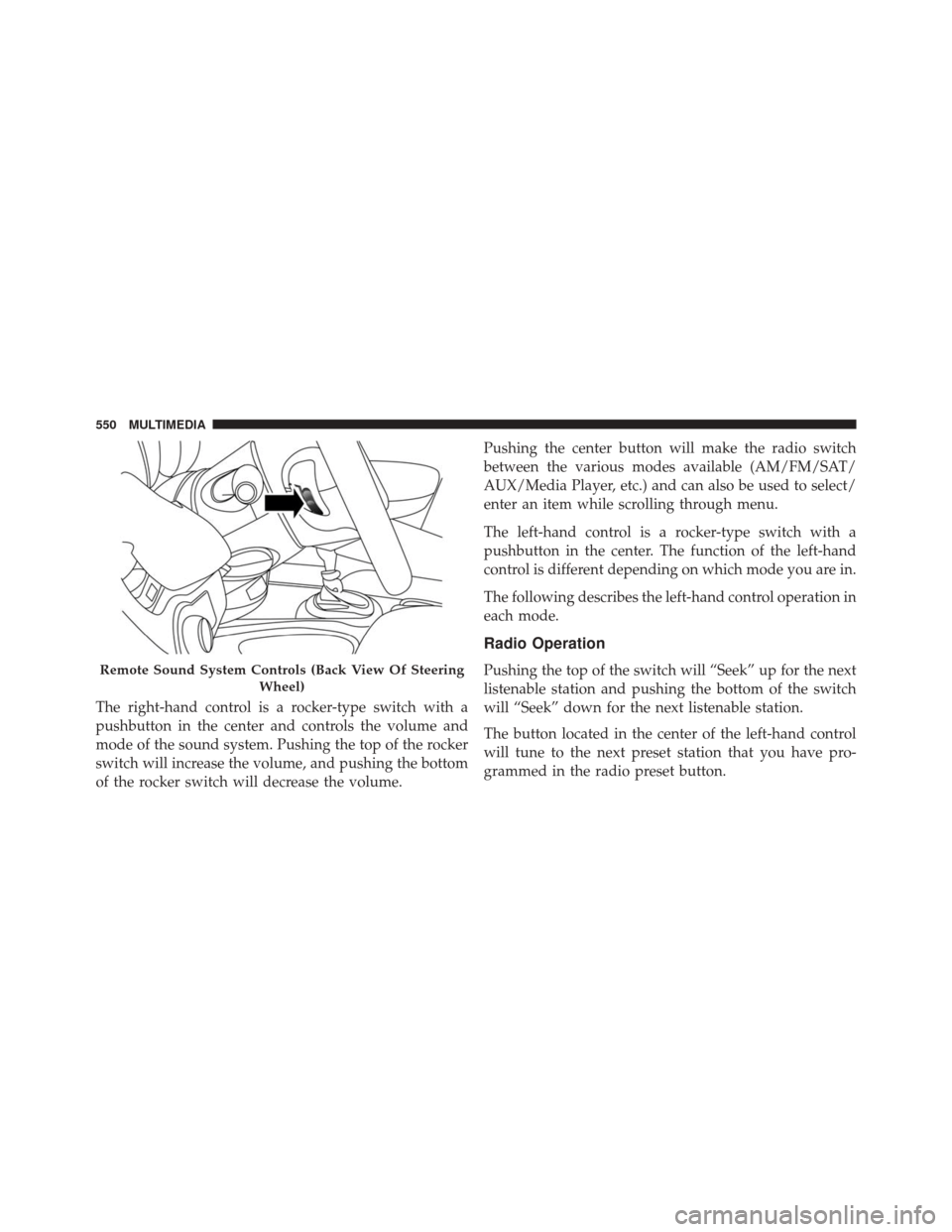
The right-hand control is a rocker-type switch with a
pushbutton in the center and controls the volume and
mode of the sound system. Pushing the top of the rocker
switch will increase the volume, and pushing the bottom
of the rocker switch will decrease the volume.Pushing the center button will make the radio switch
between the various modes available (AM/FM/SAT/
AUX/Media Player, etc.) and can also be used to select/
enter an item while scrolling through menu.
The left-hand control is a rocker-type switch with a
pushbutton in the center. The function of the left-hand
control is different depending on which mode you are in.
The following describes the left-hand control operation in
each mode.
Radio Operation
Pushing the top of the switch will “Seek” up for the next
listenable station and pushing the bottom of the switch
will “Seek” down for the next listenable station.
The button located in the center of the left-hand control
will tune to the next preset station that you have pro-
grammed in the radio preset button.Remote Sound System Controls (Back View Of Steering
Wheel)
550 MULTIMEDIA
Page 553 of 587
Media Mode
Pushing the top of the switch once will go to the next
track on the selected media (USB, Bluetooth). Pushing the
bottom of the switch once will go to the beginning of the
current track, or to the beginning of the previous track if
it is within eight seconds after the current track begins to
play.
If you push the switch up or down twice, it plays the
second track; three times, it will play the third, etc.
RADIO OPERATION AND MOBILE DEVICES
Under certain conditions, the mobile device being on in
your vehicle can cause erratic or noisy performance from
your radio. This condition may be lessened or eliminated
by relocating the mobile device antenna. This condition is
not harmful to the radio. If your radio performance does
not satisfactorily “clear” by the repositioning of theantenna, it is recommended that the radio volume be
turned down or off during mobile device operation when
not using Uconnect (if equipped).
Regulatory And Safety Information
USA/CANADA
Exposure to Radio Frequency Radiation
The radiated output power of the internal wireless radio
is far below the FCC radio frequency exposure limits.
Nevertheless, the wireless radio will be used in such a
manner that the radio is 20 cm or further from the human
body.
The internal wireless radio operates within guidelines
found in radio frequency safety standards and recom-
mendations, which reflect the consensus of the scientific
community.
11
MULTIMEDIA 551
Page 554 of 587
The radio manufacturer believes the internal wireless
radio is safe for use by consumers. The level of energy
emitted is far less than the electromagnetic energy emit-
ted by wireless devices such as mobile phones. However,
the use of wireless radios may be restricted in some
situations or environments, such as aboard airplanes. If
you are unsure of restrictions, you are encouraged to ask
for authorization before turning on the wireless radio.
This device complies with Part 15 of the FCC Rules and
with Industry Canada license-exempt RSS standard(s).
Operation is subject to the following two conditions:
1. This device may not cause harmful interference.
2. This device must accept any interference received,including interference that may cause undesired op-
eration.
Le présent appareil est conforme aux CNR d’Industrie
Canada applicables aux appareils radio exempts de li-
cence. L’exploitation est autorisée aux deux conditions suivantes: (1) l’appareil ne doit pas produire de brouil-
lage, et (2) l’utilisateur de l’appareil doit accepter tout
brouillage radioélectrique subi, même si le brouillage est
susceptible d’en compromettre le fonctionnement.
NOTE:
•
This equipment has been tested and found to comply
with the limits for a Class B digital device, pursuant to
Part 15 of the FCC Rules. These limits are designed to
provide reasonable protection against harmful inter-
ference in a residential installation. This equipment
generates, uses and can radiate radio frequency energy
and, if not installed and used in accordance with the
instructions, may cause harmful interference to radio
communications. However, there is no guarantee that
interference will not occur in a particular installation.
• If this equipment does cause harmful interference to
radio or television reception, which can be determined
552 MULTIMEDIA
Page 571 of 587
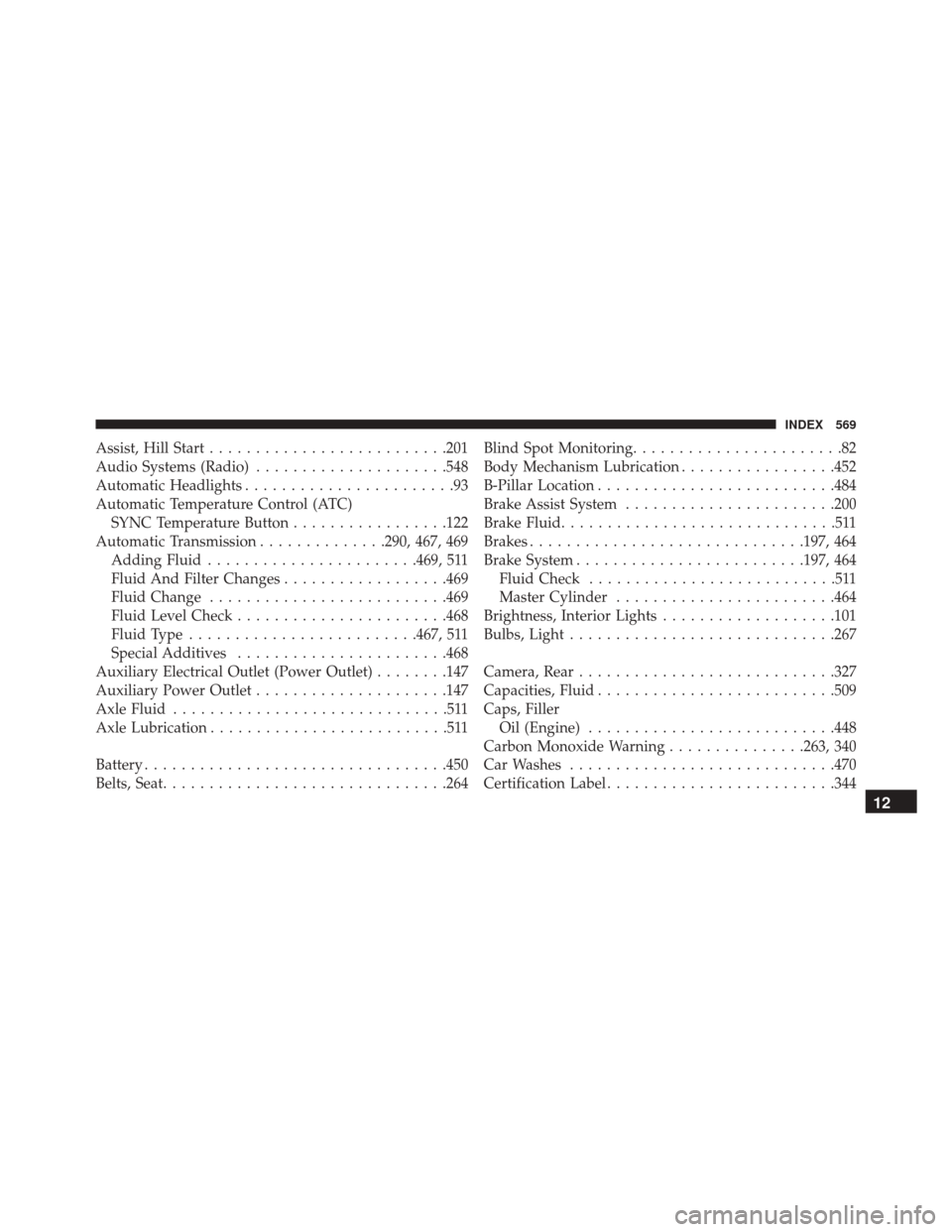
Assist, Hill Start......................... .201
Audio Systems (Radio) .....................548
Automatic Headlights .......................93
Automatic Temperature Control (ATC) SYNC Temperature Button .................122
Automatic Transmission ..............290, 467, 469
Adding Fluid ...................... .469, 511
Fluid And Filter Changes ..................469
Fluid Change ......................... .469
Fluid Level Check ...................... .468
Fluid Type ........................ .467, 511
Special Additives ...................... .468
Auxiliary Electrical Outlet (Power Outlet) ........147
Auxiliary Power Outlet .....................147
Axle Fluid ..............................511
Axle Lubrication ..........................511
Battery ................................ .450
Belts, Seat .............................. .264Blind Spot Monitoring
.......................82
Body Mechanism Lubrication .................452
B-Pillar Location ......................... .484
Brake Assist System ...................... .200
Brake Fluid ..............................511
Brakes ............................. .197, 464
Brake System ........................ .197, 464
Fluid Check ...........................511
Master Cylinder ....................... .464
Brightness, Interior Lights ...................101
Bulbs, Light ............................ .267
Camera, Rear ........................... .327
Capacities, Fluid ......................... .509
Caps, Filler Oil (Engine) .......................... .448
Carbon Monoxide Warning ...............263, 340
Car Washes ............................ .470
Certification Label ........................ .344
12
INDEX 569
Page 573 of 587
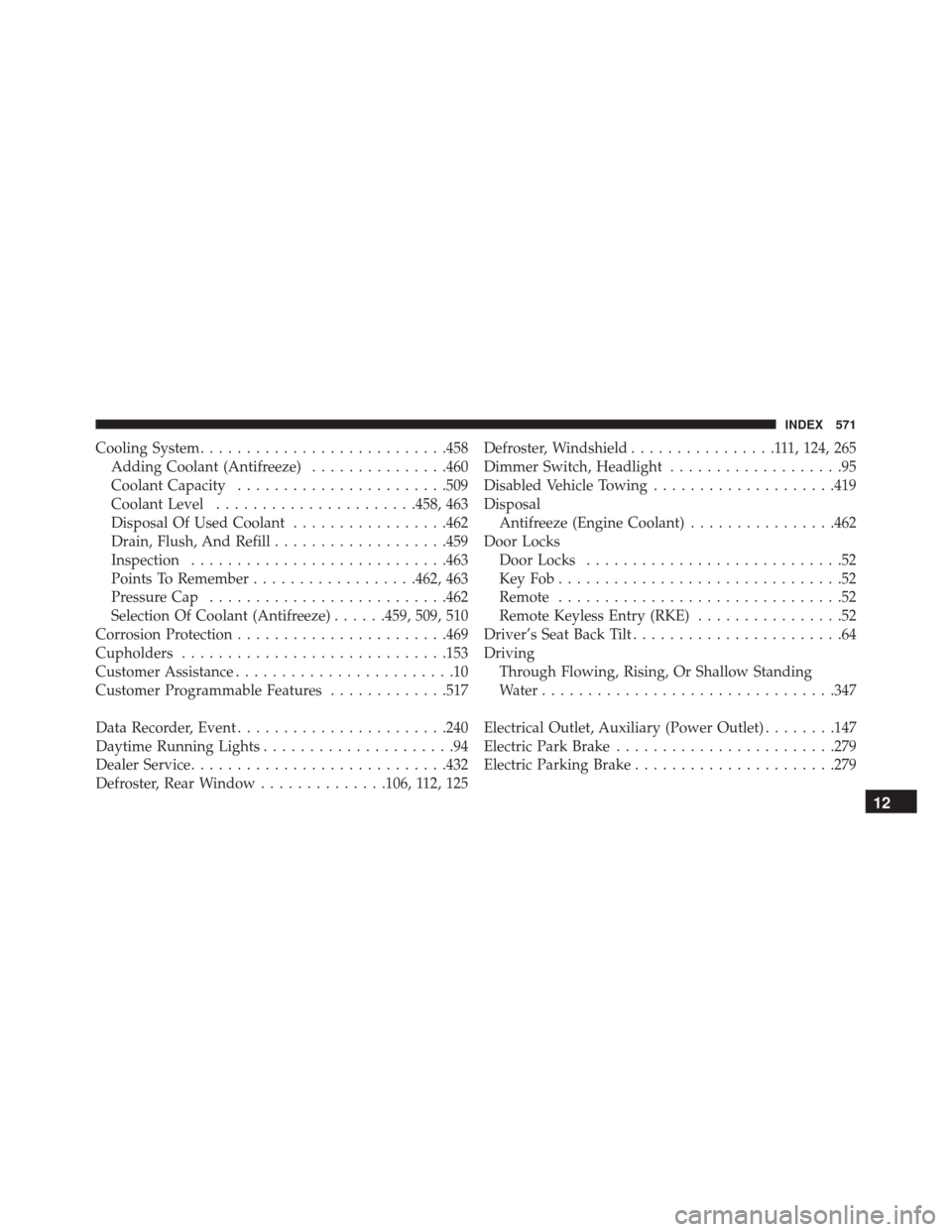
Cooling System.......................... .458
Adding Coolant (Antifreeze) ...............460
Coolant Capacity ...................... .509
Coolant Level ..................... .458, 463
Disposal Of Used Coolant .................462
Drain, Flush, And Refill ...................459
Inspection ........................... .463
Points To Remember ..................462, 463
Pressure Cap ......................... .462
Selection Of Coolant (Antifreeze) ......459, 509, 510
Corrosion Protection ...................... .469
Cupholders ............................ .153
Customer Assistance ........................10
Customer Programmable Features .............517
Data Recorder, Event ...................... .240
Daytime Running Lights .....................94
Dealer Service ........................... .432
Defroster, Rear Window ..............106, 112, 125 Defroster, Windshield
................111, 124, 265
Dimmer Switch, Headlight ...................95
Disabled Vehicle Towing ....................419
Disposal Antifreeze (Engine Coolant) ................462
Door Locks Door Locks ............................52
KeyFob...............................52
Remote ...............................52
Remote Keyless Entry (RKE) ................52
Driver’s Seat Back Tilt .......................64
Driving Through Flowing, Rising, Or Shallow Standing
Water ............................... .347
Electrical Outlet, Auxiliary (Power Outlet) ........147
Electric Park Brake ....................... .279
Electric Parking Brake ..................... .279
12
INDEX 571