language FIAT DUCATO 250 2009 3.G Blue And Me Manual
[x] Cancel search | Manufacturer: FIAT, Model Year: 2009, Model line: DUCATO 250, Model: FIAT DUCATO 250 2009 3.GPages: 82, PDF Size: 0.51 MB
Page 17 of 82
Notes
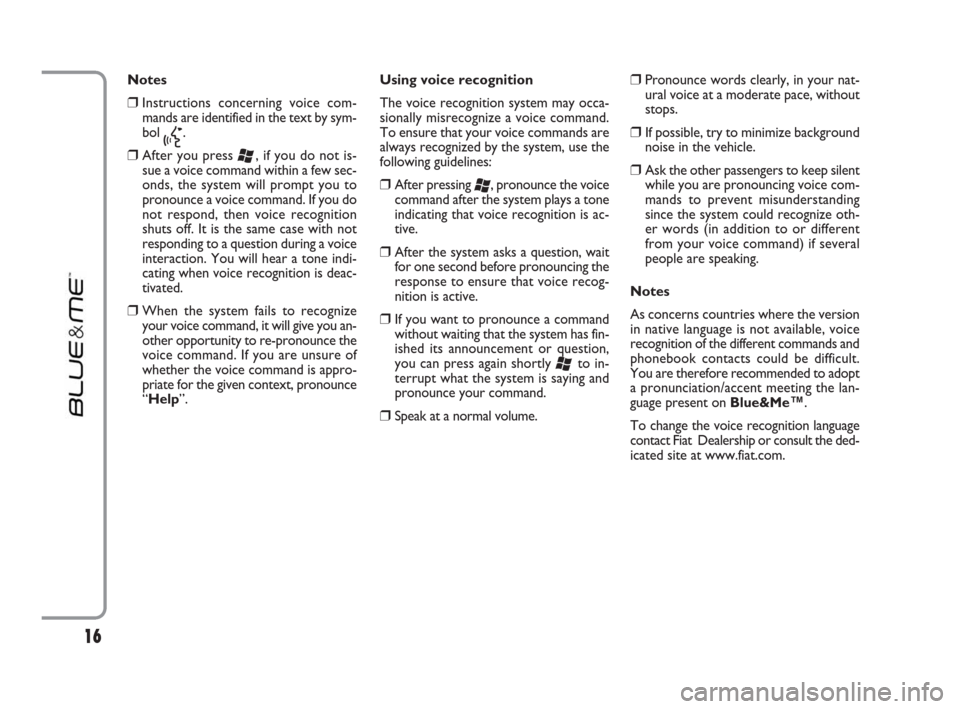
❒Instructions concerning voice com-
mands are identified in the text by sym-
bol
}.
❒After you press ‘, if you do not is-
sue a voice command within a few sec-
onds, the system will prompt you to
pronounce a voice command. If you do
not respond, then voice recognition
shuts off. It is the same case with not
responding to a question during a voice
interaction. You will hear a tone indi-
cating when voice recognition is deac-
tivated.
❒When the system fails to recognize
your voice command, it will give you an-
other opportunity to re-pronounce the
voice command. If you are unsure of
whether the voice command is appro-
priate for the given context, pronounce
“Help”. Using voice recognition
The voice recognition system may occa-
sionally misrecognize a voice command.
To ensure that your voice commands are
always recognized by the system, use the
following guidelines:
❒After pressing ‘, pronounce the voice
command after the system plays a tone
indicating that voice recognition is ac-
tive.
❒After the system asks a question, wait
for one second before pronouncing the
response to ensure that voice recog-
nition is active.
❒If you want to pronounce a command
without waiting that the system has fin-
ished its announcement or question,
you can press again shortly
‘to in-
terrupt what the system is saying and
pronounce your command.
❒Speak at a normal volume.
❒Pronounce words clearly, in your nat-
ural voice at a moderate pace, without
stops.
❒If possible, try to minimize background
noise in the vehicle.
❒Ask the other passengers to keep silent
while you are pronouncing voice com-
mands to prevent misunderstanding
since the system could recognize oth-
er words (in addition to or different
from your voice command) if several
people are speaking.
Notes
As concerns countries where the version
in native language is not available, voice
recognition of the different commands and
phonebook contacts could be difficult.
You are therefore recommended to adopt
a pronunciation/accent meeting the lan-
guage present on Blue&Me
™.
To change the voice recognition language
contact Fiat Dealership or consult the ded-
icated site at www.fiat.com.
16
603_97_223 DUCATO BLUE&ME PACK8.2 GB 1ed 5-08-2009 15:36 Pagina 16
Page 39 of 82
It is of vital importance to wait un-
til this confirmation message is dis-
played since pressing
˜MAINor
ESC
ˆat this time may cancel the
pairing process. If pairing fails, an er-
ror message will be displayed and
the pairing procedure shall be re-
peated.
At first pairing, the system will say
“Welcome” immediately after
connecting. This message will no
longer be heard at next pairing pro-
cedures.
The system asks if you would like to
copy your paired phone phone-
book. It is recommended to copy it.
To start copying the phonebook,
pronounce “Yes”; otherwise say
“No”.
For certain mobile phones the
phonebook is not copied automat-
ically, in this case you must send the
contacts in your mobile phone
phonebook to the hands-free phone
system using your mobile phone
keypad. If the hands-free phone sys-
tem asks you to do this, then per-
form this procedure following the
instructions specific to your mobile
phone and press
˜MAINwhen
you have finished.Practical hints
To improve both the voice recognition of
your phonebook entries and Blue&Me™
pronunciation accuracy when repeating
the entries, please try to enter contact en-
tries and memorize them using the fol-
lowing criteria:
❒Avoid abbreviations.
❒Write foreign names according to the
way in which they are pronounced ac-
cording to the rules of the
Blue&Me™language set on your ve-
hicle. For example, enter “Tanja” as
“Tanya”, to improve recognition accu-
racy and also to obtain the correct pro-
nunciation by the system.
❒When adding or editing contact entries,
insert the appropriate accent marks
when the name requires these marks
to be properly pronounced and recog-
nized by the system. For example en-
ter “Nicolo Rebora” as “Nicolò Rébo-
ra” to obtain the correct pronunciation.
❒When adding or editing contact entries,
bear in mind that certain isolated block
letter may be read as Roman numer-
als (e.g.: V may be read as fifth).
❒When calling contacts by voice, do not
include the middle names or middle ini-
tials of your contacts. Notes
❒You are only required to pair your mo-
bile phone a single time.
❒You can pair up to five mobile phones,
to be used one at a time.
❒On your paired mobile phone, the
Bluetooth®setting must be turned on
in order to connect your mobile phone
with Blue&Me™.
❒Before transferring your mobile phone
contacts to the hands-free system,
make sure that each contact first and
last name is unique and distinctly rec-
ognizable so that the voice recognition
system will function properly.
❒The system will download only valid
contact entries. A valid contact entry
must include both a name and at least
one phone number.
38
603_97_223 DUCATO BLUE&ME PACK8.2 GB 1ed 5-08-2009 15:36 Pagina 38
Page 45 of 82
Blue&Me™supports your personal de-
vices via the Bluetooth®wireless tech-
nology and USB.
To get updated information about the de-
vices supported by Blue&Me™, contact
Fiat Dealership or consult the dedicated
site at www.fiat.com.
MOBILE PHONES WITH
Bluetooth
®WIRELESS
TECHNOLOGY
Blue&Me™supports most of the mobile
phones supporting Bluetooth
®1.1 and
HandsFree 1.5 profile (refer to Blue-
tooth
®wireless connection specifications
given on your mobile phone owner’s man-
ual).
Due to the different marketed software
versions for mobile phones, certain auxil-
iary functions (e.g.: answering a second in-
coming phone call, transferring phone call
from hands-free phone system to mobile
phone and vice versa, etc.) could not ex-
actly correspond to what described in this
manual. In any case, phone conversation us-
ing the hands-free phone kit is not impaired. “Pull” phones (phonebook
automatically downloaded)
“Pull” phone means that your mobile
phone supports phonebook automatic
download with Bluetooth
®wireless tech-
nology, your whole phonebook will be au-
tomatically downloaded to Blue&Me™
during phone pairing procedure.
To consult the list of mobile phones and
functions supported, consult the dedicat-
ed website www.fiat.com Blue&Me™or
Customer Services on 00800.3428.0000.
You will also find:
❒a quick guide with advice on usage;
❒a guide for using your mobile phone for
recording:
❒advice on connection to an iPod;
❒files in the 9 voice recognition languages
available that can be downloaded onto
Blue&Me™(Italian, French, English,
German, Spanish, Portoguese, Dutch,
Polish, Brazilian Portoguese).
Blue&Me™ SUPPORTED MOBILE PHONES
“Push” phones (phonebook not
automatically downloaded)
“Push” phone means that your mobile
phone supports the single contact down-
load with Bluetooth
®wireless technolo-
gy. During the pairing procedure you will
be required to send phonebook contacts
from your mobile phone (your phonebook
is not automatically downloaded during
the phone pairing procedure).
Mobile phones with message
reader (not all mobile phones
support listening to incoming SMS
messages)
If your mobile phone can send messages
through the Bluetooth
®wireless tech-
nology, it is possible to read incoming mes-
sages through the Blue&Me™hands-free
kit, to store them in the dedicated inbox
or to delete them.
44
603_97_223 DUCATO BLUE&ME PACK8.2 GB 1ed 5-08-2009 15:36 Pagina 44
Page 64 of 82
63
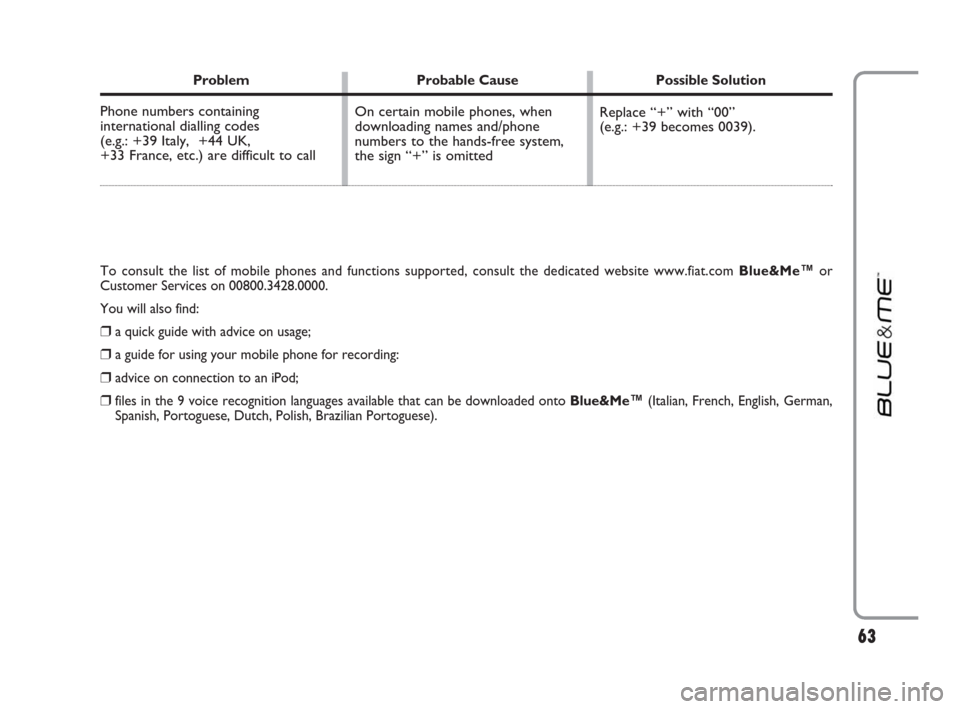
Problem Probable Cause Possible Solution
Phone numbers containing
international dialling codes
(e.g.: +39 Italy, +44 UK,
+33 France, etc.) are difficult to call Replace “+” with “00”
(e.g.: +39 becomes 0039). On certain mobile phones, when
downloading names and/phone
numbers to the hands-free system,
the sign “+” is omitted
To consult the list of mobile phones and functions supported, consult the dedicated website www.fiat.com Blue&Me™or
Customer Services on 00800.3428.0000.
You will also find:
❒a quick guide with advice on usage;
❒a guide for using your mobile phone for recording:
❒advice on connection to an iPod;
❒files in the 9 voice recognition languages available that can be downloaded onto Blue&Me™(Italian, French, English, German,
Spanish, Portoguese, Dutch, Polish, Brazilian Portoguese).
603_97_223 DUCATO BLUE&ME PACK8.2 GB 1ed 5-08-2009 15:36 Pagina 63