back light FIAT PANDA 2007 169 / 2.G Owners Manual
[x] Cancel search | Manufacturer: FIAT, Model Year: 2007, Model line: PANDA, Model: FIAT PANDA 2007 169 / 2.GPages: 206, PDF Size: 3.49 MB
Page 9 of 206
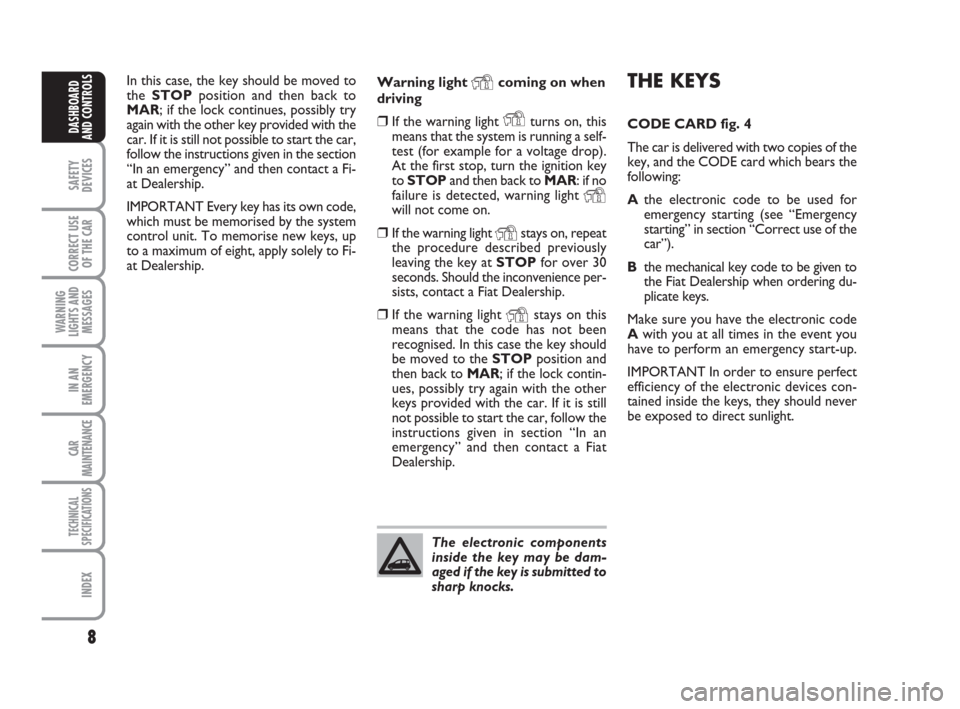
THE KEYS
CODE CARD fig. 4
The car is delivered with two copies of the
key, and the CODE card which bears the
following:
Athe electronic code to be used for
emergency starting (see “Emergency
starting” in section “Correct use of the
car”).
Bthe mechanical key code to be given to
the Fiat Dealership when ordering du-
plicate keys.
Make sure you have the electronic code
Awith you at all times in the event you
have to perform an emergency start-up.
IMPORTANT In order to ensure perfect
efficiency of the electronic devices con-
tained inside the keys, they should never
be exposed to direct sunlight.
8
SAFETY
DEVICES
CORRECT USE
OF THE CAR
WARNING
LIGHTS AND
MESSAGES
IN AN
EMERGENCY
CAR
MAINTENANCE
TECHNICAL
SPECIFICATIONS
INDEX
DASHBOARD
AND CONTROLS
In this case, the key should be moved to
the STOPposition and then back to
MAR; if the lock continues, possibly try
again with the other key provided with the
car. If it is still not possible to start the car,
follow the instructions given in the section
“In an emergency” and then contact a Fi-
at Dealership.
IMPORTANT Every key has its own code,
which must be memorised by the system
control unit. To memorise new keys, up
to a maximum of eight, apply solely to Fi-
at Dealership.Warning light Ycoming on when
driving
❒If the warning light Yturns on, this
means that the system is running a self-
test (for example for a voltage drop).
At the first stop, turn the ignition key
to STOPand then back to MAR: if no
failure is detected, warning light
Ywill not come on.
❒If the warning light Ystays on, repeat
the procedure described previously
leaving the key at STOPfor over 30
seconds. Should the inconvenience per-
sists, contact a Fiat Dealership.
❒If the warning light Ystays on this
means that the code has not been
recognised. In this case the key should
be moved to the STOPposition and
then back to MAR; if the lock contin-
ues, possibly try again with the other
keys provided with the car. If it is still
not possible to start the car, follow the
instructions given in section “In an
emergency” and then contact a Fiat
Dealership.
The electronic components
inside the key may be dam-
aged if the key is submitted to
sharp knocks.
001-031 Panda New GB 21-06-2007 13:47 Pagina 8
Page 12 of 206
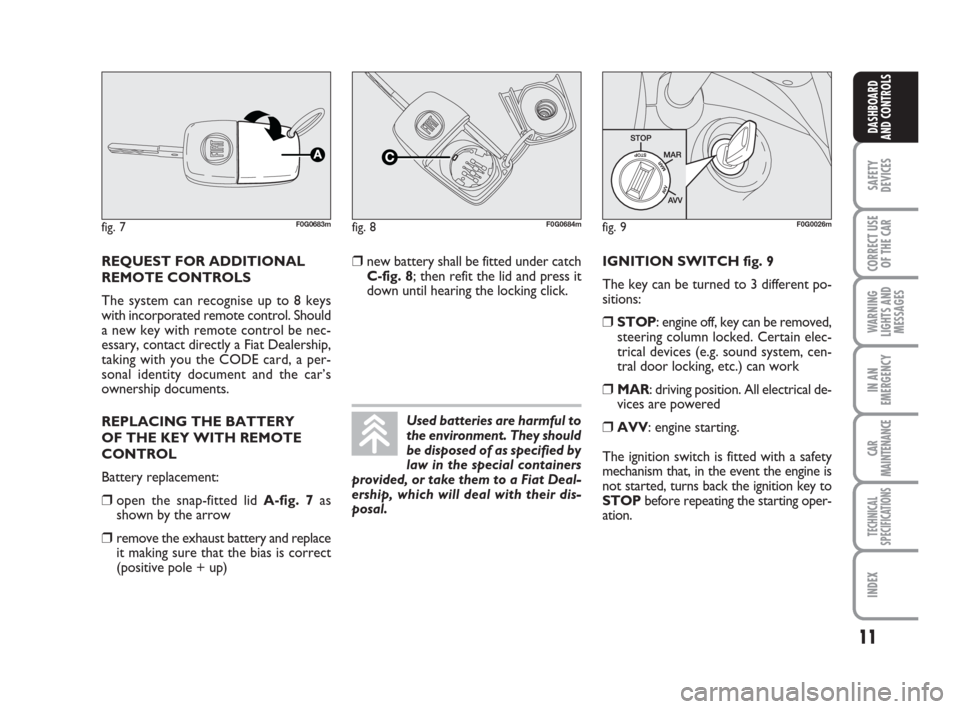
IGNITION SWITCH fig. 9
The key can be turned to 3 different po-
sitions:
❒STOP: engine off, key can be removed,
steering column locked. Certain elec-
trical devices (e.g. sound system, cen-
tral door locking, etc.) can work
❒MAR: driving position. All electrical de-
vices are powered
❒AVV: engine starting.
The ignition switch is fitted with a safety
mechanism that, in the event the engine is
not started, turns back the ignition key to
STOPbefore repeating the starting oper-
ation. REQUEST FOR ADDITIONAL
REMOTE CONTROLS
The system can recognise up to 8 keys
with incorporated remote control. Should
a new key with remote control be nec-
essary, contact directly a Fiat Dealership,
taking with you the CODE card, a per-
sonal identity document and the car’s
ownership documents.
REPLACING THE BATTERY
OF THE KEY WITH REMOTE
CONTROL
Battery replacement:
❒open the snap-fitted lid A-fig. 7as
shown by the arrow
❒remove the exhaust battery and replace
it making sure that the bias is correct
(positive pole + up)
fig. 7F0G0683mfig. 8F0G0684mfig. 9F0G0026m
11
SAFETY
DEVICES
CORRECT USE
OF THE CAR
WARNING
LIGHTS AND
MESSAGES
IN AN
EMERGENCY
CAR
MAINTENANCE
TECHNICAL
SPECIFICATIONS
INDEX
DASHBOARD
AND CONTROLS
Used batteries are harmful to
the environment. They should
be disposed of as specified by
law in the special containers
provided, or take them to a Fiat Deal-
ership, which will deal with their dis-
posal.
❒new battery shall be fitted under catch
C-fig. 8; then refit the lid and press it
down until hearing the locking click.
001-031 Panda New GB 21-06-2007 13:47 Pagina 11
Page 17 of 206
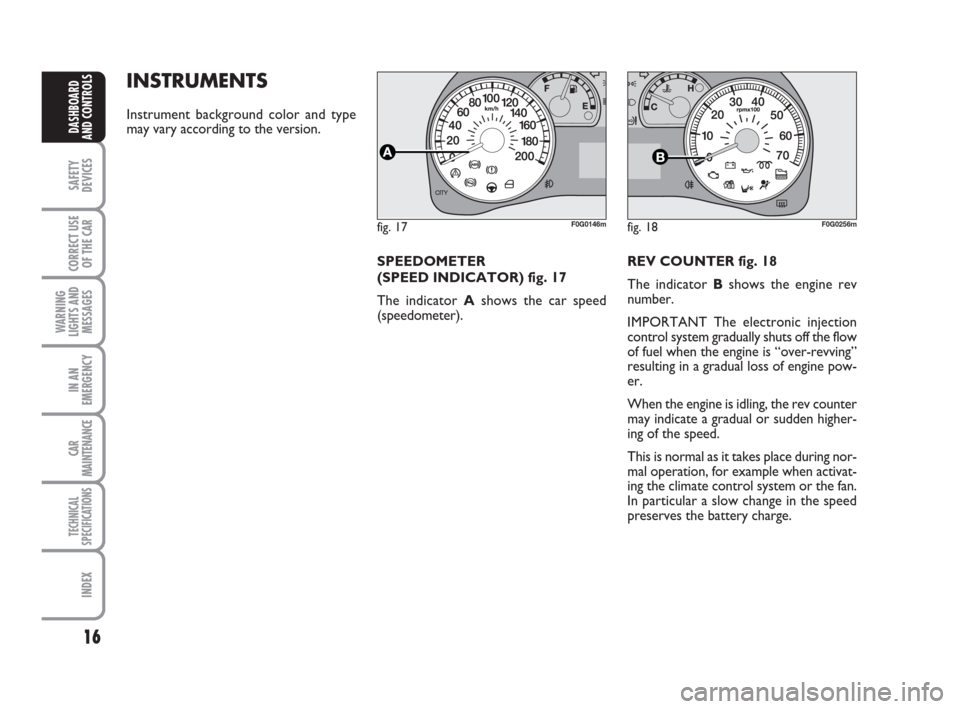
REV COUNTER fig. 18
The indicator Bshows the engine rev
number.
IMPORTANT The electronic injection
control system gradually shuts off the flow
of fuel when the engine is “over-revving”
resulting in a gradual loss of engine pow-
er.
When the engine is idling, the rev counter
may indicate a gradual or sudden higher-
ing of the speed.
This is normal as it takes place during nor-
mal operation, for example when activat-
ing the climate control system or the fan.
In particular a slow change in the speed
preserves the battery charge.
INSTRUMENTS
Instrument background color and type
may vary according to the version.
fig. 17F0G0146mfig. 18F0G0256m
16
SAFETY
DEVICES
CORRECT USE
OF THE CAR
WARNING
LIGHTS AND
MESSAGES
IN AN
EMERGENCY
CAR
MAINTENANCE
TECHNICAL
SPECIFICATIONS
INDEX
DASHBOARD
AND CONTROLS
SPEEDOMETER
(SPEED INDICATOR) fig. 17
The indicator Ashows the car speed
(speedometer).
001-031 Panda New GB 21-06-2007 13:47 Pagina 16
Page 22 of 206
21
SAFETY
DEVICES
CORRECT USE
OF THE CAR
WARNING
LIGHTS AND
MESSAGES
IN AN
EMERGENCY
CAR
MAINTENANCE
TECHNICAL
SPECIFICATIONS
INDEX
DASHBOARD
AND CONTROLS
F0G0630mfig. 28 fig. 27F0G0017m
NoteButtons +and –activate different
functions according to the following situ-
ations:
To adjust light inside the passenger
compartment
– to adjust instrument panel, sound sys-
tem and automatic climate control system
display brightness when standard screen
is active.
Setup menu
– to scroll the menu options upwards and
downwards;
– to increase or decrease values during set-
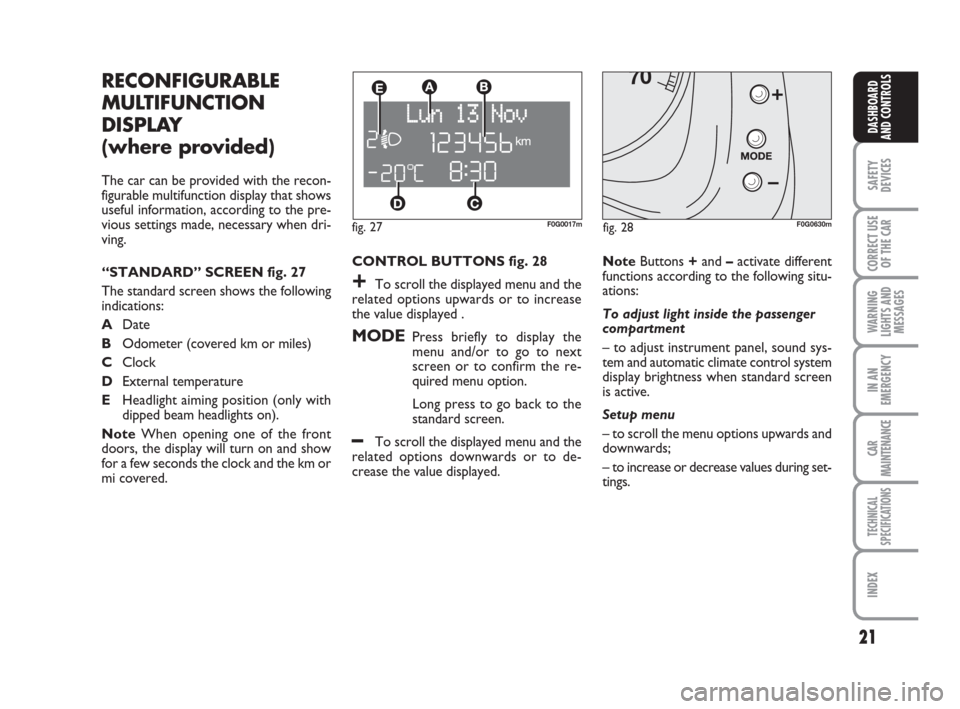
tings. CONTROL BUTTONS fig. 28
+To scroll the displayed menu and the
related options upwards or to increase
the value displayed .
MODEPress briefly to display the
menu and/or to go to next
screen or to confirm the re-
quired menu option.
Long press to go back to the
standard screen.
–To scroll the displayed menu and the
related options downwards or to de-
crease the value displayed.
RECONFIGURABLE
MULTIFUNCTION
DISPLAY
(where provided)
The car can be provided with the recon-
figurable multifunction display that shows
useful information, according to the pre-
vious settings made, necessary when dri-
ving.
“STANDARD” SCREEN fig. 27
The standard screen shows the following
indications:
ADate
BOdometer (covered km or miles)
CClock
DExternal temperature
EHeadlight aiming position (only with
dipped beam headlights on).
NoteWhen opening one of the front
doors, the display will turn on and show
for a few seconds the clock and the km or
mi covered.
001-031 Panda New GB 21-06-2007 13:47 Pagina 21
Page 23 of 206
22
SAFETY
DEVICES
CORRECT USE
OF THE CAR
WARNING
LIGHTS AND
MESSAGES
IN AN
EMERGENCY
CAR
MAINTENANCE
TECHNICAL
SPECIFICATIONS
INDEX
DASHBOARD
AND CONTROLS
Selecting “Date” and “Set Clock”:
– briefly press button MODEto select
the first value to change (e.g. hours /min-
utes or year / month / day);
– operate buttons +or –(by single press)
to select the new setting;
– briefly press button MODEto store the
new setting and to go to the next setup
menu option, if this is the last one you will
go back to the previously selected option of
the main menu.
Press button MODE for long:
– to quit the set up menu if you are in the
main menu;
– to quit the main menu if you are at an-
other point of the menu (e.g.: at submenu
option setting level, at submenu level or
at main menu option setting level);
– to save only the settings stored yet (and
confirmed by pressing button MODE).
The setup menu displaying is timed; when
quitting the menu due to timing expiry,
only settings stored yet by the user (and
confirmed by pressing briefly button
MODE) will be saved. Selecting an option of the main menu with
submenu:
– press briefly button MODEto display
the first submenu option;
– press buttons +or –(by single press-
es) to scroll all the submenu options;
– press briefly button MODEto select
the displayed submenu option and to open
the relevant setup menu;
– press buttons +or –(by single press-
es) to select the new setting for this sub-
menu option;
– press briefly button MODE to store the
new setting and to go back to the previ-
ously selected submenu option. SETUP MENU fig. 29
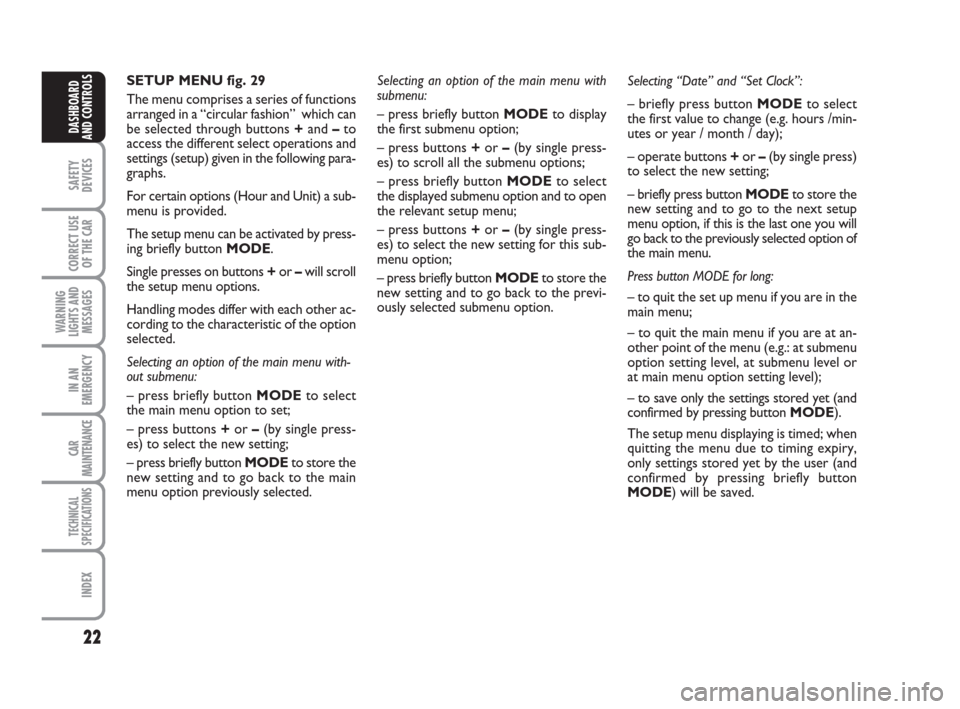
The menu comprises a series of functions
arranged in a “circular fashion” which can
be selected through buttons +and –to
access the different select operations and
settings (setup) given in the following para-
graphs.
For certain options (Hour and Unit) a sub-
menu is provided.
The setup menu can be activated by press-
ing briefly button MODE.
Single presses on buttons +or –will scroll
the setup menu options.
Handling modes differ with each other ac-
cording to the characteristic of the option
selected.
Selecting an option of the main menu with-
out submenu:
– press briefly button MODEto select
the main menu option to set;
– press buttons +or –(by single press-
es) to select the new setting;
– press briefly button MODEto store the
new setting and to go back to the main
menu option previously selected.
001-031 Panda New GB 21-06-2007 13:47 Pagina 22
Page 25 of 206
24
SAFETY
DEVICES
CORRECT USE
OF THE CAR
WARNING
LIGHTS AND
MESSAGES
IN AN
EMERGENCY
CAR
MAINTENANCE
TECHNICAL
SPECIFICATIONS
INDEX
DASHBOARD
AND CONTROLS
– briefly press button MODE en or press
the button for long to go back to the stan-
dard screen without storing settings.
To cancel the setting, proceed as follows:
– briefly press button MODE: (On) will
flash on the display;
– press button –: (Off) will flash on the dis-
play;
– briefly press button MODEto go back
to the menu screen or press the button
for long to go back to the standard screen
without storing settings.
Trip B On/Off (tripB data)
Through this option it is possible to acti-
vate (On) or deactivate (Off) the Trip B
(partial trip).
For further information see “Trip com-
puter”.
For activation / deactivation, proceed as
follows:
– briefly press button MODE: (On) or
(Off) will flash on the display (according to
previous setting);
– press button +or –for setting;
– briefly press button MODEto go back
to the menu screen or press the button
for long to go back to the standard screen
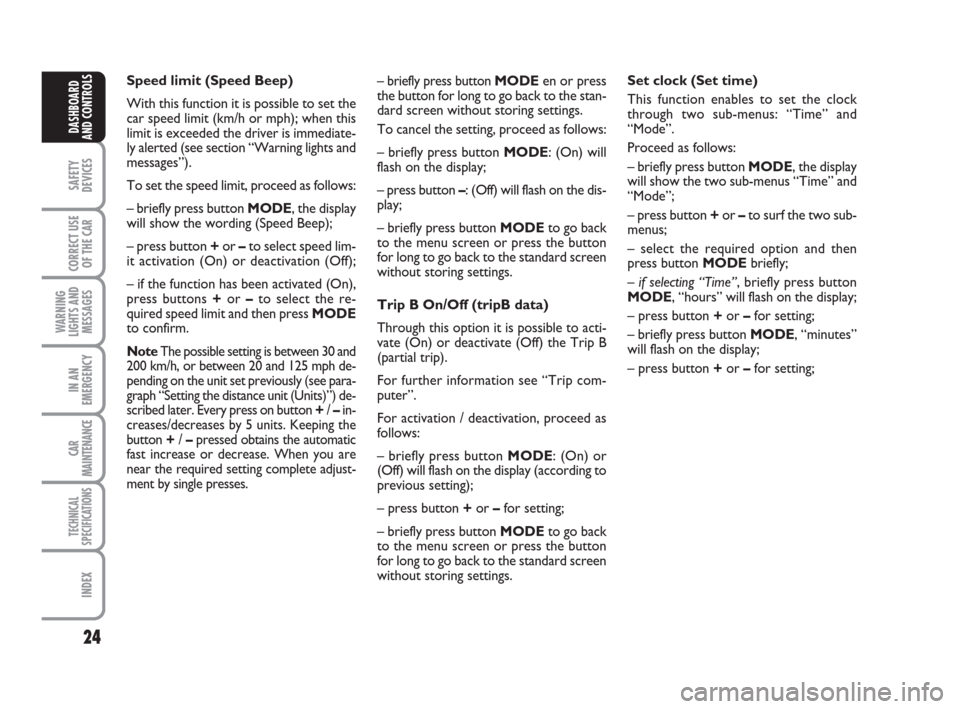
without storing settings. Speed limit (Speed Beep)
With this function it is possible to set the
car speed limit (km/h or mph); when this
limit is exceeded the driver is immediate-
ly alerted (see section “Warning lights and
messages”).
To set the speed limit, proceed as follows:
– briefly press button MODE, the display
will show the wording (Speed Beep);
– press button +or –to select speed lim-
it activation (On) or deactivation (Off);
– if the function has been activated (On),
press buttons +or –to select the re-
quired speed limit and then press MODE
to confirm.
NoteThe possible setting is between 30 and
200 km/h, or between 20 and 125 mph de-
pending on the unit set previously (see para-
graph “Setting the distance unit (Units)”) de-
scribed later. Every press on button +/ –in-
creases/decreases by 5 units. Keeping the
button +/ –pressed obtains the automatic
fast increase or decrease. When you are
near the required setting complete adjust-
ment by single presses.
Set clock (Set time)
This function enables to set the clock
through two sub-menus: “Time” and
“Mode”.
Proceed as follows:
– briefly press button MODE, the display
will show the two sub-menus “Time” and
“Mode”;
– press button +or –to surf the two sub-
menus;
– select the required option and then
press button MODE briefly;
– if selecting “Time”, briefly press button
MODE, “hours” will flash on the display;
– press button +or –for setting;
– briefly press button MODE, “minutes”
will flash on the display;
– press button +or –for setting;
001-031 Panda New GB 21-06-2007 13:47 Pagina 24
Page 26 of 206
25
SAFETY
DEVICES
CORRECT USE
OF THE CAR
WARNING
LIGHTS AND
MESSAGES
IN AN
EMERGENCY
CAR
MAINTENANCE
TECHNICAL
SPECIFICATIONS
INDEX
DASHBOARD
AND CONTROLS
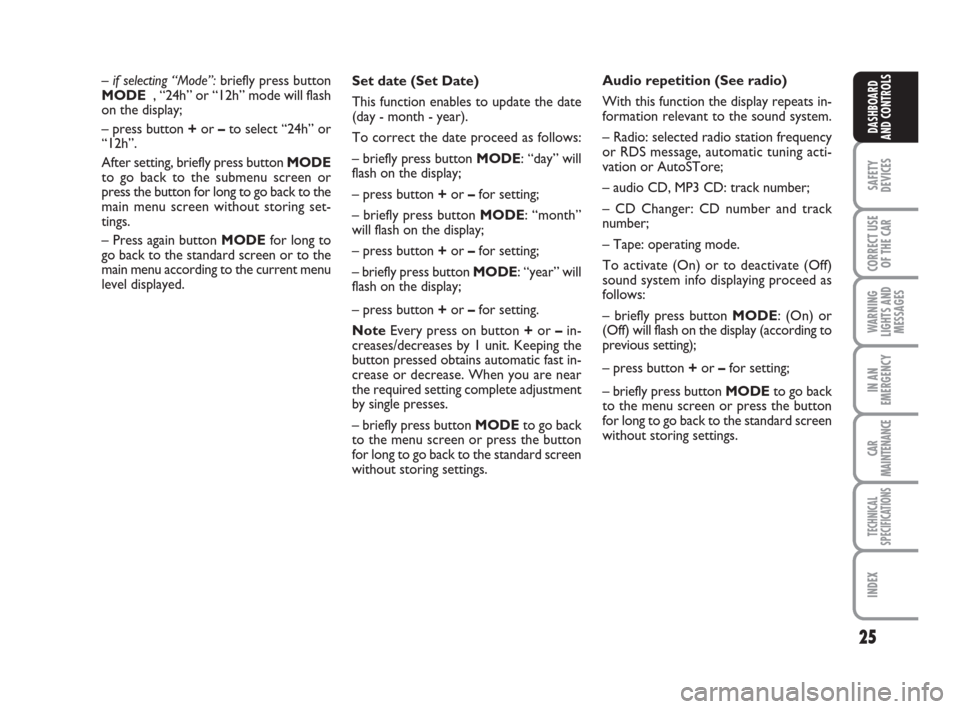
Set date (Set Date)
This function enables to update the date
(day - month - year).
To correct the date proceed as follows:
– briefly press button MODE: “day” will
flash on the display;
– press button +or –for setting;
– briefly press button MODE: “month”
will flash on the display;
– press button +or –for setting;
– briefly press button MODE: “year” will
flash on the display;
– press button +or –for setting.
NoteEvery press on button +or – in-
creases/decreases by 1 unit. Keeping the
button pressed obtains automatic fast in-
crease or decrease. When you are near
the required setting complete adjustment
by single presses.
– briefly press button MODEto go back
to the menu screen or press the button
for long to go back to the standard screen
without storing settings. – if selecting “Mode”:briefly press button
MODE , “24h” or “12h” mode will flash
on the display;
– press button +or –to select “24h” or
“12h”.
After setting, briefly press button MODE
to go back to the submenu screen or
press the button for long to go back to the
main menu screen without storing set-
tings.
– Press again button MODEfor long to
go back to the standard screen or to the
main menu according to the current menu
level displayed.Audio repetition (See radio)
With this function the display repeats in-
formation relevant to the sound system.
– Radio: selected radio station frequency
or RDS message, automatic tuning acti-
vation or AutoSTore;
– audio CD, MP3 CD: track number;
– CD Changer: CD number and track
number;
– Tape: operating mode.
To activate (On) or to deactivate (Off)
sound system info displaying proceed as
follows:
– briefly press button MODE: (On) or
(Off)will flash on the display (according to
previous setting);
– press button +or –for setting;
– briefly press button MODEto go back
to the menu screen or press the button
for long to go back to the standard screen
without storing settings.
001-031 Panda New GB 21-06-2007 13:47 Pagina 25
Page 27 of 206
26
SAFETY
DEVICES
CORRECT USE
OF THE CAR
WARNING
LIGHTS AND
MESSAGES
IN AN
EMERGENCY
CAR
MAINTENANCE
TECHNICAL
SPECIFICATIONS
INDEX
DASHBOARD
AND CONTROLS
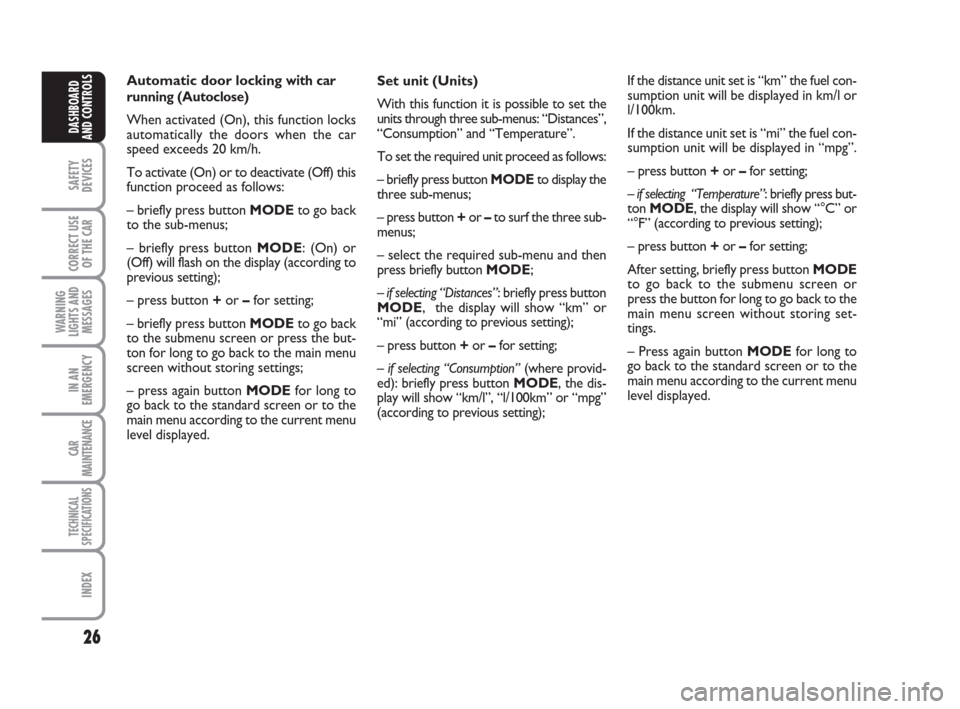
Set unit (Units)
With this function it is possible to set the
units through three sub-menus: “Distances”,
“Consumption” and “Temperature”.
To set the required unit proceed as follows:
– briefly press button MODEto display the
three sub-menus;
– press button +or –to surf the three sub-
menus;
– select the required sub-menu and then
press briefly button MODE;
– if selecting “Distances”: briefly press button
MODE, the display will show “km” or
“mi” (according to previous setting);
– press button +or –for setting;
– if selecting “Consumption”(where provid-
ed): briefly press button MODE, the dis-
play will show “km/l”, “l/100km” or “mpg”
(according to previous setting); Automatic door locking with car
running (Autoclose)
When activated (On), this function locks
automatically the doors when the car
speed exceeds 20 km/h.
To activate (On) or to deactivate (Off) this
function proceed as follows:
– briefly press button MODEto go back
to the sub-menus;
– briefly press button MODE: (On) or
(Off) will flash on the display (according to
previous setting);
– press button +or –for setting;
– briefly press button MODEto go back
to the submenu screen or press the but-
ton for long to go back to the main menu
screen without storing settings;
– press again button MODEfor long to
go back to the standard screen or to the
main menu according to the current menu
level displayed.If the distance unit set is “km” the fuel con-
sumption unit will be displayed in km/l or
l/100km.
If the distance unit set is “mi” the fuel con-
sumption unit will be displayed in “mpg”.
– press button +or –for setting;
– if selecting “Temperature”: briefly press but-
ton MODE, the display will show “°C” or
“°F” (according to previous setting);
– press button +or –for setting;
After setting, briefly press button MODE
to go back to the submenu screen or
press the button for long to go back to the
main menu screen without storing set-
tings.
– Press again button MODEfor long to
go back to the standard screen or to the
main menu according to the current menu
level displayed.
001-031 Panda New GB 21-06-2007 13:47 Pagina 26
Page 28 of 206
27
SAFETY
DEVICES
CORRECT USE
OF THE CAR
WARNING
LIGHTS AND
MESSAGES
IN AN
EMERGENCY
CAR
MAINTENANCE
TECHNICAL
SPECIFICATIONS
INDEX
DASHBOARD
AND CONTROLS
Adjusting the failure/warning
buzzer volume (Buzzer Volume)
With this function the volume of the
buzzer accompanying any failure/warning
indication can be adjusted according to 8
levels.
To set the required the volume, proceed
as follows:
– briefly press button MODE: the previ-
ously set volume “level” will flash on the
display;
– press button +or –for setting;
– briefly press button MODEto go back
to the menu screen or press the button
for long to go back to the standard screen
without storing settings.Adjusting the button volume
(Vol. key)
With this function the volume of the
roger-beep accompanying the activation
of buttons MODE, +and –can be ad-
justed according to 8 levels.
To set the required the volume, proceed
as follows:
– briefly press button MODE: the previ-
ously set volume “level” will flash on the
display;
– press button +or –for setting;
– briefly press button MODEto go back
to the menu screen or press the button
for long to go back to the standard screen
without storing settings. Selecting the language
(Set Language)
Display messages can be shown in differ-
ent languages: Italian, German, English,
Spanish, French, Portuguese, Polish and
Dutch.
To set the required language proceed as
follows:
– briefly press button MODE: the previ-
ously set “language” will flash on the dis-
play;
– press button +or –for setting;
– briefly press button MODEto go back
to the menu screen or press the button
for long to go back to the standard screen
without storing settings.
001-031 Panda New GB 21-06-2007 13:47 Pagina 27
Page 29 of 206
28
SAFETY
DEVICES
CORRECT USE
OF THE CAR
WARNING
LIGHTS AND
MESSAGES
IN AN
EMERGENCY
CAR
MAINTENANCE
TECHNICAL
SPECIFICATIONS
INDEX
DASHBOARD
AND CONTROLS
NoteThe “Service Schedule includes car
maintenance every 20,000 km (or 12,000
mi); this is shown automatically, with the
ignition key at MAR, starting from 2,000
km (or the equivalent value in miles) from
this deadline and it is shown again every
200 km (or the equivalent value in miles).
Below 200 km servicing indications are
displayed more frequently. Service indica-
tions will be displayed km or mi according
to previous unit setting. When a pro-
grammed maintenance interval (coupon)
is near to come, turning the ignition key
to MAR, the display will show the mes-
sage “Service” followed by the number of
km/mi to go before car servicing. Contact
a Fiat Dealership to carry out any service
operation provided by the “Service sched-
ule” and to reset the display.Exit Menu
This is the last function that closes the cir-
cular setting cycle listed in the initial menu
screen.
Briefly press button MODEto go back to
the standard screen without storing set-
tings.
Press button –to return to the first menu
option (Speed Lim.). Scheduled Servicing (Service)
Through this function it is possible to dis-
play information connected to proper car
servicing.
Proceed as follows:
– briefly press button MODE: service in
km or mi, according to previous setting,
will be displayed (see paragraph “Units”);
– briefly press button MODEto go back
to the menu screen or press the button
for long to go back to the standard screen.
001-031 Panda New GB 21-06-2007 13:47 Pagina 28