light FIAT SEDICI 2007 2.G Repair Manual
[x] Cancel search | Manufacturer: FIAT, Model Year: 2007, Model line: SEDICI, Model: FIAT SEDICI 2007 2.GPages: 266, PDF Size: 3.24 MB
Page 155 of 266
154
DIESEL PARTICULATE FILTER
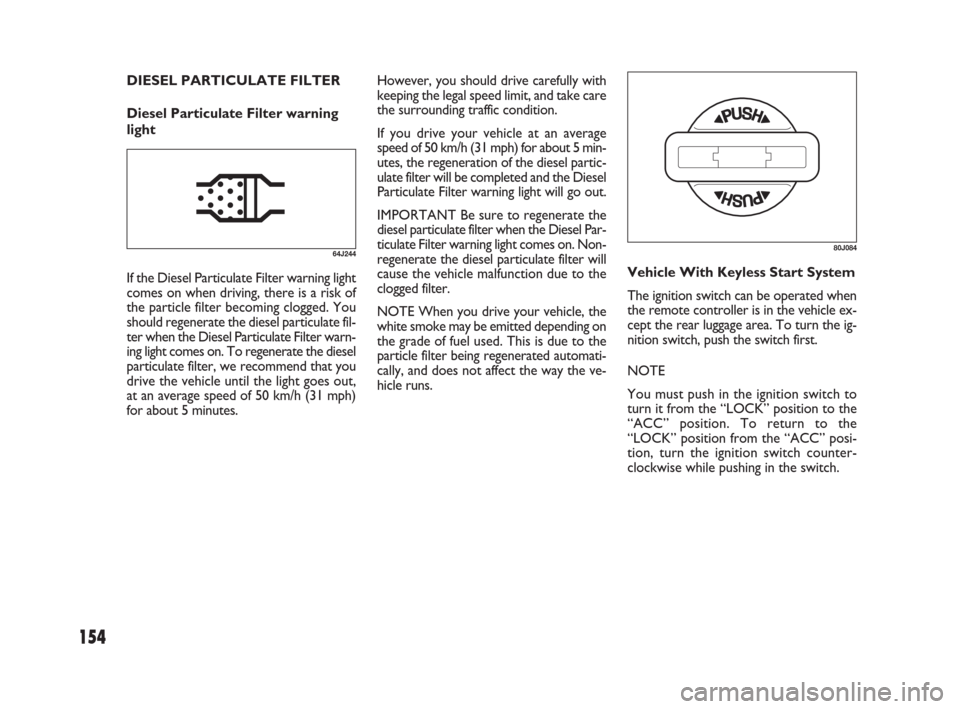
Diesel Particulate Filter warning
lightHowever, you should drive carefully with
keeping the legal speed limit, and take care
the surrounding traffic condition.
If you drive your vehicle at an average
speed of 50 km/h (31 mph) for about 5 min-
utes, the regeneration of the diesel partic-
ulate filter will be completed and the Diesel
Particulate Filter warning light will go out.
IMPORTANT Be sure to regenerate the
diesel particulate filter when the Diesel Par-
ticulate Filter warning light comes on. Non-
regenerate the diesel particulate filter will
cause the vehicle malfunction due to the
clogged filter.
NOTE When you drive your vehicle, the
white smoke may be emitted depending on
the grade of fuel used. This is due to the
particle filter being regenerated automati-
cally, and does not affect the way the ve-
hicle runs.
64J244
If the Diesel Particulate Filter warning light
comes on when driving, there is a risk of
the particle filter becoming clogged. You
should regenerate the diesel particulate fil-
ter when the Diesel Particulate Filter warn-
ing light comes on. To regenerate the diesel
particulate filter, we recommend that you
drive the vehicle until the light goes out,
at an average speed of 50 km/h (31 mph)
for about 5 minutes.Vehicle With Keyless Start System
The ignition switch can be operated when
the remote controller is in the vehicle ex-
cept the rear luggage area. To turn the ig-
nition switch, push the switch first.
NOTE
You must push in the ignition switch to
turn it from the “LOCK” position to the
“ACC” position. To return to the
“LOCK” position from the “ACC” posi-
tion, turn the ignition switch counter-
clockwise while pushing in the switch.
80J084
149-166 Fiat16 New GB 27-11-2007 11:27 Pagina 154
Page 156 of 266
155
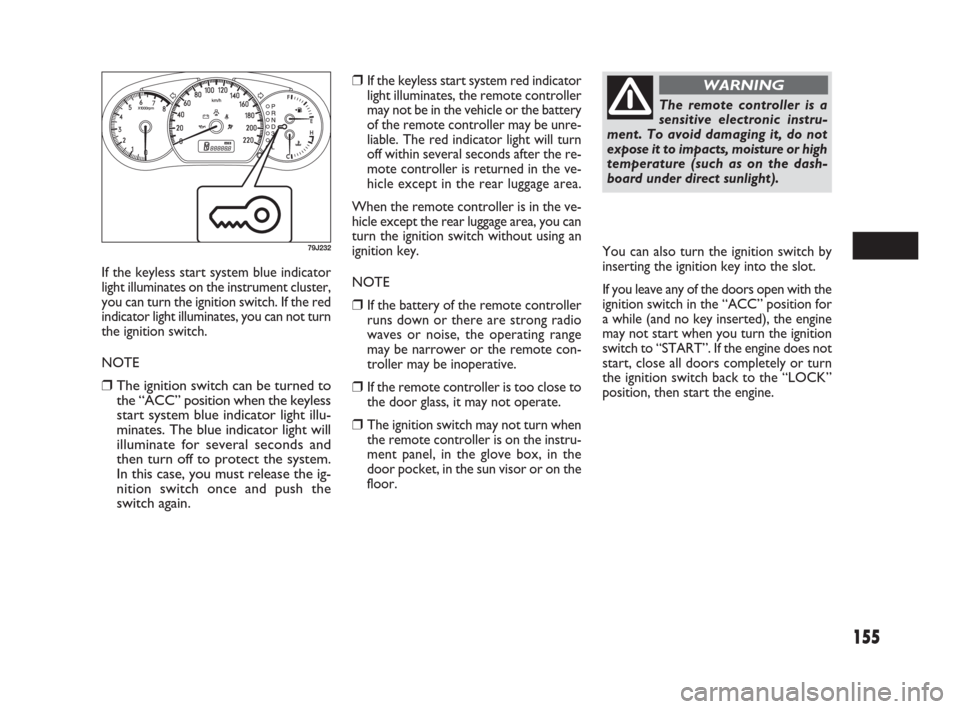
If the keyless start system blue indicator
light illuminates on the instrument cluster,
you can turn the ignition switch. If the red
indicator light illuminates, you can not turn
the ignition switch.
NOTE
❒The ignition switch can be turned to
the “ACC” position when the keyless
start system blue indicator light illu-
minates. The blue indicator light will
illuminate for several seconds and
then turn off to protect the system.
In this case, you must release the ig-
nition switch once and push the
switch again.
79J232
❒If the keyless start system red indicator
light illuminates, the remote controller
may not be in the vehicle or the battery
of the remote controller may be unre-
liable. The red indicator light will turn
off within several seconds after the re-
mote controller is returned in the ve-
hicle except in the rear luggage area.
When the remote controller is in the ve-
hicle except the rear luggage area, you can
turn the ignition switch without using an
ignition key.
NOTE
❒If the battery of the remote controller
runs down or there are strong radio
waves or noise, the operating range
may be narrower or the remote con-
troller may be inoperative.
❒If the remote controller is too close to
the door glass, it may not operate.
❒The ignition switch may not turn when
the remote controller is on the instru-
ment panel, in the glove box, in the
door pocket, in the sun visor or on the
floor.
The remote controller is a
sensitive electronic instru-
ment. To avoid damaging it, do not
expose it to impacts, moisture or high
temperature (such as on the dash-
board under direct sunlight).
WARNING
You can also turn the ignition switch by
inserting the ignition key into the slot.
If you leave any of the doors open with the
ignition switch in the “ACC” position for
a while (and no key inserted), the engine
may not start when you turn the ignition
switch to “START”. If the engine does not
start, close all doors completely or turn
the ignition switch back to the “LOCK”
position, then start the engine.
149-166 Fiat16 New GB 27-11-2007 11:27 Pagina 155
Page 158 of 266
157
IMPORTANT Do not drive with your
hand resting on the gear lever as the force
exerted, even if slight, could lead over time
to premature wear on the gearbox inter-
nal components.
IMPORTANT
❒To help avoid clutch damage, do not
use the clutch pedal as a footrest while
driving or use the clutch to keep the ve-
hicle stationary on a hill. Depress the
clutch fully when shifting.
❒When shifting or starting off, do not
race the engine. Racing the engine can
shorten engine life and prevent smooth
shifting.
USING THE 2WD/
4WD SWITCH
(if equipped)
This 4WD system enables you to select the
driving mode according to the driving con-
ditions by operating the 2WD/4WD
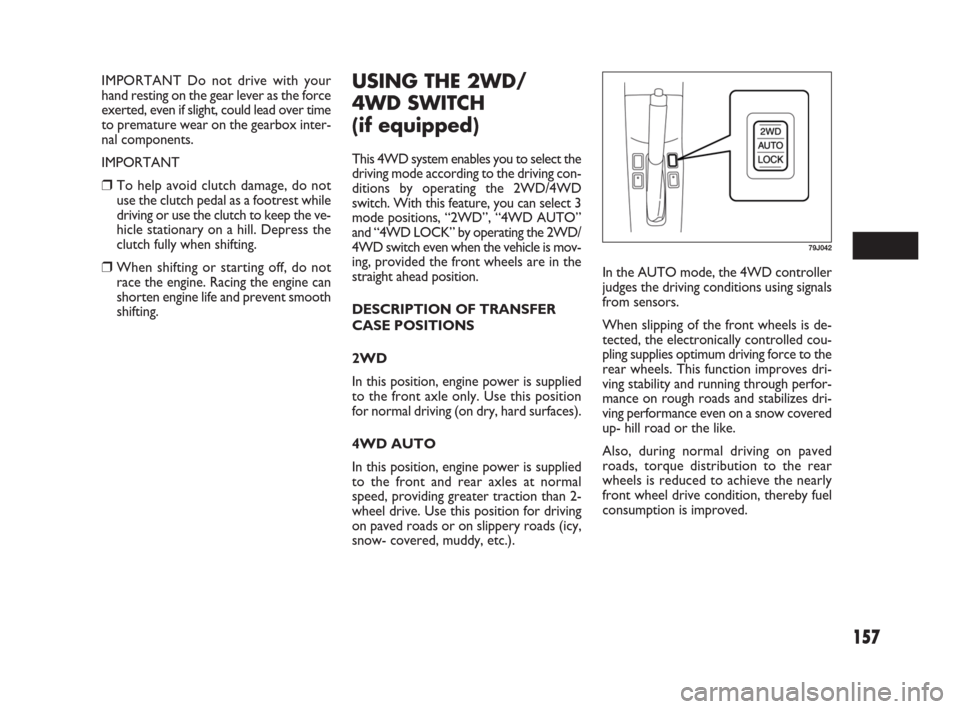
switch. With this feature, you can select 3
mode positions, “2WD”, “4WD AUTO”
and “4WD LOCK” by operating the 2WD/
4WD switch even when the vehicle is mov-
ing, provided the front wheels are in the
straight ahead position.
DESCRIPTION OF TRANSFER
CASE POSITIONS
2WD
In this position, engine power is supplied
to the front axle only. Use this position
for normal driving (on dry, hard surfaces).
4WD AUTO
In this position, engine power is supplied
to the front and rear axles at normal
speed, providing greater traction than 2-
wheel drive. Use this position for driving
on paved roads or on slippery roads (icy,
snow- covered, muddy, etc.).In the AUTO mode, the 4WD controller
judges the driving conditions using signals
from sensors.
When slipping of the front wheels is de-
tected, the electronically controlled cou-
pling supplies optimum driving force to the
rear wheels. This function improves dri-
ving stability and running through perfor-
mance on rough roads and stabilizes dri-
ving performance even on a snow covered
up- hill road or the like.
Also, during normal driving on paved
roads, torque distribution to the rear
wheels is reduced to achieve the nearly
front wheel drive condition, thereby fuel
consumption is improved.
79J042
149-166 Fiat16 New GB 27-11-2007 11:27 Pagina 157
Page 160 of 266
159
IMPORTANT
❒Never use the “4WD LOCK” mode
when driving on dry paved roads.
Avoid using the “4WD LOCK” mode
when driving on wet paved roads as
much as possible. Use of the “4WD
LOCK” mode in above conditions will
apply excessive force to the driving
system and may cause a critical failure.
Also, the tires may wear faster and fu-
el consumption may be affected ad-
versely.
❒Note that 4WD vehicles are not al-
laround vehicles. Be sure to observe
following instructions when driving
your vehicle.
– Do not drive through water like
crossing a river.
– Do not drive continuously where
front wheels tend to race such as in
the sand and mud.
– When any wheel is in the air for such
reason as running off the road, do
not race it needlessly.
❒If the “4WD AUTO” and the “4WD
LOCK” indicator lights stay on and
come on simultaneously when driving,
there may be something wrong the
4WD system. Have the system in-
spected by an authorized Fiat Dealer-
ship.IMPORTANT Unevenly worn tires can
cause problems in the operation of the
2WD/4WD switch. Be sure to rotate the
tires according to the maintenance sched-
ule. Refer to “Tires” and “Maintenance
Schedule” in the “INSPECTION AND
MAINTENANCE” section for proper tire
rotation procedures.
❒While making turns or accelerating and
decelerating, operating the 2WD/
4WD switch or turning off the key
switch in the “4WD AUTO” or “4WD
LOCK” mode may cause a shock, but
this is not a system malfunction.
❒While driving in the “4WD LOCK”
mode, as the vehicle speed increases,
the driving mode changes to the “4WD
AUTO” mode automatically. Even
when the vehicle speed reduces, on the
other hand, the driving mode does not
return to the “4WD LOCK” mode au-
tomatically. You should press the
“4WD LOCK” switch according to the
driving conditions.
❒Any forcible operation while driving of-
froad in the sand or water or when a
wheel has run off the road, the differ-
ence of the revolution between front
wheels and rear wheels increases
(wheels run idle). If this state continues,
the oil temperature of the driving sys-
tem parts rises.
In such case, the “4WD AUTO” indi-
cator light blinks and the driving mode
changes to the 2WD mode to protect
the driving system parts.
When you operate your vehicle in the
4WD mode continuously, park the ve-
hicle at a safe place and run the engine
idle. After some time, the “4WD AU-
TO” indicator light turns on again and
the driving mode returns to the “4WD
AUTO” mode.
149-166 Fiat16 New GB 27-11-2007 11:27 Pagina 159
Page 162 of 266
161
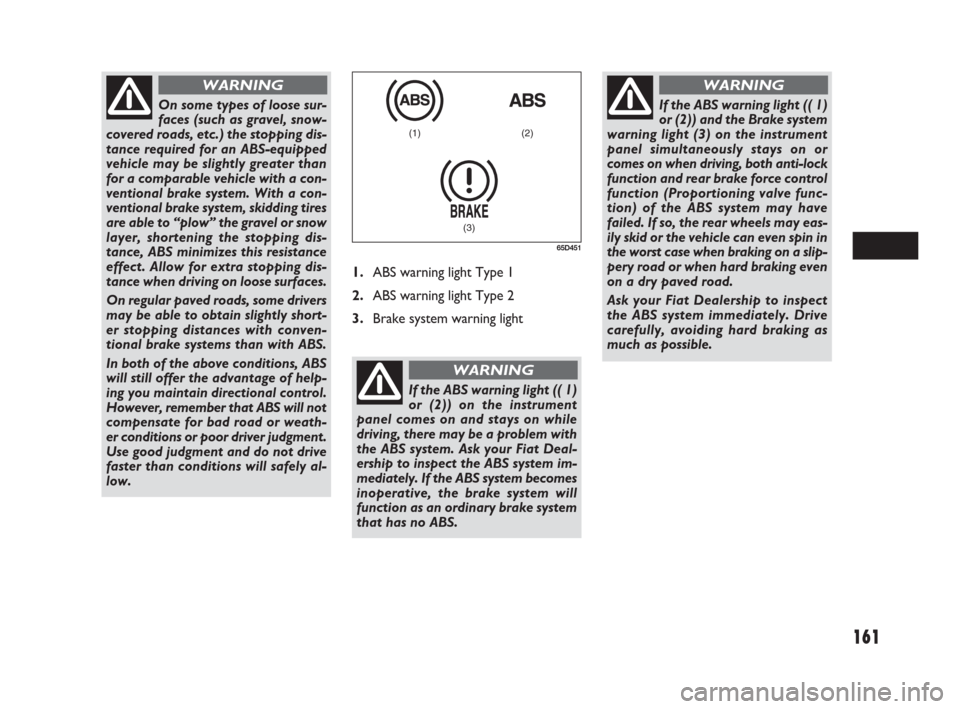
1.ABS warning light Type 1
2.ABS warning light Type 2
3.Brake system warning light
(1) (2)
(3)
65D451
On some types of loose sur-
faces (such as gravel, snow-
covered roads, etc.) the stopping dis-
tance required for an ABS-equipped
vehicle may be slightly greater than
for a comparable vehicle with a con-
ventional brake system. With a con-
ventional brake system, skidding tires
are able to “plow” the gravel or snow
layer, shortening the stopping dis-
tance, ABS minimizes this resistance
effect. Allow for extra stopping dis-
tance when driving on loose surfaces.
On regular paved roads, some drivers
may be able to obtain slightly short-
er stopping distances with conven-
tional brake systems than with ABS.
In both of the above conditions, ABS
will still offer the advantage of help-
ing you maintain directional control.
However, remember that ABS will not
compensate for bad road or weath-
er conditions or poor driver judgment.
Use good judgment and do not drive
faster than conditions will safely al-
low.
WARNING
If the ABS warning light (( 1)
or (2)) on the instrument
panel comes on and stays on while
driving, there may be a problem with
the ABS system. Ask your Fiat Deal-
ership to inspect the ABS system im-
mediately. If the ABS system becomes
inoperative, the brake system will
function as an ordinary brake system
that has no ABS.
WARNING
If the ABS warning light (( 1)
or (2)) and the Brake system
warning light (3) on the instrument
panel simultaneously stays on or
comes on when driving, both anti-lock
function and rear brake force control
function (Proportioning valve func-
tion) of the ABS system may have
failed. If so, the rear wheels may eas-
ily skid or the vehicle can even spin in
the worst case when braking on a slip-
pery road or when hard braking even
on a dry paved road.
Ask your Fiat Dealership to inspect
the ABS system immediately. Drive
carefully, avoiding hard braking as
much as possible.
WARNING
149-166 Fiat16 New GB 27-11-2007 11:27 Pagina 161
Page 164 of 266
163
The ESP may not work prop-
erly if tires or wheels other
than those specified in the Owner’s
Manual are used. When replacing
tires or wheels, use only the size and
type specified in this Owner’s Man-
ual.
The ESP
®may not work properly if
tires are not inflated to the recom-
mended tire inflation pressure.
The ESP
®may not work properly if
tires are fitted with tire chains.
The ESP
®may not work properly if
the tires are excessively worn. Be sure
to replace tires when the tread wear
indicators in the grooves appear on
the tread surface.
The ESP
®is not a substitute for win-
ter tires or tire chains on a snow cov-
ered road.
WARNING
The ESP®may not work
properly if engine related
parts such as the muffler are not
equivalent to standard equipment or
are extremely deteriorated.
Do not modify the vehicle’s suspen-
sion since the ESP
®may not operate
correctly.
WARNING
ANTI-LOCK BRAKING SYSTEM
(ABS)
ABS will help you avoid skidding by elec-
tronically controlling braking pressure. It
will also help you maintain steering con-
trol when braking on slippery surfaces or
when braking hard. The ABS works au-
tomatically, so you do not have to use any
special braking technique. Just push the
brake pedal down without pumping. The
ABS will operate whenever it senses that
wheels are locking up. You may feel the
brake pedal pulsate while the ABS is op-
erating.
(For more information on ABS, see “Brak-
ing” in the “OPERATING YOUR VEHI-
CLE” section.)
NOTE If the ABS system is activated, you
may hear a clunking noise and/ or feel pul-
sating in the brake pedal. This is normal
and indicates that the brake fluid pressure
is being controlled properly.The ESP®indicator lights are described be-
low:
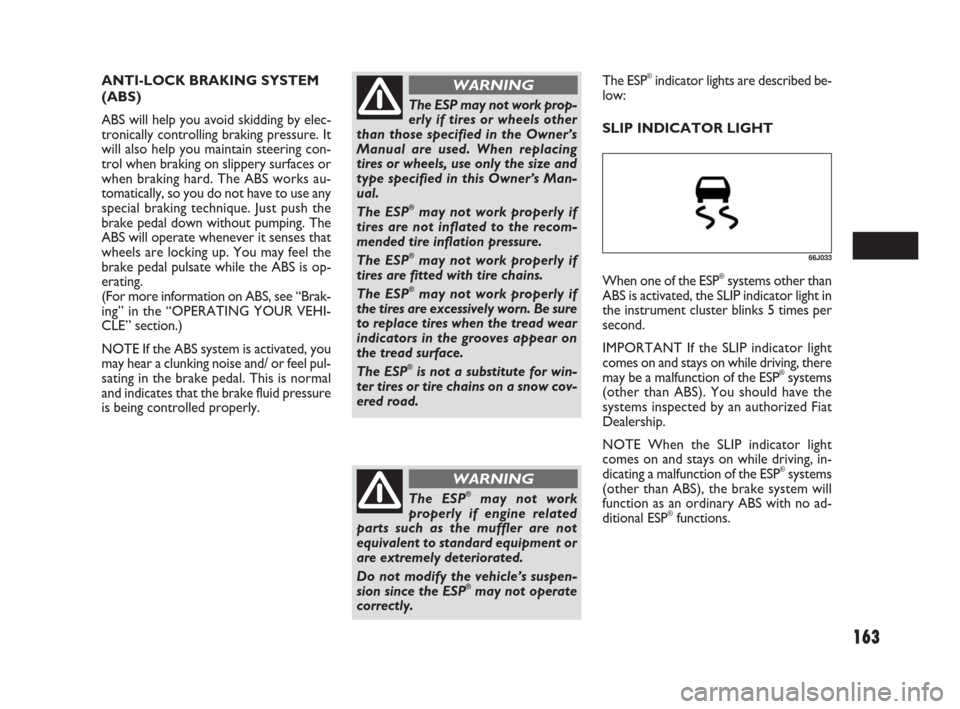
SLIP INDICATOR LIGHT
66J033
When one of the ESP®systems other than
ABS is activated, the SLIP indicator light in
the instrument cluster blinks 5 times per
second.
IMPORTANT If the SLIP indicator light
comes on and stays on while driving, there
may be a malfunction of the ESP
®systems
(other than ABS). You should have the
systems inspected by an authorized Fiat
Dealership.
NOTE When the SLIP indicator light
comes on and stays on while driving, in-
dicating a malfunction of the ESP
®systems
(other than ABS), the brake system will
function as an ordinary ABS with no ad-
ditional ESP
®functions.
149-166 Fiat16 New GB 27-11-2007 11:27 Pagina 163
Page 165 of 266
164
NOTE
When you disconnect and re- connect the
battery, ESP
®system functions other than
ABS will be deactivated and the slip indi-
cator light will blink 1 time per second.
In this case, use the following procedure
to reactivate the ESP
®systems:
❒Drive your vehicle straight ahead with-
out tire slippage at a speed greater than
approximately 15 km/ h (9 mph) for a
few seconds
❒The slip indicator light will go out and
the ESP®systems (other than ABS) will
be re- activated
It may take more than few seconds before
the slip indicator light goes out depending
on the road surface condition.
“ESP” Warning LightIMPORTANT If the “ESP” warning light
comes on, or stays on while driving, there
may be a malfunction of the ESP
®systems
(other than ABS). You should have the
systems inspected by an authorized Fiat
Dealership.
NOTE When the “ESP” warning light
comes on, or stays on while driving, indi-
cating a malfunction of the ESP
®systems
(other than ABS), the brake system will
function as an ordinary ABS that has no
additional ESP
®functions.
“ESP OFF” Indicator Light“ESP OFF” switch
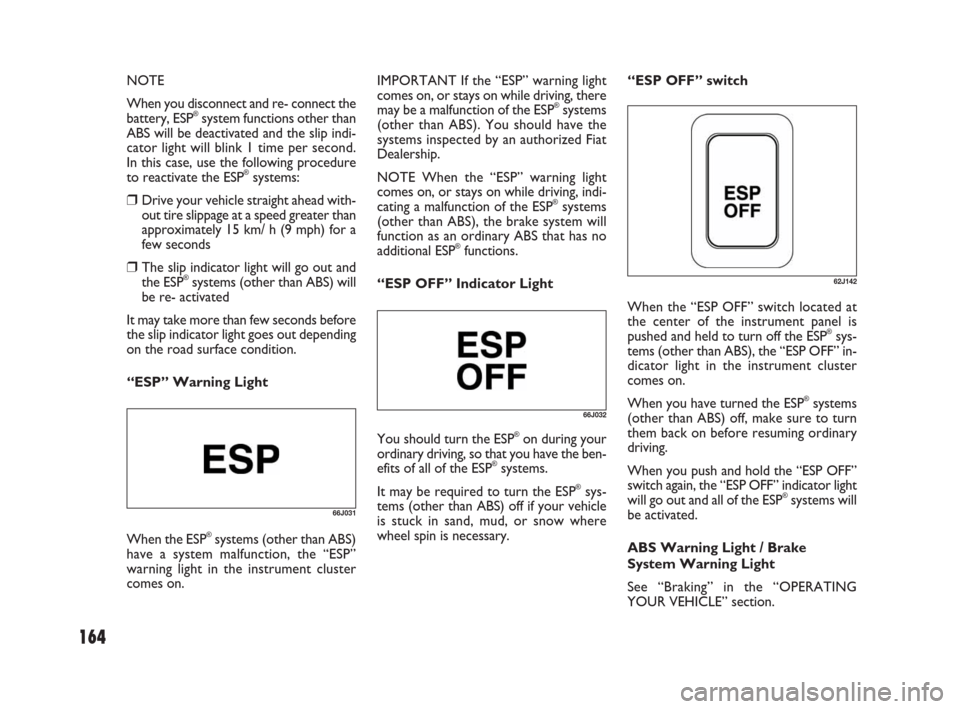
When the “ESP OFF” switch located at
the center of the instrument panel is
pushed and held to turn off the ESP
®sys-
tems (other than ABS), the “ESP OFF” in-
dicator light in the instrument cluster
comes on.
When you have turned the ESP
®systems
(other than ABS) off, make sure to turn
them back on before resuming ordinary
driving.
When you push and hold the “ESP OFF”
switch again, the “ESP OFF” indicator light
will go out and all of the ESP
®systems will
be activated.
ABS Warning Light / Brake
System Warning Light
See “Braking” in the “OPERATING
YOUR VEHICLE” section.66J031
When the ESP®systems (other than ABS)
have a system malfunction, the “ESP”
warning light in the instrument cluster
comes on.
66J032
You should turn the ESP®on during your
ordinary driving, so that you have the ben-
efits of all of the ESP
®systems.
It may be required to turn the ESP
®sys-
tems (other than ABS) off if your vehicle
is stuck in sand, mud, or snow where
wheel spin is necessary.
62J142
149-166 Fiat16 New GB 27-11-2007 11:27 Pagina 164
Page 167 of 266
166
IMPROVING FUEL
ECONOMY
The following instructions will help you
improve fuel economy.
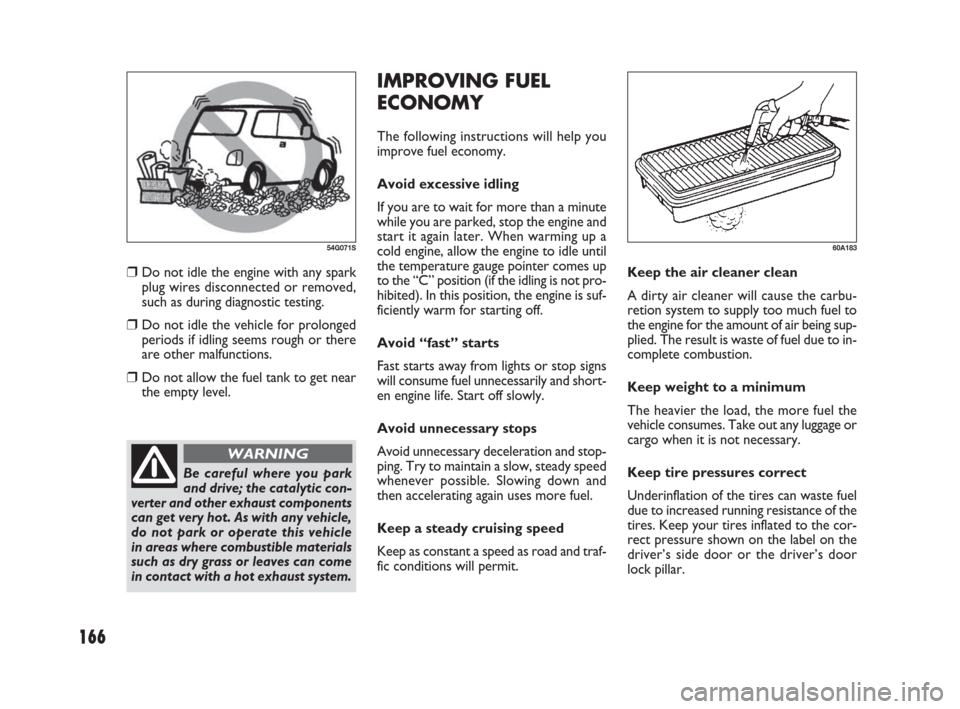
Avoid excessive idling
If you are to wait for more than a minute
while you are parked, stop the engine and
start it again later. When warming up a
cold engine, allow the engine to idle until
the temperature gauge pointer comes up
to the “C” position (if the idling is not pro-
hibited). In this position, the engine is suf-
ficiently warm for starting off.
Avoid “fast” starts
Fast starts away from lights or stop signs
will consume fuel unnecessarily and short-
en engine life. Start off slowly.
Avoid unnecessary stops
Avoid unnecessary deceleration and stop-
ping. Try to maintain a slow, steady speed
whenever possible. Slowing down and
then accelerating again uses more fuel.
Keep a steady cruising speed
Keep as constant a speed as road and traf-
fic conditions will permit.Keep the air cleaner clean
A dirty air cleaner will cause the carbu-
retion system to supply too much fuel to
the engine for the amount of air being sup-
plied. The result is waste of fuel due to in-
complete combustion.
Keep weight to a minimum
The heavier the load, the more fuel the
vehicle consumes. Take out any luggage or
cargo when it is not necessary.
Keep tire pressures correct
Underinflation of the tires can waste fuel
due to increased running resistance of the
tires. Keep your tires inflated to the cor-
rect pressure shown on the label on the
driver’s side door or the driver’s door
lock pillar.
60A183
❒Do not idle the engine with any spark
plug wires disconnected or removed,
such as during diagnostic testing.
❒Do not idle the vehicle for prolonged
periods if idling seems rough or there
are other malfunctions.
❒Do not allow the fuel tank to get near
the empty level.
54G071S
Be careful where you park
and drive; the catalytic con-
verter and other exhaust components
can get very hot. As with any vehicle,
do not park or operate this vehicle
in areas where combustible materials
such as dry grass or leaves can come
in contact with a hot exhaust system.
WARNING
149-166 Fiat16 New GB 27-11-2007 11:27 Pagina 166
Page 173 of 266
172
TRAILER TOWING
Your Fiat was originally designed to car-
ry people and a normal amount of cargo,
not to tow a trailer. Fiat does not rec-
ommend you use your vehicle to tow a
trailer if there is not any local regulation
about towing capacity permitted (for ex-
ample, registered or statutory towing ca-
pacity). Towing a trailer can adversely af-
fect handling, durability, and fuel economy.
Some countries have regulations which
specifically allow trailer towing up to a
specified maximum trailer weight (regis-
tered or statutory towing capacity,
whichever is smaller); vehicles sold in
these countries can be used to tow a light
trailer, provided the trailer does not ex-
ceed the maximum trailer weight specified
in the country’s regulations.
If you use your Fiat to tow a trailer, you
should always observe the requirements
and recommendations in this section. If
you intend to tow a trailer, it is essential
to select a trailer and trailer towing equip-
ment which are compatible. A reputable
towing specialist can help you.
VEHICLE LOADING
Your vehicle was designed for specific
weight capacities. The weight capacities of
your vehicle are indicated by the Gross
Vehicle Weight Rating (GVWR) and the
Gross Axle Weight Rating (GAWR, front
and rear). The GVWR and GAWR (front
and rear) are listed in the “SPECIFICA-
TIONS” section.
GVWR – Maximum permissible overall
weight of the fully loaded vehicle (includ-
ing all the occupants, accessories and car-
go plus the trailer nose weight if towing
a trailer).
GAWR – (Front and Rear) Maximum per-
missible weight on an individual axle.
Actual weight of the loaded vehicle and ac-
tual loads at the front and rear axles can
only be determined by weighing the vehi-
cle. Compare these weights to the GVWR
and GAWR (front and rear). If the gross
vehicle weight or the load on either axle
exceeds these ratings, you must remove
enough weight to bring the load down to
the rated capacity.Never overload your vehicle.
The gross vehicle weight
(sum of the weights of the vehicle, all
the occupants, accessories, cargo plus
trailer nose weight if towing a trailer)
must never exceed the Gross Vehicle
Weight Rating (GVWR). In addition,
never distribute a load so that the
weight on either the front or rear axle
exceeds the Gross Axle Weight Rat-
ing (GAWR).
WARNING
Always distribute cargo
evenly. To avoid personal in-
jury or damage to your vehicle, al-
ways secure cargo to prevent it from
shifting if the vehicle moves sudden-
ly. Place heavier objects on the floor
and as far forward in the cargo area
as possible. Never pile cargo higher
than the top of the seat backs.
WARNING
171-180 Fiat16 New GB 27-11-2007 11:29 Pagina 172
Page 174 of 266
Never use a tow bar which
attaches to the axle or the
bumper of your vehicle.
WARNING
Never attach safety chains
to the bumper of your vehi-
cle. Secure connections so that they
can’t come loose.
WARNING
Never connect trailer lights
directly into your vehicle’s
electrical system, or electrical system
damage may occur.
WARNING
BRAKES
If trailer brakes are used, you
should follow all instructions
provided by the manufacturer. Nev-
er connect to the brake system of
your vehicle and never take an elec-
trical supply directly from the wiring
harness.
WARNING
173
SAFETY CHAINS
Always attach safety chains between your
vehicle and trailer. Cross safety chains un-
der the nose of the trailer so that the nose
will not drop to the road if the trailer be-
comes separated from the tow bar. Fol-
low the manufacturer’s recommendation
for attaching safety chains. Always leave
just enough slack to permit full turning.
Never allow safety chains to drag on the
road.TRAILER LIGHTS
Make sure your trailer is equipped with
lights which meet local requirements. Al-
ways check for the proper operation of all
trailer lights before you start to tow. IMPORTANT Trailer towing puts addi-
tional stress on the engine, drive train, and
brakes of your vehicle. Never tow a trail-
er during the first 960 km (600 miles) of
vehicle operation.
TOW BARS
Only use a tow bar that is designed to at-
tach to the chassis of your vehicle, and
a hitch that is designed to bolt to this
bracket.
171-180 Fiat16 New GB 27-11-2007 11:29 Pagina 173