light FIAT TIPO 5DOORS STATION WAGON 2016 1.G Manual Online
[x] Cancel search | Manufacturer: FIAT, Model Year: 2016, Model line: TIPO 5DOORS STATION WAGON, Model: FIAT TIPO 5DOORS STATION WAGON 2016 1.GPages: 240, PDF Size: 5.43 MB
Page 211 of 240
expiry of the servicing interval. Press the
"my:Car" button to interact with the
application.
The display will show a screen with the
"care:Index" section, which provides all
the detailed information about the
status of the vehicle. Press the "Active
warnings" button to show (if present)
the details of the vehicle's faults which
caused a warning light to switch on.
SETTINGS
Press thebutton on the front panel
to display the main "Settings" menu.
NOTE The menu items displayed vary
according to the versions.
The menu includes the following items:
Display;
Units;
Voice commands;
Clock & Date;
Safety / Assistance;
Lights;
Doors & Locks;
Vehicle Shutdown Options;
Audio;
Phone / Bluetooth;
Configurat. SiriusXM (where
provided);
Radio Setup;
Restore settings
Safety/Assistance(where provided)
This function can be used to carry out
the following adjustments:
"Rear View camera"(where
provided): this function can be used to
carry out the following adjustments:
- "Active Guidelines" (where provided):
permits the activation of dynamic grids
that indicate the route of the vehicle on
the display.
- "Rit. telec. - "Rear View cam.delay"
(where provided): permits a delay in the
disappearance of images from the
camera when reverse is disengaged.
"Frnt Coll. Warning"(where
provided): this function can be used to
select the Full Brake Control system
intervention mode.
The options available are:
- "Off": the system is deactivated;
- "Only warning": the system intervenes
only by providing the driver with an
acoustic warning (where provided);
- "Only active braking": the system
intervenes by activating automatic
braking (where provided);
- "Warning + active braking": the
system intervenes by providing the
driver with an acoustic warning and
activating automatic braking.
"Fwd Coll. Sensitivity"(where
provided): this function can be used toselect the "readiness" of the system to
intervene, on the basis of distance from
the obstacle.
The options available are "Near",
"Med", "Far".
"Park Assist"(where provided): this
function can be used to select the type
of warning provided by the Park Assist
system.
The options available are:
- "Sound Only": the system warns the
driver that an obstacle is present
through acoustic warnings only, via the
speakers in the vehicle.
- "Sound & Display": the system warns
the driver that an obstacle is present
through acoustic (via the speakers in
the vehicle) and visual (on the
instrument panel) warnings.
"Front Park Assist vol."(where
provided): this function can be used to
select the volume of the acoustic
warnings provided by the front Park
Assist system.
"Rear Park Assist vol."(where
provided): this function can be used to
select the volume of the acoustic
warnings provided by the rear Park
Assist system.
"Park Assist vol."(where provided):
this function can be used to select the
volume of the acoustic warnings
provided by the Park Assist system.
209
Page 220 of 240
SWITCHING THE SYSTEM
ON/OFF
The system is switched on/off by
pressing the
button/knob.
Turn the button/knob clockwise to
increase the radio volume or
anticlockwise to decrease it. The
electronic volume adjustment control
rotates continuously (360°) in both
directions, without stop positions.
RADIO MODE
After the desired radio station is
selected, the following information is
shown on the display:
At the top: the list of radio stations
stored (preset) is displayed; the station
being listened to is highlighted.
In the middle: display of the name of
the current radio station and the
buttons for selecting the previous or
next radio station.
On the left: display of the "AM", "FM”,
“DAB” buttons for selecting the desired
frequency band (reconfigurable button
depending on the selected band: AM,
FM or DAB);
On the right: display of the following
buttons:
"Info": additional information on the
source being listened to;
"Map": navigation map view(Uconnect™7" HD Nav LIVEversions
only).
At the bottom: display of the following
buttons:
“Browse": list of the radio stations
available;
/selection of the
previous/next radio station;
“Tune” : manual radio station tuning;
"Audio": access to the "Audio
setting" screen.
Audio menu
To access the "Audio" menu press the
Audio" button located at the bottom of
the display.
The following adjustments can be
carried out using the "Audio" menu:
“Balance & Fader" (left/right and
front/rear audio balance adjustment);
"Equaliser" (where provided);
“Speed dependent volume"
(speed-dependent automatic volume
control);
"Loudness" (where provided);
"AUX volume compensation" (off in
radio mode, selectable only with AUX
source active);
“Auto run”;
"Auto-On Radio".
MEDIA MODE
Press the "Media" button to select the
desired audio source among those
available: USB/iPod,
Bluetooth®,
AUX.
IMPORTANT Applications used on
portable devices may be not
compatible with theUconnect™
system.
After Media mode is selected, the
following information is shown on the
display:
At the top: information on the track
being played and the following graphic
buttons:
"Repeat": to repeat the track being
played;
"Shuffle": to play the tracks in
random order.
In the middle: information on the track
being played.
On the left: display of the following
buttons:
Selected device or audio source;
"Select device": select the required
audio source.
On the right: display of the following
buttons:
"Info": additional information on the
track being played;
"Tracks": list of available tracks.
"Map": navigation map view
218
MULTIMEDIA
Page 224 of 240
time, in order to help you reach a more
efficient driving style as far as
consumption and emissions are
concerned.
In addition, the data can be saved on a
USB flash drive, and the data analysis
can be made on your personal
computer thanks to theeco:Drive™
desktop application, available on
www.DriveUconnect.eu.
Driving style is evaluated by means of
four indices which monitor the following
parameters: acceleration, deceleration,
gearchange, speed
Display of the eco:Drive™
Press theeco:Drive™button to
interact with the function.
A screen will appear on the radio
showing 4 indices: Acceleration,
Deceleration, Speed and Gear. These
indices are grey until the system has
enough data to evaluate the driving
style. Once sufficient data are available,
the indices will have 5 colours
depending on the evaluation: dark
green (very good), light green, yellow,
orange and red (very bad).
In the event of extended inactivity, the
display will show the average of the
indices until that moment (the "Average
index"), then the indices will be
coloured again in real time as soon as
the vehicle is restarted.Recording and transferring trip data
The trip data can be stored in the
system memory and transferred using a
suitably configured USB memory stick
or byUconnect™LIVEapp. This
allows you to display the history of the
collected data, showing the complete
analysis of the trip data and of your
driving style.
Further information is available at
www.DriveUconnect.eu.
my:Car
my:Carallows you to keep the "health"
of your vehicle always under control.
my:Carcan detect malfunction in real
time and inform the user about the
expiry of the servicing interval. Press the
"my:Car" button to interact with the
application.
The display will show a screen with the
"care:Index" section, which provides all
the detailed information about the
status of the vehicle. Press the "Active
warnings" button to show (if present)
the details of the vehicle's faults which
caused a warning light to switch on.
SETTINGS
Press the “Settings” button on the
display to show the main “Settings”
menu.
NOTE The menu items displayed vary
according to the versions.The menu includes the following items:
Language;
Display;
Units;
Voice commands;
Time and Date;
Safety & Driving Assistance;
Lights;
Doors and Door lock;
Vehicle Shutdown Options;
Audio;
Phone/Bluetooth®;Radio Setup;
Restore default settings;
Clear personal data.
Safety / Driving
Assistance
(where provided)
This function can be used to carry out
the following adjustments:
“Brake Control” (where provided).
This function can be used to select the
Brake Control system intervention
method:
–“Off": the system is deactivated;
–“Only active braking": the system
intervenes by activating automatic
braking (where provided);
–“Warning + active braking": the
system intervenes by providing the
driver with an acoustic warning and
activating automatic braking;
“Brake Control Sensitivity” (where
provided). This function can be used to
222
MULTIMEDIA
Page 228 of 240
WARNING
INTERIOR FITTINGS
Do not travel with the storage compartment open: it may injure the front seat occupants in the event of an accident.
The cigar lighter gets extremely hot. Handle it carefully and make sure that children don’t use it: risk of fire and/or burns.
Do not use the ashtray as a waste paper basket: it may catch fire in contact with cigarette stubs.
ENVIRONMENTAL PROTECTION SYSTEMS
The catalytic converter and particulate filter (DPF) reach very high temperatures during operation. Therefore do not park the
vehicle on flammable materials (e.g. grass, dry leaves, pine needles, etc.): fire hazard.
POWER SUPPLY
Modifications or repairs to the supply system that are not carried out correctly or do not take the system technical
specifications into account can cause malfunctions leading to the risk of fire.
WHEELS
DO NOT fit wheel hub caps when using integral hub caps fixed (with springs) to the steel rim and after sale tyres provided
with Rim Protector. Use of unsuitable tyres and wheel caps may cause sudden decrease of tyre pressure.
226
IMPORTANT INFORMATION AND RECOMMENDATIONS
Page 235 of 240
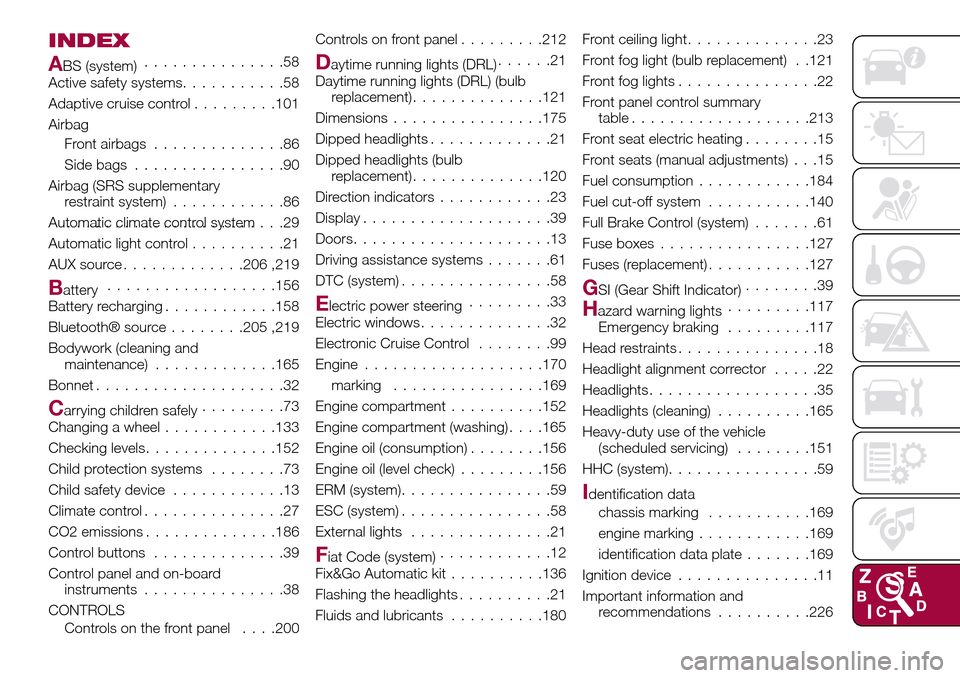
INDEX
ABS (system)...............58
Active safety systems...........58
Adaptive cruise control.........101
Airbag
Front airbags..............86
Side bags................90
Airbag (SRS supplementary
restraint system)............86
Automatic climate control system.......................29
Automatic light control..........21
AUX source.............206 ,219
Battery..................156
Battery recharging............158
Bluetooth® source........205 ,219
Bodywork (cleaning and
maintenance).............165
Bonnet....................32
Carrying children safely.........73
Changing a wheel............133
Checking levels..............152
Child protection systems........73
Child safety device............13
Climate control...............27
CO2 emissions..............186
Control buttons..............39
Control panel and on-board
instruments...............38
CONTROLS
Controls on the front panel. . . .200Controls on front panel.........212
Daytime running lights (DRL)......21
Daytime running lights (DRL) (bulb
replacement)..............121
Dimensions................175
Dipped headlights.............21
Dipped headlights (bulb
replacement)..............120
Direction indicators............23
Display....................39
Doors.....................13
Driving assistance systems.......61
DTC (system)................58
Electric power steering.........33
Electric windows..............32
Electronic Cruise Control........99
Engine...................170
marking................169
Engine compartment..........152
Engine compartment (washing). . . .165
Engine oil (consumption)........156
Engine oil (level check).........156
ERM (system)................59
ESC (system)................58
External lights...............21
Fiat Code (system)............12
Fix&Go Automatic kit..........136
Flashing the headlights..........21
Fluids and lubricants..........180Front ceiling light..............23
Front fog light (bulb replacement) . .121
Front fog lights...............22
Front panel control summary
table...................213
Front seat electric heating........15
Front seats (manual adjustments) . . .15
Fuel consumption............184
Fuel cut-off system...........140
Full Brake Control (system).......61
Fuse boxes................127
Fuses (replacement)...........127
GSI (Gear Shift Indicator)........39
Hazard warning lights.........117
Emergency braking.........117
Head restraints...............18
Headlight alignment corrector.....22
Headlights..................35
Headlights (cleaning)..........165
Heavy-duty use of the vehicle
(scheduled servicing)........151
HHC (system)................59
Identification data
chassis marking...........169
engine marking............169
identification data plate.......169
Ignition device...............11
Important information and
recommendations..........226
Page 236 of 240
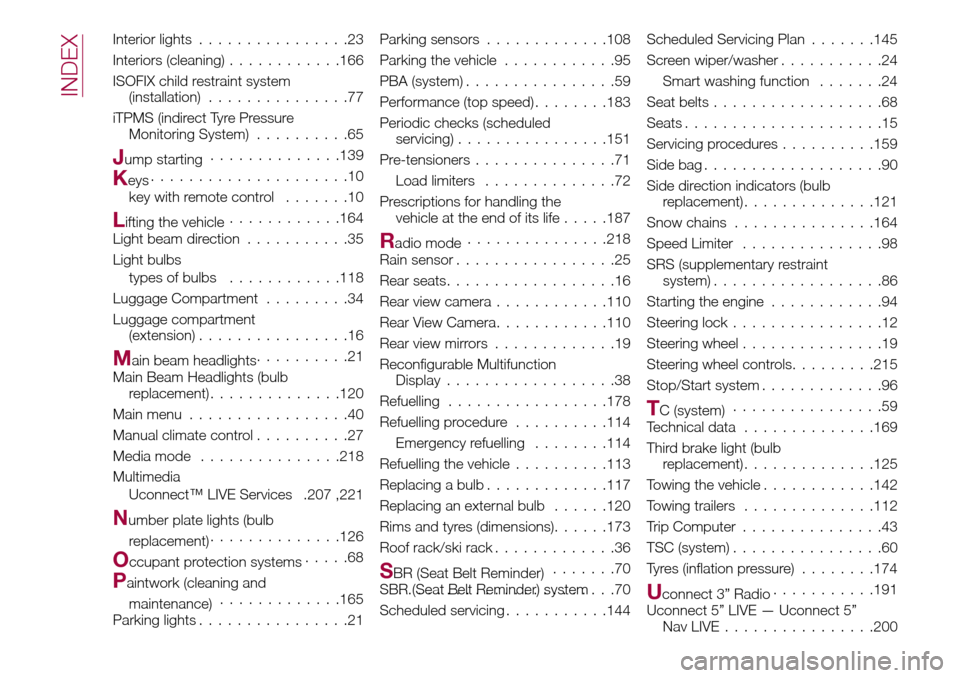
Interior lights................23
Interiors (cleaning)............166
ISOFIX child restraint system
(installation)...............77
iTPMS (indirect Tyre Pressure
Monitoring System)..........65
Jump starting..............139
Keys.....................10
key with remote control.......10
Lifting the vehicle............164
Light beam direction...........35
Light bulbs
types of bulbs............118
Luggage Compartment.........34
Luggage compartment
(extension)................16
Main beam headlights..........21
Main Beam Headlights (bulb
replacement)..............120
Main menu.................40
Manual climate control..........27
Media mode...............218
Multimedia
Uconnect™ LIVE Services .207 ,221
Number plate lights (bulb
replacement)..............126
Occupant protection systems.....68
Paintwork (cleaning and
maintenance).............165
Parking lights................21Parking sensors.............108
Parking the vehicle............95
PBA (system)................59
Performance (top speed)........183
Periodic checks (scheduled
servicing)................151
Pre-tensioners...............71
Load limiters..............72
Prescriptions for handling the
vehicle at the end of its life.....187
Radio mode...............218
Rain sensor.................25
Rear seats..................16
Rear view camera............110
Rear View Camera............110
Rear view mirrors.............19
Reconfigurable Multifunction
Display..................38
Refuelling.................178
Refuelling procedure..........114
Emergency refuelling........114
Refuelling the vehicle..........113
Replacing a bulb.............117
Replacing an external bulb......120
Rims and tyres (dimensions)......173
Roof rack/ski rack.............36
SBR (Seat Belt Reminder).......70
SBR (Seat Belt Reminder) system.......................70
Scheduled servicing...........144Scheduled Servicing Plan.......145
Screen wiper/washer...........24
Smart washing function.......24
Seat belts..................68
Seats.....................15
Servicing procedures..........159
Side bag...................90
Side direction indicators (bulb
replacement)..............121
Snow chains...............164
Speed Limiter...............98
SRS (supplementary restraint
system)..................86
Starting the engine............94
Steering lock................12
Steering wheel...............19
Steering wheel controls.........215
Stop/Start system.............96
TC (system)................59
Technical data..............169
Third brake light (bulb
replacement)..............125
Towing the vehicle............142
Towing trailers..............112
Trip Computer...............43
TSC (system)................60
Tyres (inflation pressure)........174
Uconnect 3” Radio...........191
Uconnect 5” LIVE — Uconnect 5”
Nav LIVE................200
INDEX
Page 237 of 240
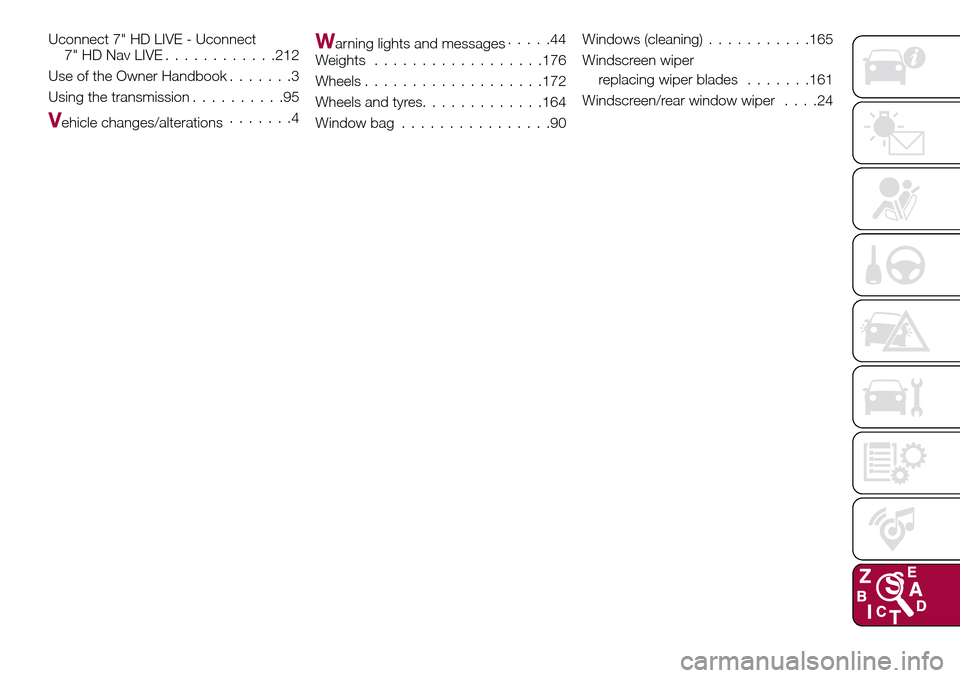
Uconnect 7" HD LIVE - Uconnect
7" HD Nav LIVE............212
Use of the Owner Handbook.......3
Using the transmission..........95
Vehicle changes/alterations.......4
Warning lights and messages.....44
Weights..................176
Wheels...................172
Wheels and tyres.............164
Window bag................90Windows (cleaning)...........165
Windscreen wiper
replacing wiper blades.......161
Windscreen/rear window wiper....24