warning light FORD B MAX 2012 1.G Owner's Manual
[x] Cancel search | Manufacturer: FORD, Model Year: 2012, Model line: B MAX, Model: FORD B MAX 2012 1.GPages: 256, PDF Size: 19.67 MB
Page 173 of 256
Downloaded from www.Manualslib.com manuals search engine GENERAL INFORMATION
Radio Frequencies and ReceptionFactors
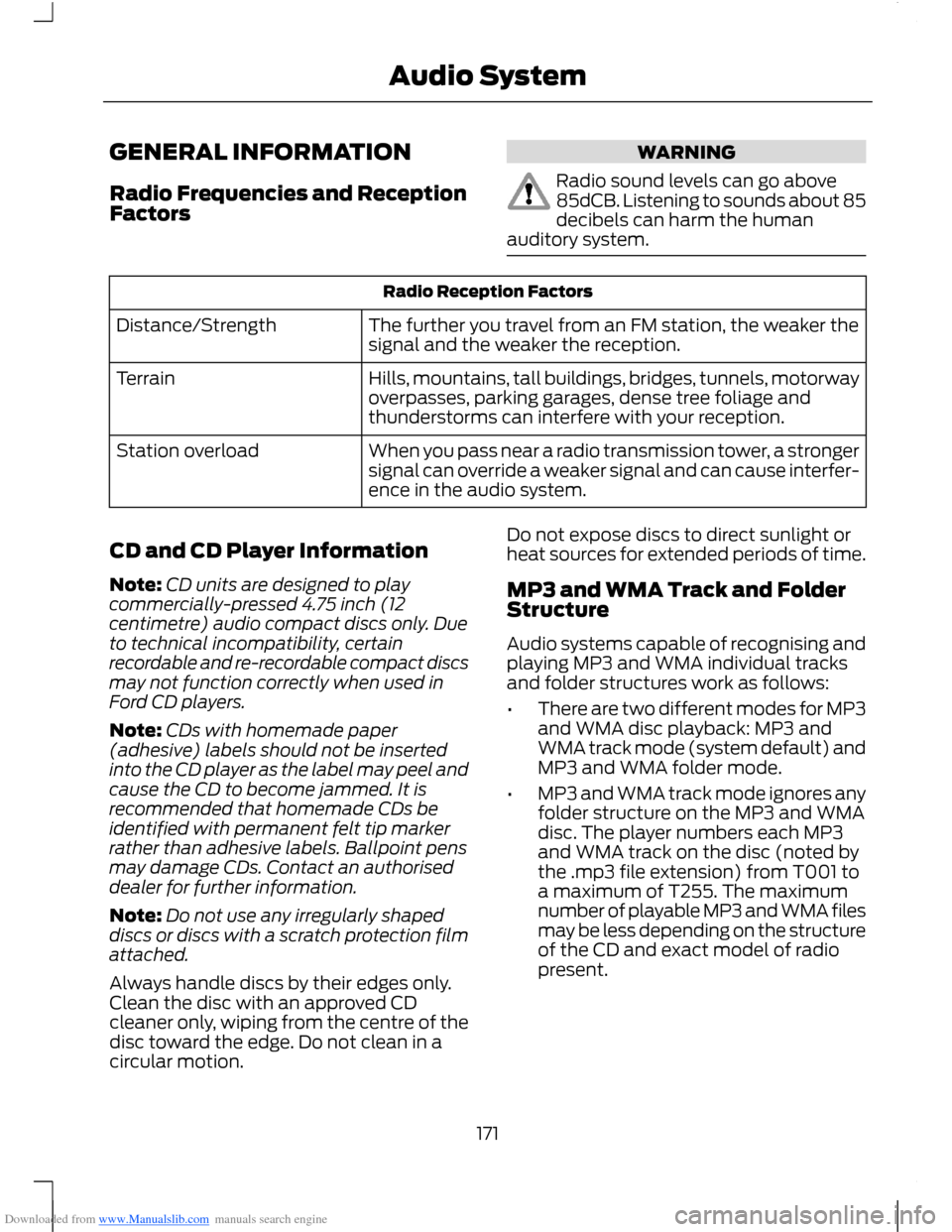
WARNING
Radio sound levels can go above85dCB. Listening to sounds about 85decibels can harm the humanauditory system.
Radio Reception Factors
The further you travel from an FM station, the weaker thesignal and the weaker the reception.Distance/Strength
Hills, mountains, tall buildings, bridges, tunnels, motorwayoverpasses, parking garages, dense tree foliage andthunderstorms can interfere with your reception.
Terrain
When you pass near a radio transmission tower, a strongersignal can override a weaker signal and can cause interfer-ence in the audio system.
Station overload
CD and CD Player Information
Note:CD units are designed to playcommercially-pressed 4.75 inch (12centimetre) audio compact discs only. Dueto technical incompatibility, certainrecordable and re-recordable compact discsmay not function correctly when used inFord CD players.
Note:CDs with homemade paper(adhesive) labels should not be insertedinto the CD player as the label may peel andcause the CD to become jammed. It isrecommended that homemade CDs beidentified with permanent felt tip markerrather than adhesive labels. Ballpoint pensmay damage CDs. Contact an authoriseddealer for further information.
Note:Do not use any irregularly shapeddiscs or discs with a scratch protection filmattached.
Always handle discs by their edges only.Clean the disc with an approved CDcleaner only, wiping from the centre of thedisc toward the edge. Do not clean in acircular motion.
Do not expose discs to direct sunlight orheat sources for extended periods of time.
MP3 and WMA Track and FolderStructure
Audio systems capable of recognising andplaying MP3 and WMA individual tracksand folder structures work as follows:
•There are two different modes for MP3and WMA disc playback: MP3 andWMA track mode (system default) andMP3 and WMA folder mode.
•MP3 and WMA track mode ignores anyfolder structure on the MP3 and WMAdisc. The player numbers each MP3and WMA track on the disc (noted bythe .mp3 file extension) from T001 toa maximum of T255. The maximumnumber of playable MP3 and WMA filesmay be less depending on the structureof the CD and exact model of radiopresent.
171Audio System
Page 213 of 256
Downloaded from www.Manualslib.com manuals search engine SYNC® APPLICATIONS AND
SERVICES
1.Press the MENU button to enter thesystem's menu.
2.Scroll until SYNC-Apps is selected,then press OK.
A list of available applications will beshown. Each application might have itsown specific settings.
SYNC Emergency Assistance
WARNINGS
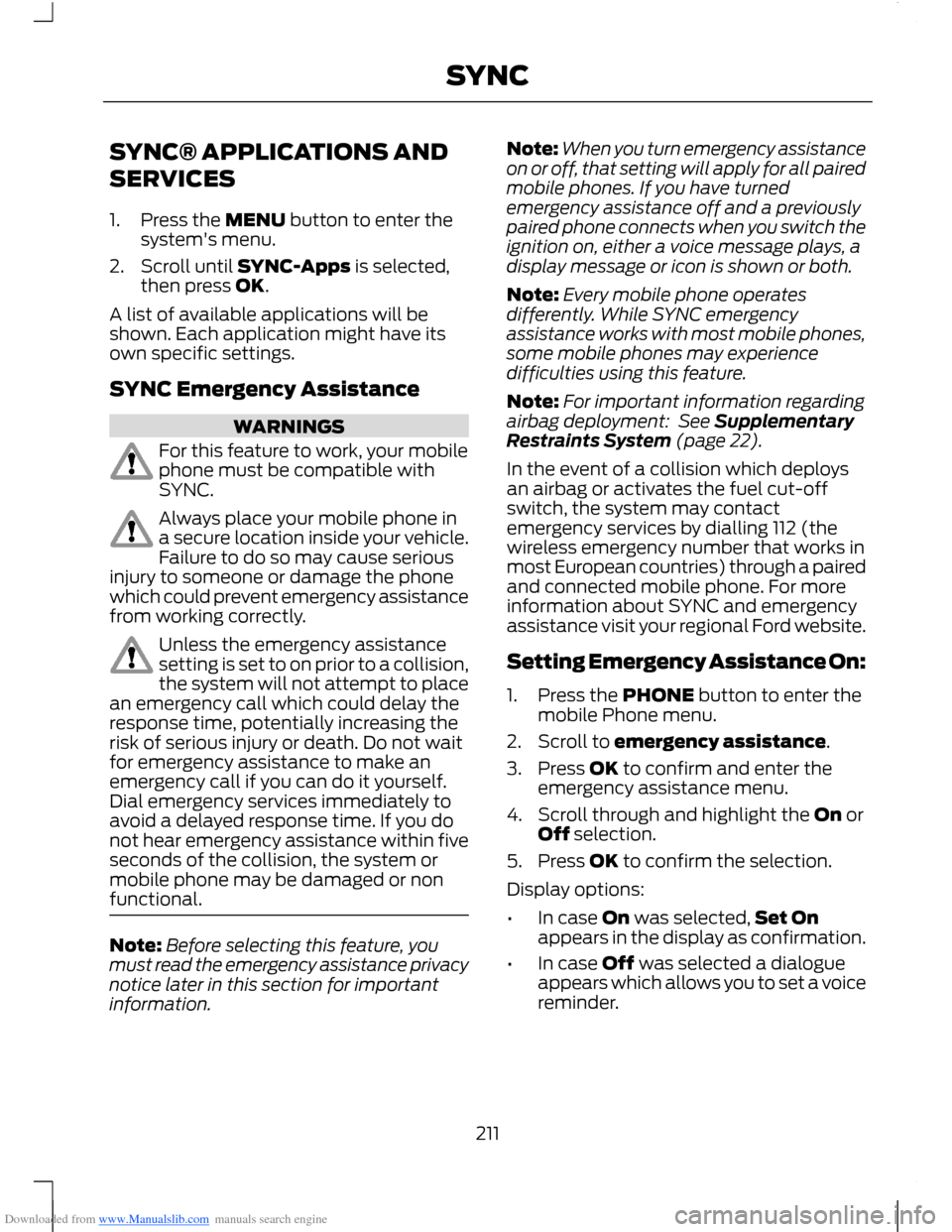
For this feature to work, your mobilephone must be compatible withSYNC.
Always place your mobile phone ina secure location inside your vehicle.Failure to do so may cause seriousinjury to someone or damage the phonewhich could prevent emergency assistancefrom working correctly.
Unless the emergency assistancesetting is set to on prior to a collision,the system will not attempt to placean emergency call which could delay theresponse time, potentially increasing therisk of serious injury or death. Do not waitfor emergency assistance to make anemergency call if you can do it yourself.Dial emergency services immediately toavoid a delayed response time. If you donot hear emergency assistance within fiveseconds of the collision, the system ormobile phone may be damaged or nonfunctional.
Note:Before selecting this feature, youmust read the emergency assistance privacynotice later in this section for importantinformation.
Note:When you turn emergency assistanceon or off, that setting will apply for all pairedmobile phones. If you have turnedemergency assistance off and a previouslypaired phone connects when you switch theignition on, either a voice message plays, adisplay message or icon is shown or both.
Note:Every mobile phone operatesdifferently. While SYNC emergencyassistance works with most mobile phones,some mobile phones may experiencedifficulties using this feature.
Note:For important information regardingairbag deployment: See SupplementaryRestraints System (page 22).
In the event of a collision which deploysan airbag or activates the fuel cut-offswitch, the system may contactemergency services by dialling 112 (thewireless emergency number that works inmost European countries) through a pairedand connected mobile phone. For moreinformation about SYNC and emergencyassistance visit your regional Ford website.
Setting Emergency Assistance On:
1.Press the PHONE button to enter themobile Phone menu.
2.Scroll to emergency assistance.
3.Press OK to confirm and enter theemergency assistance menu.
4.Scroll through and highlight the On orOff selection.
5.Press OK to confirm the selection.
Display options:
•In case On was selected,Set Onappears in the display as confirmation.
•In case Off was selected a dialogueappears which allows you to set a voicereminder.
211SYNC
Page 248 of 256
Downloaded from www.Manualslib.com manuals search engine Fuel Consumption.........................................95Calculating Fuel Economy................................95Filling the Tank......................................................95Fuel ConsumptionSee: Technical Specifications.........................96Fuel Quality - Diesel......................................92Long-Term Storage.............................................92Fuel Quality - Petrol......................................92Long-Term Storage.............................................92Fuse Box Locations......................................124Engine Compartment Fuse Box....................124Passenger's Compartment Fuse Box.........124Fuses.................................................................124Fuse Specification Chart............................125Engine Compartment Fuse Box....................125Passenger's Compartment Fuse Box - Type1.............................................................................128Passenger's Compartment Fuse Box - Type2............................................................................130
G
Gauges...............................................................53Fuel Gauge..............................................................53GearboxSee: Transmission................................................97General Information on RadioFrequencies...................................................25Glasses Holder................................................82Global Opening and Closing.......................51Global Closing........................................................51Global Opening......................................................51
H
HandbrakeSee: Parking Brake..............................................101Hazard Warning Flashers...........................122Headlamp Exit Delay....................................44Headlamp Levelling......................................46Recommended Headlamp Levelling SwitchPositions.............................................................46Head Restraints..............................................76.....................................................................................76Adjusting the Head Restraints.........................76Removing the Head Restraint..........................77Heated Seats...................................................80
Heated Windows and Mirrors....................75Heated Exterior Mirrors.......................................75Heated Windows..................................................75HeatingSee: Climate Control..........................................68Hill Start Assist...............................................99Switching the System On and Off...............100Using Hill Start Assist.......................................100Hints on Controlling the InteriorClimate............................................................72Cooling the Interior Quickly...............................73General Hints..........................................................72Heating the Interior Quickly..............................73Maximum Cooling Performance inInstrument Panel or Instrument Paneland Footwell Positions..................................75Recommended Settings for Cooling ............74Recommended Settings for Heating............73Side Window Defogging in ColdWeather...............................................................74Vehicle Stationary for Extended PeriodsDuring Extreme High AmbientTemperatures....................................................74Hints on Driving With Anti-LockBrakes.............................................................101
I
Ignition Switch................................................83Information Displays.....................................58General Information............................................58Information Messages..................................62Installing Child Seats.....................................14Attaching a Child Seat With TopTethers..................................................................16Booster Seats.........................................................15Child Seats for Different Mass Groups..........14ISOFIX Anchor Points..........................................16Top Tether Anchor Points..................................16Instrument Cluster.........................................53Instrument Lighting Dimmer.....................44.....................................................................................44Interior Lamps..................................................47Courtesy Lamp......................................................47Reading Lamps......................................................47Interior Mirror...................................................50Auto-Dimming Mirror.........................................50Introduction........................................................5
246Index