remote control FORD BRONCO 2023 Owner's Guide
[x] Cancel search | Manufacturer: FORD, Model Year: 2023, Model line: BRONCO, Model: FORD BRONCO 2023Pages: 642, PDF Size: 14.71 MB
Page 442 of 642
WARNING: Only usereplacement tires and wheelsthat are the same size, loadindex, speed rating and type(such as P-metric versusLT-metric or all-season versusall-terrain) as those originallyprovided by Ford. Therecommended tire and wheelsize may be found on either theSafety Compliance CertificationLabel (affixed to either the doorhinge pillar, door-latch post, orthe door edge that meets thedoor-latch post, next to thedriver's seating position), or theTire Label which is located onthe B-Pillar or edge of thedriver's door. If this informationis not found on these labels, thenyou should contact yourauthorized dealer as soon aspossible. Use of any tire or wheelnot recommended by Ford canaffect the safety andperformance of your vehicle,which could result in anincreased risk of loss of vehiclecontrol, vehicle rollover, personalinjury and death.
WARNING: To reduce therisk of serious injury, whenmounting replacement tires andwheels, you should not exceedthe maximum pressure indicatedon the sidewall of the tire to setthe beads without additionalprecautions listed below. If thebeads do not seat at themaximum pressure indicated,re-lubricate and try again.
WARNING: For a mountingpressure more than 20 psi(1.38 bar) greater than themaximum pressure, a Forddealer or other tire serviceprofessional should do themounting.
WARNING: Always inflatesteel carcass tires with a remoteair fill with the person inflatingstanding at a minimum of 12 ft(3.66 m) away from the wheeland tire assembly.
WARNING: When inflatingthe tire for mounting pressuresup to 20 psi (1.38 bar) greaterthan the maximum pressure onthe tire sidewall, the followingprecautions must be taken toprotect the person mounting thetire:
•Make sure that you have thecorrect tire and wheel size.
•Lubricate the tire bead andwheel bead seat area again.
438
2023 Bronco (TG1) Canada/United States of America, enUSA, Edition date: 202208, DOMWheel and Tire Information
Page 487 of 642
WHAT IS A CONNECTED
VEHICLE
A connected vehicle has technology thatallows your vehicle to connect to a mobilenetwork and for you to access a range offeatures. When used in conjunction withthe FordPass app, it could allow you tomonitor and control your vehicle further,for example checking the tire pressures,the fuel level and the vehicle location. Foradditional information, refer to the localFord website.
CONNECTED VEHICLE
REQUIREMENTS
Connected service and related featurefunctionality requires a compatible vehiclenetwork.
Some remote features require additionalservice activation. Log in to your Fordaccount for details. Some restrictions, thirdparty terms and message or data ratesmay apply.
CONNECTED VEHICLE
LIMITATIONS
Evolving technology, cellular networks, orregulations could affect functionality andavailability, or continued provision of somefeatures. These changes could even stopsome features from functioning.
CONNECTING THE VEHICLE TO
A MOBILE NETWORK
WHAT IS THE MODEM
The modem allows access to arange of features built into yourvehicle.
ENABLING AND DISABLING THEMODEM
1.Press Settings.
2.Press Connectivity.
3.Press Connected Vehicle Features.
4.Switch vehicle connectivity on or off.
CONNECTING FORDPASS TO THEMODEM
1.Make sure that the modem is enabledusing the vehicle settings menu.
2.Open the FordPass app on your deviceand log in.
3.Add your vehicle or select your vehicleif already added.
4.Select the option to activate yourvehicle.
5.Make sure that the name on the screenmatches the name shown in yourFordPass account.
6.Confirm that FordPass account isconnected to the modem.
CONNECTING THE VEHICLE TO
A WI-FI NETWORK
Select the settings option on thefeature bar.
1.Press Connectivity.
2.Press Manage Wi-Fi Networks.
3.Switch Wi-Fi on.
4.Press View Available Networks.
5.Select an available Wi-Fi network.
Note:Enter the network password toconnect to a secure network.
483
2023 Bronco (TG1) Canada/United States of America, enUSA, Edition date: 202208, DOMConnected Vehicle E280315
Page 521 of 642
This introduces new features and providesupdates to the vehicle's software systems.Make sure to switch Automatic Updateson, set a recurring update schedule andconnect your vehicle to Wi-Fi. Updatescould take longer when not connected toWi-Fi or could not download at all. SeeConnecting the Vehicle to a Wi-FiNetwork (page 483). See Connecting theVehicle to a Wi-Fi Network (page 483).
Your vehicle may be able to receivedrivable software updates, non-drivablesoftware updates or both. Drivablesoftware updates happen during normalvehicle usage and require limited inputfrom you. You are notified on yourtouchscreen and connected device priorto a non-drivable update.
Most updates complete in less than 30minutes, although some updates couldtake up to a few hours. Check yourtouchscreen or connected device for themost accurate estimated update time.
You are notified of the status of the vehiclesoftware update in the touchscreen andon your connected device. See SoftwareUpdate Indicators (page 518).
Vehicle Software UpdateRequirements
Non-drivable software updates do notinstall if any of the following occur:
•Your vehicle is running.
•Your vehicle is switched on.
•Your vehicle is not parked.
•The 12 V battery charge is too low.
•The hazard indicators are switched on.
•The alarm is sounding.
•The doors are open.
•The parking lamps are switched on.
•You are pressing the brake pedal.
•An emergency call is in process.
•Your vehicle is in limp home mode.
Vehicle Software UpdateLimitations
Once you begin a non-drivable softwareupdate, you cannot:
•Cancel the update.
•Lock, unlock or enter your vehicleunless you have a key blade.
•You can open the doors using themechanical latch if child locks arenot on.
•Drive your vehicle.
•Start your vehicle.
•Use the remote control to lock, unlockor start your vehicle.
•Use the alarm, central locks or doortones.
•Use the electronic door locks.
•Charge your vehicle.
•Charging resumes once the updatecompletes.
SOFTWARE UPDATE
SETTINGS
To access the Software Updates menu:
1.Press Settings on the touchscreen.
2.Press Software Updates.
You can do the following in the SoftwareUpdates menu:
•Switch Automatic Updates on and off.
•Schedule and install software updates.
•View software update details.
Press the button next to a menuoption for more information.
517
2023 Bronco (TG1) Canada/United States of America, enUSA, Edition date: 202208, DOMVehicle Software UpdatesE366956
Page 559 of 642
This device complies with Part 15 of theFCC Rules and with Innovation, Scienceand Economic Development Canada’slicence-exempt RSS(s). Operation issubject to the following two conditions:
1.This device may not cause harmfulinterference, and
2.This device must accept anyinterference received, includinginterference that may cause undesiredoperation.
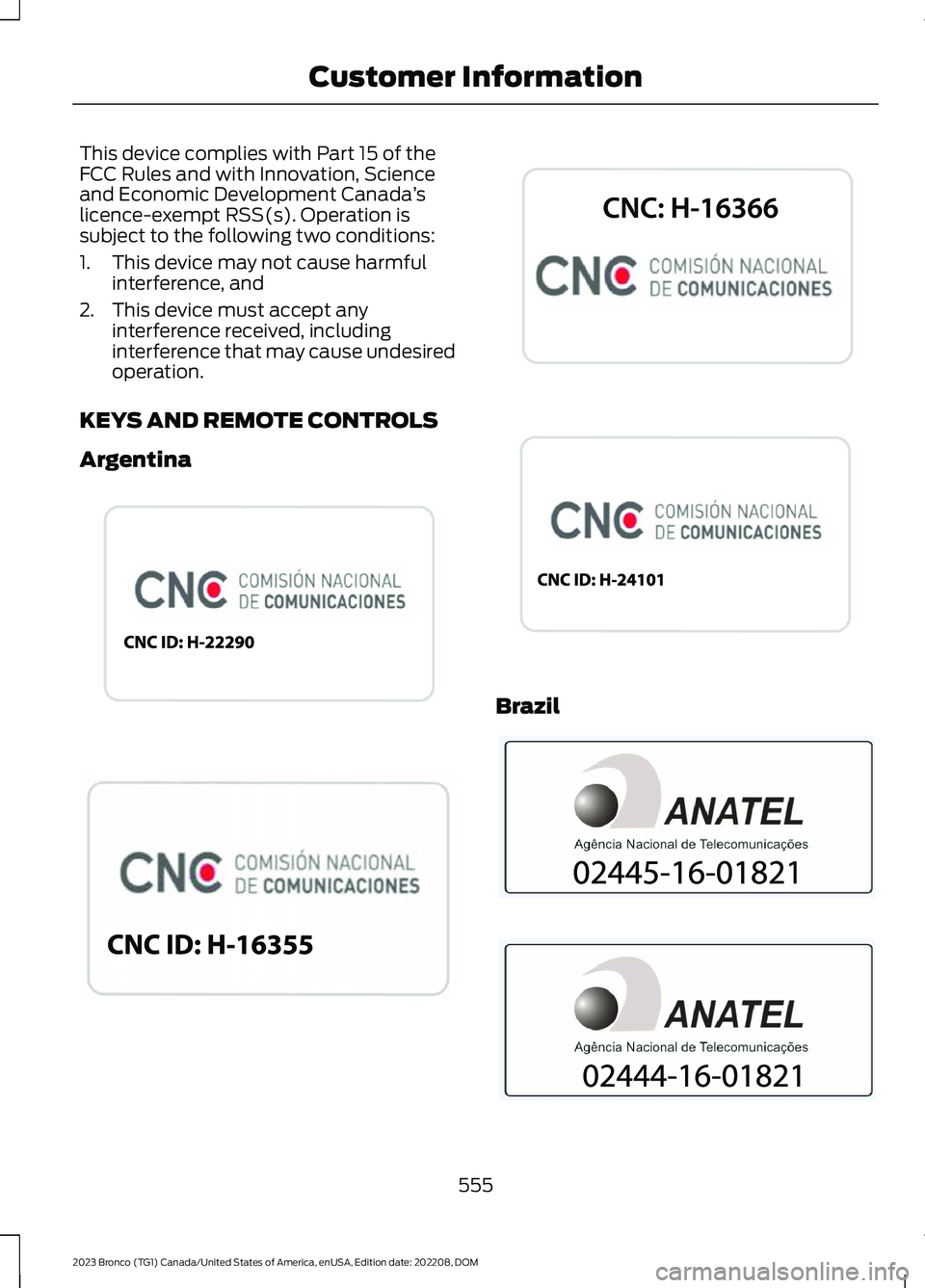
KEYS AND REMOTE CONTROLS
Argentina
Brazil
555
2023 Bronco (TG1) Canada/United States of America, enUSA, Edition date: 202208, DOMCustomer InformationE340316 E340119 E339844 E342143 E340121 E340120
Page 586 of 642
Zambia
PERCHLORATE
Certain components in your vehicle suchas airbag modules, seatbelt pretensionersand remote control batteries may containperchlorate material. Special handlingmay apply for service or vehicle end of lifedisposal.
For more information visit:www.dtsc.ca.gov/hazardouswaste/perchlorate.
REPLACEMENT PARTS
RECOMMENDATION
We have built your vehicle to the higheststandards using quality parts. Werecommend that you demand the use ofgenuine Ford and Motorcraft partswhenever your vehicle requires scheduledmaintenance or repair. You can clearlyidentify genuine Ford and Motorcraft partsby looking for the Ford, FoMoCo orMotorcraft branding on the parts or theirpackaging.
Scheduled Maintenance andMechanical Repairs
One of the best ways for you to make surethat your vehicle provides years of serviceis to have it maintained in line with ourrecommendations and instructions usingparts that conform to the original vehicleparts specification. Genuine Ford andMotorcraft parts meet or exceed thesespecifications.
582
2023 Bronco (TG1) Canada/United States of America, enUSA, Edition date: 202208, DOMCustomer InformationE357468 E364773
Page 622 of 642
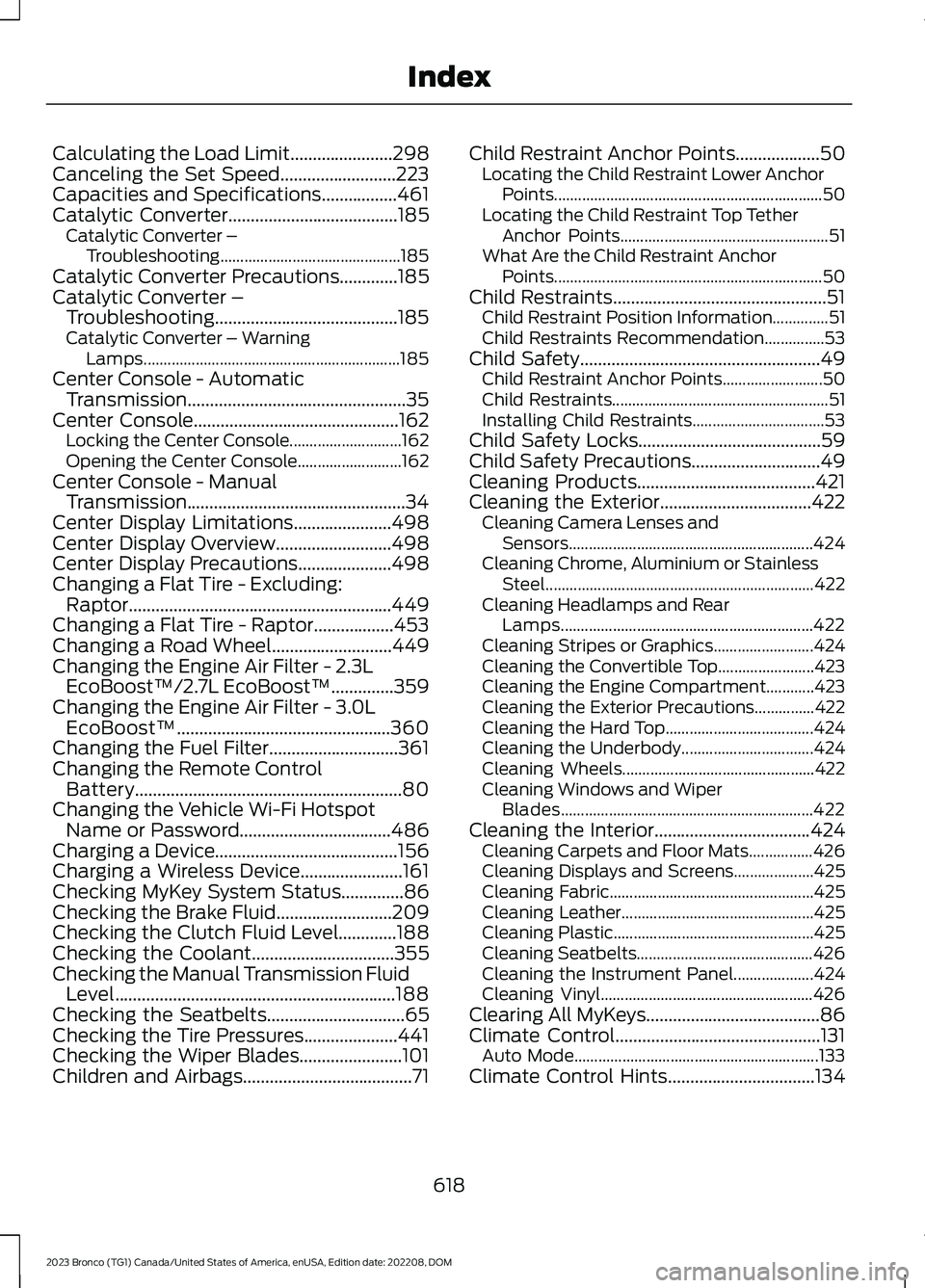
Calculating the Load Limit.......................298Canceling the Set Speed..........................223Capacities and Specifications.................461Catalytic Converter......................................185Catalytic Converter –Troubleshooting.............................................185Catalytic Converter Precautions.............185Catalytic Converter –Troubleshooting.........................................185Catalytic Converter – WarningLamps................................................................185Center Console - AutomaticTransmission.................................................35Center Console..............................................162Locking the Center Console............................162Opening the Center Console..........................162Center Console - ManualTransmission.................................................34Center Display Limitations......................498Center Display Overview..........................498Center Display Precautions.....................498Changing a Flat Tire - Excluding:Raptor...........................................................449Changing a Flat Tire - Raptor..................453Changing a Road Wheel...........................449Changing the Engine Air Filter - 2.3LEcoBoost™/2.7L EcoBoost™..............359Changing the Engine Air Filter - 3.0LEcoBoost™................................................360Changing the Fuel Filter.............................361Changing the Remote ControlBattery............................................................80Changing the Vehicle Wi-Fi HotspotName or Password..................................486Charging a Device.........................................156Charging a Wireless Device.......................161Checking MyKey System Status..............86Checking the Brake Fluid..........................209Checking the Clutch Fluid Level.............188Checking the Coolant................................355Checking the Manual Transmission FluidLevel...............................................................188Checking the Seatbelts...............................65Checking the Tire Pressures.....................441Checking the Wiper Blades.......................101Children and Airbags......................................71
Child Restraint Anchor Points...................50Locating the Child Restraint Lower AnchorPoints...................................................................50Locating the Child Restraint Top TetherAnchor Points....................................................51What Are the Child Restraint AnchorPoints...................................................................50Child Restraints................................................51Child Restraint Position Information..............51Child Restraints Recommendation...............53Child Safety......................................................49Child Restraint Anchor Points.........................50Child Restraints......................................................51Installing Child Restraints.................................53Child Safety Locks.........................................59Child Safety Precautions.............................49Cleaning Products........................................421Cleaning the Exterior..................................422Cleaning Camera Lenses andSensors.............................................................424Cleaning Chrome, Aluminium or StainlessSteel...................................................................422Cleaning Headlamps and RearLamps...............................................................422Cleaning Stripes or Graphics.........................424Cleaning the Convertible Top........................423Cleaning the Engine Compartment............423Cleaning the Exterior Precautions...............422Cleaning the Hard Top.....................................424Cleaning the Underbody.................................424Cleaning Wheels................................................422Cleaning Windows and WiperBlades...............................................................422Cleaning the Interior...................................424Cleaning Carpets and Floor Mats................426Cleaning Displays and Screens....................425Cleaning Fabric...................................................425Cleaning Leather................................................425Cleaning Plastic..................................................425Cleaning Seatbelts............................................426Cleaning the Instrument Panel....................424Cleaning Vinyl.....................................................426Clearing All MyKeys.......................................86Climate Control..............................................131Auto Mode.............................................................133Climate Control Hints.................................134
618
2023 Bronco (TG1) Canada/United States of America, enUSA, Edition date: 202208, DOMIndex
Page 628 of 642
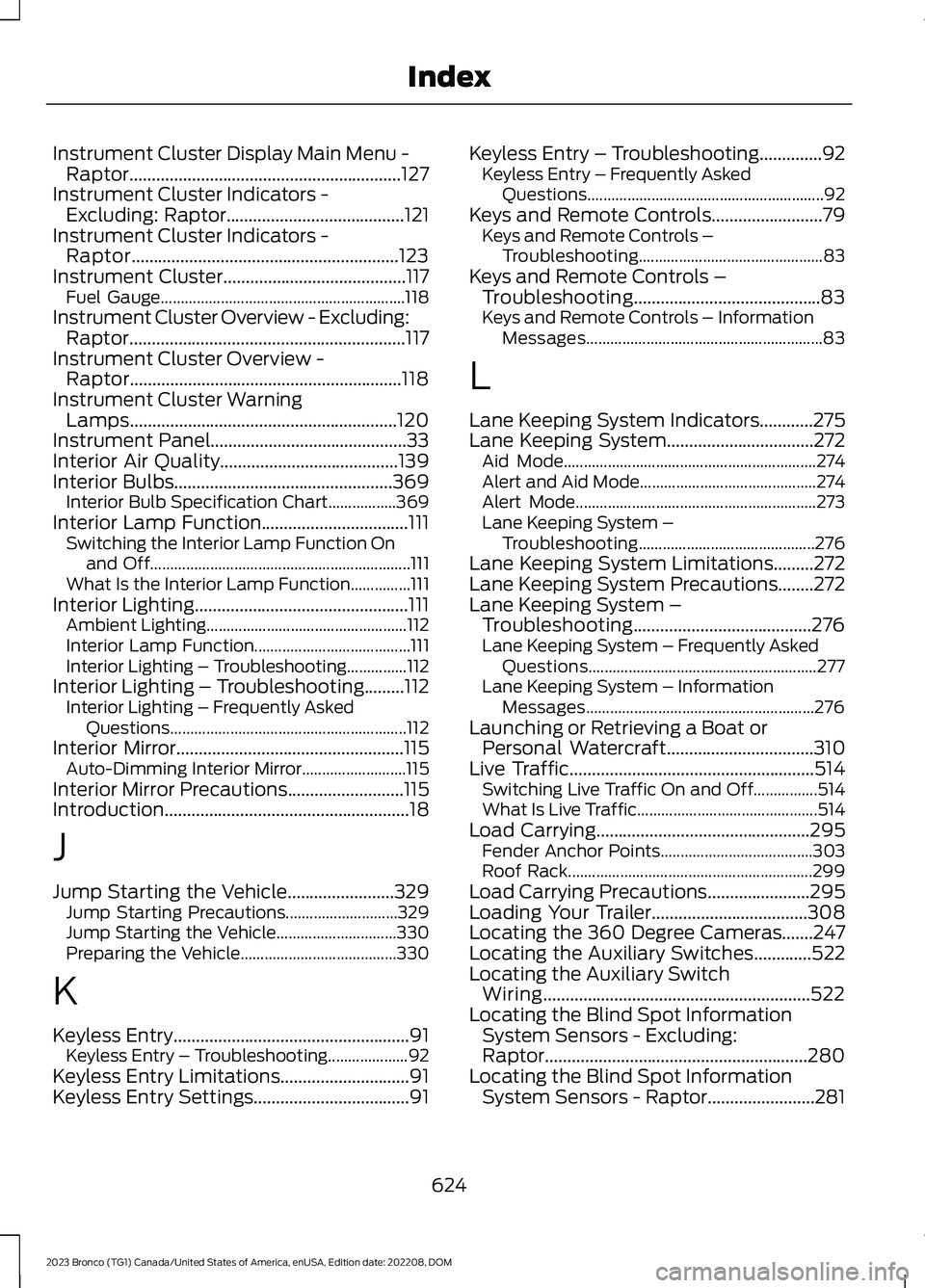
Instrument Cluster Display Main Menu -Raptor.............................................................127Instrument Cluster Indicators -Excluding: Raptor........................................121Instrument Cluster Indicators -Raptor............................................................123Instrument Cluster.........................................117Fuel Gauge.............................................................118Instrument Cluster Overview - Excluding:Raptor..............................................................117Instrument Cluster Overview -Raptor.............................................................118Instrument Cluster WarningLamps............................................................120Instrument Panel............................................33Interior Air Quality........................................139Interior Bulbs.................................................369Interior Bulb Specification Chart.................369Interior Lamp Function.................................111Switching the Interior Lamp Function Onand Off.................................................................111What Is the Interior Lamp Function...............111Interior Lighting................................................111Ambient Lighting..................................................112Interior Lamp Function.......................................111Interior Lighting – Troubleshooting...............112Interior Lighting – Troubleshooting.........112Interior Lighting – Frequently AskedQuestions...........................................................112Interior Mirror...................................................115Auto-Dimming Interior Mirror..........................115Interior Mirror Precautions..........................115Introduction.......................................................18
J
Jump Starting the Vehicle........................329Jump Starting Precautions............................329Jump Starting the Vehicle..............................330Preparing the Vehicle.......................................330
K
Keyless Entry.....................................................91Keyless Entry – Troubleshooting....................92Keyless Entry Limitations.............................91Keyless Entry Settings...................................91
Keyless Entry – Troubleshooting..............92Keyless Entry – Frequently AskedQuestions...........................................................92Keys and Remote Controls.........................79Keys and Remote Controls –Troubleshooting..............................................83Keys and Remote Controls –Troubleshooting..........................................83Keys and Remote Controls – InformationMessages...........................................................83
L
Lane Keeping System Indicators............275Lane Keeping System.................................272Aid Mode...............................................................274Alert and Aid Mode............................................274Alert Mode............................................................273Lane Keeping System –Troubleshooting............................................276Lane Keeping System Limitations.........272Lane Keeping System Precautions........272Lane Keeping System –Troubleshooting........................................276Lane Keeping System – Frequently AskedQuestions.........................................................277Lane Keeping System – InformationMessages.........................................................276Launching or Retrieving a Boat orPersonal Watercraft.................................310Live Traffic.......................................................514Switching Live Traffic On and Off................514What Is Live Traffic.............................................514Load Carrying................................................295Fender Anchor Points......................................303Roof Rack.............................................................299Load Carrying Precautions.......................295Loading Your Trailer...................................308Locating the 360 Degree Cameras.......247Locating the Auxiliary Switches.............522Locating the Auxiliary SwitchWiring............................................................522Locating the Blind Spot InformationSystem Sensors - Excluding:Raptor...........................................................280Locating the Blind Spot InformationSystem Sensors - Raptor........................281
624
2023 Bronco (TG1) Canada/United States of America, enUSA, Edition date: 202208, DOMIndex
Page 630 of 642
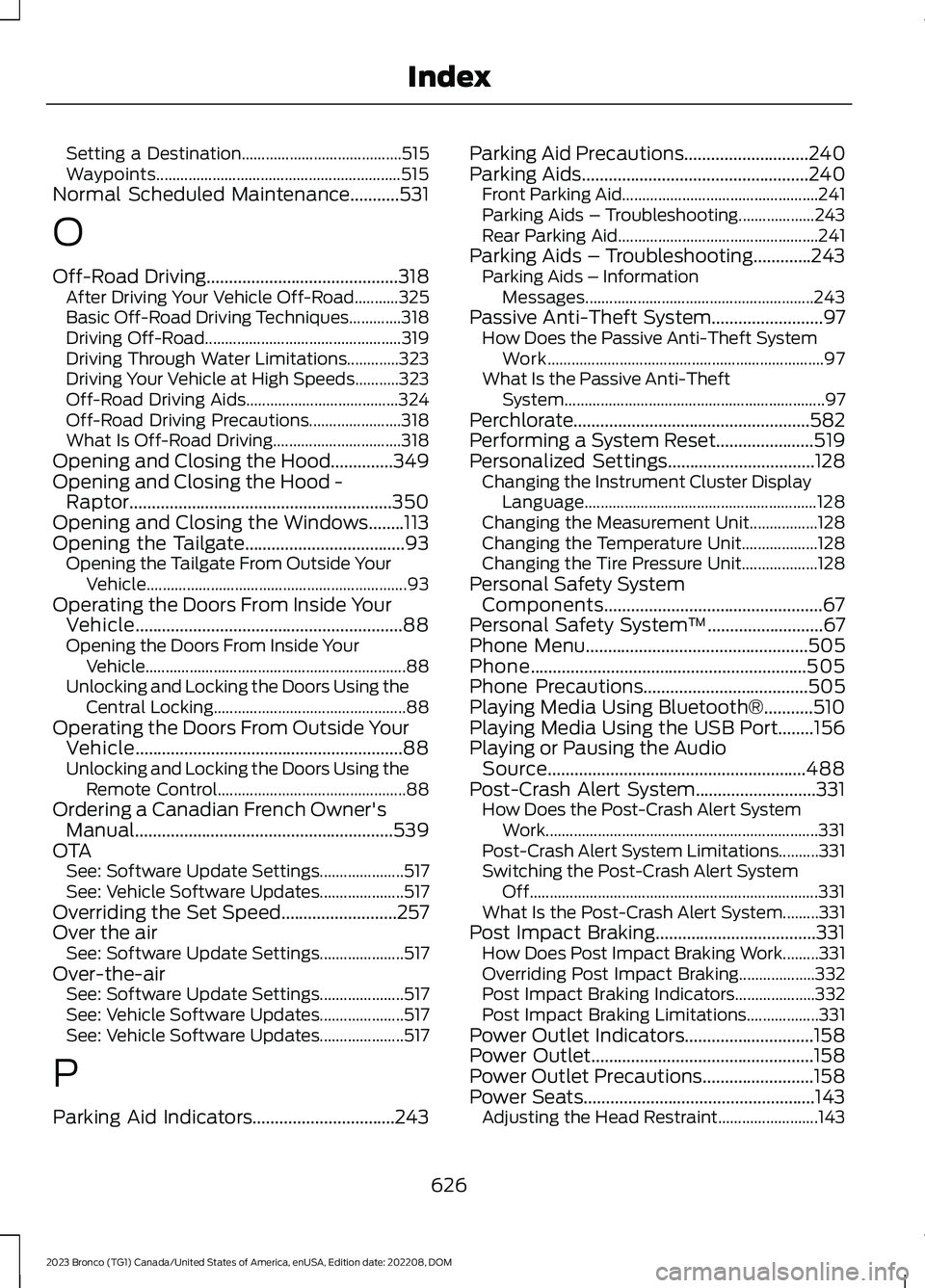
Setting a Destination........................................515Waypoints.............................................................515Normal Scheduled Maintenance...........531
O
Off-Road Driving...........................................318After Driving Your Vehicle Off-Road...........325Basic Off-Road Driving Techniques.............318Driving Off-Road.................................................319Driving Through Water Limitations.............323Driving Your Vehicle at High Speeds...........323Off-Road Driving Aids......................................324Off-Road Driving Precautions.......................318What Is Off-Road Driving................................318Opening and Closing the Hood..............349Opening and Closing the Hood -Raptor...........................................................350Opening and Closing the Windows........113Opening the Tailgate....................................93Opening the Tailgate From Outside YourVehicle.................................................................93Operating the Doors From Inside YourVehicle............................................................88Opening the Doors From Inside YourVehicle.................................................................88Unlocking and Locking the Doors Using theCentral Locking................................................88Operating the Doors From Outside YourVehicle............................................................88Unlocking and Locking the Doors Using theRemote Control...............................................88Ordering a Canadian French Owner'sManual..........................................................539OTASee: Software Update Settings.....................517See: Vehicle Software Updates.....................517Overriding the Set Speed..........................257Over the airSee: Software Update Settings.....................517Over-the-airSee: Software Update Settings.....................517See: Vehicle Software Updates.....................517See: Vehicle Software Updates.....................517
P
Parking Aid Indicators................................243
Parking Aid Precautions............................240Parking Aids...................................................240Front Parking Aid.................................................241Parking Aids – Troubleshooting...................243Rear Parking Aid..................................................241Parking Aids – Troubleshooting.............243Parking Aids – InformationMessages.........................................................243Passive Anti-Theft System.........................97How Does the Passive Anti-Theft SystemWork.....................................................................97What Is the Passive Anti-TheftSystem.................................................................97Perchlorate.....................................................582Performing a System Reset......................519Personalized Settings.................................128Changing the Instrument Cluster DisplayLanguage..........................................................128Changing the Measurement Unit.................128Changing the Temperature Unit...................128Changing the Tire Pressure Unit...................128Personal Safety SystemComponents.................................................67Personal Safety System™..........................67Phone Menu..................................................505Phone..............................................................505Phone Precautions.....................................505Playing Media Using Bluetooth®...........510Playing Media Using the USB Port........156Playing or Pausing the AudioSource..........................................................488Post-Crash Alert System...........................331How Does the Post-Crash Alert SystemWork....................................................................331Post-Crash Alert System Limitations..........331Switching the Post-Crash Alert SystemOff........................................................................331What Is the Post-Crash Alert System.........331Post Impact Braking....................................331How Does Post Impact Braking Work.........331Overriding Post Impact Braking...................332Post Impact Braking Indicators....................332Post Impact Braking Limitations..................331Power Outlet Indicators.............................158Power Outlet..................................................158Power Outlet Precautions.........................158Power Seats....................................................143Adjusting the Head Restraint.........................143
626
2023 Bronco (TG1) Canada/United States of America, enUSA, Edition date: 202208, DOMIndex
Page 631 of 642
Adjusting the Lumbar Support......................145Adjusting the Seat Backrest...........................145Adjusting the Seat Cushion............................145Adjusting the Seat Height...............................145Head Restraint Components.........................143Installing the Head Restraint.........................144Moving the Seat Backward andForward.............................................................144Removing the Head Restraint.......................144Pre-Collision Assist Limitations.............287Pre-Collision Assist Precautions...........286Pre-Collision Assist....................................286Automatic Emergency Braking....................290Distance Indication...........................................289Evasive Steering Assist...................................290Pre-Collision Assist –Troubleshooting.............................................291Pre-Collision Assist –Troubleshooting.........................................291Pre-Collision Assist – Frequently AskedQuestions.........................................................292Pre-Collision Assist – InformationMessages..........................................................291Pre-Collision Assist – WarningLamps................................................................291Preparing Your Vehicle forStorage.........................................................428Programming a MyKey................................86Programming the Garage DoorOpener...........................................................153Programming the Remote Control..........82Properly Adjusting the Driver and FrontPassenger Seats...........................................71Protecting the Environment.......................27PunctureSee: Changing a Flat Tire - Excluding:Raptor...............................................................449See: Changing a Flat Tire - Raptor..............453Push Button Ignition Switch....................164
R
Radio Frequency CertificationLabels............................................................542Blind Spot Information SystemSensors.............................................................542Body Control Module.......................................548Cruise Control Module......................................551
Garage Door Opener........................................554Keys and Remote Controls............................555Radio Transceiver Module.............................560SYNC......................................................................563Telematics Control Unit..................................568Tire Pressure Monitoring SystemSensors.............................................................570Wireless Accessory Charging Module........575Rear Axle Fluid Capacity andSpecification...............................................481Rear Cargo Area Anchor Points.............304Locating the Rear Cargo Area AnchorPoints................................................................304Rear Cargo Area Anchor Point LoadCapacities.......................................................304Rear Cargo Area Anchor PointPrecautions....................................................304Rear Cargo Area...........................................304Rear Cargo Area Anchor Points...................304Rear Exterior - 2-Door..................................46Rear Exterior - 4-Door, Vehicles With:Hard Top, Excluding: Raptor....................43Rear Exterior - 4-Door, Vehicles With:Soft Top..........................................................44Rear Exterior - Raptor...................................45Rear Occupant Alert System AudibleWarnings........................................................151Rear Occupant Alert SystemIndicators.......................................................151Rear Occupant Alert SystemLimitations...................................................150Rear Occupant Alert SystemPrecautions.................................................150Rear Occupant Alert System...................150Rear Parking Aid............................................241Locating the Rear Parking AidSensors..............................................................241Rear Parking Aid Audible Warnings.............241Rear Parking Aid Limitations..........................241What is the Rear Parking Aid..........................241Rear Seats........................................................147Manual Seats........................................................147Rear View Camera Guide Lines..............244Rear View Camera Object DistanceIndicators.....................................................245Rear View Camera Precautions.............244Rear View Camera......................................244Rear View Camera Settings...........................245
627
2023 Bronco (TG1) Canada/United States of America, enUSA, Edition date: 202208, DOMIndex
Page 632 of 642
Rear View Camera Settings.....................245Switching Rear View Camera Delay On andOff......................................................................246Zooming the Rear View Camera In andOut......................................................................245Rebooting the Center Display................500Recommended Shift Speeds...................187Recovery Towing..........................................332Accessing the Front Towing Point...............332Accessing the Rear Towing Point................334Recreationally Towing Your Vehicle -Automatic Transmission........................338Recreationally Towing Your Vehicle -Manual Transmission..............................337Refueling..........................................................182Refueling System Overview............................182Refueling Your Vehicle......................................182Releasing the Electric Parking Brake ifthe Vehicle Battery Has Run Out ofCharge............................................................214Remote Control Limitations.......................79Remotely Starting and Stopping theVehicle...........................................................129Remote Start Limitations..........................129Remote Start Precautions........................129Remote Start Remote ControlIndicators......................................................130Remote Start..................................................129Remote Start Settings...............................130Removable Doors........................................376Doors and Locks Audible Warnings............384Removing and Installing the Doors.............376Removable Fenders....................................397Removable Fender Precautions...................397Removing the Fender Flares.........................398Removable Front Bumper End Caps -Raptor............................................................401Removing and Installing the Front BumperEnd Caps..........................................................401Removable Hard Top.................................392Removing and Installing the HardTop......................................................................392Removable Roof Panels...........................384Removable Roof Panel Precautions..........384Removing and Installing the Center RoofPanel.................................................................386Removing and Installing the Front RoofPanel.................................................................385
Removing and Installing the Rear RoofPanel..................................................................387Removable Running Boards -Raptor...........................................................399Removing and Installing the RunningBoards..............................................................399Removable Soft Top..................................393Opening and Closing the Soft Top..............393Removing and Installing the SoftTop.....................................................................396Removable Vehicle Components...........371Removable Doors..............................................376Removable Fenders..........................................397Removable Front Bumper End Caps -Raptor................................................................401Removable Hard Top.......................................392Removable Roof Panels.................................384Removable Running Boards -Raptor...............................................................399Removable Soft Top........................................393Removable Windows.........................................371Removable Windows..................................371Removable Windows Precautions...............371Removing and Installing the Rear QuarterWindows............................................................371Removing and Installing the RearWindow.............................................................374Removing the Key Blade.............................80Removing Your Vehicle FromStorage.........................................................429Repairing Minor Paint Damage...............427Replacement PartsRecommendation....................................582Replacing a Lost Key or RemoteControl.............................................................81Replacing the Cabin Air Filter...................139Replacing the Front Wiper Blades..........101Replacing the Rear Wiper Blades...........102Reporting Safety Defects inCanada.........................................................540Reporting Safety Defects in the UnitedStates...........................................................540Restarting the Engine - AutomaticTransmission................................................176Restarting the Engine - ManualTransmission................................................175Resuming the Set Speed...........................251
628
2023 Bronco (TG1) Canada/United States of America, enUSA, Edition date: 202208, DOMIndex