warning FORD BRONCO 2023 Repair Manual
[x] Cancel search | Manufacturer: FORD, Model Year: 2023, Model line: BRONCO, Model: FORD BRONCO 2023Pages: 642, PDF Size: 14.71 MB
Page 154 of 642
WHAT IS THE REAR
OCCUPANT ALERT SYSTEM
The rear occupant alert system monitorsvehicle conditions and notifies you to checkfor rear seat occupants when you switchthe ignition off.
HOW DOES THE REAR
OCCUPANT ALERT SYSTEM
WORK
The system monitors when rear doors havebeen opened and closed to indicate thepotential presence of an occupant in therear seat.
A message displays in the information andentertainment display screen and anaudible warning sounds when you switchthe ignition off after any of the followingconditions have been met:
•A rear door is opened or closed whilethe ignition is on.
•You switch the ignition on within 15minutes of a rear door opening andclosing.
•You switch the ignition on within 15minutes of the alert having displayedor sounded.
REAR OCCUPANT ALERT
SYSTEM PRECAUTIONS
WARNING: On hot days, thetemperature inside the vehicle can risevery quickly. Exposure of people oranimals to these high temperatures foreven a short time can cause death orserious heat related injuries, includingbrain damage. Small children areparticularly at risk.
WARNING: Do not leave childrenor pets unattended in your vehicle.Failure to follow this instruction couldresult in personal injury or death.
REAR OCCUPANT ALERT
SYSTEM LIMITATIONS
The system does not function if any dooris removed.
The system does not detect the presenceof objects or passengers in the rear seat.It monitors when rear doors are openedand closed.
Note:It is possible to receive an alert whenthere is no rear seat occupant, but alertconditions are met.
Note:It is possible to receive no alert whenthere is an occupant in the rear seat, if alertconditions are not met. For example, if a rearseat occupant does not enter the vehiclethrough a rear door.
Note:The audible warning does not soundwhen the front door is opened before youswitch the ignition off.
SWITCHING REAR OCCUPANT
ALERT SYSTEM ON AND OFF
1.Press Settings on the touchscreen.
2.Press Vehicle.
3.Switch Rear Occupant Alert on or off.
Note:The default setting is on.
Note:Performing a master reset causes thesystem to switch on again.
150
2023 Bronco (TG1) Canada/United States of America, enUSA, Edition date: 202208, DOMRear Occupant Alert System (If Equipped)
Page 155 of 642
Semiannual Reminder (If Equipped)
When you switch the system off, amessage appears every six months as areminder that the system is off. You canswitch the system back on or leave it off.
REAR OCCUPANT ALERT
SYSTEM INDICATORS
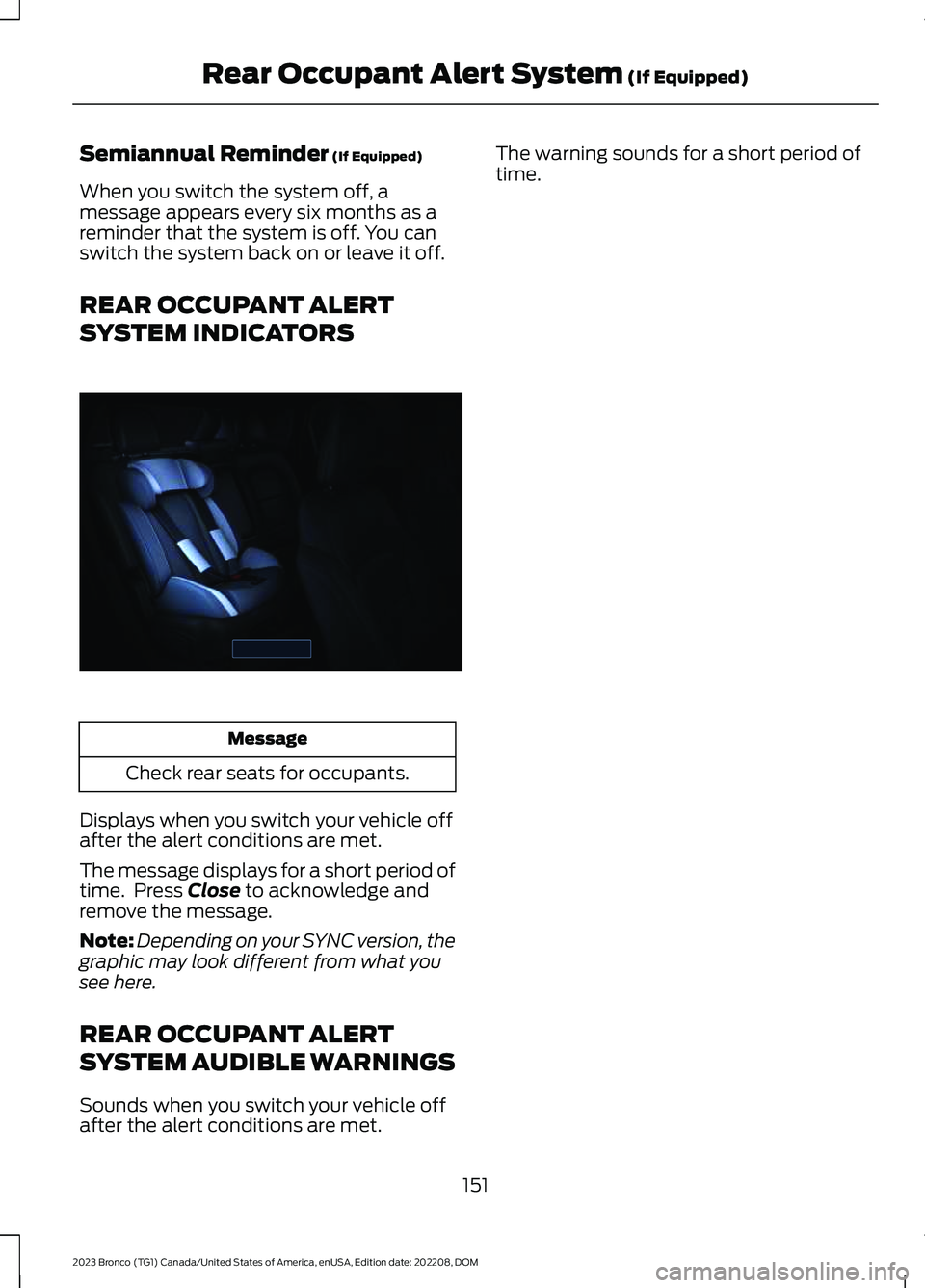
Message
Check rear seats for occupants.
Displays when you switch your vehicle offafter the alert conditions are met.
The message displays for a short period oftime. Press Close to acknowledge andremove the message.
Note:Depending on your SYNC version, thegraphic may look different from what yousee here.
REAR OCCUPANT ALERT
SYSTEM AUDIBLE WARNINGS
Sounds when you switch your vehicle offafter the alert conditions are met.
The warning sounds for a short period oftime.
151
2023 Bronco (TG1) Canada/United States of America, enUSA, Edition date: 202208, DOMRear Occupant Alert System (If Equipped)E350472
Page 156 of 642
GARAGE DOOR OPENER
INTRODUCTION
HomeLink Wireless ControlSystem
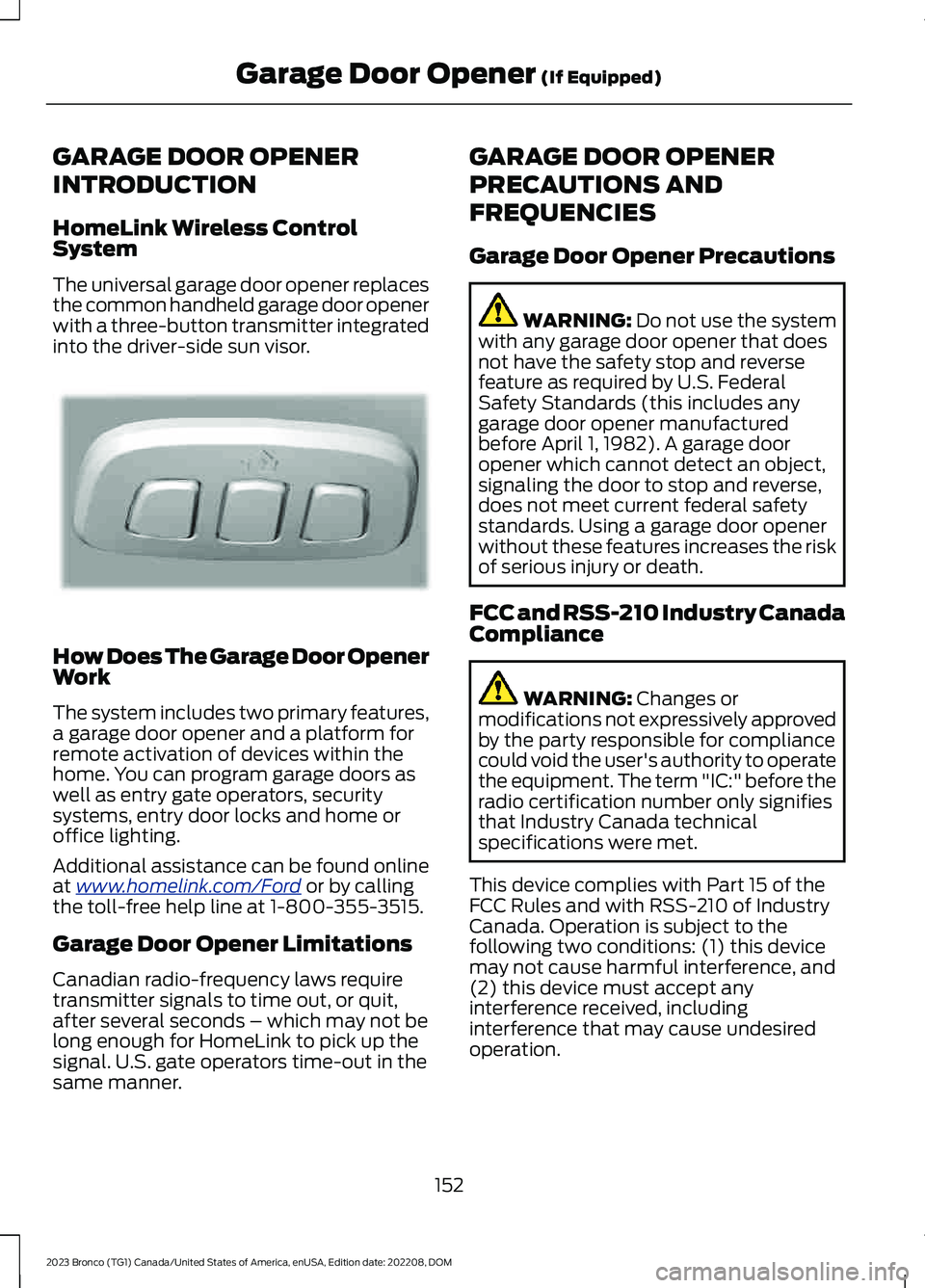
The universal garage door opener replacesthe common handheld garage door openerwith a three-button transmitter integratedinto the driver-side sun visor.
How Does The Garage Door OpenerWork
The system includes two primary features,a garage door opener and a platform forremote activation of devices within thehome. You can program garage doors aswell as entry gate operators, securitysystems, entry door locks and home oroffice lighting.
Additional assistance can be found onlineat www.homelink.com/Ford or by callingthe toll-free help line at 1-800-355-3515.
Garage Door Opener Limitations
Canadian radio-frequency laws requiretransmitter signals to time out, or quit,after several seconds – which may not belong enough for HomeLink to pick up thesignal. U.S. gate operators time-out in thesame manner.
GARAGE DOOR OPENER
PRECAUTIONS AND
FREQUENCIES
Garage Door Opener Precautions
WARNING: Do not use the systemwith any garage door opener that doesnot have the safety stop and reversefeature as required by U.S. FederalSafety Standards (this includes anygarage door opener manufacturedbefore April 1, 1982). A garage dooropener which cannot detect an object,signaling the door to stop and reverse,does not meet current federal safetystandards. Using a garage door openerwithout these features increases the riskof serious injury or death.
FCC and RSS-210 Industry CanadaCompliance
WARNING: Changes ormodifications not expressively approvedby the party responsible for compliancecould void the user's authority to operatethe equipment. The term "IC:" before theradio certification number only signifiesthat Industry Canada technicalspecifications were met.
This device complies with Part 15 of theFCC Rules and with RSS-210 of IndustryCanada. Operation is subject to thefollowing two conditions: (1) this devicemay not cause harmful interference, and(2) this device must accept anyinterference received, includinginterference that may cause undesiredoperation.
152
2023 Bronco (TG1) Canada/United States of America, enUSA, Edition date: 202208, DOMGarage Door Opener (If Equipped)E188211
Page 160 of 642
LOCATING THE USB PORTS
Data Transfer USB Ports
The USB ports could be in the followinglocations:
•On the lower instrument panel.
•Inside the center console.
Note: These USB ports can also chargedevices.
Note: Not all USB ports in your vehicle havedata transfer capabilities.
Note: We recommend using only USB-IFcertified cables and adapters. Non-certifiedcables and adapters may not work.
Charge Only USB Ports
The USB ports could be in the followinglocations:
•On the lower instrument panel.
•On the upper instrument panel.
•Inside the media bin.
•Inside the center console.
•On the rear of the center console.
•In the cargo area.
•In the frunk.
PLAYING MEDIA USING THE
USB PORT
WARNING: Driving while distractedcan result in loss of vehicle control, crashand injury. We strongly recommend thatyou use extreme caution when using anydevice that may take your focus off theroad. Your primary responsibility is thesafe operation of your vehicle. Werecommend against the use of anyhand-held device while driving andencourage the use of voice-operatedsystems when possible. Make sure youare aware of all applicable local lawsthat may affect the use of electronicdevices while driving.
Connect your device to a data transfer USBport.
Press the audio button on thefeature bar.
Select Sources.
Select the USB option.
Press to play a track. Press againto pause the track.
Press to skip to the next track.
Press and hold to fast forwardthrough the track.
Press once to return to thebeginning of a track. Repeatedlypress to return to previoustracks.
Press and hold to fast rewind.
CHARGING A DEVICE
Connect your device to the USB port.
156
2023 Bronco (TG1) Canada/United States of America, enUSA, Edition date: 202208, DOMUSB PortsE250655 E263583 E100027
Page 162 of 642
WHAT IS THE POWER OUTLET
The power outlet is a socket that connectsan electrical device to your vehicle's powersupply.
POWER OUTLET
PRECAUTIONS
WARNING: Do not keep electricaldevices plugged into the power outletwhenever the device is not in use. Theoutlet provides power when the vehicleis on. Failure to follow this instructioncould result in personal injury.
WARNING: Do not use anextension cord or connect multipledevices to the power outlet. Doing socould result in overloading the poweroutlet. Failure to follow this instructioncould result in fire, personal injury orproperty damage.
Note:The vehicle provides up to 400 Wattswhen in park and up to 300 Watts when indrive mode. This wattage is divided betweenmultiple outlets when in use at the sametime.
LOCATING THE POWER
OUTLETS
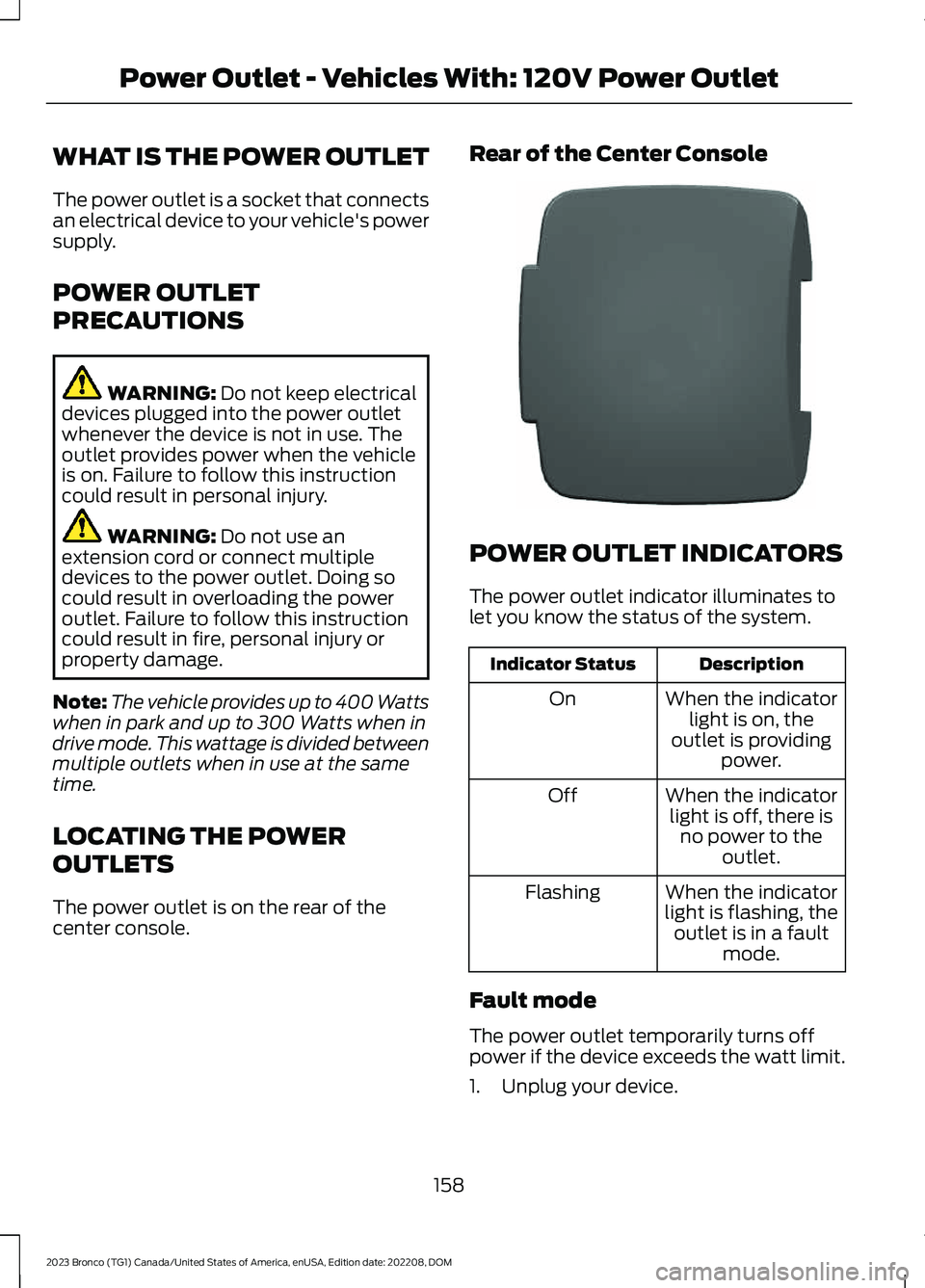
The power outlet is on the rear of thecenter console.
Rear of the Center Console
POWER OUTLET INDICATORS
The power outlet indicator illuminates tolet you know the status of the system.
DescriptionIndicator Status
When the indicatorlight is on, theoutlet is providingpower.
On
When the indicatorlight is off, there isno power to theoutlet.
Off
When the indicatorlight is flashing, theoutlet is in a faultmode.
Flashing
Fault mode
The power outlet temporarily turns offpower if the device exceeds the watt limit.
1.Unplug your device.
158
2023 Bronco (TG1) Canada/United States of America, enUSA, Edition date: 202208, DOMPower Outlet - Vehicles With: 120V Power OutletE337926
Page 164 of 642
WHAT IS THE POWER OUTLET
The power outlet can power devices usinga 12 V outlet adapter.
POWER OUTLET
PRECAUTIONS
WARNING: Do not plug optionalelectrical accessories into the cigarlighter socket. Incorrect use of the cigarlighter can cause damage not coveredby the vehicle warranty, and can resultin fire or serious injury.
When you switch the vehicle on, you canuse the socket to power 12 V applianceswith a maximum current rating of 20 A. Donot use the power point over the vehiclecapacity of 12 V DC 240 W or a fuse couldblow. Do not plug in any device thatsupplies power to the vehicle through thepower points. This could result in damageto vehicle systems. Do not hang anyaccessory from the accessory plug. Alwayskeep the power point caps closed whennot in use. Do not insert objects other thanan accessory plug into the power point.
To prevent the battery from running out ofcharge:
•Do not use the power point longer thannecessary when the vehicle is off.
•Do not leave devices plugged inovernight or when you park your vehiclefor extended periods.
LOCATING THE POWER
OUTLETS
Power outlets may be in the followinglocations:
•On the lower instrument panel.
•Inside the center console.
•On the front of the center console.
•On the rear of the center console.
•In the cargo area.
•On the passenger side floor panel.
•3rd row on the quarter trim panels.
160
2023 Bronco (TG1) Canada/United States of America, enUSA, Edition date: 202208, DOMPower Outlet - Vehicles With: 12V Power Outlet
Page 165 of 642
WHAT IS THE WIRELESS
ACCESSORY CHARGER
The wireless accessory charger allows youto charge one compatible Qi wirelesscharging device on the charging area.
WIRELESS ACCESSORY
CHARGER PRECAUTIONS
WARNING: Wireless chargingdevices can affect the operation ofimplanted medical devices, includingcardiac pacemakers. If you have anyimplanted medical devices, werecommend that you consult with yourphysician.
Keep the charging area clean and removeforeign objects prior to charging a device.
Do not place items with a magnetic stripor radio-frequency identification chip, forexample passports, parking tickets,transportation passes or credit cards, nearthe charging area when charging a device.Damage could occur to the magnetic stripor radio-frequency identification chip.
Do not place metal objects, for exampleremote controls, coins and candywrappers, on or near the charging areawhen charging a device. Metal objects mayheat up and degrade the chargingperformance, in addition to causinginterruptions in charging.
Charging could be interrupted, degraded,or could stop if any of the following occur:
•The system detects a foreign object.
•The device is misaligned on thecharging area.
•The device moves on the activecharging area when the vehicle is inmotion.
•The vehicle ambient temperature is toohigh.
•You attempt to charge a non-Qicompatible device on the wirelesscharger.
Note:During charging, the device and thecharger could heat up, this is normal. If thebattery gets hotter than usual, the devicemay stop charging.
LOCATING THE WIRELESS
ACCESSORY CHARGER
The charging area is on thecenter console or in the mediabin below the instrument panel.
CHARGING A WIRELESS
DEVICE
Place the device on the center of thecharging surface with the charging sidedown. The charging stops after your devicereaches a full charge.
You can use the charger when the vehicleis in accessory mode, when the vehicle isrunning, or when SYNC is on.
Displays on the status bar whenwireless charging is in progress.
Note:The charging performance may beaffected if your device is in a case. It may benecessary to remove the case to wirelesslycharge your device.
Note:Software and firmware updates mayaffect device compatibility, including theuse of unofficial software or firmware.Customers should verify chargingfunctionality with their specific devicesin-vehicle.
161
2023 Bronco (TG1) Canada/United States of America, enUSA, Edition date: 202208, DOMWireless Accessory Charger (If Equipped)E297549 E263583
Page 168 of 642
STARTING AND STOPPING
THE ENGINE – PRECAUTIONS
WARNING: Extended idling at highengine speeds can produce very hightemperatures in the engine and exhaustsystem, creating the risk of fire or otherdamage.
WARNING: Do not park, idle ordrive your vehicle on dry grass or otherdry ground cover. The emission systemheats up the engine compartment andexhaust system, creating the risk of fire.
WARNING: Do not start the enginein a closed garage or in other enclosedareas. Exhaust fumes are toxic. Alwaysopen the garage door before you startthe engine. Failure to follow thisinstruction could result in personal injuryor death.
WARNING: Exhaust leaks mayresult in entry of harmful and potentiallylethal fumes into the passengercompartment. If you smell exhaustfumes inside your vehicle, have yourvehicle inspected immediately. Do notdrive if you smell exhaust fumes.
The powertrain control system meets allCanadian interference-causing equipmentstandard requirements regulating theimpulse electrical field or radio noise.
Note: If you use your vehicle regularlyabove the altitude of 7,500 ft (2,286 m) andunder the temperature of -4.0°F (-20°C),it is recommended to use the alternativeengine oil. See Capacities andSpecifications (page 461).
If you stop your vehicle and leave theengine idling for long periods, werecommend that you do one of thefollowing:
•Open the windows at least 1 in(2.5 cm).
•Set your climate control to outside air.
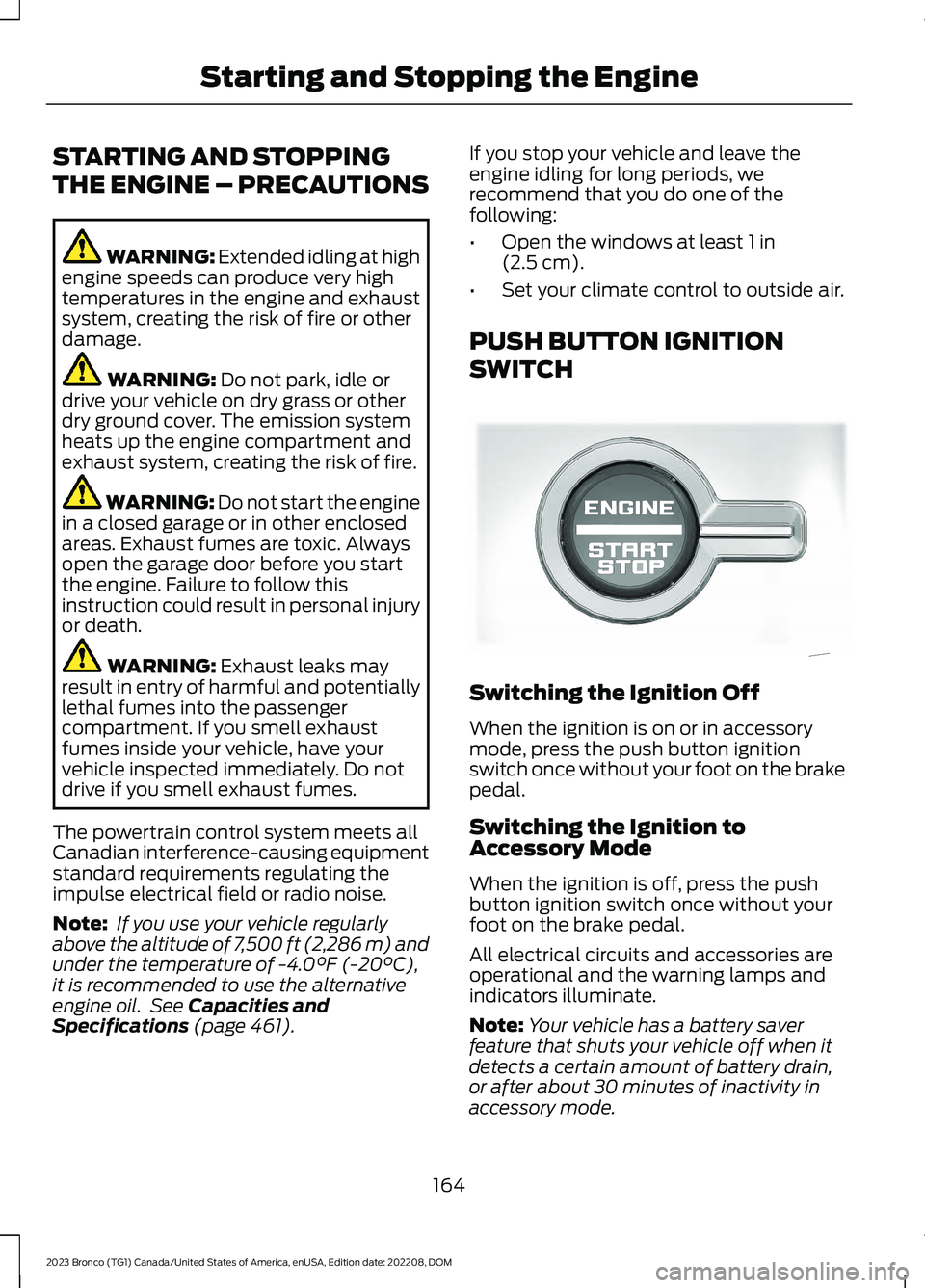
PUSH BUTTON IGNITION
SWITCH
Switching the Ignition Off
When the ignition is on or in accessorymode, press the push button ignitionswitch once without your foot on the brakepedal.
Switching the Ignition toAccessory Mode
When the ignition is off, press the pushbutton ignition switch once without yourfoot on the brake pedal.
All electrical circuits and accessories areoperational and the warning lamps andindicators illuminate.
Note:Your vehicle has a battery saverfeature that shuts your vehicle off when itdetects a certain amount of battery drain,or after about 30 minutes of inactivity inaccessory mode.
164
2023 Bronco (TG1) Canada/United States of America, enUSA, Edition date: 202208, DOMStarting and Stopping the EngineE340581
Page 170 of 642
When you start the engine, it remainsrunning until you press the push buttonignition switch, even if your vehicle doesnot detect a valid passive key. If you openand close a door when the engine isrunning, the system searches for a validpassive key.
ENGINE BLOCK HEATER (IF
EQUIPPED)
ENGINE BLOCK HEATERPRECAUTIONS
WARNING: Failure to follow engineblock heater instructions could result inproperty damage or serious personalinjury.
WARNING: Do not use your heaterwith ungrounded electrical systems ortwo-pronged adapters. There is a risk ofelectrical shock.
WARNING: Do not fully close thehood, or allow it to drop under its ownweight when using the engine blockheater. This could damage the powercable and may cause an electrical shortresulting in fire, injury and propertydamage.
We recommend that you do the followingfor a safe and correct operation:
•Use a 16-gauge outdoor extension cordthat is product certified byUnderwriter’s Laboratory (UL) orCanadian Standards Association(CSA). This extension cord must besuitable for use outdoors, in cold
temperatures, and be clearly markedSuitable for Use with OutdoorAppliances. Do not use an indoorextension cord outdoors. This couldresult in an electric shock or become afire hazard.
•Use as short an extension cord aspossible.
•Do not use multiple extension cords.
•Make sure that when in operation, theextension cord plug and heater cordplug connections are free and clear ofwater. This could cause an electricshock or fire.
•If the block heater cord is under thehood, do not remove the wiring fromits original location. Do not close thehood on the extension wiring.
•Make sure your vehicle is parked in aclean area, clear of combustibles.
•Make sure the heater, heater cord andextension cord are firmly connected.
•Check for heat anywhere in theelectrical hookup once the system hasbeen operating for about 30 minutes.
•Make sure the system is unplugged andproperly stowed before starting anddriving your vehicle. Make sure theprotective cover seals the prongs of theblock heater cord plug when not in use.
•Make sure the heater system ischecked for proper operation beforewinter.
HOW DOES THE ENGINE BLOCKHEATER WORK
The engine block heater warms the enginecoolant. This allows the climate controlsystem to quickly respond. The equipmentincludes a heater element installed in theengine block and a wire harness. You canconnect the system to a grounded 110 voltAC electrical source.
166
2023 Bronco (TG1) Canada/United States of America, enUSA, Edition date: 202208, DOMStarting and Stopping the Engine
Page 171 of 642
Note:The engine block heater is mosteffective when outdoor temperatures arebelow 0°F (-18°C).
USING THE ENGINE BLOCKHEATER
Make sure the receptacle terminals areclean and dry prior to use. Clean them witha dry cloth if necessary.
The heater uses 0.4 to 1.0 kilowatt-hoursof energy per hour of use. The system doesnot have a thermostat. It achievesmaximum temperature afterapproximately three hours of operation.Using the heater longer than three hoursdoes not improve system performance andunnecessarily uses electricity.
STOPPING THE ENGINE
STOPPING THE ENGINE WHENYOUR VEHICLE IS STATIONARY -MANUAL TRANSMISSION
1.Shift into neutral.
2.Apply the parking brake.
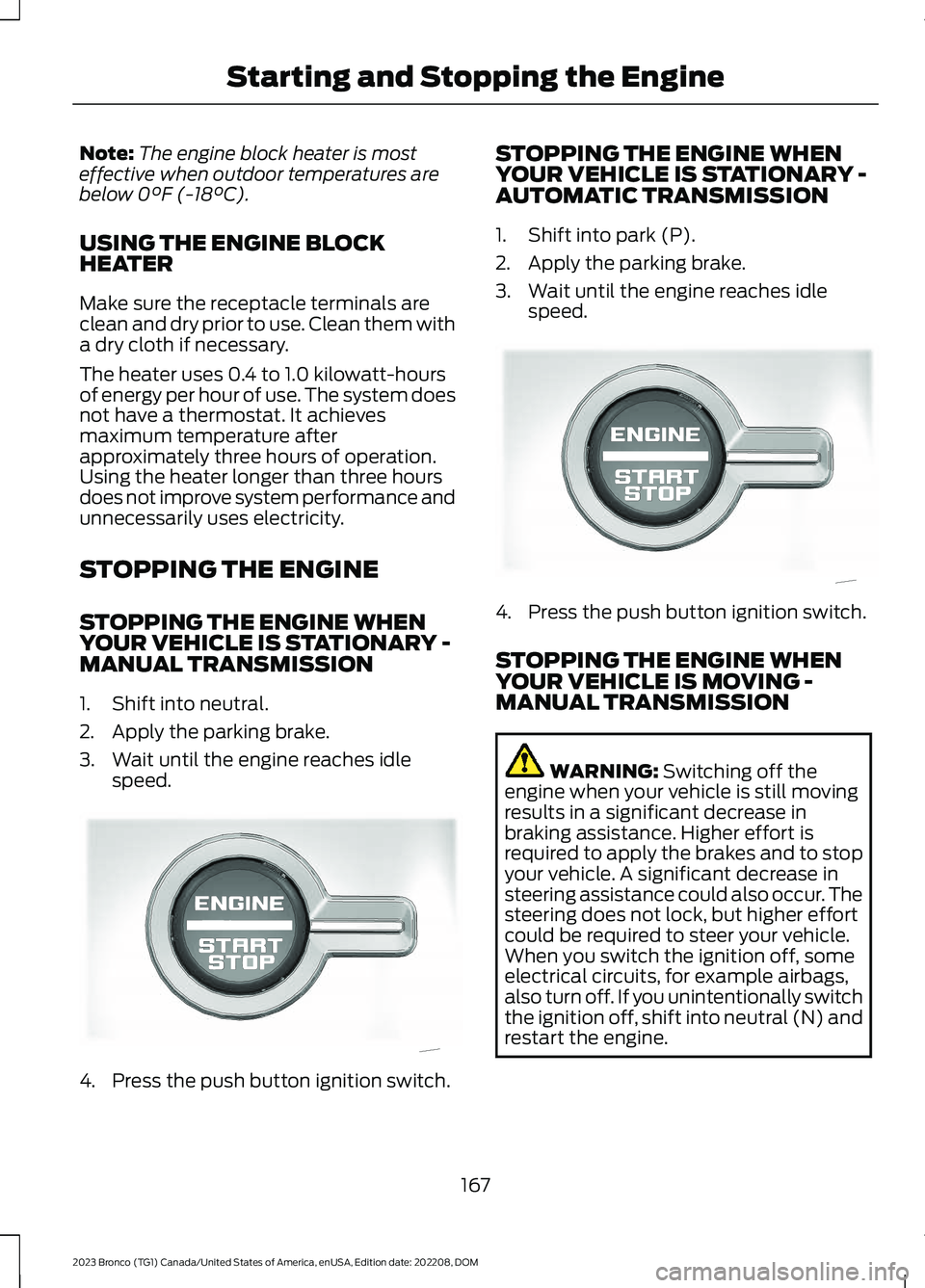
3.Wait until the engine reaches idlespeed.
4.Press the push button ignition switch.
STOPPING THE ENGINE WHENYOUR VEHICLE IS STATIONARY -AUTOMATIC TRANSMISSION
1.Shift into park (P).
2.Apply the parking brake.
3.Wait until the engine reaches idlespeed.
4.Press the push button ignition switch.
STOPPING THE ENGINE WHENYOUR VEHICLE IS MOVING -MANUAL TRANSMISSION
WARNING: Switching off theengine when your vehicle is still movingresults in a significant decrease inbraking assistance. Higher effort isrequired to apply the brakes and to stopyour vehicle. A significant decrease insteering assistance could also occur. Thesteering does not lock, but higher effortcould be required to steer your vehicle.When you switch the ignition off, someelectrical circuits, for example airbags,also turn off. If you unintentionally switchthe ignition off, shift into neutral (N) andrestart the engine.
167
2023 Bronco (TG1) Canada/United States of America, enUSA, Edition date: 202208, DOMStarting and Stopping the EngineE340581 E340581