charging FORD BRONCO SPORT 2023 User Guide
[x] Cancel search | Manufacturer: FORD, Model Year: 2023, Model line: BRONCO SPORT, Model: FORD BRONCO SPORT 2023Pages: 516, PDF Size: 14.27 MB
Page 313 of 516
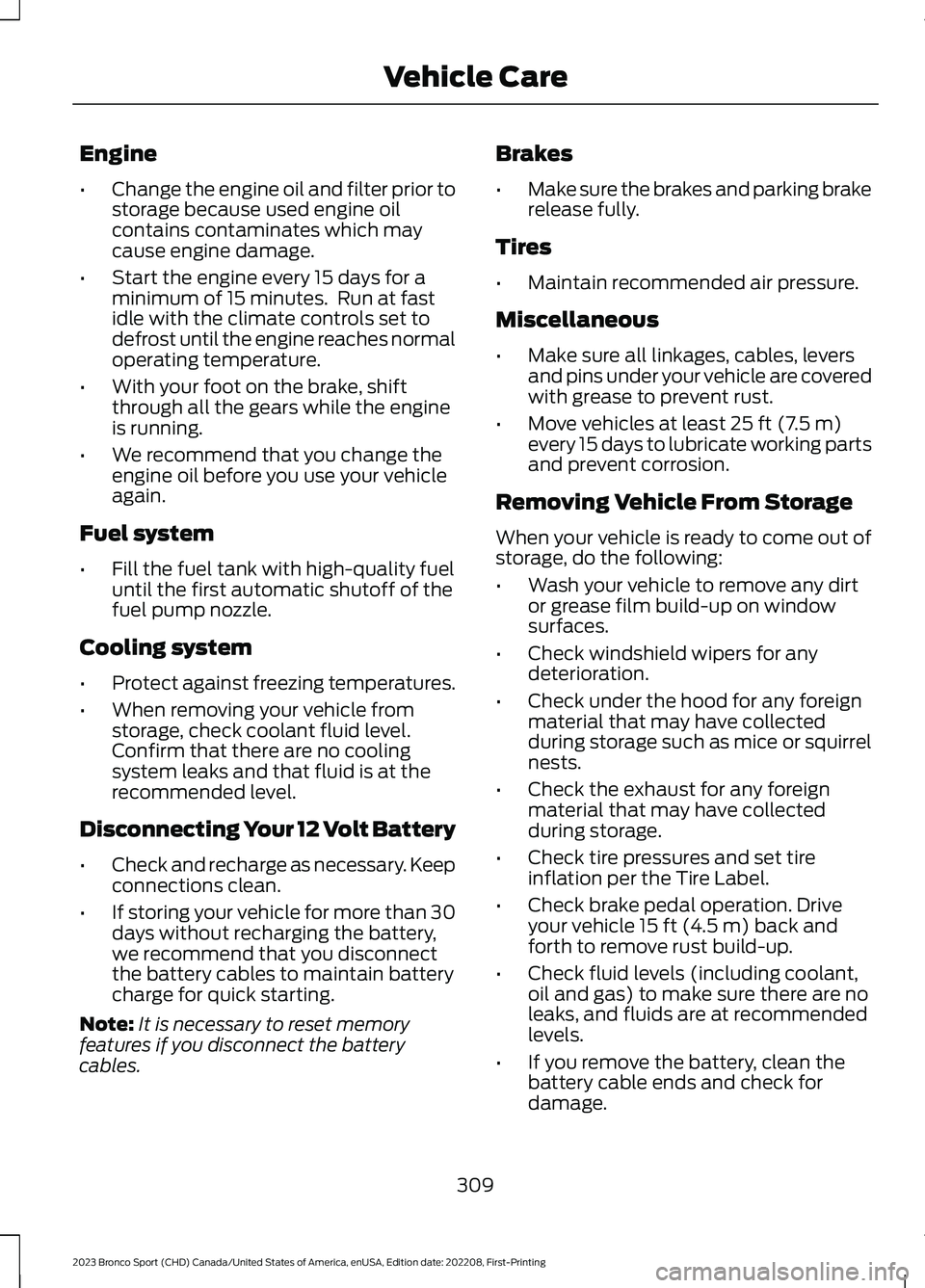
Engine
•Change the engine oil and filter prior tostorage because used engine oilcontains contaminates which maycause engine damage.
•Start the engine every 15 days for aminimum of 15 minutes. Run at fastidle with the climate controls set todefrost until the engine reaches normaloperating temperature.
•With your foot on the brake, shiftthrough all the gears while the engineis running.
•We recommend that you change theengine oil before you use your vehicleagain.
Fuel system
•Fill the fuel tank with high-quality fueluntil the first automatic shutoff of thefuel pump nozzle.
Cooling system
•Protect against freezing temperatures.
•When removing your vehicle fromstorage, check coolant fluid level.Confirm that there are no coolingsystem leaks and that fluid is at therecommended level.
Disconnecting Your 12 Volt Battery
•Check and recharge as necessary. Keepconnections clean.
•If storing your vehicle for more than 30days without recharging the battery,we recommend that you disconnectthe battery cables to maintain batterycharge for quick starting.
Note:It is necessary to reset memoryfeatures if you disconnect the batterycables.
Brakes
•Make sure the brakes and parking brakerelease fully.
Tires
•Maintain recommended air pressure.
Miscellaneous
•Make sure all linkages, cables, leversand pins under your vehicle are coveredwith grease to prevent rust.
•Move vehicles at least 25 ft (7.5 m)every 15 days to lubricate working partsand prevent corrosion.
Removing Vehicle From Storage
When your vehicle is ready to come out ofstorage, do the following:
•Wash your vehicle to remove any dirtor grease film build-up on windowsurfaces.
•Check windshield wipers for anydeterioration.
•Check under the hood for any foreignmaterial that may have collectedduring storage such as mice or squirrelnests.
•Check the exhaust for any foreignmaterial that may have collectedduring storage.
•Check tire pressures and set tireinflation per the Tire Label.
•Check brake pedal operation. Driveyour vehicle 15 ft (4.5 m) back andforth to remove rust build-up.
•Check fluid levels (including coolant,oil and gas) to make sure there are noleaks, and fluids are at recommendedlevels.
•If you remove the battery, clean thebattery cable ends and check fordamage.
309
2023 Bronco Sport (CHD) Canada/United States of America, enUSA, Edition date: 202208, First-PrintingVehicle Care
Page 466 of 516
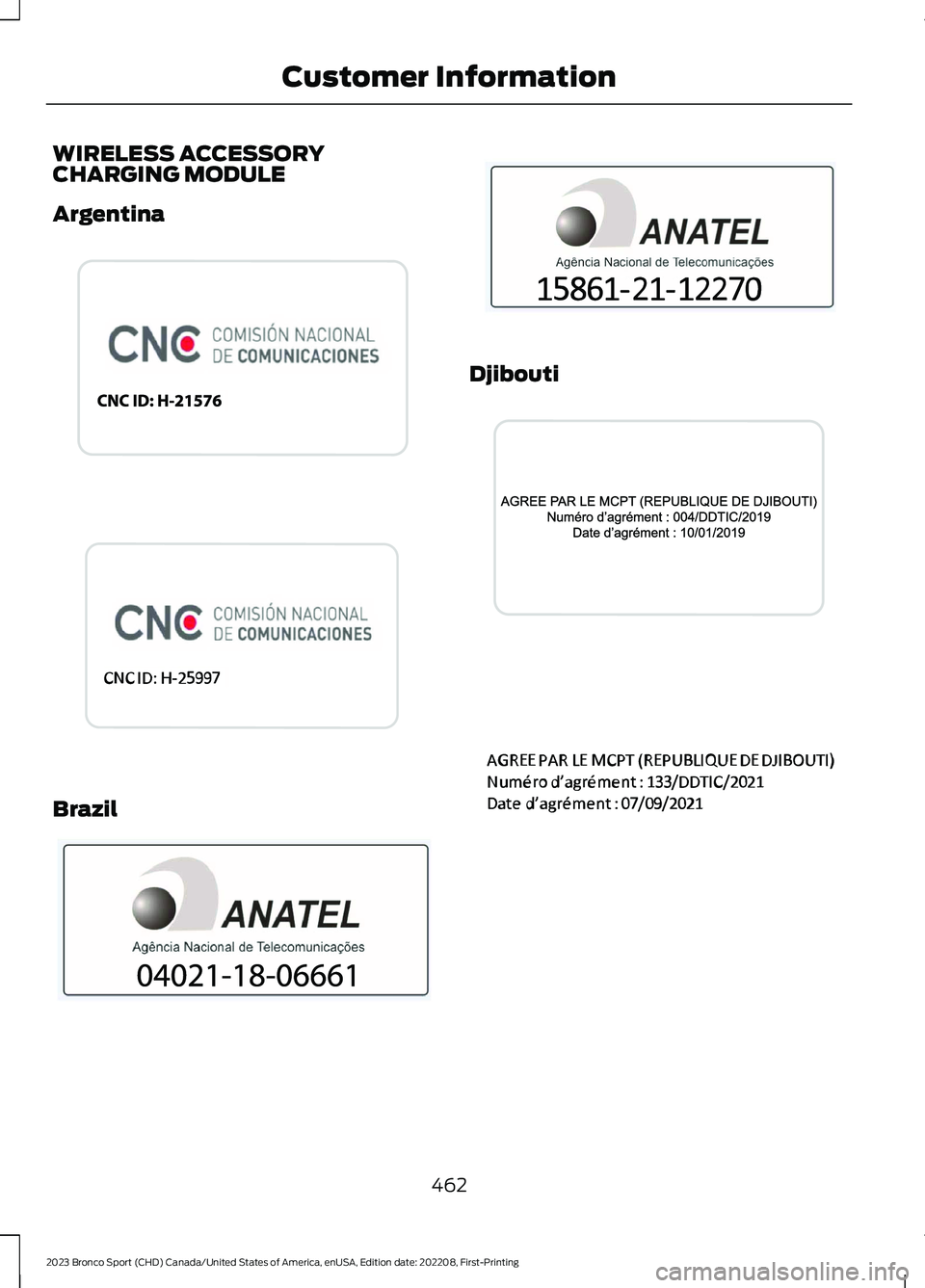
WIRELESS ACCESSORYCHARGING MODULE
Argentina
Brazil
Djibouti
462
2023 Bronco Sport (CHD) Canada/United States of America, enUSA, Edition date: 202208, First-PrintingCustomer InformationE340521 E363335 E340824 E358713 E340823 E369022
Page 506 of 516
Auto-Start-Stop Precautions..................170Autowipers.......................................................82
B
BatterySee: Changing the 12V Battery.....................296Blind Spot Information System..............229BLISSee: Blind Spot Information System..........229Body Control Module Fuse Box...............281Accessing the Body Control Module FuseBox......................................................................281Identifying the Fuses in the Body ControlModule Fuse Box...........................................282Locating the Body Control Module FuseBox......................................................................281Bonnet LockSee: Opening and Closing the Hood..........285Booster Seats..................................................35Brake Fluid Check........................................295Brake Fluid Specification..........................350Brakes...............................................................193General Information..........................................193Breaking-In.....................................................267Bulb Specification Chart............................341
C
Canceling the Set Speed..........................202Capacities and Specifications................339Car WashSee: Cleaning the Exterior..............................304Catalytic Converter......................................179Changing a Bulb...........................................301Changing a Road Wheel............................332Changing the 12V Battery.........................296Changing the Engine Air Filter................289Changing the Front Wiper Blades........300Changing the Rear Wiper Blades..........300Changing the Vehicle Wi-Fi HotspotName or Password...................................355Charging a Device.........................................157Charging a Wireless Device......................162Checking MyKey System Status..............68Checking the Wiper Blades.....................300Child Restraint and SeatbeltMaintenance..................................................47
Child Restraint Positioning..........................37Child Safety......................................................28General Information............................................28Child Safety Locks.........................................39Cleaning Products.......................................303Cleaning the Engine...................................305Cleaning the Exterior.................................304Cleaning the Instrument Panel andInstrument Cluster Lens.........................307Cleaning the Interior...................................306Cleaning the Wheels..................................308Cleaning the Windows and WiperBlades...........................................................306Clearing All MyKeys.......................................67Climate Control.............................................128Auto Mode............................................................130Climate Control Hints...................................131Closing the Liftgate........................................75Closing the Liftgate From Outside YourVehicle..................................................................75Connected Vehicle......................................352Connected Vehicle –Troubleshooting............................................353Connecting the Vehicle to a Mobile Network- Vehicles With: Modem.............................352Connected Vehicle Data..............................20Connected Vehicle Limitations..............352Connected Vehicle Requirements.........352Connected Vehicle –Troubleshooting........................................353Connected Vehicle – Frequently AskedQuestions.........................................................353Connecting the Vehicle to a MobileNetwork - Vehicles With:Modem..........................................................352Connecting FordPass to the Modem.........352Enabling and Disabling the Modem...........352What Is the Modem..........................................352Connecting the Vehicle to a Wi-FiNetwork - Vehicles With: SYNC3.......................................................................352Contacting Us....................................................11Coolant CheckSee: Engine Coolant Check...........................290Cooling System Capacity andSpecification - 1.5L EcoBoost™.........346Cooling System Capacity andSpecification - 2.0L EcoBoost™.........347
502
2023 Bronco Sport (CHD) Canada/United States of America, enUSA, Edition date: 202208, First-PrintingIndex
Page 510 of 516
O
Off-Road Driving.........................................260After Driving Your Vehicle Off-Road..........266Basic Off-Road Driving Techniques...........260Driving Off-Road.................................................261Driving Through Water Limitations.............265Off-Road Driving Aids......................................265Off-Road Driving Precautions......................260What Is Off-Road Driving...............................260Oil Change Indicator Reset......................289Oil CheckSee: Engine Oil Check......................................288Opening and Closing the Hood..............285Opening and Closing the LiftgateWindow...........................................................76Opening the Liftgate.....................................75Opening the Liftgate From Outside YourVehicle..................................................................75Opening the Liftgate Using the RemoteControl.................................................................75Ordering a Canadian French Owner'sManual...........................................................421Our Sustainability Report........................420Overriding Automatic High BeamControl.............................................................92Overriding the Set Speed..........................218
P
Parking Aids...................................................203Principle of Operation......................................203Passive Anti-Theft System..........................77PATSSee: Passive Anti-Theft System......................77Perchlorate....................................................468Personalized Settings................................108Personal Safety System™.........................48Phone..............................................................384Playing Media Using the USB Port.........157Post-Crash Alert System...........................272Post Impact Braking....................................275How Does Post Impact Braking Work........275Overriding Post Impact Braking....................275Post Impact Braking Indicators.....................275Post Impact Braking Limitations..................275Power Door LocksSee: Locking and Unlocking.............................70
Power Outlet Indicators.............................160Power Outlet Limitations..........................160Power Outlet..................................................159Power Outlet Precautions.........................159Power Seats....................................................145Power Steering Fluid Check.....................295Power Windows..............................................93Pre-Collision Assist.....................................236Programming a MyKey.................................67Programming the Garage DoorOpener...........................................................154Protecting the Environment.......................22PunctureSee: Changing a Road Wheel........................332
R
Radio Frequency CertificationLabels............................................................424Blind Spot Information SystemSensors.............................................................424Body Control Module.......................................430Cruise Control Module.....................................434Keys and Remote Controls............................438Passive Anti-Theft System............................443Radio Transceiver Module.............................446SYNC......................................................................449Telematics Control Unit..................................453Tire Pressure Monitoring SystemSensors.............................................................454Wireless Accessory ChargingModule..............................................................462Rear Exterior.....................................................27Rear Floodlamps...........................................90Rear Occupant Alert System AudibleWarnings.......................................................150Rear Occupant Alert SystemIndicators......................................................150Rear Occupant Alert SystemLimitations...................................................149Rear Occupant Alert SystemPrecautions..................................................149Rear Occupant Alert System...................149Rear Parking Aid..........................................204Rear Seats.......................................................146Rear View Camera......................................205Rear View CameraSee: Rear View Camera..................................205
506
2023 Bronco Sport (CHD) Canada/United States of America, enUSA, Edition date: 202208, First-PrintingIndex