key battery FORD C MAX 2011 2.G User Guide
[x] Cancel search | Manufacturer: FORD, Model Year: 2011, Model line: C MAX, Model: FORD C MAX 2011 2.GPages: 296, PDF Size: 7.87 MB
Page 132 of 296
Downloaded from www.Manualslib.com manuals search engine Failure to start
The passive starting system will not
function if:
•
The passive key frequencies are
jammed.
• The passive key battery is flat.
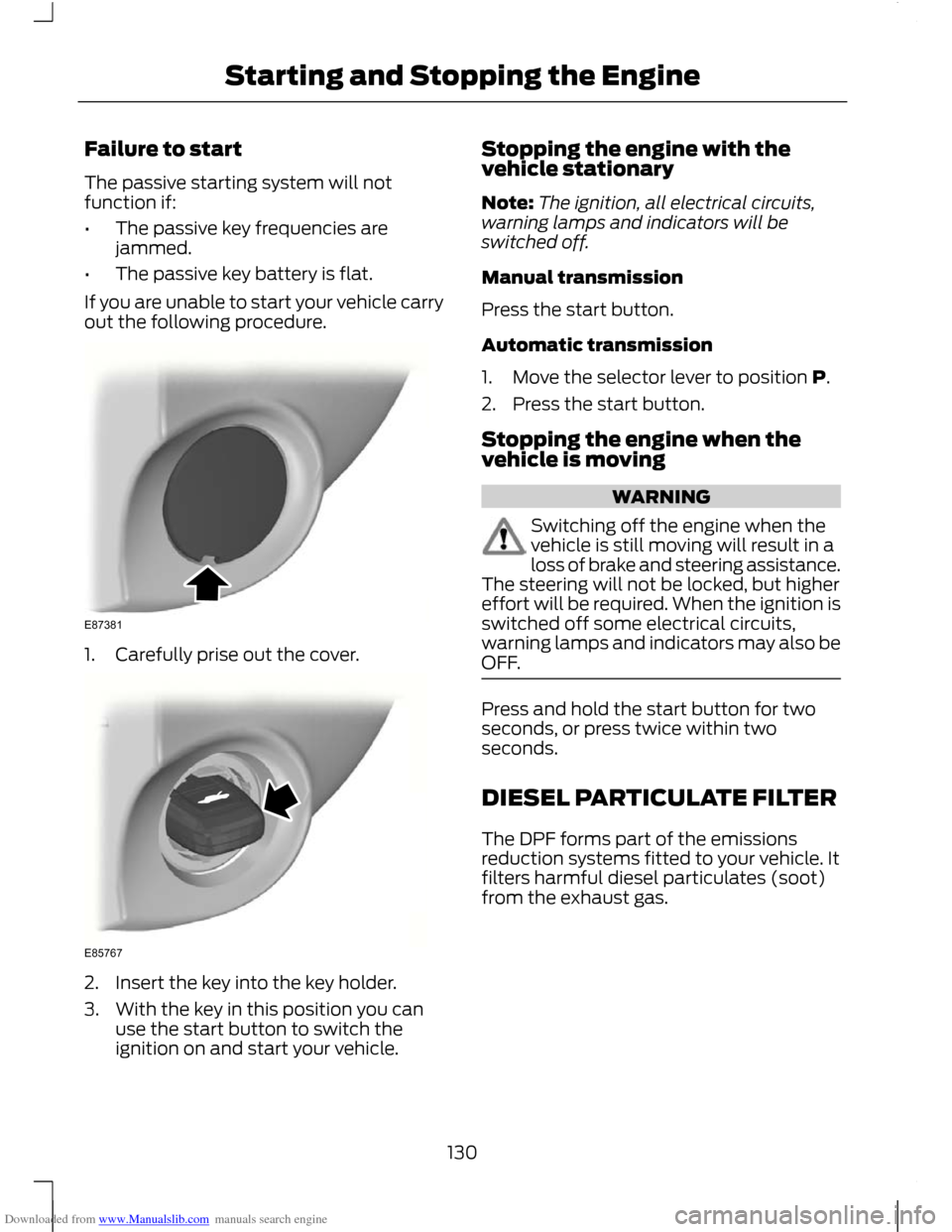
If you are unable to start your vehicle carry
out the following procedure. 1. Carefully prise out the cover.
2. Insert the key into the key holder.
3. With the key in this position you can
use the start button to switch the
ignition on and start your vehicle. Stopping the engine with the
vehicle stationary
Note:
The ignition, all electrical circuits,
warning lamps and indicators will be
switched off.
Manual transmission
Press the start button.
Automatic transmission
1. Move the selector lever to position P.
2. Press the start button.
Stopping the engine when the
vehicle is moving WARNING
Switching off the engine when the
vehicle is still moving will result in a
loss of brake and steering assistance.
The steering will not be locked, but higher
effort will be required. When the ignition is
switched off some electrical circuits,
warning lamps and indicators may also be
OFF. Press and hold the start button for two
seconds, or press twice within two
seconds.
DIESEL PARTICULATE FILTER
The DPF forms part of the emissions
reduction systems fitted to your vehicle. It
filters harmful diesel particulates (soot)
from the exhaust gas.
130
Starting and Stopping the EngineE87381 E85767
Page 200 of 296
Downloaded from www.Manualslib.com manuals search engine CAUTIONS
Do not connect to the negative (–)
terminal of the flat battery.
Make sure that the cables are clear of
any moving parts and fuel delivery
system parts.
To start the engine
1. Run the engine of vehicle B at
moderately high speed.
2. Start the engine of vehicle A.
3. Run both vehicles for a minimum of three minutes before disconnecting the
cables. CAUTION
Do not switch on the headlamps when
disconnecting the cables. The peak
voltage could blow the bulbs.
Disconnect the cables in the reverse order.
CHANGING THE VEHICLE
BATTERY
CAUTION
For vehicles with Start-stop the
battery requirement is different. It
must be replaced by one of exactly
the same specification as the original. Note:
Where applicable, the audio system
must be reprogrammed with the keycode.
The battery is located in the engine
compartment. See Maintenance (page
185). BATTERY CONNECTION
POINTS CAUTION
Do not connect to the negative (–)
terminal of the flat battery.
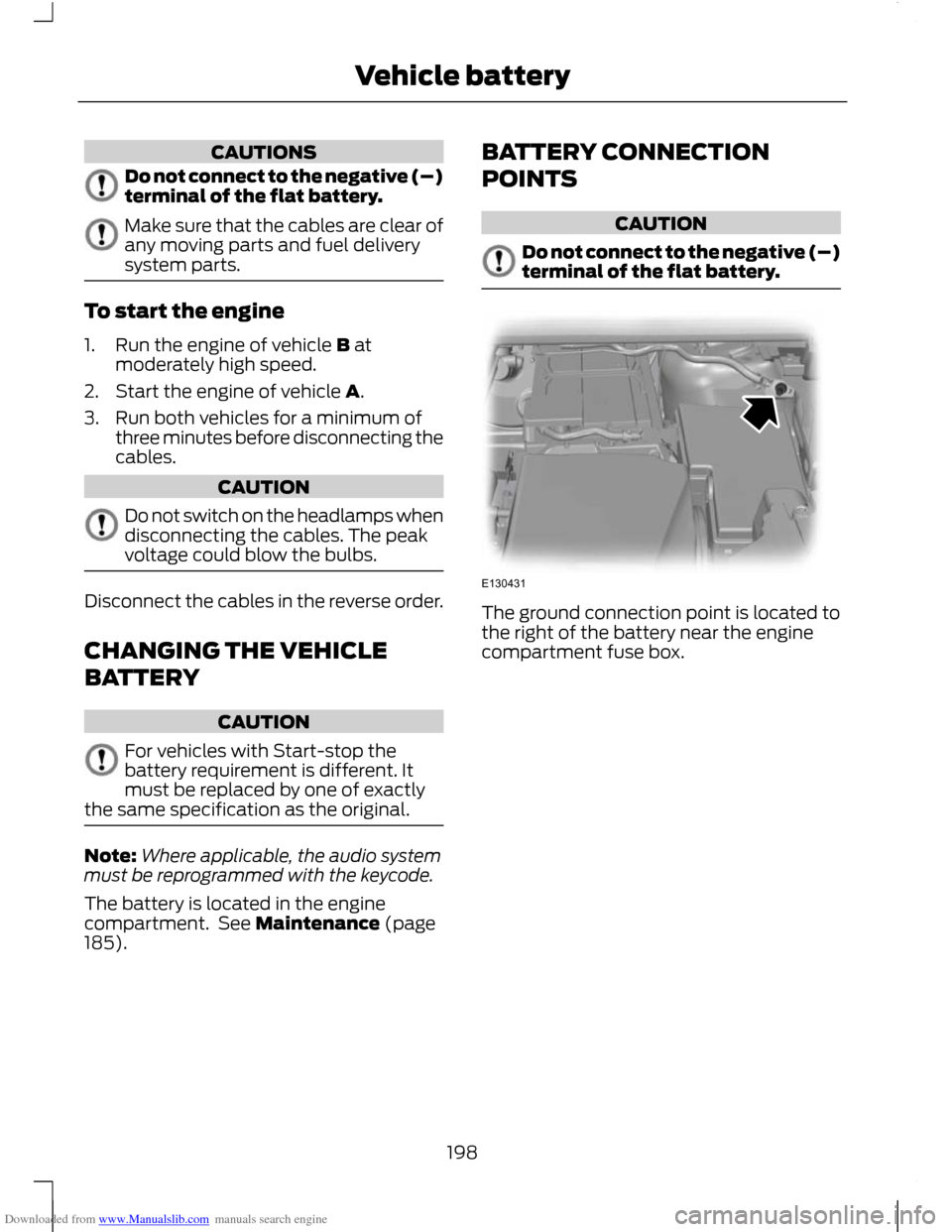
The ground connection point is located to
the right of the battery near the engine
compartment fuse box.
198
Vehicle batteryE130431
Page 239 of 296
Downloaded from www.Manualslib.com manuals search engine GENERAL INFORMATION
CAUTION
Using the system with the engine off
will drain the battery.
This section describes the functions and
features of the Bluetooth mobile phone
hands free system.
The Bluetooth mobile phone part of the
system provides interaction with the audio
or navigation system and your mobile
phone. It allows you to use the audio or
navigation system to make and receive
calls without having to hold your mobile
phone.
Compatibility of phones
CAUTION
As no common agreement exists,
mobile phone manufacturers are able
to implement a variety of profiles in
their Bluetooth devices. Because of this,
an incompatibility can occur between the
phone and hands-free system, which in
some cases may significantly degrade the
system performance. To avoid this
situation, only recommended phones
should be used.
Please visit the website www.ford-
mobile-connectivity.com for full details. BLUETOOTH SETUP
Before you can use your telephone with
your vehicle it must be bonded to the
vehicle telephone system.
Handling of phones
Up to six Bluetooth devices can be bonded
to the vehicle system. Note:
If there is an ongoing call when the
phone in use is selected as the new active
phone, the call is transferred to the vehicle
audio system.
Note: Even if connected to the car system,
your phone can still be used in the usual
way.
Requirements for Bluetooth
connection
The following are required before a
Bluetooth phone connection can be made.
1. The Bluetooth feature must be activated on the phone and on the
audio unit. Make sure the Bluetooth
menu option in the audio unit is set to
ON. For information on phone settings,
refer to your phone user guide.
2. In the Bluetooth menu on your phone, search for Ford Audio and select it.
3. Enter the code number shown on the vehicle display using the phone keypad.
If no code number is shown on the
display, enter the Bluetooth PIN
number 0000 using the phone keypad.
Now enter the Bluetooth PIN number
shown on the vehicle display.
4. If your mobile phone asks you to authorize the automatic connection,
select YES.
Note: A phone call will be disconnected if
the audio unit is switched off. If the ignition
key is turned to the off position the phone
call will remain in progress.
TELEPHONE SETUP
Phonebook
Note: It may be necessary to confirm
phonebook access to the Bluetooth system
via the mobile phone.
237
Telephone
Page 264 of 296
Downloaded from www.Manualslib.com manuals search engine GENERAL INFORMATION
Press the relevant button on the unit bezel
to access the system functions. This will
take you into the selected mode.
One hour mode
To conserve battery power, the system can
be operated in one hour mode. If the
ignition is off, press the ON/OFF button to
switch the system on. The system will
automatically switch off after one hour.
System notes
WARNINGS
The front glass on the liquid crystal
display may break if hit with a hard
object. If the glass breaks, do not
touch the liquid crystalline material. In case
of contact with the skin, wash immediately
with soap and water. The unit is a highgrade laser product
which uses an invisible laser beam.
If this is handled incorrectly it can
emit dangerous rays. Do not attempt to
look through any openings in the unit. CAUTIONS
Irregular shaped CDs and CDs with a
scratch protection film or self
adhesive labels attached should not
be used. Warranty claims, where this type
of disc is found to be inside an audio unit
returned for repair, will not be accepted. Do not clean the unit with solvents or
aerosol cleaning agents. Use only a
damp cloth.
Do not insert foreign objects into any
of the unit disc drives or media card
slots.
Do not insert more than one disc into
the unit disc drive. CAUTIONS
Use only 12 cm (4.7 inches) discs or 8
cm (3.1 inches) discs with a suitable
adaptor.
Do not attempt to open the unit. If the
unit malfunctions consult your dealer.
Improper use of settings and
connections, other than those
explained in this handbook, can
damage the unit. Do not turn the ignition key or attempt
to start the engine while the software
is updating.
The system is recommended for use when
the ignition key is turned to the accessory
position or when the engine is running. If
the system is used extensively when the
engine is not running, care needs to be
taken to avoid draining the battery.
ROAD SAFETY
WARNINGS
The system provides you with
information designed to help you
reach your destination quickly and
safely. For reasons of safety, the driver
should only program the system
when the vehicle is stationary.
The system provides no assistance
with respect to stop signs, traffic
lights, areas under construction or
other important safety information. Do not use the system until you have
familiarised yourself with its
operation.
Only view the system display when
driving conditions permit.
262
Navigation introduction
Page 287 of 296
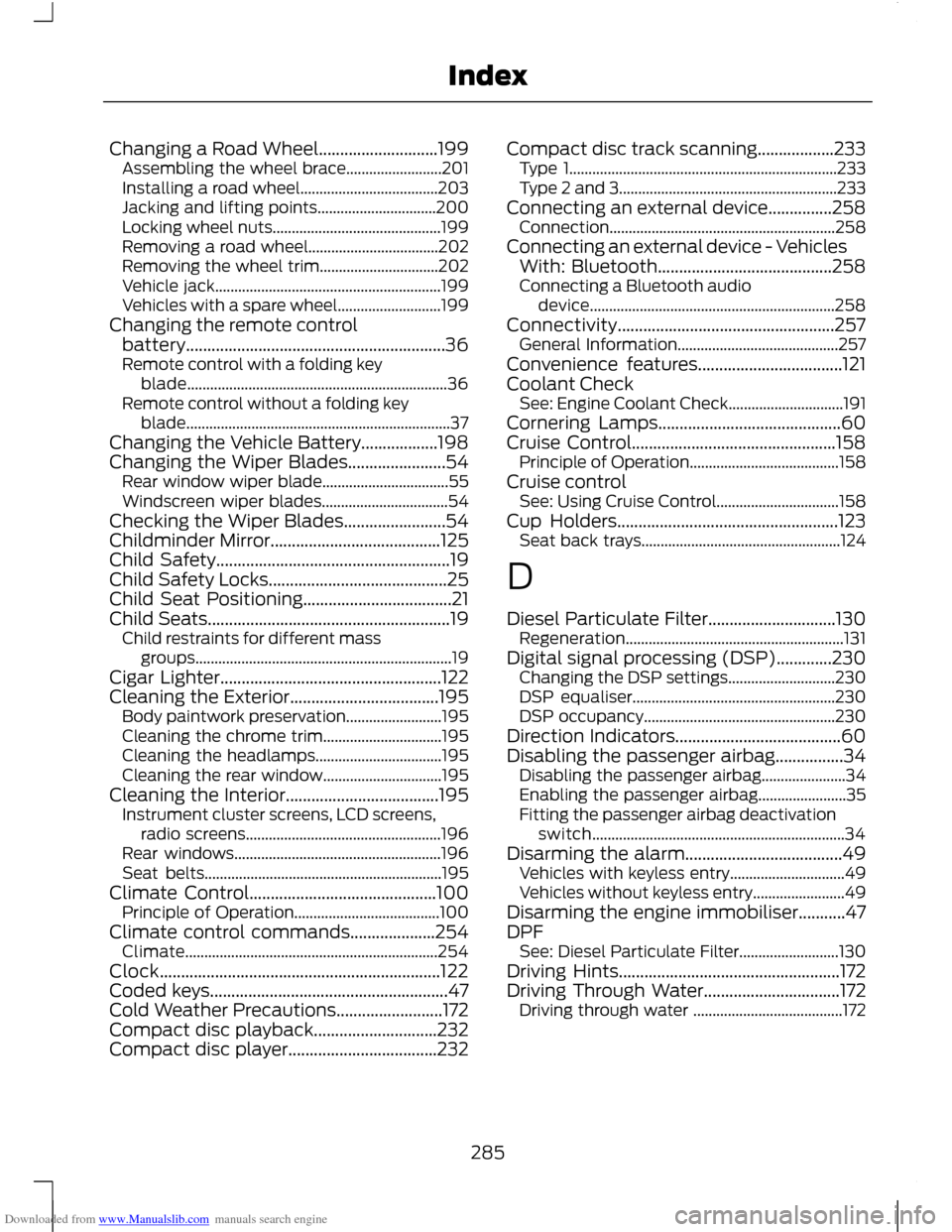
Downloaded from www.Manualslib.com manuals search engine Changing a Road Wheel............................199
Assembling the wheel brace......................... 201
Installing a road wheel.................................... 203
Jacking and lifting points............................... 200
Locking wheel nuts............................................ 199
Removing a road wheel.................................. 202
Removing the wheel trim............................... 202
Vehicle jack........................................................... 199
Vehicles with a spare wheel........................... 199
Changing the remote control battery.............................................................36
Remote control with a folding key blade.................................................................... 36
Remote control without a folding key blade..................................................................... 37
Changing the Vehicle Battery..................198
Changing the Wiper Blades.......................54 Rear window wiper blade................................. 55
Windscreen wiper blades................................. 54
Checking the Wiper Blades........................54
Childminder Mirror........................................125
Child Safety.......................................................19
Child Safety Locks..........................................25
Child Seat Positioning...................................21
Child Seats.........................................................19 Child restraints for different mass
groups................................................................... 19
Cigar Lighter....................................................122
Cleaning the Exterior...................................195 Body paintwork preservation......................... 195
Cleaning the chrome trim............................... 195
Cleaning the headlamps................................. 195
Cleaning the rear window............................... 195
Cleaning the Interior....................................195 Instrument cluster screens, LCD screens,
radio screens................................................... 196
Rear windows...................................................... 196
Seat belts.............................................................. 195
Climate Control............................................100 Principle of Operation...................................... 100
Climate control commands....................254 Climate.................................................................. 254
Clock..................................................................122
Coded keys........................................................47
Cold Weather Precautions.........................172
Compact disc playback.............................232
Compact disc player...................................232 Compact disc track scanning..................233
Type 1...................................................................... 233
Type 2 and 3......................................................... 233
Connecting an external device...............258 Connection........................................................... 258
Connecting an external device - Vehicles With: Bluetooth.........................................258
Connecting a Bluetooth audio device................................................................ 258
Connectivity...................................................257 General Information.......................................... 257
Convenience features..................................121
Coolant Check See: Engine Coolant Check.............................. 191
Cornering Lamps...........................................60
Cruise Control................................................158 Principle of Operation....................................... 158
Cruise control See: Using Cruise Control................................ 158
Cup Holders....................................................123 Seat back trays.................................................... 124
D
Diesel Particulate Filter..............................130 Regeneration......................................................... 131
Digital signal processing (DSP).............230 Changing the DSP settings............................ 230
DSP equaliser..................................................... 230
DSP occupancy.................................................. 230
Direction Indicators.......................................60
Disabling the passenger airbag................34 Disabling the passenger airbag...................... 34
Enabling the passenger airbag....................... 35
Fitting the passenger airbag deactivation switch.................................................................. 34
Disarming the alarm.....................................49 Vehicles with keyless entry.............................. 49
Vehicles without keyless entry........................ 49
Disarming the engine immobiliser...........47
DPF See: Diesel Particulate Filter.......................... 130
Driving Hints....................................................172
Driving Through Water................................172 Driving through water ....................................... 172
285
Index
Page 289 of 296
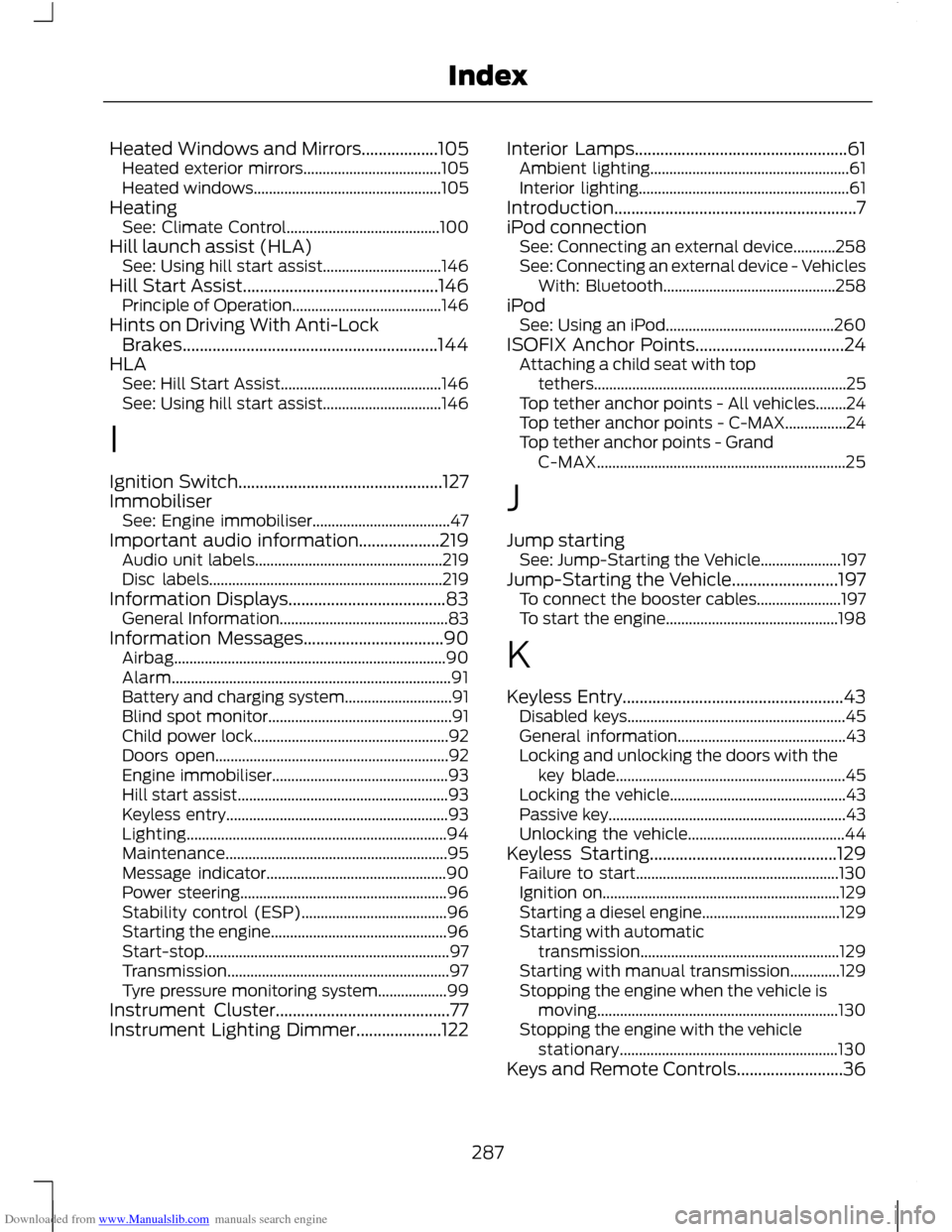
Downloaded from www.Manualslib.com manuals search engine Heated Windows and Mirrors..................105
Heated exterior mirrors.................................... 105
Heated windows................................................. 105
Heating See: Climate Control........................................ 100
Hill launch assist (HLA) See: Using hill start assist............................... 146
Hill Start Assist..............................................146 Principle of Operation....................................... 146
Hints on Driving With Anti-Lock Brakes............................................................144
HLA See: Hill Start Assist.......................................... 146
See: Using hill start assist............................... 146
I
Ignition Switch................................................127
Immobiliser See: Engine immobiliser.................................... 47
Important audio information...................219 Audio unit labels................................................. 219
Disc labels............................................................. 219
Information Displays.....................................83 General Information............................................ 83
Information Messages.................................90 Airbag....................................................................... 90
Alarm........................................................................\
. 91
Battery and charging system............................ 91
Blind spot monitor................................................ 91
Child power lock................................................... 92
Doors open............................................................. 92
Engine immobiliser.............................................. 93
Hill start assist....................................................... 93
Keyless entry.......................................................... 93
Lighting.................................................................... 94
Maintenance.......................................................... 95
Message indicator............................................... 90
Power steering...................................................... 96
Stability control (ESP)...................................... 96
Starting the engine.............................................. 96
Start-stop................................................................ 97
Transmission.......................................................... 97
Tyre pressure monitoring system.................. 99
Instrument Cluster.........................................77
Instrument Lighting Dimmer....................122 Interior Lamps..................................................61
Ambient lighting.................................................... 61
Interior lighting....................................................... 61
Introduction.........................................................7
iPod connection See: Connecting an external device...........258
See: Connecting an external device - Vehicles
With: Bluetooth............................................. 258
iPod See: Using an iPod............................................ 260
ISOFIX Anchor Points...................................24 Attaching a child seat with top
tethers.................................................................. 25
Top tether anchor points - All vehicles........24
Top tether anchor points - C-MAX................24
Top tether anchor points - Grand C-MAX................................................................. 25
J
Jump starting See: Jump-Starting the Vehicle..................... 197
Jump-Starting the Vehicle.........................197 To connect the booster cables...................... 197
To start the engine............................................. 198
K
Keyless Entry....................................................43 Disabled keys......................................................... 45
General information............................................ 43
Locking and unlocking the doors with the key blade............................................................ 45
Locking the vehicle.............................................. 43
Passive key.............................................................. 43
Unlocking the vehicle......................................... 44
Keyless Starting............................................129 Failure to start..................................................... 130
Ignition on.............................................................. 129
Starting a diesel engine.................................... 129
Starting with automatic transmission.................................................... 129
Starting with manual transmission.............129
Stopping the engine when the vehicle is moving............................................................... 130
Stopping the engine with the vehicle stationary......................................................... 130
Keys and Remote Controls.........................36
287
Index