brakes FORD C MAX ENERGI 2017 User Guide
[x] Cancel search | Manufacturer: FORD, Model Year: 2017, Model line: C MAX ENERGI, Model: FORD C MAX ENERGI 2017Pages: 497, PDF Size: 7.64 MB
Page 169 of 497
PRINCIPLE OF OPERATION
WARNINGS
Vehicle modifications involvingbraking system, aftermarket roofracks, suspension, steering system,tire construction and wheel and tire sizemay change the handling characteristicsof your vehicle and may adversely affectthe performance of the electronic stabilitycontrol system. In addition, installing anystereo loudspeakers may interfere withand adversely affect the electronic stabilitycontrol system. Install any aftermarketstereo loudspeaker as far as possible fromthe front center console, the tunnel, andthe front seats in order to minimize the riskof interfering with the electronic stabilitycontrol sensors. Reducing theeffectiveness of the electronic stabilitycontrol system could lead to an increasedrisk of loss of vehicle control, vehiclerollover, personal injury and death.
Remember that even advancedtechnology cannot defy the laws ofphysics. It’s always possible to losecontrol of a vehicle due to inappropriatedriver input for the conditions. Aggressivedriving on any road condition can causeyou to lose control of your vehicleincreasing the risk of personal injury orproperty damage. Activation of theelectronic stability control system is anindication that at least some of the tireshave exceeded their ability to grip the road;this could reduce the operator’s ability tocontrol the vehicle potentially resulting ina loss of vehicle control, vehicle rollover,personal injury and death. If your electronicstability control system activates, SLOWDOWN.
The system automatically turns on eachtime you switch the ignition on.
If a fault occurs in either the stabilitycontrol or the traction control system, youmay experience the following conditions:
•The stability and traction control lightilluminates steadily.
•The stability control and tractioncontrol systems do not enhance yourvehicle's ability to maintain traction ofthe wheels.
If a driving condition activates either thestability control or the traction controlsystem you may experience the followingconditions:
•The stability and traction control lightflashes.
•Your vehicle slows down.
•Reduced engine power.
•A vibration in the brake pedal.
•The brake pedal is stiffer than usual.
•If the driving condition is severe andyour foot is not on the brake, the brakepedal may move as the system applieshigher brake force.
The stability control system has severalfeatures built into it to help you maintaincontrol of your vehicle:
Electronic Stability Control
The system enhances your vehicle’s abilityto prevent skids or lateral slides byapplying brakes to one or more of thewheels individually and, if necessary,reducing engine power.
Roll Stability Control
The system enhances your vehicle’s abilityto prevent rollovers by detecting yourvehicle’s roll motion and the rate at whichit changes by applying the brakes to oneor more wheels individually.
166
C-MAX Energi / C-MAX Hybrid (CCG) Canada/United States of America, enUSA, First Printing
Stability Control
Page 171 of 497
PRINCIPLE OF OPERATION
WARNINGS
To help avoid personal injury, pleaseread and understand the limitationsof the system as contained in thissection. Sensing is only an aid for some(generally large and fixed) objects whenmoving on a flat surface at parking speeds.Certain objects with surfaces that absorbultrasonic waves, surrounding vehicle'sparking aid systems, traffic controlsystems, fluorescent lamps, inclementweather, air brakes, and external motorsand fans may also affect the function ofthe sensing system; this may includereduced performance or a false activation.
To help avoid personal injury, alwaysuse caution when in reverse (R) andwhen using the sensing system.
This system is not designed toprevent contact with small or movingobjects. The system is designed toprovide a warning to assist the driver indetecting large stationary objects to avoiddamaging your vehicle. The system maynot detect smaller objects, particularlythose close to the ground.
Certain add-on devices such as largetrailer hitches, bike or surfboard racksand any device that may block thenormal detection zone of the system, maycreate false beeps.
Note:Keep the sensors, located on thebumper or fascia, free from snow, ice andlarge accumulations of dirt. If the sensorsare covered, the system’s accuracy can beaffected. Do not clean the sensors withsharp objects.
Note:If your vehicle sustains damage tothe bumper or fascia, leaving it misalignedor bent, the sensing zone may be alteredcausing inaccurate measurement ofobstacles or false alarms.
Note:The sensing system cannot be turnedoff when a MyKey is present. See Principleof Operation (page 52).
Note:If you attach certain add-on devicessuch as a trailer or bike rack, the rear sensingsystem may detect that add-on device andtherefore provide warnings. It is suggestedthat you disable the rear sensing systemwhen you attach an add-on device to yourvehicle to prevent these warnings.
The sensing system warns the driver ofobstacles within a certain range of yourvehicle. The system turns on automaticallywhenever you switch the ignition on.
You can turn the system on oroff by pressing the parking aidbutton. If your vehicle does nothave a parking aid button, the system canbe switched off through the informationdisplay menu or from the pop-up messagethat appears once you shift thetransmission into reverse (R). See GeneralInformation (page 92).
If a fault is present in the system, a warningmessage appears in the informationdisplay. See Information Messages(page 101).
REAR PARKING AID
The rear parking aid sensors automaticallyturn on when you shift into reverse (R).
As your vehicle moves closer to theobstacle, the rate of the audible warningincreases. When the obstacle is less than12 in (30 cm) away, the warning soundscontinuously. If the system detects anobject farther than 12 in (30 cm) from thecorners of the bumper, the tone sounds foronly three seconds. If the system detectsan approaching object the warning soundsagain.
168
C-MAX Energi / C-MAX Hybrid (CCG) Canada/United States of America, enUSA, First Printing
Parking AidsE139213
Page 173 of 497
ACTIVE PARK ASSIST (If Equipped)
WARNINGS
You must remain in your vehiclewhen the system turns on. At alltimes, you are responsible forcontrolling your vehicle, supervising thesystem and intervening, if required. Failureto take care may result in the loss ofcontrol of your vehicle, serious personalinjury or death.
The sensors may not detect objectsin heavy rain or other conditions thatcause interference.
Active park assist does not apply thebrakes under any circumstances.
Note:The driver is always responsible forcontrolling the vehicle, supervising thesystem and intervening if required.
Note:The Blind Spot Information Systemdoes not detect traffic alongside or behindyour vehicle during an active park assistmaneuver.
The system detects an available parallelparking space and automatically steersthe vehicle into the space (hands-free)while you control the accelerator, gearshiftand brakes. The system visually andaudibly instructs you to park the vehicle.
The system may not correctly operate inany of the following conditions:
•You use a spare tire or a tiresignificantly worn more than the othertires.
•One or more tires are improperlyinflated.
•You try to park on a tight curve.
•Something passes between the frontbumper and the parking space (forexample, a pedestrian or cyclist).
•The edge of the neighboring parkingvehicle is high off the ground (forexample, a bus, tow truck or flatbedtruck).
•The weather conditions are poor (forexample, heavy rain, snow, fog and soforth).
Note:Keep the sensors, located on thebumper or fascia, free from snow, ice andlarge accumulations of dirt. Covered sensorscan affect the system's accuracy. Do notclean the sensors with sharp objects.
Note:The sensors may not detect objectswith surfaces that absorb ultrasonic wavesor cause ultrasonic interference (forexample, motorcycle exhaust, truck airbrakes or horns).
Using Active Park Assist
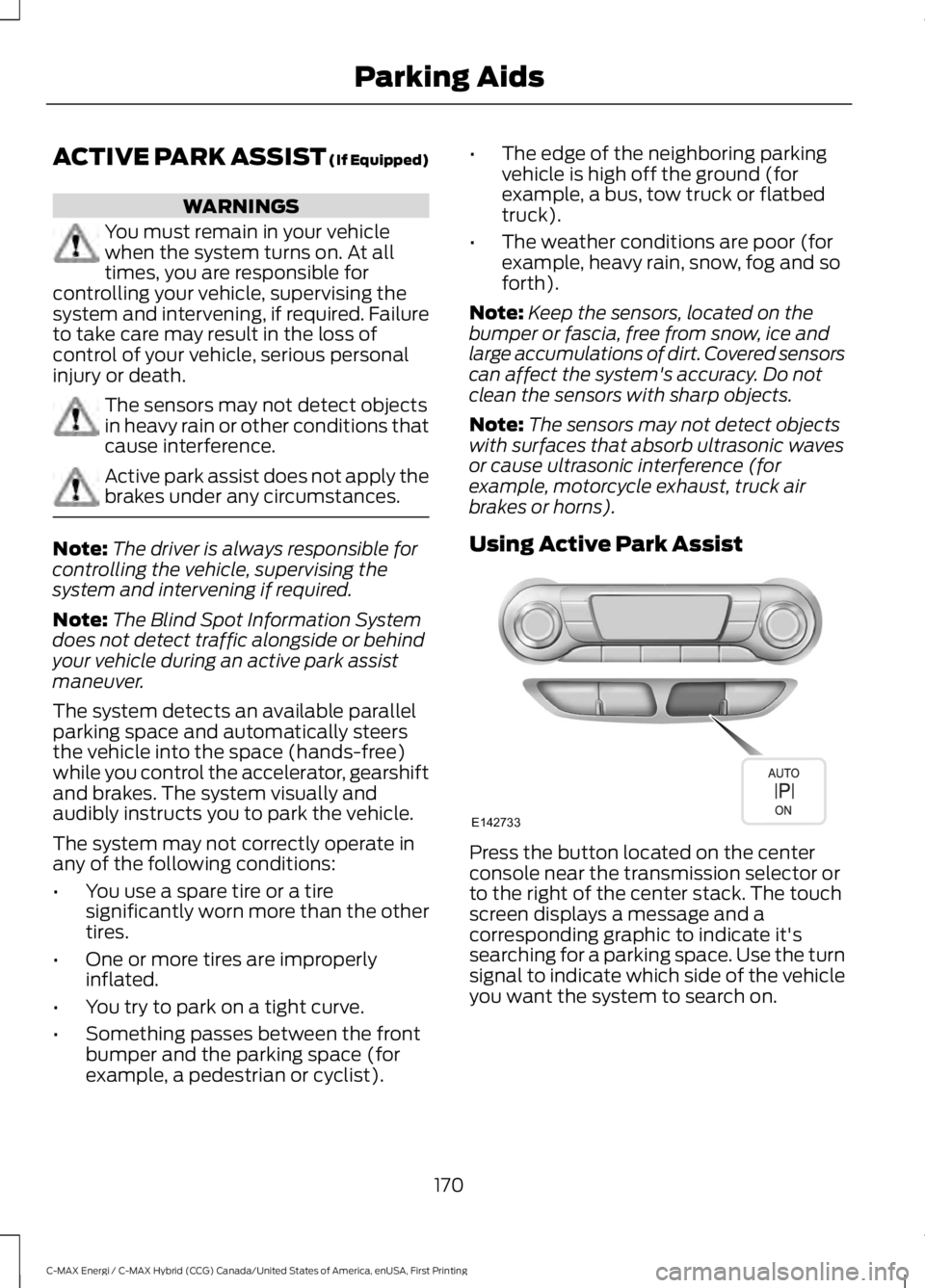
Press the button located on the centerconsole near the transmission selector orto the right of the center stack. The touchscreen displays a message and acorresponding graphic to indicate it'ssearching for a parking space. Use the turnsignal to indicate which side of the vehicleyou want the system to search on.
170
C-MAX Energi / C-MAX Hybrid (CCG) Canada/United States of America, enUSA, First Printing
Parking AidsE142733
Page 180 of 497
PRINCIPLE OF OPERATION
Cruise control lets you maintain a setspeed without keeping your foot on theaccelerator pedal. You can use cruisecontrol when your vehicle speed is greaterthan 20 mph (30 km/h).
USING CRUISE CONTROL
WARNINGS
Do not use cruise control on windingroads, in heavy traffic or when theroad surface is slippery. This couldresult in loss of vehicle control, seriousinjury or death.
When you are going downhill, yourvehicle speed may increase abovethe set speed. The system will notapply the brakes. Failure to follow thiswarning could result in serious personalinjury or death.
Note:Cruise control will disengage if thevehicle speed decreases more than 10 mph(16 km/h) below the set speed while drivinguphill.
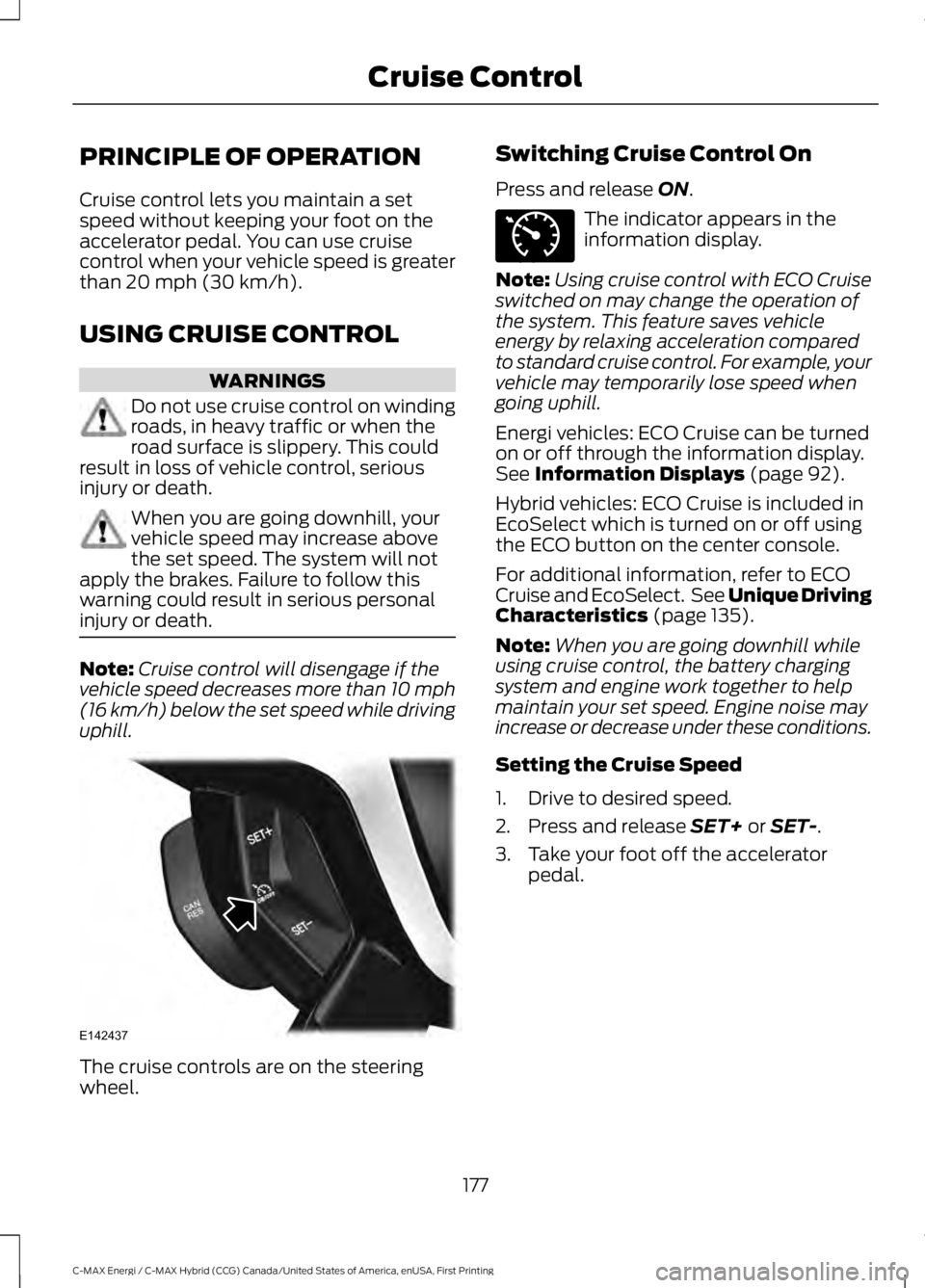
The cruise controls are on the steeringwheel.
Switching Cruise Control On
Press and release ON.
The indicator appears in theinformation display.
Note:Using cruise control with ECO Cruiseswitched on may change the operation ofthe system. This feature saves vehicleenergy by relaxing acceleration comparedto standard cruise control. For example, yourvehicle may temporarily lose speed whengoing uphill.
Energi vehicles: ECO Cruise can be turnedon or off through the information display.See Information Displays (page 92).
Hybrid vehicles: ECO Cruise is included inEcoSelect which is turned on or off usingthe ECO button on the center console.
For additional information, refer to ECOCruise and EcoSelect. See Unique DrivingCharacteristics (page 135).
Note:When you are going downhill whileusing cruise control, the battery chargingsystem and engine work together to helpmaintain your set speed. Engine noise mayincrease or decrease under these conditions.
Setting the Cruise Speed
1. Drive to desired speed.
2. Press and release SET+ or SET-.
3. Take your foot off the acceleratorpedal.
177
C-MAX Energi / C-MAX Hybrid (CCG) Canada/United States of America, enUSA, First Printing
Cruise ControlE142437 E71340
Page 192 of 497
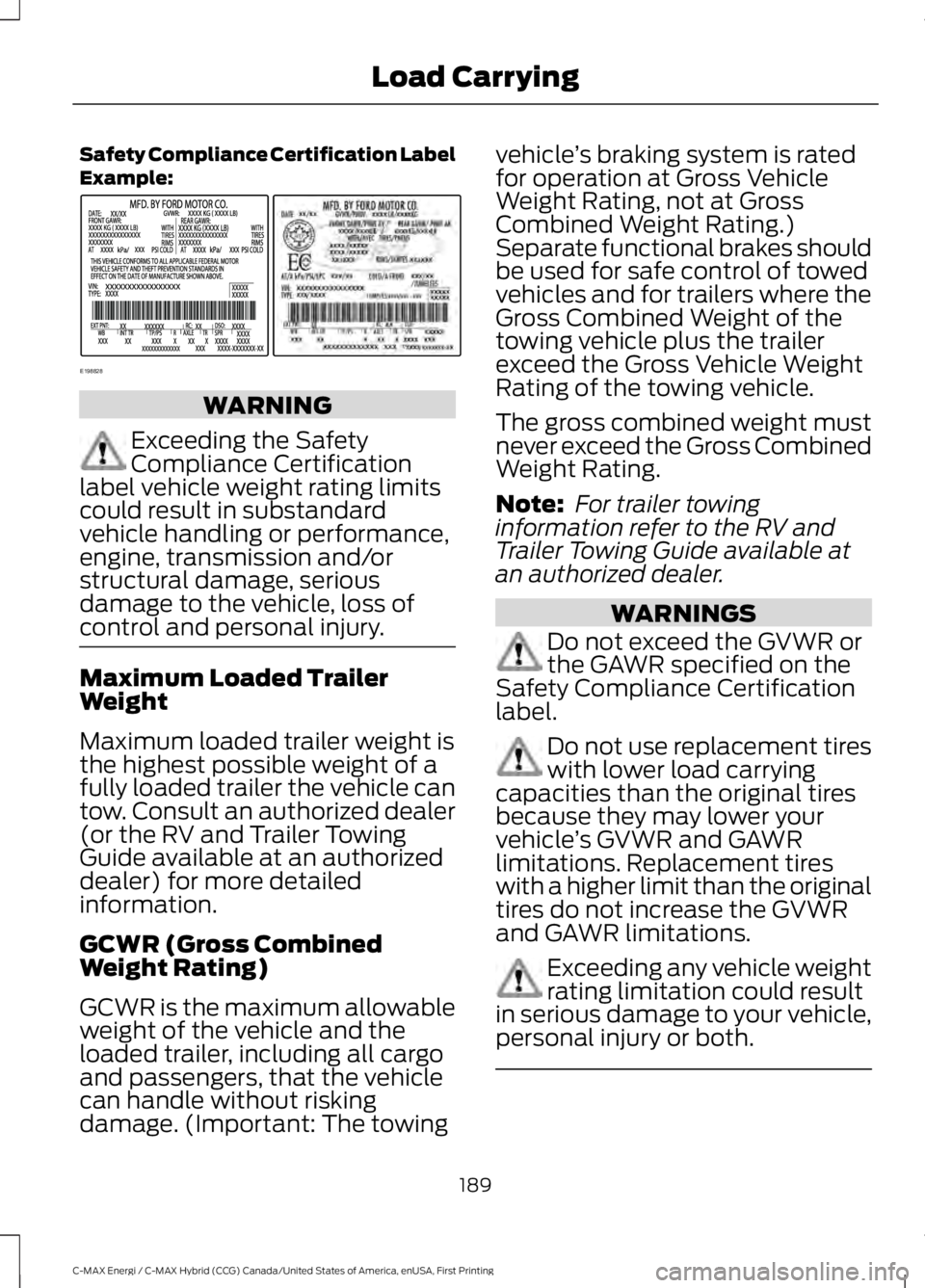
Safety Compliance Certification LabelExample:
WARNING
Exceeding the SafetyCompliance Certificationlabel vehicle weight rating limitscould result in substandardvehicle handling or performance,engine, transmission and/orstructural damage, seriousdamage to the vehicle, loss ofcontrol and personal injury.
Maximum Loaded TrailerWeight
Maximum loaded trailer weight isthe highest possible weight of afully loaded trailer the vehicle cantow. Consult an authorized dealer(or the RV and Trailer TowingGuide available at an authorizeddealer) for more detailedinformation.
GCWR (Gross CombinedWeight Rating)
GCWR is the maximum allowableweight of the vehicle and theloaded trailer, including all cargoand passengers, that the vehiclecan handle without riskingdamage. (Important: The towing
vehicle’s braking system is ratedfor operation at Gross VehicleWeight Rating, not at GrossCombined Weight Rating.)Separate functional brakes shouldbe used for safe control of towedvehicles and for trailers where theGross Combined Weight of thetowing vehicle plus the trailerexceed the Gross Vehicle WeightRating of the towing vehicle.
The gross combined weight mustnever exceed the Gross CombinedWeight Rating.
Note: For trailer towinginformation refer to the RV andTrailer Towing Guide available atan authorized dealer.
WARNINGS
Do not exceed the GVWR orthe GAWR specified on theSafety Compliance Certificationlabel.
Do not use replacement tireswith lower load carryingcapacities than the original tiresbecause they may lower yourvehicle’s GVWR and GAWRlimitations. Replacement tireswith a higher limit than the originaltires do not increase the GVWRand GAWR limitations.
Exceeding any vehicle weightrating limitation could resultin serious damage to your vehicle,personal injury or both.
189
C-MAX Energi / C-MAX Hybrid (CCG) Canada/United States of America, enUSA, First Printing
Load CarryingE198828
Page 198 of 497
Avoid these actions because they reduceyour fuel economy:
•Avoid sudden or hard accelerations anddecelerations. Accelerate and slowdown in a smooth, moderate fashion.
•Avoid revving the engine beforeswitching off your vehicle.
•Avoid long idle periods.
•Do not warm up your vehicle on coldmornings.
•Do not rest your foot on the brakepedal while driving.
•Avoid carrying unnecessary weight.Approximately 1 mi (1.6 km) per gallonor 0.2 mi (0.4 km) per liter is lost forevery 400 lb (180 kg) of weight carried.
•Avoid adding accessories that increaseaerodynamic drag to your vehicle suchas bug deflectors, car top carriers andski or bike racks.
•Avoid driving with the wheels out ofalignment.
Things to keep in mind when you refuelyour vehicle:
•Fuel generates fewer vapors when it iscool and dark outside. Refuel yourvehicle in the early morning or lateevening.
•Use the recommended octane-ratedfuel. Using fuel below therecommended rating will lower yourfuel economy.
DRIVING THROUGH WATER
WARNING
Do not drive through flowing or deepwater as you may lose control of yourvehicle.
Note:Driving through standing water cancause vehicle damage.
Note:Engine damage can occur if waterenters the air filter.
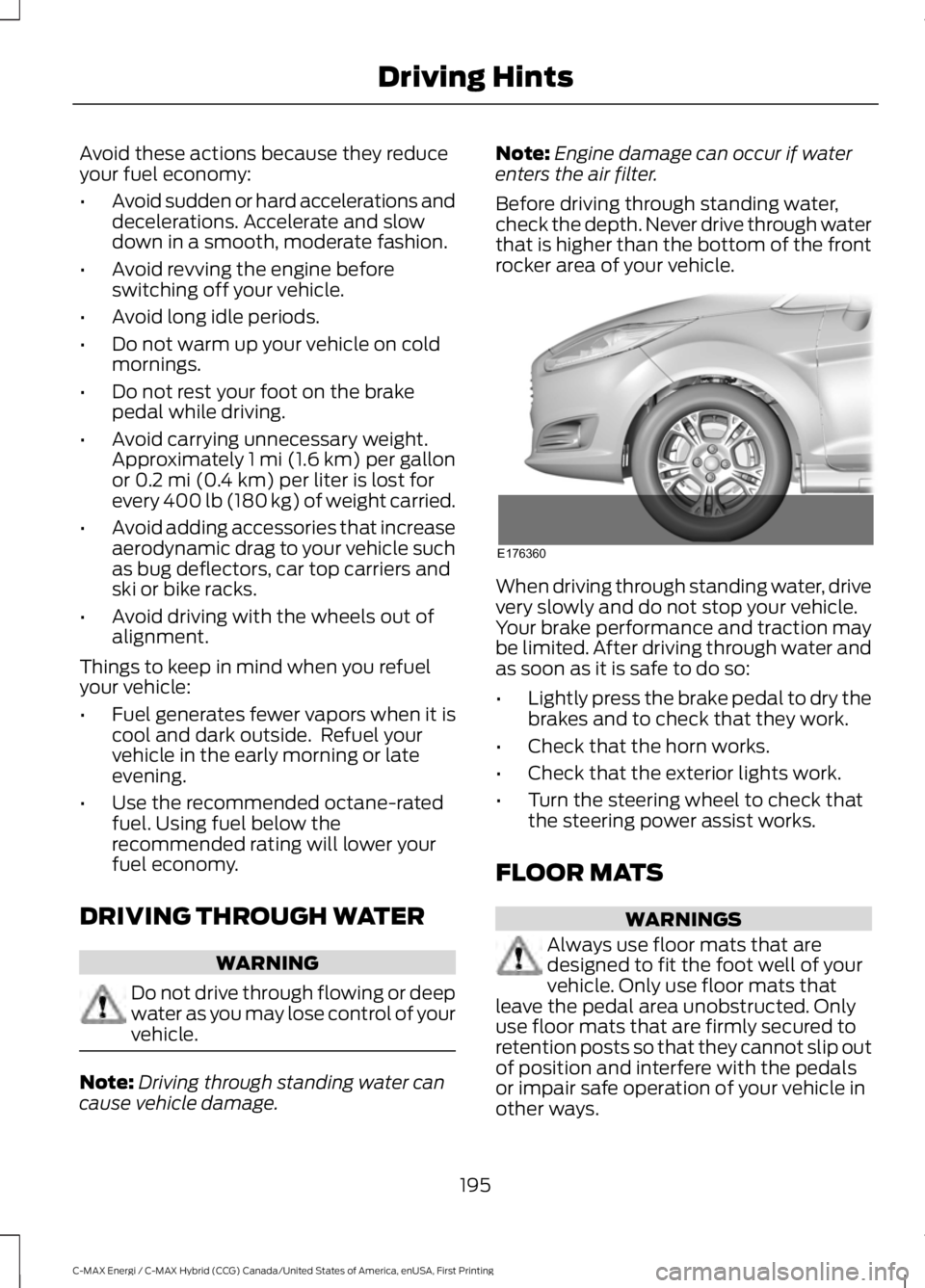
Before driving through standing water,check the depth. Never drive through waterthat is higher than the bottom of the frontrocker area of your vehicle.
When driving through standing water, drivevery slowly and do not stop your vehicle.Your brake performance and traction maybe limited. After driving through water andas soon as it is safe to do so:
•Lightly press the brake pedal to dry thebrakes and to check that they work.
•Check that the horn works.
•Check that the exterior lights work.
•Turn the steering wheel to check thatthe steering power assist works.
FLOOR MATS
WARNINGS
Always use floor mats that aredesigned to fit the foot well of yourvehicle. Only use floor mats thatleave the pedal area unobstructed. Onlyuse floor mats that are firmly secured toretention posts so that they cannot slip outof position and interfere with the pedalsor impair safe operation of your vehicle inother ways.
195
C-MAX Energi / C-MAX Hybrid (CCG) Canada/United States of America, enUSA, First Printing
Driving HintsE176360
Page 257 of 497
Cooling System
•Protect against freezing temperatures.
•When removing your vehicle fromstorage, check coolant fluid level.Confirm that there are no coolingsystem leaks and that fluid is at therecommended level.
12V Battery
•Check and recharge as necessary. Keepconnections clean.
•If storing your vehicle for more than 30days without recharging the battery,we recommend that you disconnectthe battery cables to maintain batterycharge for quick starting.
Note:It is necessary to reset memoryfeatures if you disconnect the batterycables.
We recommend the following options foryour plug-in vehicle:
•Leave your vehicle plugged in. The 12Vbattery maintains power if left pluggedin. However, this periodically useselectricity from the household outlet.
•Connect a battery charger to your 12Vbattery and leave it on a continuous,slow charge.
•Disconnect the 12V battery. If your 12Vbattery is located in the luggagecompartment, do not fully shut theluggage compartment afterdisconnecting the 12V battery. Onlyleave the luggage compartment openif your vehicle is stored in a lockedlocation.
Brakes
•Make sure the brakes and parking brakerelease fully.
Tires
•Maintain recommended air pressure.
Miscellaneous
•Make sure you cover all linkages,cables, levers and pins under yourvehicle with grease to prevent rust.
•Move vehicles at least 25 ft (7.5 m)every 15 days to lubricate working partsand prevent corrosion.
Removing Vehicle From Storage
When your vehicle is ready to come out ofstorage, do the following:
•Wash your vehicle to remove any dirtor grease film build-up on windowsurfaces.
•Check windshield wipers for anydeterioration.
•Check under the hood for any foreignmaterial that may have collectedduring storage such as mice or squirrelnests.
•Check the exhaust for any foreignmaterial that may have collectedduring storage.
•Check tire pressures and set tireinflation per the Tire Label.
•Check brake pedal operation. Driveyour vehicle 15 ft (4.5 m) back andforth to remove rust build-up.
•Check fluid levels (including coolantand gas) to make sure there are noleaks, and fluids are at recommendedlevels.
•If you remove the 12-volt battery, cleanthe cable ends and inspect.
Contact an authorized dealer if you haveany concerns or issues.
BODY STYLING KITS
The distance between the underside ofyour vehicle and the ground is less thanthat of other models. Drive with extremecare to avoid damage to your vehicle.
254
C-MAX Energi / C-MAX Hybrid (CCG) Canada/United States of America, enUSA, First Printing
Vehicle Care
Page 488 of 497
A
A/CSee: Climate Control.........................................109About This Manual...........................................7ABSSee: Brakes............................................................162ABS driving hintsSee: Hints on Driving With Anti-LockBrakes................................................................163Accessories....................................................437Exterior style........................................................437Interior style..........................................................437Lifestyle..................................................................437Peace of mind.....................................................437AccessoriesSee: Replacement PartsRecommendation............................................12Active Park Assist.........................................170Automatic Steering into ParkingSpace...................................................................171Deactivating the Park Assist Feature...........172Troubleshooting the System..........................173Using Active Park Assist...................................170Adjusting the Headlamps.........................236Horizontal Aim Adjustment............................237Vertical Aim Adjustment.................................236Adjusting the Steering Wheel...................68Airbag Disposal..............................................46Air ConditioningSee: Climate Control.........................................109Air FilterSee: Changing the Engine Air Filter.............244AlarmSee: Anti-Theft Alarm.........................................67Ambient Lighting.............................................77Anti-Theft Alarm............................................67Arming the Alarm.................................................67Disarming the Alarm...........................................67Appendices....................................................459Apps.................................................................409.................................................................................409SiriusXM Traffic and Travel Link.....................411At a Glance........................................................16Audible Warnings and Indicators..............91Automatic Transmission WarningChime...................................................................91Engine On Warning Chime.................................91
Headlamps On Warning Chime.......................91Key in Ignition Warning Chime.........................91Keyless Warning Alert .........................................91Parking Brake On Warning Chime...................91Audio Control..................................................68Seek, Next or Previous.......................................69Audio System................................................289General Information.........................................289Audio Unit - Vehicles With: AM/FM/CD/Satellite Radio...........................................298Audio Unit - Vehicles With: AM/FM/CD..................................................................290Audio Unit - Vehicles With: PremiumAM/FM/CD..................................................293Audio Unit - Vehicles With: Sony AM/FM/CD...........................................................294Menu Structure..................................................296Autolamps.........................................................74Windshield Wiper ActivatedHeadlamps.........................................................75Automatic Climate Control......................109Dual Zone Temperature Control.....................111Single Zone Temperature Control.................110Smart Zone.............................................................111Temperature Control..........................................110Automatic Engine Shutdown...................133Automatic Transmission...........................159Brake-Shift Interlock.........................................160If Your Vehicle Gets Stuck In Mud orSnow...................................................................161Understanding the Shift Positions of yourAutomatic Transmission.............................159Automatic Transmission FluidCheck.............................................................232Autowipers.........................................................71Auxiliary Power Points................................126110 Volt AC Power Point...................................12612 Volt DC Power Point.....................................126Locations...............................................................126
B
BatterySee: Changing the 12V Battery......................233Blind Spot Information System...............179Switching the System Off and On................181System Errors......................................................180Using the System................................................179
485
C-MAX Energi / C-MAX Hybrid (CCG) Canada/United States of America, enUSA, First Printing
Index
Page 489 of 497
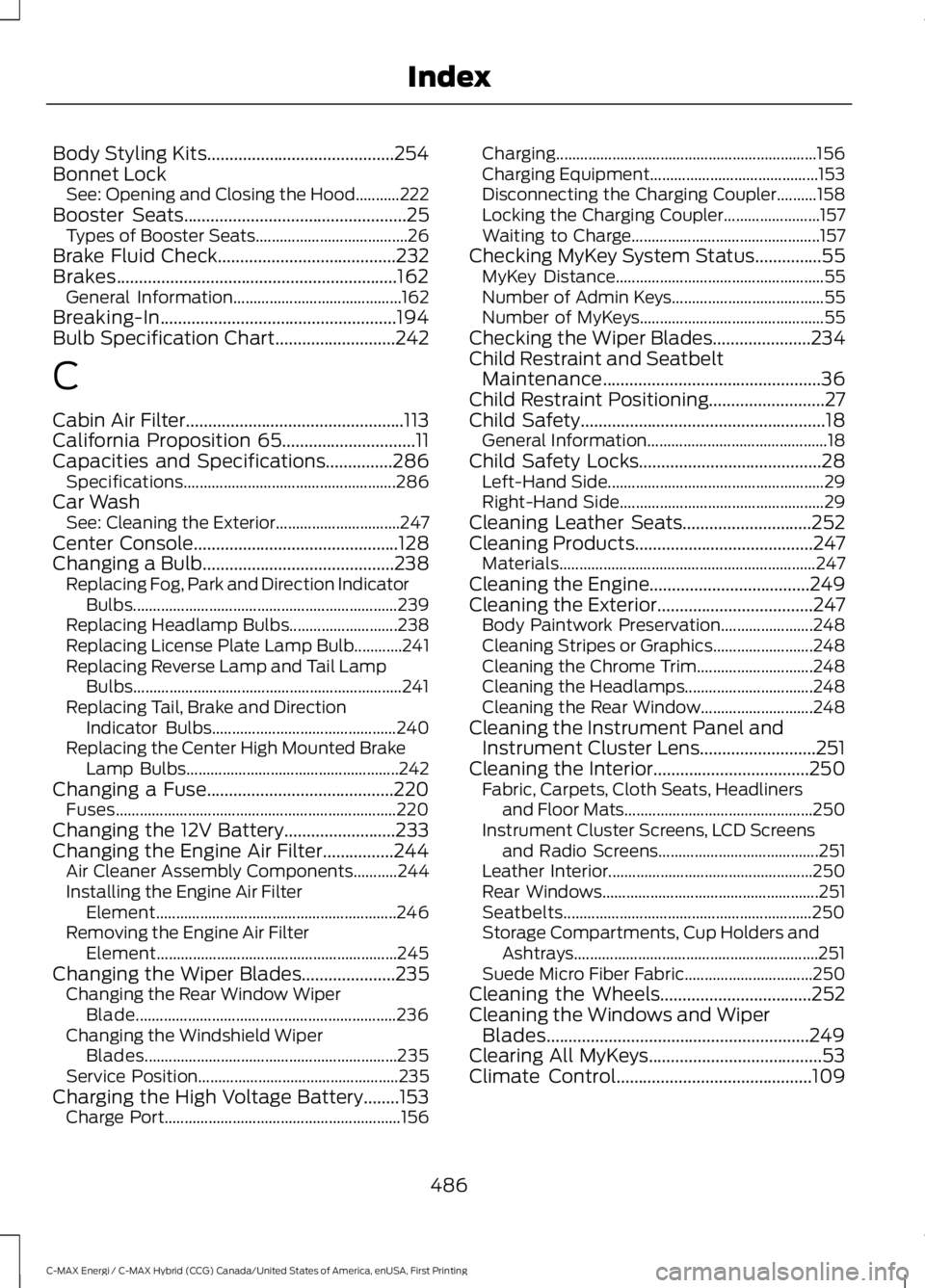
Body Styling Kits..........................................254Bonnet LockSee: Opening and Closing the Hood...........222Booster Seats..................................................25Types of Booster Seats......................................26Brake Fluid Check........................................232Brakes...............................................................162General Information..........................................162Breaking-In.....................................................194Bulb Specification Chart...........................242
C
Cabin Air Filter.................................................113California Proposition 65..............................11Capacities and Specifications...............286Specifications.....................................................286Car WashSee: Cleaning the Exterior...............................247Center Console..............................................128Changing a Bulb...........................................238Replacing Fog, Park and Direction IndicatorBulbs..................................................................239Replacing Headlamp Bulbs...........................238Replacing License Plate Lamp Bulb............241Replacing Reverse Lamp and Tail LampBulbs...................................................................241Replacing Tail, Brake and DirectionIndicator Bulbs..............................................240Replacing the Center High Mounted BrakeLamp Bulbs.....................................................242Changing a Fuse..........................................220Fuses......................................................................220Changing the 12V Battery.........................233Changing the Engine Air Filter................244Air Cleaner Assembly Components...........244Installing the Engine Air FilterElement............................................................246Removing the Engine Air FilterElement............................................................245Changing the Wiper Blades.....................235Changing the Rear Window WiperBlade.................................................................236Changing the Windshield WiperBlades...............................................................235Service Position..................................................235Charging the High Voltage Battery........153Charge Port...........................................................156
Charging.................................................................156Charging Equipment..........................................153Disconnecting the Charging Coupler..........158Locking the Charging Coupler........................157Waiting to Charge...............................................157Checking MyKey System Status...............55MyKey Distance....................................................55Number of Admin Keys......................................55Number of MyKeys..............................................55Checking the Wiper Blades......................234Child Restraint and SeatbeltMaintenance.................................................36Child Restraint Positioning..........................27Child Safety.......................................................18General Information.............................................18Child Safety Locks.........................................28Left-Hand Side......................................................29Right-Hand Side...................................................29Cleaning Leather Seats.............................252Cleaning Products........................................247Materials................................................................247Cleaning the Engine....................................249Cleaning the Exterior...................................247Body Paintwork Preservation.......................248Cleaning Stripes or Graphics.........................248Cleaning the Chrome Trim.............................248Cleaning the Headlamps................................248Cleaning the Rear Window............................248Cleaning the Instrument Panel andInstrument Cluster Lens..........................251Cleaning the Interior...................................250Fabric, Carpets, Cloth Seats, Headlinersand Floor Mats...............................................250Instrument Cluster Screens, LCD Screensand Radio Screens........................................251Leather Interior...................................................250Rear Windows......................................................251Seatbelts..............................................................250Storage Compartments, Cup Holders andAshtrays.............................................................251Suede Micro Fiber Fabric................................250Cleaning the Wheels..................................252Cleaning the Windows and WiperBlades...........................................................249Clearing All MyKeys.......................................53Climate Control............................................109
486
C-MAX Energi / C-MAX Hybrid (CCG) Canada/United States of America, enUSA, First Printing
Index
Page 491 of 497
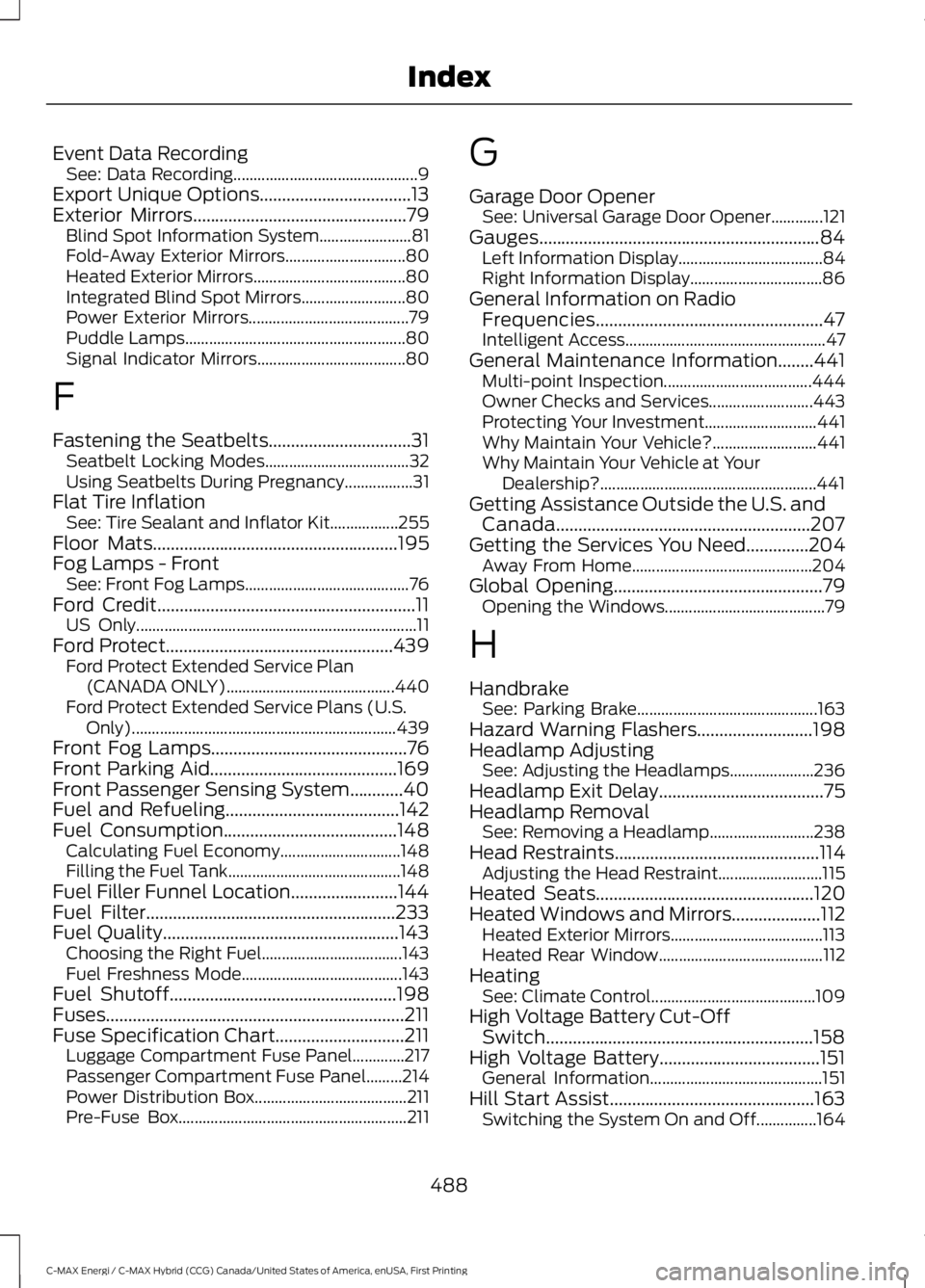
Event Data RecordingSee: Data Recording..............................................9Export Unique Options..................................13Exterior Mirrors................................................79Blind Spot Information System.......................81Fold-Away Exterior Mirrors..............................80Heated Exterior Mirrors......................................80Integrated Blind Spot Mirrors..........................80Power Exterior Mirrors........................................79Puddle Lamps.......................................................80Signal Indicator Mirrors.....................................80
F
Fastening the Seatbelts................................31Seatbelt Locking Modes....................................32Using Seatbelts During Pregnancy.................31Flat Tire InflationSee: Tire Sealant and Inflator Kit.................255Floor Mats.......................................................195Fog Lamps - FrontSee: Front Fog Lamps.........................................76Ford Credit..........................................................11US Only......................................................................11Ford Protect...................................................439Ford Protect Extended Service Plan(CANADA ONLY)..........................................440Ford Protect Extended Service Plans (U.S.Only)..................................................................439Front Fog Lamps............................................76Front Parking Aid..........................................169Front Passenger Sensing System............40Fuel and Refueling.......................................142Fuel Consumption.......................................148Calculating Fuel Economy..............................148Filling the Fuel Tank...........................................148Fuel Filler Funnel Location........................144Fuel Filter........................................................233Fuel Quality.....................................................143Choosing the Right Fuel...................................143Fuel Freshness Mode........................................143Fuel Shutoff...................................................198Fuses...................................................................211Fuse Specification Chart.............................211Luggage Compartment Fuse Panel.............217Passenger Compartment Fuse Panel.........214Power Distribution Box......................................211Pre-Fuse Box.........................................................211
G
Garage Door OpenerSee: Universal Garage Door Opener.............121Gauges...............................................................84Left Information Display....................................84Right Information Display.................................86General Information on RadioFrequencies...................................................47Intelligent Access..................................................47General Maintenance Information........441Multi-point Inspection.....................................444Owner Checks and Services..........................443Protecting Your Investment............................441Why Maintain Your Vehicle?..........................441Why Maintain Your Vehicle at YourDealership?......................................................441Getting Assistance Outside the U.S. andCanada.........................................................207Getting the Services You Need..............204Away From Home.............................................204Global Opening...............................................79Opening the Windows........................................79
H
HandbrakeSee: Parking Brake.............................................163Hazard Warning Flashers..........................198Headlamp AdjustingSee: Adjusting the Headlamps.....................236Headlamp Exit Delay.....................................75Headlamp RemovalSee: Removing a Headlamp..........................238Head Restraints..............................................114Adjusting the Head Restraint..........................115Heated Seats.................................................120Heated Windows and Mirrors....................112Heated Exterior Mirrors......................................113Heated Rear Window.........................................112HeatingSee: Climate Control.........................................109High Voltage Battery Cut-OffSwitch............................................................158High Voltage Battery....................................151General Information...........................................151Hill Start Assist..............................................163Switching the System On and Off...............164
488
C-MAX Energi / C-MAX Hybrid (CCG) Canada/United States of America, enUSA, First Printing
Index