trunk release FORD CROWN VICTORIA 2009 2.G Owners Manual
[x] Cancel search | Manufacturer: FORD, Model Year: 2009, Model line: CROWN VICTORIA, Model: FORD CROWN VICTORIA 2009 2.GPages: 271, PDF Size: 2.32 MB
Page 72 of 271
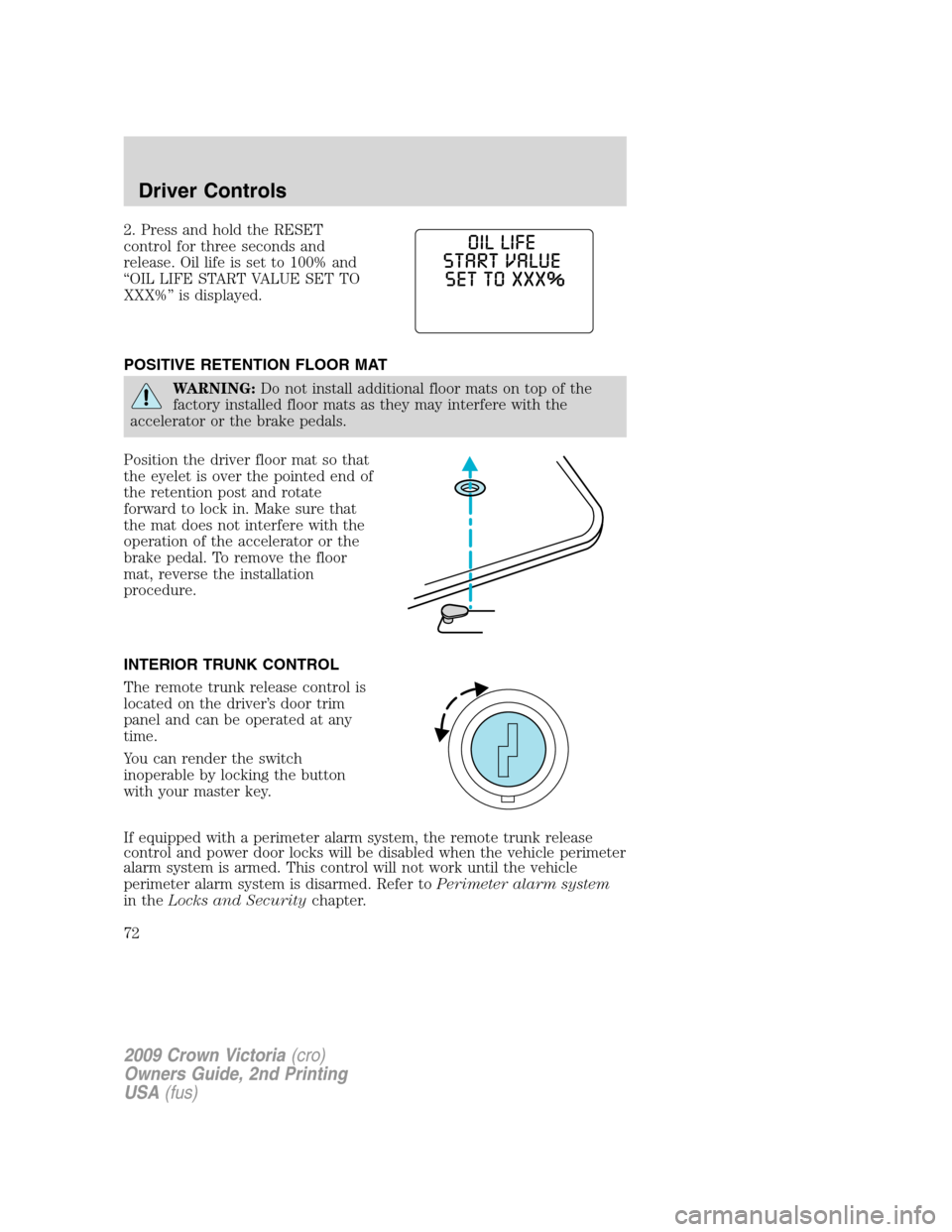
2. Press and hold the RESET
control for three seconds and
release. Oil life is set to 100% and
“OIL LIFE START VALUE SET TO
XXX%” is displayed.
POSITIVE RETENTION FLOOR MAT
WARNING:Do not install additional floor mats on top of the
factory installed floor mats as they may interfere with the
accelerator or the brake pedals.
Position the driver floor mat so that
the eyelet is over the pointed end of
the retention post and rotate
forward to lock in. Make sure that
the mat does not interfere with the
operation of the accelerator or the
brake pedal. To remove the floor
mat, reverse the installation
procedure.
INTERIOR TRUNK CONTROL
The remote trunk release control is
located on the driver’s door trim
panel and can be operated at any
time.
You can render the switch
inoperable by locking the button
with your master key.
If equipped with a perimeter alarm system, the remote trunk release
control and power door locks will be disabled when the vehicle perimeter
alarm system is armed. This control will not work until the vehicle
perimeter alarm system is disarmed. Refer toPerimeter alarm system
in theLocks and Securitychapter.
2009 Crown Victoria(cro)
Owners Guide, 2nd Printing
USA(fus)
Driver Controls
72
Page 73 of 271
KEYS
The vehicle is equipped with a master key which will access the vehicle’s
doors, trunk, glove box, ignition and remote trunk release.
POWER DOOR LOCKS
•Press the
control to unlock all
doors.
•Press the
control to lock all
doors.
Smart locks (if equipped)
With the key in any ignition position, and either the driver’s or
passenger’s door open, the doors cannot be locked using the power door
lock switches.
The vehicle may still be locked with the key in the ignition, and
performing one of the following actions:
•Pressing the manual lock button on the door.
•Operating the remote entry transmitter (if equipped).
•Operating the keyless entry keypad (if equipped).
•Operating the driver’s door with a key.
Autolock (if equipped)
This feature automatically locks all vehicle doors when:
•all doors are closed,
•the engine is running,
•you shift into any gear, putting the vehicle in motion, and
•the vehicle’s speed is greater than 3 mph (5 km/h).
Auto-relock
The autolock feature repeats when:
•a door is opened and closed while the engine is running,
•you shift into any gear, putting the vehicle in motion, and
•the vehicle’s speed is greater than 3 mph (5 km/h).
2009 Crown Victoria(cro)
Owners Guide, 2nd Printing
USA(fus)
Locks and Security
73
Page 78 of 271
Unlocking the doors
1. Pressand release to unlock the driver’s door.Note:The interior
lamps will illuminate.
2. Press
and release again within five seconds to unlock all the doors.
Locking the doors
Pressonce to lock all the doors. Upon the first press the doors will
lock and the parklamps/taillamps will flash once.
Press
again within three seconds to receive confirmation that the
vehicle was successfully locked.Note:If all vehicle doors and the trunk
are closed upon the second press of the
, the horn will chirp once
and the parklamps/taillamps will flash once to confirm the successful
locking.
Upon the second press of the
, if any door or the trunk is not
securely closed the horn will chirp twice to warn that successfully
locking was not complete. The park/taillamps willnotflash if any door is
ajar.
Car finder
Press
twice within three seconds. The horn will chirp and the
parklamps/tail lamps will flash. It is recommended that this method be
used to locate your vehicle, rather than using the panic alarm.
Sounding a panic alarm
Press
on the remote transmitter to activate the alarm.
Note:The panic alarm only works with the ignition in the off position.
Press
a second time to deactivate the alarm. You may also deactivate
the alarm by turning the ignition to the on position.
Opening the trunk
Pressonce to open the trunk.
•Ensure that the trunk is closed and latched before driving your
vehicle. Failure to properly latch the trunk may cause objects to fall
out or block the driver’s rear view.
This feature will not work with a vehicle speed greater than 3 mph
(5 km/h) if the ignition is in the accessory or on position.
Replacing the battery
The remote entry transmitter uses one coin type three-volt lithium
battery CR2032 or equivalent.
2009 Crown Victoria(cro)
Owners Guide, 2nd Printing
USA(fus)
Locks and Security
78
Page 82 of 271
4. Press 3•4 to store the second personal code.
5. The doors will again lock then unlock to confirm programming of the
new code.
To store a third personal code:
1. Enter the factory set code.
2. Within five seconds press 1•2 on the keypad to enter the
programming mode.
3. Enter a third personal 5-digit code. Each number must be entered
within five seconds of each other.
4. Press 5•6 (or 7•8, or 9•0, or wait five seconds) to store the third
personal code.
5. The doors will again lock then unlock to confirm programming of the
new code.
Tips:
•Do not set a code that uses five of the same number.
•Do not use five numbers in sequential order.
•The factory set code will work even if you have set your own personal
code.
Erasing personal code
To erase all of the personal entry codes programmed to a vehicle:
1. Enter the factory-set code.
2. Press and release 1•2 within five seconds of step 1.
3. Press and hold 1•2 for two seconds. All of the vehicle doors will lock
and then unlock to confirm erasure.
Unlocking the doors and releasing the trunk with the keyless entry
system
To unlock the driver door, enter either the factory-set code or personal
code (each digit pressed within five seconds of prior digit). The interior
lamps will illuminate.
•Tounlock all doors,enter the factory-set code or personal code
(driver door unlocks) and press 3•4 within five seconds.
•Torelease the trunk,enter the factory-set code or personal code
(driver door unlocks) and press 5•6 within five seconds.
After the factory-set code or personal code has been entered, you can
unlock all doors (press 3•4) and release the trunk (press 5•6) as
long as the controls are pressed within five seconds of each other.
2009 Crown Victoria(cro)
Owners Guide, 2nd Printing
USA(fus)
Locks and Security
82
Page 271 of 271
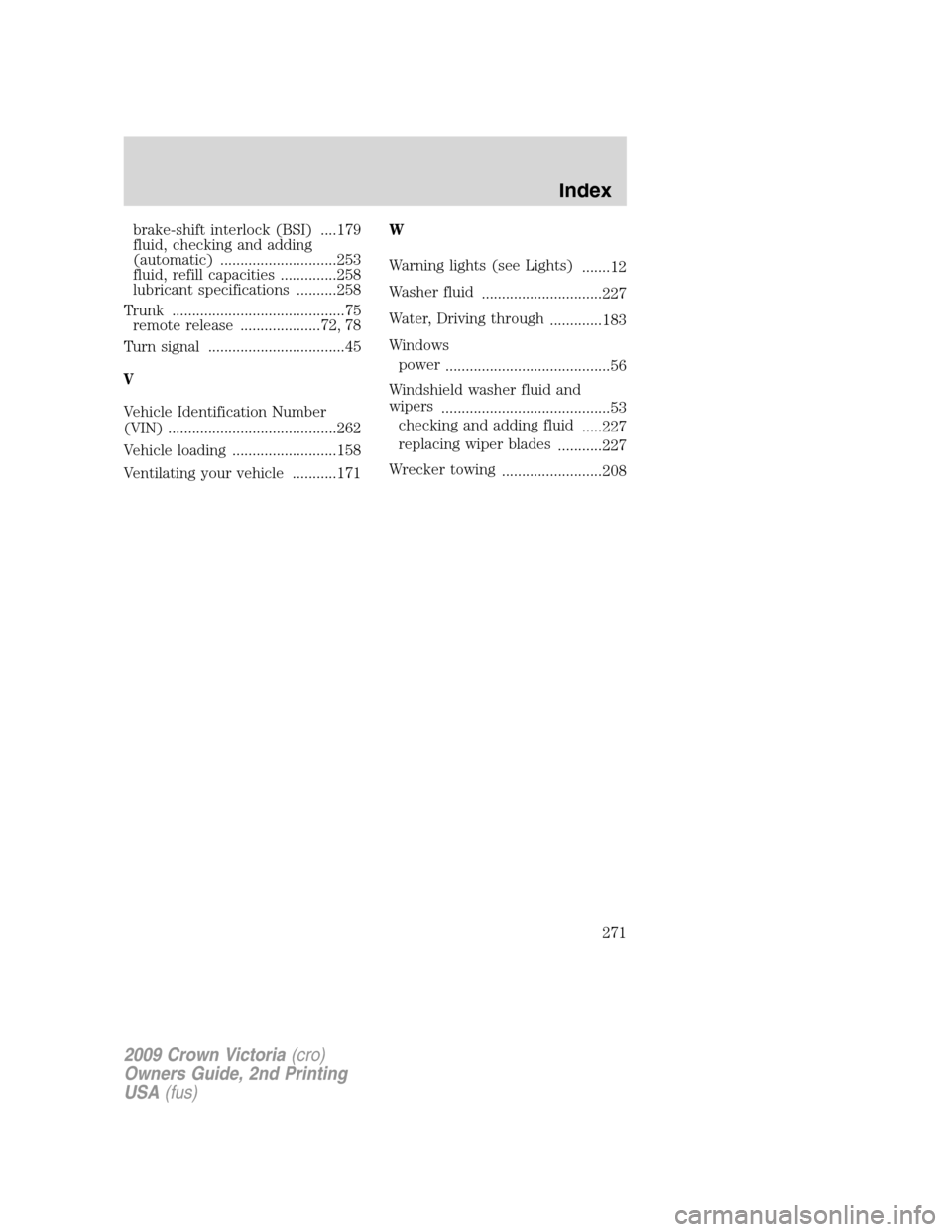
brake-shift interlock (BSI) ....179
fluid, checking and adding
(automatic) .............................253
fluid, refill capacities ..............258
lubricant specifications ..........258
Trunk ...........................................75
remote release ....................72, 78
Turn signal ..................................45
V
Vehicle Identification Number
(VIN) ..........................................262
Vehicle loading ..........................158
Ventilating your vehicle ...........171W
Warning lights (see Lights)
.......12
Washer fluid
..............................227
Water, Driving through
.............183
Windows
power
.........................................56
Windshield washer fluid and
wipers
..........................................53
checking and adding fluid
.....227
replacing wiper blades
...........227
Wrecker towing
.........................208
2009 Crown Victoria(cro)
Owners Guide, 2nd Printing
USA(fus)
Index
271