lock FORD CROWN VICTORIA 2011 2.G Owner's Manual
[x] Cancel search | Manufacturer: FORD, Model Year: 2011, Model line: CROWN VICTORIA, Model: FORD CROWN VICTORIA 2011 2.GPages: 333, PDF Size: 2.23 MB
Page 61 of 333
WARNING:Handle a halogen headlamp bulb carefully and keep
out of children’s reach. Grasp the bulb only by its plastic base
and do not touch the glass. The oil from your hand could cause the
bulb to break the next time the headlamps are operated.
Note:If the bulb is accidentally touched, it should be cleaned with
rubbing alcohol before being used.
Note:The headlamp bulb should not be removed from the headlamp
until just before a replacement bulb is installed. Removing the bulb for
an extended period of time may affect headlamp bulb performance.
Contaminants may enter the headlamp where they can settle on the lens
and reflector. Never turn the headlamps on with the bulb removed.
Replacing front parking/cornering/turn signal lamp bulbs
To remove the parking/cornering/turn signal lamp bulbs:
1. Make sure the headlamp switch is in the off position, then open the
hood.
2. Remove the three pin type retainers and the radiator shield.
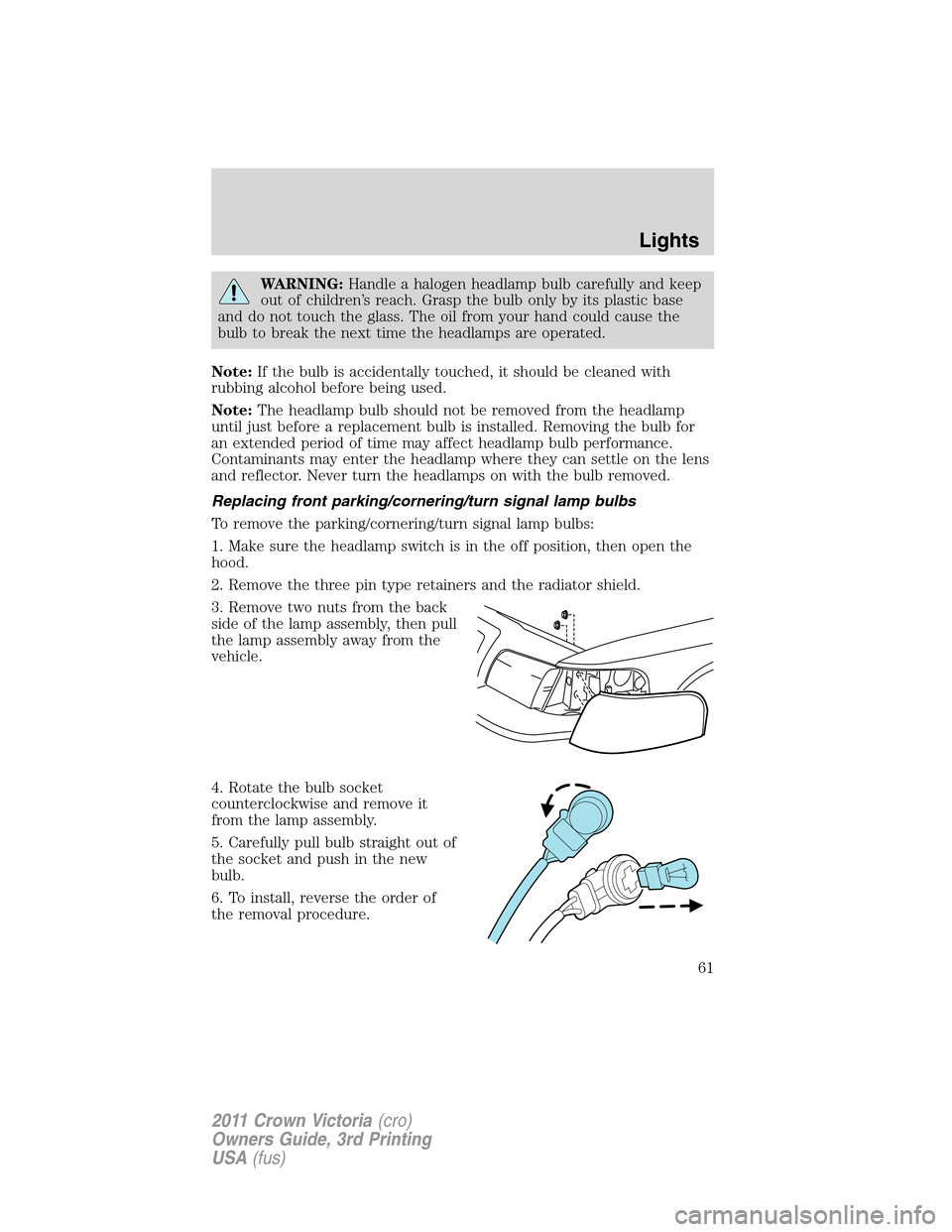
3. Remove two nuts from the back
side of the lamp assembly, then pull
the lamp assembly away from the
vehicle.
4. Rotate the bulb socket
counterclockwise and remove it
from the lamp assembly.
5. Carefully pull bulb straight out of
the socket and push in the new
bulb.
6. To install, reverse the order of
the removal procedure.
Lights
61
2011 Crown Victoria(cro)
Owners Guide, 3rd Printing
USA(fus)
Page 62 of 333
Note:The parking lamp/turn signal bulbs should not be removed from
the lamp until just before a replacement bulb is installed. Removing the
bulb for an extended period of time may affect headlamp bulb
performance. Contaminants may enter the headlamp where they can
settle on the lens and reflector. Never turn the lamps on with the bulb
removed.
Replacing tail/brake/turn signal lamp bulbs
The tail lamp, the brake lamp and the turn signal lamp bulbs are located
in the tail lamp assembly. Follow the same steps to replace either bulb.
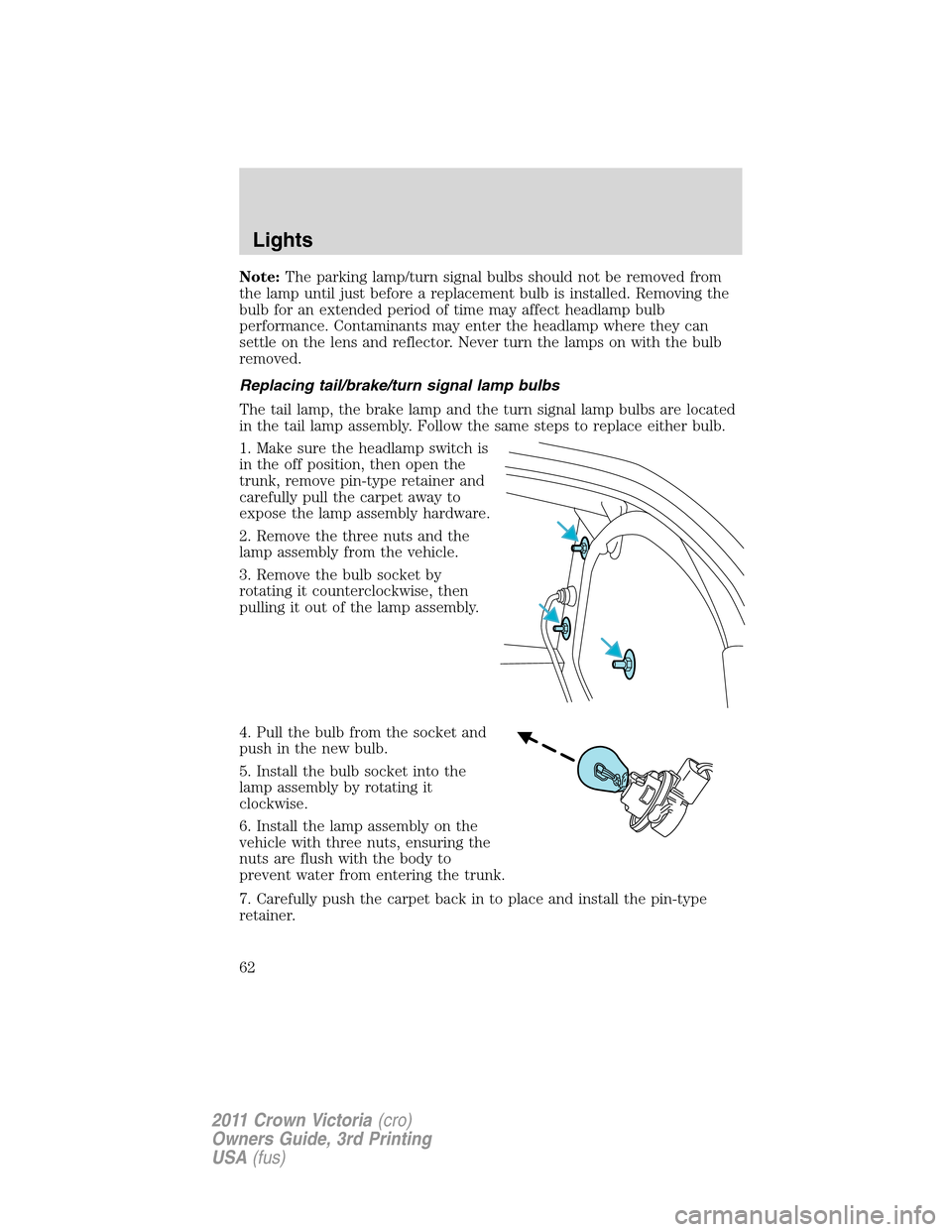
1. Make sure the headlamp switch is
in the off position, then open the
trunk, remove pin-type retainer and
carefully pull the carpet away to
expose the lamp assembly hardware.
2. Remove the three nuts and the
lamp assembly from the vehicle.
3. Remove the bulb socket by
rotating it counterclockwise, then
pulling it out of the lamp assembly.
4. Pull the bulb from the socket and
push in the new bulb.
5. Install the bulb socket into the
lamp assembly by rotating it
clockwise.
6. Install the lamp assembly on the
vehicle with three nuts, ensuring the
nuts are flush with the body to
prevent water from entering the trunk.
7. Carefully push the carpet back in to place and install the pin-type
retainer.
Lights
62
2011 Crown Victoria(cro)
Owners Guide, 3rd Printing
USA(fus)
Page 63 of 333
Replacing license plate lamp bulbs
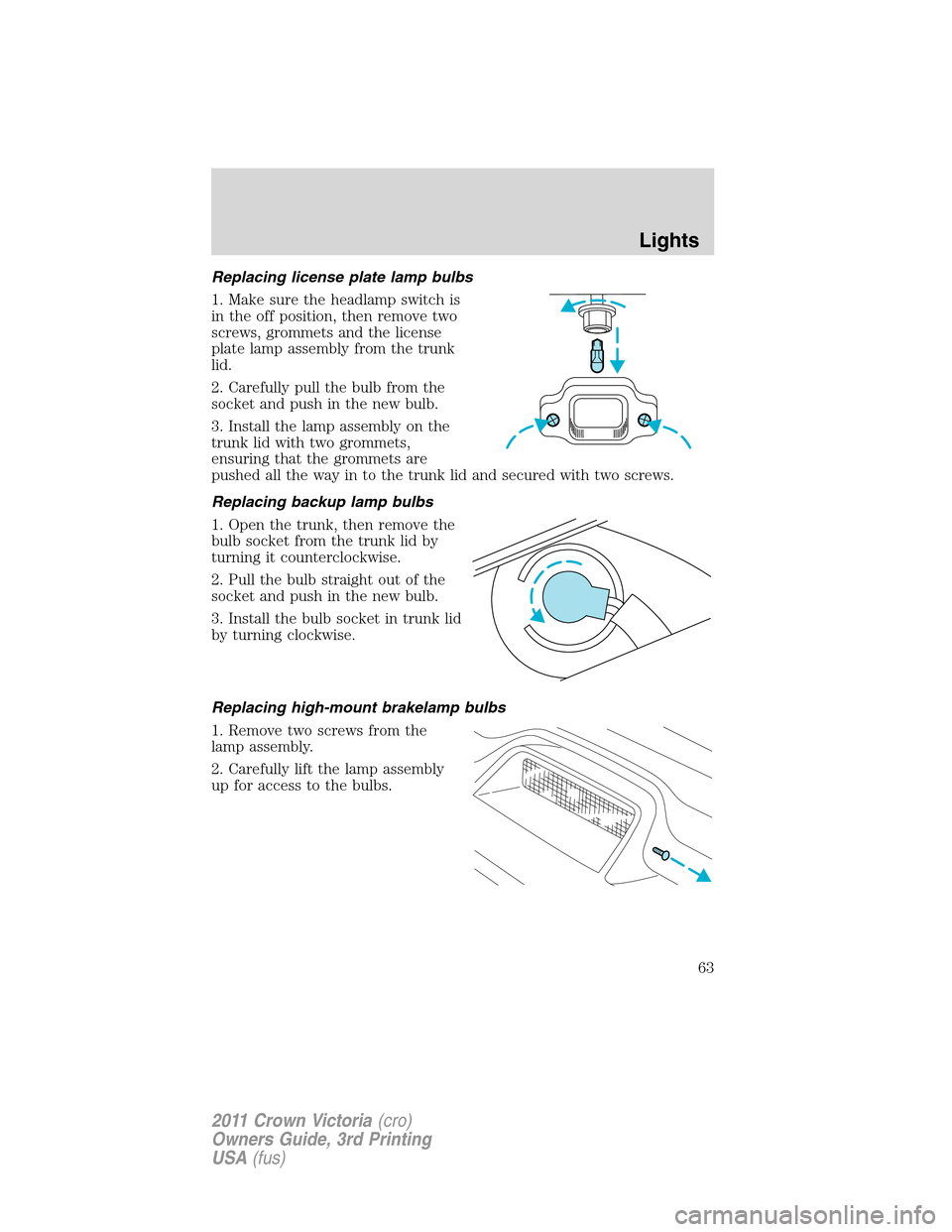
1. Make sure the headlamp switch is
in the off position, then remove two
screws, grommets and the license
plate lamp assembly from the trunk
lid.
2. Carefully pull the bulb from the
socket and push in the new bulb.
3. Install the lamp assembly on the
trunk lid with two grommets,
ensuring that the grommets are
pushed all the way in to the trunk lid and secured with two screws.
Replacing backup lamp bulbs
1. Open the trunk, then remove the
bulb socket from the trunk lid by
turning it counterclockwise.
2. Pull the bulb straight out of the
socket and push in the new bulb.
3. Install the bulb socket in trunk lid
by turning clockwise.
Replacing high-mount brakelamp bulbs
1. Remove two screws from the
lamp assembly.
2. Carefully lift the lamp assembly
up for access to the bulbs.
Lights
63
2011 Crown Victoria(cro)
Owners Guide, 3rd Printing
USA(fus)
Page 66 of 333
TILT STEERING WHEEL
To adjust the steering wheel:
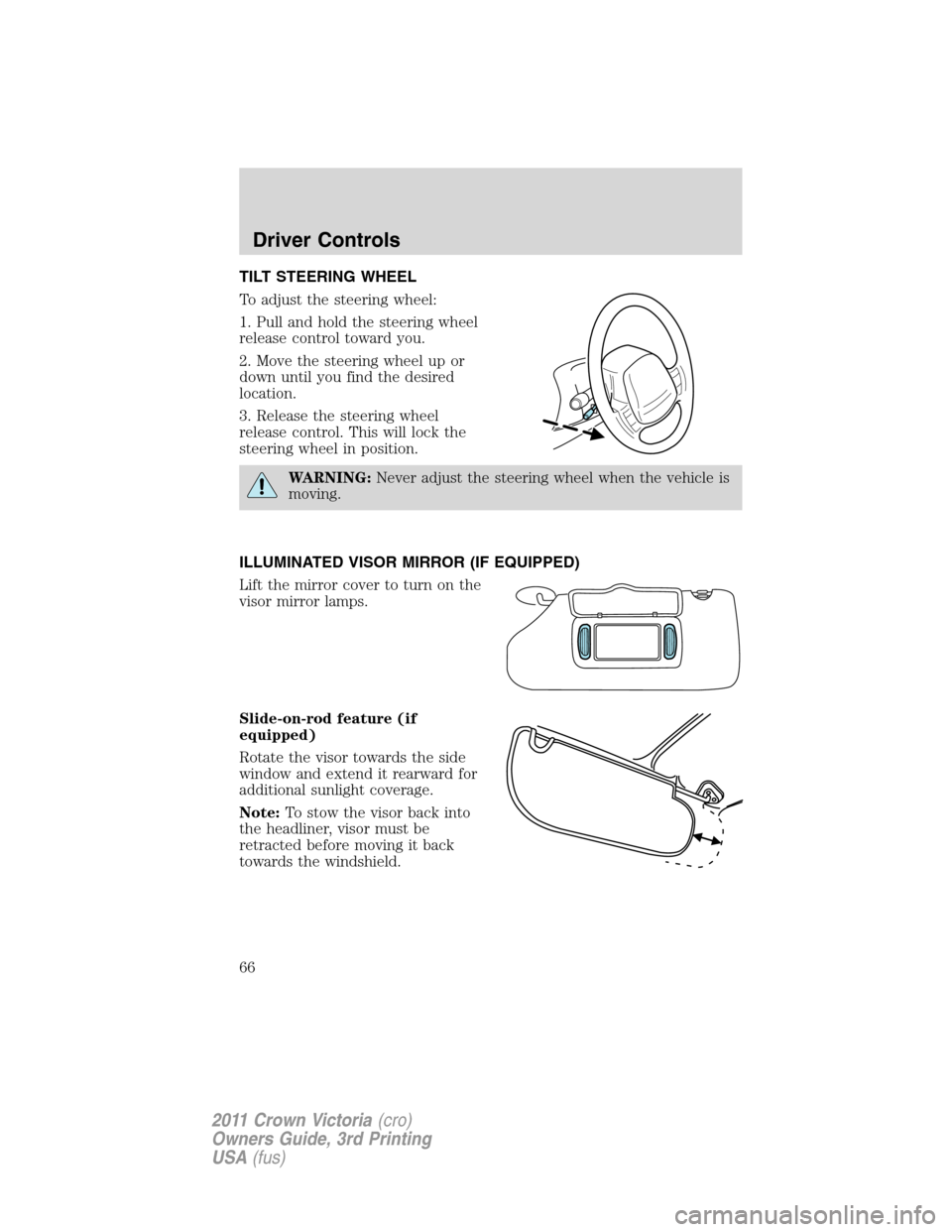
1. Pull and hold the steering wheel
release control toward you.
2. Move the steering wheel up or
down until you find the desired
location.
3. Release the steering wheel
release control. This will lock the
steering wheel in position.
WARNING:Never adjust the steering wheel when the vehicle is
moving.
ILLUMINATED VISOR MIRROR (IF EQUIPPED)
Lift the mirror cover to turn on the
visor mirror lamps.
Slide-on-rod feature (if
equipped)
Rotate the visor towards the side
window and extend it rearward for
additional sunlight coverage.
Note:To stow the visor back into
the headliner, visor must be
retracted before moving it back
towards the windshield.
Driver Controls
66
2011 Crown Victoria(cro)
Owners Guide, 3rd Printing
USA(fus)
Page 68 of 333
POWER WINDOWS
WARNING:Do not leave children unattended in the vehicle and
do not let children play with the power windows. They may
seriously injure themselves.
WARNING:When closing the power windows, you should verify
they are free of obstructions and ensure that children and/or
pets are not in the proximity of the window openings.
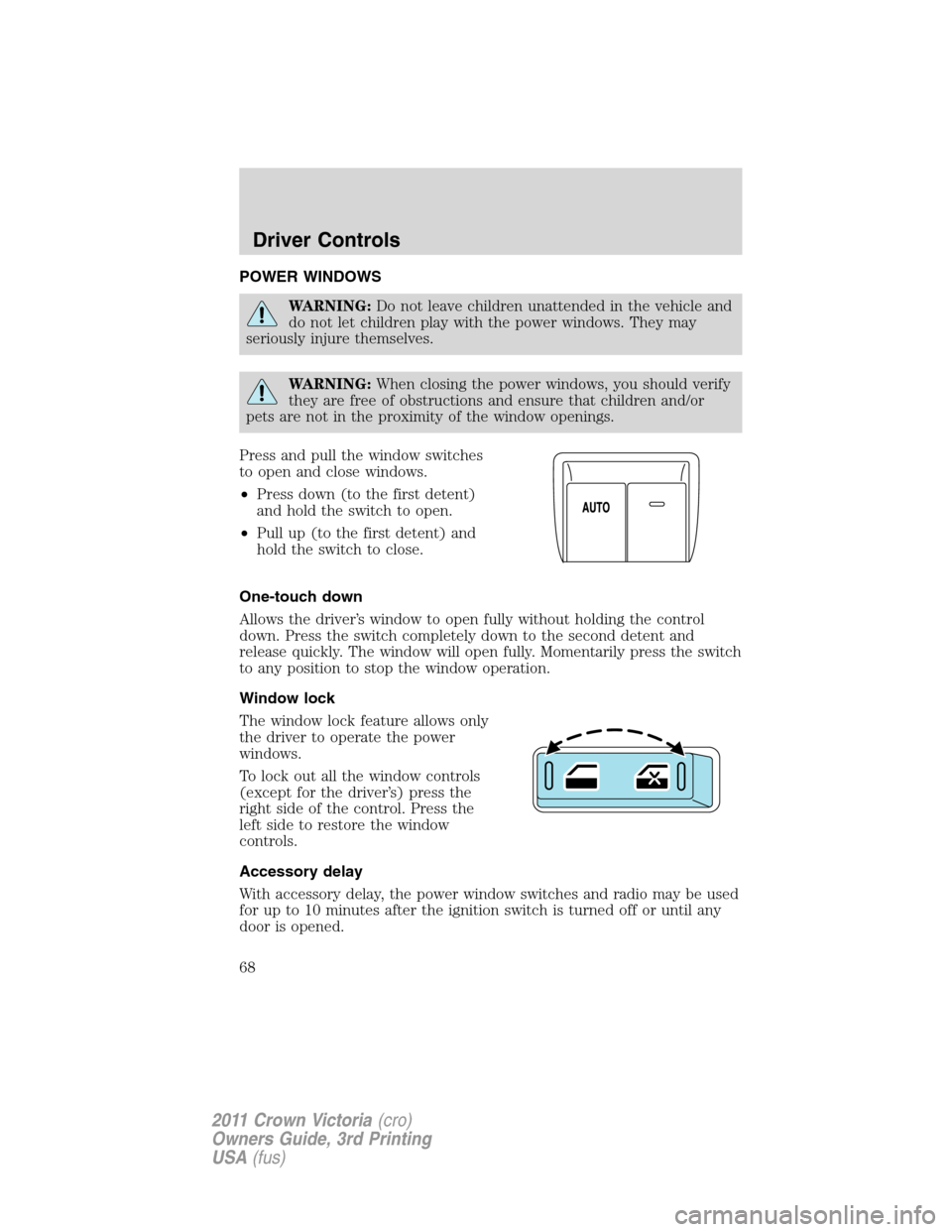
Press and pull the window switches
to open and close windows.
•Press down (to the first detent)
and hold the switch to open.
•Pull up (to the first detent) and
hold the switch to close.
One-touch down
Allows the driver’s window to open fully without holding the control
down. Press the switch completely down to the second detent and
release quickly. The window will open fully. Momentarily press the switch
to any position to stop the window operation.
Window lock
The window lock feature allows only
the driver to operate the power
windows.
To lock out all the window controls
(except for the driver’s) press the
right side of the control. Press the
left side to restore the window
controls.
Accessory delay
With accessory delay, the power window switches and radio may be used
for up to 10 minutes after the ignition switch is turned off or until any
door is opened.
Driver Controls
68
2011 Crown Victoria(cro)
Owners Guide, 3rd Printing
USA(fus)
Page 69 of 333
INTERIOR MIRROR
The interior rear view mirror has two pivot points on the support arm
which lets you adjust the mirror up or down and from side to side.
WARNING:Do not adjust the mirror while the vehicle is in
motion.
Automatic dimming interior rear view mirror (if equipped)
The interior rear view mirror has an auto-dimming function. The
electronic day/night mirror will change from the normal (high reflective)
state to the non-glare (darkened) state when bright lights (glare) reach
the mirror. When the mirror detects bright light from behind the vehicle,
it will automatically adjust (darken) to minimize glare.
The mirror will automatically return to the normal state whenever the
vehicle is placed in R (Reverse) to ensure a bright clear view when
backing up.
Do not block the sensors on the front and back of the interior
rear view mirror since this may impair proper mirror
performance.
Note:A rear center passenger and/or raised rear center headrest (if
equipped) may also block the light from reaching the sensor.
Do not clean the housing or glass of any mirror with harsh
abrasives, fuel or other petroleum-based cleaning products.
EXTERIOR MIRRORS
Power side view mirrors
WARNING:Do not adjust the mirror while the vehicle is in
motion.
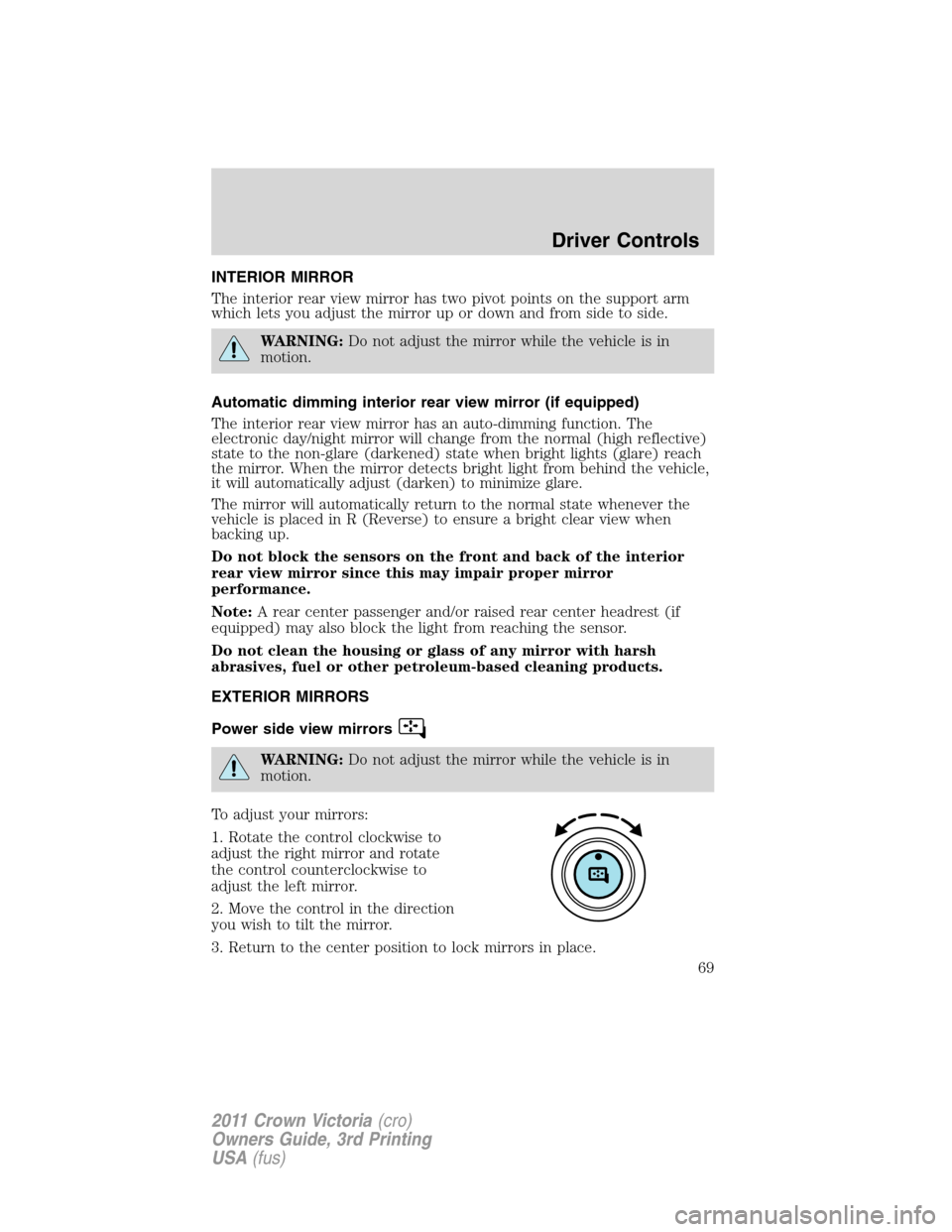
To adjust your mirrors:
1. Rotate the control clockwise to
adjust the right mirror and rotate
the control counterclockwise to
adjust the left mirror.
2. Move the control in the direction
you wish to tilt the mirror.
3. Return to the center position to lock mirrors in place.
Driver Controls
69
2011 Crown Victoria(cro)
Owners Guide, 3rd Printing
USA(fus)
Page 73 of 333
Climate control features
TEMP +/–:Press to increase or
decrease the interior temperature.
POSITIVE RETENTION FLOOR MAT
WARNING:Do not install additional floor mats on top of the
factory installed floor mats as they may interfere with the
accelerator or the brake pedals.
Position the floor mat so that the
eyelets are over the retention posts
and press down to lock in. Make
sure that the mat does not interfere
with the operation of the accelerator
or the brake pedal. To remove the
floor mat, reverse the installation
procedure.
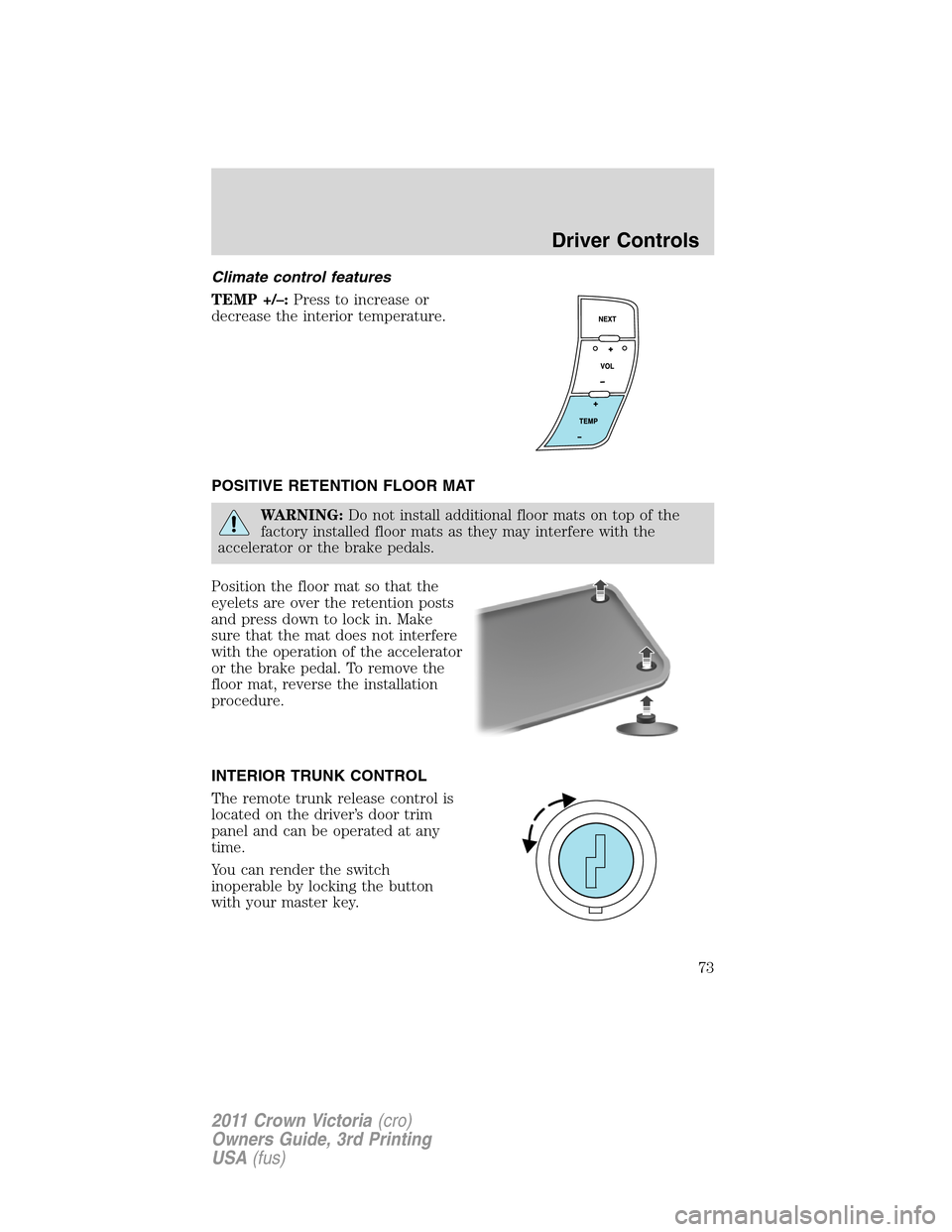
INTERIOR TRUNK CONTROL
The remote trunk release control is
located on the driver’s door trim
panel and can be operated at any
time.
You can render the switch
inoperable by locking the button
with your master key.
Driver Controls
73
2011 Crown Victoria(cro)
Owners Guide, 3rd Printing
USA(fus)
Page 74 of 333
KEYS
The vehicle is equipped with a master key which will access the vehicle’s
doors, trunk, glove box, ignition and remote trunk release.
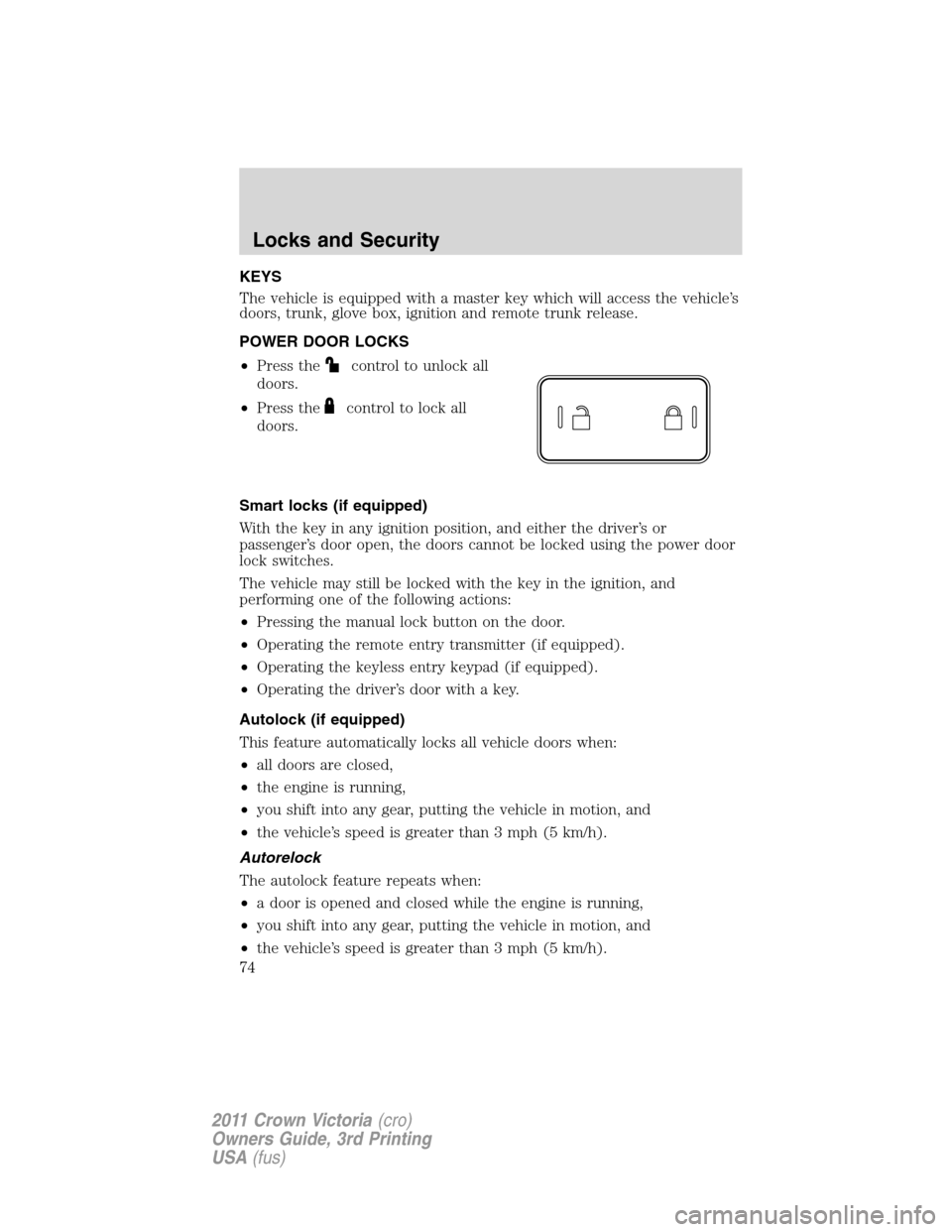
POWER DOOR LOCKS
•Press the
control to unlock all
doors.
•Press the
control to lock all
doors.
Smart locks (if equipped)
With the key in any ignition position, and either the driver’s or
passenger’s door open, the doors cannot be locked using the power door
lock switches.
The vehicle may still be locked with the key in the ignition, and
performing one of the following actions:
•Pressing the manual lock button on the door.
•Operating the remote entry transmitter (if equipped).
•Operating the keyless entry keypad (if equipped).
•Operating the driver’s door with a key.
Autolock (if equipped)
This feature automatically locks all vehicle doors when:
•all doors are closed,
•the engine is running,
•you shift into any gear, putting the vehicle in motion, and
•the vehicle’s speed is greater than 3 mph (5 km/h).
Autorelock
The autolock feature repeats when:
•a door is opened and closed while the engine is running,
•you shift into any gear, putting the vehicle in motion, and
•the vehicle’s speed is greater than 3 mph (5 km/h).
Locks and Security
74
2011 Crown Victoria(cro)
Owners Guide, 3rd Printing
USA(fus)
Page 75 of 333
Autounlock
The autounlock feature will unlock all doors when:
•the ignition has been in the on position, all doors are closed, and the
vehicle has been in motion at a speed greater than 12 mph (20 km/h),
•the vehicle has then come to a stop and the ignition is turned to the
accessory or off position, and
•the driver door is opened {within 10 minutes after the ignition was
transitioned to the accessory or off position}.
Note:The vehicle doors will not autounlock if the vehicle has been
electronically locked prior to the driver door being opened.
Deactivating/activating the autolock or autounlock feature
Automatic door locks can also be turned on/off through the following
procedure:
You must complete Steps 1-7 within 30 seconds or the procedure will
have to be repeated. If the procedure needs to be repeated, you must
wait at least 30 seconds.Note:Before following the procedure, make
sure that the ignition is in the off position and all vehicle doors, the
hood, and the decklid are closed.
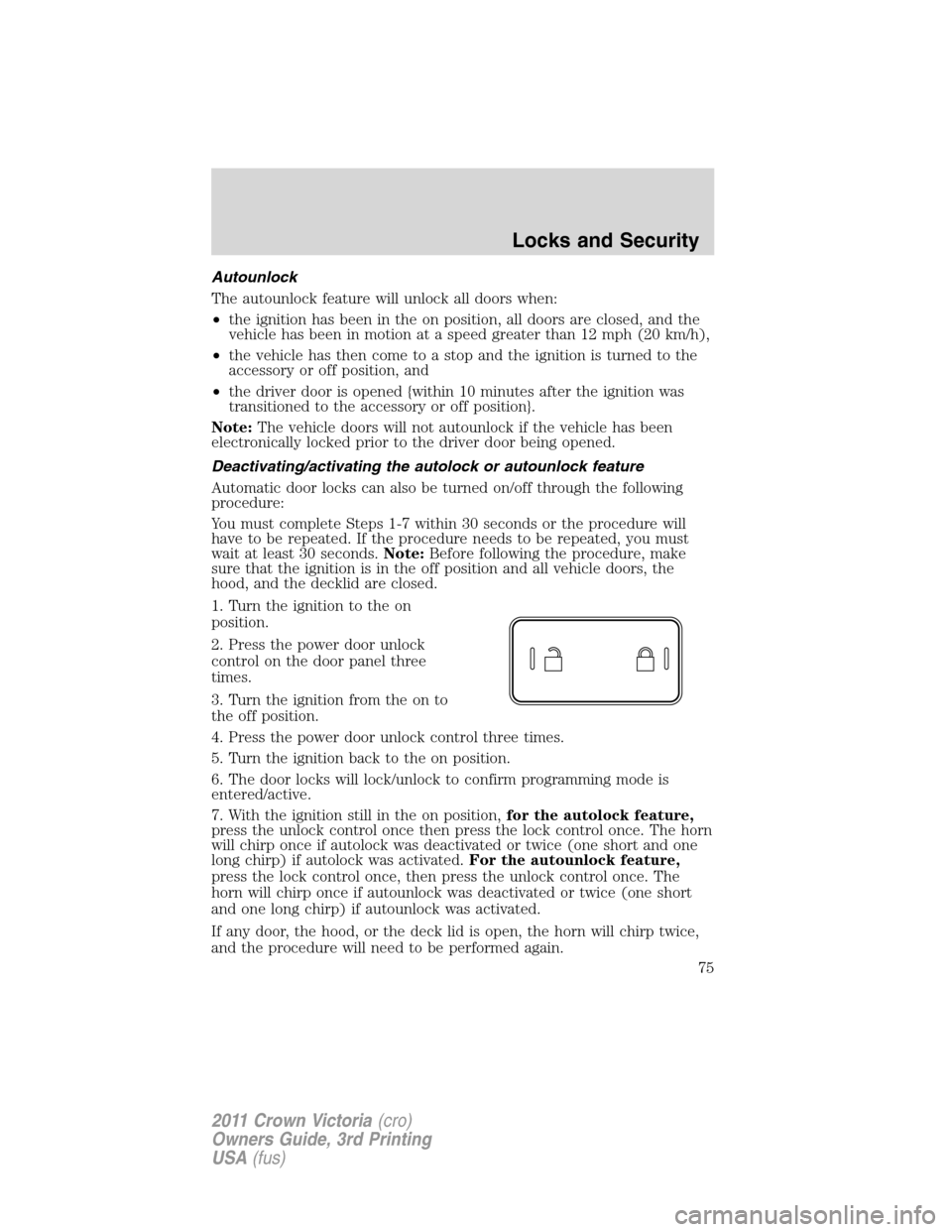
1. Turn the ignition to the on
position.
2. Press the power door unlock
control on the door panel three
times.
3. Turn the ignition from the on to
the off position.
4. Press the power door unlock control three times.
5. Turn the ignition back to the on position.
6. The door locks will lock/unlock to confirm programming mode is
entered/active.
7. With the ignition still in the on position,for the autolock feature,
press the unlock control once then press the lock control once. The horn
will chirp once if autolock was deactivated or twice (one short and one
long chirp) if autolock was activated.For the autounlock feature,
press the lock control once, then press the unlock control once. The
horn will chirp once if autounlock was deactivated or twice (one short
and one long chirp) if autounlock was activated.
If any door, the hood, or the deck lid is open, the horn will chirp twice,
and the procedure will need to be performed again.
Locks and Security
75
2011 Crown Victoria(cro)
Owners Guide, 3rd Printing
USA(fus)
Page 76 of 333
8. After having waited the necessary time for the programming to
confirm, turn the ignition to the off position.
Once disabled, the autolock or autounlock feature can be enabled by
repeating the procedure in Steps 1–8.
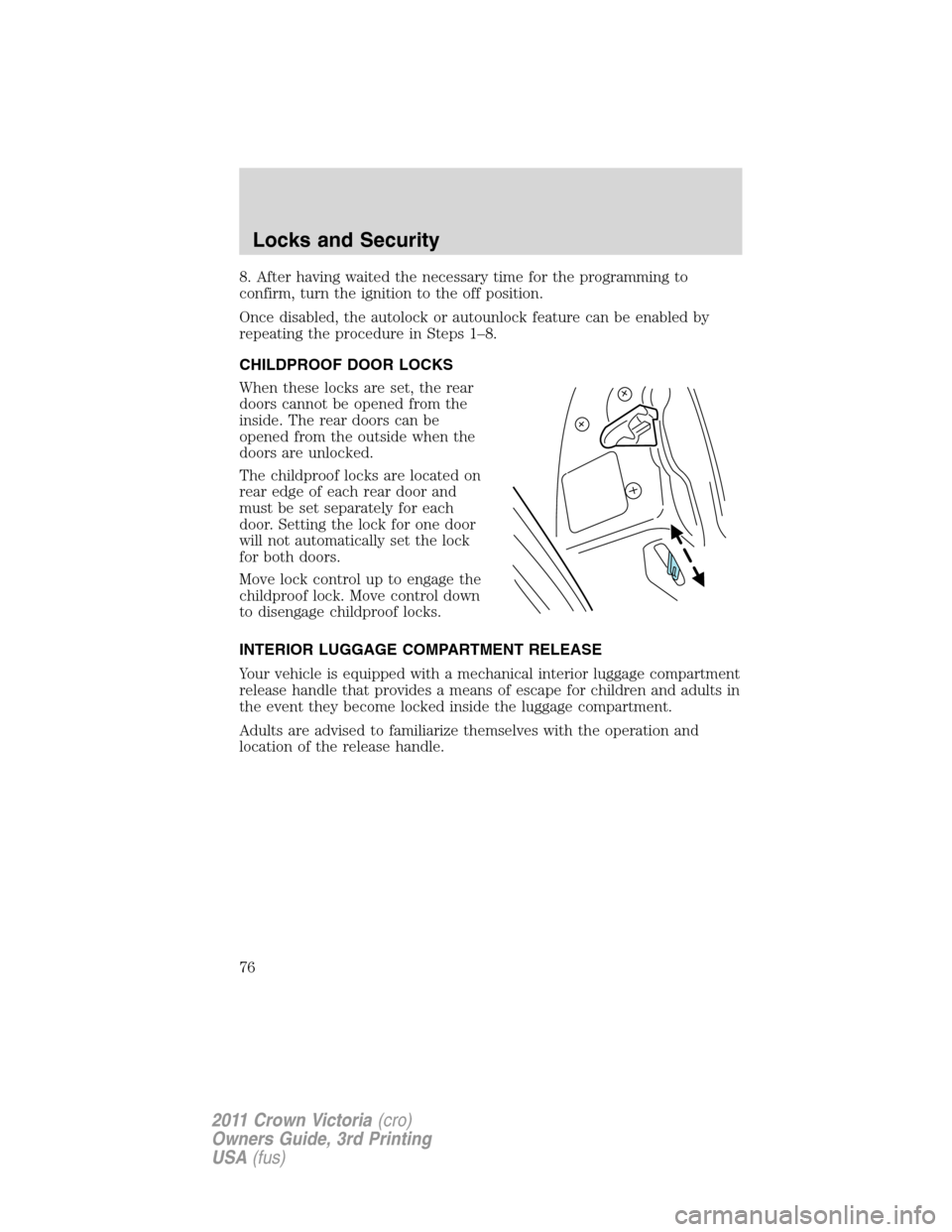
CHILDPROOF DOOR LOCKS
When these locks are set, the rear
doors cannot be opened from the
inside. The rear doors can be
opened from the outside when the
doors are unlocked.
The childproof locks are located on
rear edge of each rear door and
must be set separately for each
door. Setting the lock for one door
will not automatically set the lock
for both doors.
Move lock control up to engage the
childproof lock. Move control down
to disengage childproof locks.
INTERIOR LUGGAGE COMPARTMENT RELEASE
Your vehicle is equipped with a mechanical interior luggage compartment
release handle that provides a means of escape for children and adults in
the event they become locked inside the luggage compartment.
Adults are advised to familiarize themselves with the operation and
location of the release handle.
Locks and Security
76
2011 Crown Victoria(cro)
Owners Guide, 3rd Printing
USA(fus)