ignition switch FORD E-450 2019 Owner's Guide
[x] Cancel search | Manufacturer: FORD, Model Year: 2019, Model line: E-450, Model: FORD E-450 2019Pages: 329, PDF Size: 6.24 MB
Page 147 of 329
Only use oils certified for gasoline engines
by the American Petroleum Institute (API).
An oil with this trademark symbol
conforms to the current engine and
emission system protection standards and
fuel economy requirements of the
International Lubricants Specification
Advisory Committee (ILSAC).
To top up the engine oil level do the
following:
1. Clean the area surrounding the engine
oil filler cap before you remove it.
2. Remove the engine oil filler cap. See Under Hood Overview (page 142).
Turn it counterclockwise and remove
it.
3. Add engine oil that meets Ford specifications. See
Capacities and
Specifications (page 203). You may
have to use a funnel to pour the engine
oil into the opening.
4. Recheck the oil level.
5. If the oil level is correct, replace the dipstick and make sure it is fully seated.
6. Replace the engine oil filler cap. Turn it clockwise until you feel a strong
resistance.
Note: Do not add oil further than the
maximum mark. Oil levels above the
maximum mark may cause engine damage.
Note: Make sure you install the oil filler cap
correctly.
Note: Soak up any spillage with an
absorbent cloth immediately.
OIL CHANGE INDICATOR
RESET
Resetting the Oil Life Monitoring
System
Only reset the oil life monitoring system
after changing the engine oil and oil filter. To reset the oil life monitoring system do
the following:
1.
Switch the ignition on. Do not start the
engine.
2. Fully press the accelerator and brake pedals at the same time.
3. Keep the accelerator and brake pedals
fully pressed.
4. After three seconds, a message displays confirming the reset procedure
is in progress.
5. After 25 seconds, a message displays confirming the reset procedure is
complete.
6. Release the accelerator and brake pedals.
7. Switch the ignition off.
ENGINE COOLANT CHECK WARNING:
Do not remove the
coolant reservoir cap when the engine is
on or the cooling system is hot. Wait 10
minutes for the cooling system to cool
down. Cover the coolant reservoir cap
with a thick cloth to prevent the
possibility of scalding and slowly remove
the cap. Failure to follow this instruction
could result in personal injury. WARNING:
Do not put coolant in
the windshield washer reservoir. If
sprayed on the windshield, coolant could
make it difficult to see through the
windshield.
144
E-Series (TE4) Canada/United States of America, enUSA, Edition date: 201804, Second-Printing Maintenance
Page 233 of 329
USING SYNC™ WITH YOUR
PHONE
Hands-free calling is one of the main
features of SYNC. While the system
supports a variety of features, many are
dependent on your cell phone's
functionality. At a minimum, most cell
phones with Bluetooth wireless technology
support the following functions:
•
Answering an incoming call.
• Ending a call.
• Using privacy mode.
• Dialing a number.
• Redialing.
• Call waiting notification.
• Caller identification. Other features, such as text messaging
using Bluetooth and automatic phonebook
download, are cell phone-dependent
features. To check your cell phone's
compatibility, see your cell phone's manual
and visit www.SYNCMyRide.com,
www.SYNCMyRide.ca or
www.syncmaroute.ca.
Pairing Your Cell Phone for the
First Time
Note:
SYNC can support downloading up
to approximately 1000 entries per
Bluetooth-enabled cell phone.
Note: Make sure to switch on the ignition
and the radio. Put the transmission in
position park (P) (automatic transmission)
or neutral with the parking brake applied
(manual transmission).
Note: To scroll through the menus, press
the up and down arrows on your audio
system.
Wirelessly pairing your cell phone with
SYNC allows you to make and receive
hands-free calls.
Press the phone button. When the display indicates there is no cell phone paired,
do the following: Action and Description
Message
Press the
OK button.
NO PHONE
FIND SYNC 1. Press the
OK button.
2. Put your cell phone into Bluetooth discovery mode. See your device's manual if necessary.
3. When prompted on your cell phone's display, enter the six-digit PIN provided by SYNC in the radio display. The
display indicates when the pairing is successful.
230
E-Series (TE4) Canada/United States of America, enUSA, Edition date: 201804, Second-Printing SYNC™
Page 234 of 329
Depending on your cell phone's capability
and your market, the system may prompt
you with questions, such as setting the
current cell phone as the primary cell
phone (the cell phone SYNC automatically
tries to connect with first upon vehicle
start-up) and downloading your
phonebook.
Pairing Subsequent Cell Phones
Note:
To scroll through the menus, press
the up and down arrows on your audio
system.
Note: Make sure to switch on the ignition
and the radio. Put the transmission in
position park (P) (automatic transmission)
or neutral with the parking brake applied
(manual transmission).
Press the phone button, then scroll to: Action
Message
Press the
OK button.
PHONE SETNGS
Press the
OK button.
BT DEVICES
Press the
OK button. When the following message appears
in the display.
ADD DEVICE
FIND SYNC
1. Press the
OK button.
2. Put your cell phone into Bluetooth discovery mode. See your device's manual if necessary.
3. When prompted on your cell phone's display, enter the six-digit PIN provided by SYNC in the radio display. The
display indicates when the pairing is successful.
The system then prompts with questions, such as if you would like to set the current cell
phone as the primary cell phone (the cell phone SYNC automatically tries to connect
with first upon vehicle start-up) or download your phonebook.
Phone Voice Commands
Press the voice icon and say: Voice Commands
Phone
You can then say any of the following
commands.
Call History Incoming
Call History Missed
Call History Outgoing Voice Commands
Phonebook ___
Phonebook ___ at Home
Phonebook ___ at Work
Phonebook ___ in Office
Phonebook ___ on Cell
___ is a dynamic listing that should be the
name of a contact in your phonebook. For
example you could say "Call Mom".
231
E-Series (TE4) Canada/United States of America, enUSA, Edition date: 201804, Second-Printing SYNC™
Page 275 of 329
•
An authorized dealer needs to install
mobile communications systems.
Improper installation may harm the
operation of your vehicle, particularly
if the manufacturer did not design the
mobile communication system
specifically for automotive use.
• If you or an authorized Ford dealer add
any non-Ford electrical or electronic
accessories or components to your
vehicle, you may adversely affect
battery performance and durability. In
addition, you may also adversely affect
the performance of other electrical
systems in the vehicle.
AUXILIARY SWITCHES
For maximum vehicle performance, keep
the following information in mind when
adding accessories or equipment to your
vehicle:
• When adding accessories, equipment,
passengers and luggage to your
vehicle, do not exceed the total weight
capacity of the vehicle or of the front
or rear axle (GVWR or GAWR as
indicated on the Safety Compliance
Certification label). Ask an authorized
dealer for specific weight information.
• The Federal Communications
Commission (FCC) and Canadian
Radio Telecommunications
Commission (CRTC) regulate the use
of mobile communications systems
equipped with radio transmitters, for
example, two-way radios, telephones
and theft alarms. Any such equipment
installed in your vehicle should comply
with Federal Communications
Commission (FCC) and Canadian
Radio Telecommunications
Commission (CRTC) regulations, and
should be installed by an authorized
dealer. •
An authorized dealer needs to install
mobile communications systems.
Improper installation may harm the
operation of your vehicle, particularly
if the manufacturer did not design the
mobile communication system
specifically for automotive use.
• If you or an authorized Ford dealer add
any non-Ford electrical or electronic
accessories or components to your
vehicle, you may adversely affect
battery performance and durability. In
addition, you may also adversely affect
the performance of other electrical
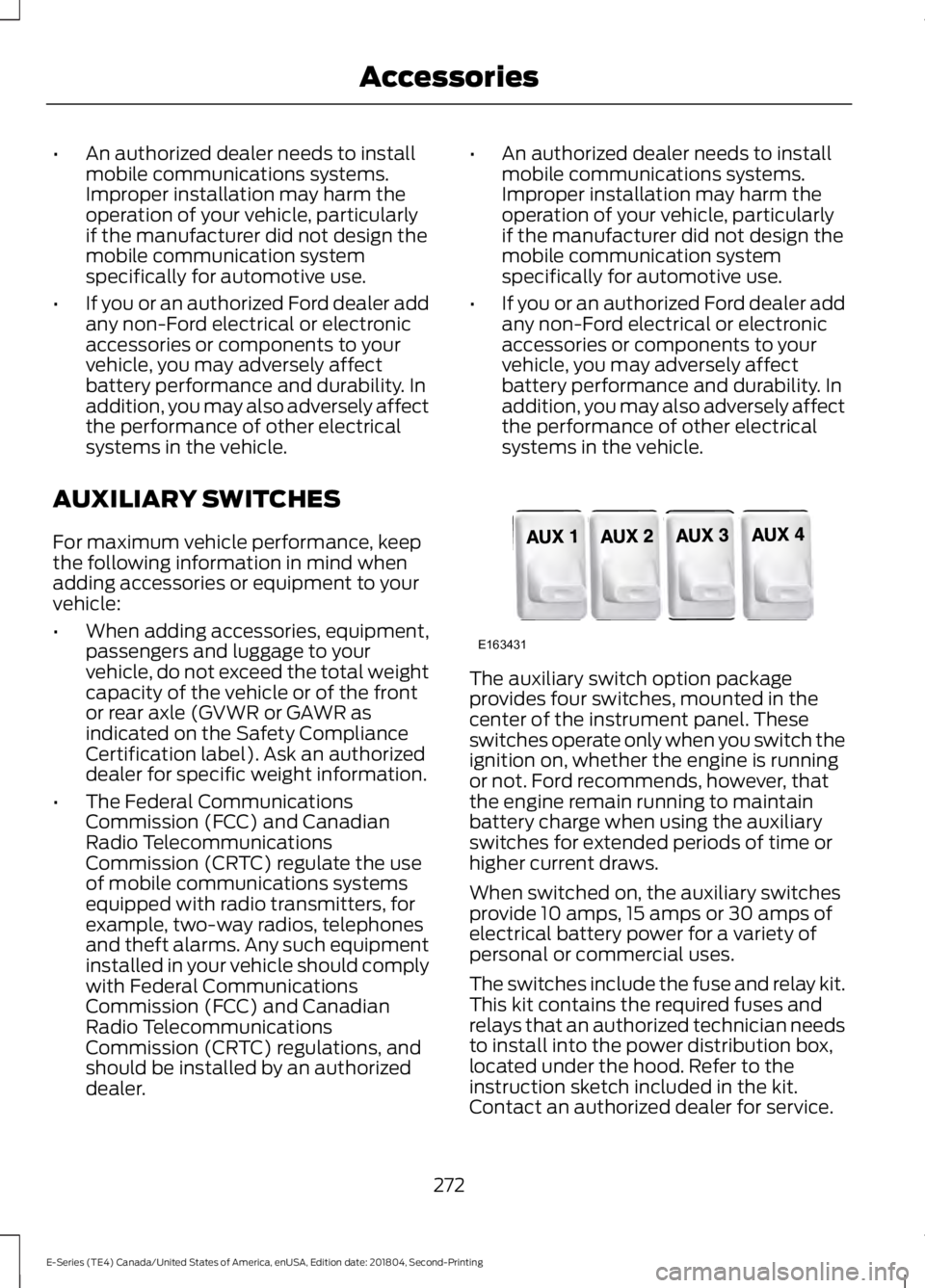
systems in the vehicle. The auxiliary switch option package
provides four switches, mounted in the
center of the instrument panel. These
switches operate only when you switch the
ignition on, whether the engine is running
or not. Ford recommends, however, that
the engine remain running to maintain
battery charge when using the auxiliary
switches for extended periods of time or
higher current draws.
When switched on, the auxiliary switches
provide 10 amps, 15 amps or 30 amps of
electrical battery power for a variety of
personal or commercial uses.
The switches include the fuse and relay kit.
This kit contains the required fuses and
relays that an authorized technician needs
to install into the power distribution box,
located under the hood. Refer to the
instruction sketch included in the kit.
Contact an authorized dealer for service.
272
E-Series (TE4) Canada/United States of America, enUSA, Edition date: 201804, Second-Printing AccessoriesE163431
Page 322 of 329
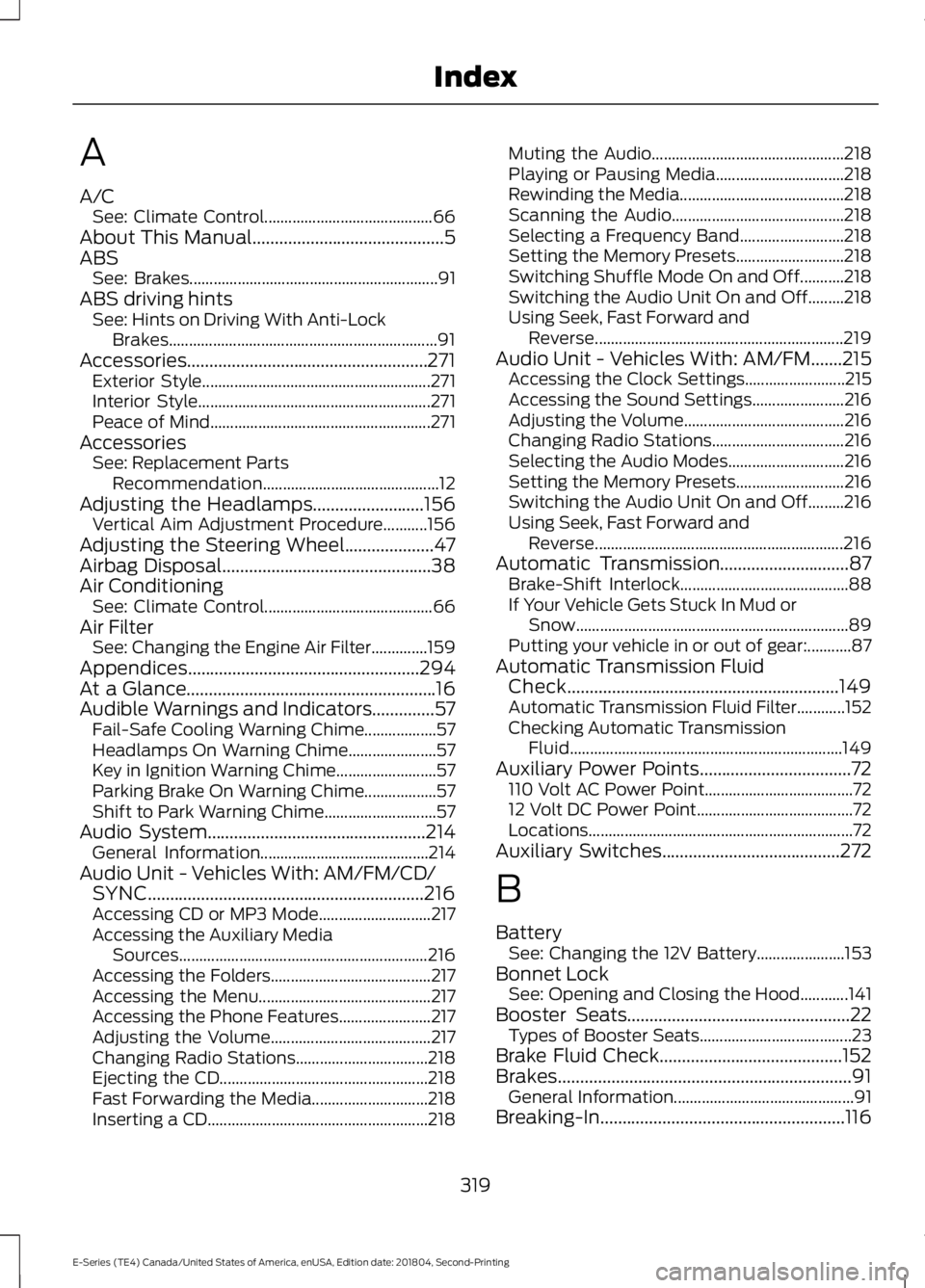
A
A/C
See: Climate Control.......................................... 66
About This Manual...........................................5
ABS See: Brakes.............................................................. 91
ABS driving hints See: Hints on Driving With Anti-Lock
Brakes................................................................... 91
Accessories......................................................271 Exterior Style......................................................... 271
Interior Style.......................................................... 271
Peace of Mind....................................................... 271
Accessories See: Replacement Parts
Recommendation............................................ 12
Adjusting the Headlamps.........................156
Vertical Aim Adjustment Procedure...........156
Adjusting the Steering Wheel....................47
Airbag Disposal
...............................................38
Air Conditioning See: Climate Control.......................................... 66
Air Filter See: Changing the Engine Air Filter..............159
Appendices
....................................................294
At a Glance........................................................16
Audible Warnings and Indicators..............57 Fail-Safe Cooling Warning Chime.................. 57
Headlamps On Warning Chime...................... 57
Key in Ignition Warning Chime......................... 57
Parking Brake On Warning Chime.................. 57
Shift to Park Warning Chime............................ 57
Audio System.................................................214 General Information.......................................... 214
Audio Unit - Vehicles With: AM/FM/CD/ SYNC..............................................................216
Accessing CD or MP3 Mode............................ 217
Accessing the Auxiliary Media Sources.............................................................. 216
Accessing the Folders........................................ 217
Accessing the Menu........................................... 217
Accessing the Phone Features....................... 217
Adjusting the Volume........................................ 217
Changing Radio Stations................................. 218
Ejecting the CD.................................................... 218
Fast Forwarding the Media............................. 218
Inserting a CD....................................................... 218Muting the Audio................................................
218
Playing or Pausing Media................................ 218
Rewinding the Media......................................... 218
Scanning the Audio........................................... 218
Selecting a Frequency Band.......................... 218
Setting the Memory Presets........................... 218
Switching Shuffle Mode On and Off...........218
Switching the Audio Unit On and Off.........218
Using Seek, Fast Forward and Reverse.............................................................. 219
Audio Unit - Vehicles With: AM/FM.......215 Accessing the Clock Settings......................... 215
Accessing the Sound Settings....................... 216
Adjusting the Volume........................................ 216
Changing Radio Stations................................. 216
Selecting the Audio Modes............................. 216
Setting the Memory Presets........................... 216
Switching the Audio Unit On and Off.........216
Using Seek, Fast Forward and Reverse.............................................................. 216
Automatic Transmission.............................87 Brake-Shift Interlock.......................................... 88
If Your Vehicle Gets Stuck In Mud or Snow.................................................................... 89
Putting your vehicle in or out of gear:...........87
Automatic Transmission Fluid Check.............................................................149
Automatic Transmission Fluid Filter............152
Checking Automatic Transmission Fluid.................................................................... 149
Auxiliary Power Points..................................72 110 Volt AC Power Point..................................... 72
12 Volt DC Power Point....................................... 72
Locations.................................................................. 72
Auxiliary Switches
........................................272
B
Battery See: Changing the 12V Battery...................... 153
Bonnet Lock See: Opening and Closing the Hood............141
Booster Seats
..................................................22
Types of Booster Seats...................................... 23
Brake Fluid Check.........................................152
Brakes..................................................................91 General Information............................................. 91
Breaking-In.......................................................116
319
E-Series (TE4) Canada/United States of America, enUSA, Edition date: 201804, Second-Printing Index
Page 325 of 329
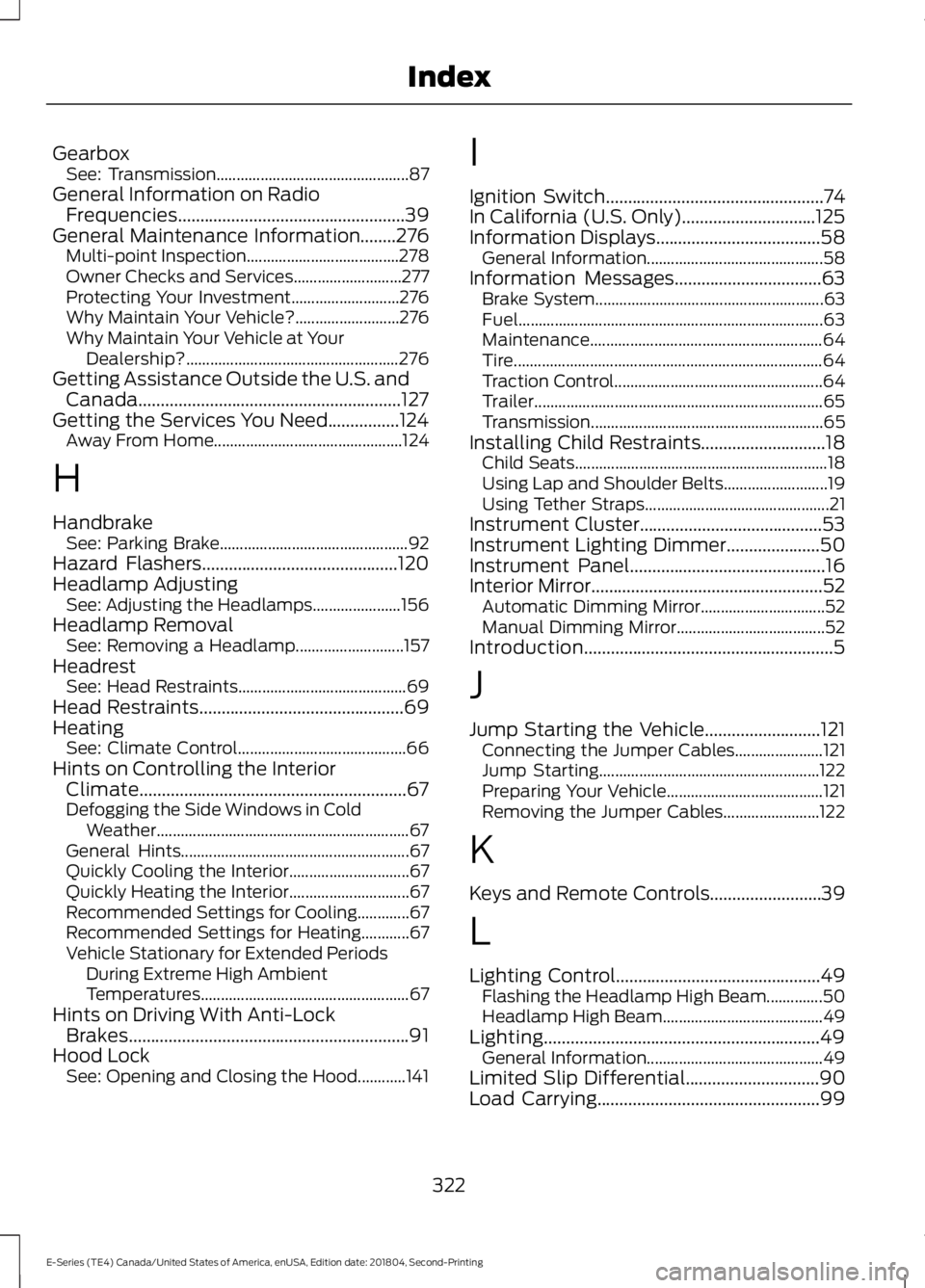
Gearbox
See: Transmission................................................ 87
General Information on Radio Frequencies...................................................39
General Maintenance Information........276 Multi-point Inspection...................................... 278
Owner Checks and Services........................... 277
Protecting Your Investment........................... 276
Why Maintain Your Vehicle?.......................... 276
Why Maintain Your Vehicle at Your Dealership?..................................................... 276
Getting Assistance Outside the U.S. and Canada...........................................................127
Getting the Services You Need
................124
Away From Home............................................... 124
H
Handbrake See: Parking Brake............................................... 92
Hazard Flashers
............................................120
Headlamp Adjusting See: Adjusting the Headlamps...................... 156
Headlamp Removal See: Removing a Headlamp........................... 157
Headrest See: Head Restraints.......................................... 69
Head Restraints
..............................................69
Heating See: Climate Control.......................................... 66
Hints on Controlling the Interior Climate............................................................67
Defogging the Side Windows in Cold Weather............................................................... 67
General Hints......................................................... 67
Quickly Cooling the Interior.............................. 67
Quickly Heating the Interior.............................. 67
Recommended Settings for Cooling.............67
Recommended Settings for Heating............67
Vehicle Stationary for Extended Periods During Extreme High Ambient
Temperatures.................................................... 67
Hints on Driving With Anti-Lock Brakes...............................................................91
Hood Lock See: Opening and Closing the Hood............141 I
Ignition Switch
.................................................74
In California (U.S. Only)..............................125
Information Displays.....................................58 General Information............................................ 58
Information Messages
.................................63
Brake System......................................................... 63
Fuel........................................................................\
.... 63
Maintenance.......................................................... 64
Tire........................................................................\
..... 64
Traction Control.................................................... 64
Trailer........................................................................\
65
Transmission .......................................................... 65
Installing Child Restraints
............................18
Child Seats............................................................... 18
Using Lap and Shoulder Belts.......................... 19
Using Tether Straps.............................................. 21
Instrument Cluster.........................................53
Instrument Lighting Dimmer
.....................50
Instrument Panel............................................16
Interior Mirror....................................................52
Automatic Dimming Mirror............................... 52
Manual Dimming Mirror..................................... 52
Introduction........................................................5
J
Jump Starting the Vehicle..........................121 Connecting the Jumper Cables...................... 121
Jump Starting....................................................... 122
Preparing Your Vehicle....................................... 121
Removing the Jumper Cables........................ 122
K
Keys and Remote Controls.........................39
L
Lighting Control..............................................49 Flashing the Headlamp High Beam..............50
Headlamp High Beam........................................ 49
Lighting..............................................................49 General Information............................................ 49
Limited Slip Differential
..............................90
Load Carrying..................................................99
322
E-Series (TE4) Canada/United States of America, enUSA, Edition date: 201804, Second-Printing Index
Page 327 of 329
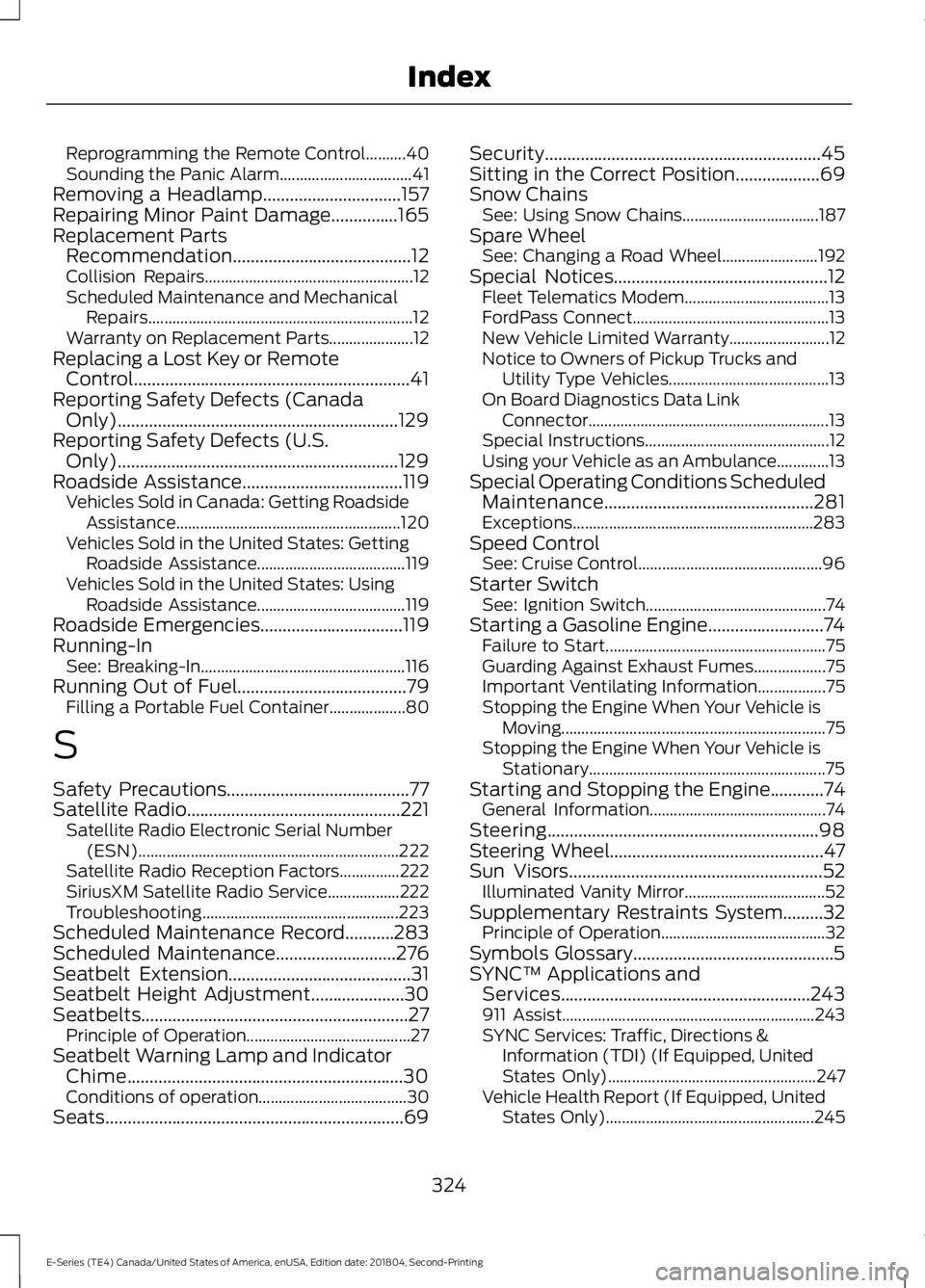
Reprogramming the Remote Control..........40
Sounding the Panic Alarm.................................
41
Removing a Headlamp...............................157
Repairing Minor Paint Damage...............165
Replacement Parts Recommendation........................................12
Collision Repairs.................................................... 12
Scheduled Maintenance and Mechanical Repairs.................................................................. 12
Warranty on Replacement Parts..................... 12
Replacing a Lost Key or Remote Control..............................................................41
Reporting Safety Defects (Canada Only)...............................................................129
Reporting Safety Defects (U.S. Only)...............................................................129
Roadside Assistance....................................119 Vehicles Sold in Canada: Getting Roadside
Assistance........................................................ 120
Vehicles Sold in the United States: Getting Roadside Assistance..................................... 119
Vehicles Sold in the United States: Using Roadside Assistance..................................... 119
Roadside Emergencies................................119
Running-In See: Breaking-In................................................... 116
Running Out of Fuel......................................79 Filling a Portable Fuel Container................... 80
S
Safety Precautions
.........................................77
Satellite Radio................................................221
Satellite Radio Electronic Serial Number
(ESN)................................................................. 222
Satellite Radio Reception Factors...............222
SiriusXM Satellite Radio Service.................. 222
Troubleshooting................................................. 223
Scheduled Maintenance Record...........283
Scheduled Maintenance
...........................276
Seatbelt Extension.........................................31
Seatbelt Height Adjustment.....................30
Seatbelts............................................................27 Principle of Operation......................................... 27
Seatbelt Warning Lamp and Indicator Chime..............................................................30
Conditions of operation..................................... 30
Seats...................................................................69 Security..............................................................45
Sitting in the Correct Position...................69
Snow Chains
See: Using Snow Chains.................................. 187
Spare Wheel See: Changing a Road Wheel........................ 192
Special Notices................................................12 Fleet Telematics Modem.................................... 13
FordPass Connect................................................. 13
New Vehicle Limited Warranty......................... 12
Notice to Owners of Pickup Trucks and Utility Type Vehicles........................................ 13
On Board Diagnostics Data Link Connector............................................................ 13
Special Instructions.............................................. 12
Using your Vehicle as an Ambulance.............13
Special Operating Conditions Scheduled Maintenance...............................................281
Exceptions............................................................ 283
Speed Control See: Cruise Control.............................................. 96
Starter Switch See: Ignition Switch............................................. 74
Starting a Gasoline Engine..........................74 Failure to Start....................................................... 75
Guarding Against Exhaust Fumes.................. 75
Important Ventilating Information.................75
Stopping the Engine When Your Vehicle is Moving.................................................................. 75
Stopping the Engine When Your Vehicle is Stationary........................................................... 75
Starting and Stopping the Engine
............74
General Information............................................ 74
Steering.............................................................98
Steering Wheel
................................................47
Sun Visors.........................................................52
Illuminated Vanity Mirror................................... 52
Supplementary Restraints System
.........32
Principle of Operation......................................... 32
Symbols Glossary.............................................5
SYNC™ Applications and Services........................................................243
911 Assist............................................................... 243
SYNC Services: Traffic, Directions & Information (TDI) (If Equipped, United
States Only).................................................... 247
Vehicle Health Report (If Equipped, United States Only).................................................... 245
324
E-Series (TE4) Canada/United States of America, enUSA, Edition date: 201804, Second-Printing Index