AUX FORD E SERIES 2014 4.G Owner's Manual
[x] Cancel search | Manufacturer: FORD, Model Year: 2014, Model line: E SERIES, Model: FORD E SERIES 2014 4.GPages: 438, PDF Size: 5.12 MB
Page 328 of 438
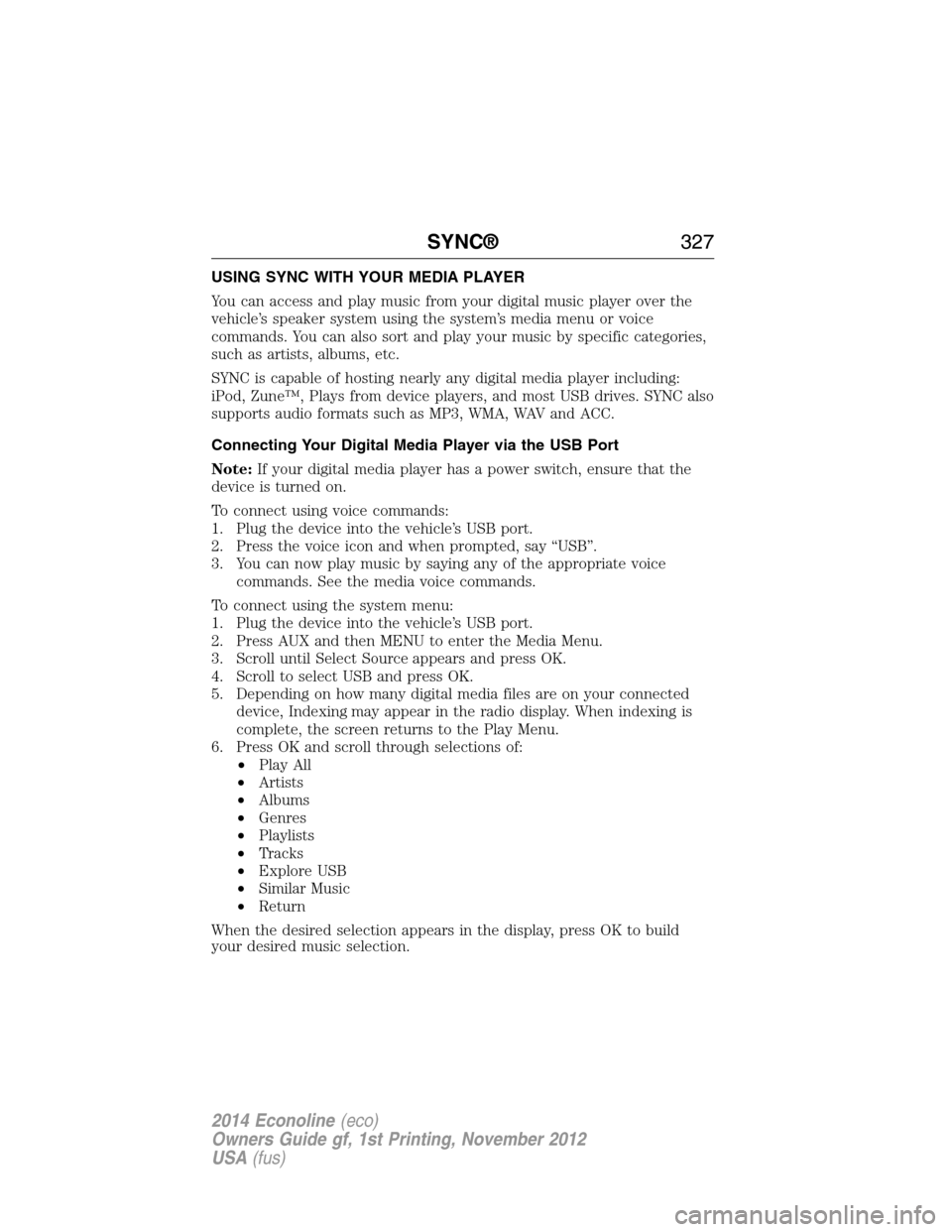
USING SYNC WITH YOUR MEDIA PLAYER
You can access and play music from your digital music player over the
vehicle’s speaker system using the system’s media menu or voice
commands. You can also sort and play your music by specific categories,
such as artists, albums, etc.
SYNC is capable of hosting nearly any digital media player including:
iPod, Zune™, Plays from device players, and most USB drives. SYNC also
supports audio formats such as MP3, WMA, WAV and ACC.
Connecting Your Digital Media Player via the USB Port
Note:If your digital media player has a power switch, ensure that the
device is turned on.
To connect using voice commands:
1. Plug the device into the vehicle’s USB port.
2. Press the voice icon and when prompted, say “USB”.
3. You can now play music by saying any of the appropriate voice
commands. See the media voice commands.
To connect using the system menu:
1. Plug the device into the vehicle’s USB port.
2. Press AUX and then MENU to enter the Media Menu.
3. Scroll until Select Source appears and press OK.
4. Scroll to select USB and press OK.
5. Depending on how many digital media files are on your connected
device, Indexing may appear in the radio display. When indexing is
complete, the screen returns to the Play Menu.
6. Press OK and scroll through selections of:
•Play All
•Artists
•Albums
•Genres
•Playlists
•Tracks
•Explore USB
•Similar Music
•Return
When the desired selection appears in the display, press OK to build
your desired music selection.
SYNC®327
2014 Econoline(eco)
Owners Guide gf, 1st Printing, November 2012
USA(fus)
Page 331 of 438
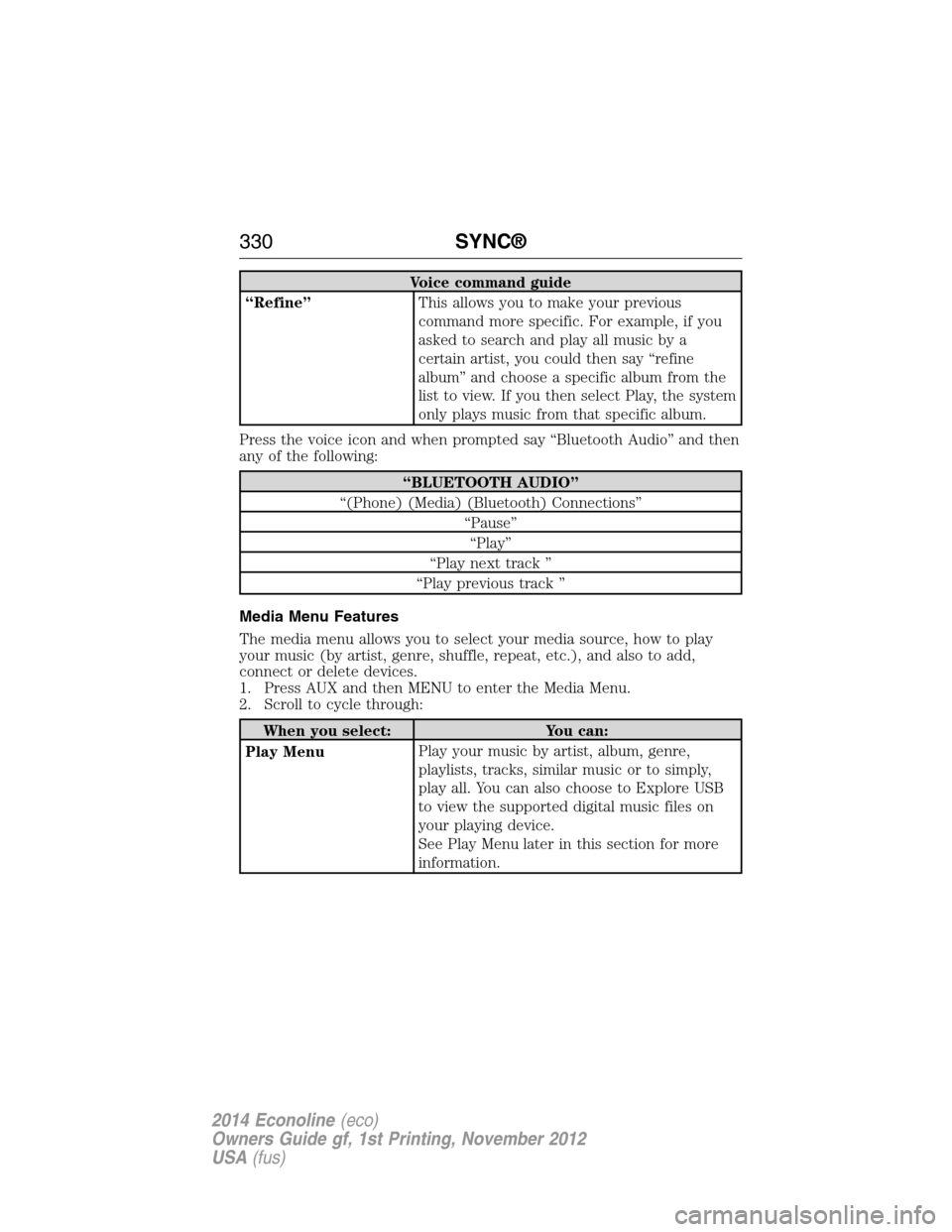
Voice command guide
“Refine”This allows you to make your previous
command more specific. For example, if you
asked to search and play all music by a
certain artist, you could then say “refine
album” and choose a specific album from the
list to view. If you then select Play, the system
only plays music from that specific album.
Press the voice icon and when prompted say “Bluetooth Audio” and then
any of the following:
“BLUETOOTH AUDIO”
“(Phone) (Media) (Bluetooth) Connections”
“Pause”
“Play”
“Play next track ”
“Play previous track ”
Media Menu Features
The media menu allows you to select your media source, how to play
your music (by artist, genre, shuffle, repeat, etc.), and also to add,
connect or delete devices.
1. Press AUX and then MENU to enter the Media Menu.
2. Scroll to cycle through:
When you select: You can:
Play MenuPlay your music by artist, album, genre,
playlists, tracks, similar music or to simply,
play all. You can also choose to Explore USB
to view the supported digital music files on
your playing device.
See Play Menu later in this section for more
information.
330SYNC®
2014 Econoline(eco)
Owners Guide gf, 1st Printing, November 2012
USA(fus)
Page 334 of 438
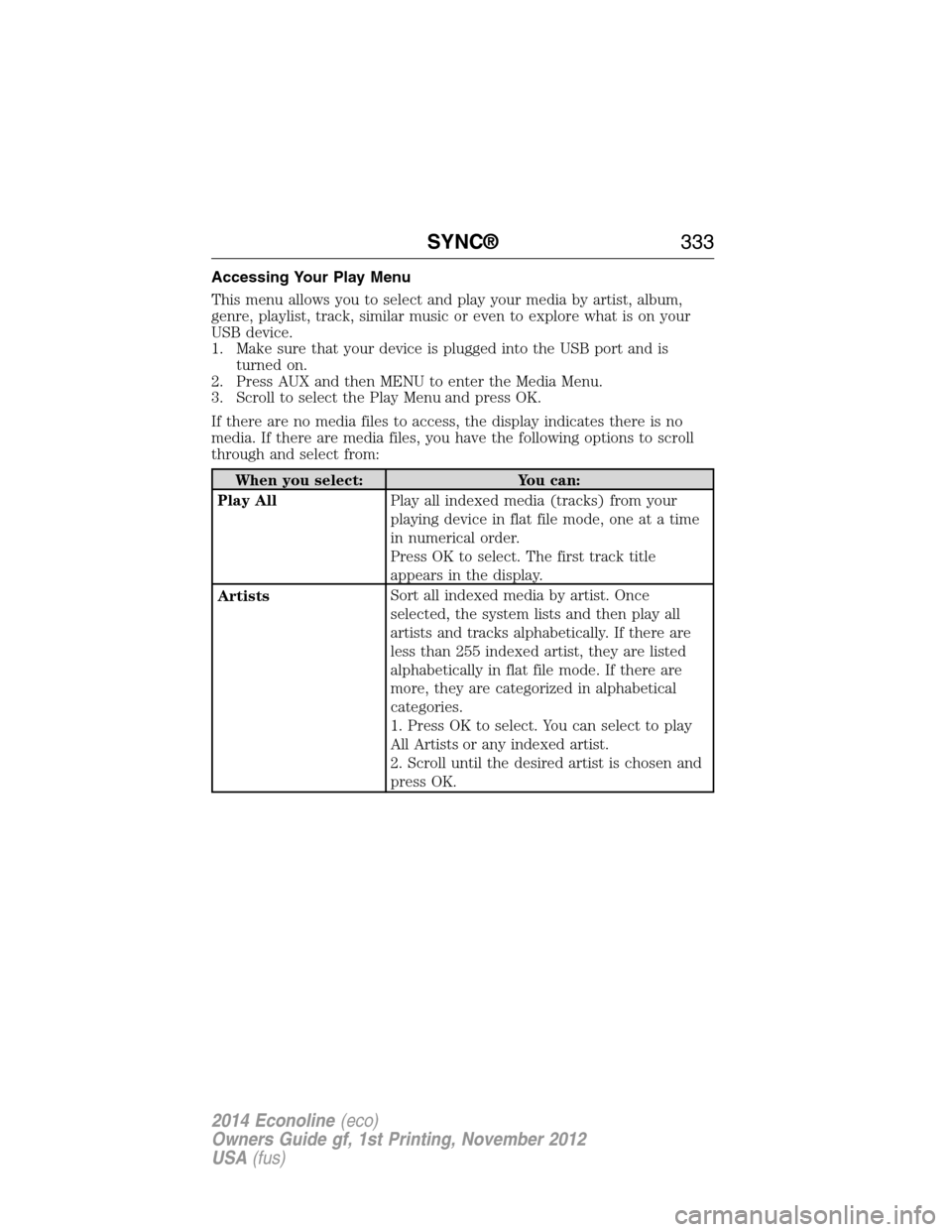
Accessing Your Play Menu
This menu allows you to select and play your media by artist, album,
genre, playlist, track, similar music or even to explore what is on your
USB device.
1. Make sure that your device is plugged into the USB port and is
turned on.
2. Press AUX and then MENU to enter the Media Menu.
3. Scroll to select the Play Menu and press OK.
If there are no media files to access, the display indicates there is no
media. If there are media files, you have the following options to scroll
through and select from:
When you select: You can:
Play AllPlay all indexed media (tracks) from your
playing device in flat file mode, one at a time
in numerical order.
Press OK to select. The first track title
appears in the display.
ArtistsSort all indexed media by artist. Once
selected, the system lists and then play all
artists and tracks alphabetically. If there are
less than 255 indexed artist, they are listed
alphabetically in flat file mode. If there are
more, they are categorized in alphabetical
categories.
1. Press OK to select. You can select to play
All Artists or any indexed artist.
2. Scroll until the desired artist is chosen and
press OK.
SYNC®333
2014 Econoline(eco)
Owners Guide gf, 1st Printing, November 2012
USA(fus)
Page 337 of 438
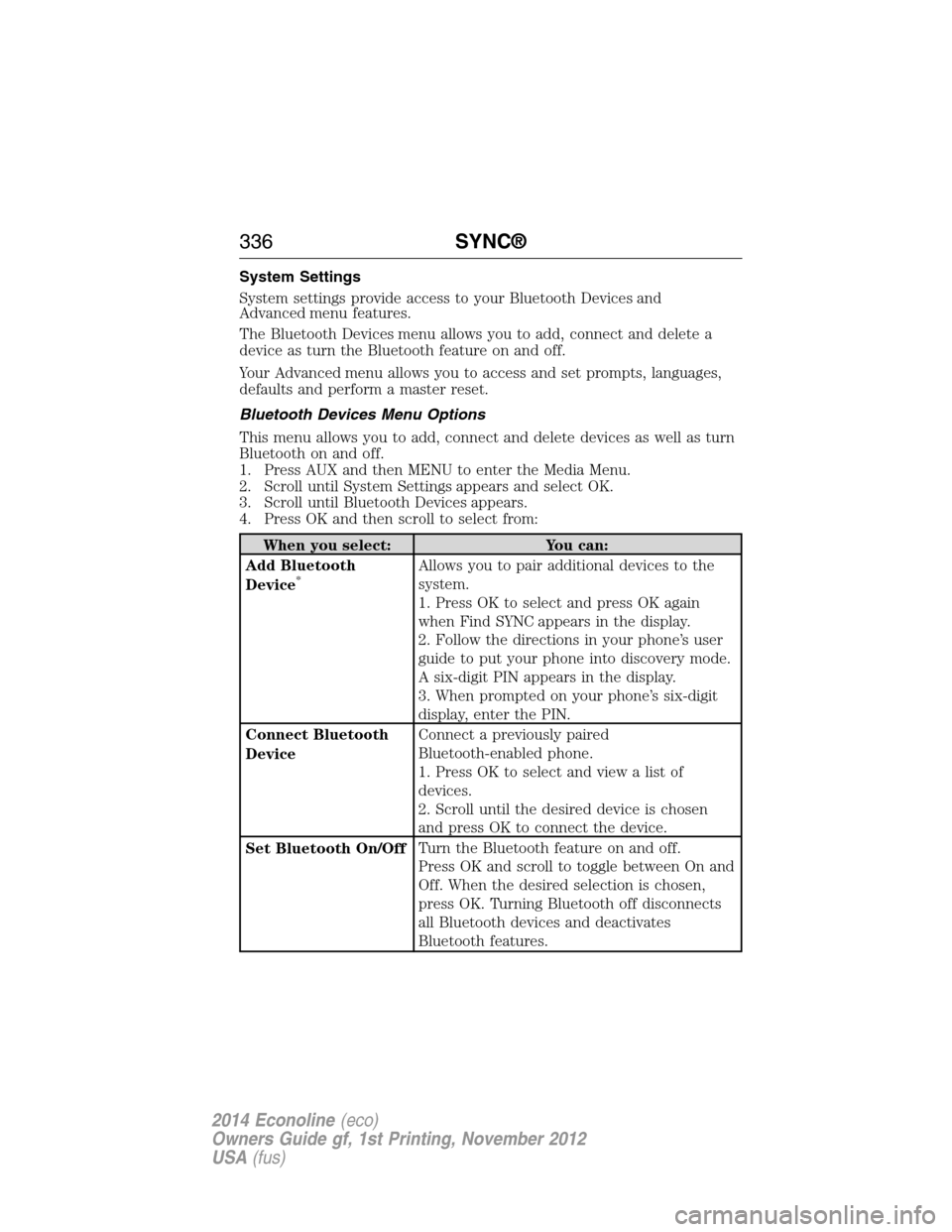
System Settings
System settings provide access to your Bluetooth Devices and
Advanced menu features.
The Bluetooth Devices menu allows you to add, connect and delete a
device as turn the Bluetooth feature on and off.
Your Advanced menu allows you to access and set prompts, languages,
defaults and perform a master reset.
Bluetooth Devices Menu Options
This menu allows you to add, connect and delete devices as well as turn
Bluetooth on and off.
1. Press AUX and then MENU to enter the Media Menu.
2. Scroll until System Settings appears and select OK.
3. Scroll until Bluetooth Devices appears.
4. Press OK and then scroll to select from:
When you select: You can:
Add Bluetooth
Device
*Allows you to pair additional devices to the
system.
1. Press OK to select and press OK again
when Find SYNC appears in the display.
2. Follow the directions in your phone’s user
guide to put your phone into discovery mode.
A six-digit PIN appears in the display.
3. When prompted on your phone’s six-digit
display, enter the PIN.
Connect Bluetooth
DeviceConnect a previously paired
Bluetooth-enabled phone.
1. Press OK to select and view a list of
devices.
2. Scroll until the desired device is chosen
and press OK to connect the device.
Set Bluetooth On/OffTurn the Bluetooth feature on and off.
Press OK and scroll to toggle between On and
Off. When the desired selection is chosen,
press OK. Turning Bluetooth off disconnects
all Bluetooth devices and deactivates
Bluetooth features.
336SYNC®
2014 Econoline(eco)
Owners Guide gf, 1st Printing, November 2012
USA(fus)
Page 338 of 438
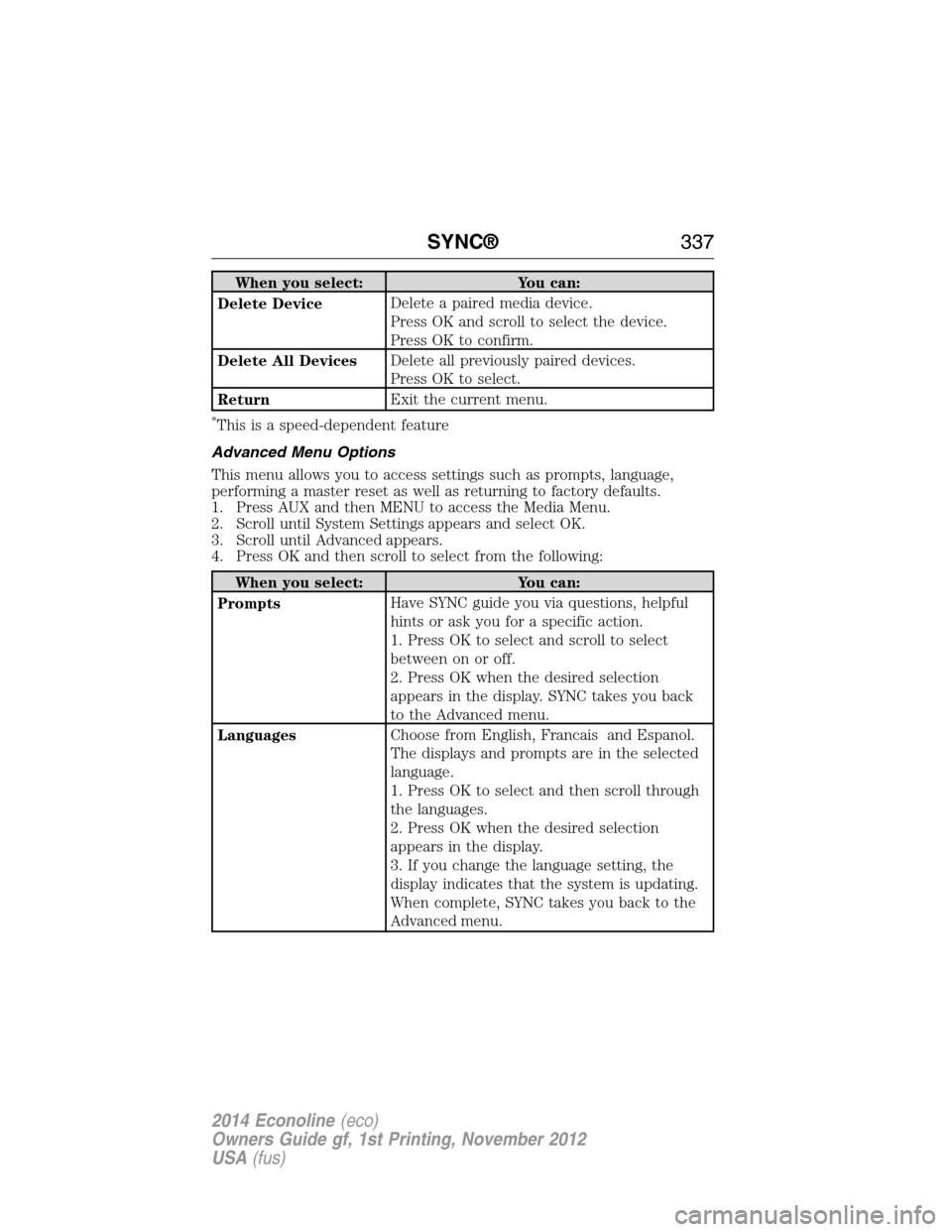
When you select: You can:
Delete DeviceDelete a paired media device.
Press OK and scroll to select the device.
Press OK to confirm.
Delete All DevicesDelete all previously paired devices.
Press OK to select.
ReturnExit the current menu.
*This is a speed-dependent feature
Advanced Menu Options
This menu allows you to access settings such as prompts, language,
performing a master reset as well as returning to factory defaults.
1. Press AUX and then MENU to access the Media Menu.
2. Scroll until System Settings appears and select OK.
3. Scroll until Advanced appears.
4. Press OK and then scroll to select from the following:
When you select: You can:
PromptsHave SYNC guide you via questions, helpful
hints or ask you for a specific action.
1. Press OK to select and scroll to select
between on or off.
2. Press OK when the desired selection
appears in the display. SYNC takes you back
to the Advanced menu.
LanguagesChoose from English, Francais and Espanol.
The displays and prompts are in the selected
language.
1. Press OK to select and then scroll through
the languages.
2. Press OK when the desired selection
appears in the display.
3. If you change the language setting, the
display indicates that the system is updating.
When complete, SYNC takes you back to the
Advanced menu.
SYNC®337
2014 Econoline(eco)
Owners Guide gf, 1st Printing, November 2012
USA(fus)
Page 378 of 438
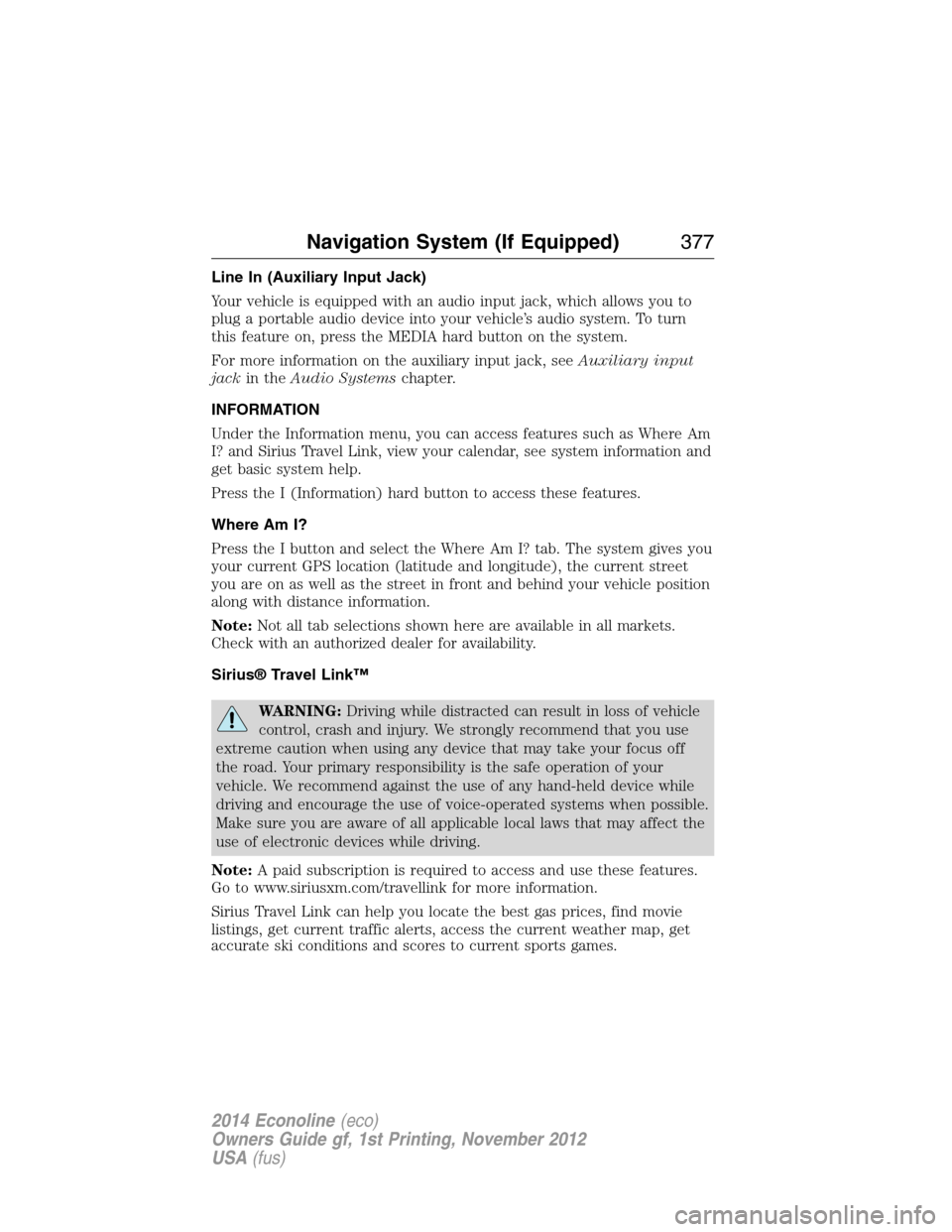
Line In (Auxiliary Input Jack)
Your vehicle is equipped with an audio input jack, which allows you to
plug a portable audio device into your vehicle’s audio system. To turn
this feature on, press the MEDIA hard button on the system.
For more information on the auxiliary input jack, seeAuxiliary input
jackin theAudio Systemschapter.
INFORMATION
Under the Information menu, you can access features such as Where Am
I? and Sirius Travel Link, view your calendar, see system information and
get basic system help.
Press the I (Information) hard button to access these features.
Where Am I?
Press the I button and select the Where Am I? tab. The system gives you
your current GPS location (latitude and longitude), the current street
you are on as well as the street in front and behind your vehicle position
along with distance information.
Note:Not all tab selections shown here are available in all markets.
Check with an authorized dealer for availability.
Sirius® Travel Link™
WARNING:Driving while distracted can result in loss of vehicle
control, crash and injury. We strongly recommend that you use
extreme caution when using any device that may take your focus off
the road. Your primary responsibility is the safe operation of your
vehicle. We recommend against the use of any hand-held device while
driving and encourage the use of voice-operated systems when possible.
Make sure you are aware of all applicable local laws that may affect the
use of electronic devices while driving.
Note:A paid subscription is required to access and use these features.
Go to www.siriusxm.com/travellink for more information.
Sirius Travel Link can help you locate the best gas prices, find movie
listings, get current traffic alerts, access the current weather map, get
accurate ski conditions and scores to current sports games.
Navigation System (If Equipped)377
2014 Econoline(eco)
Owners Guide gf, 1st Printing, November 2012
USA(fus)
Page 432 of 438
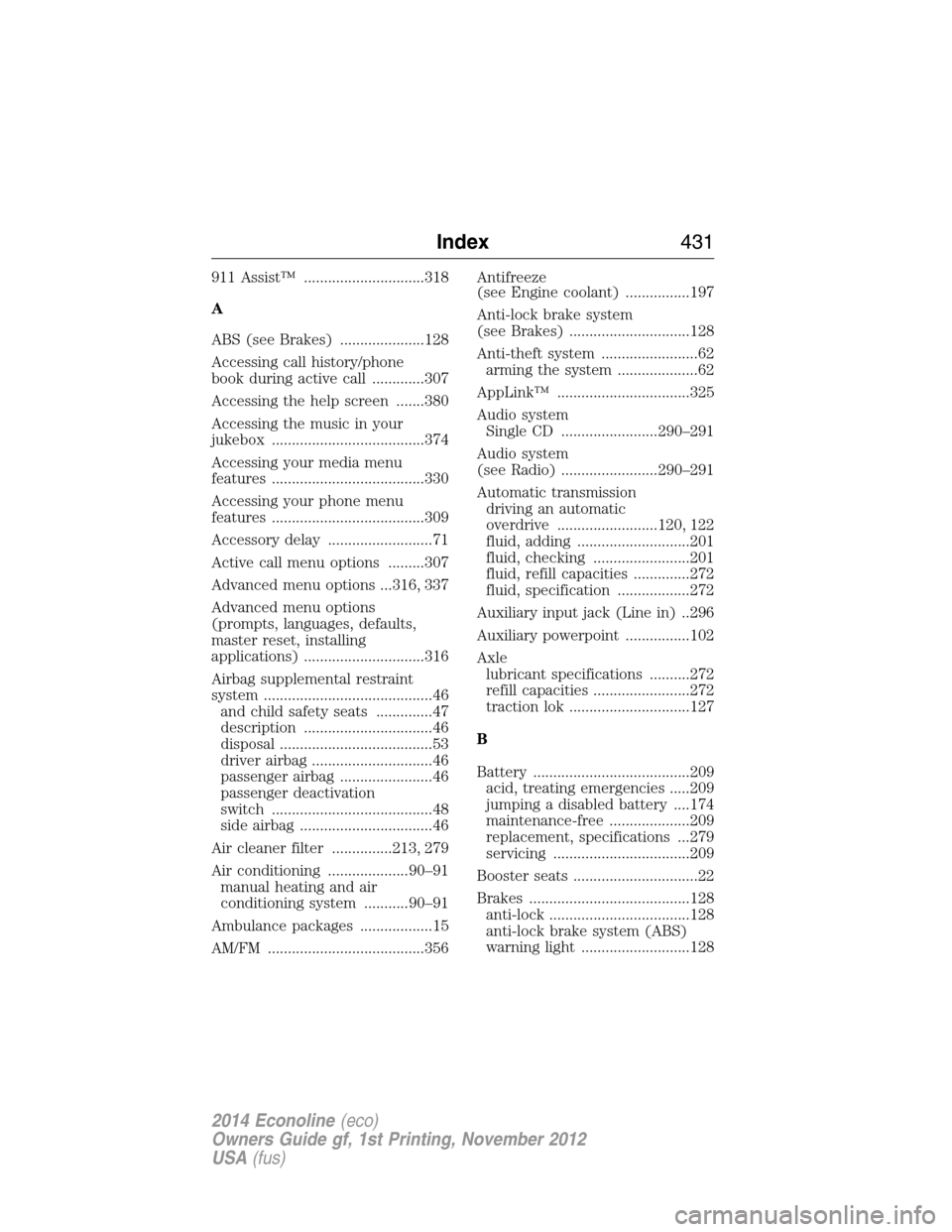
911 Assist™ ..............................318
A
ABS (see Brakes) .....................128
Accessing call history/phone
book during active call .............307
Accessing the help screen .......380
Accessing the music in your
jukebox ......................................374
Accessing your media menu
features ......................................330
Accessing your phone menu
features ......................................309
Accessory delay ..........................71
Active call menu options .........307
Advanced menu options ...316, 337
Advanced menu options
(prompts, languages, defaults,
master reset, installing
applications) ..............................316
Airbag supplemental restraint
system ..........................................46
and child safety seats ..............47
description ................................46
disposal ......................................53
driver airbag ..............................46
passenger airbag .......................46
passenger deactivation
switch ........................................48
side airbag .................................46
Air cleaner filter ...............213, 279
Air conditioning ....................90–91
manual heating and air
conditioning system ...........90–91
Ambulance packages ..................15
AM/FM .......................................356Antifreeze
(see Engine coolant) ................197
Anti-lock brake system
(see Brakes) ..............................128
Anti-theft system ........................62
arming the system ....................62
AppLink™ .................................325
Audio system
Single CD ........................290–291
Audio system
(see Radio) ........................290–291
Automatic transmission
driving an automatic
overdrive .........................120, 122
fluid, adding ............................201
fluid, checking ........................201
fluid, refill capacities ..............272
fluid, specification ..................272
Auxiliary input jack (Line in) ..296
Auxiliary powerpoint ................102
Axle
lubricant specifications ..........272
refill capacities ........................272
traction lok ..............................127
B
Battery .......................................209
acid, treating emergencies .....209
jumping a disabled battery ....174
maintenance-free ....................209
replacement, specifications ...279
servicing ..................................209
Booster seats ...............................22
Brakes ........................................128
anti-lock ...................................128
anti-lock brake system (ABS)
warning light ...........................128
Index431
2014 Econoline(eco)
Owners Guide gf, 1st Printing, November 2012
USA(fus)