key battery FORD ECOSPORT 2018 User Guide
[x] Cancel search | Manufacturer: FORD, Model Year: 2018, Model line: ECOSPORT, Model: FORD ECOSPORT 2018Pages: 452, PDF Size: 17.04 MB
Page 128 of 452
•Make sure the system is unplugged andproperly stowed before starting anddriving your vehicle. Make sure theprotective cover seals the prongs of theblock heater cord plug when not in use.
•Make sure the heater system ischecked for proper operation beforewinter.
Using the Engine Block Heater
Make sure the receptacle terminals areclean and dry prior to use. Clean them witha dry cloth if necessary.
The heater uses 0.4 to 1.0 kilowatt-hoursof energy per hour of use. The system doesnot have a thermostat. It achievesmaximum temperature afterapproximately three hours of operation.Using the heater longer than three hoursdoes not improve system performance andunnecessarily uses electricity.
AUTOMATIC ENGINE
SHUTDOWN
For vehicles with a keyless ignition, thisautomatically shuts down your vehicle ifit has been idling for an extended period.The ignition also turns off to save batterypower. Before your vehicle shuts down, amessage appears in the informationdisplay showing a timer counting down. Ifyou do not intervene within 30 seconds,your vehicle shuts down. Start your vehicleas normal.
Automatic Engine Shutdown Override
Note: You cannot permanently switch offthe automatic shutdown.
You can stop the shutdown, or reset thetimer, at any point before the 30-secondcountdown has expired by doing any of thefollowing:
•Interacting with your vehicle, forexample pressing the brake oraccelerator pedal.
124EcoSport (CBW) Canada/United States of America, Vehicles Built From: 14-08-2017, GN15-19G219-ZFB enUSA, First PrintingStarting and Stopping the Engine
Page 129 of 452
AUTO-START-STOP
The system helps reduce fuel consumptionby automatically shutting off and restartingthe engine while your vehicle is stopped.The engine will restart automatically whenyou release the brake pedal. In somesituations, your vehicle may restartautomatically, for example:
•To maintain interior comfort
•To recharge the battery
Note:Power assist steering is turned offwhen the engine is off.
WARNINGS
Always fully apply the parking brake.Make sure you shift into park (P) forvehicles with an automatictransmission. Switch the ignition off andremove the key whenever you leave yourvehicle.
Before opening the hood orperforming any maintenance, fullyapply the parking brake, shift intopark (P) or neutral (N) and switch theignition off.
Always switch the ignition off beforeleaving the vehicle. If the ignition isswitched on an automatic restartmay occur at any time.
The system may require the engineto automatically restart when theauto-start-stop indicator illuminatesgreen or flashes amber. Failure to followthis instruction could result in personalinjury.
The Auto-Start-Stop system status isavailable at a glance within the informationdisplay. See Information Displays (page85).
Enabling Auto-Start-Stop
The system is automatically enabled everytime you start your vehicle if the followingconditions are met:
•The Auto-Start-Stop button is notpressed (not illuminated).
•Your vehicle exceeds an initial speedof 3 mph (5 km/h) after the vehicle hasbeen initially started.
•Your vehicle is stopped.
•Your foot is on the brake pedal.
•The transmission is in drive (D).
•The driver's door is closed.
•There is adequate brake vacuum.
•The interior compartment has beencooled or warmed to an acceptablelevel.
•The front windshield defroster is off.
•The steering wheel is not turned rapidlyor is not at a sharp angle.
•The vehicle is not on a steep roadgrade.
•The battery is within optimal operatingconditions (battery state of charge andtemperature in range).
•The engine coolant is at operatingtemperature.
•Elevation is below approximately10,000 ft (3,048 m).
•Ambient temperature is moderate.
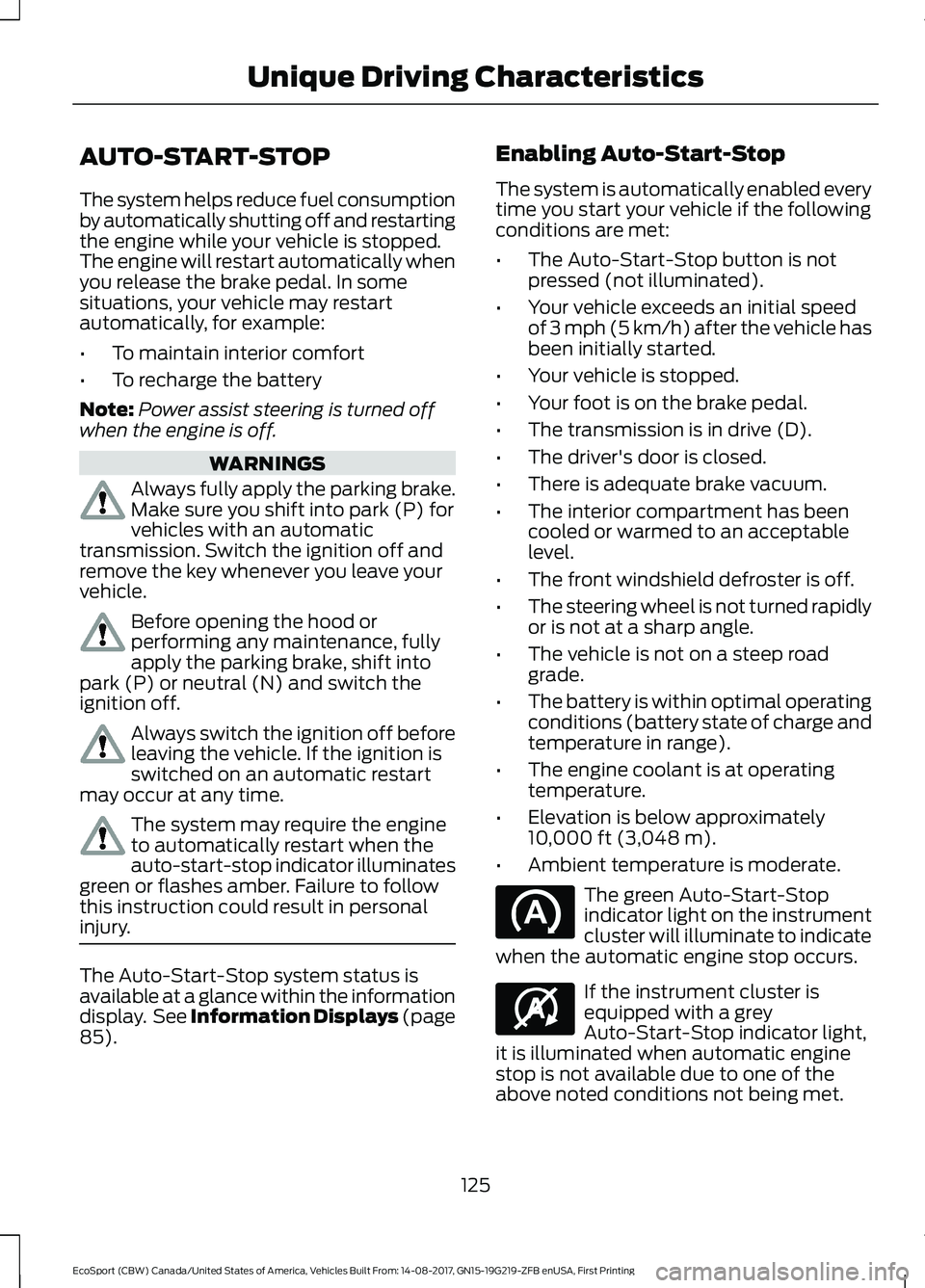
The green Auto-Start-Stopindicator light on the instrumentcluster will illuminate to indicatewhen the automatic engine stop occurs.
If the instrument cluster isequipped with a greyAuto-Start-Stop indicator light,it is illuminated when automatic enginestop is not available due to one of theabove noted conditions not being met.
125EcoSport (CBW) Canada/United States of America, Vehicles Built From: 14-08-2017, GN15-19G219-ZFB enUSA, First PrintingUnique Driving Characteristics
Page 141 of 452
Your vehicle may not pass the I/M test ifthe service engine soon indicator is on ornot working properly (bulb is burned out),or if the OBD-II system has determinedthat some of the emission control systemshave not been properly checked. In thiscase, the vehicle is not ready for I/Mtesting.
If the vehicle’s engine or transmission hasjust been serviced, or the battery hasrecently run down or been replaced, theOBD-II system may indicate that thevehicle is not ready for I/M testing. Todetermine if the vehicle is ready for I/Mtesting, turn the ignition key to the onposition for 15 seconds without crankingthe engine. If the service engine soonindicator blinks eight times, it means thatthe vehicle is not ready for I/M testing; ifthe service engine soon indicator stays onsolid, it means that your vehicle is readyfor I/M testing.
The OBD-II system checks the emissioncontrol system during normal driving. Acomplete check may take several days.
If the vehicle is not ready for I/M testing,you can perform the following driving cycleconsisting of mixed city and highwaydriving:
1.15 minutes of steady driving on anexpressway or highway followed by 20minutes of stop-and-go driving with atleast four 30-second idle periods.
2.Allow your vehicle to sit for at leasteight hours with the ignition off. Then,start the vehicle and complete theabove driving cycle. The vehicle mustwarm up to its normal operatingtemperature. Once started, do not turnoff the vehicle until the above drivingcycle is complete.
If the vehicle is still not ready for I/Mtesting, you need to repeat the abovedriving cycle.
137EcoSport (CBW) Canada/United States of America, Vehicles Built From: 14-08-2017, GN15-19G219-ZFB enUSA, First PrintingEngine Emission Control
Page 185 of 452
ROADSIDE ASSISTANCE
Vehicles Sold in the United States:Getting Roadside Assistance
To fully assist you should you have avehicle concern, Ford Motor Companyoffers a complimentary roadsideassistance program. This program isseparate from the New Vehicle LimitedWarranty.
The service is available:
•24 hours a day, seven days a week.
•For the coverage period listed on theRoadside Assistance Card included inyour Owner's Manual portfolio.
Roadside Assistance covers:
•A flat tire change with a good spare(except vehicles supplied with a tireinflation kit).
•Battery jump start.
•Lock-out assistance (key replacementcost is the customer's responsibility).
•Fuel delivery — independent servicecontractors, if not prohibited by state,local or municipal law, shall deliver upto 2 gal (8 L) of gasoline or 5 gal (20 L)of diesel fuel to a disabled vehicle.Roadside Assistance limits fuel deliveryservice to two no-charge occurrenceswithin a 12-month period.
•Winch out — available within 100 ft(30 m) of a paved or countymaintained road, no recoveries.
•Towing — independent servicecontractors, if not prohibited by state,local or municipal law, shall tow Fordeligible vehicles to an authorized dealerwithin 35 mi (56 km) of thedisablement location or to the nearestauthorized dealer. If a memberrequests a tow to an authorized dealerthat is more than 35 mi (56 km) fromthe disablement location, the membershall be responsible for any mileagecosts in excess of 35 mi (56 km).
•Roadside Assistance includes up to$200 for a towed trailer if the disabledeligible vehicle requires service at thenearest authorized dealer. If the towingvehicle is operational but the trailer isnot, then the trailer does not qualify forany roadside services.
Vehicles Sold in the United States:Using Roadside Assistance
Complete the roadside assistanceidentification card and place it in yourwallet for quick reference. This card is inthe owner's information portfolio in theglove compartment.
United States vehicle customers whorequire Roadside Assistance, call1-800-241-3673.
If you need to arrange roadside assistancefor yourself, Ford Motor Companyreimburses a reasonable amount fortowing to the nearest dealership within35 mi (56 km). To obtain reimbursementinformation, United States vehiclecustomers call 1-800-241-3673.Customers need to submit their originalreceipts.
181EcoSport (CBW) Canada/United States of America, Vehicles Built From: 14-08-2017, GN15-19G219-ZFB enUSA, First PrintingRoadside Emergencies
Page 186 of 452
Vehicles Sold in Canada: GettingRoadside Assistance
To fully assist you should you have avehicle concern, Ford Motor Company ofCanada, Limited offers a complimentaryroadside assistance program. Thisprogram is eligible within Canada or thecontinental United States.
This program is separate from the NewVehicle Limited Warranty, but the coverageis concurrent with the powertrain coverageperiod of your vehicle.
Canadian customers who require roadsideassistance, call 1-800-665-2006.
Vehicles Sold in Canada: UsingRoadside Assistance
Complete the roadside assistanceidentification card and place it in yourwallet for quick reference.
In Canada, this card is found in theWarranty Guide in the glove compartmentof your vehicle.
Vehicles Sold in Canada: RoadsideAssistance Program Coverage
The service is available 24 hours a day,seven days a week.
Canadian roadside coverage and benefitsmay differ from the U.S. coverage.
If you require more information, pleaserefer to the coverage section of yourwarranty guide, call us in Canada at1-800-665-2006, or visit our website atwww.ford.ca.
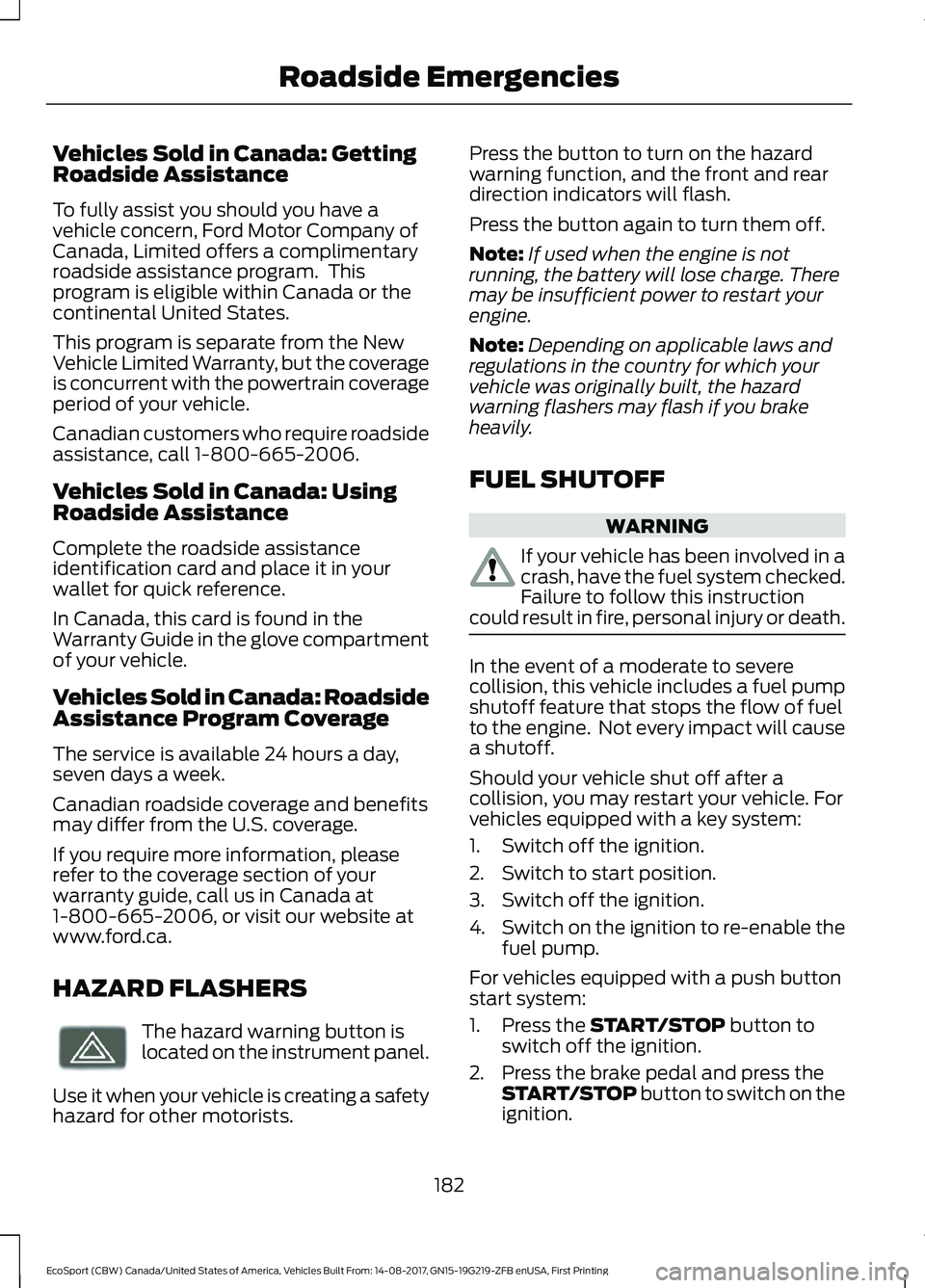
HAZARD FLASHERS
The hazard warning button islocated on the instrument panel.
Use it when your vehicle is creating a safetyhazard for other motorists.
Press the button to turn on the hazardwarning function, and the front and reardirection indicators will flash.
Press the button again to turn them off.
Note:If used when the engine is notrunning, the battery will lose charge. Theremay be insufficient power to restart yourengine.
Note:Depending on applicable laws andregulations in the country for which yourvehicle was originally built, the hazardwarning flashers may flash if you brakeheavily.
FUEL SHUTOFF
WARNING
If your vehicle has been involved in acrash, have the fuel system checked.Failure to follow this instructioncould result in fire, personal injury or death.
In the event of a moderate to severecollision, this vehicle includes a fuel pumpshutoff feature that stops the flow of fuelto the engine. Not every impact will causea shutoff.
Should your vehicle shut off after acollision, you may restart your vehicle. Forvehicles equipped with a key system:
1.Switch off the ignition.
2.Switch to start position.
3.Switch off the ignition.
4.Switch on the ignition to re-enable thefuel pump.
For vehicles equipped with a push buttonstart system:
1.Press the START/STOP button toswitch off the ignition.
2.Press the brake pedal and press theSTART/STOP button to switch on theignition.
182EcoSport (CBW) Canada/United States of America, Vehicles Built From: 14-08-2017, GN15-19G219-ZFB enUSA, First PrintingRoadside Emergencies
Page 342 of 452
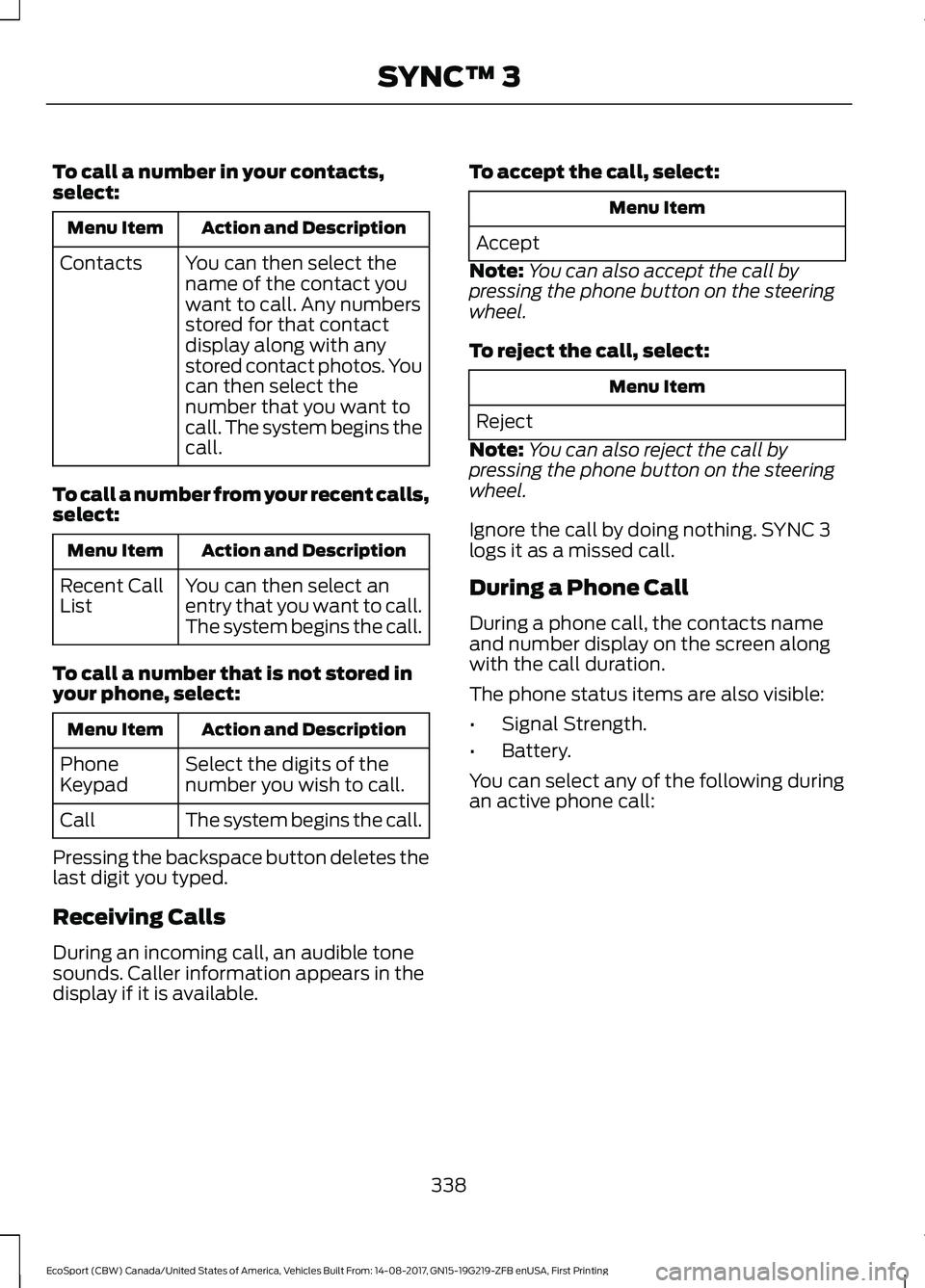
To call a number in your contacts,select:
Action and DescriptionMenu Item
You can then select thename of the contact youwant to call. Any numbersstored for that contactdisplay along with anystored contact photos. Youcan then select thenumber that you want tocall. The system begins thecall.
Contacts
To call a number from your recent calls,select:
Action and DescriptionMenu Item
You can then select anentry that you want to call.The system begins the call.
Recent CallList
To call a number that is not stored inyour phone, select:
Action and DescriptionMenu Item
Select the digits of thenumber you wish to call.PhoneKeypad
The system begins the call.Call
Pressing the backspace button deletes thelast digit you typed.
Receiving Calls
During an incoming call, an audible tonesounds. Caller information appears in thedisplay if it is available.
To accept the call, select:
Menu Item
Accept
Note:You can also accept the call bypressing the phone button on the steeringwheel.
To reject the call, select:
Menu Item
Reject
Note:You can also reject the call bypressing the phone button on the steeringwheel.
Ignore the call by doing nothing. SYNC 3logs it as a missed call.
During a Phone Call
During a phone call, the contacts nameand number display on the screen alongwith the call duration.
The phone status items are also visible:
•Signal Strength.
•Battery.
You can select any of the following duringan active phone call:
338EcoSport (CBW) Canada/United States of America, Vehicles Built From: 14-08-2017, GN15-19G219-ZFB enUSA, First PrintingSYNC™ 3
Page 441 of 452
Side Repeater......................................................222Vanity lamp..........................................................225Changing a Fuse..........................................200Fuses......................................................................200Changing a Road Wheel...........................265Dissimilar Spare Wheel and Tire AssemblyInformation.....................................................265Installing a Road Wheel..................................269Jacking and Lifting Points..............................268Removing a Road Wheel................................268Vehicle Jack..........................................................267Vehicles With a Spare Wheel.......................266Changing the 12V Battery..........................213Remove and Reinstall the Battery...............214Changing the Engine Air Filter.................227Changing the Air Filter Element....................227Changing the Wiper Blades......................215Rear Window Wiper Blade..............................215Windshield Wiper Blades.................................215Checking MyKey System Status...............52MyKey Distance.....................................................52Number of Admin Keys......................................53Number of MyKeys...............................................52Checking the Wiper Blades.......................215Child Restraint and SeatbeltMaintenance.................................................34Child Restraint Positioning.........................25Child Safety.......................................................16General Information.............................................16Child Safety Locks.........................................26Rear Left-Hand Door..........................................26Rear Right-Hand Door........................................27Cleaning Leather Seats.............................233Cleaning Products.......................................229Cleaning the Engine.....................................231Cleaning the Exterior..................................230Cleaning the Headlamps................................230Exterior Chrome Parts.....................................230Exterior Plastic Parts.........................................231Stripes or Graphics.............................................231Underbody.............................................................231Under Hood...........................................................231Cleaning the Instrument Panel andInstrument Cluster Lens.........................233Cleaning the Interior....................................232Cleaning the Wheels..................................234Cleaning the Windows and WiperBlades............................................................232
Clearing All MyKeys.......................................52Climate Control..............................................98Principle of Operation........................................98Cold Weather Precautions........................178Coolant CheckSee: Engine Coolant Check...........................208Cool Box.............................................................117Crash Sensors and Airbag Indicator........43Creating a MyKey.............................................51Vehicles With a Key..............................................51Vehicles With Push-Button Start....................51Cross Traffic Alert.........................................159Blocked Sensors..................................................161Switching the System Off and On................161System Errors........................................................161System Lights, Messages and AudibleAlerts...................................................................161System Limitations.............................................161Using the Cross Traffic Alert System..........159Cruise Control.................................................66Principle of Operation.......................................156Cruise controlSee: Using Cruise Control................................156Customer Assistance.................................186
D
Data Recording..................................................9Event Data Recording..........................................10Service Data Recording........................................9Daytime Running Lamps.............................73Type 1 - Conventional (Non-Configurable)....................................................73Type 2 - Configurable..........................................73Direction Indicators........................................74Doors and Locks.............................................54Drive Belt Routing - 1.0LEcoBoost™.................................................228Drive Belt Routing - 2.0L...........................228Driver and Passenger Airbags....................37Children and Airbags..........................................38Proper Driver and Front Passenger SeatingAdjustment........................................................37Driver and Passenger Knee Airbags.........41Driving Aids.....................................................158Driving Hints....................................................178Driving Through Water................................178
437EcoSport (CBW) Canada/United States of America, Vehicles Built From: 14-08-2017, GN15-19G219-ZFB enUSA, First PrintingIndex
Page 444 of 452
I
Ignition Switch................................................119Starting the Engine............................................120Switching the Ignition Off................................119Switching the Ignition On.................................119Switching the Ignition to AccessoryMode....................................................................119In California (U.S. Only)..............................187Information Display Control......................66Information Displays.....................................85General Information............................................85Information Messages.................................88Accessory Power..................................................89Airbag.......................................................................89Alarm........................................................................89Battery and Charging System.........................90Brake System........................................................90Engine........................................................................91Fuel System.............................................................91Hill Start Assist......................................................91Keyless Vehicle......................................................92Lighting....................................................................92Maintenance..........................................................92MyKey.......................................................................93Park Aid....................................................................94Park Brake...............................................................94Power Steering......................................................95Stability Control....................................................95Starting System ...................................................95Tire Pressure Monitoring System...................90Traction Control...................................................96Transmission.........................................................96Vehicle Settings....................................................97Installing Child Restraints.............................17Child Seats...............................................................17Using Lap and Shoulder Belts..........................18Using Lower Anchors and Tethers forCHildren (LATCH)...........................................20Using Tether Straps.............................................22Instrument Cluster........................................80Instrument Lighting Dimmer......................72Interior Lamps..................................................74Courtesy lamp........................................................74Reading lamps.......................................................74Vanity lamp.............................................................75Interior Mirror....................................................78Auto-Dimming Mirror..........................................78
Introduction.........................................................7
J
Jump Starting the Vehicle.........................183Connecting the Jumper Cables.....................183Jump Starting......................................................184Preparing Your Vehicle.....................................183Removing the Jumper Cables........................184
K
Keyless Entry....................................................57Disabled Keys........................................................58General Information............................................57Intelligent Access - Locking and Unlockingthe Doors with the Key Blade.....................58Locking Using Intelligent Access....................57Unlocking only Driver Door...............................58Unlocking Using Intelligent Access................57Keys and Remote Controls.........................45Principle of Operation........................................45
L
Lighting Control..............................................70Headlamp Flasher.................................................71High Beams..............................................................71Parking Lamps.......................................................70Lighting..............................................................70General Information............................................70Load CarriersSee: Roof Racks and Load Carriers.............164Load Carrying.................................................163Load Limit.......................................................165Special Loading Instructions for Owners ofPick-up Trucks and Utility-typeVehicles.............................................................170Vehicle Loading - with and without aTrailer..................................................................165Locking and Unlocking.................................54Autolock..................................................................54Autounlock.............................................................56Illuminated Entry..................................................56Illuminated Exit.....................................................56Locking and Unlocking the Doors with theKey........................................................................55Power Door Locks................................................54
440EcoSport (CBW) Canada/United States of America, Vehicles Built From: 14-08-2017, GN15-19G219-ZFB enUSA, First PrintingIndex
Page 446 of 452
Personal Safety System™..........................35How Does the Personal Safety SystemWork?..................................................................35Phone...............................................................334During a Phone Call..........................................338Making Calls.........................................................337Pairing Your Cell Phone for the FirstTime...................................................................334Phone Menu.........................................................335Receiving Calls....................................................338Smartphone Connectivity..............................339Text Messaging...................................................339Post-Crash Alert System...........................185Power Door LocksSee: Locking and Unlocking.............................54Power Seats...................................................108Adjust Four Way Position.................................110Adjust the Lumbar Support...........................109Adjust the Seat Back Recliner........................110Power Windows..............................................76Accessory Delay.....................................................77Bounce-Back..........................................................76One-Touch Down.................................................76One-Touch Up.......................................................76Window Lock..........................................................77Programming a MyKey.................................52Optional Settings.................................................52Protecting the Environment........................15PunctureSee: Changing a Road Wheel.......................265Push Button Ignition Switch.....................120Failure to Start.....................................................120Starting the Engine............................................120Stopping the Engine When the Vehicle isMoving.................................................................121Stopping the Engine with the VehicleStationary..........................................................121Switching the Ignition On (AccessoryMode)................................................................120
R
Rear Parking Aid.............................................151Rear Seats.........................................................111Flip and Fold Seat.................................................111Folding the Seatback Down............................112Lifting the Seat Cushion.....................................111
Rear Under Floor Storage..........................163Adjustable Load Floor.......................................163Rear View Camera........................................152Enhanced Park Aids...........................................155Using the Rear View Camera System.........153Rear View CameraSee: Rear View Camera....................................152Rear Window Wiper and Washers..........69Rear Window Washer.........................................69Rear Window Wiper............................................69Recommended Towing Weights.............172Refueling..........................................................130Refueling System Overview...........................130Refueling System Warning..............................132Refueling Your Vehicle......................................130Remote Control..............................................45Remote Control With a Folding KeyBlade....................................................................46Replacing the Battery.........................................46Removing a Headlamp...............................217Repairing Minor Paint Damage..............234Replacement PartsRecommendation........................................12Collision Repairs....................................................12Scheduled Maintenance and MechanicalRepairs..................................................................12Warranty on Replacement Parts.....................12Replacing a Lost Key or RemoteControl............................................................49Reporting Safety Defects (CanadaOnly)................................................................191Reporting Safety Defects (U.S.Only)................................................................191Roadside Assistance....................................181Vehicles Sold in Canada: Getting RoadsideAssistance........................................................182Vehicles Sold in Canada: RoadsideAssistance Program Coverage..................182Vehicles Sold in Canada: Using RoadsideAssistance........................................................182Vehicles Sold in the United States: GettingRoadside Assistance.....................................181Vehicles Sold in the United States: UsingRoadside Assistance.....................................181Roadside Emergencies................................181Roof Racks and Load Carriers.................164Adjusting the Crossbar.....................................164
442EcoSport (CBW) Canada/United States of America, Vehicles Built From: 14-08-2017, GN15-19G219-ZFB enUSA, First PrintingIndex
Page 449 of 452
Using MyKey With Remote StartSystems..........................................................53Using Snow Chains....................................260Using Stability Control...............................150Using Summer Tires...................................260Using SYNC™ With Your MediaPlayer............................................................298Audio Voice Commands.................................298Media Sources....................................................298Using SYNC™ With Your Phone............293Accessing Features through the PhoneMenu..................................................................294Pairing a Phone..................................................293Phone Controls..................................................294Phone Voice Commands................................294Using Traction Control................................149Switching the System Off Using aSwitch................................................................149Switching the System Off Using theInformation Display Controls....................149System Indicator Lights andMessages..........................................................149Using Voice Recognition............................291Audio Voice Commands..................................319Initiating a Voice Session.................................291Mobile App Voice Commands......................323Navigation Voice Commands........................322Phone Voice Commands................................320SiriusXM Traffic and Travel Link VoiceCommands.....................................................324System Interaction and Feedback..............292Voice Settings Commands............................324Utilizing the Mediation/ArbitrationProgram (Canada Only).........................189
V
Vehicle Care...................................................229General Information.........................................229Vehicle Certification Label.......................278Vehicle Identification Number.................277Vehicle Storage.............................................234Battery....................................................................235Body........................................................................235Brakes.....................................................................235Cooling system...................................................235Engine.....................................................................235Fuel system..........................................................235
General..................................................................235Miscellaneous.....................................................236Removing Vehicle From Storage.................236Tires.........................................................................235VentilationSee: Climate Control..........................................98VentsSee: Air Vents........................................................98VINSee: Vehicle Identification Number.............277Voice Control...................................................66
W
Warning Lamps and Indicators..................81Airbag Warning Lamp..........................................81Anti-Lock Brake System WarningLamp....................................................................82Auto Start-Stop....................................................83Batterry....................................................................82Blind Spot...............................................................83Brake System Warning Lamp..........................82Direction Indicator................................................82Door Ajar Warning Lamp...................................83Engine Coolant Temperature WarningLamp....................................................................83Fasten Seatbelt Warning Lamp......................82Front Fog Lamp Indicator.................................82Headlamp High Beam Indicator.....................82Low Fuel Level Warning Lamp........................82Low Tire Pressure Warning Lamp..................83Malfunction Indicator Lamp............................83Oil Pressure Warning Lamp.............................83Parking Lamps......................................................82Powertrain Malfunction.....................................83Stability Control and Traction ControlIndicator..............................................................84Stability Control and Traction Control OffWarning Lamp..................................................83Washer Fluid Check.....................................213WashersSee: Cleaning the Exterior..............................230See: Wipers and Washers..................................67Waxing..............................................................231Wheel NutsSee: Changing a Road Wheel.......................265Wheels and Tires..........................................237General Information..........................................237
445EcoSport (CBW) Canada/United States of America, Vehicles Built From: 14-08-2017, GN15-19G219-ZFB enUSA, First PrintingIndex