ECO mode FORD ECOSPORT 2020 User Guide
[x] Cancel search | Manufacturer: FORD, Model Year: 2020, Model line: ECOSPORT, Model: FORD ECOSPORT 2020Pages: 448, PDF Size: 16.57 MB
Page 68 of 448
Note:Your vehicle remains locked forlonger than three days, the system will enteran energy-saving mode. This is to reducethe discharge of your vehicle battery. Whenyour vehicle is unlocked while in this mode,the reaction time of the system may be alittle longer than normal. To exit theenergy-saving mode, unlock your vehicle.
With your intelligent access key within 5 ft(1 m) of your vehicle, touch the unlocksensor on the back of the door handle fora brief period and then pull on the doorhandle to unlock, being careful to nottouch the lock sensor at the same time orpulling the door handle too quickly. Theintelligent access system requires a briefdelay to authenticate your intelligentaccess key fob.
Note:Keep the door handle clean to makesure the system operates correctly.
Note:A valid passive key must be locatedwithin the detection range of that door.
One long flash of the direction indicatorsconfirms that all the doors and swing gatehave been unlocked and that the alarm (ifequipped) has been disarmed.
Unlocking only Driver Door
If the unlocking function is reprogrammedso that only the driver door is unlocked SeeRemote Control (page 51). Note thefollowing:
If the driver door is the first door which isunlocked, the other doors and swing gatewill remain locked. All the other doors canbe unlocked from inside your vehicle bypressing the unlock button located at thefront part of the front inner handles. Doorscan be unlocked individually by pulling theinterior door handles on those doors.
If the front passenger door is the first doorwhich is unlocked, all the doors will beunlocked.
Disabled Keys
Any keys left inside your vehicle interiorwhen it is locked will be disabled.
You cannot use a disabled key to switchthe ignition on or start the engine.
You must enable all Intelligent Accessagain in order to use them.
To enable all your Intelligent Access,unlock your vehicle using a passive key orthe remote control unlocking function.
All Intelligent Access will then be enabledif you switch the ignition on or your vehicleis started using a valid key.
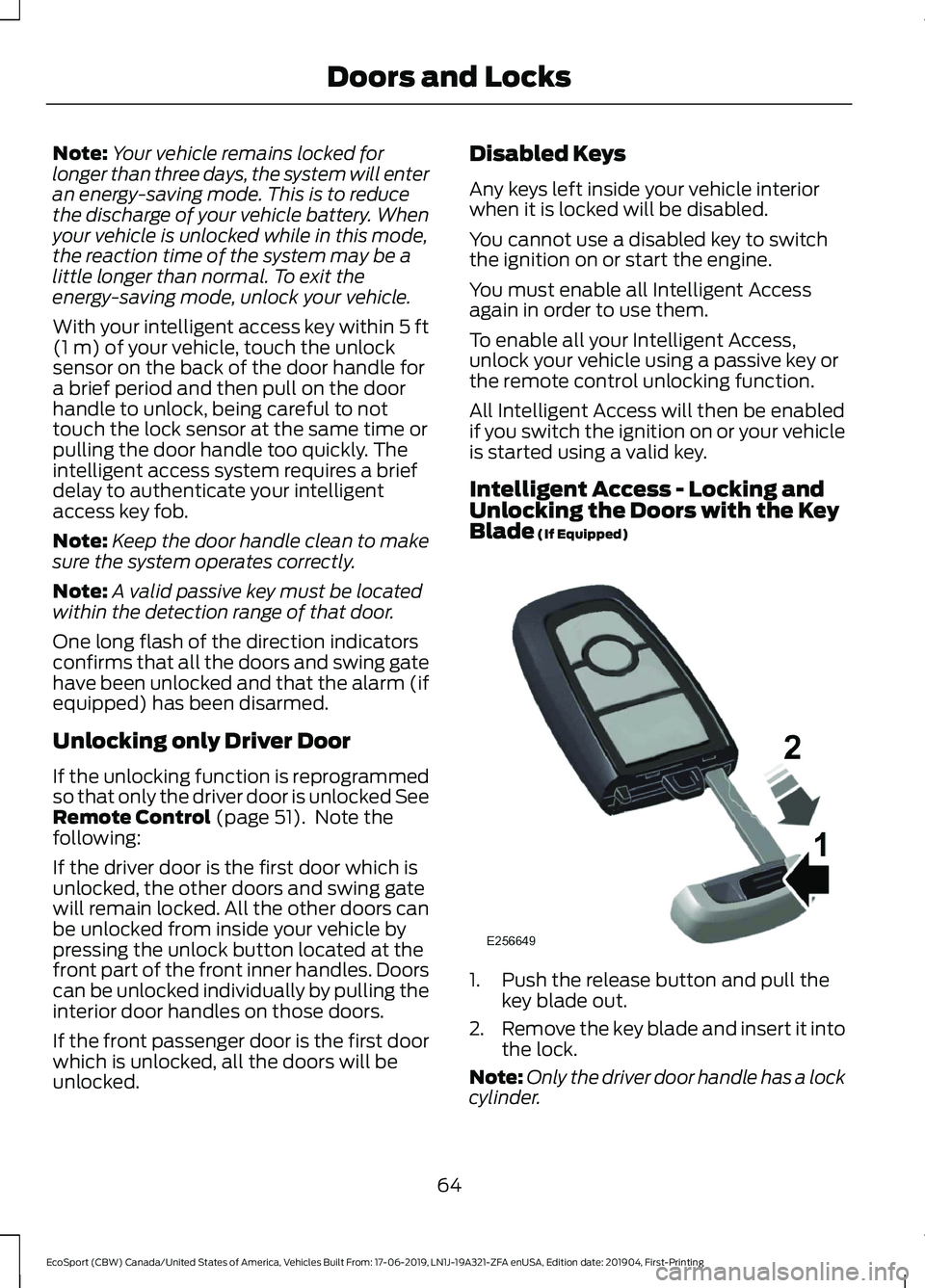
Intelligent Access - Locking andUnlocking the Doors with the KeyBlade (If Equipped)
1.Push the release button and pull thekey blade out.
2.Remove the key blade and insert it intothe lock.
Note:Only the driver door handle has a lockcylinder.
64
EcoSport (CBW) Canada/United States of America, Vehicles Built From: 17-06-2019, LN1J-19A321-ZFA enUSA, Edition date: 201904, First-PrintingDoors and Locks
Page 78 of 448
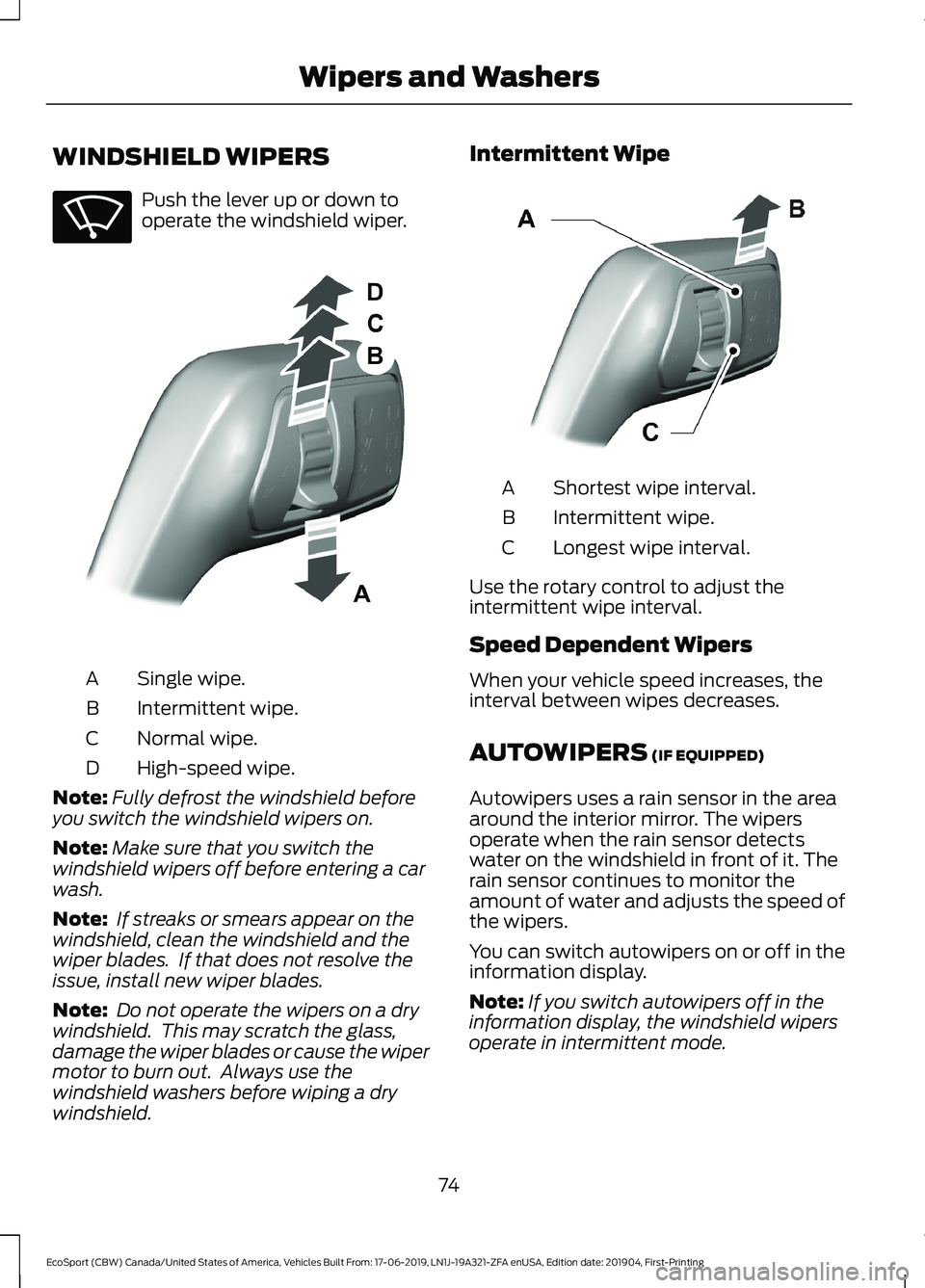
WINDSHIELD WIPERS
Push the lever up or down tooperate the windshield wiper.
Single wipe.A
Intermittent wipe.B
Normal wipe.C
High-speed wipe.D
Note:Fully defrost the windshield beforeyou switch the windshield wipers on.
Note:Make sure that you switch thewindshield wipers off before entering a carwash.
Note: If streaks or smears appear on thewindshield, clean the windshield and thewiper blades. If that does not resolve theissue, install new wiper blades.
Note: Do not operate the wipers on a drywindshield. This may scratch the glass,damage the wiper blades or cause the wipermotor to burn out. Always use thewindshield washers before wiping a drywindshield.
Intermittent Wipe
Shortest wipe interval.A
Intermittent wipe.B
Longest wipe interval.C
Use the rotary control to adjust theintermittent wipe interval.
Speed Dependent Wipers
When your vehicle speed increases, theinterval between wipes decreases.
AUTOWIPERS (IF EQUIPPED)
Autowipers uses a rain sensor in the areaaround the interior mirror. The wipersoperate when the rain sensor detectswater on the windshield in front of it. Therain sensor continues to monitor theamount of water and adjusts the speed ofthe wipers.
You can switch autowipers on or off in theinformation display.
Note:If you switch autowipers off in theinformation display, the windshield wipersoperate in intermittent mode.
74
EcoSport (CBW) Canada/United States of America, Vehicles Built From: 17-06-2019, LN1J-19A321-ZFA enUSA, Edition date: 201904, First-PrintingWipers and Washers
Page 95 of 448
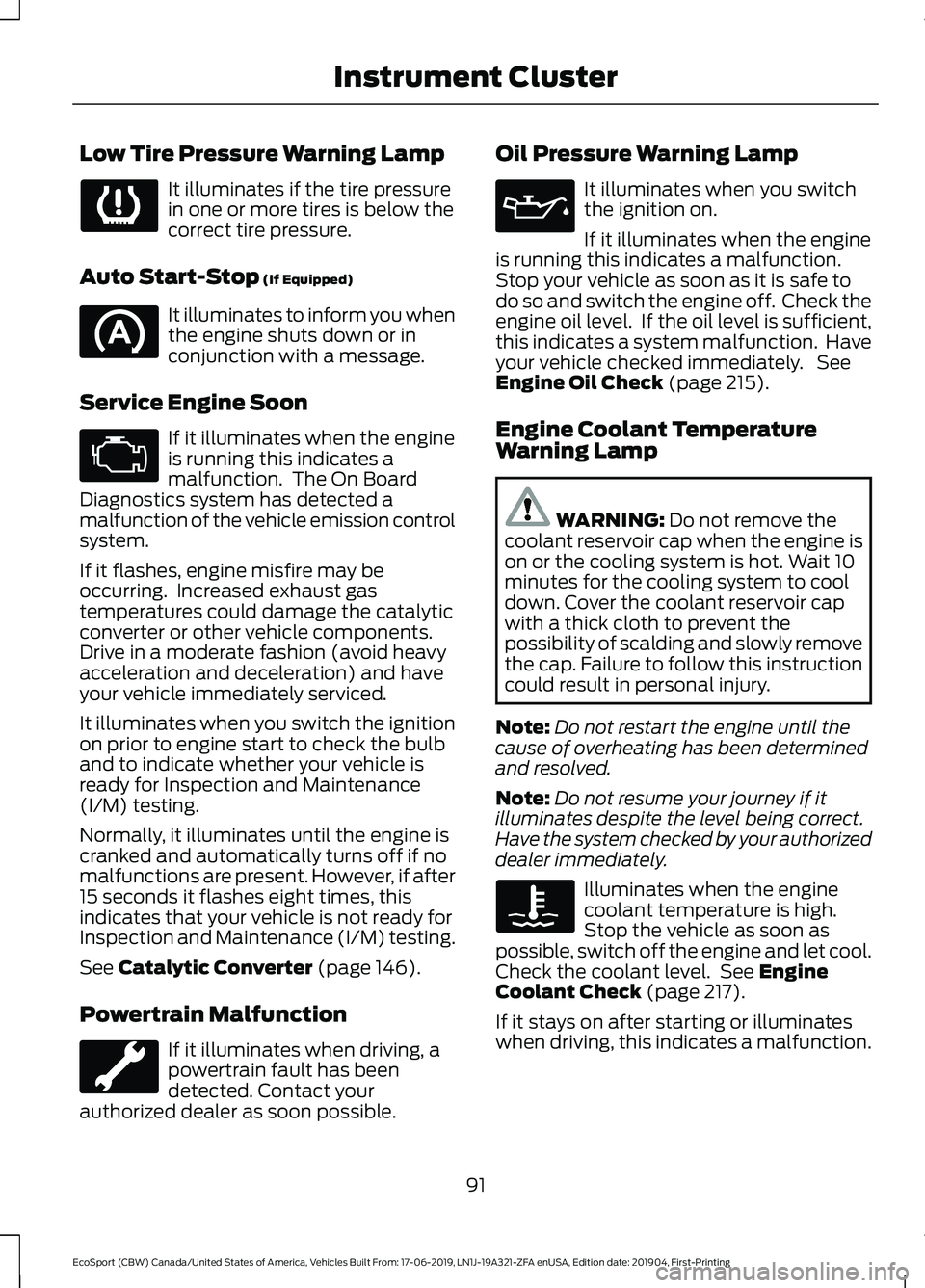
Low Tire Pressure Warning Lamp
It illuminates if the tire pressurein one or more tires is below thecorrect tire pressure.
Auto Start-Stop (If Equipped)
It illuminates to inform you whenthe engine shuts down or inconjunction with a message.
Service Engine Soon
If it illuminates when the engineis running this indicates amalfunction. The On BoardDiagnostics system has detected amalfunction of the vehicle emission controlsystem.
If it flashes, engine misfire may beoccurring. Increased exhaust gastemperatures could damage the catalyticconverter or other vehicle components.Drive in a moderate fashion (avoid heavyacceleration and deceleration) and haveyour vehicle immediately serviced.
It illuminates when you switch the ignitionon prior to engine start to check the bulband to indicate whether your vehicle isready for Inspection and Maintenance(I/M) testing.
Normally, it illuminates until the engine iscranked and automatically turns off if nomalfunctions are present. However, if after15 seconds it flashes eight times, thisindicates that your vehicle is not ready forInspection and Maintenance (I/M) testing.
See Catalytic Converter (page 146).
Powertrain Malfunction
If it illuminates when driving, apowertrain fault has beendetected. Contact yourauthorized dealer as soon possible.
Oil Pressure Warning Lamp
It illuminates when you switchthe ignition on.
If it illuminates when the engineis running this indicates a malfunction.Stop your vehicle as soon as it is safe todo so and switch the engine off. Check theengine oil level. If the oil level is sufficient,this indicates a system malfunction. Haveyour vehicle checked immediately. SeeEngine Oil Check (page 215).
Engine Coolant TemperatureWarning Lamp
WARNING: Do not remove thecoolant reservoir cap when the engine ison or the cooling system is hot. Wait 10minutes for the cooling system to cooldown. Cover the coolant reservoir capwith a thick cloth to prevent thepossibility of scalding and slowly removethe cap. Failure to follow this instructioncould result in personal injury.
Note:Do not restart the engine until thecause of overheating has been determinedand resolved.
Note:Do not resume your journey if itilluminates despite the level being correct.Have the system checked by your authorizeddealer immediately.
Illuminates when the enginecoolant temperature is high.Stop the vehicle as soon aspossible, switch off the engine and let cool.Check the coolant level. See EngineCoolant Check (page 217).
If it stays on after starting or illuminateswhen driving, this indicates a malfunction.
91
EcoSport (CBW) Canada/United States of America, Vehicles Built From: 17-06-2019, LN1J-19A321-ZFA enUSA, Edition date: 201904, First-PrintingInstrument Cluster
Page 96 of 448
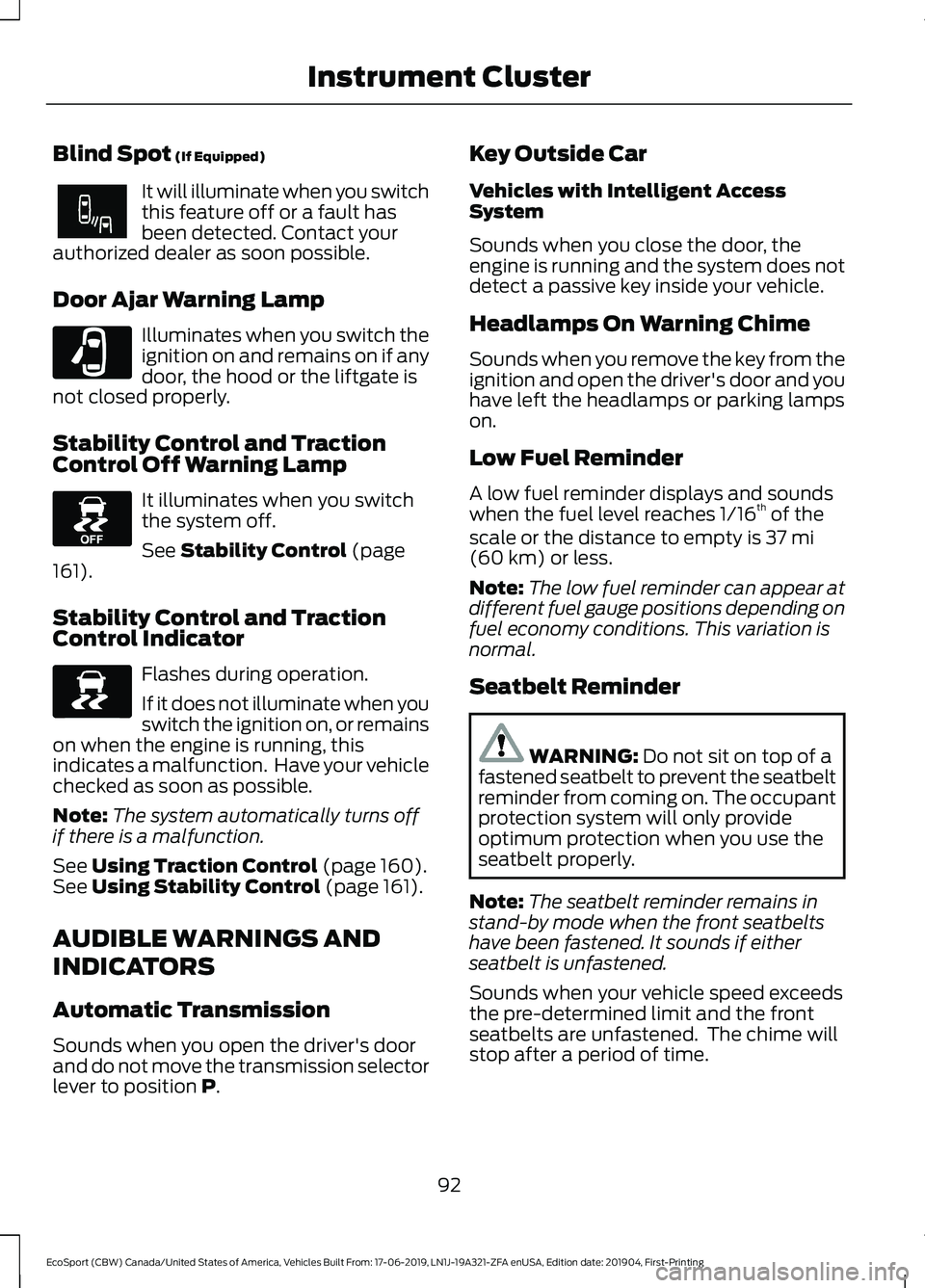
Blind Spot (If Equipped)
It will illuminate when you switchthis feature off or a fault hasbeen detected. Contact yourauthorized dealer as soon possible.
Door Ajar Warning Lamp
Illuminates when you switch theignition on and remains on if anydoor, the hood or the liftgate isnot closed properly.
Stability Control and TractionControl Off Warning Lamp
It illuminates when you switchthe system off.
See Stability Control (page161).
Stability Control and TractionControl Indicator
Flashes during operation.
If it does not illuminate when youswitch the ignition on, or remainson when the engine is running, thisindicates a malfunction. Have your vehiclechecked as soon as possible.
Note:The system automatically turns offif there is a malfunction.
See Using Traction Control (page 160).See Using Stability Control (page 161).
AUDIBLE WARNINGS AND
INDICATORS
Automatic Transmission
Sounds when you open the driver's doorand do not move the transmission selectorlever to position P.
Key Outside Car
Vehicles with Intelligent AccessSystem
Sounds when you close the door, theengine is running and the system does notdetect a passive key inside your vehicle.
Headlamps On Warning Chime
Sounds when you remove the key from theignition and open the driver's door and youhave left the headlamps or parking lampson.
Low Fuel Reminder
A low fuel reminder displays and soundswhen the fuel level reaches 1/16th of thescale or the distance to empty is 37 mi(60 km) or less.
Note:The low fuel reminder can appear atdifferent fuel gauge positions depending onfuel economy conditions. This variation isnormal.
Seatbelt Reminder
WARNING: Do not sit on top of afastened seatbelt to prevent the seatbeltreminder from coming on. The occupantprotection system will only provideoptimum protection when you use theseatbelt properly.
Note:The seatbelt reminder remains instand-by mode when the front seatbeltshave been fastened. It sounds if eitherseatbelt is unfastened.
Sounds when your vehicle speed exceedsthe pre-determined limit and the frontseatbelts are unfastened. The chime willstop after a period of time.
92
EcoSport (CBW) Canada/United States of America, Vehicles Built From: 17-06-2019, LN1J-19A321-ZFA enUSA, Edition date: 201904, First-PrintingInstrument Cluster
Page 109 of 448
Vehicle Settings
ActionMessage
Your vehicle is in transport mode.Some features on your vehicle are not available. Haveyour vehicle checked as soon as possible.
Transport Mode Contact Dealer
105
EcoSport (CBW) Canada/United States of America, Vehicles Built From: 17-06-2019, LN1J-19A321-ZFA enUSA, Edition date: 201904, First-PrintingInformation Displays
Page 112 of 448
AUTOMATIC CLIMATE
CONTROL - VEHICLES WITH:
ELECTRONIC AUTOMATIC
TEMPERATURE CONTROL
(EATC)
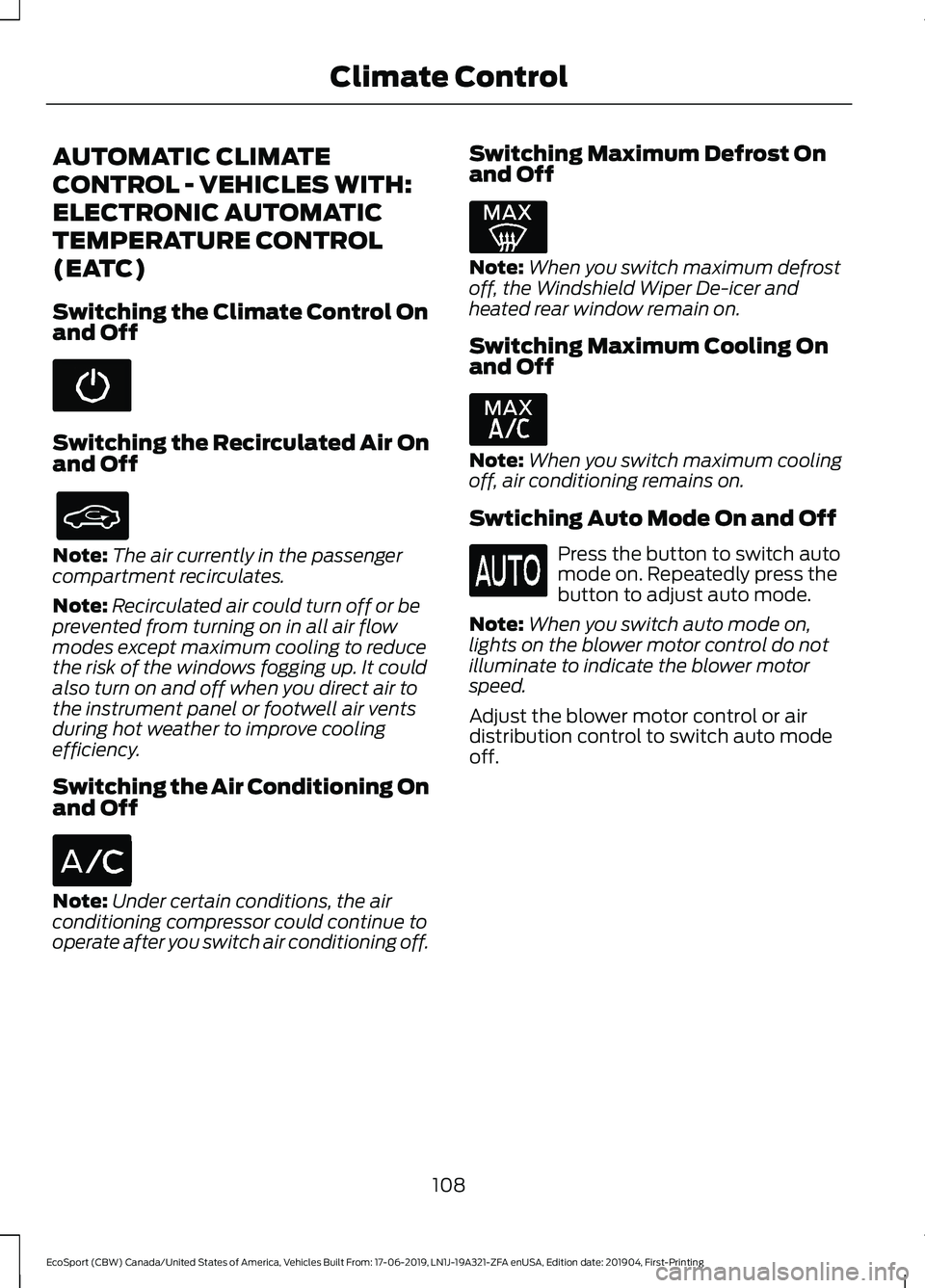
Switching the Climate Control Onand Off
Switching the Recirculated Air Onand Off
Note:The air currently in the passengercompartment recirculates.
Note:Recirculated air could turn off or beprevented from turning on in all air flowmodes except maximum cooling to reducethe risk of the windows fogging up. It couldalso turn on and off when you direct air tothe instrument panel or footwell air ventsduring hot weather to improve coolingefficiency.
Switching the Air Conditioning Onand Off
Note:Under certain conditions, the airconditioning compressor could continue tooperate after you switch air conditioning off.
Switching Maximum Defrost Onand Off
Note:When you switch maximum defrostoff, the Windshield Wiper De-icer andheated rear window remain on.
Switching Maximum Cooling Onand Off
Note:When you switch maximum coolingoff, air conditioning remains on.
Swtiching Auto Mode On and Off
Press the button to switch automode on. Repeatedly press thebutton to adjust auto mode.
Note:When you switch auto mode on,lights on the blower motor control do notilluminate to indicate the blower motorspeed.
Adjust the blower motor control or airdistribution control to switch auto modeoff.
108
EcoSport (CBW) Canada/United States of America, Vehicles Built From: 17-06-2019, LN1J-19A321-ZFA enUSA, Edition date: 201904, First-PrintingClimate Control
Page 113 of 448
Auto Mode Indicator Status
DescriptionAuto Mode IndicatorStatus
One indicator illumin-ated.•The blower motor speed is reduced.
•Use this setting to minimize the amount of noise fromthe blower motor.
•This setting increases the time taken to cool theinterior.
Two indicators illumin-ated.•The blower motor speed is moderate.
Three indicators illumin-ated.•The blower motor speed is increased.
•Use this setting to reduce the time taken to cool theinterior.
•This setting increases the amout of noise from theblower motor.
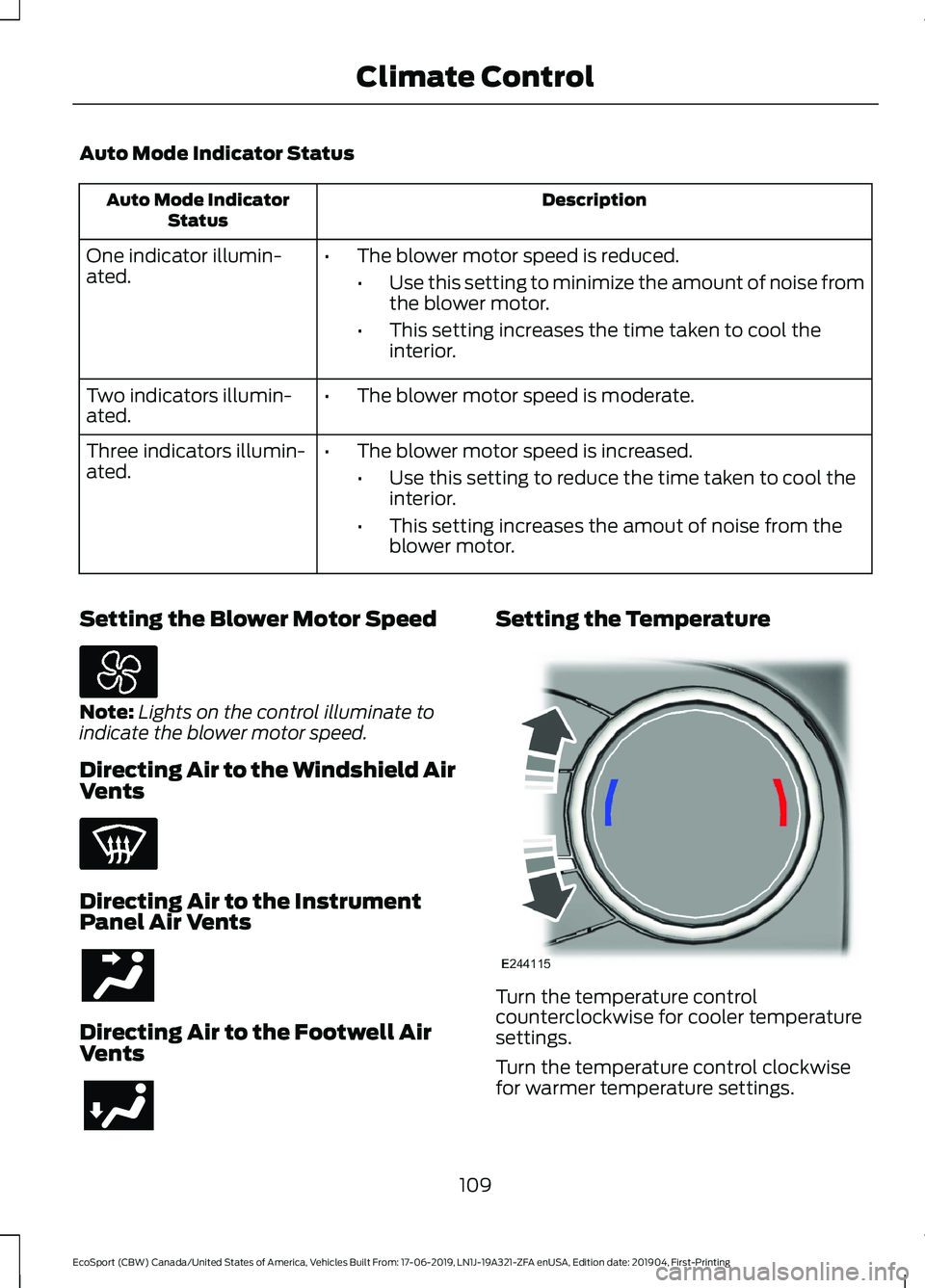
Setting the Blower Motor Speed
Note:Lights on the control illuminate toindicate the blower motor speed.
Directing Air to the Windshield AirVents
Directing Air to the InstrumentPanel Air Vents
Directing Air to the Footwell AirVents
Setting the Temperature
Turn the temperature controlcounterclockwise for cooler temperaturesettings.
Turn the temperature control clockwisefor warmer temperature settings.
109
EcoSport (CBW) Canada/United States of America, Vehicles Built From: 17-06-2019, LN1J-19A321-ZFA enUSA, Edition date: 201904, First-PrintingClimate Control
Page 114 of 448
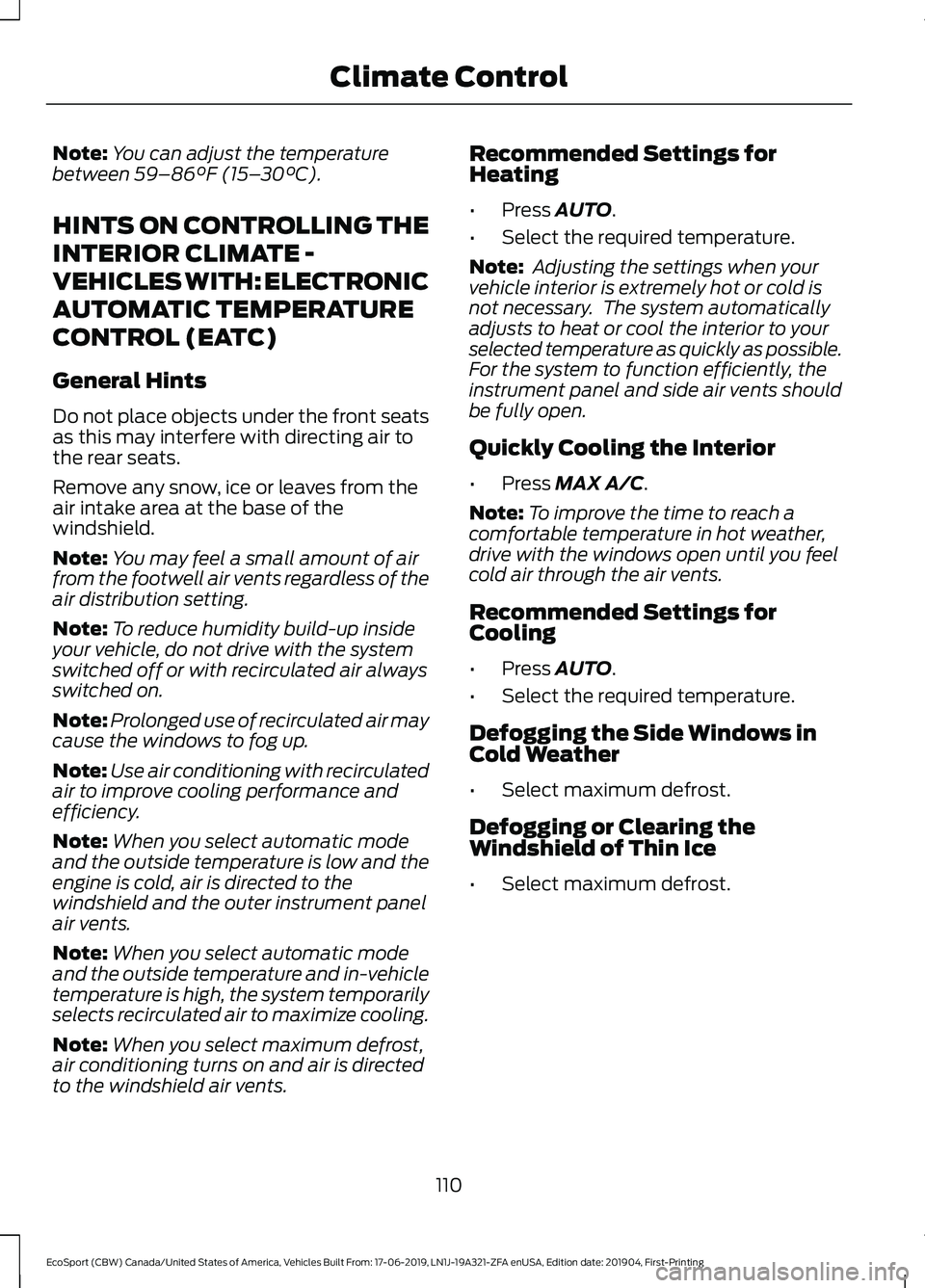
Note:You can adjust the temperaturebetween 59–86°F (15–30°C).
HINTS ON CONTROLLING THE
INTERIOR CLIMATE -
VEHICLES WITH: ELECTRONIC
AUTOMATIC TEMPERATURE
CONTROL (EATC)
General Hints
Do not place objects under the front seatsas this may interfere with directing air tothe rear seats.
Remove any snow, ice or leaves from theair intake area at the base of thewindshield.
Note:You may feel a small amount of airfrom the footwell air vents regardless of theair distribution setting.
Note:To reduce humidity build-up insideyour vehicle, do not drive with the systemswitched off or with recirculated air alwaysswitched on.
Note:Prolonged use of recirculated air maycause the windows to fog up.
Note:Use air conditioning with recirculatedair to improve cooling performance andefficiency.
Note:When you select automatic modeand the outside temperature is low and theengine is cold, air is directed to thewindshield and the outer instrument panelair vents.
Note:When you select automatic modeand the outside temperature and in-vehicletemperature is high, the system temporarilyselects recirculated air to maximize cooling.
Note:When you select maximum defrost,air conditioning turns on and air is directedto the windshield air vents.
Recommended Settings forHeating
•Press AUTO.
•Select the required temperature.
Note: Adjusting the settings when yourvehicle interior is extremely hot or cold isnot necessary. The system automaticallyadjusts to heat or cool the interior to yourselected temperature as quickly as possible.For the system to function efficiently, theinstrument panel and side air vents shouldbe fully open.
Quickly Cooling the Interior
•Press MAX A/C.
Note:To improve the time to reach acomfortable temperature in hot weather,drive with the windows open until you feelcold air through the air vents.
Recommended Settings forCooling
•Press AUTO.
•Select the required temperature.
Defogging the Side Windows inCold Weather
•Select maximum defrost.
Defogging or Clearing theWindshield of Thin Ice
•Select maximum defrost.
110
EcoSport (CBW) Canada/United States of America, Vehicles Built From: 17-06-2019, LN1J-19A321-ZFA enUSA, Edition date: 201904, First-PrintingClimate Control
Page 117 of 448
•The alarm horn is sounding.
•The hood is open.
•The transmission is not in park (P).
Setting Remote Start to Active
1.Using the information display controlson the steering wheel, select Settings.
2.Select Vehicle Settings.
3.Select Remote Start.
4.Switch System on.
Note:You have to enable the modem usingthe FordPass app to use remote start. SeeGeneral Information (page 319).
Remotely Starting the Engine
WARNING: To avoid exhaustfumes, do not use remote start if yourvehicle is parked indoors or in areas thatare not well ventilated.
Use the FordPass app to start the engine.
Note:The direction indicators flash twice.
Note:The parking lamps turn on when theengine is running.
Note:The horn sounds if the system failsto start.
Note:You must switch on the ignitionbefore driving your vehicle.
Extending the Vehicle Run Time
To extend the engine running time durationof your vehicle during remote start, repeatthe activation using FordPass app whilethe engine is running. If you programmedthe duration to last 10 minutes, the second10 minutes will begin after what is left of
the first activation time. For example, ifyour vehicle had been running from the firstremote start for 5 minutes, your vehiclecontinues to run now for a total of 20minutes. You can extend the remote startup to a maximum of 30 minutes.
Remotely Stopping the Engine
Use the FordPass app to stop the engine.
Remote Start Settings
Use the information display to adjust theremote start settings.
Note:You cannot adjust the climate controlsettings when you have remotely startedthe engine.
Note:When you switch the ignition on, theclimate control system returns to the lastused settings.
Switching Auto On
1.Using the information display controlson the steering wheel, select Settings.
2.Select Vehicle Settings.
3.Select Remote Start.
4.Select Climate Control.
5.Switch Auto on.
Note:If you switch Auto on, the systemattempts to heat or cool the interior to 72°F(22°C).
Note:The heated windshield, heated rearwindow, heated mirrors, heated seats andheated steering wheel could turn on in coldweather.
Switching Last Settings On
1.Using the information display controlson the steering wheel, select Settings.
2.Select Vehicle Settings.
3.Select Remote Start.
4.Select Climate Control.
113
EcoSport (CBW) Canada/United States of America, Vehicles Built From: 17-06-2019, LN1J-19A321-ZFA enUSA, Edition date: 201904, First-PrintingClimate Control
Page 132 of 448
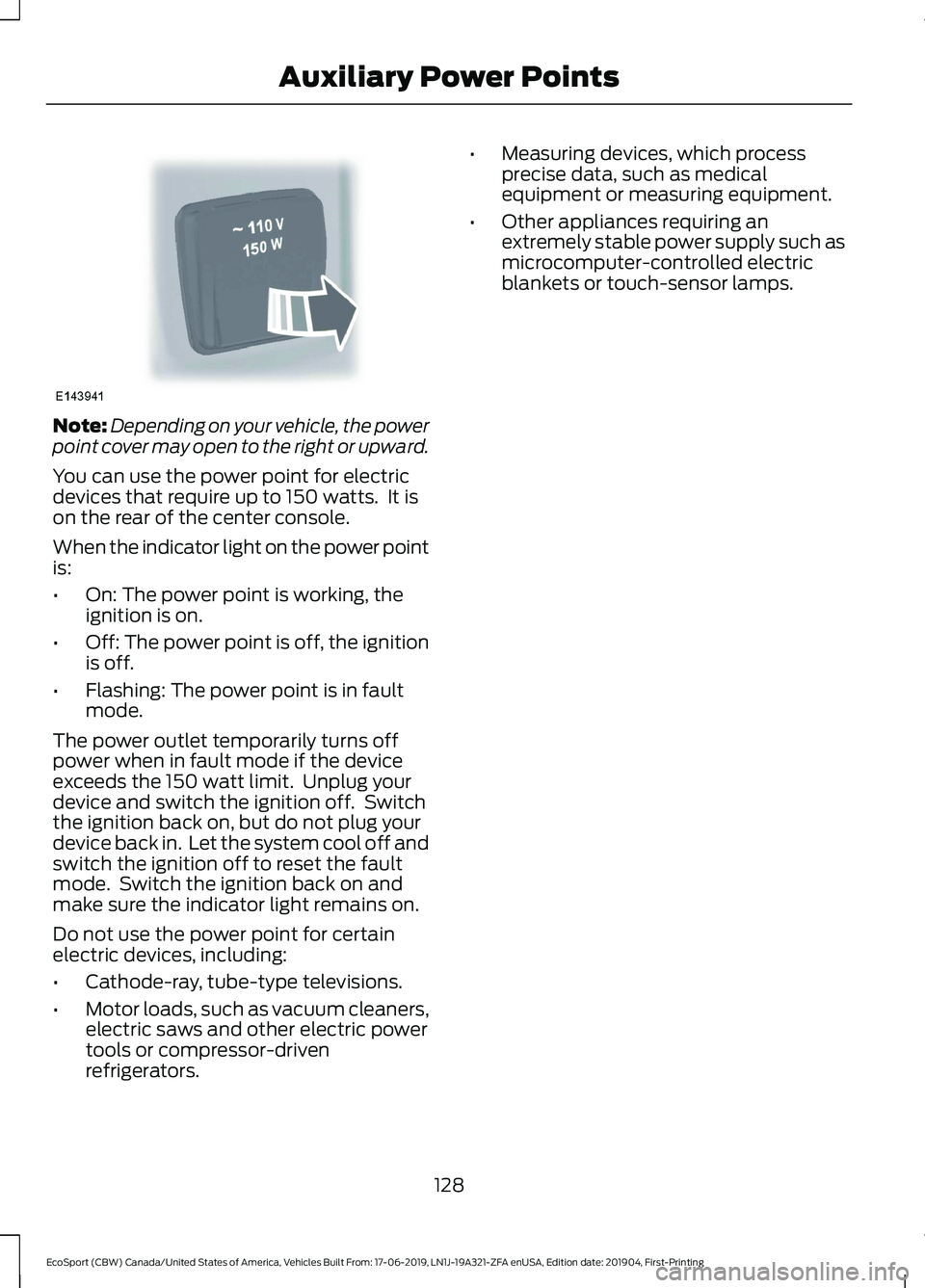
Note:Depending on your vehicle, the powerpoint cover may open to the right or upward.
You can use the power point for electricdevices that require up to 150 watts. It ison the rear of the center console.
When the indicator light on the power pointis:
•On: The power point is working, theignition is on.
•Off: The power point is off, the ignitionis off.
•Flashing: The power point is in faultmode.
The power outlet temporarily turns offpower when in fault mode if the deviceexceeds the 150 watt limit. Unplug yourdevice and switch the ignition off. Switchthe ignition back on, but do not plug yourdevice back in. Let the system cool off andswitch the ignition off to reset the faultmode. Switch the ignition back on andmake sure the indicator light remains on.
Do not use the power point for certainelectric devices, including:
•Cathode-ray, tube-type televisions.
•Motor loads, such as vacuum cleaners,electric saws and other electric powertools or compressor-drivenrefrigerators.
•Measuring devices, which processprecise data, such as medicalequipment or measuring equipment.
•Other appliances requiring anextremely stable power supply such asmicrocomputer-controlled electricblankets or touch-sensor lamps.
128
EcoSport (CBW) Canada/United States of America, Vehicles Built From: 17-06-2019, LN1J-19A321-ZFA enUSA, Edition date: 201904, First-PrintingAuxiliary Power Points