remote control FORD EDGE 2015 2.G Owner's Guide
[x] Cancel search | Manufacturer: FORD, Model Year: 2015, Model line: EDGE, Model: FORD EDGE 2015 2.GPages: 508, PDF Size: 6.2 MB
Page 205 of 508
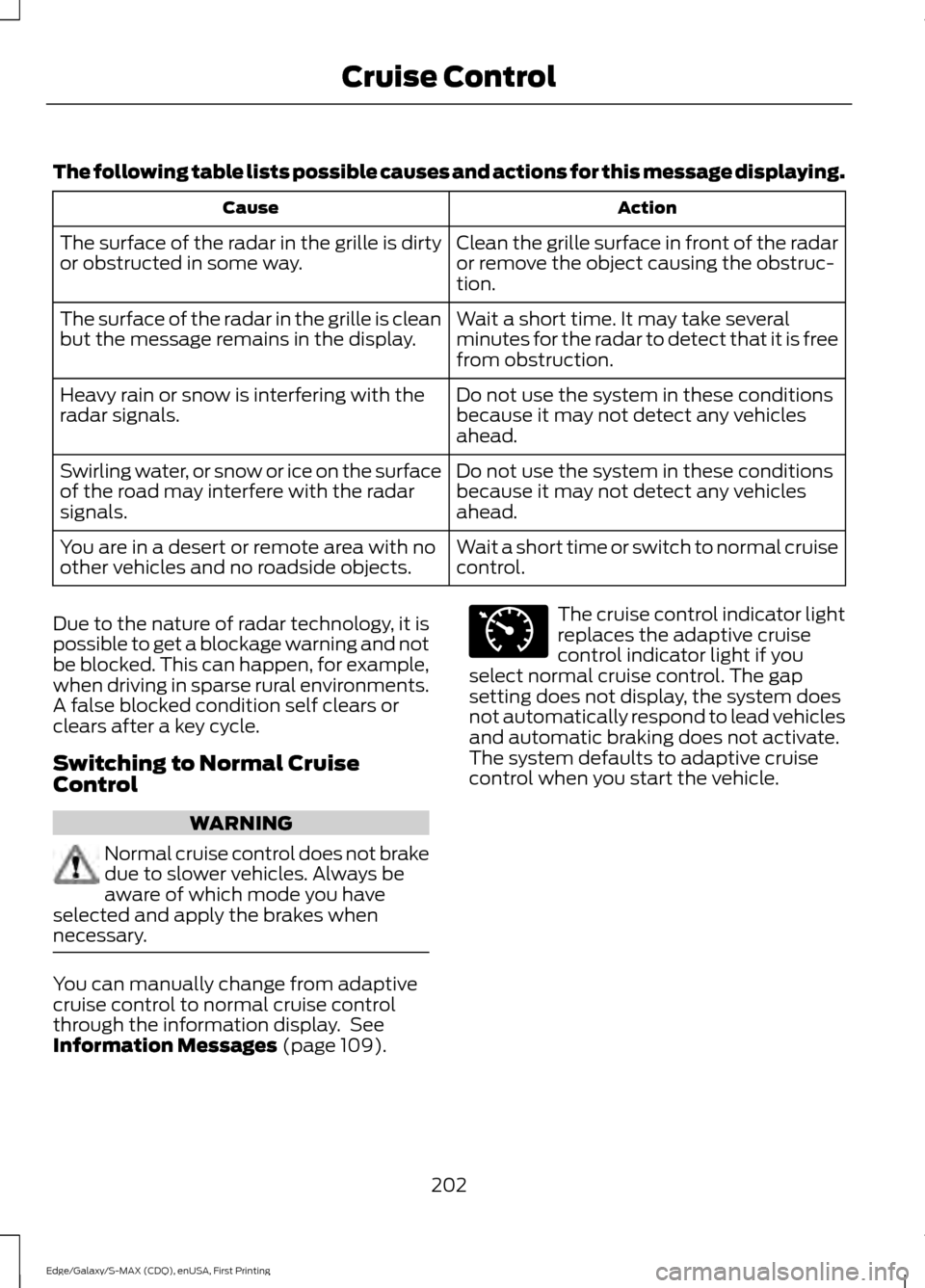
The following table lists possible causes and actions for this message displaying.
Action
Cause
Clean the grille surface in front of the radar
or remove the object causing the obstruc-
tion.
The surface of the radar in the grille is dirty
or obstructed in some way.
Wait a short time. It may take several
minutes for the radar to detect that it is free
from obstruction.
The surface of the radar in the grille is clean
but the message remains in the display.
Do not use the system in these conditions
because it may not detect any vehicles
ahead.
Heavy rain or snow is interfering with the
radar signals.
Do not use the system in these conditions
because it may not detect any vehicles
ahead.
Swirling water, or snow or ice on the surface
of the road may interfere with the radar
signals.
Wait a short time or switch to normal cruise
control.
You are in a desert or remote area with no
other vehicles and no roadside objects.
Due to the nature of radar technology, it is
possible to get a blockage warning and not
be blocked. This can happen, for example,
when driving in sparse rural environments.
A false blocked condition self clears or
clears after a key cycle.
Switching to Normal Cruise
Control WARNING
Normal cruise control does not brake
due to slower vehicles. Always be
aware of which mode you have
selected and apply the brakes when
necessary. You can manually change from adaptive
cruise control to normal cruise control
through the information display. See
Information Messages (page 109). The cruise control indicator light
replaces the adaptive cruise
control indicator light if you
select normal cruise control. The gap
setting does not display, the system does
not automatically respond to lead vehicles
and automatic braking does not activate.
The system defaults to adaptive cruise
control when you start the vehicle.
202
Edge/Galaxy/S-MAX (CDQ), enUSA, First Printing Cruise ControlE71340
Page 244 of 508
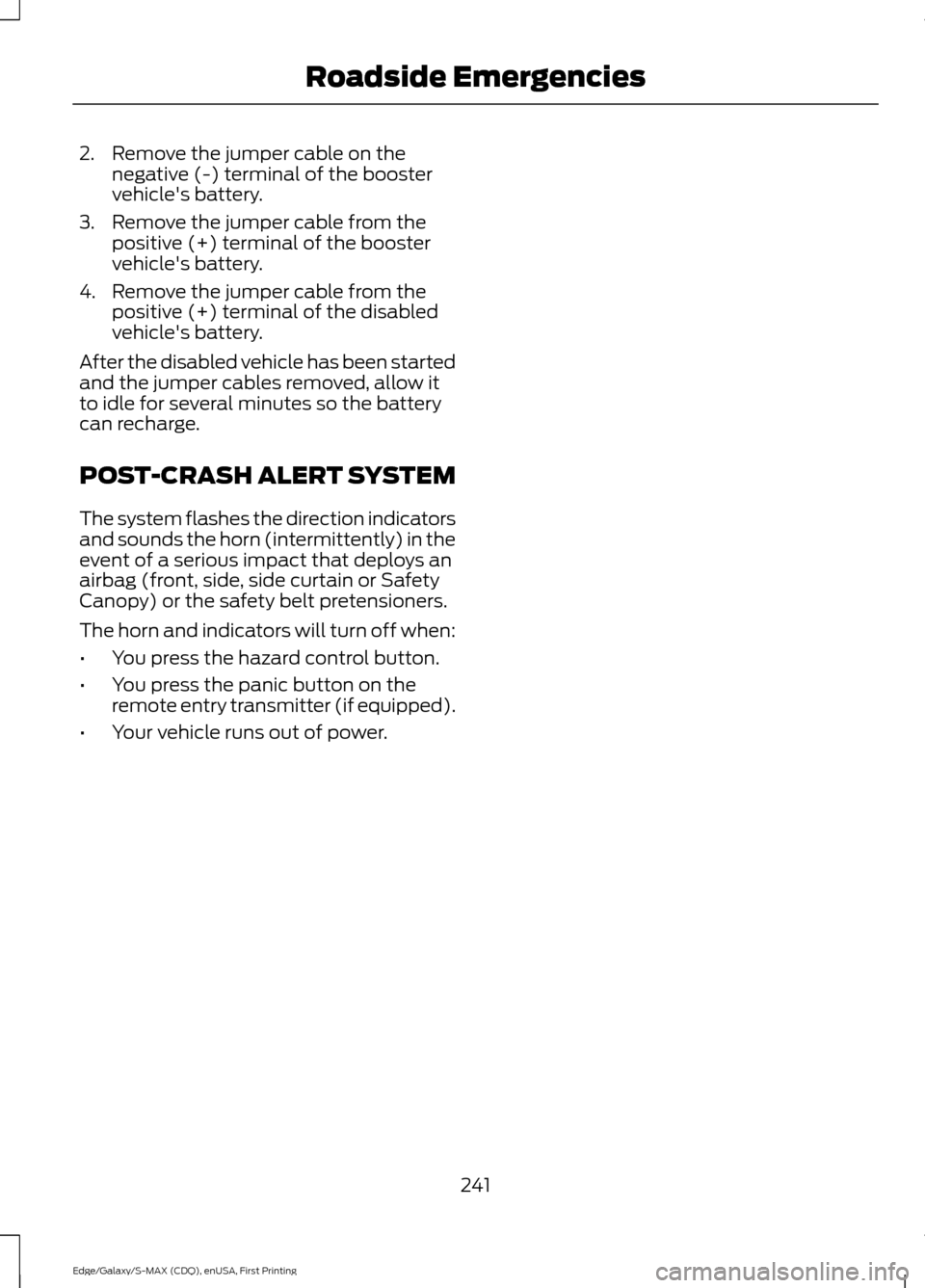
2. Remove the jumper cable on the
negative (-) terminal of the booster
vehicle's battery.
3. Remove the jumper cable from the positive (+) terminal of the booster
vehicle's battery.
4. Remove the jumper cable from the positive (+) terminal of the disabled
vehicle's battery.
After the disabled vehicle has been started
and the jumper cables removed, allow it
to idle for several minutes so the battery
can recharge.
POST-CRASH ALERT SYSTEM
The system flashes the direction indicators
and sounds the horn (intermittently) in the
event of a serious impact that deploys an
airbag (front, side, side curtain or Safety
Canopy) or the safety belt pretensioners.
The horn and indicators will turn off when:
• You press the hazard control button.
• You press the panic button on the
remote entry transmitter (if equipped).
• Your vehicle runs out of power.
241
Edge/Galaxy/S-MAX (CDQ), enUSA, First Printing Roadside Emergencies
Page 311 of 508
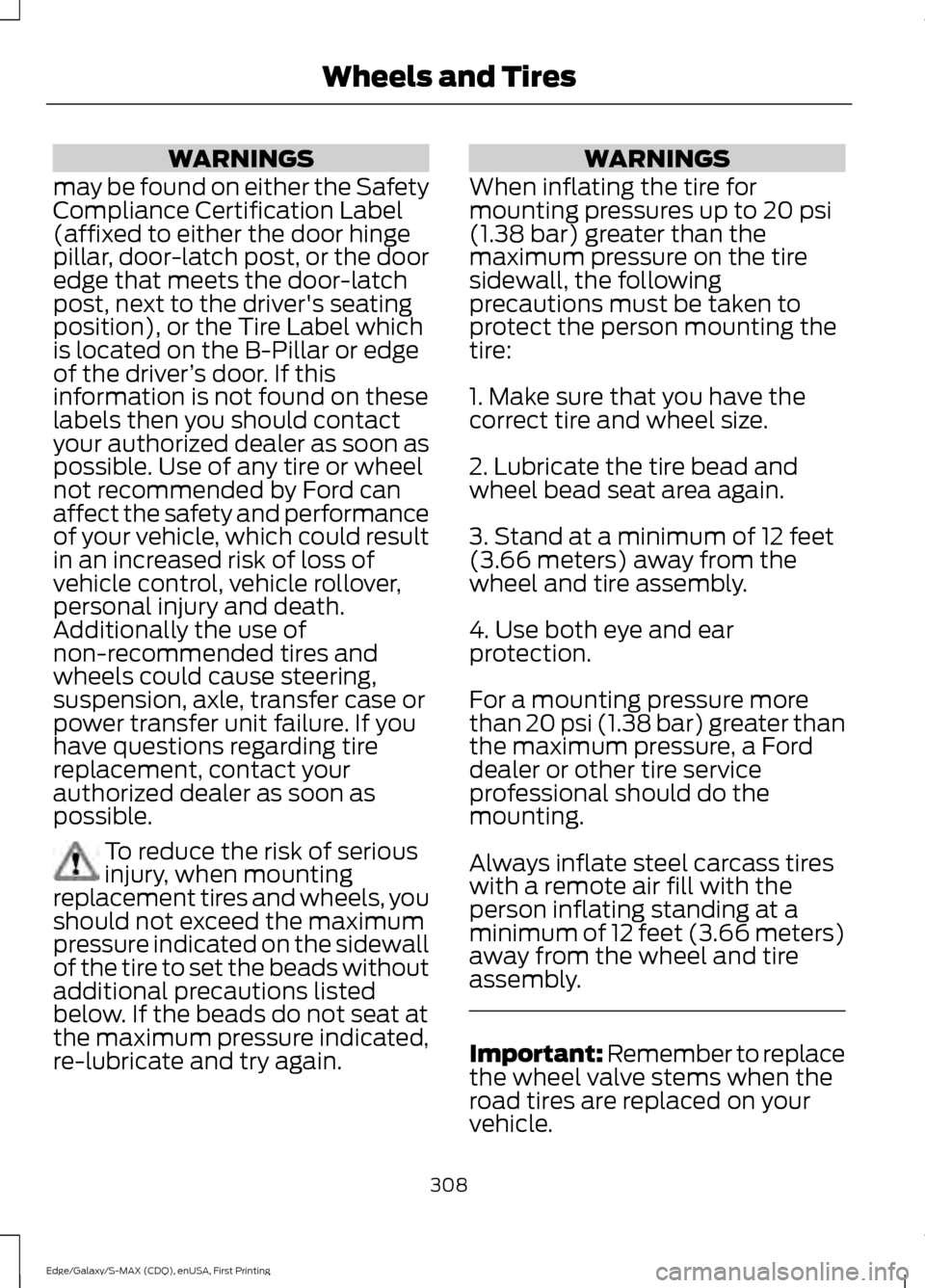
WARNINGS
may be found on either the Safety
Compliance Certification Label
(affixed to either the door hinge
pillar, door-latch post, or the door
edge that meets the door-latch
post, next to the driver's seating
position), or the Tire Label which
is located on the B-Pillar or edge
of the driver ’s door. If this
information is not found on these
labels then you should contact
your authorized dealer as soon as
possible. Use of any tire or wheel
not recommended by Ford can
affect the safety and performance
of your vehicle, which could result
in an increased risk of loss of
vehicle control, vehicle rollover,
personal injury and death.
Additionally the use of
non-recommended tires and
wheels could cause steering,
suspension, axle, transfer case or
power transfer unit failure. If you
have questions regarding tire
replacement, contact your
authorized dealer as soon as
possible. To reduce the risk of serious
injury, when mounting
replacement tires and wheels, you
should not exceed the maximum
pressure indicated on the sidewall
of the tire to set the beads without
additional precautions listed
below. If the beads do not seat at
the maximum pressure indicated,
re-lubricate and try again. WARNINGS
When inflating the tire for
mounting pressures up to 20 psi
(1.38 bar) greater than the
maximum pressure on the tire
sidewall, the following
precautions must be taken to
protect the person mounting the
tire:
1. Make sure that you have the
correct tire and wheel size.
2. Lubricate the tire bead and
wheel bead seat area again.
3. Stand at a minimum of 12 feet
(3.66 meters) away from the
wheel and tire assembly.
4. Use both eye and ear
protection.
For a mounting pressure more
than 20 psi (1.38 bar) greater than
the maximum pressure, a Ford
dealer or other tire service
professional should do the
mounting.
Always inflate steel carcass tires
with a remote air fill with the
person inflating standing at a
minimum of 12 feet (3.66 meters)
away from the wheel and tire
assembly. Important: Remember to replace
the wheel valve stems when the
road tires are replaced on your
vehicle.
308
Edge/Galaxy/S-MAX (CDQ), enUSA, First Printing Wheels and Tires
Page 502 of 508
Getting the Services You Need...............242
Away From Home.............................................. 242
Global Opening..............................................88
Opening the Windows....................................... 89
H
Hazard Warning Flashers.........................238
Headlamp Exit Delay....................................83
Head Restraints
.............................................133
Adjusting the Head Restraint......................... 134
Tilting Head Restraints .................................... 134
Heated Seats
.................................................140
Front Seats........................................................... 140
Rear Seats............................................................. 140
Heated Steering Wheel
................................77
Heated Windows and Mirrors...................131 Heated Exterior Mirror........................................ 131
Heated Rear Window......................................... 131
Heating See: Climate Control......................................... 124
Hill Start Assist
..............................................178
Switching the System On and Off................179
Using Hill Start Assist........................................ 179
Hints on Controlling the Interior Climate..........................................................129
Cooling the Interior Quickly............................ 130
General Hints....................................................... 129
Heating the Interior Quickly............................ 130
Recommended Settings for Cooling .........130
Recommended Settings for Heating..........130
Side Window Defogging in Cold Weather............................................................. 130
Hints on Driving With Anti-Lock Brakes.............................................................175
Hood Lock See: Opening and Closing the Hood..........258
I
Ignition Switch
...............................................150
In California (U.S. Only).............................243
Information Display Control........................77 Information Display Control Features...........77
Information Displays
..................................100
General Information......................................... 100Information....................................................430
911 Assist............................................................... 436
Alerts...................................................................... 436
Calendar............................................................... 436
Sirius Travel Link................................................ 433
SYNC Services (If Equipped, United States Only)................................................................. 430
Vehicle Health Report (If Equipped, United States Only)................................................... 438
Information Messages...............................109 Active Park............................................................. 110
Adaptive Cruise Control.................................... 110
Airbag........................................................................\
111
Alarm........................................................................\
. 111
All-Wheel Drive..................................................... 112
Automatic Engine Shutdown.......................... 112
Automatic High Beam Control....................... 112
Auto Start-Stop.................................................... 113
Battery and Charging System......................... 113
Blind Spot Information and Cross Traffic Alert System..................................................... 114
Doors and Locks................................................... 114
Driver Alert.............................................................. 115
Electronic Stability Control.............................. 115
Engine...................................................................... 115
Fuel........................................................................\
... 116
Hill Start Assist..................................................... 116
Keys and Keyless Entry...................................... 116
Lane Keeping System......................................... 117
Maintenance.......................................................... 117
MyKey....................................................................... 118
Park Aid................................................................... 119
Park Brake.............................................................. 119
Power Steering.................................................... 120
Pre-Collision Warning System....................... 120
Remote Start......................................................... 121
Seats........................................................................\
. 121
Starting System ................................................... 121
Tire Pressure Monitoring System................... 121
Towing..................................................................... 122
Traction Control................................................... 122
Transmission ......................................................... 122
Installing Child Seats.....................................16 Child Seats............................................................... 16
Using Lap and Shoulder Belts.......................... 17
Using Lower Anchors and Tethers for CHildren (LATCH)............................................. 21
Using Tether Straps............................................. 23
499
Edge/Galaxy/S-MAX (CDQ), enUSA, First Printing Index
Page 503 of 508
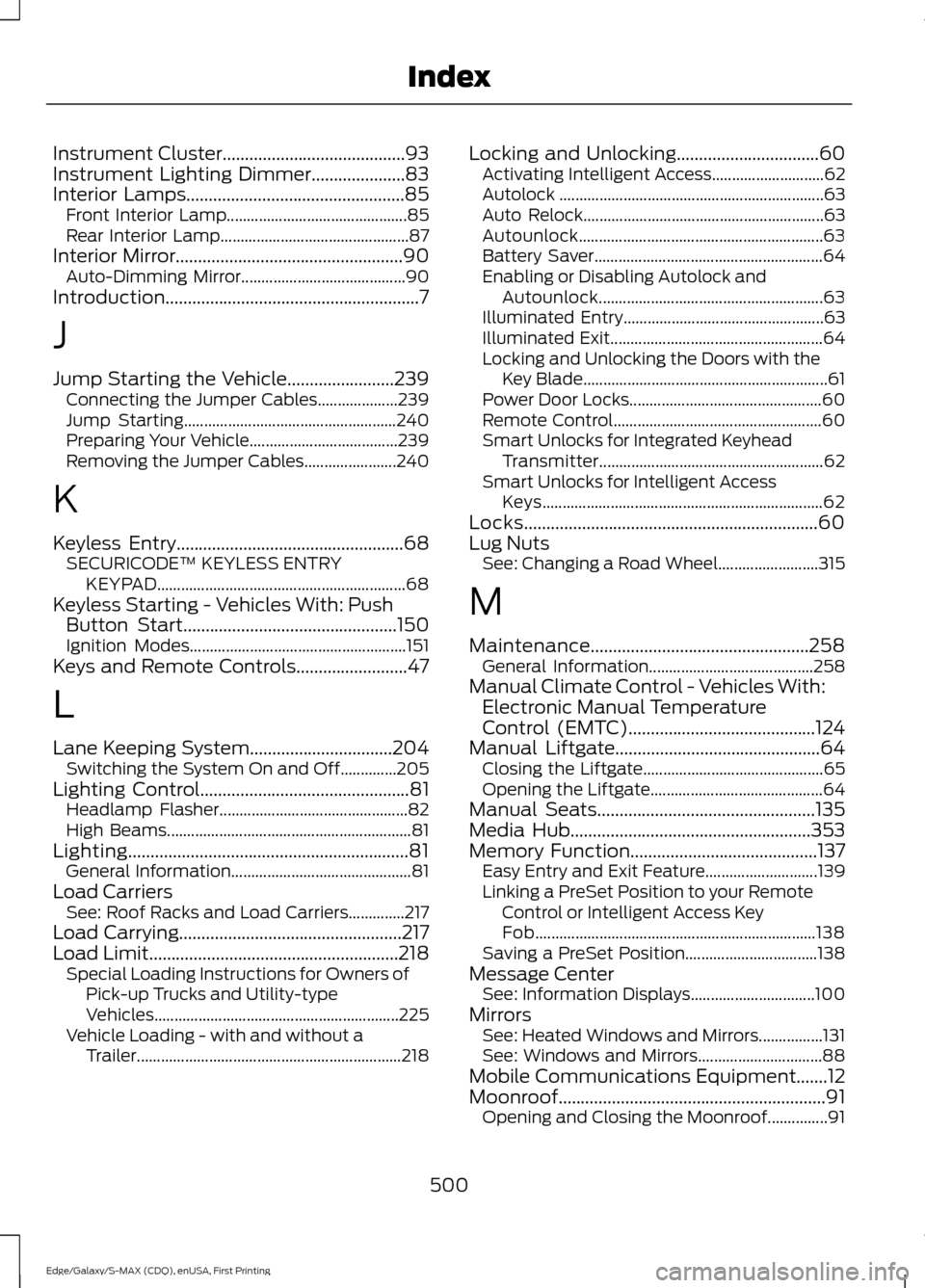
Instrument Cluster.........................................93
Instrument Lighting Dimmer.....................83
Interior Lamps
.................................................85
Front Interior Lamp............................................. 85
Rear Interior Lamp............................................... 87
Interior Mirror...................................................90 Auto-Dimming Mirror......................................... 90
Introduction.........................................................7
J
Jump Starting the Vehicle........................239 Connecting the Jumper Cables.................... 239
Jump Starting..................................................... 240
Preparing Your Vehicle..................................... 239
Removing the Jumper Cables....................... 240
K
Keyless Entry
...................................................68
SECURICODE™ KEYLESS ENTRY
KEYPAD.............................................................. 68
Keyless Starting - Vehicles With: Push Button Start................................................150
Ignition Modes...................................................... 151
Keys and Remote Controls.........................47
L
Lane Keeping System................................204 Switching the System On and Off..............205
Lighting Control
...............................................81
Headlamp Flasher............................................... 82
High Beams............................................................. 81
Lighting...............................................................81 General Information............................................. 81
Load Carriers See: Roof Racks and Load Carriers..............217
Load Carrying
..................................................217
Load Limit........................................................218 Special Loading Instructions for Owners of
Pick-up Trucks and Utility-type
Vehicles............................................................. 225
Vehicle Loading - with and without a Trailer.................................................................. 218Locking and Unlocking................................60
Activating Intelligent Access............................ 62
Autolock .................................................................. 63
Auto Relock............................................................ 63
Autounlock............................................................. 63
Battery Saver......................................................... 64
Enabling or Disabling Autolock and Autounlock........................................................ 63
Illuminated Entry.................................................. 63
Illuminated Exit..................................................... 64
Locking and Unlocking the Doors with the Key Blade............................................................. 61
Power Door Locks................................................ 60
Remote Control.................................................... 60
Smart Unlocks for Integrated Keyhead Transmitter........................................................ 62
Smart Unlocks for Intelligent Access Keys...................................................................... 62
Locks..................................................................60
Lug Nuts See: Changing a Road Wheel......................... 315
M
Maintenance.................................................258 General Information......................................... 258
Manual Climate Control - Vehicles With: Electronic Manual Temperature
Control (EMTC)
..........................................124
Manual Liftgate..............................................64 Closing the Liftgate............................................. 65
Opening the Liftgate........................................... 64
Manual Seats
.................................................135
Media Hub......................................................353
Memory Function
..........................................137
Easy Entry and Exit Feature............................ 139
Linking a PreSet Position to your Remote Control or Intelligent Access Key
Fob...................................................................... 138
Saving a PreSet Position................................. 138
Message Center See: Information Displays............................... 100
Mirrors See: Heated Windows and Mirrors................131
See: Windows and Mirrors............................... 88
Mobile Communications Equipment
.......12
Moonroof............................................................91 Opening and Closing the Moonroof...............91
500
Edge/Galaxy/S-MAX (CDQ), enUSA, First Printing Index
Page 505 of 508
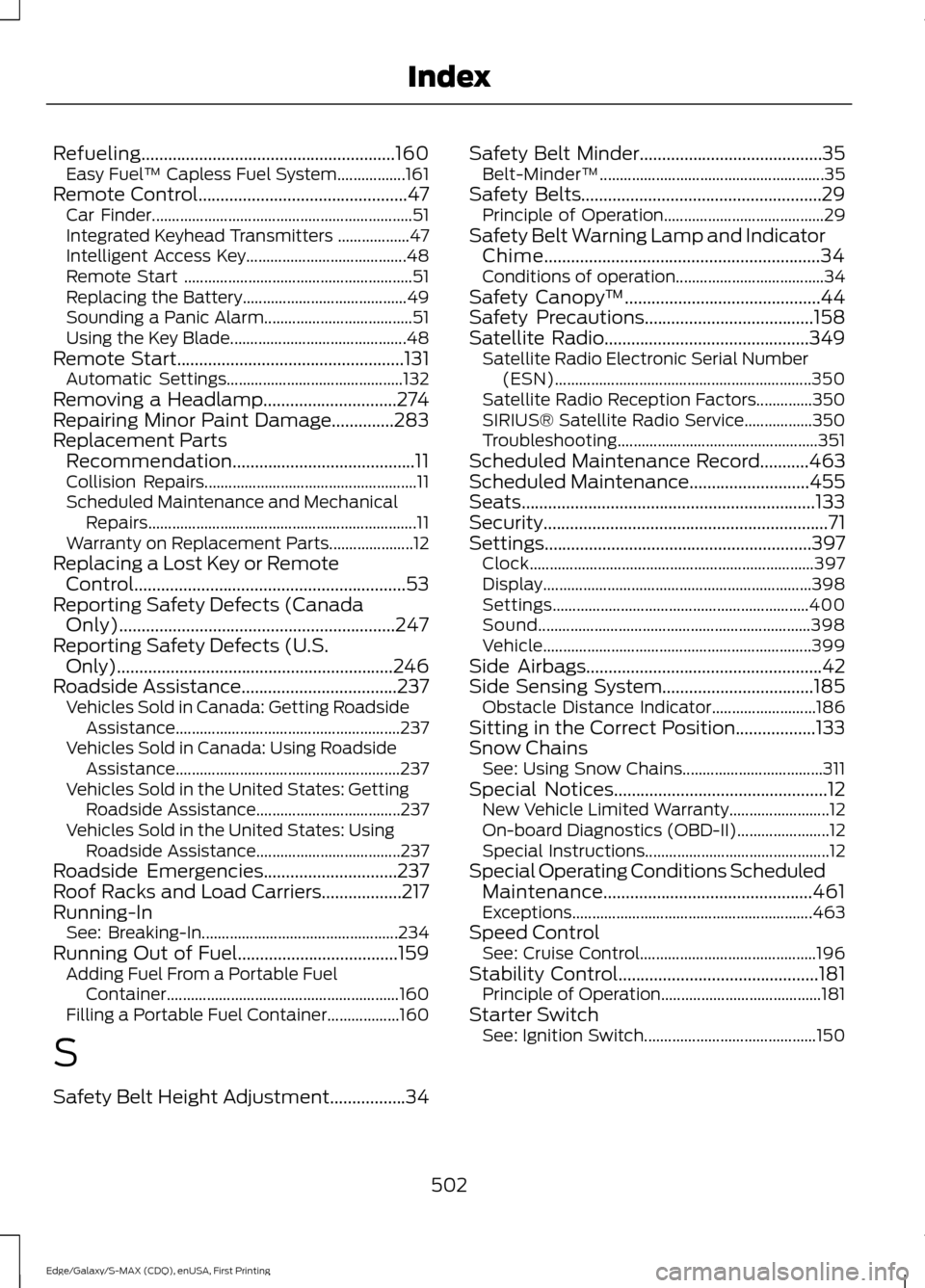
Refueling.........................................................160
Easy Fuel ™ Capless Fuel System.................161
Remote Control...............................................47 Car Finder................................................................. 51
Integrated Keyhead Transmitters .................. 47
Intelligent Access Key........................................ 48
Remote Start ......................................................... 51
Replacing the Battery......................................... 49
Sounding a Panic Alarm..................................... 51
Using the Key Blade............................................ 48
Remote Start...................................................131
Automatic Settings............................................ 132
Removing a Headlamp..............................274
Repairing Minor Paint Damage..............283
Replacement Parts Recommendation.........................................11
Collision Repairs..................................................... 11
Scheduled Maintenance and Mechanical Repairs................................................................... 11
Warranty on Replacement Parts..................... 12
Replacing a Lost Key or Remote Control.............................................................53
Reporting Safety Defects (Canada Only)..............................................................247
Reporting Safety Defects (U.S. Only)..............................................................246
Roadside Assistance...................................237 Vehicles Sold in Canada: Getting Roadside
Assistance........................................................ 237
Vehicles Sold in Canada: Using Roadside Assistance........................................................ 237
Vehicles Sold in the United States: Getting Roadside Assistance.................................... 237
Vehicles Sold in the United States: Using Roadside Assistance.................................... 237
Roadside Emergencies
..............................237
Roof Racks and Load Carriers..................217
Running-In See: Breaking-In................................................. 234
Running Out of Fuel....................................159 Adding Fuel From a Portable Fuel
Container.......................................................... 160
Filling a Portable Fuel Container.................. 160
S
Safety Belt Height Adjustment
.................34 Safety Belt Minder
.........................................35
Belt-Minder™........................................................ 35
Safety Belts
......................................................29
Principle of Operation........................................ 29
Safety Belt Warning Lamp and Indicator Chime..............................................................34
Conditions of operation..................................... 34
Safety Canopy ™
............................................44
Safety Precautions......................................158
Satellite Radio..............................................349 Satellite Radio Electronic Serial Number
(ESN)................................................................ 350
Satellite Radio Reception Factors..............350
SIRIUS® Satellite Radio Service.................350
Troubleshooting.................................................. 351
Scheduled Maintenance Record
...........463
Scheduled Maintenance...........................455
Seats..................................................................133
Security
................................................................71
Settings............................................................397 Clock....................................................................... 397
Display................................................................... 398
Settings................................................................ 400
Sound.................................................................... 398
Vehicle................................................................... 399
Side Airbags.....................................................42
Side Sensing System..................................185 Obstacle Distance Indicator.......................... 186
Sitting in the Correct Position..................133
Snow Chains See: Using Snow Chains................................... 311
Special Notices................................................12 New Vehicle Limited Warranty......................... 12
On-board Diagnostics (OBD-II)....................... 12
Special Instructions.............................................. 12
Special Operating Conditions Scheduled Maintenance...............................................461
Exceptions............................................................ 463
Speed Control See: Cruise Control............................................ 196
Stability Control
.............................................181
Principle of Operation........................................ 181
Starter Switch See: Ignition Switch........................................... 150
502
Edge/Galaxy/S-MAX (CDQ), enUSA, First Printing Index
Page 507 of 508
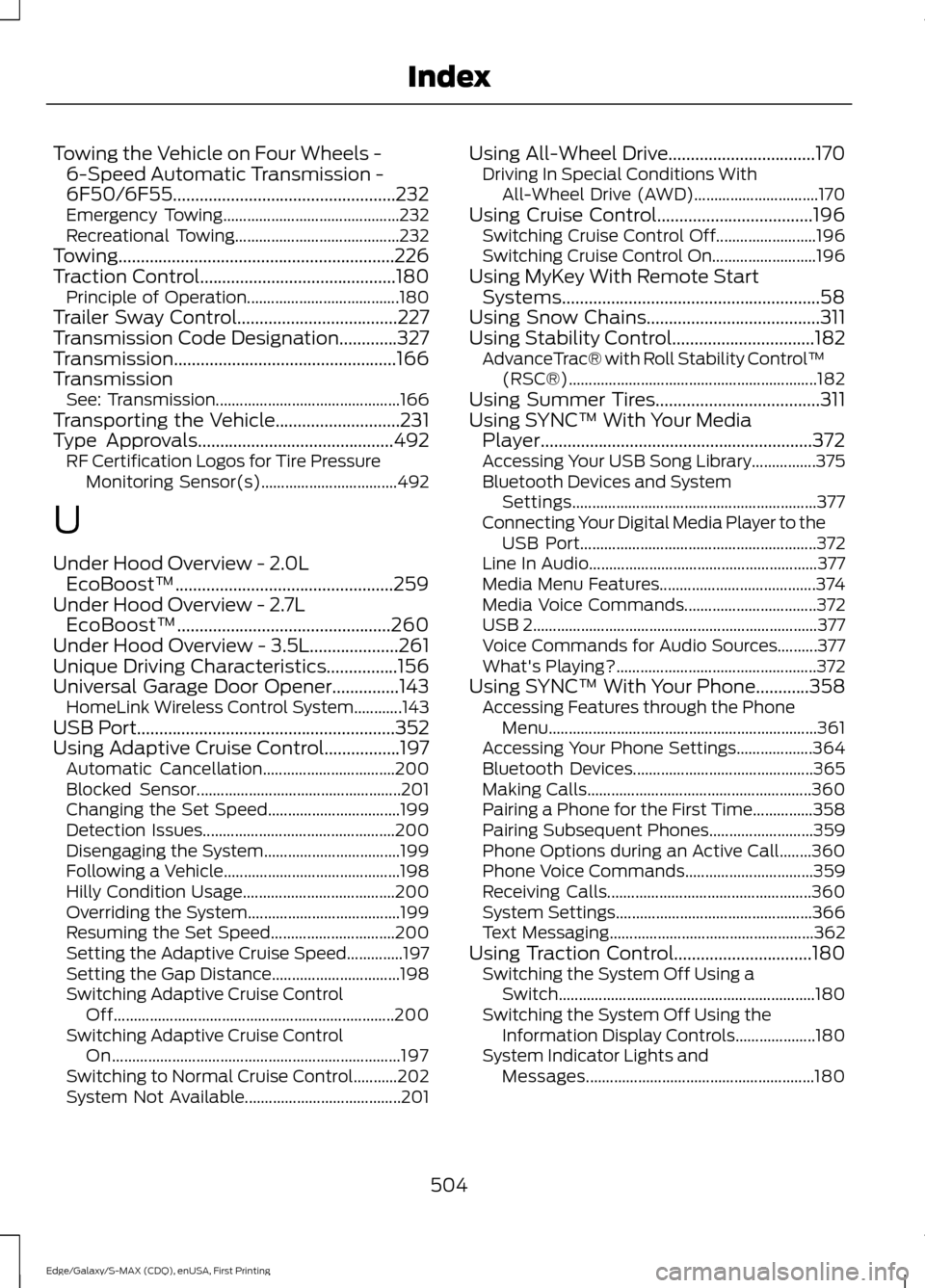
Towing the Vehicle on Four Wheels -
6-Speed Automatic Transmission -
6F50/6F55..................................................232
Emergency Towing............................................ 232
Recreational Towing......................................... 232
Towing..............................................................226
Traction Control............................................180 Principle of Operation...................................... 180
Trailer Sway Control....................................227
Transmission Code Designation.............327
Transmission..................................................166
Transmission See: Transmission.............................................. 166
Transporting the Vehicle............................231
Type Approvals
............................................492
RF Certification Logos for Tire Pressure
Monitoring Sensor(s).................................. 492
U
Under Hood Overview - 2.0L EcoBoost™.................................................259
Under Hood Overview - 2.7L EcoBoost™................................................260
Under Hood Overview - 3.5L....................261
Unique Driving Characteristics................156
Universal Garage Door Opener...............143 HomeLink Wireless Control System............143
USB Port..........................................................352
Using Adaptive Cruise Control.................197 Automatic Cancellation................................. 200
Blocked Sensor................................................... 201
Changing the Set Speed................................. 199
Detection Issues................................................ 200
Disengaging the System.................................. 199
Following a Vehicle............................................ 198
Hilly Condition Usage...................................... 200
Overriding the System...................................... 199
Resuming the Set Speed............................... 200
Setting the Adaptive Cruise Speed..............197
Setting the Gap Distance................................ 198
Switching Adaptive Cruise Control Off...................................................................... 200
Switching Adaptive Cruise Control On........................................................................\
197
Switching to Normal Cruise Control...........202
System Not Available....................................... 201Using All-Wheel Drive.................................170
Driving In Special Conditions With
All-Wheel Drive (AWD)............................... 170
Using Cruise Control...................................196 Switching Cruise Control Off......................... 196
Switching Cruise Control On.......................... 196
Using MyKey With Remote Start Systems..........................................................58
Using Snow Chains.......................................311
Using Stability Control................................182 AdvanceTrac® with Roll Stability Control ™
(RSC®).............................................................. 182
Using Summer Tires.....................................311
Using SYNC™ With Your Media Player.............................................................372
Accessing Your USB Song Library................375
Bluetooth Devices and System Settings............................................................. 377
Connecting Your Digital Media Player to the USB Port........................................................... 372
Line In Audio......................................................... 377
Media Menu Features....................................... 374
Media Voice Commands................................. 372
USB 2
....................................................................... 377
Voice Commands for Audio Sources..........377
What's Playing?.................................................. 372
Using SYNC™ With Your Phone
............358
Accessing Features through the Phone
Menu................................................................... 361
Accessing Your Phone Settings................... 364
Bluetooth Devices............................................. 365
Making Calls........................................................ 360
Pairing a Phone for the First Time...............358
Pairing Subsequent Phones.......................... 359
Phone Options during an Active Call........360
Phone Voice Commands................................ 359
Receiving Calls................................................... 360
System Settings................................................. 366
Text Messaging................................................... 362
Using Traction Control...............................180 Switching the System Off Using a
Switch................................................................ 180
Switching the System Off Using the Information Display Controls.................... 180
System Indicator Lights and Messages......................................................... 180
504
Edge/Galaxy/S-MAX (CDQ), enUSA, First Printing Index