lights FORD EDGE 2019 Owner's Manual
[x] Cancel search | Manufacturer: FORD, Model Year: 2019, Model line: EDGE, Model: FORD EDGE 2019Pages: 547, PDF Size: 40.86 MB
Page 313 of 547
•
After sealant use, an authorized dealer
must replace the tire pressure
monitoring system sensor and valve
stem on the wheel.
• Operating the kit could cause an
electrical disturbance in radio, CD and
DVD player operation. * When inflation only is required
for a tire or other objects, the
selector must be in the Air
position.
What to do When a Tire Is
Punctured
You can repair a tire puncture within the
tire's tread area in two stages with the kit.
• In the first stage, inflate the tire with a
sealing compound and air. After you
inflate the tire, you will need to drive
the vehicle a short distance 4 mi
(6 km) to distribute the sealant in the
tire.
• In the second stage, check the tire
pressure and adjust, if necessary, to the
vehicle's specified tire inflation
pressure.
First Stage: Inflating the Tire with
Sealing Compound and Air WARNING:
Do not stand directly
over the kit while inflating the tire. If you
notice any unusual bulges or
deformations in the tire's sidewall during
inflation, stop and call roadside
assistance. WARNING:
If the tire does not
inflate to the recommended tire pressure
within 15 minutes, stop and call roadside
assistance. WARNING: Do not run the engine
when operating the air compressor
unless the vehicle is outdoors or in a
well-ventilated area.
Preparation: Park the vehicle in a safe, level
and secure area, away from moving traffic.
Switch the hazard lights on. Apply the
parking brake and switch the engine off.
Inspect the flat tire for visible damage.
Sealant compound contains latex. Use
appropriate precautions to avoid any
allergic reactions.
Do not remove any foreign object that has
pierced the tire. If a puncture is in the tire
sidewall, stop and call roadside assistance.
1. Remove the valve cap from the tire valve.
2. Unwrap the dual purpose hose (black tube) from the back of the compressor
housing.
3. Fasten the hose to the tire valve by turning the connector clockwise.
Tighten the connection securely.
310
Edge (CDQ) Canada/United States of America, enUSA, Edition date: 201806, Third-Printing- Wheels and TiresE175978
Page 433 of 547
3D city models are complete 3D models
of entire city areas including navigable
roads, parks, rivers and rendered buildings.
3D landmarks and city models appear in
3D map mode only. Coverage of these
varies and improves with updated map
releases.
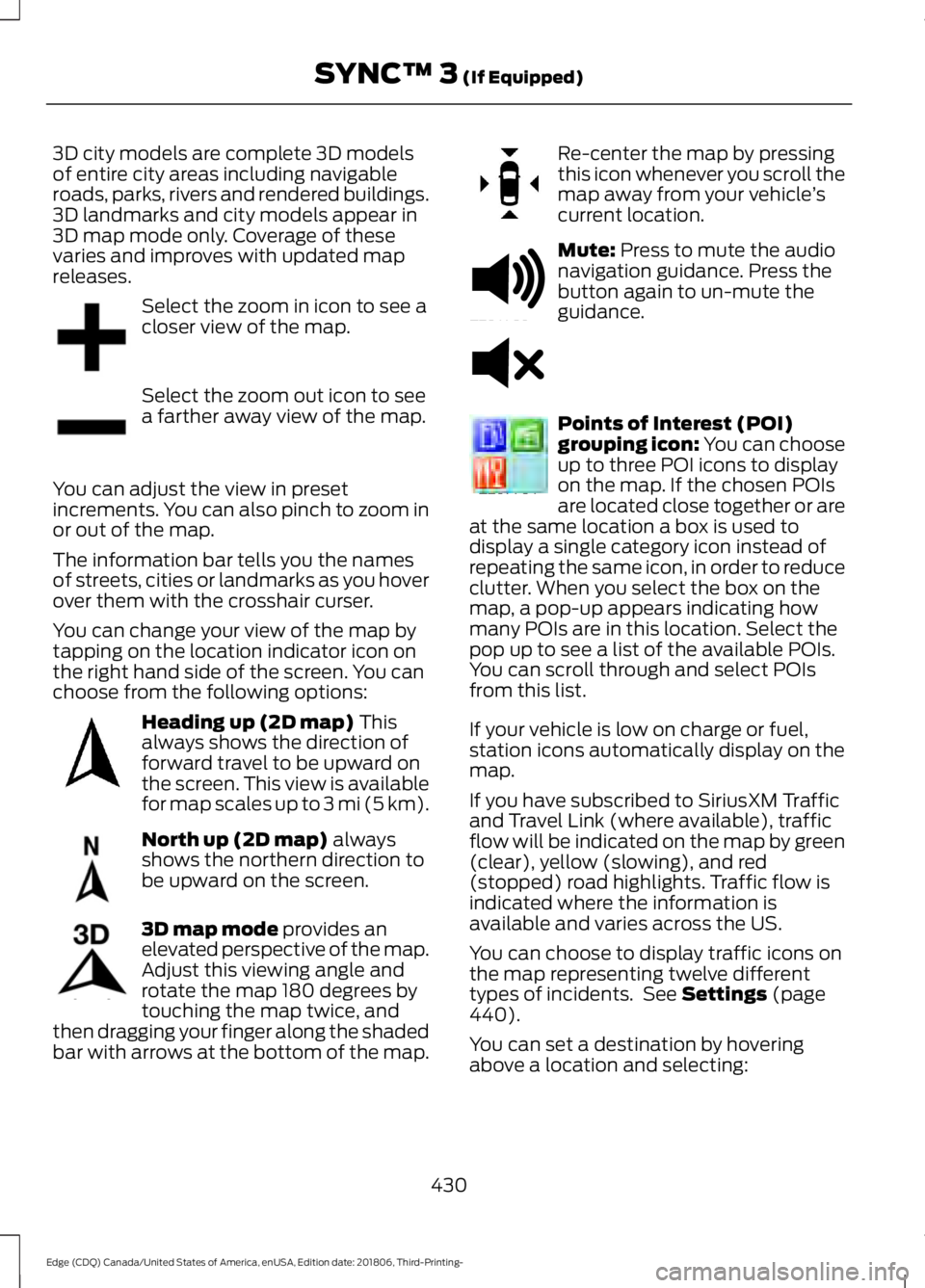
Select the zoom in icon to see a
closer view of the map.
Select the zoom out icon to see
a farther away view of the map.
You can adjust the view in preset
increments. You can also pinch to zoom in
or out of the map.
The information bar tells you the names
of streets, cities or landmarks as you hover
over them with the crosshair curser.
You can change your view of the map by
tapping on the location indicator icon on
the right hand side of the screen. You can
choose from the following options: Heading up (2D map) This
always shows the direction of
forward travel to be upward on
the screen. This view is available
for map scales up to
3 mi (5 km). North up (2D map)
always
shows the northern direction to
be upward on the screen. 3D map mode
provides an
elevated perspective of the map.
Adjust this viewing angle and
rotate the map 180 degrees by
touching the map twice, and
then dragging your finger along the shaded
bar with arrows at the bottom of the map. Re-center the map by pressing
this icon whenever you scroll the
map away from your vehicle
’s
current location. Mute:
Press to mute the audio
navigation guidance. Press the
button again to un-mute the
guidance. Points of Interest (POI)
grouping icon: You can choose
up to three POI icons to display
on the map. If the chosen POIs
are located close together or are
at the same location a box is used to
display a single category icon instead of
repeating the same icon, in order to reduce
clutter. When you select the box on the
map, a pop-up appears indicating how
many POIs are in this location. Select the
pop up to see a list of the available POIs.
You can scroll through and select POIs
from this list.
If your vehicle is low on charge or fuel,
station icons automatically display on the
map.
If you have subscribed to SiriusXM Traffic
and Travel Link (where available), traffic
flow will be indicated on the map by green
(clear), yellow (slowing), and red
(stopped) road highlights. Traffic flow is
indicated where the information is
available and varies across the US.
You can choose to display traffic icons on
the map representing twelve different
types of incidents. See
Settings (page
440).
You can set a destination by hovering
above a location and selecting:
430
Edge (CDQ) Canada/United States of America, enUSA, Edition date: 201806, Third-Printing- SYNC™ 3
(If Equipped)E207752 E207753 E207750 E207749 E207748 E207751 E251780 E251779 E207754
Page 476 of 547
When the oil change message appears in
the information display, it is time for an oil
change. Make sure you perform the oil
change within two weeks or 500 mi
(800 km) of the message appearing. Make
sure you reset the Intelligent Oil-Life
Monitor after each oil change. See
Oil
Change Indicator Reset (page 285).
If your information display resets
prematurely or becomes inoperative, you
should perform the oil change interval at
six months or
5,000 mi (8,000 km) from
your last oil change. Never exceed one year
or
10,000 mi (16,000 km) between oil
change intervals,
Your vehicle is very sophisticated and built
with multiple, complex, performance
systems. Every manufacturer develops
these systems using different
specifications and performance features.
That is why it is important to rely upon your
dealership to properly diagnose and repair
your vehicle.
We have recommended maintenance
intervals for various parts and component
systems based upon engineering testing.
We rely upon this testing to determine the
most appropriate mileage for replacement
of oils and fluids to protect your vehicle at
the lowest overall cost to you and
recommends against maintenance
schedules that deviate from the scheduled
maintenance information.
We strongly recommend the use of only
genuine Ford, Motorcraft or
Ford-authorized re-manufactured
replacement parts engineered for your
vehicle. Additives and Chemicals
This owner's manual and the our
Workshop Manual list the recommended
additives and chemicals for your vehicle.
We do not recommend using chemicals or
additives not approved by us as part of
your vehicle
’s normal maintenance. Please
consult your warranty information.
Oils, Fluids and Flushing
In many cases, fluid discoloration is a
normal operating characteristic and, by
itself, does not necessarily indicate a
concern or that the fluid needs to be
changed. However, a qualified expert, such
as the factory-trained technicians at your
dealership, should inspect discolored fluids
that also show signs of overheating or
foreign material contamination
immediately.
Make sure to change your vehicle ’s oils and
fluids at the specified intervals or in
conjunction with a repair. Flushing is a
viable way to change fluid for many vehicle
sub-systems during scheduled
maintenance. It is critical that systems are
flushed only with new fluid that is the same
as that required to fill and operate the
system or using a Ford-approved flushing
chemical.
Owner Checks and Services
Make sure you perform the following basic
maintenance checks and inspections every
month or at six-month intervals. Check Every Month
Engine oil level.
Function of all interior and exterior lights.
Tires (including spare) for wear and proper pressure.
473
Edge (CDQ) Canada/United States of America, enUSA, Edition date: 201806, Third-Printing- Scheduled Maintenance
Page 537 of 547
Child Safety Locks.........................................30
Left-Hand Side....................................................... 31
Right-Hand Side.................................................... 31
Cleaning Leather Seats.............................303
Cleaning Products.......................................299
Materials............................................................... 299
Cleaning the Engine
....................................301
Cleaning the Exterior..................................299 Cleaning the Headlamps............................... 300
Exterior Chrome Parts..................................... 300
Exterior Plastic Parts....................................... 300
Stripes or Graphics........................................... 300
Underbody........................................................... 300
Under Hood......................................................... 300
Cleaning the Instrument Panel and Instrument Cluster Lens........................302
Cleaning the Interior...................................302 Mirrors.................................................................... 302
Cleaning the Wheels..................................304
Cleaning the Windows and Wiper Blades............................................................301
Clearing All MyKeys........................................57
Climate.............................................................421 Accessing Rear Climate Controls................423
Accessing the Climate Control Menu..........421
Directing the Airflow.......................................... 421
Rear Climate Control Lock Indicator..........423
Setting the Blower Motor Speed.................. 421
Setting the Temperature.................................. 421
Switching Auto Mode On and Off................421
Switching Dual Zone Mode On and Off....................................................................... 422
Switching Maximum Air Conditioning On and Off.............................................................. 422
Switching Maximum Defrost On and Off....................................................................... 422
Switching Rear Auto Mode On and Off....................................................................... 423
Switching Recirculated Air On and Off....................................................................... 423
Switching the Air Conditioning On and Off........................................................................\
421
Switching the Climate Controlled Seats On and Off.............................................................. 422
Switching the Climate Control On and Off....................................................................... 422
Switching the Heated Exterior Mirrors On and Off.............................................................. 422Switching the Heated Rear Window On and
Off....................................................................... 422
Switching the Heated Seats On and Off....................................................................... 422
Switching the Heated Steering Wheel On and Off.............................................................. 422
Switching the Heated Windshield On and Off....................................................................... 422
Switching the Rear Climate Controlled Seats On and Off.......................................... 423
Switching the Rear Heated Seats On and Off....................................................................... 423
Switching the Rear Ventilated Seats On and Off.............................................................. 423
Switching the Ventilated Seats On and Off....................................................................... 423
Climate Control
.............................................124
Climate Controlled Seats..........................144
Cooled Seats........................................................ 145
Cold Weather Precautions
.......................254
Coolant Check See: Engine Coolant Check........................... 286
Crash Sensors and Airbag Indicator........47
Creating a MyKey...........................................56 Programming and Changing Configurable
Settings............................................................... 56
Creating a Wi-Fi Hotspot.........................360 Connecting a Device to the Wi-Fi
Hotspot............................................................ 360
Finding the Wi-Fi Hotspot Name and Password......................................................... 360
Cross Traffic Alert........................................233 Blocked Sensors................................................. 234
Switching the System Off and On...............235
System Errors...................................................... 235
System Lights, Messages and Audible Alerts................................................................. 234
System Limitations........................................... 235
Using the Cross Traffic Alert System..........233
Cruise Control
..................................................75
Adaptive Cruise Control..................................... 76
Adaptive Cruise Control with Lane Centering............................................................ 76
Cruise Control........................................................ 75
Principle of Operation...................................... 207
Cruise control See: Using Cruise Control............................... 207
Customer Assistance..................................261
534
Edge (CDQ) Canada/United States of America, enUSA, Edition date: 201806, Third-Printing- Index
Page 546 of 547
Using Adaptive Cruise Control - Vehicles
With: Adaptive Cruise Control With
Stop and Go...............................................208
Automatic Cancellation................................... 212
Blocked Sensor.................................................... 213
Canceling the Set Speed.................................. 211
Changing the Set Speed................................... 211
Detection Issues.................................................. 212
Following a Vehicle............................................ 210
Following a Vehicle to a Complete Stop.................................................................... 210
Hilly Condition Usage........................................ 212
Overriding the Set Speed.................................. 211
Park Brake Application...................................... 212
Resuming the Set Speed................................. 212
Setting the Adaptive Cruise Speed............209
Setting the Adaptive Cruise Speed When Your Vehicle is Stationary......................... 209
Setting the Gap Distance................................ 210
Switching Adaptive Cruise Control Off........................................................................\
212
Switching Adaptive Cruise Control On....................................................................... 209
Switching to Normal Cruise Control............215
System Not Available........................................ 213
Using All-Wheel Drive.................................179 Driving in Special Conditions with All-Wheel
Drive (AWD)..................................................... 179
Using Cruise Control...................................207 Canceling the Set Speed................................ 208
Changing the Set Speed................................. 207
Resuming the Set Speed............................... 208
Setting the Cruise Speed................................ 207
Switching Cruise Control Off........................ 208
Switching Cruise Control On......................... 207
Using MyKey With Remote Start Systems...........................................................57
Using Snow Chains......................................331
Using Stability Control...............................190 Electronic Stability Control ........................... 190
Using Summer Tires....................................331
Using SYNC™ With Your Media Player............................................................382
Audio Voice Commands................................. 382
Media Sources.................................................... 382
Using SYNC™ With Your Phone.............377 Accessing Features through the Phone
Menu.................................................................. 378Pairing a Phone...................................................
377
Phone Controls................................................... 378
Phone Voice Commands................................ 378
Using Traction Control...............................188 Switching the System Off............................... 188
System Indicator Lights and Messages .......................................................... 188
Using a Switch..................................................... 188
Using Voice Recognition............................375 Audio Voice Commands................................. 405
Climate Voice Commands............................ 406
Initiating a Voice Session................................ 375
Mobile App Voice Commands..................... 409
Navigation Voice Commands...................... 408
Phone Voice Commands............................... 406
SiriusXM Traffic and Travel Link Voice Commands.................................................... 409
System Interaction and Feedback..............376
Voice Settings Commands............................. 410
Utilizing the Mediation/Arbitration Program (Canada Only)........................264
V
Vehicle Care
...................................................299
General Information......................................... 299
Vehicle Certification Label.......................349
Vehicle Identification Number
...............348
Vehicle Storage............................................304
Battery................................................................... 305
Body....................................................................... 304
Brakes.................................................................... 305
Cooling system................................................... 305
Engine.................................................................... 305
Fuel system......................................................... 305
General.................................................................. 304
Miscellaneous..................................................... 305
Removing Vehicle From Storage.................305
Tires........................................................................\
305
Ventilation See: Climate Control......................................... 124
VIN See: Vehicle Identification Number............348
Voice Control....................................................75
543
Edge (CDQ) Canada/United States of America, enUSA, Edition date: 201806, Third-Printing- Index