fuel consumption FORD ESCAPE 2014 3.G Owners Manual
[x] Cancel search | Manufacturer: FORD, Model Year: 2014, Model line: ESCAPE, Model: FORD ESCAPE 2014 3.GPages: 428, PDF Size: 16.6 MB
Page 5 of 428
Autowipers........................................................70
Windshield Washers.......................................71
Rear Window Wiper and Washers............71
Lighting
Lighting Control...............................................73
Autolamps.........................................................73
Instrument Lighting Dimmer......................74
Headlamp Exit Delay....................................74
Daytime Running Lamps.............................75
Front Fog Lamps.............................................75
Direction Indicators........................................75
Interior Lamps..................................................75
Ambient Lighting.............................................77
Windows and Mirrors
Power Windows..............................................78
Exterior Mirrors................................................79
Interior Mirror...................................................80
Sun Visors..........................................................81
Moonroof............................................................81
Instrument Cluster
Gauges...............................................................83
Warning Lamps and Indicators................84
Audible Warnings and Indicators.............87
Information Displays
General Information.....................................88
Trip Computer.................................................90
Information Messages..................................91
Climate Control
Manual Climate Control.............................101
Automatic Climate Control......................102
Hints on Controlling the Interior
Climate........................................................104
Heated Windows and Mirrors..................107
Cabin Air Filter................................................107Remote Start..................................................107
Seats
Sitting in the Correct Position.................109
Head Restraints............................................109
Manual Seats...................................................111
Power Seats.....................................................112
Memory Function...........................................113
Rear Seats........................................................114
Heated Seats...................................................115
Rear Seat Armrest.........................................115
Universal Garage Door
Opener
Universal Garage Door Opener................116
Auxiliary Power Points
Auxiliary Power Points................................120
Storage Compartments
Center Console..............................................122
Overhead Console........................................122
Starting and Stopping the
Engine
General Information....................................123
Ignition Switch...............................................123
Keyless Starting.............................................123
Starting a Gasoline Engine........................124
Engine Block Heater....................................126
Fuel and Refueling
Safety Precautions.......................................128
Fuel Quality.....................................................129
Running Out of Fuel.....................................129
Refueling..........................................................130
Emission Control System...........................132
Fuel Consumption........................................134
2
Table of Contents
Page 94 of 428
Distance to E
Indicates the approximate distance the
vehicle will travel on the fuel remaining in
the tank. Changes in driving pattern may
cause the value to vary.
Trip Odometer
Registers the distance traveled of
individual journeys.
Trip Timer
Registers the time of individual journeys.
Average Fuel
Indicates the average fuel consumption
since the function was last reset.
All Value
Indicates all the respective remaining fuel,
distance, time and average fuel
information.
INFORMATION MESSAGES
Note:Depending on the vehicle options
equipped with your vehicle, not all of the
messages will display or be available.
Certain messages may be abbreviated or
shortened depending upon which cluster
type you have.
E130248
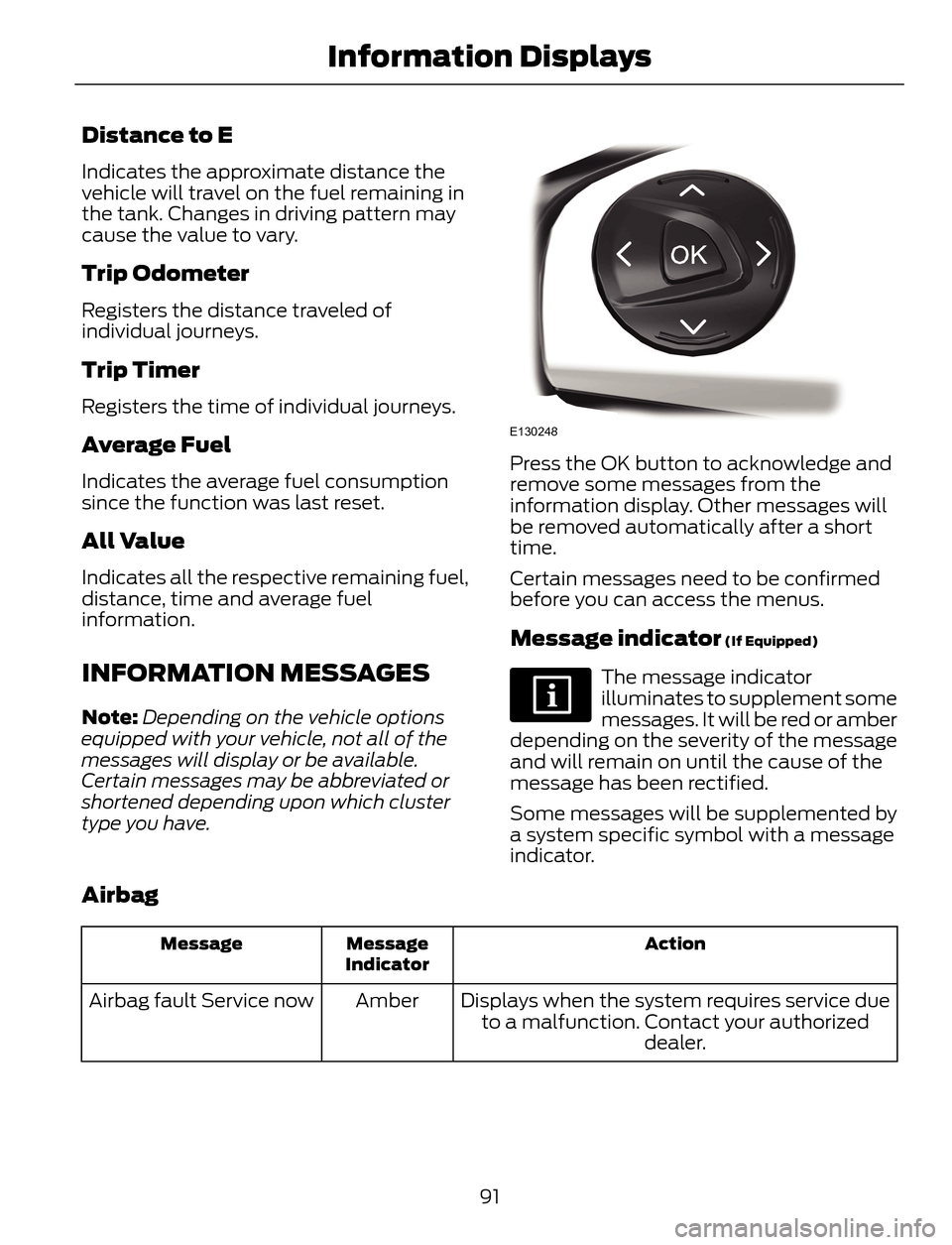
Press the OK button to acknowledge and
remove some messages from the
information display. Other messages will
be removed automatically after a short
time.
Certain messages need to be confirmed
before you can access the menus.
Message indicator (If Equipped)
The message indicator
illuminates to supplement some
messages. It will be red or amber
depending on the severity of the message
and will remain on until the cause of the
message has been rectified.
Some messages will be supplemented by
a system specific symbol with a message
indicator.
Airbag
Action Message
Indicator Message
Displays when the system requires service due
to a malfunction. Contact your authorized
dealer. Amber Airbag fault Service now
91
Information Displays
Page 137 of 428
the engine. If the service engine soon
indicator blinks eight times, it means that
the vehicle is not ready for I/M testing; if
the service engine soon indicator stays on
solid, it means that the vehicle is ready for
I/M testing.
The OBD-II system is designed to check
the emission control system during normal
driving. A complete check may take several
days. If the vehicle is not ready for I/M
testing, the following driving cycle
consisting of mixed city and highway
driving may be performed:
15 minutes of steady driving on an
expressway/highway followed by 20
minutes of stop-and-go driving with at
least four 30-second idle periods.
Allow the vehicle to sit for at least eight
hours without starting the engine. Then,
start the engine and complete the above
driving cycle. The engine must warm up to
its normal operating temperature. Once
started, do not turn off the engine until the
above driving cycle is complete. If the
vehicle is still not ready for I/M testing, the
above driving cycle will have to be
repeated.
FUEL CONSUMPTION
Note:The amount of usable fuel in the
empty reserve varies and should not be
relied upon to increase driving range. When
refueling your vehicle after the fuel gauge
indicates empty, you might not be able to
refuel the full amount of the advertised
capacity of the fuel tank due to the empty
reserve still present in the tank.Empty reserve is the amount of fuel
remaining in the tank after the fuel gauge
indicates empty. Do not rely on this fuel for
driving. The usable capacity of the fuel
tank is the amount of fuel that can be put
into the tank after the gauge indicates
empty. The advertised capacity is the total
fuel tank size – it is the combined usable
capacity plus the empty reserve.
Filling the Tank
For consistent results when filling the fuel
tank:
• Turn the ignition off before fueling; an
inaccurate reading results if the engine
is left running.
• Use the same fill rate
(low-medium-high) each time the tank
is filled.
• Allow no more than two automatic
click-offs when filling.
Results are most accurate when the filling
method is consistent.
Calculating Fuel Economy
Do not measure fuel economy during the
first 1000 miles (1600 kilometers) of
driving (this is your engine’s break-in
period); a more accurate measurement is
obtained after 2000 miles - 3000 miles
(3200 kilometers - 4800 kilometers). Also,
fuel expense, frequency of fill ups or fuel
gauge readings are not accurate ways to
measure fuel economy.
1. Fill the fuel tank completely and record
the initial odometer reading.
2. Each time you fill the tank, record the
amount of fuel added.
3. After at least three to five tank fill ups,
fill the fuel tank and record the current
odometer reading.
4. Subtract your initial odometer reading
from the current odometer reading.
134
Fuel and Refueling
Page 167 of 428
ECO MODE
This system assists you in driving more
efficiently by constantly monitoring
characteristics of gear changing,
anticipation of traffic conditions and
speeds while driving.
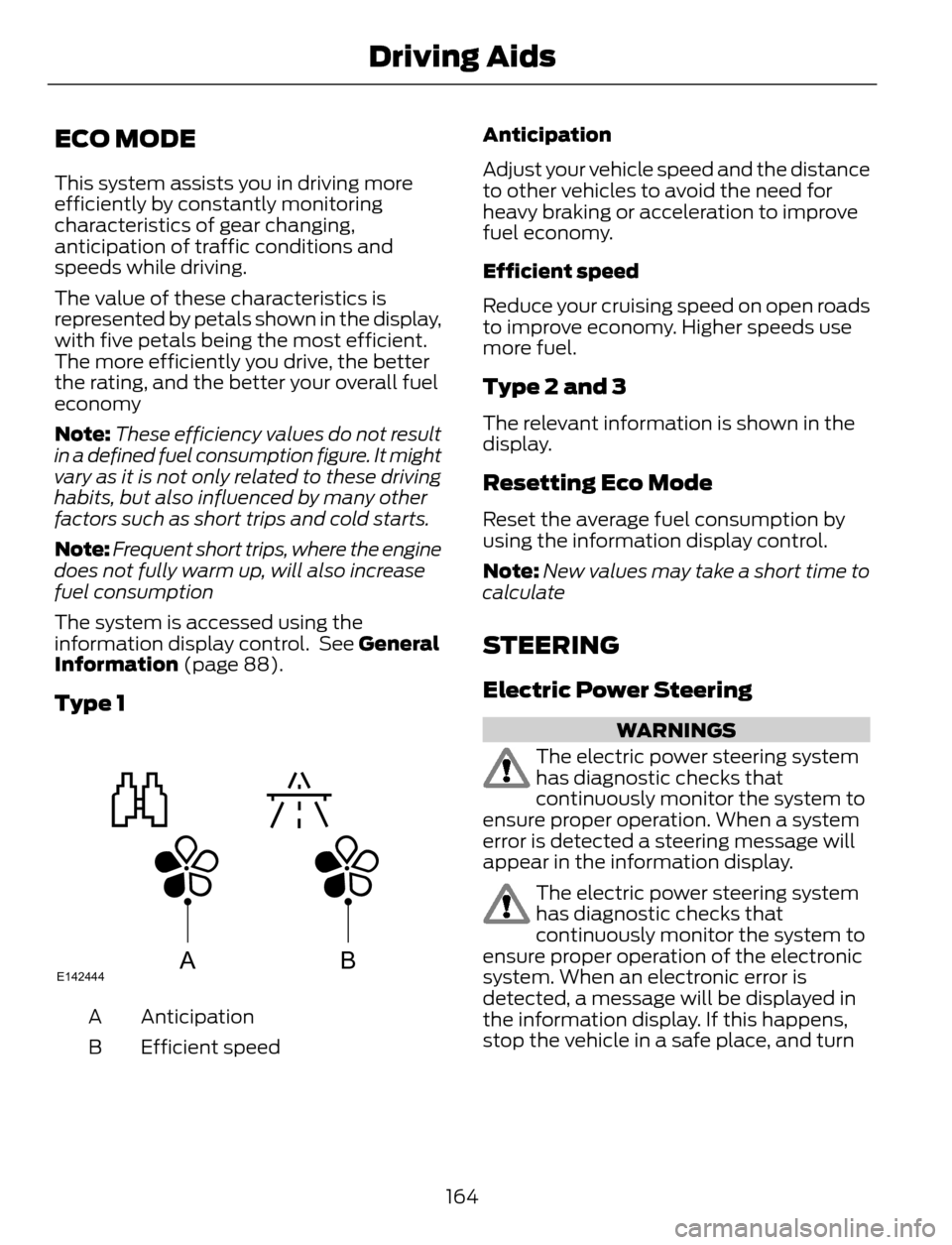
The value of these characteristics is
represented by petals shown in the display,
with five petals being the most efficient.
The more efficiently you drive, the better
the rating, and the better your overall fuel
economy
Note:These efficiency values do not result
in a defined fuel consumption figure. It might
vary as it is not only related to these driving
habits, but also influenced by many other
factors such as short trips and cold starts.
Note:Frequent short trips, where the engine
does not fully warm up, will also increase
fuel consumption
The system is accessed using the
information display control. See General
Information (page 88).
Type 1
ABE142444
Anticipation A
Efficient speed BAnticipation
Adjust your vehicle speed and the distance
to other vehicles to avoid the need for
heavy braking or acceleration to improve
fuel economy.
Efficient speed
Reduce your cruising speed on open roads
to improve economy. Higher speeds use
more fuel.
Type 2 and 3
The relevant information is shown in the
display.
Resetting Eco Mode
Reset the average fuel consumption by
using the information display control.
Note:New values may take a short time to
calculate
STEERING
Electric Power Steering
WARNINGS
The electric power steering system
has diagnostic checks that
continuously monitor the system to
ensure proper operation. When a system
error is detected a steering message will
appear in the information display.
The electric power steering system
has diagnostic checks that
continuously monitor the system to
ensure proper operation of the electronic
system. When an electronic error is
detected, a message will be displayed in
the information display. If this happens,
stop the vehicle in a safe place, and turn
164
Driving Aids
Page 421 of 428
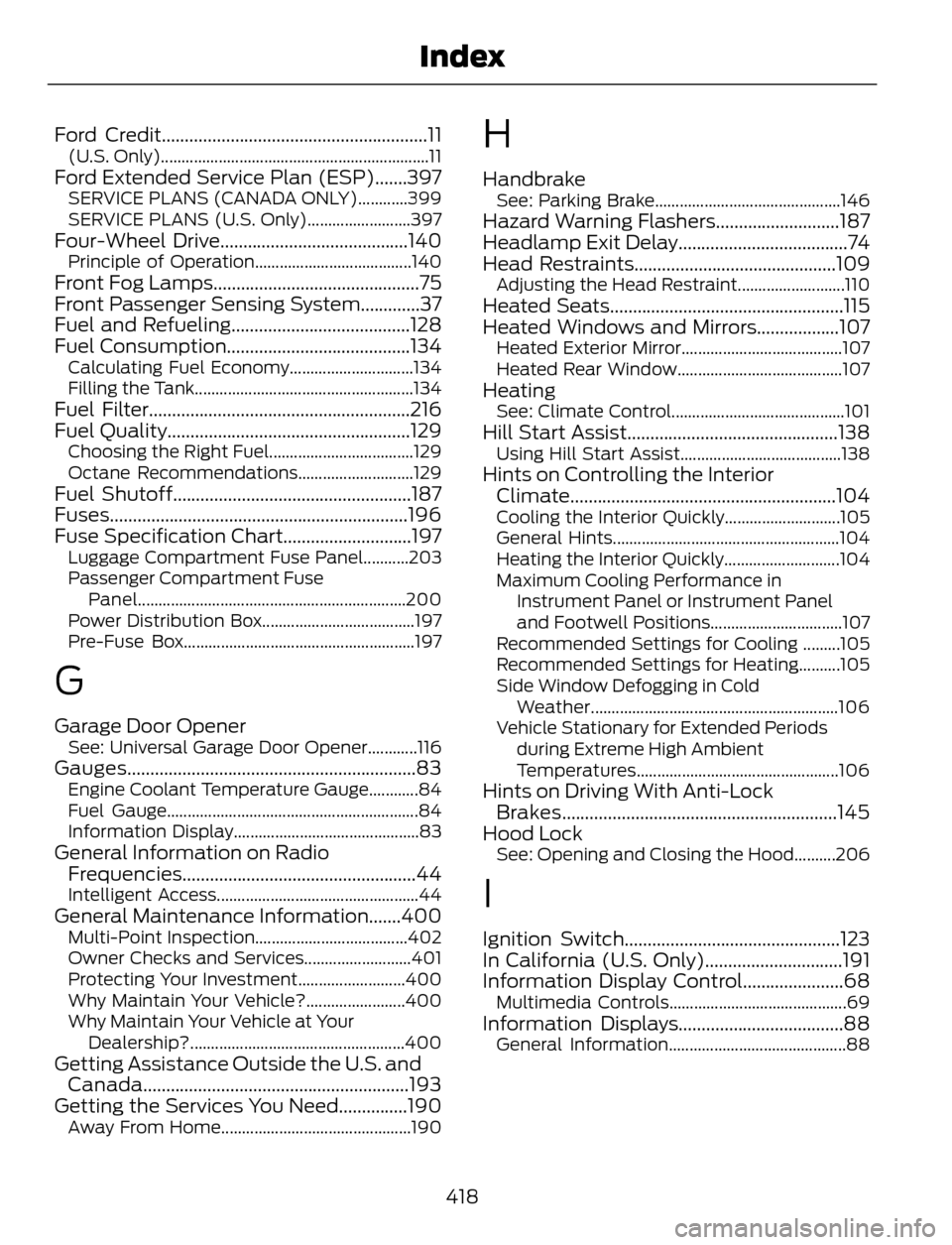
Ford Credit..........................................................11(U.S. Only).................................................................11Ford Extended Service Plan (ESP).......397SERVICE PLANS (CANADA ONLY)............399
SERVICE PLANS (U.S. Only).........................397
Four-Wheel Drive.........................................140Principle of Operation......................................140Front Fog Lamps.............................................75
Front Passenger Sensing System.............37
Fuel and Refueling.......................................128
Fuel Consumption........................................134
Calculating Fuel Economy..............................134
Filling the Tank.....................................................134
Fuel Filter.........................................................216
Fuel Quality.....................................................129
Choosing the Right Fuel...................................129
Octane Recommendations............................129
Fuel Shutoff....................................................187
Fuses.................................................................196
Fuse Specification Chart............................197
Luggage Compartment Fuse Panel...........203
Passenger Compartment Fuse
Panel.................................................................200
Power Distribution Box.....................................197
Pre-Fuse Box........................................................197
G
Garage Door OpenerSee: Universal Garage Door Opener............116Gauges...............................................................83Engine Coolant Temperature Gauge............84
Fuel Gauge.............................................................84
Information Display.............................................83
General Information on Radio
Frequencies...................................................44
Intelligent Access.................................................44General Maintenance Information.......400Multi-Point Inspection.....................................402
Owner Checks and Services..........................401
Protecting Your Investment..........................400
Why Maintain Your Vehicle?........................400
Why Maintain Your Vehicle at Your
Dealership?....................................................400
Getting Assistance Outside the U.S. and
Canada..........................................................193
Getting the Services You Need...............190
Away From Home..............................................190
H
HandbrakeSee: Parking Brake.............................................146Hazard Warning Flashers...........................187
Headlamp Exit Delay.....................................74
Head Restraints............................................109
Adjusting the Head Restraint..........................110Heated Seats...................................................115
Heated Windows and Mirrors..................107
Heated Exterior Mirror.......................................107
Heated Rear Window........................................107
HeatingSee: Climate Control..........................................101Hill Start Assist..............................................138Using Hill Start Assist.......................................138Hints on Controlling the Interior
Climate..........................................................104
Cooling the Interior Quickly............................105
General Hints.......................................................104
Heating the Interior Quickly............................104
Maximum Cooling Performance in
Instrument Panel or Instrument Panel
and Footwell Positions................................107
Recommended Settings for Cooling .........105
Recommended Settings for Heating..........105
Side Window Defogging in Cold
Weather............................................................106
Vehicle Stationary for Extended Periods
during Extreme High Ambient
Temperatures.................................................106
Hints on Driving With Anti-Lock
Brakes............................................................145
Hood Lock
See: Opening and Closing the Hood..........206
I
Ignition Switch...............................................123
In California (U.S. Only)..............................191
Information Display Control......................68
Multimedia Controls...........................................69Information Displays....................................88General Information...........................................88
418
Index