instrument panel FORD ESCAPE 2018 Owner's Manual
[x] Cancel search | Manufacturer: FORD, Model Year: 2018, Model line: ESCAPE, Model: FORD ESCAPE 2018Pages: 517, PDF Size: 6.62 MB
Page 368 of 517
Description and Action
Display
2. Scroll to browse indexed media files on the device, and
then press the OK button.
Resets the USB index. After the new indexing is complete,
you can choose what to play from the USB song library.
Reset USB
* You can use the buttons at the bottom of the audio display to jump to a certain
alphabetical category quickly. You can also use the letters on the audio system's numeric
keypad to jump in the list.
Using Voice Commands
You can access and view your USB songs
using voice commands.
Plug the device into your vehicle's USB
port.
Press the voice button and when
prompted, say any of the following
commands: Accessing and Viewing USB Media
(browse | search | show) all (album |
albums)
(browse | search | show) all (artist |
artists)
(browse | search | show) all (genre |
genres)
(browse | search | show) all (playlist |
playlists)
(browse | search | show) all (song | songs
| title | titles | file | files | track | tracks)
(browse | search | show) album ___
(browse | search | show) artist ___
(browse | search | show) genre ___
(browse | search | show) playlist ___ USB 2
(If Equipped)
Your vehicle may come equipped with an
additional USB port. If so, USB 1 is located
at the front of the vehicle at the bottom of
the instrument panel. USB 2 is located
inside the storage compartment of the
vehicle's center console.
You can plug in an additional USB device
into the second USB port.
You can access both USB devices by using
voice commands.
To access a USB device press the voice
button and when prompted say: Voice command
USB 1
USB 2
Note: SYNC only supports one connected
iOS (Apple) devices at a time (whichever
one you plug in first). When you connect a
second iOS device, the systems charges it,
but does not support playback from it.
Bluetooth Devices and System
Settings
You can access these menus using the
audio display. See
Using SYNC™ With
Your Phone (page 342).
365
Escape (TM2) Canada/United States of America, JJ5J 19A321 AC enUSA, Edition date: 201706, Fourth-Printing SYNC™
(If Equipped)
Page 385 of 517
Information
Option
Missed calls
Outgoing calls
Incoming calls
All calls
If you are on a call, the call information is displayed on the information display.
If you are receiving a call, you can accept it by selecting OK on the right-hand
steering wheel controls.
1 Depending on your vehicle options, all of these choices may not display.
Use the OK and arrow buttons on the right
side of your steering wheel to scroll
through the available modes.
The selection menu expands and different
options appear.
• Press the up and down arrows to scroll
through the modes.
• Press the right arrow to enter the mode,
use the left arrow to exit the mode.
• Press the up and down arrows to make
adjustments within the chosen mode.
• Press
OK to confirm your selection.
Note: If your vehicle is not equipped with
navigation, compass appears in the display
instead of navigation. If you press the right
arrow to go into the compass menu, you can
see the compass graphic. The compass
displays the direction in which the vehicle
is traveling, not true direction (for example,
if the vehicle is traveling west, the middle
of the compass graphic displays west; north
displays to the left of west though its true
direction is to the right of west).
Using the Steering Wheel Controls
Depending on your vehicle and option
package, you can use different controls on
your steering wheel to interact with the
touchscreen system in different ways.
VOL:
Control the volume of audio output.
Mute:
Mute the audio output. Voice:
Press to start a voice session. Press
again to stop the voice prompt and
immediately begin speaking. Press and
hold to end a voice session.
SEEK NEXT:
• While in radio mode, press to seek
between memory presets.
• While in USB, Bluetooth Audio or CD
mode, press to seek between songs or
press and hold to fast seek.
SEEK PREVIOUS:
• While in radio mode, press to seek
between memory presets.
• While in USB, Bluetooth Audio or CD
mode, press to seek between songs or
press and hold to fast seek.
PHONE ACCEPT:
Press to answer a call
or switch between calls.
PHONE REJECT:
Press to end a call or
reject an incoming call.
Note: On some models, SEEK NEXT
may
be combined with PHONE REJECT and
SEEK PREVIOUS may be combined with
PHONE ACCEPT.
M:
Touch the control repeatedly to switch
between media sources (modes).
See
Steering Wheel (page 71).
Using Your Bezel Controls
Depending on your vehicle and option
package, you may also have these controls
on your instrument panel:
382
Escape (TM2) Canada/United States of America, JJ5J 19A321 AC enUSA, Edition date: 201706, Fourth-Printing SYNC™ 3
Page 409 of 517
Function
Button
Composers
This button allows you to choose a specific
letter to view within the category you are
browsing.
A-Z Jump
If available, this allows you to browse the
folders and files on your USB device.
Explore Device
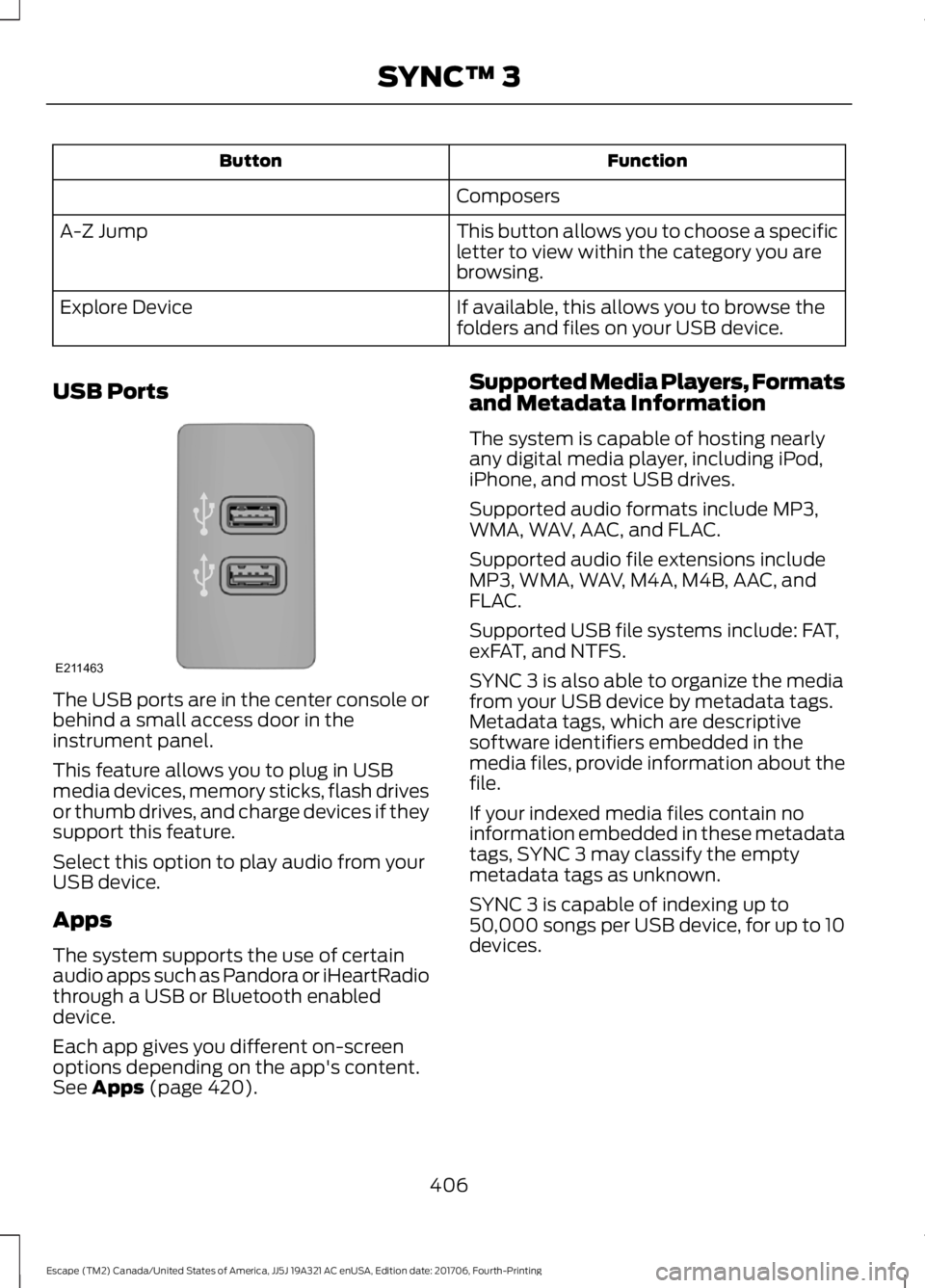
USB Ports The USB ports are in the center console or
behind a small access door in the
instrument panel.
This feature allows you to plug in USB
media devices, memory sticks, flash drives
or thumb drives, and charge devices if they
support this feature.
Select this option to play audio from your
USB device.
Apps
The system supports the use of certain
audio apps such as Pandora or iHeartRadio
through a USB or Bluetooth enabled
device.
Each app gives you different on-screen
options depending on the app's content.
See Apps (page 420). Supported Media Players, Formats
and Metadata Information
The system is capable of hosting nearly
any digital media player, including iPod,
iPhone, and most USB drives.
Supported audio formats include MP3,
WMA, WAV, AAC, and FLAC.
Supported audio file extensions include
MP3, WMA, WAV, M4A, M4B, AAC, and
FLAC.
Supported USB file systems include: FAT,
exFAT, and NTFS.
SYNC 3 is also able to organize the media
from your USB device by metadata tags.
Metadata tags, which are descriptive
software identifiers embedded in the
media files, provide information about the
file.
If your indexed media files contain no
information embedded in these metadata
tags, SYNC 3 may classify the empty
metadata tags as unknown.
SYNC 3 is capable of indexing up to
50,000 songs per USB device, for up to 10
devices.
406
Escape (TM2) Canada/United States of America, JJ5J 19A321 AC enUSA, Edition date: 201706, Fourth-Printing SYNC™ 3E211463
Page 508 of 517
Cleaning Products.......................................268
Materials............................................................... 268
Cleaning the Engine....................................270
Cleaning the Exterior..................................268 Cleaning the Headlamps................................ 269
Exterior Chrome Parts..................................... 269
Exterior Plastic Parts........................................ 269
Stripes or Graphics........................................... 269
Underbody........................................................... 269
Under Hood......................................................... 269
Cleaning the Instrument Panel and Instrument Cluster Lens..........................271
Cleaning the Interior.....................................271
Cleaning the Wheels
...................................273
Cleaning the Windows and Wiper Blades...........................................................270
Clearing All MyKeys
.......................................54
Climate Control............................................108
Collision Warning System.........................199 PRINCIPLE OF OPERATION........................... 199
Coolant Check See: Engine Coolant Check........................... 250
Crash Sensors and Airbag Indicator.......46
Creating a MyKey
...........................................54
Programming/Changing Configurable
Settings............................................................... 54
Cross Traffic Alert.........................................196 Blocked Sensors................................................. 198
Switching the System Off and On...............198
System Errors....................................................... 198
System Lights, Messages and Audible Alerts.................................................................. 198
System Limitations............................................ 198
Using the Cross Traffic Alert System..........196
Cruise Control
..................................................72
Principle of Operation....................................... 182
Type One.................................................................. 72
Type Two.................................................................. 73
Cruise control See: Using Cruise Control................................ 182
Customer Assistance.................................225
D
Data Recording
..................................................9
Event Data Recording.......................................... 10
Service Data Recording........................................ 9Daytime Running Lamps.............................79
Type One - Conventional
(Non-Configurable)........................................ 79
Type Two - Configurable................................... 79
Digital Radio..................................................332 HD Radio Reception and Station
Troubleshooting............................................ 333
Direction Indicators
........................................81
Doors and Locks.............................................59
Driver Alert......................................................189 PRINCIPLE OF OPERATION........................... 189
USING DRIVER ALERT..................................... 189
Driver and Passenger Airbags
...................40
Children and Airbags............................................ 41
Proper Driver and Front Passenger Seating Adjustment....................................................... 40
Driver Knee Airbag
.........................................45
Driving Aids.....................................................189
Driving Hints
...................................................216
Driving Through Water................................217
DRL See: Daytime Running Lamps......................... 79
E
Economical Driving
......................................216
Electric Parking Brake..................................161 Applying the Electric Parking brake..............161
Battery With No Charge................................... 163
Releasing the Electric Parking Brake...........162
Electromagnetic Compatibility...............474
Emission Law
..................................................147
Noise Emissions Warranty, Prohibited
Tampering Acts and Maintenance.........148
Tampering With a Noise Control System............................................................... 147
End User License Agreement..................476 VEHICLE SOFTWARE END USER LICENSE
AGREEMENT (EULA) ................................. 476
Engine Block Heater....................................135 Using the Engine Block Heater...................... 135
Engine Coolant Check...............................250 Adding Coolant.................................................. 250
Coolant Change.................................................. 252
Engine Coolant Temperature Management.................................................. 253
Fail-Safe Cooling................................................ 252
Recycled Coolant............................................... 252
505
Escape (TM2) Canada/United States of America, JJ5J 19A321 AC enUSA, Edition date: 201706, Fourth-Printing Index
Page 511 of 517
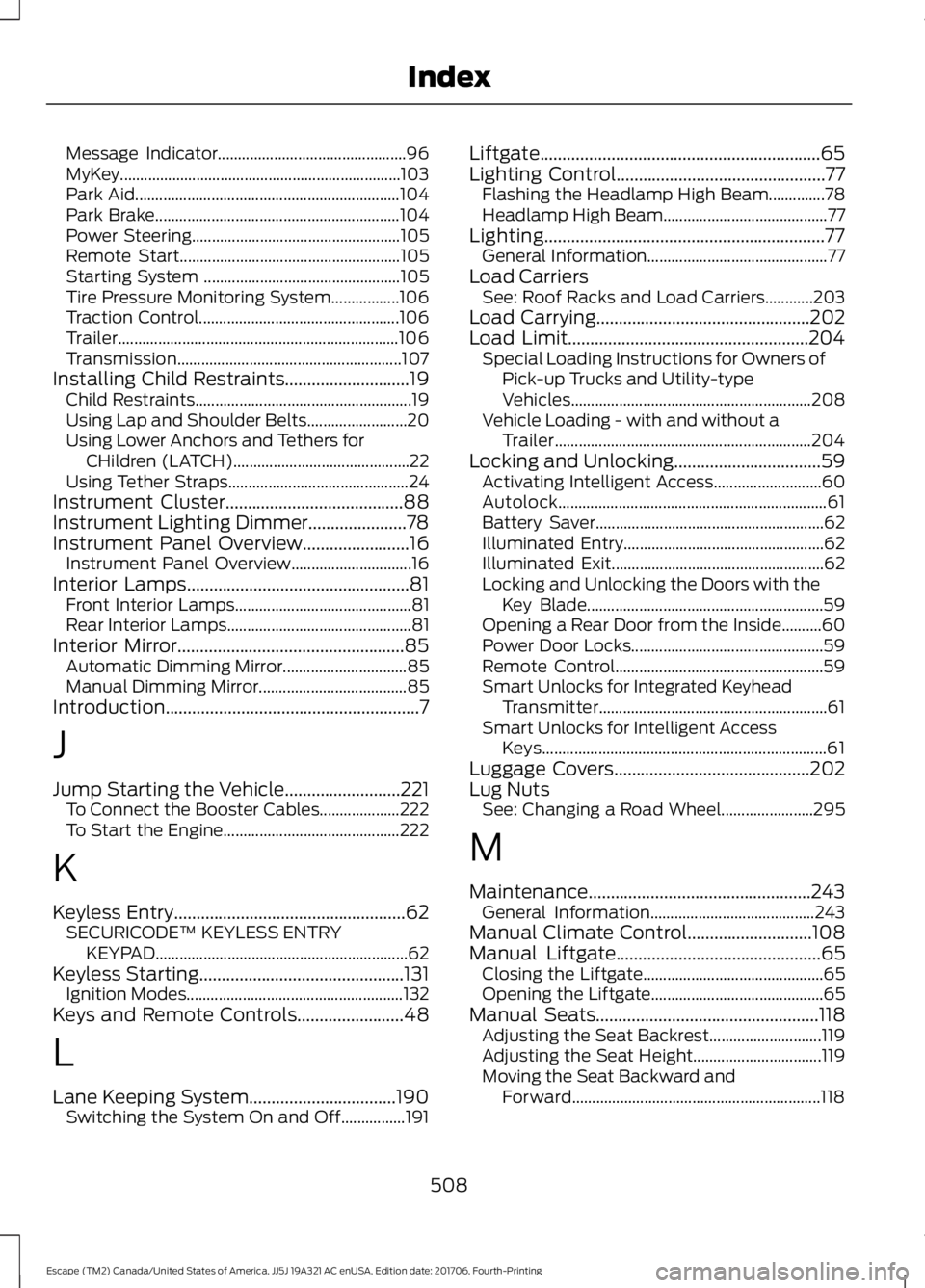
Message Indicator...............................................
96
MyKey......................................................................103
Park Aid.................................................................. 104
Park Brake............................................................. 104
Power Steering.................................................... 105
Remote Start....................................................... 105
Starting System ................................................. 105
Tire Pressure Monitoring System.................106
Traction Control.................................................. 106
Trailer...................................................................... 106
Transmission........................................................ 107
Installing Child Restraints............................19 Child Restraints...................................................... 19
Using Lap and Shoulder Belts......................... 20
Using Lower Anchors and Tethers for CHildren (LATCH)............................................ 22
Using Tether Straps............................................. 24
Instrument Cluster........................................88
Instrument Lighting Dimmer......................78
Instrument Panel Overview........................16 Instrument Panel Overview.............................. 16
Interior Lamps
..................................................81
Front Interior Lamps............................................ 81
Rear Interior Lamps.............................................. 81
Interior Mirror...................................................85 Automatic Dimming Mirror............................... 85
Manual Dimming Mirror..................................... 85
Introduction.........................................................7
J
Jump Starting the Vehicle..........................221 To Connect the Booster Cables.................... 222
To Start the Engine............................................ 222
K
Keyless Entry....................................................62 SECURICODE™ KEYLESS ENTRY
KEYPAD............................................................... 62
Keyless Starting
..............................................131
Ignition Modes...................................................... 132
Keys and Remote Controls
........................48
L
Lane Keeping System.................................190 Switching the System On and Off................191 Liftgate...............................................................65
Lighting Control
...............................................77
Flashing the Headlamp High Beam..............78
Headlamp High Beam......................................... 77
Lighting...............................................................77 General Information............................................. 77
Load Carriers See: Roof Racks and Load Carriers............203
Load Carrying
................................................202
Load Limit......................................................204 Special Loading Instructions for Owners of
Pick-up Trucks and Utility-type
Vehicles............................................................ 208
Vehicle Loading - with and without a Trailer................................................................ 204
Locking and Unlocking.................................59 Activating Intelligent Access........................... 60
Autolock................................................................... 61
Battery Saver......................................................... 62
Illuminated Entry.................................................. 62
Illuminated Exit..................................................... 62
Locking and Unlocking the Doors with the Key Blade........................................................... 59
Opening a Rear Door from the Inside..........60
Power Door Locks................................................ 59
Remote Control.................................................... 59
Smart Unlocks for Integrated Keyhead Transmitter......................................................... 61
Smart Unlocks for Intelligent Access Keys....................................................................... 61
Luggage Covers............................................202
Lug Nuts See: Changing a Road Wheel....................... 295
M
Maintenance..................................................243 General Information......................................... 243
Manual Climate Control
............................108
Manual Liftgate..............................................65
Closing the Liftgate............................................. 65
Opening the Liftgate........................................... 65
Manual Seats
..................................................118
Adjusting the Seat Backrest............................ 119
Adjusting the Seat Height................................ 119
Moving the Seat Backward and Forward.............................................................. 118
508
Escape (TM2) Canada/United States of America, JJ5J 19A321 AC enUSA, Edition date: 201706, Fourth-Printing Index