power steering FORD ESCAPE 2021 Owner's Manual
[x] Cancel search | Manufacturer: FORD, Model Year: 2021, Model line: ESCAPE, Model: FORD ESCAPE 2021Pages: 589, PDF Size: 9.2 MB
Page 350 of 589
Note:
The engine management system has
a power hold function and remains powered
for a period of time after you switch the
ignition off. This is to allow diagnostic and
adaptive tables to be stored. Disconnecting
the battery without waiting can cause
damage not covered by the vehicle
Warranty.
4. Disconnect the negative battery cable terminal.
5. Disconnect the positive battery cable terminal.
6. Remove the battery securing clamp.
7. Remove the battery.
8. To install, reverse the removal procedure.
Note: Before reconnecting the battery,
make sure the ignition remains switched off.
Note: Make sure the battery cable terminals
are fully tightened.
Note: After cleaning or replacing the
battery, make sure you reinstall the battery
cover or shield.
If you disconnect or replace the vehicle
battery, you must reset the following
features:
• Window bounce-back. See Windows
(page 105).
• Clock Settings.
• Pre-set radio stations.
• Steering Angle Sensor.
Note: To calibrate the steering angle
sensor, drive the vehicle above
30 mph
(50 km/h) for a minimum of 1.2 mi (2 km).
Make sure to drive straight ahead for a
minimum of 30 seconds. Several vehicle
functions are disabled and a warning light
could appear until the sensor is calibrated. Battery Management System
The battery management system monitors
battery conditions and takes actions to
extend battery life. If excessive battery
drain is detected, the system temporarily
disables some of the following features:
•
Heated rear window.
• Heated seats.
• Climate control.
• Heated steering wheel.
• Audio unit.
• Navigation system.
A message may appear in the information
display to alert you that battery protection
actions are active.
After battery replacement, or in some
cases after charging the battery with an
external charger, the battery management
system requires eight hours of vehicle sleep
time to relearn the battery state of charge.
During this time your vehicle must remain
fully locked with the ignition off.
Note: If you add electrical accessories or
components to the vehicle, it may adversely
affect battery performance and durability.
This may also affect the performance of
other electrical systems in the vehicle.
Battery Disposal Make sure that you dispose of
old batteries in an
environmentally friendly way.
Seek advice from your local authority
about recycling old batteries.
347
Escape (CTC) Canada/United States of America, Vehicles Built From: 02-11-2020, enUSA, Edition date: 202011, First-Printing MaintenanceE107998
Page 357 of 589
Cleaning Stripes or Graphics
It is recommended to wash your vehicle by
hand however, pressure washing may be
used under the following conditions:
•
Use a spray with a 40° wide spray
angle pattern.
• Keep the nozzle at a
12 in (305 mm)
distance and 90° angle to your
vehicle's surface.
• Do not use water pressure higher than
2,000 psi (14,000 kPa)
.
• Do not use water hotter than
179°F
(82°C).
Note: Holding the pressure washer nozzle
at an angle to the vehicle's surface may
damage graphics and cause the edges to
peel away from the vehicle's surface.
Cleaning Camera Lenses and
Sensors
We recommend that you only use
lukewarm or cold water and a soft cloth
to clean the camera lens and sensors.
Note: Do not pressure wash camera lens
and sensors.
Cleaning the Underbody
Flush the complete underside of your
vehicle frequently. Keep body and door
drain holes free from packed dirt.
Rear suspension components may require
regular cleaning with a power washer or a
thorough rinse with a strong stream of
water if the vehicle is operated in dusty or
muddy environments. Rear leaf springs or
other suspension components may emit
squeaking or popping noises while
operating the vehicle if particles, such as
dirt, rocks, or other debris, are present in
the components. CLEANING THE INTERIOR
Cleaning the Instrument Panel WARNING:
Do not use chemical
solvents or strong detergents when
cleaning the steering wheel or
instrument panel to avoid contamination
of the airbag system.
We recommend that you only clean the
instrument panel and cluster lens with a
damp soft cloth. Dry the area with a clean,
soft cloth.
For additional information and assistance,
we recommend that you contact an
authorized dealer.
Note: Avoid cleaners or polishes that
increase the gloss of the upper portion of
the instrument panel. The dull finish in this
area helps protect you from undesirable
windshield reflection.
Cleaning Plastic
We recommend that you only use a mild
soap and water solution on a soft cloth.
Dry the area with a clean, soft cloth.
Cleaning Displays and Screens
We recommend that you only use a
microfiber cloth in a circular motion to
clean off the fingerprint or dust.
If dirt or fingerprints are still on the screen,
apply a small amount of alcohol to the
cloth and try to clean it again.
Note: Do not pour or spray alcohol onto the
touchscreen.
Note: Do not use detergent or any type of
solvent to clean the touchscreen.
354
Escape (CTC) Canada/United States of America, Vehicles Built From: 02-11-2020, enUSA, Edition date: 202011, First-Printing Vehicle Care
Page 373 of 589
WARNING: Only fit snow chains to
specified tires. WARNING:
If your vehicle is fitted
with wheel trims, remove them before
fitting snow chains. WARNING:
Remember that even
advanced technology cannot defy the
laws of physics. It's always possible to
lose control of a vehicle due to
inappropriate driver input for the
conditions. Aggressive driving on any
road condition can cause you to lose
control of your vehicle increasing the risk
of personal injury or property damage.
Activation of the electronic stability
control system is an indication that at
least some of the tires have exceeded
their ability to grip the road; this could
reduce the operator's ability to control
the vehicle potentially resulting in a loss
of vehicle control, vehicle rollover,
personal injury and death. If your
electronic stability control system
activates, SLOW DOWN. WARNING:
Wheels and tires must
be the same size, load index and speed
rating as those originally fitted on the
vehicle. Use of any other tire or wheel
can affect the safety and performance
of your vehicle. Additionally, the use of
non-recommended tires and wheels can
cause steering, suspension, axle, transfer
case or power transfer unit failure.
Follow the recommended tire inflation
pressures found on the Safety
Compliance Certification label, or the
Tire Label on the B-Pillar or the edge of
the driver door. Failure to follow this
instruction could result in loss of vehicle
control, vehicle rollover, or personal injury
or death. The tires on your vehicle could have
all-weather treads to provide traction in
rain and snow. In some climates you will
need to use snow tires and chains on your
vehicle in emergency situations or if
required by law.
Note:
The suspension insulation and
bumpers will help prevent vehicle damage.
Do not remove these components from your
vehicle when using snow tires and chains.
Note: Driving too fast for road conditions
creates the possibility of loss of vehicle
control. Driving at very high speeds for
extended periods of time may result in
damage to vehicle components.
Follow these guidelines when using snow
tires and chains:
• Chains may damage aluminum wheels.
• Use ultra low profile cables, 10 mm or
less in dimension as measured on the
sidewall of your tire, only with
225/60R18 all season tires.
• Do not use snow chains or cables with
225/55R19, or 245/45R20.
• Not all S-class snow chains or cables
meet these restrictions. Chains of this
size restriction will include a tensioning
device.
• Purchase chains or cables from a
manufacturer that clearly labels body
to tire dimension restrictions. The snow
chains or cables must be mounted in
pairs on the rear tires only.
• When driving with snow chains do not
exceed
30 mph (50 km/h) or the
maximum speed recommended by the
chain manufacturer, whichever is less.
• Install cables securely, verifying that
the cables do not touch any wiring or
brake lines.
370
Escape (CTC) Canada/United States of America, Vehicles Built From: 02-11-2020, enUSA, Edition date: 202011, First-Printing Wheel and Tire Information
Page 427 of 589
![FORD ESCAPE 2021 Owners Manual If a crash deploys an airbag (excluding
knee airbags and rear inflatable safety
belts [if equipped]) or activates the fuel
pump shut-off, your SYNC-equipped
vehicle may be able to contact emergency
se](/img/11/40602/w960_40602-426.png "FORD ESCAPE 2021 Owners Manual If a crash deploys an airbag (excluding
knee airbags and rear inflatable safety
belts [if equipped]) or activates the fuel
pump shut-off, your SYNC-equipped
vehicle may be able to contact emergency
se")
If a crash deploys an airbag (excluding
knee airbags and rear inflatable safety
belts [if equipped]) or activates the fuel
pump shut-off, your SYNC-equipped
vehicle may be able to contact emergency
services by dialing 911 through a paired and
connected Bluetooth-enabled phone.
See Airbags (page 47). Important
information about airbag deployment is in
this chapter.
See
Crash and Breakdown Information
(page 313). Important information about
the fuel pump shut-off is in this chapter.
Setting 911 Assist On or Off
Press the Settings button then select: Action and Description
Menu
Item
Select the desired option, on
or off.
911 Assist
To make sure that 911 Assist works
properly:
• SYNC must be powered and working
properly at the time of the incident and
throughout feature activation and use.
• The 911 Assist feature must be set on
before the incident.
• You must pair and connect a Bluetooth
enabled and compatible cell phone to
SYNC.
• A connected Bluetooth enabled phone
must have the ability to make and
maintain an outgoing call at the time
of the incident.
• A connected Bluetooth enabled phone
must have adequate network coverage,
battery power and signal strength.
• The vehicle must have battery power
and be located in the U.S., Canada or
in a territory in which 911 is the
emergency number. In the Event of a Crash
Not all crashes deploy an airbag or activate
the fuel pump shut-off (the triggers for 911
Assist). If a connected cell phone sustains
damage or loses its connection to SYNC
during a crash, SYNC searches for and tries
to connect to a previously paired cell
phone; SYNC then attempts to call the
emergency services.
Before making the call:
•
SYNC provides a short window of time
(about 10 seconds) to cancel the call.
If you fail to cancel the call, SYNC
attempts to dial 911.
• SYNC says the following, or a similar
message: "SYNC will attempt to call
911, to cancel the call, press Cancel on
your screen or press and hold the
phone button on your steering wheel".
If you do not cancel the call, and SYNC
makes a successful call, a pre-recorded
message plays for the 911 operator, and
then the occupant(s) in your vehicle are
able to talk with the operator. Be prepared
to provide your name, phone number and
location immediately, because not all 911
systems are capable of receiving this
information electronically.
911 Assist May Not Work If
• Your cellular phone or 911 Assist
hardware sustains damage in a crash.
• The vehicle's battery or the SYNC
system has no power.
• The phone(s) thrown from your vehicle
are the ones paired and connected to
the system.
424
Escape (CTC) Canada/United States of America, Vehicles Built From: 02-11-2020, enUSA, Edition date: 202011, First-Printing SYNC™
(If Equipped)
Page 470 of 589
Note:
Cabin conditioning can perform
differently depending on if you plug in with
the included convenience cord or a higher
power charging station. The power available
for conditioning is limited to the charging
station power available.
Note: Your vehicle may not always reach
the set cabin temperature due to charging
and ambient temperature conditions. This
is normal operation.
APPS
The system allows you interact with select
mobile apps while keeping your eyes on
the road. Voice commands, your steering
wheel buttons, or a quick tap on your
touchscreen give you advanced control of
compatible mobile apps. You can also
stream your favorite music or podcasts,
share your time of arrival with friends, and
keep connected safely.
When you start an app through the system
for the first time, you could be asked to
grant certain permissions. You can review
and change the permissions that you have
granted at any time when your vehicle is
not moving. We recommend that you
check your data plan before using your
apps through the system. Using them
could result in additional charges. We also
recommend that you check the app
provider's terms and conditions and
privacy policy before using their app. Make
sure that you have an active account for
apps that you want to use through the
system. Some apps will work with no
setup. Others require you to configure
some personal settings before you can use
them.
Note: For more information about available
apps, visit catalog.ford.com. Using Apps on an iOS Device Select the apps option on the
feature bar.
1. If your device is connected via USB, switch Apple CarPlay off. See Phone
(page 455).
2. Connect your device to a USB port or pair and connect using Bluetooth.
3. If prompted to enable CarPlay, select Disable
.
4. Start the apps on your device that you want to use through SYNC.
Note: If you close the apps on your device,
you will not be able to use them through the
system.
5. Select the app that you want to use on
the touchscreen.
Note: Connect your device to a USB port if
you want to use a navigation app. When
using a navigation app, keep your device
unlocked and the app open.
Using Apps on an Android Device Select the apps option on the
feature bar.
1. If your device is connected via USB, switch Android Auto off. See
Phone
(page 455).
2. Pair your device. See Phone (page 455).
3. Start the apps on your device that you want to use through SYNC.
Note: If you close the apps on your device,
you will not be able to use them through the
system.
4. Select
Find Mobile Apps.
Note: The system searches and connects
to compatible apps that are running on your
device.
5. Select the app that you want to use on
the touchscreen.
467
Escape (CTC) Canada/United States of America, Vehicles Built From: 02-11-2020, enUSA, Edition date: 202011, First-Printing SYNC™ 3
(If Equipped)
Page 573 of 589
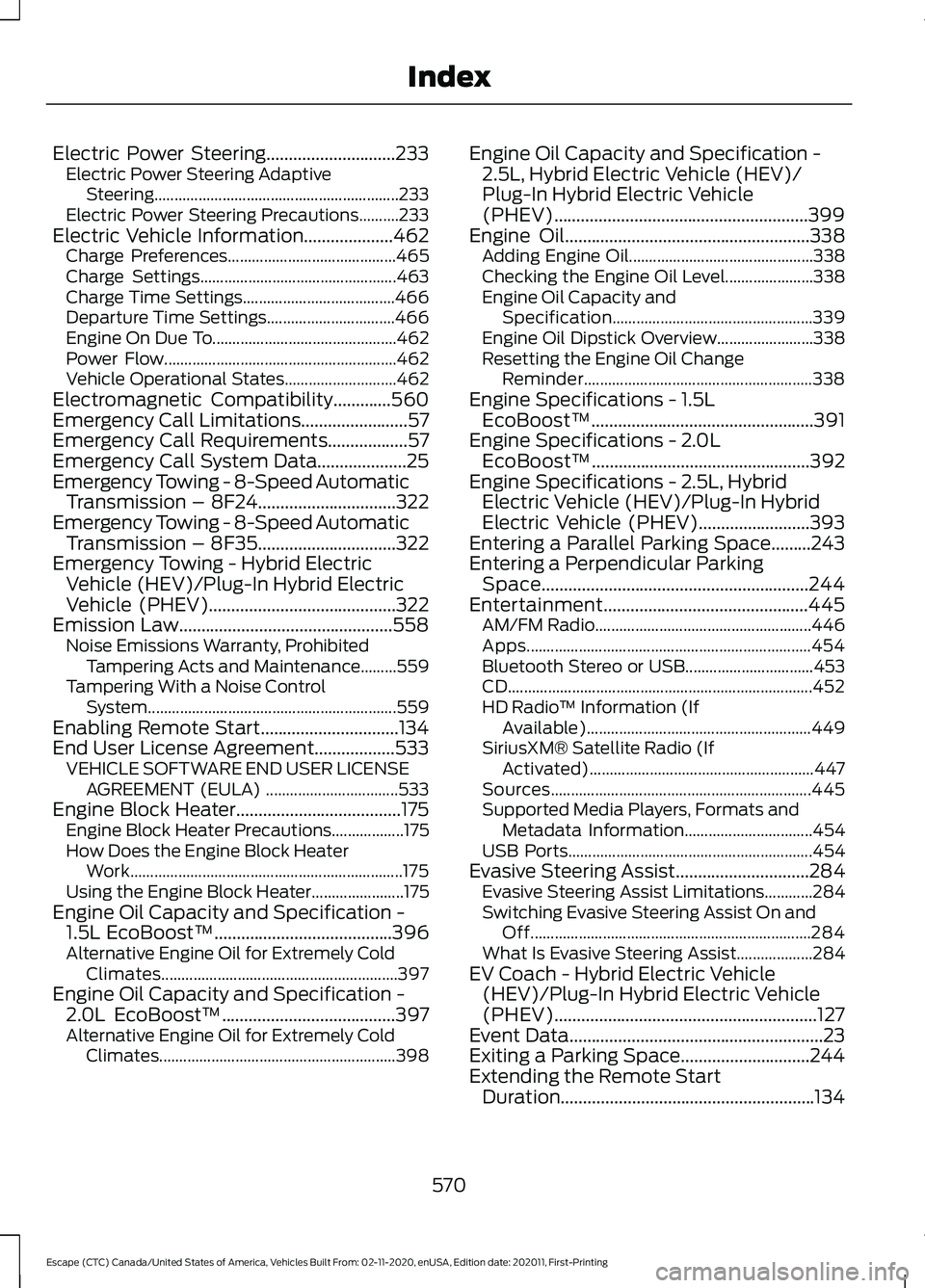
Electric Power Steering.............................233
Electric Power Steering Adaptive
Steering............................................................. 233
Electric Power Steering Precautions..........233
Electric Vehicle Information....................462 Charge Preferences.......................................... 465
Charge Settings................................................. 463
Charge Time Settings...................................... 466
Departure Time Settings................................ 466
Engine On Due To.............................................. 462
Power Flow.......................................................... 462
Vehicle Operational States............................ 462
Electromagnetic Compatibility.............560
Emergency Call Limitations........................57
Emergency Call Requirements..................57
Emergency Call System Data....................25
Emergency Towing - 8-Speed Automatic Transmission – 8F24...............................322
Emergency Towing - 8-Speed Automatic Transmission – 8F35...............................322
Emergency Towing - Hybrid Electric Vehicle (HEV)/Plug-In Hybrid Electric
Vehicle (PHEV)
..........................................322
Emission Law................................................558 Noise Emissions Warranty, Prohibited
Tampering Acts and Maintenance.........559
Tampering With a Noise Control System.............................................................. 559
Enabling Remote Start...............................134
End User License Agreement..................533 VEHICLE SOFTWARE END USER LICENSE
AGREEMENT (EULA) ................................. 533
Engine Block Heater.....................................175 Engine Block Heater Precautions.................. 175
How Does the Engine Block Heater Work.................................................................... 175
Using the Engine Block Heater....................... 175
Engine Oil Capacity and Specification - 1.5L EcoBoost™........................................396
Alternative Engine Oil for Extremely Cold Climates........................................................... 397
Engine Oil Capacity and Specification - 2.0L EcoBoost™
.......................................397
Alternative Engine Oil for Extremely Cold
Climates........................................................... 398Engine Oil Capacity and Specification -
2.5L, Hybrid Electric Vehicle (HEV)/
Plug-In Hybrid Electric Vehicle
(PHEV).........................................................399
Engine Oil
.......................................................338
Adding Engine Oil.............................................. 338
Checking the Engine Oil Level...................... 338
Engine Oil Capacity and Specification.................................................. 339
Engine Oil Dipstick Overview........................ 338
Resetting the Engine Oil Change Reminder......................................................... 338
Engine Specifications - 1.5L EcoBoost™..................................................391
Engine Specifications - 2.0L EcoBoost™.................................................392
Engine Specifications - 2.5L, Hybrid Electric Vehicle (HEV)/Plug-In Hybrid
Electric Vehicle (PHEV).........................393
Entering a Parallel Parking Space.........243
Entering a Perpendicular Parking Space............................................................244
Entertainment..............................................445 AM/FM Radio...................................................... 446
Apps....................................................................... 454
Bluetooth Stereo or USB................................ 453
CD........................................................................\
.... 452
HD Radio ™ Information (If
Available)........................................................ 449
SiriusXM® Satellite Radio (If Activated)........................................................ 447
Sources................................................................. 445
Supported Media Players, Formats and Metadata Information................................ 454
USB Ports............................................................. 454
Evasive Steering Assist
..............................284
Evasive Steering Assist Limitations............284
Switching Evasive Steering Assist On and
Off...................................................................... 284
What Is Evasive Steering Assist................... 284
EV Coach - Hybrid Electric Vehicle (HEV)/Plug-In Hybrid Electric Vehicle
(PHEV)...........................................................127
Event Data
.........................................................23
Exiting a Parking Space.............................244
Extending the Remote Start Duration.........................................................134
570
Escape (CTC) Canada/United States of America, Vehicles Built From: 02-11-2020, enUSA, Edition date: 202011, First-Printing Index
Page 581 of 589
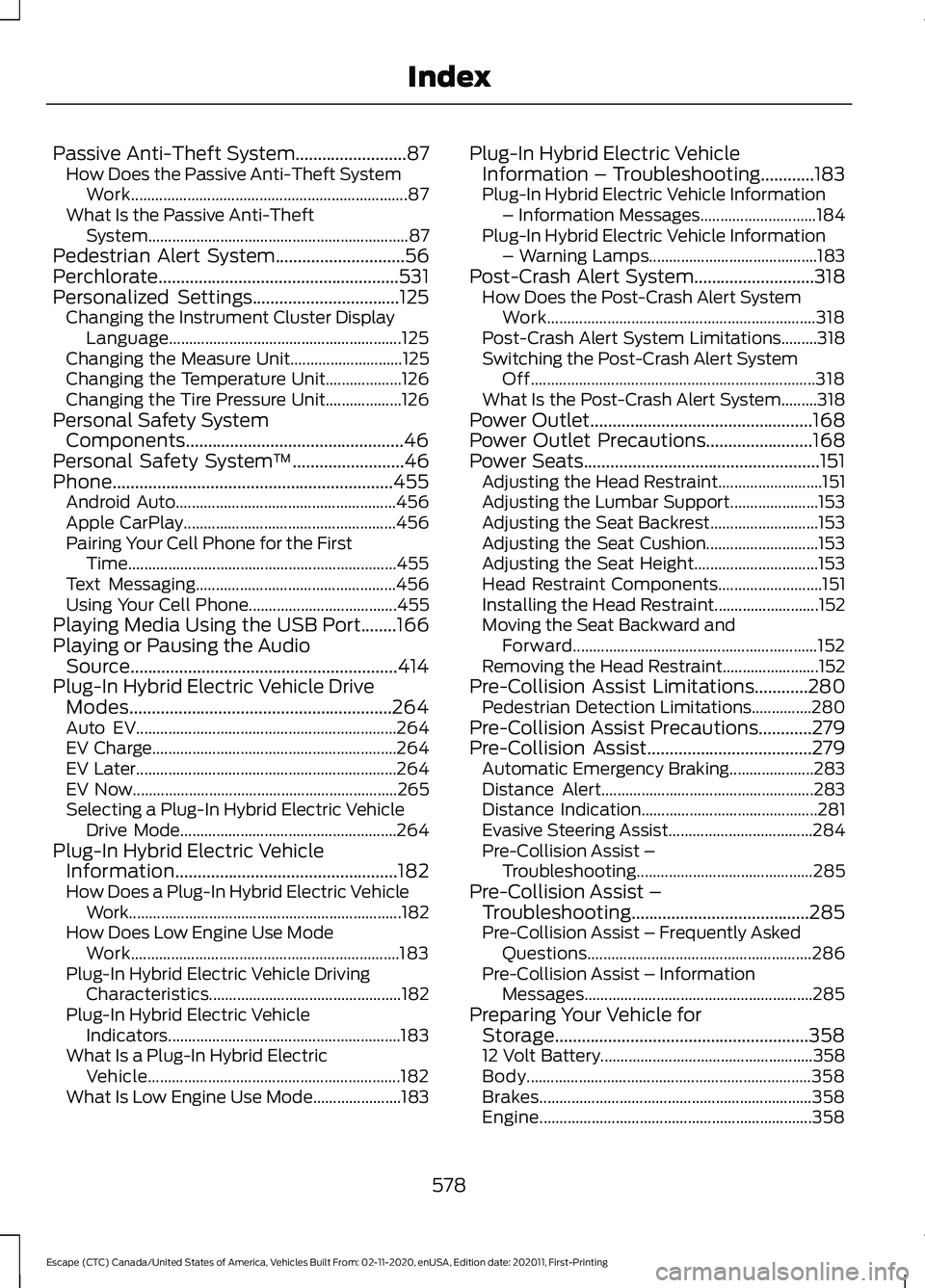
Passive Anti-Theft System.........................87
How Does the Passive Anti-Theft System
Work..................................................................... 87
What Is the Passive Anti-Theft System................................................................. 87
Pedestrian Alert System.............................56
Perchlorate......................................................531
Personalized Settings.................................125 Changing the Instrument Cluster Display
Language.......................................................... 125
Changing the Measure Unit............................ 125
Changing the Temperature Unit................... 126
Changing the Tire Pressure Unit................... 126
Personal Safety System Components.................................................46
Personal Safety System ™
.........................46
Phone...............................................................455 Android Auto....................................................... 456
Apple CarPlay..................................................... 456
Pairing Your Cell Phone for the First Time................................................................... 455
Text Messaging.................................................. 456
Using Your Cell Phone..................................... 455
Playing Media Using the USB Port........166
Playing or Pausing the Audio Source............................................................414
Plug-In Hybrid Electric Vehicle Drive Modes...........................................................264
Auto EV................................................................. 264
EV Charge............................................................. 264
EV Later................................................................. 264
EV Now.................................................................. 265
Selecting a Plug-In Hybrid Electric Vehicle Drive Mode...................................................... 264
Plug-In Hybrid Electric Vehicle Information..................................................182
How Does a Plug-In Hybrid Electric Vehicle Work.................................................................... 182
How Does Low Engine Use Mode Work................................................................... 183
Plug-In Hybrid Electric Vehicle Driving Characteristics................................................ 182
Plug-In Hybrid Electric Vehicle Indicators.......................................................... 183
What Is a Plug-In Hybrid Electric Vehicle............................................................... 182
What Is Low Engine Use Mode...................... 183Plug-In Hybrid Electric Vehicle
Information – Troubleshooting............183
Plug-In Hybrid Electric Vehicle Information – Information Messages............................. 184
Plug-In Hybrid Electric Vehicle Information – Warning Lamps.......................................... 183
Post-Crash Alert System...........................318 How Does the Post-Crash Alert System
Work................................................................... 318
Post-Crash Alert System Limitations.........318
Switching the Post-Crash Alert System Off....................................................................... 318
What Is the Post-Crash Alert System.........318
Power Outlet..................................................168
Power Outlet Precautions........................168
Power Seats.....................................................151
Adjusting the Head Restraint.......................... 151
Adjusting the Lumbar Support...................... 153
Adjusting the Seat Backrest........................... 153
Adjusting the Seat Cushion............................ 153
Adjusting the Seat Height............................... 153
Head Restraint Components.......................... 151
Installing the Head Restraint.......................... 152
Moving the Seat Backward and Forward............................................................. 152
Removing the Head Restraint........................ 152
Pre-Collision Assist Limitations
............280
Pedestrian Detection Limitations...............280
Pre-Collision Assist Precautions............279
Pre-Collision Assist
.....................................279
Automatic Emergency Braking..................... 283
Distance Alert..................................................... 283
Distance Indication............................................ 281
Evasive Steering Assist.................................... 284
Pre-Collision Assist – Troubleshooting............................................ 285
Pre-Collision Assist – Troubleshooting........................................
285
Pre-Collision Assist – Frequently Asked
Questions........................................................ 286
Pre-Collision Assist – Information Messages......................................................... 285
Preparing Your Vehicle for Storage.........................................................358
12 Volt Battery..................................................... 358
Body....................................................................... 358
Brakes.................................................................... 358
Engine.................................................................... 358
578
Escape (CTC) Canada/United States of America, Vehicles Built From: 02-11-2020, enUSA, Edition date: 202011, First-Printing Index
Page 585 of 589
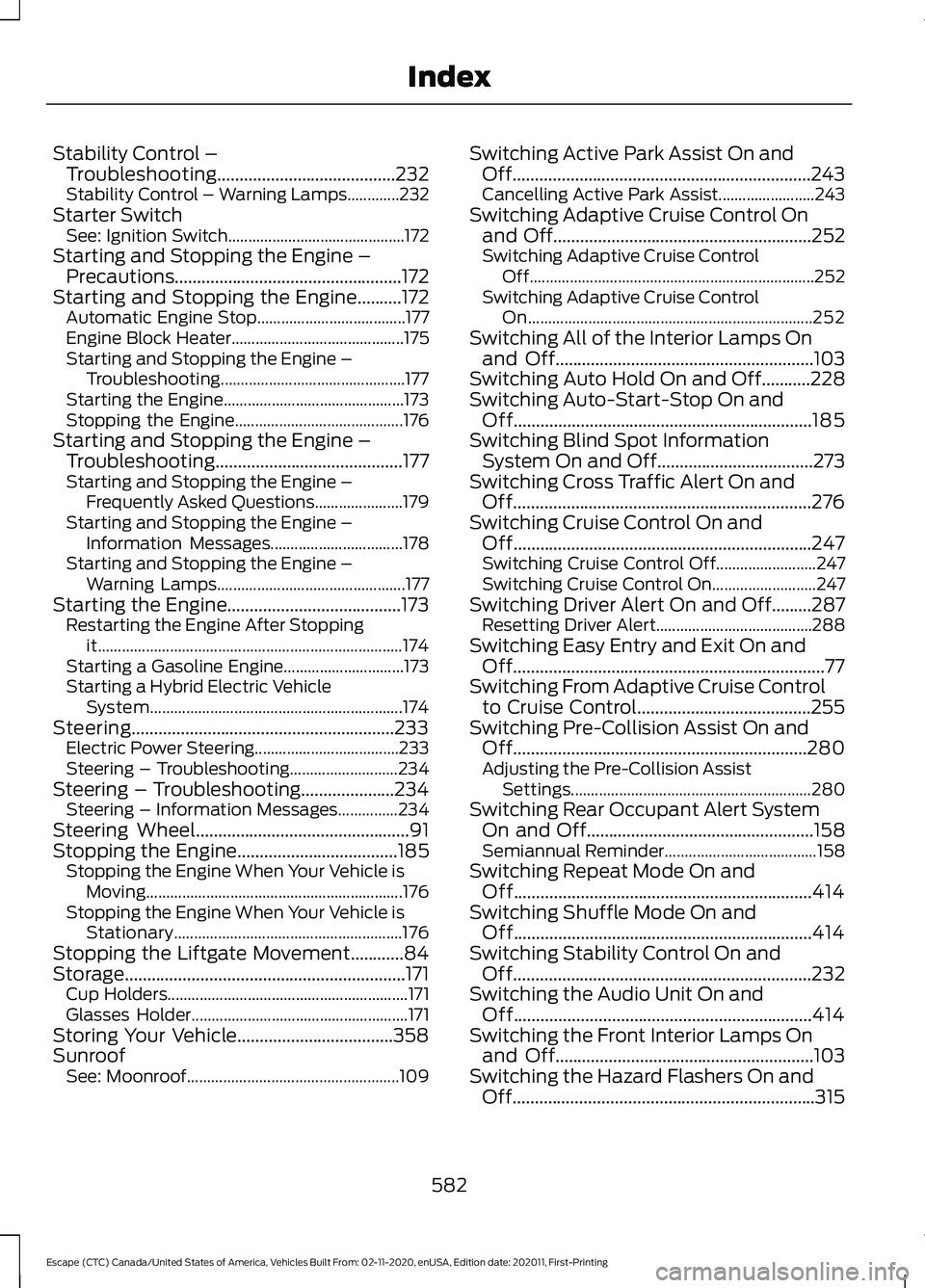
Stability Control –
Troubleshooting........................................232
Stability Control – Warning Lamps.............232
Starter Switch See: Ignition Switch............................................ 172
Starting and Stopping the Engine – Precautions...................................................172
Starting and Stopping the Engine..........172 Automatic Engine Stop..................................... 177
Engine Block Heater........................................... 175
Starting and Stopping the Engine – Troubleshooting.............................................. 177
Starting the Engine............................................. 173
Stopping the Engine.......................................... 176
Starting and Stopping the Engine – Troubleshooting..........................................177
Starting and Stopping the Engine – Frequently Asked Questions...................... 179
Starting and Stopping the Engine – Information Messages................................. 178
Starting and Stopping the Engine – Warning Lamps............................................... 177
Starting the Engine.......................................173
Restarting the Engine After Stopping
it........................................................................\
.... 174
Starting a Gasoline Engine.............................. 173
Starting a Hybrid Electric Vehicle System............................................................... 174
Steering...........................................................233 Electric Power Steering.................................... 233
Steering – Troubleshooting........................... 234
Steering – Troubleshooting.....................234 Steering – Information Messages...............234
Steering Wheel
................................................91
Stopping the Engine....................................185
Stopping the Engine When Your Vehicle is
Moving................................................................ 176
Stopping the Engine When Your Vehicle is Stationary......................................................... 176
Stopping the Liftgate Movement............84
Storage...............................................................171 Cup Holders............................................................ 171
Glasses Holder...................................................... 171
Storing Your Vehicle...................................358
Sunroof See: Moonroof..................................................... 109Switching Active Park Assist On and
Off...................................................................243
Cancelling Active Park Assist........................ 243
Switching Adaptive Cruise Control On and Off
..........................................................252
Switching Adaptive Cruise Control
Off....................................................................... 252
Switching Adaptive Cruise Control On....................................................................... 252
Switching All of the Interior Lamps On and Off
..........................................................103
Switching Auto Hold On and Off...........228
Switching Auto-Start-Stop On and Off...................................................................185
Switching Blind Spot Information System On and Off...................................273
Switching Cross Traffic Alert On and Off...................................................................276
Switching Cruise Control On and Off...................................................................247
Switching Cruise Control Off......................... 247
Switching Cruise Control On.......................... 247
Switching Driver Alert On and Off.........287 Resetting Driver Alert....................................... 288
Switching Easy Entry and Exit On and Off......................................................................77
Switching From Adaptive Cruise Control to Cruise Control.......................................255
Switching Pre-Collision Assist On and Off..................................................................280
Adjusting the Pre-Collision Assist Settings............................................................ 280
Switching Rear Occupant Alert System On and Off...................................................158
Semiannual Reminder...................................... 158
Switching Repeat Mode On and Off...................................................................414
Switching Shuffle Mode On and Off...................................................................414
Switching Stability Control On and Off
...................................................................232
Switching the Audio Unit On and Off...................................................................414
Switching the Front Interior Lamps On and Off
..........................................................103
Switching the Hazard Flashers On and Off....................................................................315
582
Escape (CTC) Canada/United States of America, Vehicles Built From: 02-11-2020, enUSA, Edition date: 202011, First-Printing Index