jump start FORD ESCAPE 2022 User Guide
[x] Cancel search | Manufacturer: FORD, Model Year: 2022, Model line: ESCAPE, Model: FORD ESCAPE 2022Pages: 585, PDF Size: 6.15 MB
Page 570 of 585
Cleaning Chrome, Aluminium or StainlessSteel..................................................................350
Cleaning Headlamps and Rear Lamps...............................................................349
Cleaning Stripes or Graphics..........................351
Cleaning the Engine Compartment...........350
Cleaning the Exterior Precautions...............349
Cleaning the Underbody..................................351
Cleaning Wheels................................................350
Cleaning Windows and Wiper Blades...............................................................350
Cleaning the Interior....................................351Cleaning Carpets and Floor Mats................352
Cleaning Displays and Screens....................352
Cleaning Fabric Seats andHeadliners........................................................352
Cleaning Leather and Vinyl............................352
Cleaning Moonroof Tracks.............................353
Cleaning Plastic...................................................351
Cleaning Seatbelts............................................353
Cleaning Storage Compartments...............353
Cleaning the Instrument Panel.....................351
Clearing All MyKeys.......................................66
Clearing the Garage Door Opener.........164
Climate Control..............................................137
Closing the Liftgate.......................................78
Closing the Hands-Free Liftgate....................83
Closing the Liftgate From Inside Your Vehicle.................................................................82
Closing the Liftgate From Outside Your Vehicle.................................................................78
Closing the Liftgate Using the Remote Control.................................................................83
Cold Weather Precautions......................304
Configuring the Trip Computer - VehiclesWith: 4.2 Inch Instrument Cluster
Display Screen............................................129
Connected Vehicle.....................................405
Connecting the Vehicle to a Mobile
Network...........................................................405
Connected Vehicle Data..............................24
Connected Vehicle Limitations..............405
Connected Vehicle Requirements........405
Connected Vehicle – Troubleshooting -Vehicles With: Modem...........................406
Connected Vehicle – Troubleshooting - Vehicles With: SYNC 3............................407
Connecting a Trailer...................................296 Connecting a Trailer Precautions..........296
Connecting the Vehicle to a Mobile
Network.......................................................405
Connecting FordPass to the Modem.........405
Enabling and Disabling the Modem..........405
What Is the Modem.........................................405
Connecting the Vehicle to a Wi-FiNetwork.......................................................405
Contacting Us...................................................15
Cooling System Capacity and Specification - 1.5L EcoBoost™.........396
Cooling System Capacity and Specification - 2.0L EcoBoost™.........397
Cooling System Capacity and Specification - 2.5L, Hybrid Electric
Vehicle (HEV)/Plug-In Hybrid Electric
Vehicle (PHEV)..........................................397
Crash and Breakdown Information.................................................308
Automatic Crash Shutoff.................................314
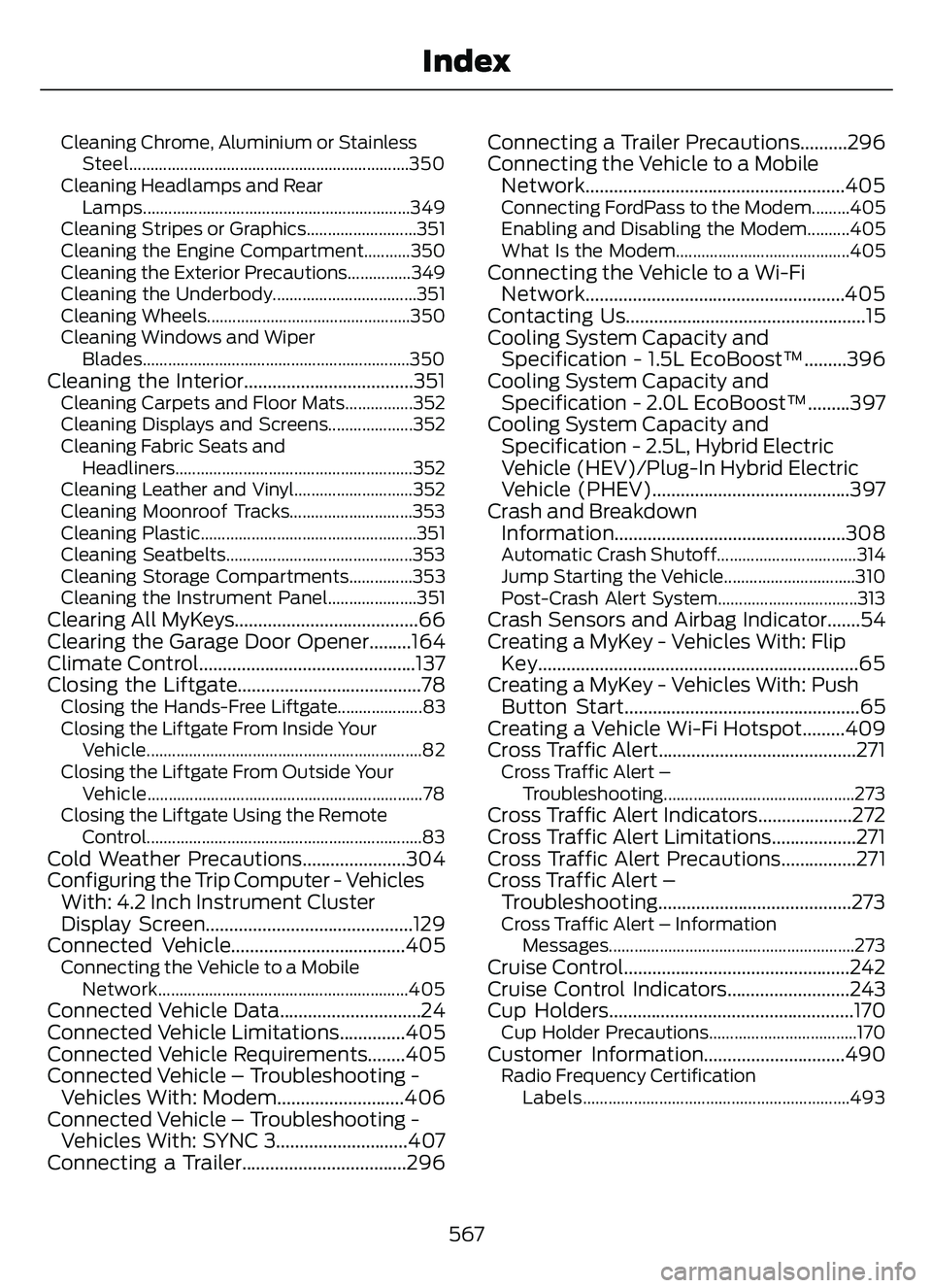
Jump Starting the Vehicle...............................310
Post-Crash Alert System.................................313
Crash Sensors and Airbag Indicator.......54
Creating a MyKey - Vehicles With: FlipKey....................................................................65
Creating a MyKey - Vehicles With: Push Button Start..................................................65
Creating a Vehicle Wi-Fi Hotspot.........409
Cross Traffic Alert..........................................271
Cross Traffic Alert –
Troubleshooting.............................................273
Cross Traffic Alert Indicators....................272
Cross Traffic Alert Limitations..................271
Cross Traffic Alert Precautions................271
Cross Traffic Alert –Troubleshooting.........................................273
Cross Traffic Alert – Information
Messages..........................................................273
Cruise Control................................................242
Cruise Control Indicators..........................243
Cup Holders....................................................170
Cup Holder Precautions...................................170Customer Information..............................490Radio Frequency CertificationLabels...............................................................493
567
Index
Page 576 of 585
J
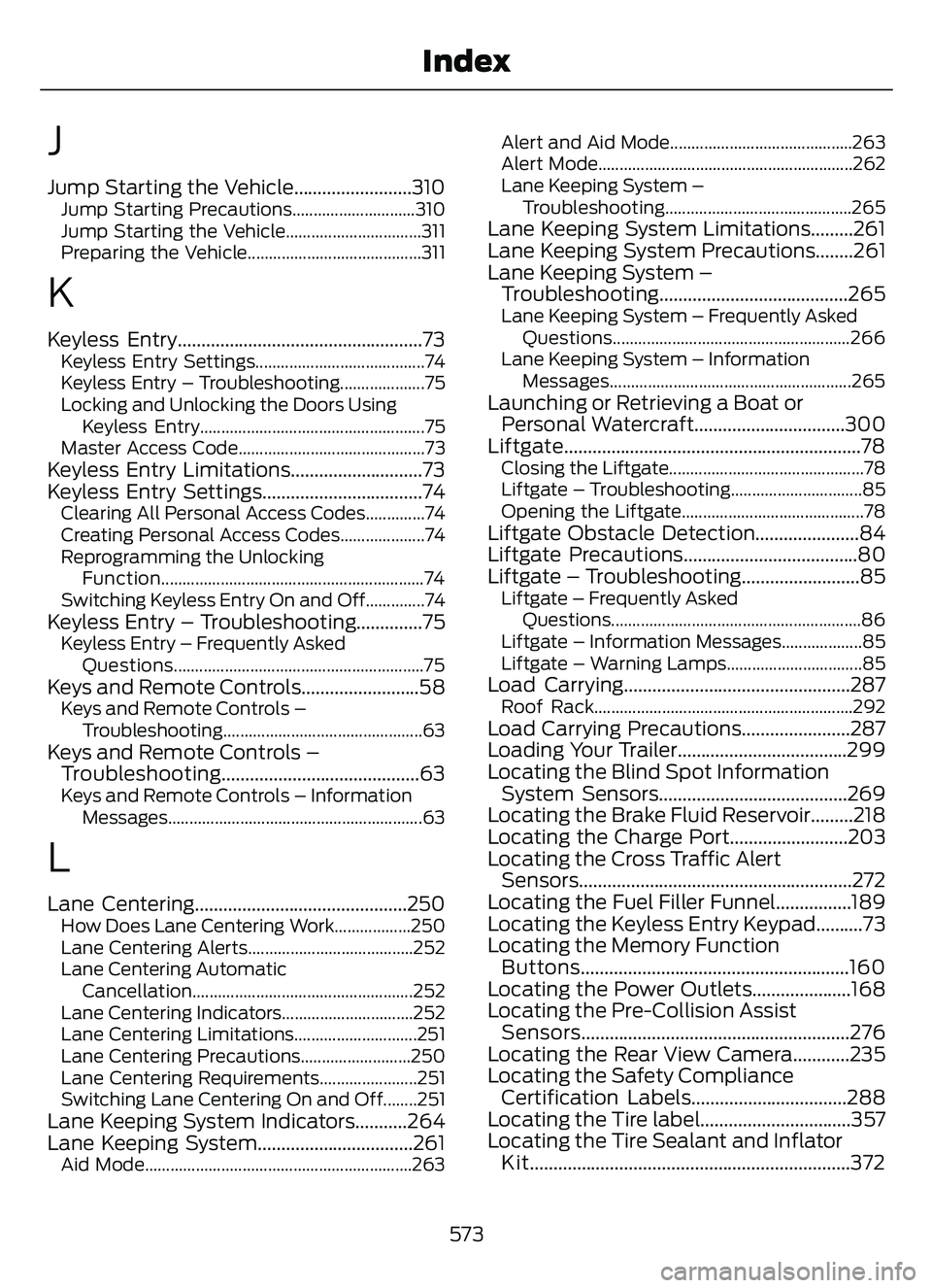
Jump Starting the Vehicle.........................310Jump Starting Precautions.............................310
Jump Starting the Vehicle................................311
Preparing the Vehicle.........................................311
K
Keyless Entry....................................................73Keyless Entry Settings........................................74
Keyless Entry – Troubleshooting....................75
Locking and Unlocking the Doors UsingKeyless Entry.....................................................75
Master Access Code............................................73
Keyless Entry Limitations............................73
Keyless Entry Settings..................................74
Clearing All Personal Access Codes..............74
Creating Personal Access Codes....................74
Reprogramming the Unlocking Function..............................................................74
Switching Keyless Entry On and Off..............74
Keyless Entry – Troubleshooting..............75Keyless Entry – Frequently Asked Questions...........................................................75
Keys and Remote Controls.........................58Keys and Remote Controls –Troubleshooting...............................................63
Keys and Remote Controls –Troubleshooting..........................................63
Keys and Remote Controls – Information
Messages............................................................63
L
Lane Centering.............................................250How Does Lane Centering Work..................250
Lane Centering Alerts.......................................252
Lane Centering AutomaticCancellation.................................................... 252
Lane Centering Indicators...............................252
Lane Centering Limitations.............................251
Lane Centering Precautions..........................250
Lane Centering Requirements.......................251
Switching Lane Centering On and Off........251
Lane Keeping System Indicators...........264
Lane Keeping System.................................261
Aid Mode...............................................................2\
63 Alert and Aid Mode...........................................263
Alert Mode............................................................262
Lane Keeping System –
Troubleshooting ............................................265
Lane Keeping System Limitations.........261
Lane Keeping System Precautions........261
Lane Keeping System –
Troubleshooting ........................................265
Lane Keeping System – Frequently Asked
Questions ........................................................266
Lane Keeping System – Information Messages.........................................................265
Launching or Retrieving a Boat orPersonal Watercraft................................300
Liftgate...............................................................78
Closing the Liftgate..............................................78
Liftgate – Troubleshooting...............................85
Opening the Liftgate...........................................78
Liftgate Obstacle Detection......................84
Liftgate Precautions.....................................80
Liftgate – Troubleshooting.........................85
Liftgate – Frequently Asked
Questions...........................................................86
Liftgate – Information Messages...................85
Liftgate – Warning Lamps................................85
Load Carrying................................................287Roof Rack.............................................................292Load Carrying Precautions.......................287
Loading Your Trailer....................................299
Locating the Blind Spot Information System Sensors........................................269
Locating the Brake Fluid Reservoir.........218
Locating the Charge Port.........................203
Locating the Cross Traffic Alert Sensors..........................................................272
Locating the Fuel Filler Funnel................189
Locating the Keyless Entry Keypad..........73
Locating the Memory Function Buttons.........................................................160
Locating the Power Outlets.....................168
Locating the Pre-Collision Assist Sensors.........................................................276
Locating the Rear View Camera............235
Locating the Safety Compliance Certification Labels.................................288
Locating the Tire label................................357
Locating the Tire Sealant and Inflator Kit....................................................................372
573
Index