manual radio set FORD ESCAPE 2022 Owners Manual
[x] Cancel search | Manufacturer: FORD, Model Year: 2022, Model line: ESCAPE, Model: FORD ESCAPE 2022Pages: 585, PDF Size: 6.15 MB
Page 16 of 585
Connecting the Vehicle to a MobileNetwork .....................................................405
Connecting the Vehicle to a Wi-Fi Network .....................................................405
Connected Vehicle – Troubleshooting - Vehicles With: Modem .........................406
Connected Vehicle – Troubleshooting - Vehicles With: SYNC 3 ..........................407
Vehicle Wi-Fi Hotspot
Creating a Vehicle Wi-Fi Hotspot ........409
Changing the Vehicle Wi-Fi HotspotName or Password ................................409
Audio System
Audio System Precautions ......................410
Switching the Audio Unit On and Off........................................................................\
4 1 0
Selecting the Audio Source .....................410
Playing or Pausing the Audio Source ........................................................................\
4 1 0
Adjusting the Volume ................................410
Switching Shuffle Mode On and Off ........................................................................\
4 1 0
Switching Repeat Mode On and Off ........................................................................\
4 1 0
Setting a Memory Preset .........................410
Muting the Audio ..........................................411
Adjusting the Sound Settings ..................411
Setting the Clock and Date .......................411
AM/FM Radio ................................................412
Digital Radio ..................................................412
Satellite Radio ..............................................414
SYNC™
General Information ...................................415
Using Voice Recognition ...........................416
Using SYNC™ With Your Phone ............418
SYNC™ Applications and Services ......419
Using SYNC™ With Your Media Player ........................................................................\
.421
SYNC™ Troubleshooting .........................421
SYNC™ 3
General Information ...................................431
Using Voice Recognition ..........................433
Entertainment .............................................440
Phone .............................................................450
Navigation .....................................................452
Electric Vehicle Information ....................457
Apps ................................................................462
Settings ..........................................................464
SYNC™ 3 Troubleshooting ....................466
Accessories
Accessories ...................................................479
Ford Protect
What Is Ford Protect ................................480
Scheduled Maintenance
General Maintenance Information ......482
Normal Scheduled Maintenance .........485
Special Operating Conditions Scheduled Maintenance ............................................487
Customer Information
Rollover Warning ........................................490
The Better Business Bureau Auto LineProgram .....................................................490
The Mediation and Arbitration Program ........................................................................\
.491
Ordering a Canadian French Owner's Manual ........................................................491
Reporting Safety Defects in the United States .........................................................492
Reporting Safety Defects in Canada ........................................................................\
492
Radio Frequency Certification Labels ........................................................................\
493
Perchlorate ...................................................530
Replacement Parts Recommendation ........................................................................\
530
13
Table of Contents
Page 421 of 585
USING SYNC™ WITH YOUR
PHONE
Hands-free calling is one of the main
features of SYNC. While the system
supports a variety of features, many are
dependent on your cellular phone's
functionality. At a minimum, most cellular
phones with Bluetooth wireless technology
support the following functions:
• Answering an incoming call.
• Ending a call.
• Dialing a number.
• Redialing.
• Call waiting notification.
• Caller identification.
Other features, such as text messaging
using Bluetooth® and automatic
phonebook download, are
phone-dependent features.
Pairing a Phone
Wirelessly pairing your phone with SYNC
allows you to make and receive hands-free
calls.
Note:Make sure to switch on the ignition
and the radio. Shift the transmission into
park (P) for automatic transmission or
neutral (N) for manual transmission.
Using the Audio System
Note: To scroll through the menus, press
the up and down arrows on your audio
system.
1. Make sure to switch on your phone's Bluetooth® feature before starting the
search. See your device's manual if
necessary.
2. Press the Settings button.
3. Select Bluetooth from the menu.
4. Press the OK button. 5. Select the option to add. This starts
the pairing process.
6. When a message to begin pairing appears in the center display, search
for SYNC on your device.
Depending on your phone's capability and
your market, the system may prompt you
with questions, such as setting the current
phone as the primary phone and
downloading your phonebook.
Using Voice Commands
E142599
Make sure to switch on your
phone's Bluetooth® feature
before starting the search. See
your device's manual if necessary.
Press the voice button and when
prompted say:
Action and Descrip-
tion
Voice Command
Follow the instruc-
tions on the center
display.
Pair Phone
Phone Voice Commands
E142599
Press the voice button. You can
do things like place a phone call
and access text messages.
When prompted, say a command. See the
following table for examples of
commands.
Voice Command
___ List of Commands
Help
Call ___
Dial ___
Text Messages
418
SYNC™ (If Equipped)
Page 435 of 585
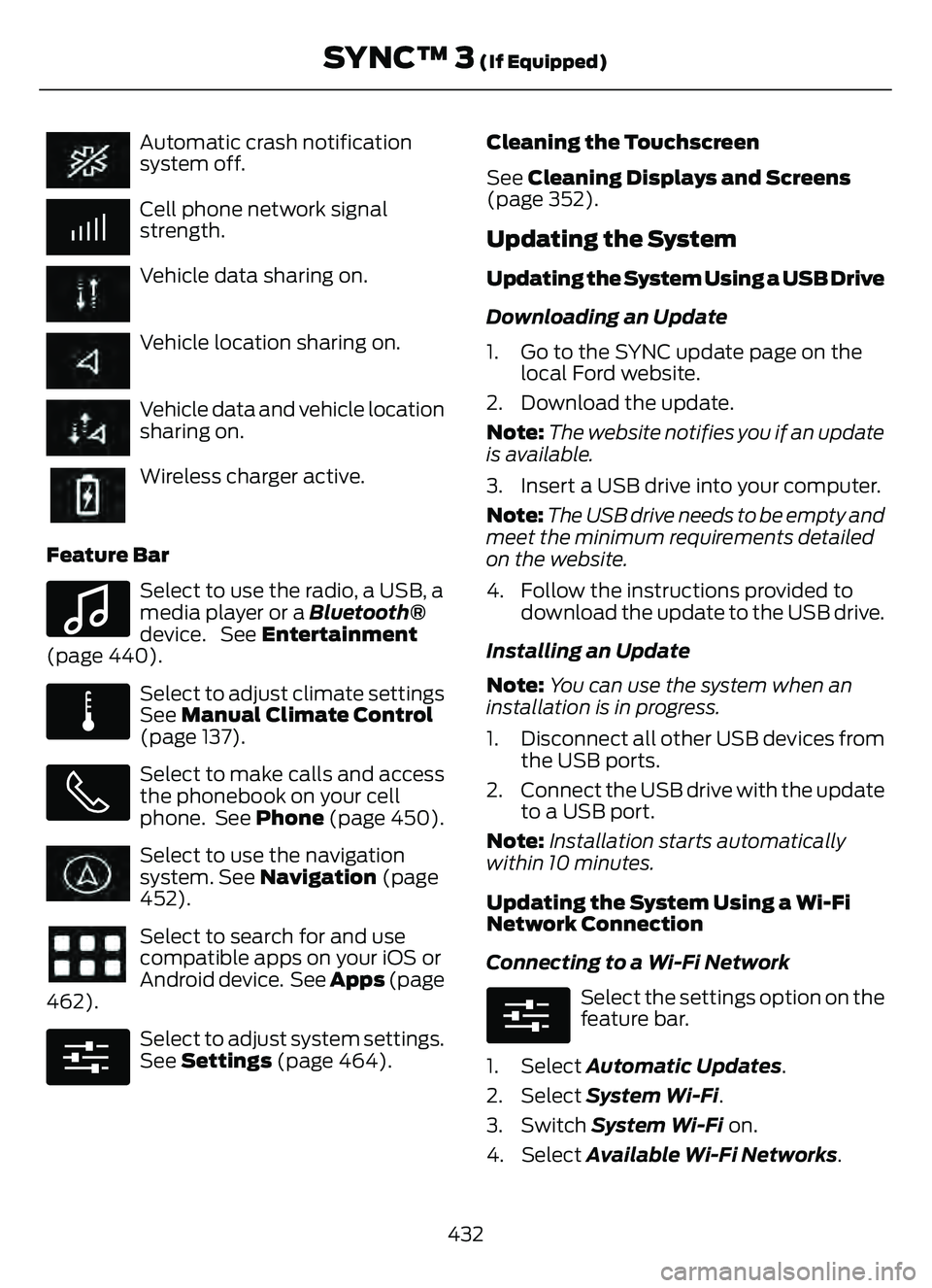
Automatic crash notification
system off.
Cell phone network signal
strength.
Vehicle data sharing on.
Vehicle location sharing on.
Vehicle data and vehicle location
sharing on.
Wireless charger active.
Feature Bar
E100027
Select to use the radio, a USB, a
media player or a Bluetooth®
device. See Entertainment
(page 440).
E283811
Select to adjust climate settings
See Manual Climate Control
(page 137).
Select to make calls and access
the phonebook on your cell
phone. See Phone (page 450).
Select to use the navigation
system. See Navigation (page
452).
Select to search for and use
compatible apps on your iOS or
Android device. See Apps (page
462).
E280315
Select to adjust system settings.
See Settings (page 464). Cleaning the Touchscreen
See
Cleaning Displays and Screens
(page 352).
Updating the System
Updating the System Using a USB Drive
Downloading an Update
1. Go to the SYNC update page on the local Ford website.
2. Download the update.
Note: The website notifies you if an update
is available.
3. Insert a USB drive into your computer.
Note: The USB drive needs to be empty and
meet the minimum requirements detailed
on the website.
4. Follow the instructions provided to download the update to the USB drive.
Installing an Update
Note: You can use the system when an
installation is in progress.
1. Disconnect all other USB devices from the USB ports.
2. Connect the USB drive with the update to a USB port.
Note: Installation starts automatically
within 10 minutes.
Updating the System Using a Wi-Fi
Network Connection
Connecting to a Wi-Fi Network
E280315
Select the settings option on the
feature bar.
1. Select Automatic Updates.
2. Select System Wi-Fi.
3. Switch System Wi-Fi on.
4. Select Available Wi-Fi Networks.
432
SYNC™ 3 (If Equipped)
Page 573 of 585
Folding the Exterior Mirrors......................108
Ford Protect..................................................480
Front Parking Aid...........................................231
Front Parking Aid Audible Warnings...........232
Front Parking Aid Limitations.........................231
Locating the Front Parking AidSensors.............................................................232
What is the Front Parking Aid.........................231
Front Passenger Sensing System.............51Front Passenger Sensing System Indicator s............................................................53
Front Passenger Sensing System Precautions........................................................53
How Does the Front Passenger Sensing System Work......................................................51
What Is the Front Passenger Sensing System..................................................................51
Front Seat Precautions..............................148
Front Seats.....................................................148
Heated Seats........................................................154
Manual Seats.......................................................149
Power Seats...........................................................151
Fuel and Refueling.......................................187Fuel and Refueling –Troubleshooting.............................................196
Fuel Quality..........................................................188
Refueling.................................................................191
Running Out of Fuel..........................................189
Fuel and Refueling Precautions..............187
Fuel and Refueling – Troubleshooting........................................196
Fuel and Refueling – Information
Messages..........................................................196
Fuel and Refueling – Warning Lamps........196
Fuel Economy Display................................126
Fuel Economy Display - Gasoline...........127
Fuel Economy Display - Plug-In Hybrid Electric Vehicle (PHEV)...........................127
Fuel Gauge.......................................................118
Fuel Gauge Limitations.....................................118
Locating the Fuel Filler Door...........................118
What Is Distance to Empty..............................118
What Is the Fuel Gauge.....................................118
What Is the Low Fuel Reminder.....................118
Fuel Quality....................................................188Selecting the Correct Fuel..............................188
Fuel Tank Capacity - Excluding: Hybrid Electric Vehicle (HEV)/Plug-In Hybrid
Electric Vehicle (PHEV).........................398
Fuel Tank Capacity......................................195
Fuel Tank Capacity - Hybrid Electric Vehicle (HEV)/Plug-In Hybrid Electric
Vehicle (PHEV).........................................399
Fuse Precautions..........................................319
Fuses.................................................................319
Body Control Module Fuse Box....................325
Fuses – Troubleshooting.................................327
Under Hood Fuse Box.......................................319
Fuses – Troubleshooting...........................327Fuses – Frequently Asked Questions.........327
G
Garage Door Opener...................................162
Garage Door Opener Limitations...........162
Garage Door Opener Precautions..........162
Garage Door Opener Radio Frequencies.................................................165
General Maintenance Information.......482
Glasses Holder...............................................170
Locating the Glasses Holder...........................170Glossary of Tire Terminology..................363
Grade Assist - Hybrid Electric Vehicle (HEV)..............................................................212\
Grade Assist Indicators.....................................212
Switching Grade Assist On and Off.............212
What Is Grade Assist.........................................212
H
Headlamp AdjustingSee: Adjusting the Headlamps.....................344Headlamps.......................................................97Headlamp Indicators..........................................97
Switching Headlamp Exit Delay On and
Off........................................................................\
.97
Using the High Beam Headlamps..................97
Headlamps – Troubleshooting................98Headlamps – Frequently Asked Questions...........................................................98
Head Up Display.............................................131Head Up Display – Troubleshooting............133Head Up Display Indicators.......................132
Head Up Display Settings...........................131
570
Index
Page 579 of 585
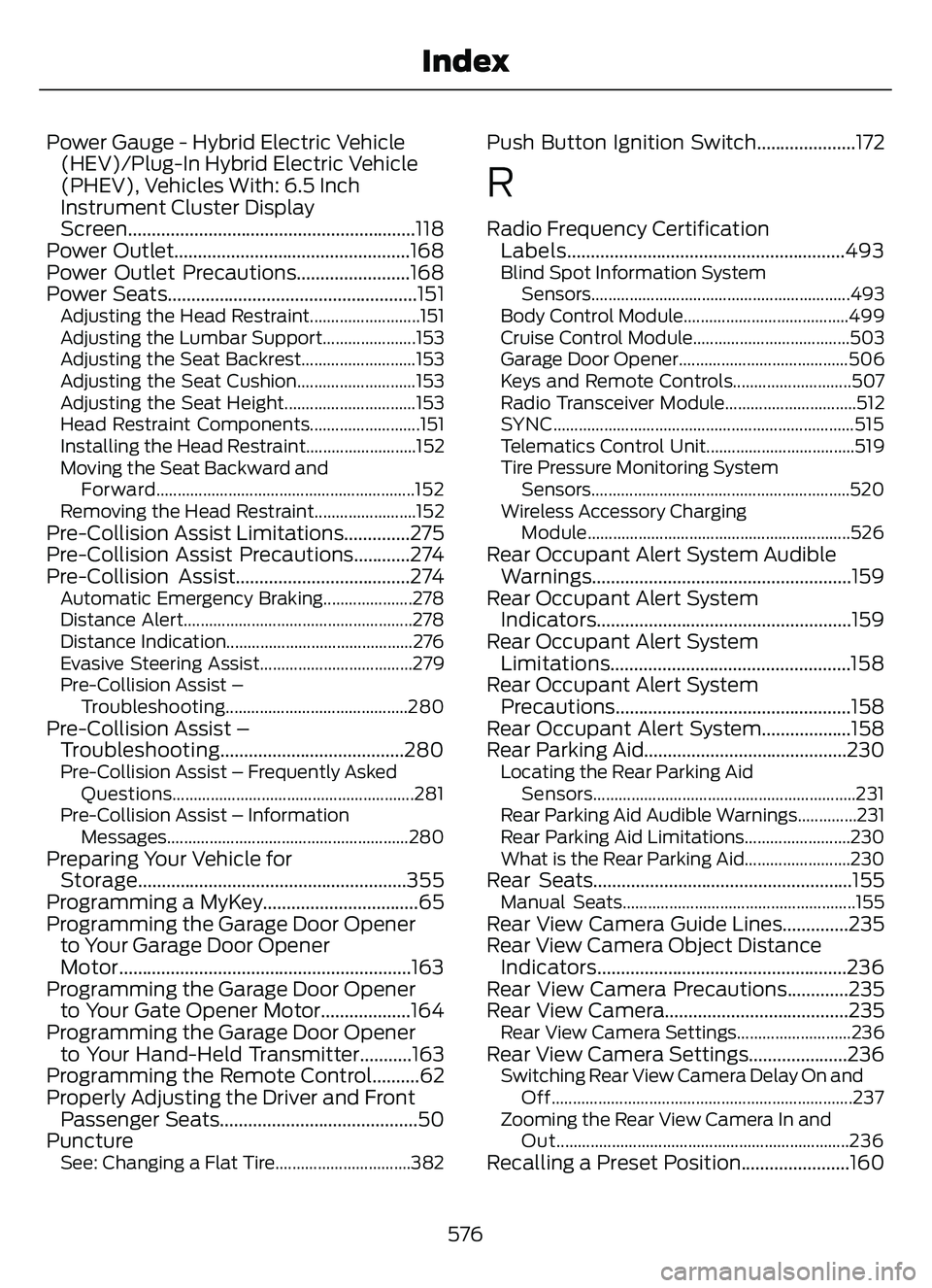
Power Gauge - Hybrid Electric Vehicle(HEV)/Plug-In Hybrid Electric Vehicle
(PHEV), Vehicles With: 6.5 Inch
Instrument Cluster Display
Screen.............................................................118
Power Outlet..................................................168
Power Outlet Precautions........................168
Power Seats.....................................................151
Adjusting the Head Restraint..........................151
Adjusting the Lumbar Support......................153
Adjusting the Seat Backrest...........................153
Adjusting the Seat Cushion............................153
Adjusting the Seat Height...............................153
Head Restraint Components..........................151
Installing the Head Restraint..........................152
Moving the Seat Backward and
Forward.............................................................152
Removing the Head Restraint........................152
Pre-Collision Assist Limitations..............275
Pre-Collision Assist Precautions............274
Pre-Collision Assist.....................................274
Automatic Emergency Braking.....................278
Distance Alert......................................................278
Distance Indication............................................276
Evasive Steering Assist....................................279
Pre-Collision Assist – Troubleshooting...........................................280
Pre-Collision Assist –Troubleshooting.......................................280
Pre-Collision Assist – Frequently Asked
Questions.........................................................281
Pre-Collision Assist – Information Messages.........................................................280
Preparing Your Vehicle forStorage.........................................................355
Programming a MyKey.................................65
Programming the Garage Door Opener to Your Garage Door Opener
Motor..............................................................163
Programming the Garage Door Opener to Your Gate Opener Motor...................164
Programming the Garage Door Opener to Your Hand-Held Transmitter...........163
Programming the Remote Control..........62
Properly Adjusting the Driver and Front Passenger Seats..........................................50
Puncture
See: Changing a Flat Tire................................382
Push Button Ignition Switch.....................172
R
Radio Frequency Certification Labels...........................................................493
Blind Spot Information System
Sensors.............................................................493
Body Control Module.......................................499
Cruise Control Module.....................................503
Garage Door Opener........................................506
Keys and Remote Controls............................507
Radio Transceiver Module...............................512
SYNC.......................................................................5\
15
Telematics Control Unit...................................519
Tire Pressure Monitoring System Sensors.............................................................520
Wireless Accessory Charging Module.............................................................. 526
Rear Occupant Alert System Audible
Warnings.......................................................159
Rear Occupant Alert System Indicator s......................................................159
Rear Occupant Alert System Limitations...................................................158
Rear Occupant Alert System Precautions..................................................158
Rear Occupant Alert System...................158
Rear Parking Aid...........................................230
Locating the Rear Parking Aid
Sensors..............................................................231
Rear Parking Aid Audible Warnings..............231
Rear Parking Aid Limitations.........................230
What is the Rear Parking Aid.........................230
Rear Seats.......................................................155Manual Seats.......................................................155Rear View Camera Guide Lines..............235
Rear View Camera Object Distance Indicators.....................................................236
Rear View Camera Precautions.............235
Rear View Camera.......................................235
Rear View Camera Settings...........................236Rear View Camera Settings.....................236Switching Rear View Camera Delay On and
Off.......................................................................2\
37
Zooming the Rear View Camera In and Out.....................................................................236
Recalling a Preset Position.......................160
576
Index
Page 580 of 585
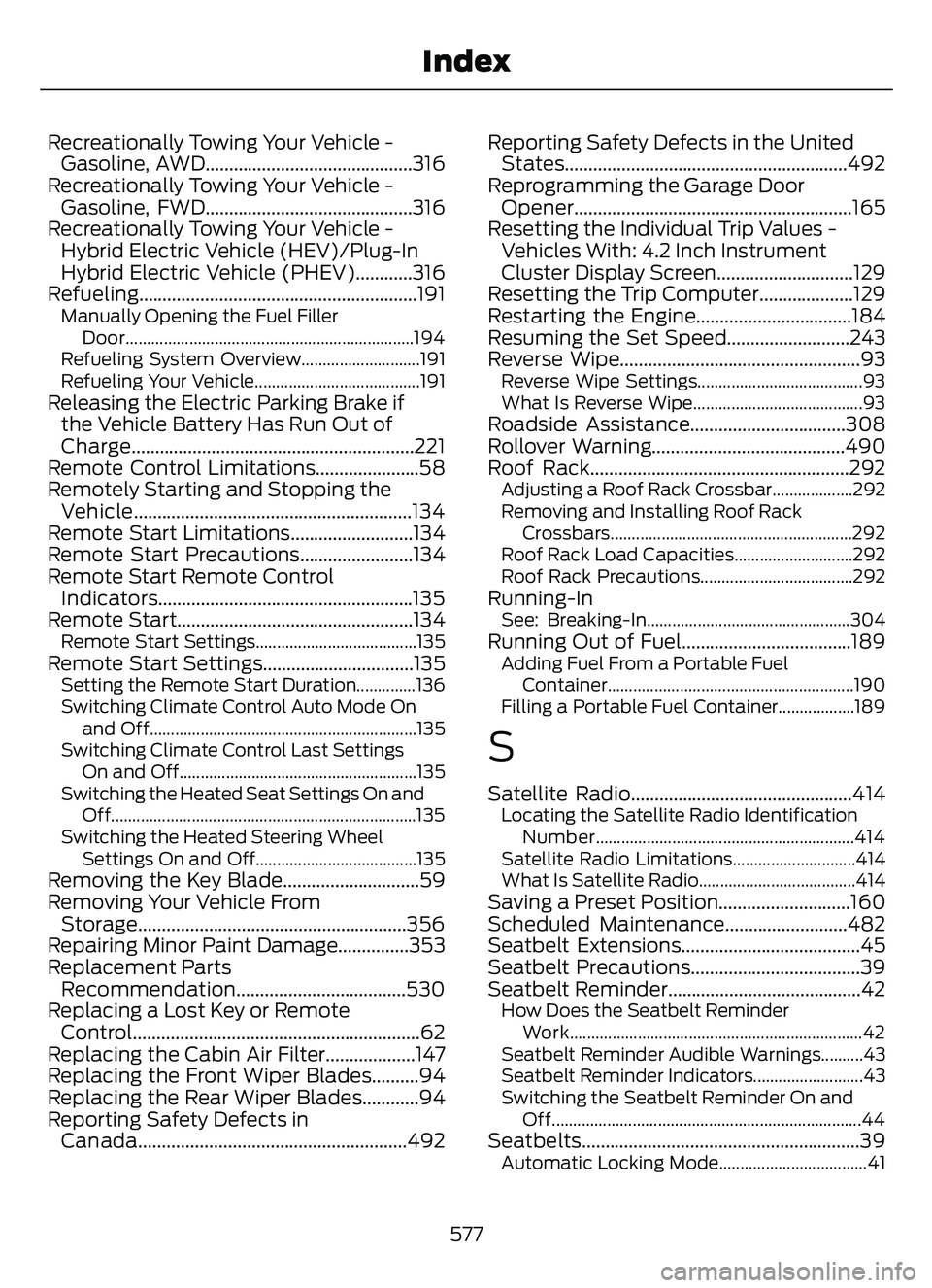
Recreationally Towing Your Vehicle -Gasoline, AWD............................................316
Recreationally Towing Your Vehicle - Gasoline, FWD............................................316
Recreationally Towing Your Vehicle - Hybrid Electric Vehicle (HEV)/Plug-In
Hybrid Electric Vehicle (PHEV)............316
Refueling ...........................................................191
Manually Opening the Fuel Filler
Door....................................................................194
Refueling System Overview............................191
Refueling Your Vehicle.......................................191
Releasing the Electric Parking Brake if the Vehicle Battery Has Run Out of
Charge............................................................221
Remote Control Limitations......................58
Remotely Starting and Stopping the Vehicle...........................................................134
Remote Start Limitations..........................134
Remote Start Precautions........................134
Remote Start Remote Control Indicators......................................................135
Remote Start..................................................134
Remote Start Settings......................................135Remote Start Settings................................135Setting the Remote Start Duration..............136
Switching Climate Control Auto Mode On
and Off...............................................................13\
5
Switching Climate Control Last Settings On and Off........................................................135
Switching the Heated Seat Settings On and Off........................................................................\
135
Switching the Heated Steering Wheel Settings On and Off......................................135
Removing the Key Blade.............................59
Removing Your Vehicle FromStorage.........................................................356
Repairing Minor Paint Damage...............353
Replacement Parts Recommendation....................................530
Replacing a Lost Key or Remote Control.............................................................62
Replacing the Cabin Air Filter...................147
Replacing the Front Wiper Blades..........94
Replacing the Rear Wiper Blades............94
Reporting Safety Defects in Canada.........................................................492 Reporting Safety Defects in the United
States............................................................492
Reprogramming the Garage Door Opener...........................................................165
Resetting the Individual Trip Values - Vehicles With: 4.2 Inch Instrument
Cluster Display Screen.............................129
Resetting the Trip Computer....................129
Restarting the Engine.................................184
Resuming the Set Speed..........................243
Reverse Wipe...................................................93
Reverse Wipe Settings.......................................93
What Is Reverse Wipe........................................93
Roadside Assistance.................................308
Rollover Warning.........................................490
Roof Rack.......................................................292
Adjusting a Roof Rack Crossbar...................292
Removing and Installing Roof Rack
Crossbars.........................................................292
Roof Rack Load Capacities............................292
Roof Rack Precautions....................................292
Running-InSee: Breaking-In................................................304Running Out of Fuel....................................189Adding Fuel From a Portable Fuel Cont ainer..........................................................190
Filling a Portable Fuel Container..................189
S
Satellite Radio...............................................414Locating the Satellite Radio Identification Number.............................................................414
Satellite Radio Limitations.............................414
What Is Satellite Radio.....................................414
Saving a Preset Position............................160
Scheduled Maintenance..........................482
Seatbelt Extensions......................................45
Seatbelt Precautions....................................39
Seatbelt Reminder.........................................42
How Does the Seatbelt Reminder Work.....................................................................42
Seatbelt Reminder Audible Warnings..........43
Seatbelt Reminder Indicators..........................43
Switching the Seatbelt Reminder On and Off........................................................................\
.44
Seatbel ts...........................................................39Automatic Locking Mode...................................41
577
Index