engine FORD EXPEDITION 2011 3.G User Guide
[x] Cancel search | Manufacturer: FORD, Model Year: 2011, Model line: EXPEDITION, Model: FORD EXPEDITION 2011 3.GPages: 395, PDF Size: 2.72 MB
Page 17 of 395
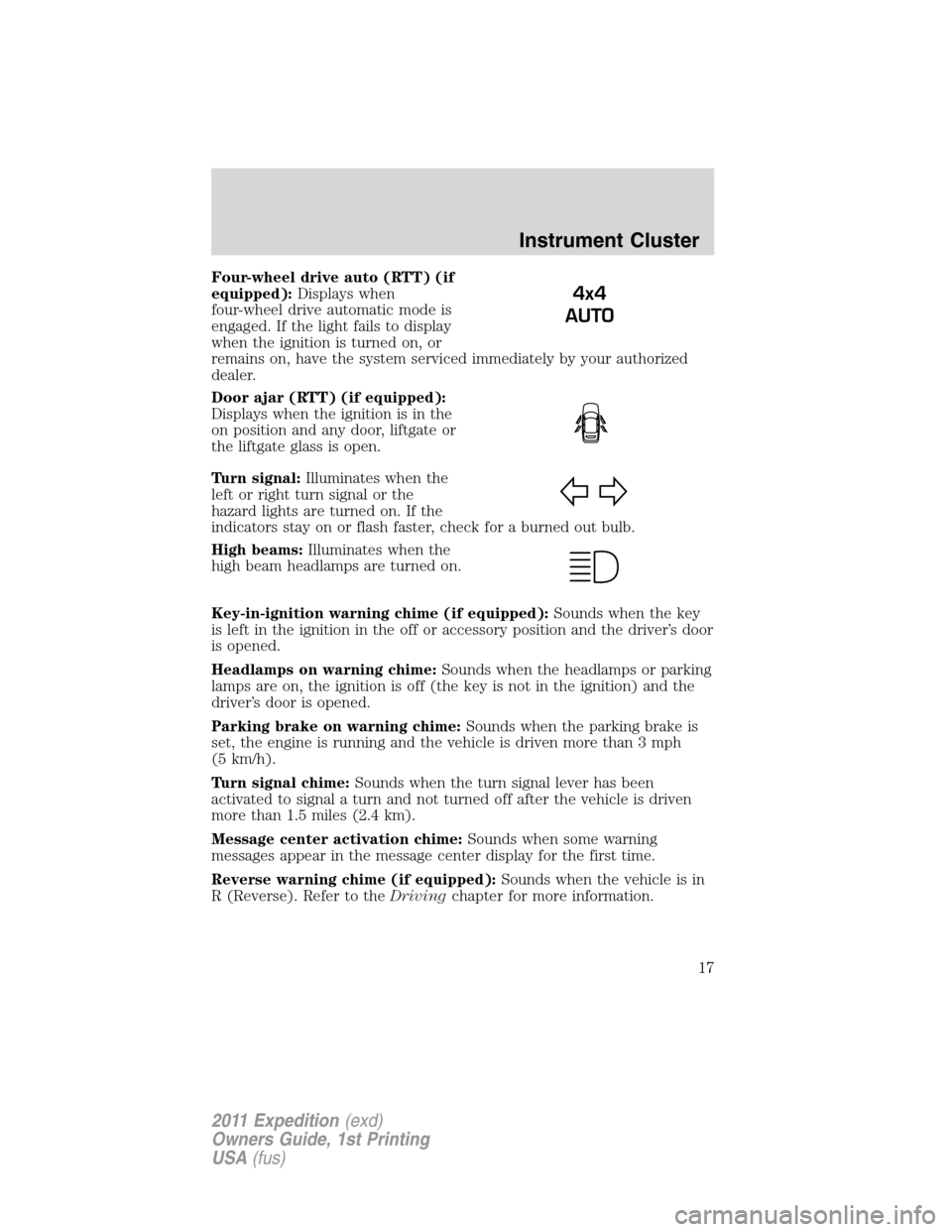
Four-wheel drive auto (RTT) (if
equipped):Displays when
four-wheel drive automatic mode is
engaged. If the light fails to display
when the ignition is turned on, or
remains on, have the system serviced immediately by your authorized
dealer.
Door ajar (RTT) (if equipped):
Displays when the ignition is in the
on position and any door, liftgate or
the liftgate glass is open.
Turn signal:Illuminates when the
left or right turn signal or the
hazard lights are turned on. If the
indicators stay on or flash faster, check for a burned out bulb.
High beams:Illuminates when the
high beam headlamps are turned on.
Key-in-ignition warning chime (if equipped):Sounds when the key
is left in the ignition in the off or accessory position and the driver’s door
is opened.
Headlamps on warning chime:Sounds when the headlamps or parking
lamps are on, the ignition is off (the key is not in the ignition) and the
driver’s door is opened.
Parking brake on warning chime:Sounds when the parking brake is
set, the engine is running and the vehicle is driven more than 3 mph
(5 km/h).
Turn signal chime:Sounds when the turn signal lever has been
activated to signal a turn and not turned off after the vehicle is driven
more than 1.5 miles (2.4 km).
Message center activation chime:Sounds when some warning
messages appear in the message center display for the first time.
Reverse warning chime (if equipped):Sounds when the vehicle is in
R (Reverse). Refer to theDrivingchapter for more information.
4x4
AUTO
Instrument Cluster
17
2011 Expedition(exd)
Owners Guide, 1st Printing
USA(fus)
Page 18 of 395
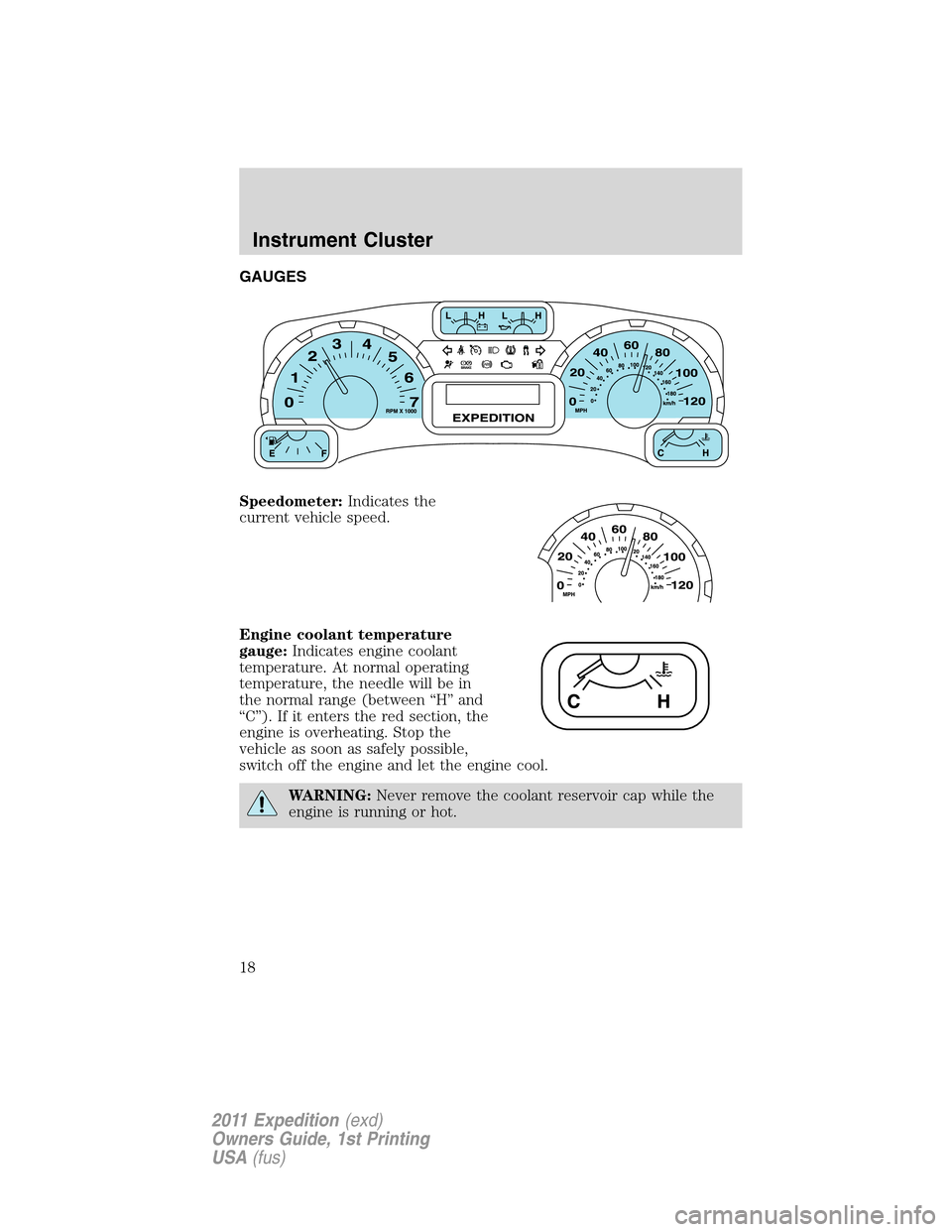
GAUGES
Speedometer:Indicates the
current vehicle speed.
Engine coolant temperature
gauge:Indicates engine coolant
temperature. At normal operating
temperature, the needle will be in
the normal range (between “H” and
“C”). If it enters the red section, the
engine is overheating. Stop the
vehicle as soon as safely possible,
switch off the engine and let the engine cool.
WARNING:Never remove the coolant reservoir cap while the
engine is running or hot.
Instrument Cluster
18
2011 Expedition(exd)
Owners Guide, 1st Printing
USA(fus)
Page 19 of 395
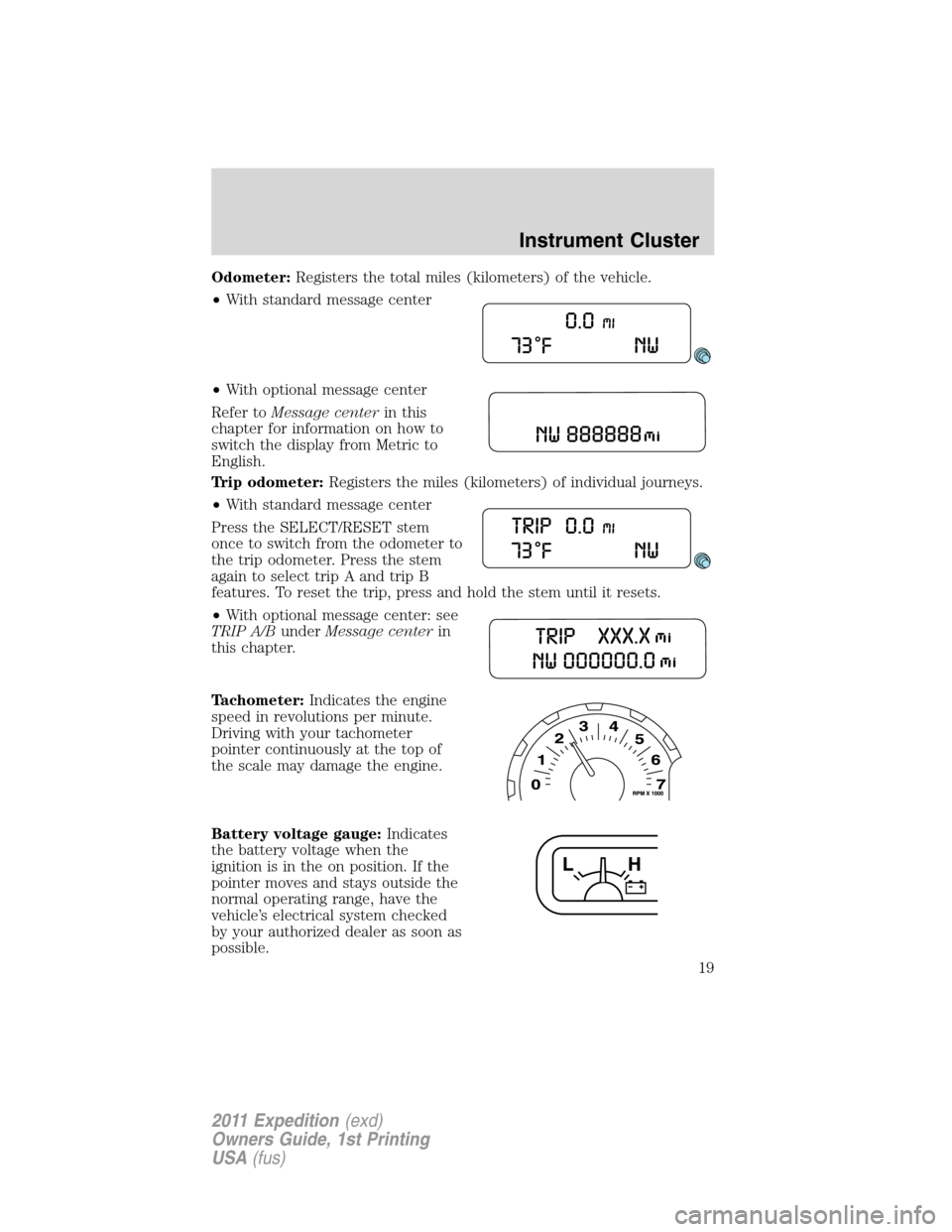
Odometer:Registers the total miles (kilometers) of the vehicle.
•With standard message center
•With optional message center
Refer toMessage centerin this
chapter for information on how to
switch the display from Metric to
English.
Trip odometer:Registers the miles (kilometers) of individual journeys.
•With standard message center
Press the SELECT/RESET stem
once to switch from the odometer to
the trip odometer. Press the stem
again to select trip A and trip B
features. To reset the trip, press and hold the stem until it resets.
•With optional message center: see
TRIP A/BunderMessage centerin
this chapter.
Tachometer:Indicates the engine
speed in revolutions per minute.
Driving with your tachometer
pointer continuously at the top of
the scale may damage the engine.
Battery voltage gauge:Indicates
the battery voltage when the
ignition is in the on position. If the
pointer moves and stays outside the
normal operating range, have the
vehicle’s electrical system checked
by your authorized dealer as soon as
possible.
Instrument Cluster
19
2011 Expedition(exd)
Owners Guide, 1st Printing
USA(fus)
Page 20 of 395
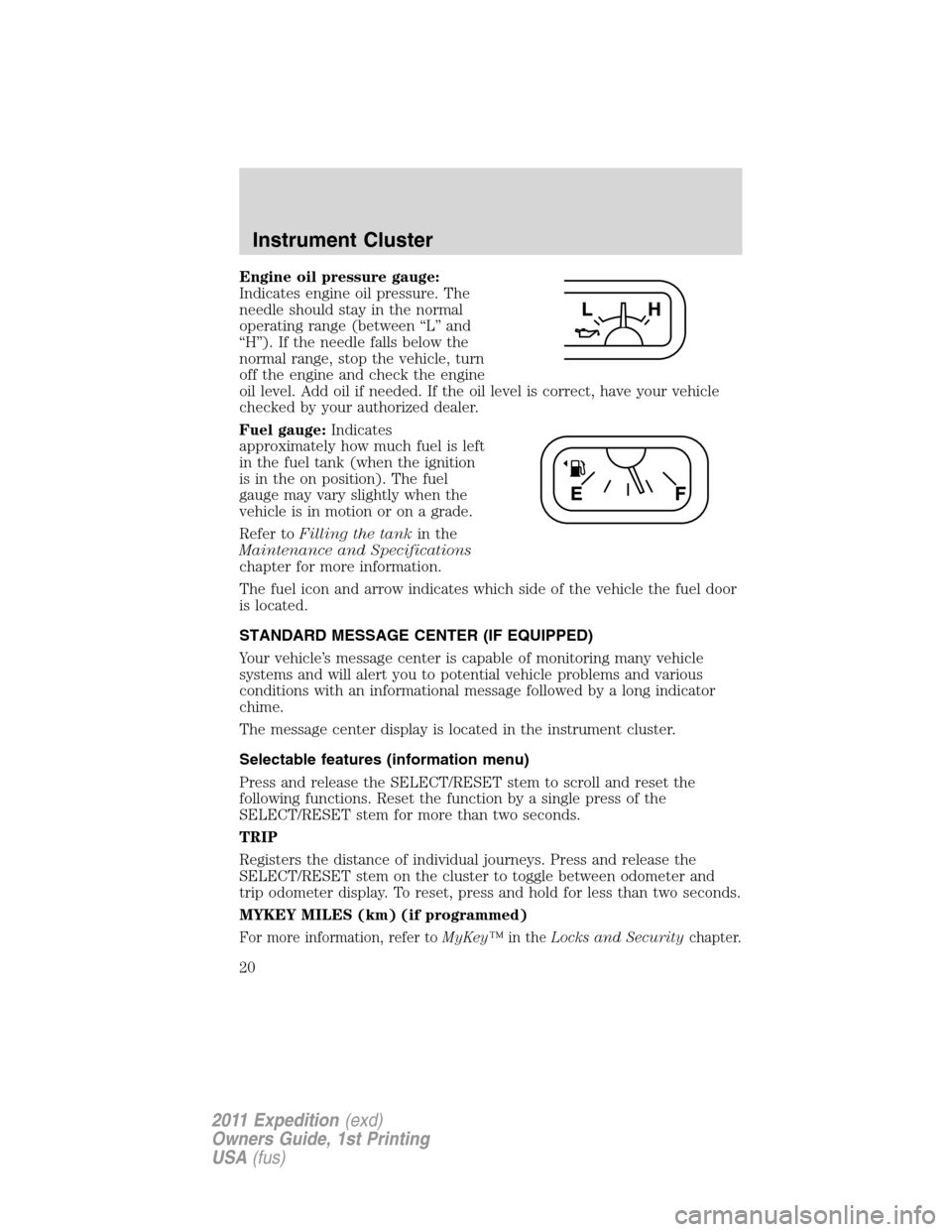
Engine oil pressure gauge:
Indicates engine oil pressure. The
needle should stay in the normal
operating range (between “L” and
“H”). If the needle falls below the
normal range, stop the vehicle, turn
off the engine and check the engine
oil level. Add oil if needed. If the oil level is correct, have your vehicle
checked by your authorized dealer.
Fuel gauge:Indicates
approximately how much fuel is left
in the fuel tank (when the ignition
is in the on position). The fuel
gauge may vary slightly when the
vehicle is in motion or on a grade.
Refer toFilling the tankin the
Maintenance and Specifications
chapter for more information.
The fuel icon and arrow indicates which side of the vehicle the fuel door
is located.
STANDARD MESSAGE CENTER (IF EQUIPPED)
Your vehicle’s message center is capable of monitoring many vehicle
systems and will alert you to potential vehicle problems and various
conditions with an informational message followed by a long indicator
chime.
The message center display is located in the instrument cluster.
Selectable features (information menu)
Press and release the SELECT/RESET stem to scroll and reset the
following functions. Reset the function by a single press of the
SELECT/RESET stem for more than two seconds.
TRIP
Registers the distance of individual journeys. Press and release the
SELECT/RESET stem on the cluster to toggle between odometer and
trip odometer display. To reset, press and hold for less than two seconds.
MYKEY MILES (km) (if programmed)
For more information, refer toMyKey™in theLocks and Securitychapter.
Instrument Cluster
20
2011 Expedition(exd)
Owners Guide, 1st Printing
USA(fus)
Page 24 of 395
HOLD RESET FOR SYSTEM CHECK
Press and hold the SELECT/RESET stem to start the system check when
HOLD RESET FOR SYSTEM CHECK is displayed in the message center.
For each of the monitored systems, the message center will indicate
either an ok message or a warning message for two seconds. Pressing the
SELECT/RESET stem cycles the message center through each of the
systems being monitored.
Note:Some systems show a message only if a condition is present.
1. OIL LIFE
2. CHARGING SYSTEM
3. WASHER FLUID LEVEL
4. DOOR/LIFTGATE/GLASS AJAR
5. BRAKE SYSTEM
6. TIRE PRESSURE
7. FUEL LEVEL (will only display if 50 miles or less to empty)
8. MYKEY DISTANCE (if programmed)
9. MYKEY(S) PROGRAMMED
10. ADMIN KEYS PROGRAMMED
OIL LIFE
This displays the remaining oil life.
An oil change is required whenever indicated by the message center and
according to the recommended maintenance schedule. USE ONLY
RECOMMENDED ENGINE OILS.
To reset the oil monitoring system to 100% after each oil change perform
the following:
1. Press and release SETUP to display “OIL LIFE XXX% HOLD RESET =
NEW”.
2. Press and hold RESET for two seconds and release to reset the oil life
to 100%.
Note:To change oil life 100% value to another value, proceed to Step 3.
3. Once “OIL LIFE SET TO XXX%” is displayed, release and press
RESET to change the Oil Life Start Value. Each release and press will
reduce the value by 10%.
UNITS ENG / METRIC
Displays the current units English or Metric.
Instrument Cluster
24
2011 Expedition(exd)
Owners Guide, 1st Printing
USA(fus)
Page 26 of 395
System warnings
System warnings alert you to possible problems or malfunctions in your
vehicle’s operating systems.
In the event of a multiple warning situation, the message center will
cycle the display to show all warnings by displaying each one for four
seconds.
The message center will display the last selected feature if there are no
more warning messages.
Types of messages and warnings:
•Some messages will appear briefly to inform you of something you
may need to take action on or be informed of.
•Some messages will appear once and then again when the vehicle is
restarted.
•Some messages will reappear after clearing or being reset if a problem
or condition is still present and needs your attention.
•Some messages can be acknowledged and reset by pressing the
SELECT/RESET stem. This allows you to use the full message center
functionality by clearing the message.
DOOR AJAR— Displayed when a door is not completely closed.
LIFTGATE / GLASS AJAR— Displayed when the liftgate or the
liftgate glass is not completely closed.
CHECK CHARGING SYSTEM— Displayed when the electrical system
is not maintaining proper voltage when the engine is running. If you are
operating electrical accessories when the engine is idling at a low speed,
turn off as many of the electrical loads as soon as possible. If the
warning stays on or comes on when the engine is operating at normal
speeds, have the electrical system checked as soon as possible.
PARK BRAKE ENGAGED— Displayed when the parking brake is set,
the engine is running and the vehicle is driven more than 3 mph
(5 km/h). If the warning stays on after the parking brake is released,
contact your authorized dealer as soon as possible.
CHECK BRAKE SYSTEM— Displayed when the braking system is not
operating properly. If the warning stays on or continues to come on,
contact your authorized dealer as soon as possible.
CHECK FUEL FILL INLET— Displayed when the fuel fill inlet may
not be properly closed. Refer toEasy Fuel™ “no cap” fuel systemin
theMaintenance and Specificationschapter.
Instrument Cluster
26
2011 Expedition(exd)
Owners Guide, 1st Printing
USA(fus)
Page 28 of 395
BRAKE FLUID LEVEL LOW— Indicates the brake fluid level is low
and the brake system should be inspected immediately. Refer toBrake
fluidin theMaintenance and Specificationschapter.
XXX MILES TO E FUEL LEVEL LOW— Displayed as an early
reminder of a low fuel condition.
WASHER FLUID LEVEL LOW— Indicates the washer fluid reservoir
is less than one quarter full. Check the washer fluid level. Refer to
Windshield washer fluidin theMaintenance and Specifications
chapter.
ENGINE OIL CHANGE SOON— Displayed when the engine oil life
remaining is 10% or less.
OIL CHANGE REQUIRED— Displayed when the oil life left reaches
0%.
MYKEY ACTIVE DRIVE SAFELY— Displayed at startup when
MyKey™ is in use. Refer toMyKey™in theLocks and Securitychapter
for more information.
KEY COULD NOT PROGRAM— Displayed when an attempt is made
to program a spare key using two existing MyKeys. Refer toMyKey™in
theLocks and Securitychapter for more information.
VEHICLE SPEED 80 MPH MAX— Displayed when a MyKey™ is in
use and the Admin has enabled the MyKey speed limit and the vehicle
speed is 80 mph (130 km/h). Refer toMyKey™in theLocks and
Securitychapter for more information.
SPEED LIMITED TO 80 MPH— Displayed when starting the vehicle
and MyKey™ is in use and the MyKey speed limit is on. Refer to
MyKey™in theLocks and Securitychapter for more information.
CHECK SPEED DRIVE SAFELY— Displayed when a MyKey™ is in
use and the optional setting is on and the vehicle exceeds a preselected
speed. Refer toMyKey™in theLocks and Securitychapter for more
information.
VEHICLE NEAR TOP SPEED— Displayed when a MyKey™ is in use
and the MyKey speed limit is on and the vehicle speed is approaching
80 mph (130 km/h). Refer toMyKey™in theLocks and Security
chapter for more information.
TOP SPEED MYKEY SETTING— Displayed when a MyKey™ is in
use and the MyKey speed limit is on and the vehicle speed is 80 mph
(130 km/h). Refer toMyKey™in theLocks and Securitychapter for
more information.
Instrument Cluster
28
2011 Expedition(exd)
Owners Guide, 1st Printing
USA(fus)
Page 31 of 395
TIMER
Timer displays the trip elapsed drive time.
To operate, do the following:
1. Press and release RESET in order to start the timer.
2. Press and release RESET to pause the timer.
3. Press and hold RESET until the timer resets.
System check and vehicle feature customization
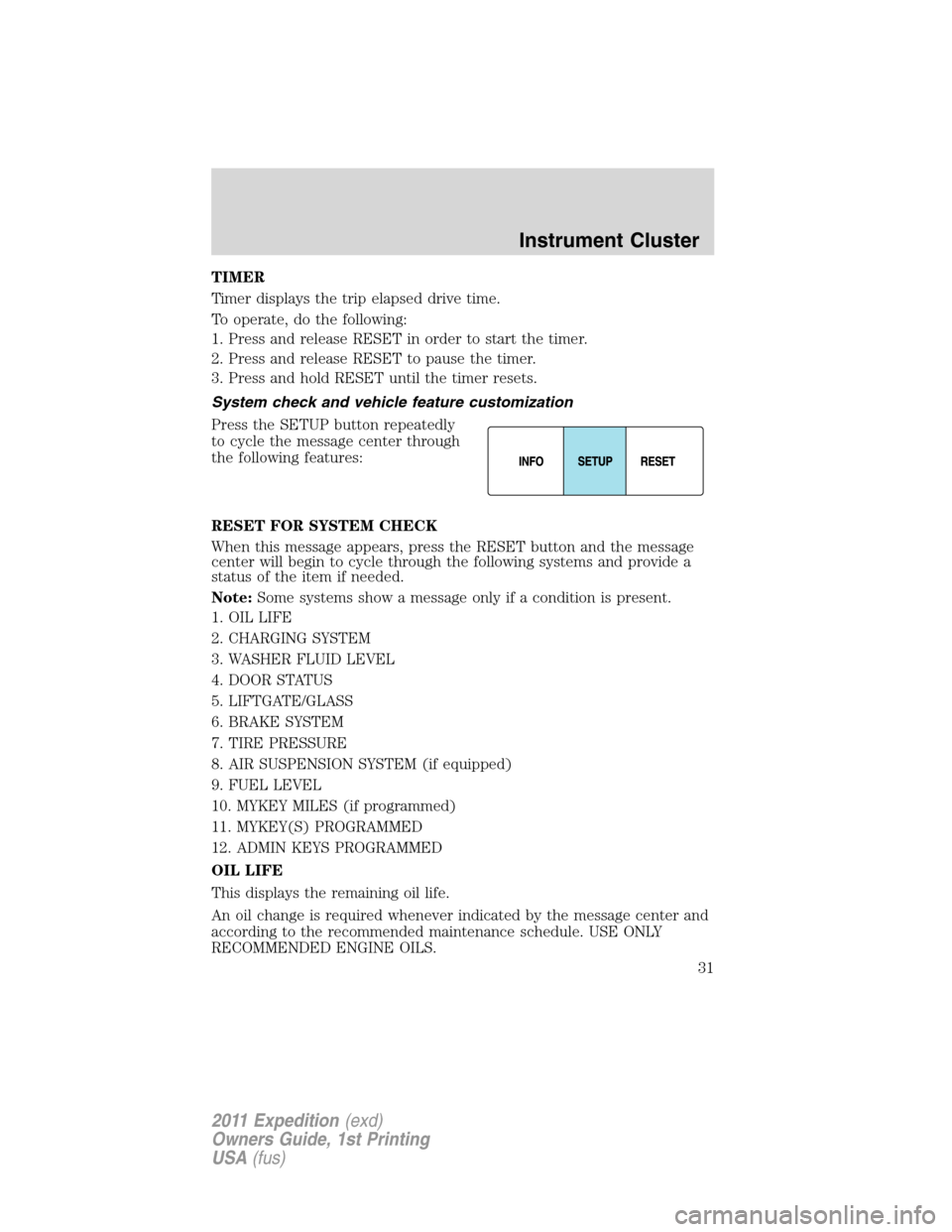
Press the SETUP button repeatedly
to cycle the message center through
the following features:
RESET FOR SYSTEM CHECK
When this message appears, press the RESET button and the message
center will begin to cycle through the following systems and provide a
status of the item if needed.
Note:Some systems show a message only if a condition is present.
1. OIL LIFE
2. CHARGING SYSTEM
3. WASHER FLUID LEVEL
4. DOOR STATUS
5. LIFTGATE/GLASS
6. BRAKE SYSTEM
7. TIRE PRESSURE
8. AIR SUSPENSION SYSTEM (if equipped)
9. FUEL LEVEL
10. MYKEY MILES (if programmed)
11. MYKEY(S) PROGRAMMED
12. ADMIN KEYS PROGRAMMED
OIL LIFE
This displays the remaining oil life.
An oil change is required whenever indicated by the message center and
according to the recommended maintenance schedule. USE ONLY
RECOMMENDED ENGINE OILS.
Instrument Cluster
31
2011 Expedition(exd)
Owners Guide, 1st Printing
USA(fus)
Page 34 of 395
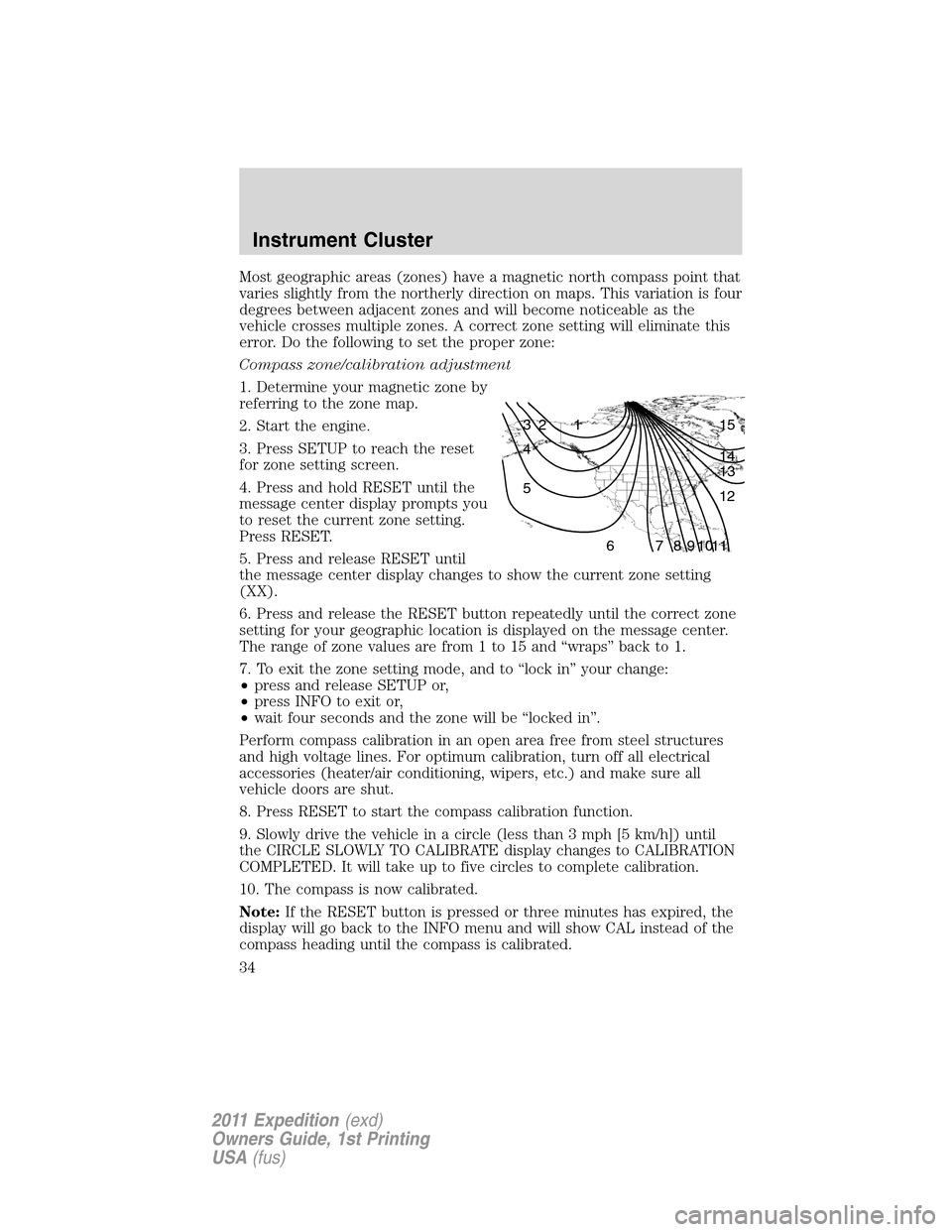
Most geographic areas (zones) have a magnetic north compass point that
varies slightly from the northerly direction on maps. This variation is four
degrees between adjacent zones and will become noticeable as the
vehicle crosses multiple zones. A correct zone setting will eliminate this
error. Do the following to set the proper zone:
Compass zone/calibration adjustment
1. Determine your magnetic zone by
referring to the zone map.
2. Start the engine.
3. Press SETUP to reach the reset
for zone setting screen.
4. Press and hold RESET until the
message center display prompts you
to reset the current zone setting.
Press RESET.
5. Press and release RESET until
the message center display changes to show the current zone setting
(XX).
6. Press and release the RESET button repeatedly until the correct zone
setting for your geographic location is displayed on the message center.
The range of zone values are from 1 to 15 and “wraps” back to 1.
7. To exit the zone setting mode, and to “lock in” your change:
•press and release SETUP or,
•press INFO to exit or,
•wait four seconds and the zone will be “locked in”.
Perform compass calibration in an open area free from steel structures
and high voltage lines. For optimum calibration, turn off all electrical
accessories (heater/air conditioning, wipers, etc.) and make sure all
vehicle doors are shut.
8. Press RESET to start the compass calibration function.
9. Slowly drive the vehicle in a circle (less than 3 mph [5 km/h]) until
the CIRCLE SLOWLY TO CALIBRATE display changes to CALIBRATION
COMPLETED. It will take up to five circles to complete calibration.
10. The compass is now calibrated.
Note:If the RESET button is pressed or three minutes has expired, the
display will go back to the INFO menu and will show CAL instead of the
compass heading until the compass is calibrated.
1 2 3
4
5
6 7 8 9 101112 13 14 15
Instrument Cluster
34
2011 Expedition(exd)
Owners Guide, 1st Printing
USA(fus)
Page 36 of 395
CHECK CHARGING SYSTEM— Displayed when the electrical system
is not maintaining proper voltage when the engine is running. If you are
operating electrical accessories when the engine is idling at a low speed,
turn off as many of the electrical loads as soon as possible. If the
warning stays on or comes on when the engine is operating at normal
speeds, contact your authorized dealer as soon as possible.
CHECK FUEL FILL INLET— Displayed when the fuel fill inlet may
not be properly closed. Refer toEasy Fuel™ “no cap” fuel systemin
theMaintenance and Specificationschapter.
TIRE PRESSURE SENSOR FAULT— Displayed when a tire pressure
sensor is malfunctioning, or your spare tire is in use. For more
information on how the system operates under these conditions, refer to
Understanding Your Tire Pressure Monitoring System (TPMS)in the
Tires, Wheels and Loadingchapter. If the warning stays on or
continues to come on, contact your authorized dealer as soon as
possible.
LOW TIRE PRESSURE— Displayed when one or more tires on your
vehicle have low tire pressure. Refer toInflating your tiresin theTires,
Wheels and Loadingchapter.
TIRE PRESSURE MONITOR FAULT— Displayed when the Tire
Pressure Monitoring System is malfunctioning. If the warning stays on or
continues to come on, contact your authorized dealer as soon as
possible.
AIR SUSPENSION OFF (if equipped)— Displayed when the air
suspension is off. For more information, refer toAir suspension system
in theDrivingchapter.
BRAKE FLUID LEVEL LOW— Indicates the brake fluid level is low
and the brake system should be inspected immediately. Refer toBrake
fluidin theMaintenance and Specificationschapter.
WASHER FLUID LEVEL LOW— Indicates the washer fluid reservoir
is less than one quarter full. Check the washer fluid level. Refer to
Windshield washer fluidin theMaintenance and Specifications
chapter.
ENGINE OIL CHANGE SOON— Displayed when the engine oil life
remaining is 10% or less.
OIL CHANGE REQUIRED— Displayed when the oil life left reaches
0%.
Instrument Cluster
36
2011 Expedition(exd)
Owners Guide, 1st Printing
USA(fus)