Map Scale
The map display scale has 17 levels, ranging from
0.02 miles (.03 kilometers) to 1000 miles (1600 kilometers).
The system synchronizes the zoom scales for North Up,
Heading Up and 3D Map views.
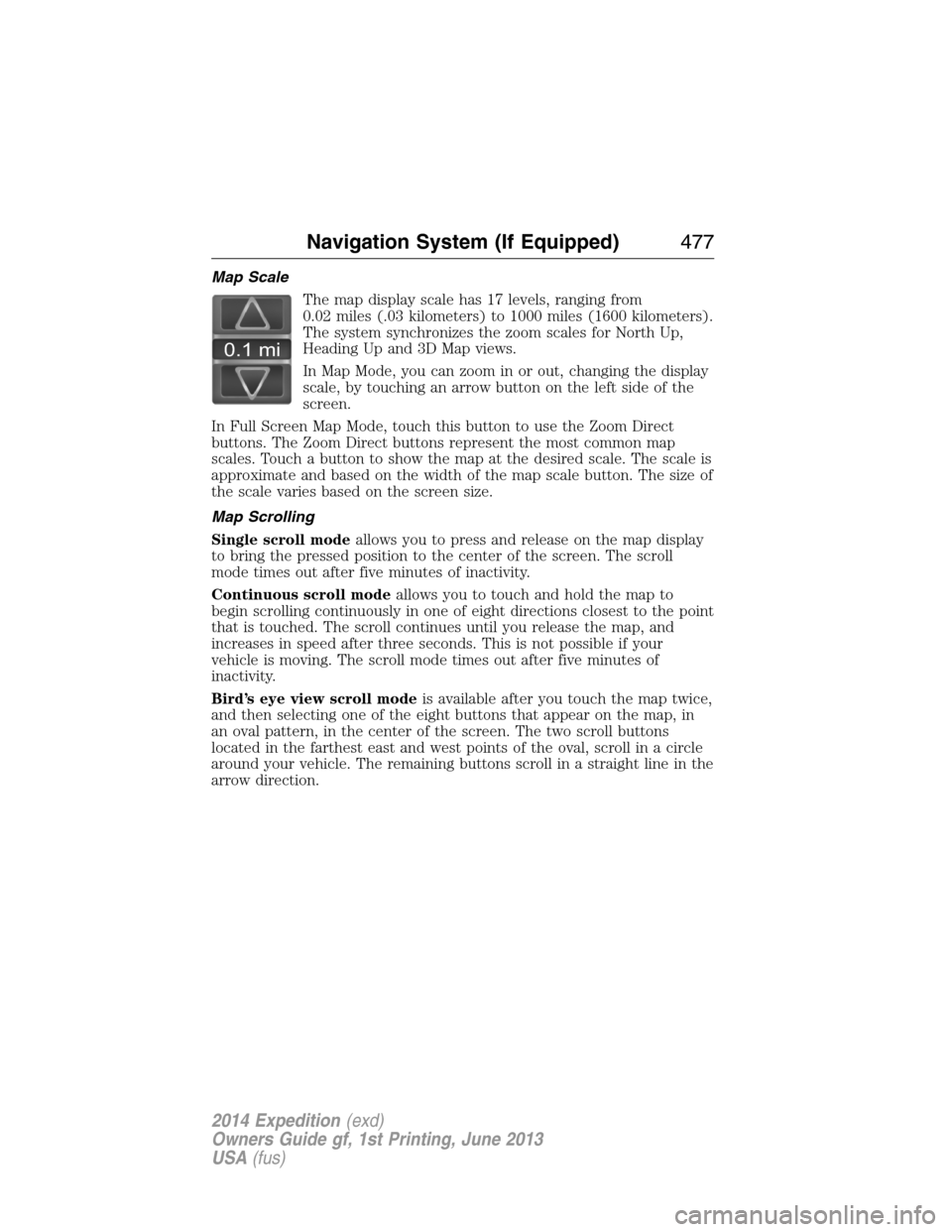
In Map Mode, you can zoom in or out, changing the display
scale, by touching an arrow button on the left side of the
screen.
In Full Screen Map Mode, touch this button to use the Zoom Direct
buttons. The Zoom Direct buttons represent the most common map
scales. Touch a button to show the map at the desired scale. The scale is
approximate and based on the width of the map scale button. The size of
the scale varies based on the screen size.
Map Scrolling
Single scroll modeallows you to press and release on the map display
to bring the pressed position to the center of the screen. The scroll
mode times out after five minutes of inactivity.
Continuous scroll modeallows you to touch and hold the map to
begin scrolling continuously in one of eight directions closest to the point
that is touched. The scroll continues until you release the map, and
increases in speed after three seconds. This is not possible if your
vehicle is moving. The scroll mode times out after five minutes of
inactivity.
Bird’s eye view scroll modeis available after you touch the map twice,
and then selecting one of the eight buttons that appear on the map, in
an oval pattern, in the center of the screen. The two scroll buttons
located in the farthest east and west points of the oval, scroll in a circle
around your vehicle. The remaining buttons scroll in a straight line in the
arrow direction.
0.1 mi
Navigation System (If Equipped)477
2014 Expedition(exd)
Owners Guide gf, 1st Printing, June 2013
USA(fus)
U
Universal garage door opener ..154
USB port ....................................361
Using privacy mode ..................389
V
Vehicle health report ................403
Vehicle Identification Number
(VIN) ..........................................342
Vehicle loading ..........................216
Ventilating your vehicle ...........172
Voice commands in media
mode ..........................................410
Voice commands in phone
mode ..........................................387
Voice recognition ......................431W
Warning lights (see Lights) .....101
Washer fluid ..............................279
Water, Driving through .............243
Where am I? ..............................457
Windows
power .........................................92
rear wiper/washer .....................86
Windshield washer fluid and
wipers ..........................................85
checking and adding fluid .....279
replacing wiper blades ...........282
Wrecker towing .........................240
518Index
2014 Expedition(exd)
Owners Guide gf, 1st Printing, June 2013
USA(fus)