ECO mode FORD EXPEDITION 2015 3.G User Guide
[x] Cancel search | Manufacturer: FORD, Model Year: 2015, Model line: EXPEDITION, Model: FORD EXPEDITION 2015 3.GPages: 564, PDF Size: 6.71 MB
Page 111 of 564
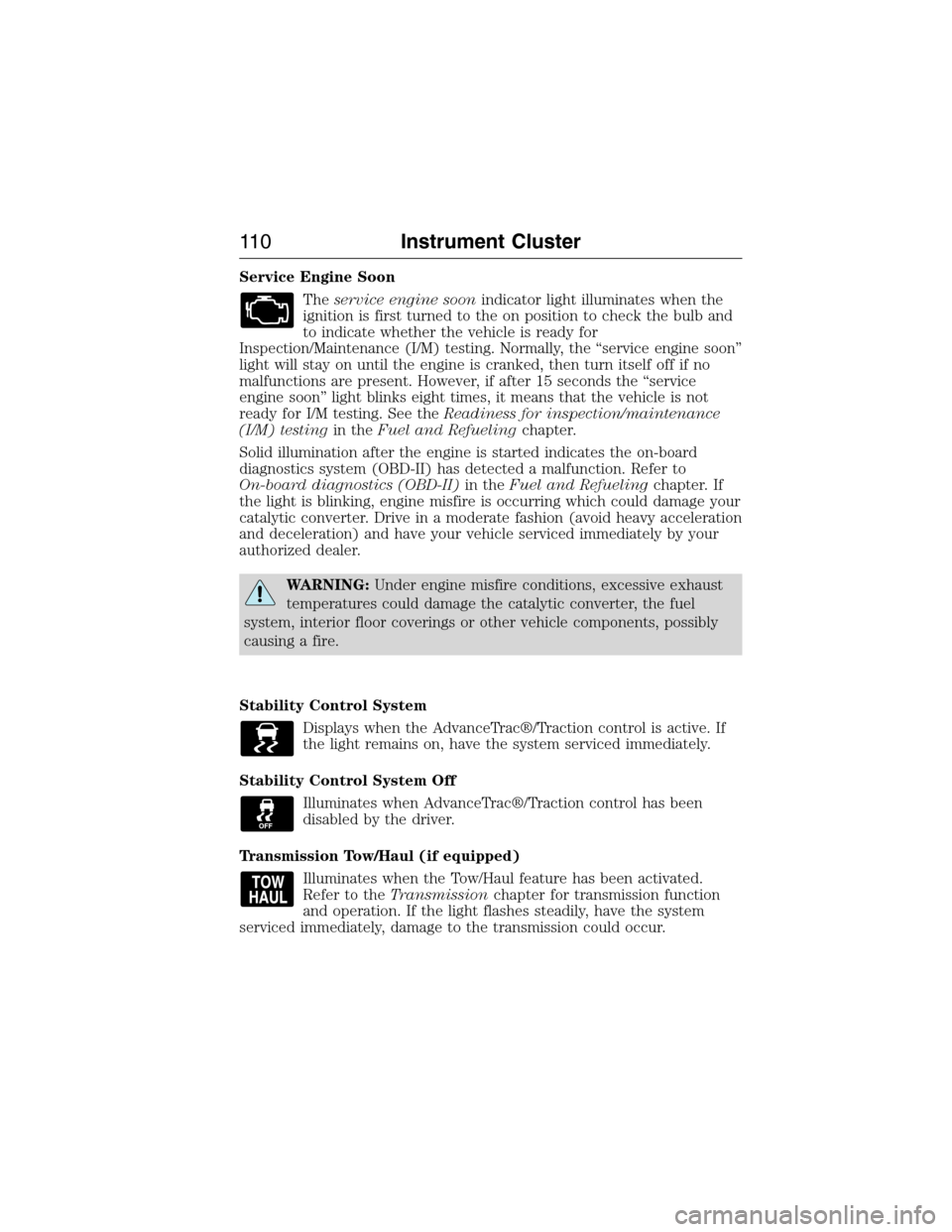
Service Engine Soon
Theservice engine soonindicator light illuminates when the
ignition is first turned to the on position to check the bulb and
to indicate whether the vehicle is ready for
Inspection/Maintenance (I/M) testing. Normally, the “service engine soon”
light will stay on until the engine is cranked, then turn itself off if no
malfunctions are present. However, if after 15 seconds the “service
engine soon” light blinks eight times, it means that the vehicle is not
ready for I/M testing. See theReadiness for inspection/maintenance
(I/M) testingin theFuel and Refuelingchapter.
Solid illumination after the engine is started indicates the on-board
diagnostics system (OBD-II) has detected a malfunction. Refer to
On-board diagnostics (OBD-II)in theFuel and Refuelingchapter. If
the light is blinking, engine misfire is occurring which could damage your
catalytic converter. Drive in a moderate fashion (avoid heavy acceleration
and deceleration) and have your vehicle serviced immediately by your
authorized dealer.
WARNING:Under engine misfire conditions, excessive exhaust
temperatures could damage the catalytic converter, the fuel
system, interior floor coverings or other vehicle components, possibly
causing a fire.
Stability Control System
Displays when the AdvanceTrac®/Traction control is active. If
the light remains on, have the system serviced immediately.
Stability Control System Off
Illuminates when AdvanceTrac®/Traction control has been
disabled by the driver.
Transmission Tow/Haul (if equipped)
Illuminates when the Tow/Haul feature has been activated.
Refer to theTransmissionchapter for transmission function
and operation. If the light flashes steadily, have the system
serviced immediately, damage to the transmission could occur.
11 0Instrument Cluster
2015 Expedition(exd)
Owners Guide gf, 1st Printing, July 2014
USA(fus)
Page 113 of 564
GENERAL INFORMATION
WARNING:Driving while distracted can result in loss of vehicle
control, crash and injury. We strongly recommend that you use
extreme caution when using any device that may take your focus off
the road. Your primary responsibility is the safe operation of your
vehicle. We recommend against the use of any handheld device while
driving and encourage the use of voice-operated systems when possible.
Make sure you are aware of all applicable local laws that may affect the
use of electronic devices while driving.
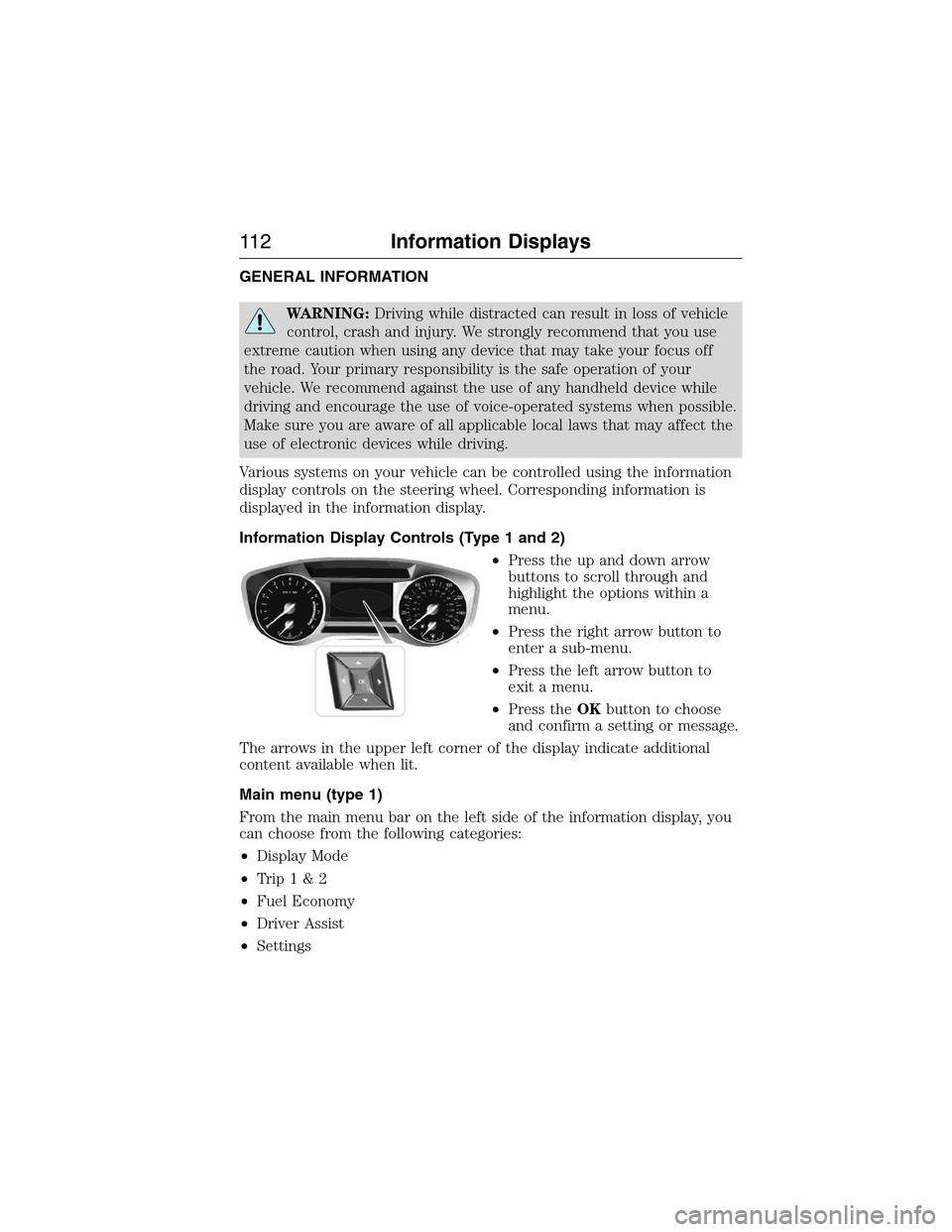
Various systems on your vehicle can be controlled using the information
display controls on the steering wheel. Corresponding information is
displayed in the information display.
Information Display Controls (Type 1 and 2)
•Press the up and down arrow
buttons to scroll through and
highlight the options within a
menu.
•Press the right arrow button to
enter a sub-menu.
•Press the left arrow button to
exit a menu.
•Press theOKbutton to choose
and confirm a setting or message.
The arrows in the upper left corner of the display indicate additional
content available when lit.
Main menu (type 1)
From the main menu bar on the left side of the information display, you
can choose from the following categories:
•Display Mode
•Trip1&2
•Fuel Economy
•Driver Assist
•Settings
11 2Information Displays
2015 Expedition(exd)
Owners Guide gf, 1st Printing, July 2014
USA(fus)
Page 114 of 564
Scroll up/down to highlight one of the categories, then press the right
arrow key or OK to enter into that category. Press the left arrow key as
needed to exit back to the main menu.
Display Mode
Use the arrow buttons to choose between the following display options.
Display Mode
Distance to E
Digital Speedo
Oil Press
Oil Temp
Trans Temp
Trip1&2
Use the arrow buttons to choose between the following.
Note:Pressing OK stops/starts the timer. Holding OK resets the
odometer and timer.
Trip1&2
Trip Odometer
Trip Timer
Average Fuel
•Trip Odometer — Registers the distance traveled of individual
journeys.
•Trip Timer — Registers the time of individual journeys.
•Average Fuel— Indicates the average fuel consumption since the
function was last reset.
Fuel Economy
Use the arrow buttons to choose the desired energy display.
Fuel Economy
Distance to E
Inst Fuel Econ
Long term Average Fuel
Average Speed
Information Displays11 3
2015 Expedition(exd)
Owners Guide gf, 1st Printing, July 2014
USA(fus)
Page 117 of 564
Display Mode
Use the arrow buttons to choose between the following display options.
Display Mode
Distance to Empty
Digital Speedometer — PressOKto change units
Gauge Detail (Oil pressure, Oil temperature and Transmission
temperature)
Engine Information (Oil life, Engine hours and Engine idle hours)
Trip/Fuel
Use the arrow buttons to choose between the following trip and fuel
options.
Note:Press and holdOKto reset the currently displayed information.
Trip/Fuel
Trip1orTrip2
Fuel Economy
Fuel History
•Trip 1 or Trip 2 - Shows your trip time, fuel used, odometer and
average mpg.
•Fuel Economy - Shows your instantaneous fuel usage as a bar graph,
average mpg and distance to empty.
•Fuel History - Shows your fuel usage based on time. The graph is
updated each minute with the fuel economy that you achieved during
30 minutes of driving. Also, shows your distance to empty.
11 6Information Displays
2015 Expedition(exd)
Owners Guide gf, 1st Printing, July 2014
USA(fus)
Page 122 of 564
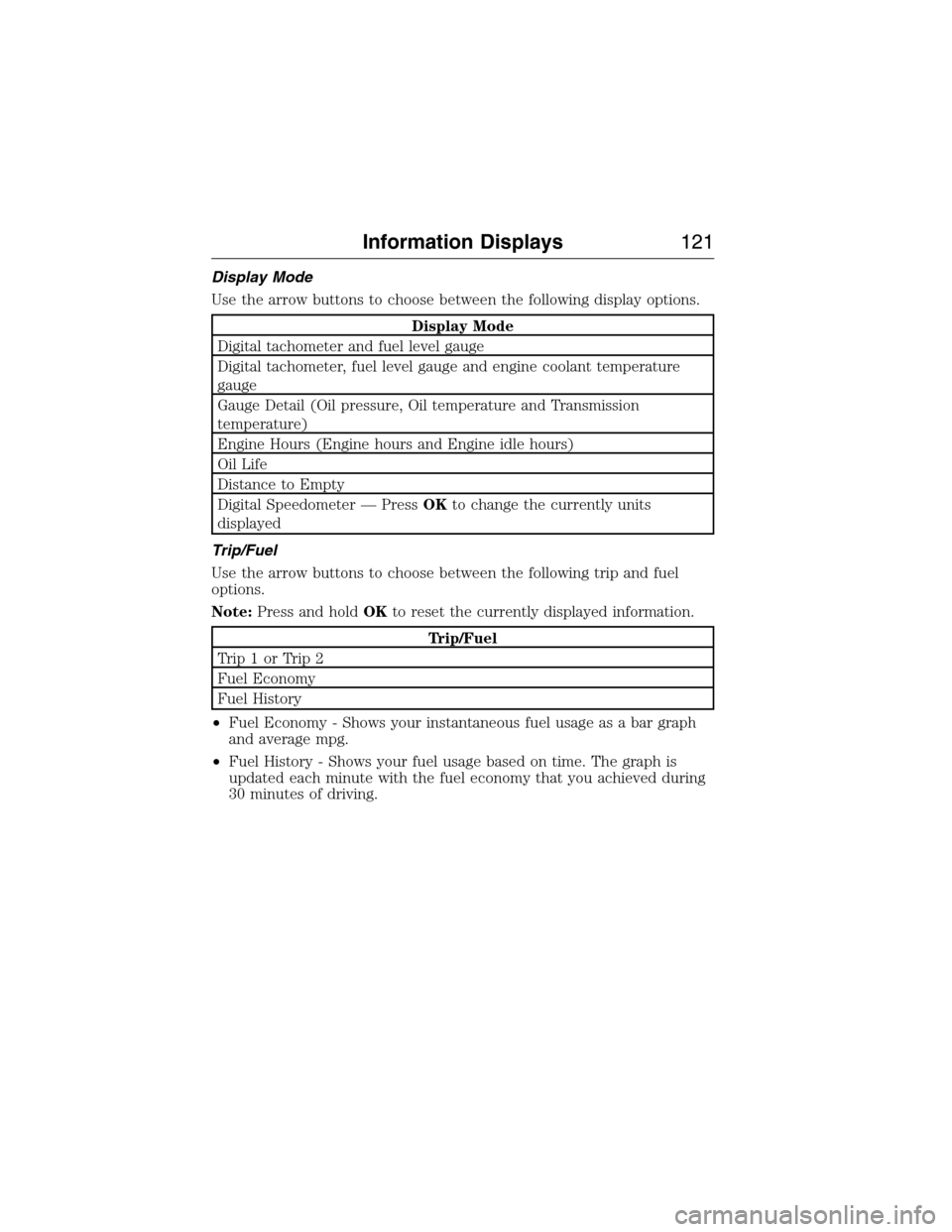
Display Mode
Use the arrow buttons to choose between the following display options.
Display Mode
Digital tachometer and fuel level gauge
Digital tachometer, fuel level gauge and engine coolant temperature
gauge
Gauge Detail (Oil pressure, Oil temperature and Transmission
temperature)
Engine Hours (Engine hours and Engine idle hours)
Oil Life
Distance to Empty
Digital Speedometer — PressOKto change the currently units
displayed
Trip/Fuel
Use the arrow buttons to choose between the following trip and fuel
options.
Note:Press and holdOKto reset the currently displayed information.
Trip/Fuel
Trip1orTrip2
Fuel Economy
Fuel History
•Fuel Economy - Shows your instantaneous fuel usage as a bar graph
and average mpg.
•Fuel History - Shows your fuel usage based on time. The graph is
updated each minute with the fuel economy that you achieved during
30 minutes of driving.
Information Displays121
2015 Expedition(exd)
Owners Guide gf, 1st Printing, July 2014
USA(fus)
Page 131 of 564
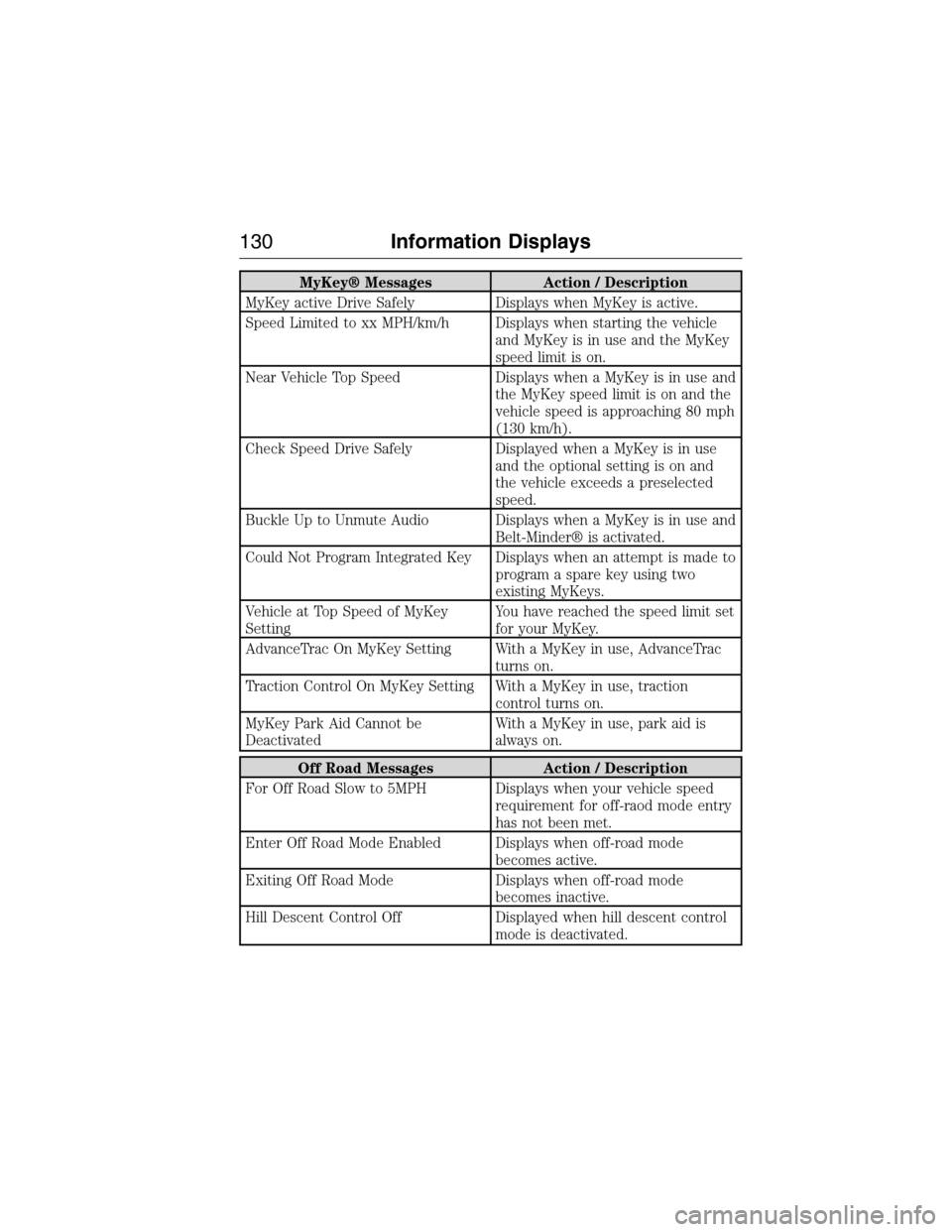
MyKey® Messages Action / Description
MyKey active Drive Safely Displays when MyKey is active.
Speed Limited to xx MPH/km/h Displays when starting the vehicle
and MyKey is in use and the MyKey
speed limit is on.
Near Vehicle Top Speed Displays when a MyKey is in use and
the MyKey speed limit is on and the
vehicle speed is approaching 80 mph
(130 km/h).
Check Speed Drive Safely Displayed when a MyKey is in use
and the optional setting is on and
the vehicle exceeds a preselected
speed.
Buckle Up to Unmute Audio Displays when a MyKey is in use and
Belt-Minder® is activated.
Could Not Program Integrated Key Displays when an attempt is made to
program a spare key using two
existing MyKeys.
Vehicle at Top Speed of MyKey
SettingYou have reached the speed limit set
for your MyKey.
AdvanceTrac On MyKey Setting With a MyKey in use, AdvanceTrac
turns on.
Traction Control On MyKey Setting With a MyKey in use, traction
control turns on.
MyKey Park Aid Cannot be
DeactivatedWith a MyKey in use, park aid is
always on.
Off Road Messages Action / Description
For Off Road Slow to 5MPH Displays when your vehicle speed
requirement for off-raod mode entry
has not been met.
Enter Off Road Mode Enabled Displays when off-road mode
becomes active.
Exiting Off Road Mode Displays when off-road mode
becomes inactive.
Hill Descent Control Off Displayed when hill descent control
mode is deactivated.
130Information Displays
2015 Expedition(exd)
Owners Guide gf, 1st Printing, July 2014
USA(fus)
Page 142 of 564
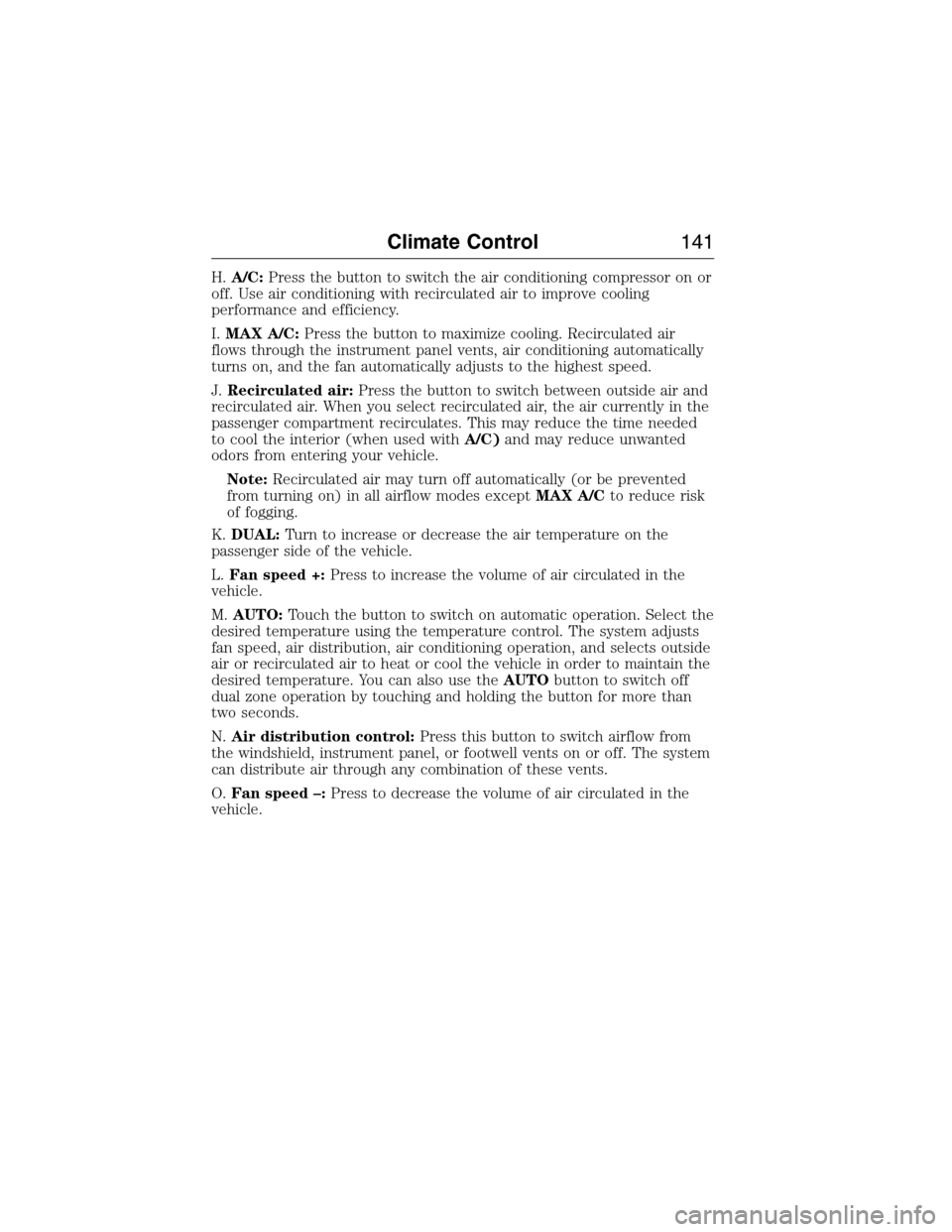
H.A/C:Press the button to switch the air conditioning compressor on or
off. Use air conditioning with recirculated air to improve cooling
performance and efficiency.
I.MAX A/C:Press the button to maximize cooling. Recirculated air
flows through the instrument panel vents, air conditioning automatically
turns on, and the fan automatically adjusts to the highest speed.
J.Recirculated air:Press the button to switch between outside air and
recirculated air. When you select recirculated air, the air currently in the
passenger compartment recirculates. This may reduce the time needed
to cool the interior (when used withA/C)and may reduce unwanted
odors from entering your vehicle.
Note:Recirculated air may turn off automatically (or be prevented
from turning on) in all airflow modes exceptMAX A/Cto reduce risk
of fogging.
K.DUAL:Turn to increase or decrease the air temperature on the
passenger side of the vehicle.
L.Fan speed +:Press to increase the volume of air circulated in the
vehicle.
M.AUTO:Touch the button to switch on automatic operation. Select the
desired temperature using the temperature control. The system adjusts
fan speed, air distribution, air conditioning operation, and selects outside
air or recirculated air to heat or cool the vehicle in order to maintain the
desired temperature. You can also use theAUTObutton to switch off
dual zone operation by touching and holding the button for more than
two seconds.
N.Air distribution control:Press this button to switch airflow from
the windshield, instrument panel, or footwell vents on or off. The system
can distribute air through any combination of these vents.
O.Fan speed –:Press to decrease the volume of air circulated in the
vehicle.
Climate Control141
2015 Expedition(exd)
Owners Guide gf, 1st Printing, July 2014
USA(fus)
Page 161 of 564
Placing the Second Row Outboard 40% Seats in Cargo Mode
WARNING:Use caution when folding the seatback to the flat
back position as the system will move forward when you lift the
release handle.
WARNING:Always return the seat from the kneel position prior to
raising the seatback. Failure to do so could result in personal injury.
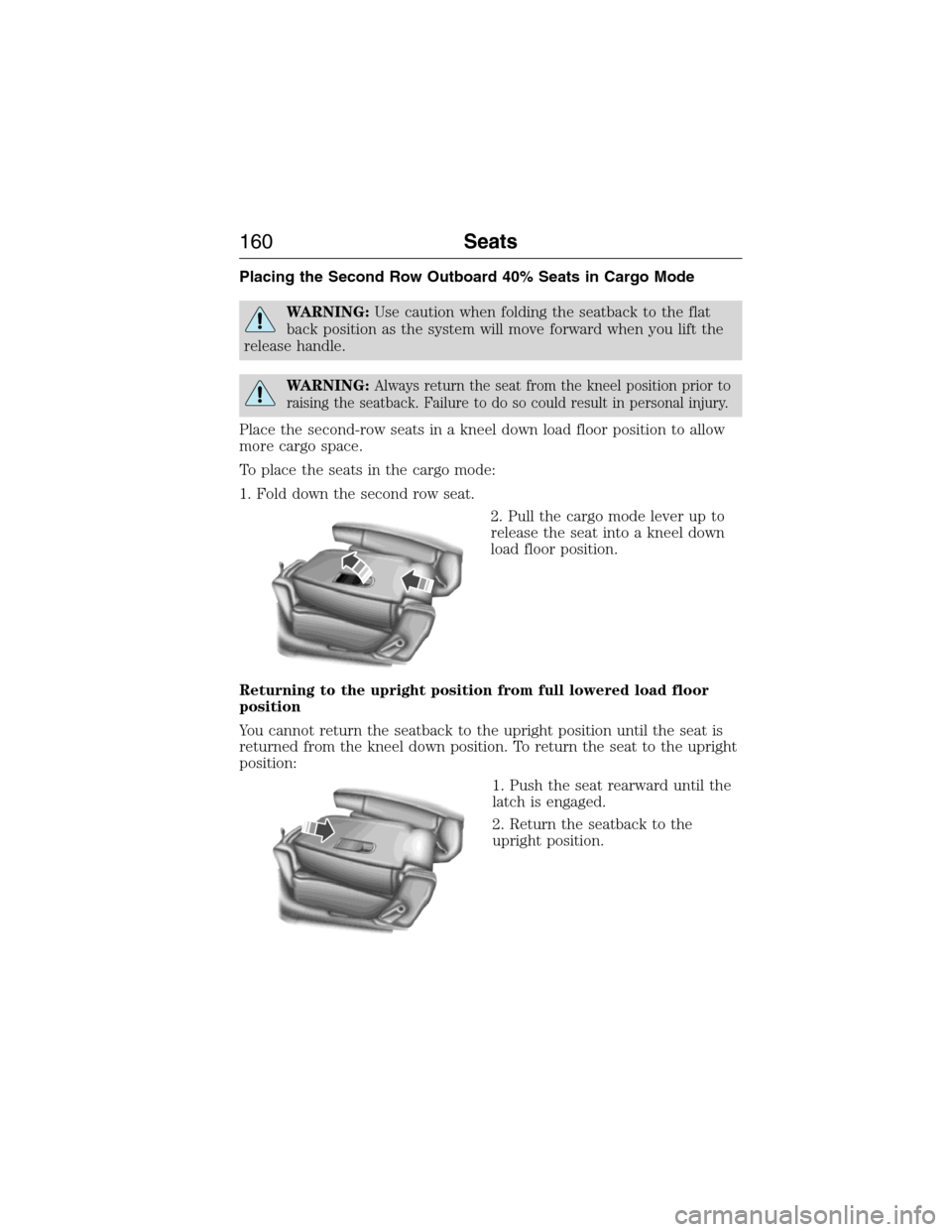
Place the second-row seats in a kneel down load floor position to allow
more cargo space.
To place the seats in the cargo mode:
1. Fold down the second row seat.
2. Pull the cargo mode lever up to
release the seat into a kneel down
load floor position.
Returning to the upright position from full lowered load floor
position
You cannot return the seatback to the upright position until the seat is
returned from the kneel down position. To return the seat to the upright
position:
1. Push the seat rearward until the
latch is engaged.
2. Return the seatback to the
upright position.
160Seats
2015 Expedition(exd)
Owners Guide gf, 1st Printing, July 2014
USA(fus)
Page 172 of 564
Programming HomeLink to a Genie Intellicode 2 garage door opener
Note:The Genie Intellicode 2 transmitter must already be programmed
to operate with the garage door opener.
Programing the transmitters
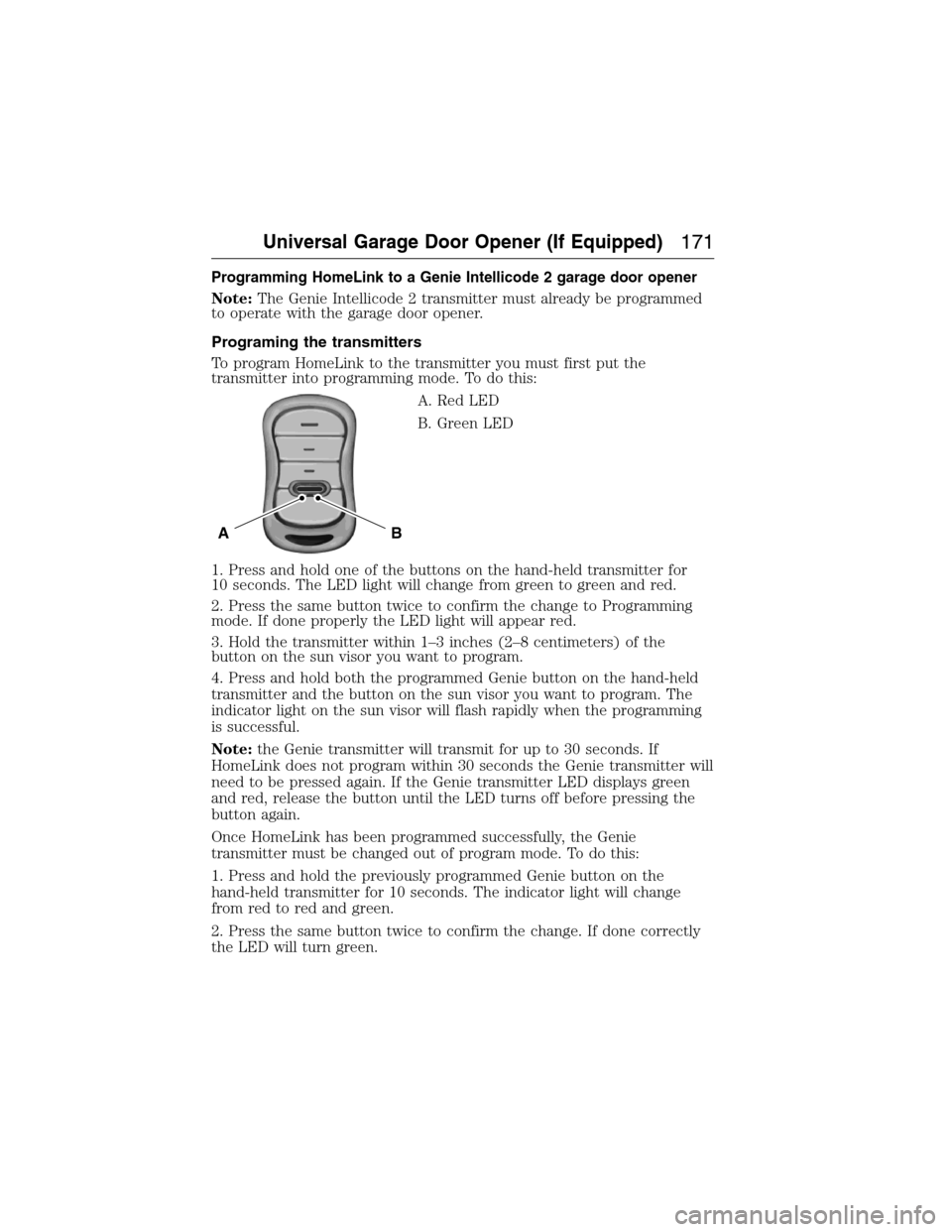
To program HomeLink to the transmitter you must first put the
transmitter into programming mode. To do this:
A. Red LED
B. Green LED
1. Press and hold one of the buttons on the hand-held transmitter for
10 seconds. The LED light will change from green to green and red.
2. Press the same button twice to confirm the change to Programming
mode. If done properly the LED light will appear red.
3. Hold the transmitter within 1–3 inches (2–8 centimeters) of the
button on the sun visor you want to program.
4. Press and hold both the programmed Genie button on the hand-held
transmitter and the button on the sun visor you want to program. The
indicator light on the sun visor will flash rapidly when the programming
is successful.
Note:the Genie transmitter will transmit for up to 30 seconds. If
HomeLink does not program within 30 seconds the Genie transmitter will
need to be pressed again. If the Genie transmitter LED displays green
and red, release the button until the LED turns off before pressing the
button again.
Once HomeLink has been programmed successfully, the Genie
transmitter must be changed out of program mode. To do this:
1. Press and hold the previously programmed Genie button on the
hand-held transmitter for 10 seconds. The indicator light will change
from red to red and green.
2. Press the same button twice to confirm the change. If done correctly
the LED will turn green.
BA
Universal Garage Door Opener (If Equipped)171
2015 Expedition(exd)
Owners Guide gf, 1st Printing, July 2014
USA(fus)
Page 173 of 564
Programming HomeLink to the Genie Intellicode garage door
opener motor
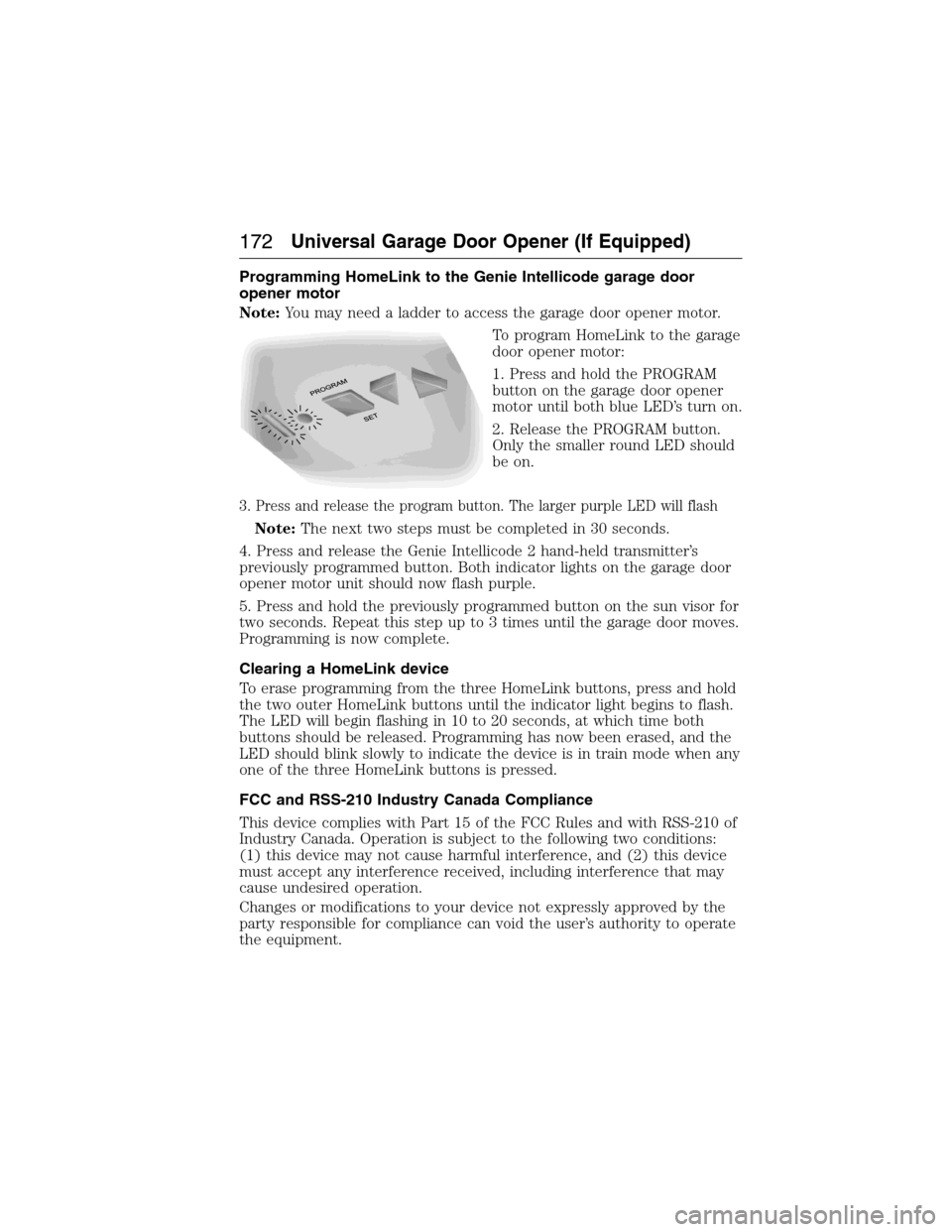
Note:You may need a ladder to access the garage door opener motor.
To program HomeLink to the garage
door opener motor:
1. Press and hold the PROGRAM
button on the garage door opener
motor until both blue LED’s turn on.
2. Release the PROGRAM button.
Only the smaller round LED should
be on.
3. Press and release the program button. The larger purple LED will flash
Note:The next two steps must be completed in 30 seconds.
4. Press and release the Genie Intellicode 2 hand-held transmitter’s
previously programmed button. Both indicator lights on the garage door
opener motor unit should now flash purple.
5. Press and hold the previously programmed button on the sun visor for
two seconds. Repeat this step up to 3 times until the garage door moves.
Programming is now complete.
Clearing a HomeLink device
To erase programming from the three HomeLink buttons, press and hold
the two outer HomeLink buttons until the indicator light begins to flash.
The LED will begin flashing in 10 to 20 seconds, at which time both
buttons should be released. Programming has now been erased, and the
LED should blink slowly to indicate the device is in train mode when any
one of the three HomeLink buttons is pressed.
FCC and RSS-210 Industry Canada Compliance
This device complies with Part 15 of the FCC Rules and with RSS-210 of
Industry Canada. Operation is subject to the following two conditions:
(1) this device may not cause harmful interference, and (2) this device
must accept any interference received, including interference that may
cause undesired operation.
Changes or modifications to your device not expressly approved by the
party responsible for compliance can void the user’s authority to operate
the equipment.
172Universal Garage Door Opener (If Equipped)
2015 Expedition(exd)
Owners Guide gf, 1st Printing, July 2014
USA(fus)