remote start FORD EXPEDITION 2018 Owner's Manual
[x] Cancel search | Manufacturer: FORD, Model Year: 2018, Model line: EXPEDITION, Model: FORD EXPEDITION 2018Pages: 571, PDF Size: 25.8 MB
Page 247 of 571
Action
Cause
Do not use the system in these conditions
because it may not detect any vehicles
ahead.
Water, snow or ice on the surface of the
road may interfere with the radar signals.
Wait a short time or switch to normal cruise
control.
You are in a desert or remote area with no
other vehicles and no roadside objects.
Due to the nature of radar technology, it is possible to get a blockage warning with no
actual block. This happens, for example, when driving in sparse rural or desert
environments. A false blocked condition either self clears, or clears after you restart your
vehicle.
Switching to Normal Cruise
Control WARNING: Normal cruise control
will not brake when your vehicle is
approaching slower vehicles. Always be
aware of which mode you have selected
and apply the brakes when necessary.
You can change from adaptive cruise
control to normal cruise control through
the information display. The cruise control indicator light
replaces the adaptive cruise
control indicator light if you
select normal cruise control. The gap
setting does not display, and the system
does not respond to lead vehicles.
Automatic braking remains active to
maintain set speed.
244
Expedition (TB8) Canada/United States of America, enUSA, Edition date: 201708, Third-Printing- Cruise ControlE71340
Page 451 of 571
Driver temperature: Touch up
or down to adjust the
temperature.
A
Heated steering wheel:
B
Note:
This feature only
functions when you switch the
engine on.
Touch this icon to switch the
heated steering wheel on and
off. It takes about 5 minutes to
warm the steering wheel to 74°F
in temperatures as low as -4°F.
The wheel maintains an
approximate temperature of
90°F and operates
independently from the heated
seats and other climate-control
functions. The heating element
is in between the leather
covering and foam core to help
provide maximum heat without
adversely affecting the feel of
the steering wheel.
Note: The heated steering wheel
may remain on after remote
starting the vehicle, based on
your remote start settings. The
heated steering wheel may also
turn on when you start your
vehicle, if it was on when you
switched your vehicle off.
Note:
For steering wheels with
wood trim, the heating feature
will not heat the wheel between
the 10 and 2 o'clock positions.
Defrost:
A pop up appears on
the screen to display the defrost
options.
C
MAX Defrost: Touch the button
to maximize defrosting. Air flows
through the windshield vents,
the fan automatically adjusts to
the highest speed and the driver
and passenger temperatures are set to HI. You can use this setting
to defog or clear a thin covering
of ice from the windshield. The
heated rear window also
automatically turns on when you
select MAX Defrost.
Defrost:
Distributes air through
the windshield defroster vents
and demister vents.
Heated rear window: Turns the
heated rear window on and off.
See
Heated Windows and
Mirrors (page 147).
AUTO:
Touch the button to
switch on automatic operation.
Select the desired temperature
using the temperature control.
The system adjusts fan speed,
air distribution, air conditioning
operation, and selects outside
air or recirculated air to heat or
cool the vehicle in order to
maintain the desired
temperature.
D
Power:
Touch the button to
switch the system on and off.
Switching off the climate control
system prevents outside air from
entering the vehicle.
E
DUAL:
This button lights up
when the passenger controls are
active. To switch the off and link
the passenger temperature to
the driver temperature, touch the
DUAL button.
F
Note:
the passenger side
temperature and the DUAL
indication automatically turn on
when you or your passenger
adjust the passenger
temperature.
Passenger temperature:
Touch up or down to adjust the
temperature.
G
448
Expedition (TB8) Canada/United States of America, enUSA, Edition date: 201708, Third-Printing- SYNC™ 3
Page 495 of 571
Personal Profiles
Possible cause and solution
Issue
The keyfob being used is not linked to a
profile.
The wrong keyfob is being used.
A button other than unlock or remote start
is being pressed on a linked keyfob.
The Personal Profile was deleted.
Personal Profiles is turned off.
My preset positions recall but my profile
does not.
The vehicle is in motion.
My profile recalls but my preset positions
do not. The preset positions are the same as the
Guest or previously active profile.
Unlink and relink your keyfob in the
Personal Profiles menu. You may need to
see your authorized dealer.
I lost a keyfob.
Keyfobs had been erased and reprogramed.
This could happen if you let dealership add
a new keyfob to replace lost one.
I lost all profiles.
Master Reset had been performed without
your acknowledgement.
492
Expedition (TB8) Canada/United States of America, enUSA, Edition date: 201708, Third-Printing- SYNC™ 3
Page 497 of 571
For a complete listing of the accessories
that are available for your vehicle, please
contact your authorized dealer or visit the
online store web site:
Web Address (United States)
www.Accessories.Ford.com Web Address (Canada)
www.Accessories.Ford.ca
Ford Motor Company will repair or replace
any properly authorized dealer-installed
Ford Original Accessory found to be
defective in factory-supplied materials or
workmanship during the warranty period,
as well as any component damaged by the
defective accessories. Ford Accessories
are available for your vehicle through an
authorized Ford dealer.
Ford Motor Company will warranty your
Ford Original Accessory through the
warranty that provides the greatest
benefit:
• 24 months, unlimited mileage.
• The remainder of your new vehicle
limited warranty.
Contact an authorized dealer for details
and a copy of the warranty.
Exterior Style
• Keyless entry.
• Side window deflectors*.
• Sill plates.
• Splash guards.
Interior Style
• Floor liners.
• Rear seat entertainment system*.
• Seat covers. Lifestyle
•
Ash cup or coin holder.
• Cargo organization and management.
• Interior light kit.
• In-vehicle safe*.
• Roof rack and carriers*.
• SUV camping tent*.
• Tablet holder.
• Trailer hitches, wiring harnesses and
accessories.
Peace of Mind
• Back-up alarm.
• Bumper protector.
• Car cover*.
• Cargo area protector.
• Cargo security shade.
• Hood deflector.
• Park assist sensors.
• Remote start.
• Roadside assistance kit*.
• Vehicle security system.
• Wheel locks.
*Ford Licensed Accessory. The accessory
manufacturer designs, develops and
therefore warrants Ford Licensed
Accessories, and does not design or test
these accessories to Ford Motor Company
engineering requirements. Contact an
authorized Ford dealer for the accessory
manufacturer's limited warranty details
and request a copy of the Ford Licensed
Accessories product limited warranty from
the accessory manufacturer.
494
Expedition (TB8) Canada/United States of America, enUSA, Edition date: 201708, Third-Printing- Accessories
Page 565 of 571
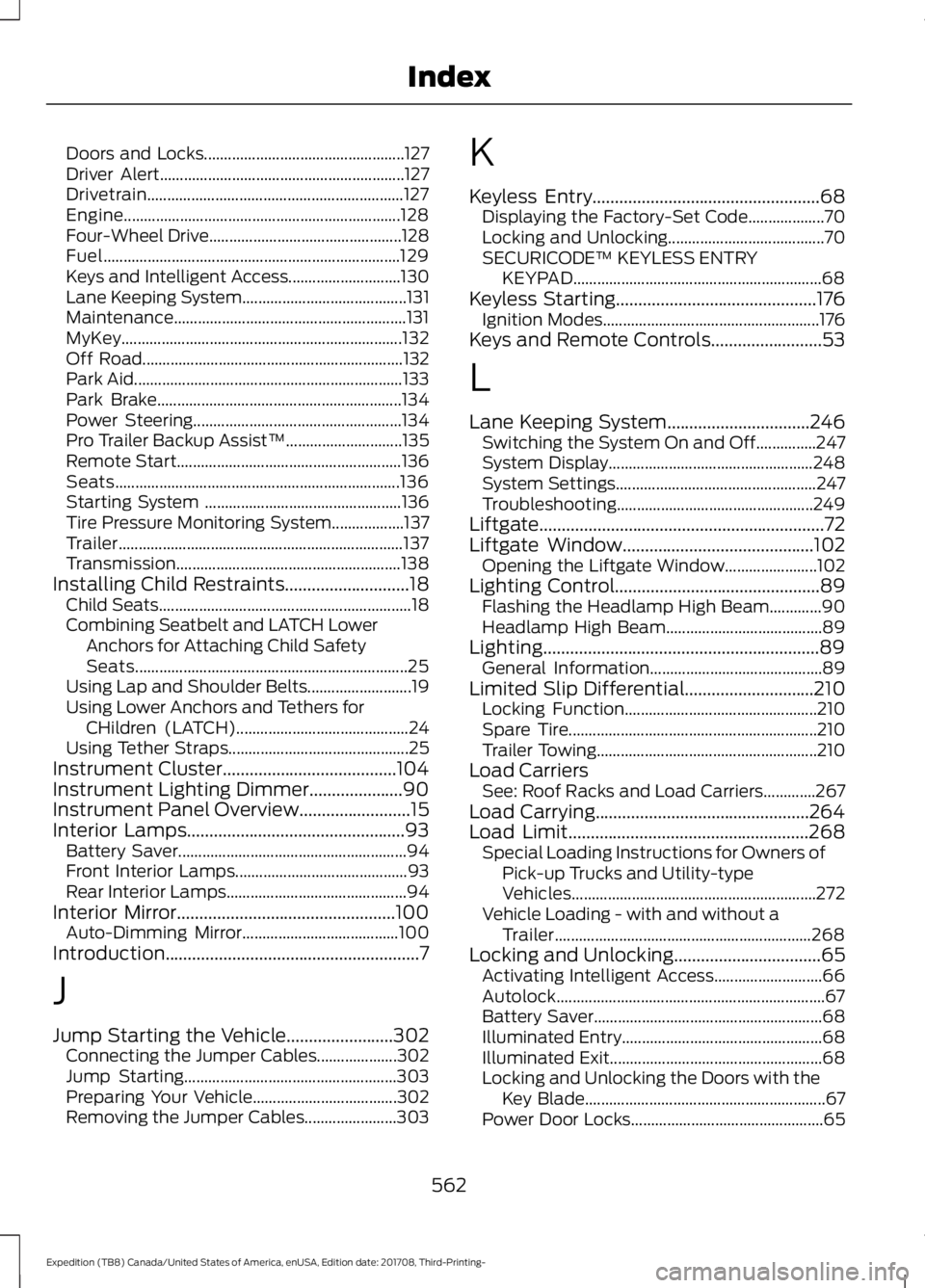
Doors and Locks..................................................
127
Driver Alert............................................................. 127
Drivetrain................................................................ 127
Engine..................................................................... 128
Four-Wheel Drive................................................ 128
Fuel........................................................................\
.. 129
Keys and Intelligent Access............................ 130
Lane Keeping System......................................... 131
Maintenance.......................................................... 131
MyKey...................................................................... 132
Off Road................................................................. 132
Park Aid................................................................... 133
Park Brake............................................................. 134
Power Steering.................................................... 134
Pro Trailer Backup Assist™............................. 135
Remote Start........................................................ 136
Seats....................................................................... 136
Starting System ................................................. 136
Tire Pressure Monitoring System.................. 137
Trailer....................................................................... 137
Transmission........................................................ 138
Installing Child Restraints............................18
Child Seats............................................................... 18
Combining Seatbelt and LATCH Lower Anchors for Attaching Child Safety
Seats.................................................................... 25
Using Lap and Shoulder Belts.......................... 19
Using Lower Anchors and Tethers for CHildren (LATCH)........................................... 24
Using Tether Straps............................................. 25
Instrument Cluster.......................................104
Instrument Lighting Dimmer.....................90
Instrument Panel Overview
.........................15
Interior Lamps.................................................93
Battery Saver......................................................... 94
Front Interior Lamps........................................... 93
Rear Interior Lamps............................................. 94
Interior Mirror
.................................................100
Auto-Dimming Mirror....................................... 100
Introduction.........................................................7
J
Jump Starting the Vehicle........................302 Connecting the Jumper Cables.................... 302
Jump Starting..................................................... 303
Preparing Your Vehicle.................................... 302
Removing the Jumper Cables....................... 303K
Keyless Entry
...................................................68
Displaying the Factory-Set Code................... 70
Locking and Unlocking....................................... 70
SECURICODE™ KEYLESS ENTRY KEYPAD.............................................................. 68
Keyless Starting.............................................176 Ignition Modes...................................................... 176
Keys and Remote Controls.........................53
L
Lane Keeping System
................................246
Switching the System On and Off...............247
System Display................................................... 248
System Settings.................................................. 247
Troubleshooting................................................. 249
Liftgate................................................................72
Liftgate Window...........................................102 Opening the Liftgate Window....................... 102
Lighting Control
..............................................89
Flashing the Headlamp High Beam.............90
Headlamp High Beam....................................... 89
Lighting..............................................................89 General Information........................................... 89
Limited Slip Differential
.............................210
Locking Function................................................ 210
Spare Tire.............................................................. 210
Trailer Towing....................................................... 210
Load Carriers See: Roof Racks and Load Carriers.............267
Load Carrying................................................264
Load Limit
......................................................268
Special Loading Instructions for Owners of
Pick-up Trucks and Utility-type
Vehicles............................................................. 272
Vehicle Loading - with and without a Trailer................................................................ 268
Locking and Unlocking.................................65 Activating Intelligent Access........................... 66
Autolock................................................................... 67
Battery Saver......................................................... 68
Illuminated Entry.................................................. 68
Illuminated Exit..................................................... 68
Locking and Unlocking the Doors with the Key Blade............................................................ 67
Power Door Locks................................................ 65
562
Expedition (TB8) Canada/United States of America, enUSA, Edition date: 201708, Third-Printing- Index
Page 567 of 571
Opening and Closing the Liftgate...................
74
Opening the Liftgate Window......................... 75
Setting the Liftgate Open Height................... 75
Stopping the Liftgate Movement................... 75
Using the Hands-Free Liftgate........................ 76
Power Running Boards................................80
Power Seats....................................................153 Adjusting the Lumbar Support...................... 154
Adjusting the Multi-Contour Front Seats With Active Motion ...................................... 154
Power Windows.............................................96
Accessory Delay................................................... 96
Bounce-Back......................................................... 96
One-Touch Down................................................ 96
One-Touch Up...................................................... 96
Window Lock......................................................... 96
Pre-Collision Assist
.....................................257
Adjusting the Pre-Collision Assist
Settings............................................................ 259
Blocked Sensors................................................ 260
Distance Indication and Alert....................... 258
Using the Pre-Collision Assist System.............................................................. 258
Protecting the Environment........................14
Puncture See: Changing a Road Wheel........................ 373
R
Rear Axle
..........................................................210
Rear Parking Aid...........................................222 Obstacle Distance Indicator.......................... 222
Rear Passenger Climate Controls..........145 Automatic Climate Control............................. 147
Manual Climate Control.................................. 146
Rear Seats
........................................................157
Adjusting the Second-Row Center 20%
Seat...................................................................... 161
Adjusting the Second Row Outermost 40% Seat for Easy Entry........................................ 158
Folding the Second Row 40% Seat ...........157
Folding the Second Row Center 20% Seat ........................................................................\
...... 160
Power Easy Entry................................................ 159
Power Folding Rear Seats................................ 161
Reclining the Second Row Outermost 40% Seat Backrest................................................. 160Rear Under Floor Storage.........................264
Advanced System: Forward Divider, Cargo
Shelf and Rear Barrier (Bulkhead
Position)........................................................... 265
Cargo Management System......................... 264
Rear View Camera........................................231 Camera Guidelines............................................ 233
Manual Zoom...................................................... 234
Obstacle Distance Indicator.......................... 233
Rear Camera Delay........................................... 234
Using the Rear View Camera System........232
Rear View Camera See: Rear View Camera.................................... 231
Rear Window Wiper and Washers..........88 Rear Window Washer........................................ 88
Rear Window Wiper Blade............................... 88
Recommended Towing Weights
...........285
Reduced Engine Performance................297
Refueling..........................................................187 Refueling System Overview............................ 187
Refueling System Warning............................. 189
Refueling Your Vehicle...................................... 187
Remote Control..............................................53 Car Finder................................................................ 58
Integrated Keyhead Transmitter.....................53
Intelligent Access Key......................................... 54
Remote Start......................................................... 58
Replacing the Battery......................................... 55
Sounding the Panic Alarm................................ 58
Using the Key Blade............................................ 55
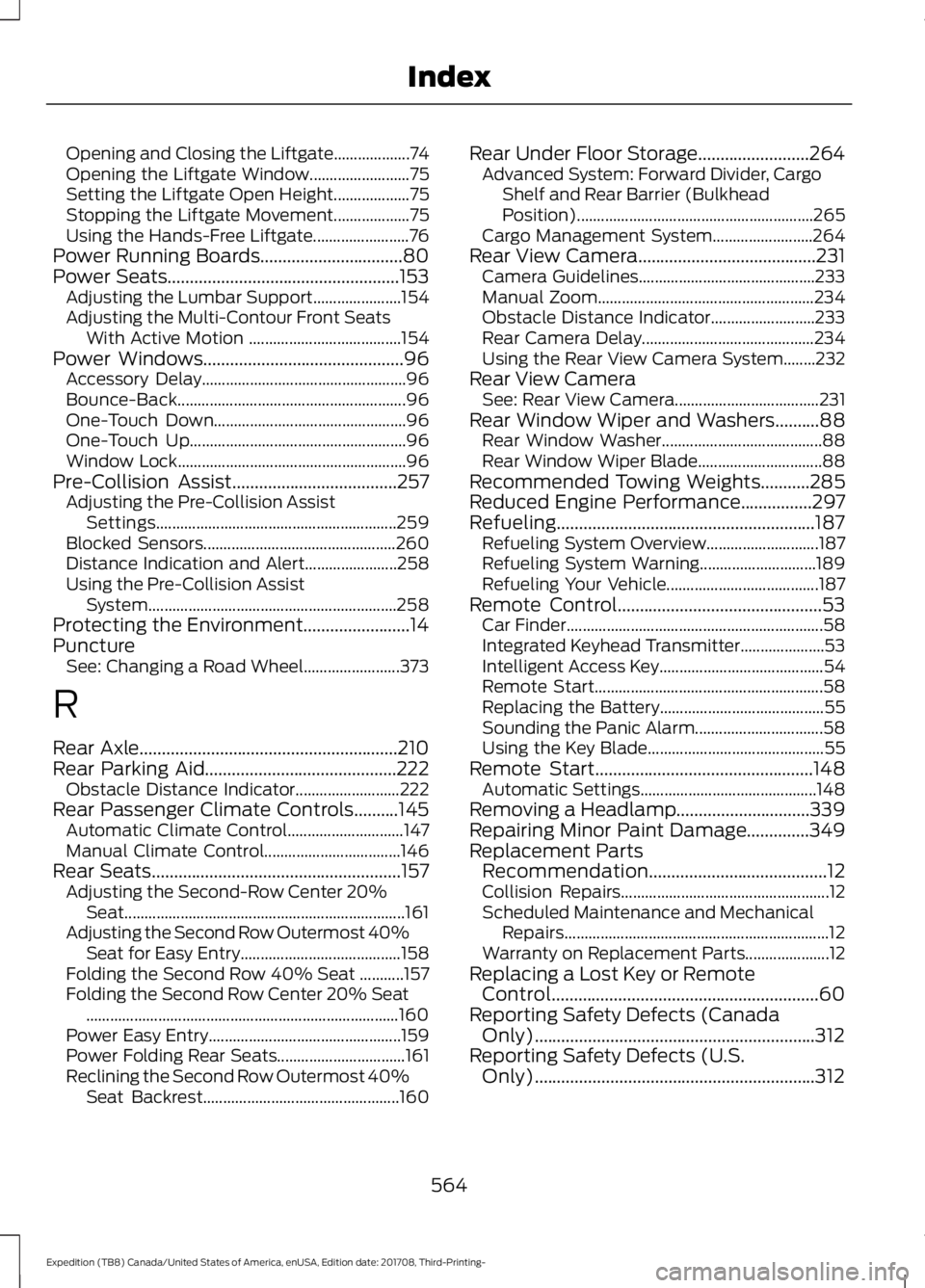
Remote Start.................................................148 Automatic Settings............................................ 148
Removing a Headlamp..............................339
Repairing Minor Paint Damage..............349
Replacement Parts Recommendation........................................12
Collision Repairs.................................................... 12
Scheduled Maintenance and Mechanical Repairs.................................................................. 12
Warranty on Replacement Parts..................... 12
Replacing a Lost Key or Remote Control
............................................................60
Reporting Safety Defects (Canada Only)...............................................................312
Reporting Safety Defects (U.S. Only)...............................................................312
564
Expedition (TB8) Canada/United States of America, enUSA, Edition date: 201708, Third-Printing- Index
Page 569 of 571
Vehicles with Keyless Start..............................
177
Starting and Stopping the Engine..........175 General Information........................................... 175
Steering...........................................................256 Electric Power Steering................................... 256
Steering Wheel...............................................82
Storage Compartments.............................174
Sunroof See: Moonroof - Vehicles With: Vista Roof
Opening Panel................................................. 101
Sun Visors
........................................................101
Illuminated Vanity Mirror.................................. 101
Supplementary Restraints System.........44 Principle of Operation........................................ 44
Symbols Glossary
.............................................7
SYNC™ 3.........................................................416 General Information.......................................... 416
SYNC™ 3 Troubleshooting.....................480
SYNC™ Applications and Services........................................................403
911 Assist.............................................................. 404
SYNC Mobile Apps........................................... 405
SYNC™...........................................................399 General Information......................................... 399
SYNC™ Troubleshooting.........................408
T
Technical Specifications See: Capacities and Specifications...........380
The Better Business Bureau (BBB) Auto Line Program (U.S. Only)......................309
Tire Care
..........................................................354
Glossary of Tire Terminology......................... 355
Information About Uniform Tire Quality Grading............................................................. 354
Information Contained on the Tire Sidewall........................................................... 356
Temperature A B C............................................ 355
Traction AA A B C.............................................. 354
Treadwear............................................................ 354
Tire Pressure Monitoring System..........369 Changing Tires With a Tire Pressure
Monitoring System......................................... 371
Understanding Your Tire Pressure Monitoring System ........................................ 371
Tires See: Wheels and Tires..................................... 352Towing a Trailer.............................................274
Load Placement................................................. 274
Towing Points...............................................305
Towing the Vehicle on Four Wheels
..........................................................294
Four-wheel-down Towing............................. 294
Recreational Towing......................................... 294
Towing..............................................................274
Traction Control
............................................215
Principle of Operation....................................... 215
Trailer Reversing Aids
..................................275
Principle of Operation...................................... 275
Pro Trailer Backup Assist™............................ 275
Setting Up Pro Trailer Backup Assist..........275
Troubleshooting................................................ 280
Using Pro Trailer Backup Assist.................... 279
Trailer Sway Control
...................................284
Transfer Case Fluid Check........................333
Transmission Code Designation............383
Transmission..................................................195
Transporting the Vehicle
..........................304
Type Approvals............................................545
Radio Frequency Certification for Keys and
Remote Controls........................................... 555
Radio Frequency Certifications for Blind Spot Information System.......................... 553
Radio Frequency Certifications for Body Control Module.............................................. 555
Radio Frequency Certifications for Cruise Control Module.............................................. 555
Radio Frequency Certifications for Mid Range Radar................................................... 547
Radio Frequency Certifications for Passive Anti-Theft System....................................... 548
Radio Frequency Certifications for Radio Transceiver Module....................................... 551
Radio Frequency Certifications for SYNC 3........................................................................\
.. 554
Radio Frequency Certifications for Tire Pressure Monitoring Sensor(s)...............545
Radio Frequency Certifications for Wireless Charging........................................................... 554
Radio Frequency Statement for Audio Unit..................................................................... 555
U
Under Hood Overview...............................326
566
Expedition (TB8) Canada/United States of America, enUSA, Edition date: 201708, Third-Printing- Index
Page 570 of 571
Unique Driving Characteristics.................181
Universal Garage Door Opener...............166 HomeLink Wireless Control System...........166
USB Port
.........................................................398
Using Adaptive Cruise Control...............238
Automatic Cancellation................................... 241
Blocked Sensor................................................... 243
Canceling the Set Speed................................. 241
Changing the Set Speed.................................. 241
Detection Issues................................................. 242
Following a Vehicle........................................... 239
Following a Vehicle to a Complete Stop................................................................... 240
Hilly Condition and Trailer Tow Usage................................................................. 242
Overriding the Set Speed................................ 241
Park Brake Application..................................... 241
Resuming the Set Speed................................. 241
Setting the Adaptive Cruise Speed.............239
Setting the Adaptive Cruise Speed When Your Vehicle is Stationary.......................... 239
Setting the Gap Distance............................... 240
Switching Adaptive Cruise Control Off....................................................................... 242
Switching Adaptive Cruise Control On....................................................................... 239
Switching to Normal Cruise Control...........244
System Not Available....................................... 243
Using Cruise Control...................................237 Switching Cruise Control Off.........................237
Switching Cruise Control On.......................... 237
Using Four-Wheel Drive
............................202
4WD Switch Selections.................................. 202
4X4 Indicator Lights......................................... 202
Driving Off-Road With Truck and Utility Vehicles............................................................ 205
How Your Vehicle Differs From Other Vehicles............................................................ 204
Operating 4WD Vehicles With Spare or Mismatched Tires......................................... 204
Using Hill Descent Control........................219 Hill Descent Modes............................................ 219
Using MyKey With Remote Start Systems..........................................................63
Using Power Running Boards
...................80
Automatic Power Deploy.................................. 80
Automatic Power Stow..................................... 80
Bounce-back.......................................................... 81Enabling and Disabling.....................................
80
Manual Power Deploy........................................ 80
Using Snow Chains
....................................368
Using Stability Control................................217 Stability Control and Traction Control with
Roll Stability Control ™ (RSC™)..............217
Using SYNC™ With Your Media Player............................................................407
Audio Voice Commands................................. 407
Media Sources.................................................... 407
Using SYNC™ With Your Phone............402 Accessing Features through the Phone
Menu................................................................. 403
Pairing a Phone.................................................. 402
Phone Controls.................................................. 403
Phone Voice Commands............................... 403
Using Traction Control
................................215
Switching the System Off ............................... 215
System Indicator Lights and Messages.......................................................... 215
Using Voice Recognition
..........................400
Audio Voice Commands.................................. 431
Climate Voice Commands............................. 432
Initiating a Voice Session............................... 400
Mobile App Voice Commands...................... 435
Navigation Voice Commands.......................433
Phone Voice Commands................................ 432
SiriusXM Traffic and Travel Link Voice Commands..................................................... 435
System Interaction and Feedback..............401
Voice Settings Commands............................ 436
Utilizing the Mediation/Arbitration Program (Canada Only).........................310
V
Vehicle Care
...................................................344
General Information......................................... 344
Vehicle Certification Label.......................383
Vehicle Identification Number................382
Vehicle Storage
............................................349
Battery................................................................... 350
Body....................................................................... 349
Brakes.................................................................... 350
Cooling system................................................... 350
Engine.................................................................... 350
Fuel system......................................................... 350
General.................................................................. 349
567
Expedition (TB8) Canada/United States of America, enUSA, Edition date: 201708, Third-Printing- Index