Ford code FORD EXPEDITION 2019 User Guide
[x] Cancel search | Manufacturer: FORD, Model Year: 2019, Model line: EXPEDITION, Model: FORD EXPEDITION 2019Pages: 583, PDF Size: 6.71 MB
Page 439 of 583
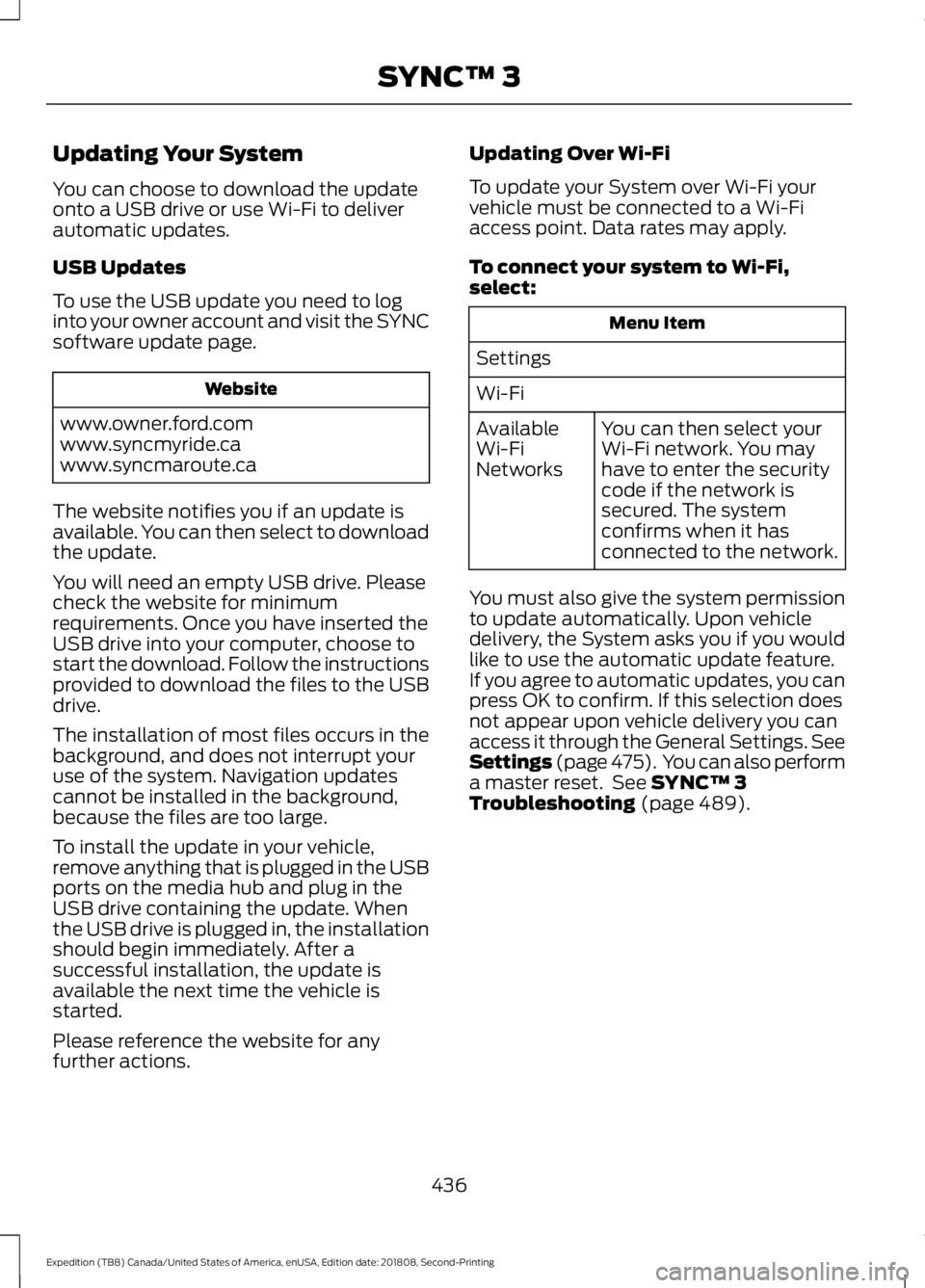
Updating Your System
You can choose to download the update
onto a USB drive or use Wi-Fi to deliver
automatic updates.
USB Updates
To use the USB update you need to log
into your owner account and visit the SYNC
software update page.
Website
www.owner.ford.com
www.syncmyride.ca
www.syncmaroute.ca
The website notifies you if an update is
available. You can then select to download
the update.
You will need an empty USB drive. Please
check the website for minimum
requirements. Once you have inserted the
USB drive into your computer, choose to
start the download. Follow the instructions
provided to download the files to the USB
drive.
The installation of most files occurs in the
background, and does not interrupt your
use of the system. Navigation updates
cannot be installed in the background,
because the files are too large.
To install the update in your vehicle,
remove anything that is plugged in the USB
ports on the media hub and plug in the
USB drive containing the update. When
the USB drive is plugged in, the installation
should begin immediately. After a
successful installation, the update is
available the next time the vehicle is
started.
Please reference the website for any
further actions. Updating Over Wi-Fi
To update your System over Wi-Fi your
vehicle must be connected to a Wi-Fi
access point. Data rates may apply.
To connect your system to Wi-Fi,
select:
Menu Item
Settings
Wi-Fi You can then select your
Wi-Fi network. You may
have to enter the security
code if the network is
secured. The system
confirms when it has
connected to the network.
Available
Wi-Fi
Networks
You must also give the system permission
to update automatically. Upon vehicle
delivery, the System asks you if you would
like to use the automatic update feature.
If you agree to automatic updates, you can
press OK to confirm. If this selection does
not appear upon vehicle delivery you can
access it through the General Settings. See
Settings (page 475). You can also perform
a master reset. See SYNC™ 3
Troubleshooting (page 489).
436
Expedition (TB8) Canada/United States of America, enUSA, Edition date: 201808, Second-Printing SYNC™ 3
Page 492 of 583
Menu Item
Enable this option to remove
additional voice prompts
and confirmations.
Advanced Mode
Enable this option to have
the system confirm a
contact's name with you
before making a call.
Phone Confirmation
Enable this option to have
the system display a list of
available voice commands
when you press the voice.
Voice Command List
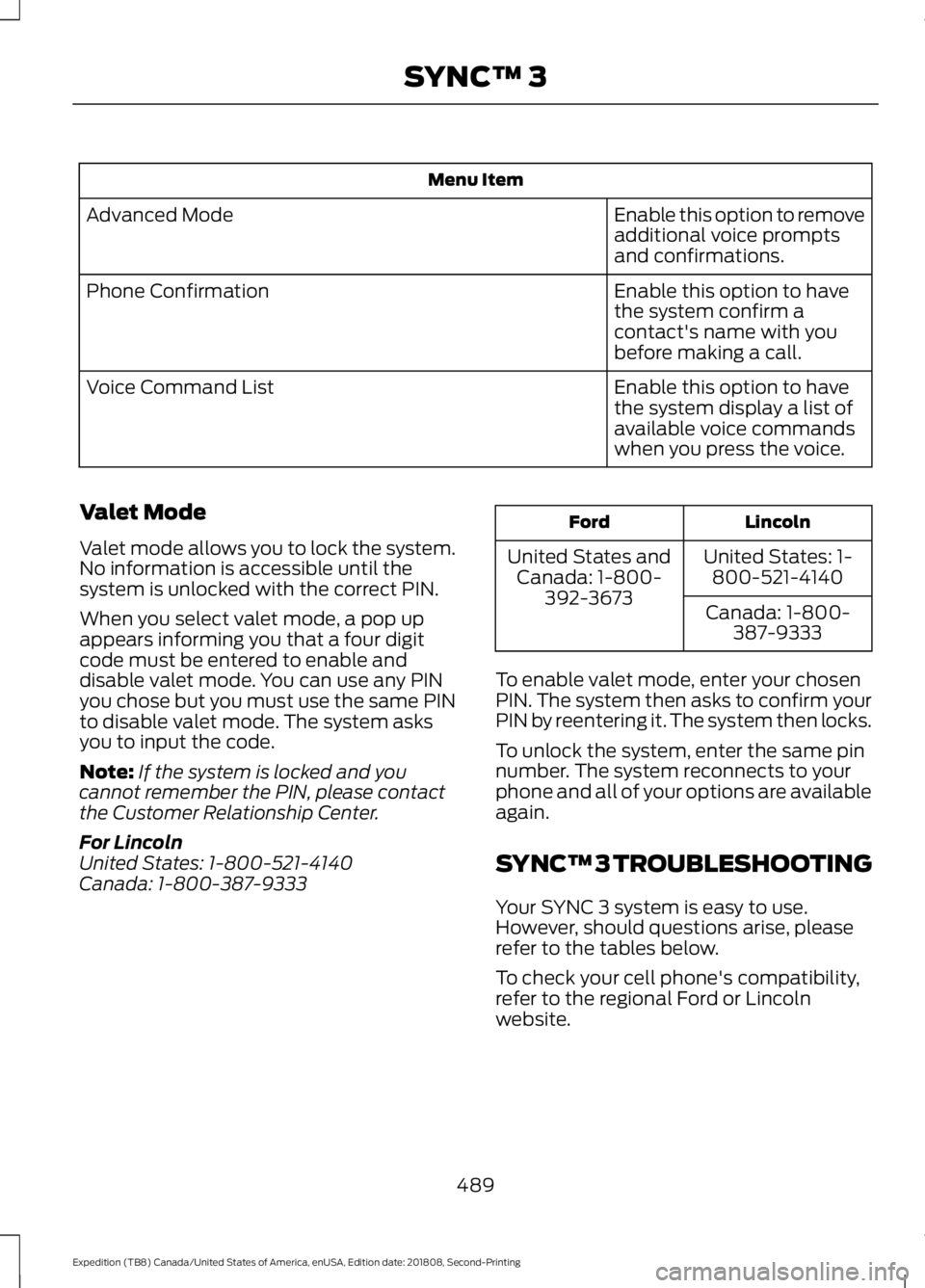
Valet Mode
Valet mode allows you to lock the system.
No information is accessible until the
system is unlocked with the correct PIN.
When you select valet mode, a pop up
appears informing you that a four digit
code must be entered to enable and
disable valet mode. You can use any PIN
you chose but you must use the same PIN
to disable valet mode. The system asks
you to input the code.
Note: If the system is locked and you
cannot remember the PIN, please contact
the Customer Relationship Center.
For Lincoln
United States: 1-800-521-4140
Canada: 1-800-387-9333 Lincoln
Ford
United States: 1-800-521-4140
United States and
Canada: 1-800- 392-3673 Canada: 1-800-
387-9333
To enable valet mode, enter your chosen
PIN. The system then asks to confirm your
PIN by reentering it. The system then locks.
To unlock the system, enter the same pin
number. The system reconnects to your
phone and all of your options are available
again.
SYNC™ 3 TROUBLESHOOTING
Your SYNC 3 system is easy to use.
However, should questions arise, please
refer to the tables below.
To check your cell phone's compatibility,
refer to the regional Ford or Lincoln
website.
489
Expedition (TB8) Canada/United States of America, enUSA, Edition date: 201808, Second-Printing SYNC™ 3
Page 532 of 583
IF YOU DO NOT AGREE TO THIS END
USER LICENSE AGREEMENT ("EULA")
DO NOT USE THE DEVICES OR COPY
THE SOFTWARE. ANY USE OF THE
SOFTWARE, INCLUDING BUT NOT
LIMITED TO USE ON THE DEVICES,
WILL CONSTITUTE YOUR AGREEMENT
TO THIS EULA (OR RATIFICATION OF
ANY PREVIOUS CONSENT).
GRANT OF SOFTWARE LICENSE: This
EULA grants you the following license:
• You may use the SOFTWARE as
installed on the DEVICES and as
otherwise interfacing with systems
and/or services provide by or through
FORD MOTOR COMPANY or its third
party software and service providers.
Description of Other Rights and
Limitations
• Speech Recognition:
If the
SOFTWARE includes speech
recognition component(s), you should
understand that speech recognition is
an inherently statistical process and
that recognition errors are inherent in
the process. Neither FORD MOTOR COMPANY nor its suppliers shall be
liable for any damages arising out of
errors in the speech recognition
process. It is your responsibility to
monitor any speech recognition
functions included in the system.
• Limitations on Reverse Engineering,
Decompilation and Disassembly:
You may not reverse engineer,
decompile, translate, disassemble or
attempt to discover any source code
or underlying ideas or algorithms of the
SOFTWARE nor permit others to
reverse engineer, decompile or
disassemble the SOFTWARE, except
and only to the extent that such activity
is expressly permitted by applicable
law notwithstanding this limitation or
to the extent as may be permitted by
the licensing terms governing use of
any open source components included
with the SOFTWARE.
• Limitations on Distributing,
Copying, Modifying and Creating
Derivative Works:
You may not
distribute, copy, make modifications
to or create derivative works based on
the SOFTWARE, except and only to the
extent that such activity is expressly
permitted by applicable law
notwithstanding this limitation or to
the extent as may be permitted by the
licensing terms governing use of any
open source components included with
the SOFTWARE.
• Single EULA:
The end user
documentation for the DEVICES and
related systems and services may
contain multiple EULAs, such as
multiple translations and/or multiple
media versions (e.g., in the user
documentation and in the software).
Even if you receive multiple EULAs, you
are licensed to use only one (1) copy of
the SOFTWARE.
529
Expedition (TB8) Canada/United States of America, enUSA, Edition date: 201808, Second-Printing Appendices
Page 550 of 583
“Información geográfica
propiedad del CNIG”
Spain
“Based upon electronic
data © National Land
Survey Sweden. ”
Sweden
“Topografische
Grundlage: © Bundesamt
für Landestopographie.
Switzerland
E. Respective Country Distribution. Client
acknowledges that HERE has not
received approvals to distribute map
data for the following countries in such
respective countries: Albania, Belarus,
Kyrgyzstan, Moldova and Uzbekistan.
HERE may update such list from time to
time. The license rights granted to Client
under this TL with respect to the Data
for such countries are contingent upon
Client’
s compliance with all applicable
laws and regulations, including, without
limitation, any required licenses or
approvals to distribute the Application
incorporating such Data in such
respective countries.
VI. Australia Territory A. Third Party Notices. Any and all copies
of the Data and/or packaging relating
thereto shall include the respective Third
Party Notices set forth below and used
as described below corresponding to
the Territory (or portion thereof)
included in such copy: Copyright. Based on data provided
under license from PSMA Australia
Limited (www.psma.com.au). Product incorporates data which is ©
20XX Telstra Corporation Limited, GM
Holden Limited, Intelematics Australia
Pty Ltd and Continental Pty Ltd.
B. Third Party Notices for Australia. In
addition to the foregoing, the End-User
Terms for any Application containing
RDS-TMC Traffic Codes for Australia
shall contain the following notice:
“Product incorporates traffic location
codes which is © 20XX Telstra Corpora-
tion Limited and its licensors. ”
AT&T Vehicle Network Carrier
Telematics Disclosure
END USER FOR PURPOSES OF THIS
SECTION MEANS YOU AND YOUR HEIRS,
EXECUTORS, LEGAL PERSONAL
REPRESENTATITVES AND PERMITED
ASSIGNS. FOR PURPOSES OF THIS
SECTION “UNDERLYING WIRELESS
SERVICE CARRIER” INCLUDES ITS
AFFILIATES AND CONTRACTORS AND
THEIR RESPECTIVE OFFICERS,
DIRECTORS, EMPLOYEES, SUCCESSORS
AND ASSIGNS. END USER HAS NO
CONTRACTUAL RELATIONSHIP WITH
THE UNDERLYING WIRELESS SERVICE
CARRIER AND END USER IS NOT A THIRD
PARTY BENEFICIARY OF ANY
AGREEMENT BETWEEN FORD AND
UNDERLYING CARRIER. END USER
UNDERSTANDS AND AGREES THAT THE
UNDERLYING CARRIER HAS NO LEGAL,
EQUITABLE, OR OTHER LIABILITY OF ANY
KIND TO END USER. IN ANY EVENT,
REGARDLESS OF THE FORM OF THE
ACTION, WHETHER FOR BREACH OF
CONTRACT, WARRANTY, NEGLIGENCE,
STRICT LIABILITY IN TORT OR
OTHERWISE, END USER'S EXCLUSIVE
REMEDY FOR CLAIMS ARISING IN ANY
WAY IN CONNECTION WITH THIS
AGREEMENT, FOR ANY CAUSE
WHATSOEVER, INCLUDING BUT NOT
LIMITED TO ANY FAILURE OR
547
Expedition (TB8) Canada/United States of America, enUSA, Edition date: 201808, Second-Printing Appendices