brake sensor FORD EXPEDITION 2023 Owner's Manual
[x] Cancel search | Manufacturer: FORD, Model Year: 2023, Model line: EXPEDITION, Model: FORD EXPEDITION 2023Pages: 658, PDF Size: 16.16 MB
Page 425 of 658
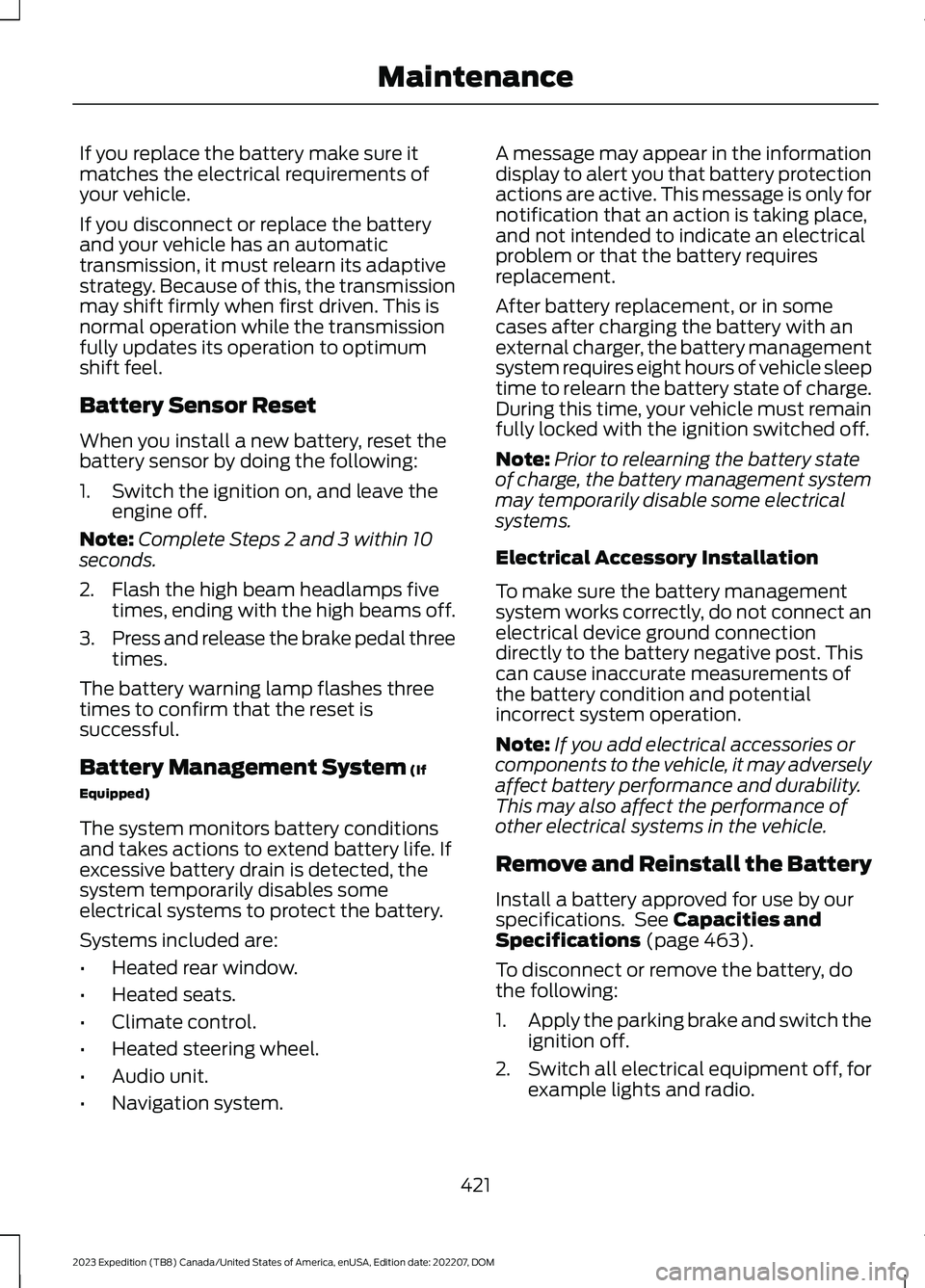
If you replace the battery make sure itmatches the electrical requirements ofyour vehicle.
If you disconnect or replace the batteryand your vehicle has an automatictransmission, it must relearn its adaptivestrategy. Because of this, the transmissionmay shift firmly when first driven. This isnormal operation while the transmissionfully updates its operation to optimumshift feel.
Battery Sensor Reset
When you install a new battery, reset thebattery sensor by doing the following:
1.Switch the ignition on, and leave theengine off.
Note:Complete Steps 2 and 3 within 10seconds.
2.Flash the high beam headlamps fivetimes, ending with the high beams off.
3.Press and release the brake pedal threetimes.
The battery warning lamp flashes threetimes to confirm that the reset issuccessful.
Battery Management System (If
Equipped)
The system monitors battery conditionsand takes actions to extend battery life. Ifexcessive battery drain is detected, thesystem temporarily disables someelectrical systems to protect the battery.
Systems included are:
•Heated rear window.
•Heated seats.
•Climate control.
•Heated steering wheel.
•Audio unit.
•Navigation system.
A message may appear in the informationdisplay to alert you that battery protectionactions are active. This message is only fornotification that an action is taking place,and not intended to indicate an electricalproblem or that the battery requiresreplacement.
After battery replacement, or in somecases after charging the battery with anexternal charger, the battery managementsystem requires eight hours of vehicle sleeptime to relearn the battery state of charge.During this time, your vehicle must remainfully locked with the ignition switched off.
Note:Prior to relearning the battery stateof charge, the battery management systemmay temporarily disable some electricalsystems.
Electrical Accessory Installation
To make sure the battery managementsystem works correctly, do not connect anelectrical device ground connectiondirectly to the battery negative post. Thiscan cause inaccurate measurements ofthe battery condition and potentialincorrect system operation.
Note:If you add electrical accessories orcomponents to the vehicle, it may adverselyaffect battery performance and durability.This may also affect the performance ofother electrical systems in the vehicle.
Remove and Reinstall the Battery
Install a battery approved for use by ourspecifications. See Capacities andSpecifications (page 463).
To disconnect or remove the battery, dothe following:
1.Apply the parking brake and switch theignition off.
2.Switch all electrical equipment off, forexample lights and radio.
421
2023 Expedition (TB8) Canada/United States of America, enUSA, Edition date: 202207, DOMMaintenance
Page 460 of 658
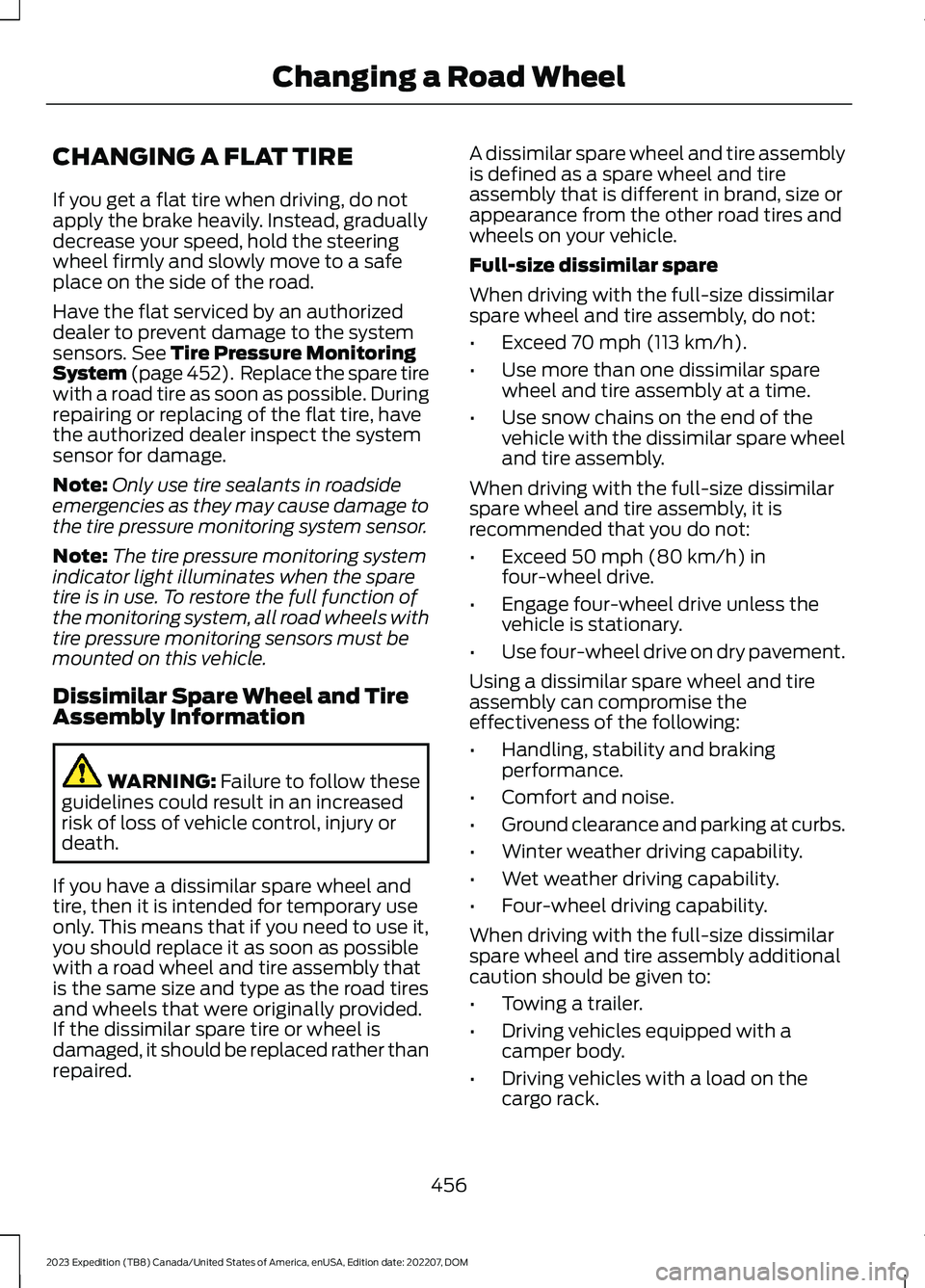
CHANGING A FLAT TIRE
If you get a flat tire when driving, do notapply the brake heavily. Instead, graduallydecrease your speed, hold the steeringwheel firmly and slowly move to a safeplace on the side of the road.
Have the flat serviced by an authorizeddealer to prevent damage to the systemsensors. See Tire Pressure MonitoringSystem (page 452). Replace the spare tirewith a road tire as soon as possible. Duringrepairing or replacing of the flat tire, havethe authorized dealer inspect the systemsensor for damage.
Note:Only use tire sealants in roadsideemergencies as they may cause damage tothe tire pressure monitoring system sensor.
Note:The tire pressure monitoring systemindicator light illuminates when the sparetire is in use. To restore the full function ofthe monitoring system, all road wheels withtire pressure monitoring sensors must bemounted on this vehicle.
Dissimilar Spare Wheel and TireAssembly Information
WARNING: Failure to follow theseguidelines could result in an increasedrisk of loss of vehicle control, injury ordeath.
If you have a dissimilar spare wheel andtire, then it is intended for temporary useonly. This means that if you need to use it,you should replace it as soon as possiblewith a road wheel and tire assembly thatis the same size and type as the road tiresand wheels that were originally provided.If the dissimilar spare tire or wheel isdamaged, it should be replaced rather thanrepaired.
A dissimilar spare wheel and tire assemblyis defined as a spare wheel and tireassembly that is different in brand, size orappearance from the other road tires andwheels on your vehicle.
Full-size dissimilar spare
When driving with the full-size dissimilarspare wheel and tire assembly, do not:
•Exceed 70 mph (113 km/h).
•Use more than one dissimilar sparewheel and tire assembly at a time.
•Use snow chains on the end of thevehicle with the dissimilar spare wheeland tire assembly.
When driving with the full-size dissimilarspare wheel and tire assembly, it isrecommended that you do not:
•Exceed 50 mph (80 km/h) infour-wheel drive.
•Engage four-wheel drive unless thevehicle is stationary.
•Use four-wheel drive on dry pavement.
Using a dissimilar spare wheel and tireassembly can compromise theeffectiveness of the following:
•Handling, stability and brakingperformance.
•Comfort and noise.
•Ground clearance and parking at curbs.
•Winter weather driving capability.
•Wet weather driving capability.
•Four-wheel driving capability.
When driving with the full-size dissimilarspare wheel and tire assembly additionalcaution should be given to:
•Towing a trailer.
•Driving vehicles equipped with acamper body.
•Driving vehicles with a load on thecargo rack.
456
2023 Expedition (TB8) Canada/United States of America, enUSA, Edition date: 202207, DOMChanging a Road Wheel
Page 634 of 658
Airbags...............................................................56Front Passenger Sensing System..................60Air ConditioningSee: Climate Control - Vehicles With: 12 InchScreen................................................................148See: Climate Control - Vehicles With: 15 InchScreen................................................................153Air Conditioning System Capacity andSpecification..............................................468Alert and Aid Mode......................................312How Does Alert and Aid Mode Work...........312What Is Alert and Aid Mode............................312Alert Mode........................................................311Adjusting the Steering Wheel VibrationIntensity..............................................................311How Does Alert Mode Work............................311What Is Alert Mode.............................................311Alexa Built-In.................................................507Alexa Built-In Requirements...................507Alexa Built-In Settings...............................507AM/FM Radio................................................483AM/FM Radio Limitations..............................483Selecting a Radio Station...............................483Ambient Lighting..........................................126Adjusting Ambient Lighting............................126Switching Ambient Lighting On andOff........................................................................126Anti-Lock Braking System........................229Anti-Lock Braking SystemLimitations......................................................229Anti-Theft Alarm System.........................100Arming the Anti-Theft Alarm System.........101Disarming the Anti-Theft AlarmSystem................................................................101How Does the Anti-Theft Alarm SystemWork...................................................................100What Are the Inclination Sensors.................101What Are the Interior Sensors.......................100What Is the Anti-Theft AlarmSystem..............................................................100What Is the Perimeter Alarm.........................100Anti-Theft Alarm System Settings.........101Setting the Alarm Security Level...................101Switching Ask on Exit On and Off.................101What are the Alarm Security Levels.............101What Is Ask on Exit.............................................101Appendices....................................................625
Applying the Electric ParkingBrake..............................................................232Applying the Electric Parking Brake in anEmergency...................................................232App Precautions...........................................522App Requirements......................................522Apps..................................................................522Audio System.................................................481AM/FM Radio......................................................483Audio System – Troubleshooting...............488Digital Radio........................................................484Satellite Radio....................................................485Audio System Precautions.......................481Audio System – Troubleshooting.........488Audio System – InformationMessages........................................................488Auto-Dimming Exterior Mirror...................131What Is the Auto-Dimming ExteriorMirror....................................................................131Auto-Dimming Interior Mirror...................129Auto-Dimming Interior MirrorLimitations.......................................................129What Is the Auto-Dimming InteriorMirror..................................................................129Auto Hold........................................................243Auto Hold Indicators...................................243Autolamps.......................................................116Autolamp Settings..............................................116What Are Autolamps.........................................116Autolock............................................................82Autolock Requirements.....................................82What Is Autolock..................................................82Automatically Releasing the ElectricParking Brake..............................................233Automatic Crash Shutoff..........................397Automatic Crash ShutoffPrecautions.....................................................397Re-Enabling Your Vehicle...............................397What Is Automatic Crash Shutoff...............397Automatic Emergency Braking...............335Switching Automatic Emergency BrakingOn and Off.......................................................336What Is Automatic EmergencyBraking..............................................................335Automatic Engine Stop..............................197How Does Automatic Engine StopWork...................................................................198Overriding Automatic Engine Stop..............198
630
2023 Expedition (TB8) Canada/United States of America, enUSA, Edition date: 202207, DOMIndex
Page 637 of 658
Changing the Vehicle Wi-Fi HotspotName or Password - Vehicles With: 15Inch Screen................................................480Charging a Device.........................................185Charging a Wireless Device......................190Checking MyKey System Status................77Checking the Brake Fluid..........................229Checking the Coolant.................................415Checking the Seatbelts...............................54Checking the Tire Pressures....................448Checking the Wiper Blades.........................111Children and Airbags....................................60Child Restraint Anchor Points...................38Locating the Child Restraint Lower AnchorPoints...................................................................38Locating the Child Restraint Top TetherAnchor Points...................................................39What Are the Child Restraint AnchorPoints...................................................................38Child Restraints...............................................39Child Restraint Position Information............39Child Restraints Recommendation................41Child Safety.......................................................37Child Restraint Anchor Points.........................38Child Restraints.....................................................39Installing Child Restraints..................................41Child Safety Locks..........................................47Child Safety Precautions.............................37Cleaning Products.......................................429Cleaning the Exterior..................................430Cleaning Camera Lenses andSensors..............................................................431Cleaning Chrome, Aluminium or StainlessSteel..................................................................430Cleaning Headlamps and RearLamps...............................................................430Cleaning Stripes or Graphics..........................431Cleaning the Engine Compartment.............431Cleaning the Exterior Precautions..............430Cleaning the Underbody..................................431Cleaning Wheels................................................430Cleaning Windows and WiperBlades...............................................................430Cleaning the Interior....................................431Cleaning Carpets and Floor Mats................433Cleaning Displays and Screens....................432Cleaning Moonroof Tracks.............................433Cleaning Plastic..................................................432
Cleaning Seatbelts............................................433Cleaning Seats and the Headliner...............432Cleaning the Instrument Panel.....................431Clearing All MyKeys........................................77Climate Control.............................................148Auto Mode............................................................150Climate Control Hints..................................151Closing the Liftgate.......................................93Closing the Hands-Free Liftgate....................94Closing the Liftgate From Inside YourVehicle.................................................................93Closing the Liftgate From Outside YourVehicle.................................................................93Closing the Liftgate Using the RemoteControl................................................................94Cold Weather Precautions.......................389Connected Navigation...............................526Connected Vehicle......................................475Connected Vehicle –Troubleshooting............................................476Connecting the Vehicle to a MobileNetwork............................................................475Connected Vehicle Data..............................28Connected Vehicle Limitations...............475Connected Vehicle Requirements.........475Connected Vehicle –Troubleshooting........................................476Connected Vehicle – Frequently AskedQuestions.........................................................476Connecting a Bluetooth® Device..........520Connecting a Trailer....................................355Connecting a Trailer –Troubleshooting.............................................357Hitches...................................................................354Connecting a Trailer Precautions..........354Connecting a Trailer –Troubleshooting........................................357Connecting a Trailer – InformationMessages..........................................................357Connecting the Vehicle to a MobileNetwork........................................................475Connecting FordPass to the Modem..........475Enabling and Disabling the Modem...........475What Is the Modem..........................................475Connecting the Vehicle to a Wi-FiNetwork - Vehicles With: 12 InchScreen...........................................................476
633
2023 Expedition (TB8) Canada/United States of America, enUSA, Edition date: 202207, DOMIndex
Page 644 of 658
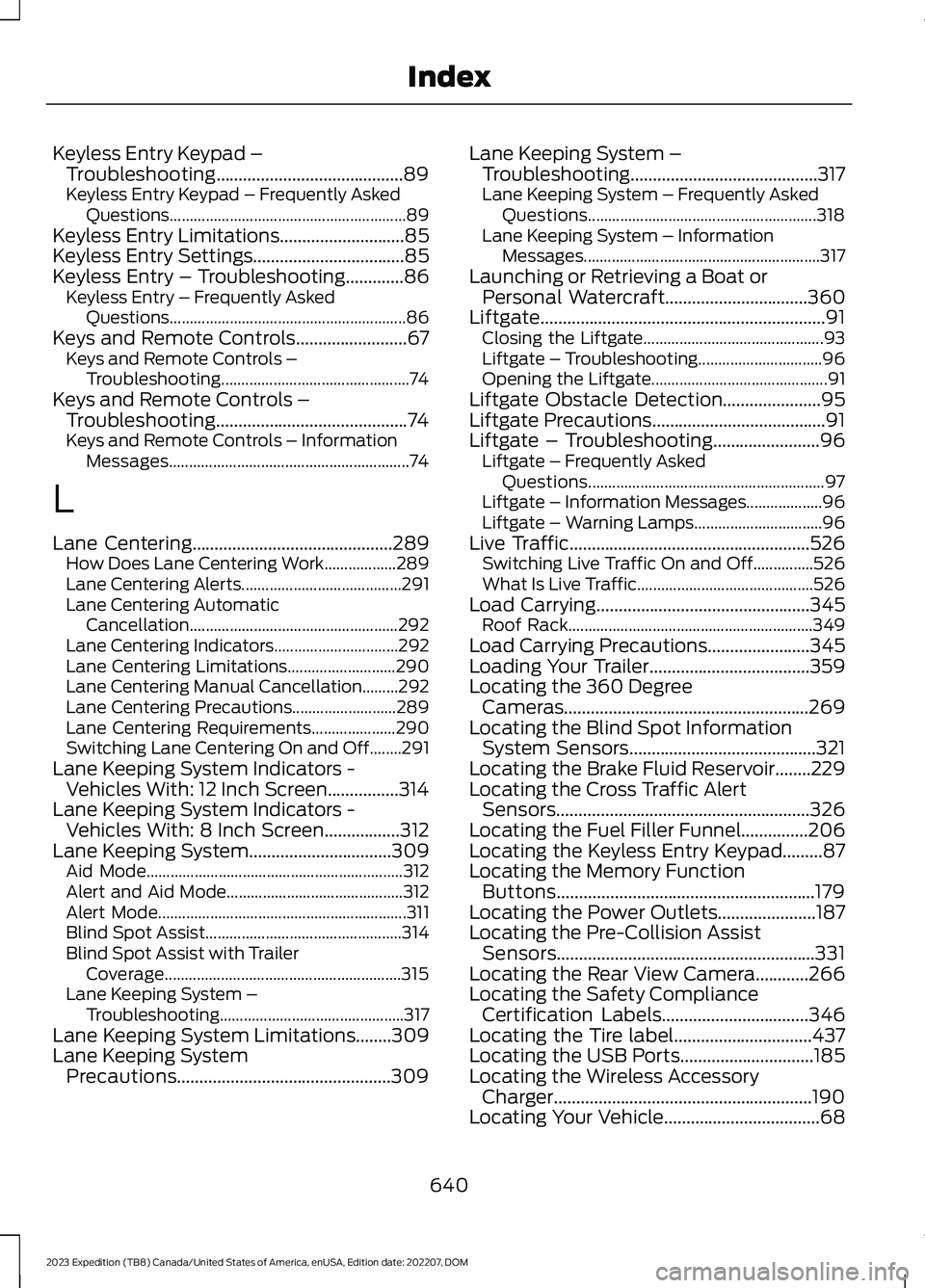
Keyless Entry Keypad –Troubleshooting..........................................89Keyless Entry Keypad – Frequently AskedQuestions...........................................................89Keyless Entry Limitations............................85Keyless Entry Settings..................................85Keyless Entry – Troubleshooting.............86Keyless Entry – Frequently AskedQuestions...........................................................86Keys and Remote Controls.........................67Keys and Remote Controls –Troubleshooting...............................................74Keys and Remote Controls –Troubleshooting...........................................74Keys and Remote Controls – InformationMessages............................................................74
L
Lane Centering.............................................289How Does Lane Centering Work..................289Lane Centering Alerts........................................291Lane Centering AutomaticCancellation....................................................292Lane Centering Indicators...............................292Lane Centering Limitations...........................290Lane Centering Manual Cancellation.........292Lane Centering Precautions..........................289Lane Centering Requirements.....................290Switching Lane Centering On and Off........291Lane Keeping System Indicators -Vehicles With: 12 Inch Screen................314Lane Keeping System Indicators -Vehicles With: 8 Inch Screen.................312Lane Keeping System................................309Aid Mode................................................................312Alert and Aid Mode............................................312Alert Mode..............................................................311Blind Spot Assist.................................................314Blind Spot Assist with TrailerCoverage...........................................................315Lane Keeping System –Troubleshooting..............................................317Lane Keeping System Limitations........309Lane Keeping SystemPrecautions................................................309
Lane Keeping System –Troubleshooting..........................................317Lane Keeping System – Frequently AskedQuestions.........................................................318Lane Keeping System – InformationMessages...........................................................317Launching or Retrieving a Boat orPersonal Watercraft................................360Liftgate................................................................91Closing the Liftgate.............................................93Liftgate – Troubleshooting...............................96Opening the Liftgate............................................91Liftgate Obstacle Detection......................95Liftgate Precautions.......................................91Liftgate – Troubleshooting........................96Liftgate – Frequently AskedQuestions...........................................................97Liftgate – Information Messages...................96Liftgate – Warning Lamps................................96Live Traffic......................................................526Switching Live Traffic On and Off...............526What Is Live Traffic............................................526Load Carrying................................................345Roof Rack.............................................................349Load Carrying Precautions.......................345Loading Your Trailer....................................359Locating the 360 DegreeCameras.......................................................269Locating the Blind Spot InformationSystem Sensors..........................................321Locating the Brake Fluid Reservoir........229Locating the Cross Traffic AlertSensors.........................................................326Locating the Fuel Filler Funnel...............206Locating the Keyless Entry Keypad.........87Locating the Memory FunctionButtons..........................................................179Locating the Power Outlets......................187Locating the Pre-Collision AssistSensors..........................................................331Locating the Rear View Camera............266Locating the Safety ComplianceCertification Labels.................................346Locating the Tire label...............................437Locating the USB Ports..............................185Locating the Wireless AccessoryCharger..........................................................190Locating Your Vehicle...................................68
640
2023 Expedition (TB8) Canada/United States of America, enUSA, Edition date: 202207, DOMIndex