maintenance schedule FORD EXPEDITION 2023 Owner's Manual
[x] Cancel search | Manufacturer: FORD, Model Year: 2023, Model line: EXPEDITION, Model: FORD EXPEDITION 2023Pages: 658, PDF Size: 16.16 MB
Page 599 of 658
Zambia
PERCHLORATE
Certain components in your vehicle suchas airbag modules, seatbelt pretensionersand remote control batteries may containperchlorate material. Special handlingmay apply for service or vehicle end of lifedisposal.
For more information visit:www.dtsc.ca.gov/hazardouswaste/perchlorate.
REPLACEMENT PARTS
RECOMMENDATION
We have built your vehicle to the higheststandards using quality parts. Werecommend that you demand the use ofgenuine Ford and Motorcraft partswhenever your vehicle requires scheduledmaintenance or repair. You can clearlyidentify genuine Ford and Motorcraft partsby looking for the Ford, FoMoCo orMotorcraft branding on the parts or theirpackaging.
Scheduled Maintenance andMechanical Repairs
One of the best ways for you to make surethat your vehicle provides years of serviceis to have it maintained in line with ourrecommendations using parts thatconform to the specifications detailed inthis Owner’s Manual.
Genuine Ford and Motorcraft parts meetor exceed these specifications.
Collision Repairs
We hope that you never experience acollision, but accidents happen sometimes.
Genuine Ford replacement collision partsmeet our stringent requirements for fit,finish, structural integrity, corrosionprotection and dent resistance. Duringvehicle development we validate thatthese parts deliver the intended level ofprotection as a whole system. A great wayto know for sure you are getting this levelof protection is to use genuine Fordreplacement collision parts.
Warranty on Replacement Parts
Genuine Ford and Motorcraft replacementparts are the only replacement parts thatbenefit from a Ford Warranty.
The Ford Warranty may not cover damagecaused to your vehicle as a result of failednon-Ford parts.
For additional information, refer to theterms and conditions of the Ford Warranty.
595
2023 Expedition (TB8) Canada/United States of America, enUSA, Edition date: 202207, DOMCustomer InformationE364773
Page 628 of 658
OWNER'S WARRANTYRESPONSIBILITIES:
- As the vehicle owner, you are responsiblefor the performance of the requiredmaintenance listed in your owner'smanual. Ford Motor Companyrecommends that you retain all receiptscovering maintenance on your vehicle, butFord Motor Company cannot denywarranty solely for the lack of receipts orfor your failure to ensure the performanceof all scheduled maintenance.
- You are responsible for presenting yourvehicle to a Ford or Lincoln dealer as soonas a problem exists. The warranty repairsshould be completed in a reasonableamount of time, not to exceed 30 days.
- As the vehicle owner, you should also beaware that Ford Motor Company may denyyou warranty coverage if your vehicle or apart has failed due to abuse, neglect,improper maintenance or unapprovedmodifications.
If you have any questions regarding yourwarranty rights and responsibilities, youshould contact Ford Customer Service at1-800-392-3673 or the California AirResource Board at 9528 Telstar Avenue,El Monte, CA 91731.
624
2023 Expedition (TB8) Canada/United States of America, enUSA, Edition date: 202207, DOMCustomer Information
Page 645 of 658
Locking and Unlocking the ElectronicLimited-Slip Differential.........................227Locking the Rear Window Controls.......128Luggage Compartment............................350Luggage CompartmentPrecautions................................................350
M
Maintenance...................................................412Engine Air Filter...................................................419Engine Oil..............................................................414Exterior Bulbs......................................................423Interior Bulbs........................................................427Maintenance Precautions.........................412Making and Receiving a Phone Call......513Manually Dimming the InteriorMirror..............................................................129Manually Releasing the Electric ParkingBrake..............................................................232Manually Shifting Gears.............................215Shifting Using the Buttons on the RotaryShifter.................................................................215Shifting Using the Buttons on the SelectorLever....................................................................215Manual Seats.................................................162Accessing the Third Row Seats......................172Adjusting the Head Restraint.........................162Adjusting the Lumbar Support.....................164Adjusting the Seat Backrest...........................163Folding the Seat Backrest.................................171Head Restraint Components.........................162Installing the Head Restraint.........................163Moving the Seat Backward andForward.............................................................163Removing the Head Restraint........................163Unfolding the Seats.............................................171Massage Seats..............................................166Adjusting the Massage Seat Settings.........167Massage Seat Limitations..............................166Memory Function..........................................179Memory Function Precautions................179Mislock...............................................................82Mislock Limitations..............................................82Switching Mislock On and Off.........................83What Is Mislock.....................................................82Mobile CommunicationsEquipment..................................................596
Mobile Device Data........................................29Moonroof Bounce-Back.............................133Overriding Moonroof Bounce-Back.............133What Is Moonroof Bounce-Back..................133Moonroof.........................................................132Moonroof Bounce-Back...................................133Motorcraft Parts..........................................464Muting the Audio.........................................482MyKey Settings................................................75Configurable MyKey Settings...........................75Non-Configurable MyKey Settings................75MyKey – Troubleshooting...........................78MyKey – Frequently Asked Questions.........80MyKey – Information Messages......................78MyKey™.............................................................75MyKey Settings......................................................75MyKey – Troubleshooting.................................78
N
Navigation Map Updates..........................526Navigation......................................................526Adjusting the Map.............................................526Live Traffic............................................................526Route Guidance..................................................527Setting a Destination.......................................526Waypoints.............................................................527Normal Scheduled Maintenance..........542
O
Opening and Closing the Flip Key............67Opening and Closing the Hood...............412Opening and Closing the LiftgateWindow..........................................................96Opening and Closing the Moonroof......132Opening and Closing theSunshade......................................................132Opening and Closing the Windows........127Opening the Liftgate......................................91Opening the Hands-Free Liftgate..................92Opening the Liftgate From Inside YourVehicle..................................................................91Opening the Liftgate From Outside YourVehicle..................................................................91Opening the Liftgate Using the RemoteControl.................................................................92
641
2023 Expedition (TB8) Canada/United States of America, enUSA, Edition date: 202207, DOMIndex
Page 649 of 658
Filling a Portable Fuel Container..................207
S
Satellite Radio..............................................485Locating the Satellite Radio IdentificationNumber............................................................486Satellite Radio Limitations............................485Satellite Radio Settings..................................486Selecting a Channel.........................................486Setting an Alert..................................................487What Is Satellite Radio...................................485Saving a Preset Position............................179Scheduled Maintenance..........................539Seatbelt Extensions......................................54Seatbelt Precautions....................................48Seatbelt Reminder.........................................52How Does the Seatbelt ReminderWork.....................................................................52Seatbelt Reminder Audible Warnings..........53Seatbelt Reminder Indicators..........................52Switching the Seatbelt Reminder On andOff.........................................................................53Seatbelts...........................................................48Automatic Locking Mode..................................50Seatbelt Reminder...............................................52Sensitive Locking Mode.....................................50Security............................................................100Anti-Theft Alarm System...............................100Anti-Theft Alarm System Settings...............101Passive Anti-Theft System............................100Security – Troubleshooting............................102Security – Troubleshooting......................102Security – Frequently AskedQuestions.........................................................103Security – Information Messages................102Selecting a Drive Mode.............................303Selecting a Four-Wheel DriveMode.............................................................220Selecting the Audio Source......................481Sending and Receiving a TextMessage........................................................514Sensitive Locking Mode..............................50How Does Sensitive Locking ModeWork.....................................................................50What is Sensitive Locking Mode....................50Service Data......................................................27
Setting a Destination.................................526Setting a Destination Using a Point ofInterest..............................................................527Setting a Destination Using a PredictiveDestination......................................................527Setting a Destination Using a RecentDestination......................................................527Setting a Destination Using a SavedDestination......................................................527Setting a Destination Using the MapScreen................................................................527Setting a Destination Using the Text EntryScreen...............................................................526Setting a Memory Preset..........................482Settings Data...................................................28Setting the Adaptive Cruise Control Gap- Vehicles With: 12 Inch Screen............285Setting the Adaptive Cruise Control Gap- Vehicles With: 8 Inch Screen.............284Setting the Adaptive Cruise ControlSpeed - Vehicles With: 12 InchScreen...........................................................283Setting the Adaptive Cruise ControlSpeed - Vehicles With: 8 InchScreen...........................................................282Setting the Blower Motor Speed............149Setting the Clock and Date.....................483Setting the Cruise Control Speed...........277Setting the Hill Descent Speed..............256Setting the Liftgate Opening Height.......93Setting the Speed Sign RecognitionSpeed Tolerance - Vehicles With: 12Inch Screen.................................................342Setting the Speed Sign RecognitionSpeed Tolerance - Vehicles With: 15Inch Screen.................................................342Setting the Speed Sign RecognitionSpeed Warning - Vehicles With: 12 InchScreen...........................................................342Setting the Speed Sign RecognitionSpeed Warning - Vehicles With: 15 InchScreen...........................................................342Setting the Temperature...........................149Setting the Trail Control Speed.............250Setting Up the Trailer Backup Assistancefor a Conventional Trailer......................370Applying the Trailer Reversing AidSticker.................................................................371
645
2023 Expedition (TB8) Canada/United States of America, enUSA, Edition date: 202207, DOMIndex
Page 650 of 658
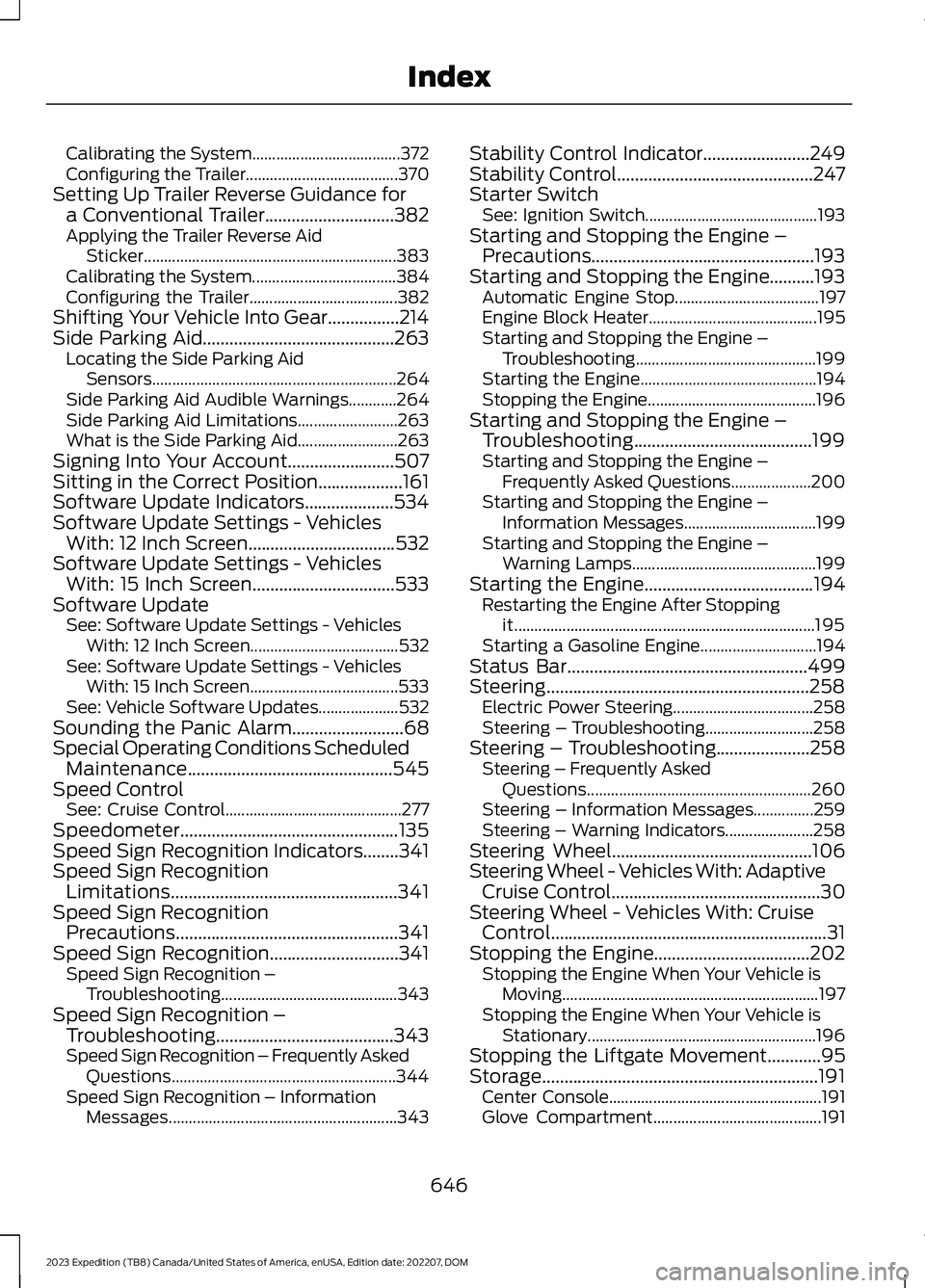
Calibrating the System.....................................372Configuring the Trailer......................................370Setting Up Trailer Reverse Guidance fora Conventional Trailer.............................382Applying the Trailer Reverse AidSticker...............................................................383Calibrating the System....................................384Configuring the Trailer.....................................382Shifting Your Vehicle Into Gear................214Side Parking Aid...........................................263Locating the Side Parking AidSensors.............................................................264Side Parking Aid Audible Warnings............264Side Parking Aid Limitations.........................263What is the Side Parking Aid.........................263Signing Into Your Account........................507Sitting in the Correct Position...................161Software Update Indicators....................534Software Update Settings - VehiclesWith: 12 Inch Screen.................................532Software Update Settings - VehiclesWith: 15 Inch Screen................................533Software UpdateSee: Software Update Settings - VehiclesWith: 12 Inch Screen.....................................532See: Software Update Settings - VehiclesWith: 15 Inch Screen.....................................533See: Vehicle Software Updates....................532Sounding the Panic Alarm.........................68Special Operating Conditions ScheduledMaintenance..............................................545Speed ControlSee: Cruise Control............................................277Speedometer.................................................135Speed Sign Recognition Indicators........341Speed Sign RecognitionLimitations...................................................341Speed Sign RecognitionPrecautions..................................................341Speed Sign Recognition.............................341Speed Sign Recognition –Troubleshooting............................................343Speed Sign Recognition –Troubleshooting........................................343Speed Sign Recognition – Frequently AskedQuestions........................................................344Speed Sign Recognition – InformationMessages.........................................................343
Stability Control Indicator........................249Stability Control............................................247Starter SwitchSee: Ignition Switch...........................................193Starting and Stopping the Engine –Precautions..................................................193Starting and Stopping the Engine..........193Automatic Engine Stop....................................197Engine Block Heater..........................................195Starting and Stopping the Engine –Troubleshooting.............................................199Starting the Engine............................................194Stopping the Engine..........................................196Starting and Stopping the Engine –Troubleshooting........................................199Starting and Stopping the Engine –Frequently Asked Questions....................200Starting and Stopping the Engine –Information Messages.................................199Starting and Stopping the Engine –Warning Lamps..............................................199Starting the Engine......................................194Restarting the Engine After Stoppingit...........................................................................195Starting a Gasoline Engine.............................194Status Bar......................................................499Steering...........................................................258Electric Power Steering...................................258Steering – Troubleshooting...........................258Steering – Troubleshooting.....................258Steering – Frequently AskedQuestions........................................................260Steering – Information Messages...............259Steering – Warning Indicators......................258Steering Wheel.............................................106Steering Wheel - Vehicles With: AdaptiveCruise Control...............................................30Steering Wheel - Vehicles With: CruiseControl..............................................................31Stopping the Engine...................................202Stopping the Engine When Your Vehicle isMoving................................................................197Stopping the Engine When Your Vehicle isStationary.........................................................196Stopping the Liftgate Movement............95Storage..............................................................191Center Console.....................................................191Glove Compartment..........................................191
646
2023 Expedition (TB8) Canada/United States of America, enUSA, Edition date: 202207, DOMIndex