turn signal FORD EXPEDITION 2023 Owner's Guide
[x] Cancel search | Manufacturer: FORD, Model Year: 2023, Model line: EXPEDITION, Model: FORD EXPEDITION 2023Pages: 658, PDF Size: 16.16 MB
Page 497 of 658
Turn to adjust the volume.
Some vehicles may be able to adjust thevolume using buttons on the steeringwheel.
SWITCHING SHUFFLE MODE
ON AND OFF
Press the button on thetouchscreen to switch shufflemode on or off.
Note:Not all sources have shuffle mode.
SWITCHING REPEAT MODE ON
AND OFF
Press the button on thetouchscreen to switch repeatmode on or off.
Note:Not all sources have repeat mode.
SETTING A MEMORY PRESET
1.Select a station or channel.
2.Press and hold a memory preset buttonon the touchscreen.
Note:The audio mutes briefly while thesystem saves the preset and returns once itis stored.
Note:You can save presets from multiplesources to the memory preset bar.
MUTING THE AUDIO
Press the button on the steeringwheel to mute the audio.
Press to mute the signal. Pressagain to restore the signal.
ADJUSTING THE SOUND
SETTINGS
Balance and Fade (If Equipped)
1.Access the vehicle drawer on thetouchscreen.
2.Press SETTINGS.
3.Press Sound.
4.Press Balance / Fade.
5.Press the arrows to adjust the settings.
Tone Settings
1.Access the vehicle drawer on thetouchscreen.
2.Press SETTINGS.
3.Press Sound.
4.Press Tone Settings.
5.Use the slider bar to adjust the settings.
Speed Compensated Volume
1.Access the vehicle drawer on thetouchscreen.
2.Press SETTINGS.
3.Press Sound.
4.Press Speed Compensated Volume.
5.Press a setting.
Occupancy Mode (If Equipped)
1.Access the vehicle drawer on thetouchscreen.
2.Press SETTINGS.
3.Press Sound.
4.Press Occupancy Mode.
5.Press a setting.
Sound Mode (If Equipped)
1.Access the vehicle drawer on thetouchscreen.
493
2023 Expedition (TB8) Canada/United States of America, enUSA, Edition date: 202207, DOMAudio System - Vehicles With: 15 Inch Screen
Page 498 of 658
2.Press SETTINGS.
3.Press Sound.
4.Press Sound Mode.
5.Press a setting.
SETTING THE CLOCK AND
DATE
1.Access the vehicle drawer on thetouchscreen.
2.Press SETTINGS.
3.Press Clock.
4.Set the time.
Note:The AM and PM options are notavailable if 24-hour mode is on.
5.Press the arrows to adjust the settings.
Switching Automatic TimeUpdates On and Off
1.Access the vehicle drawer on thetouchscreen.
2.Press SETTINGS.
3.Press Clock.
4.Switch Automatic time zone updateon or off.
AM/FM RADIO
AM/FM RADIO LIMITATIONS
The further you travel from an AM or FMstation, the weaker the signal and theweaker the reception.
Hills, mountains, tall buildings, bridges,tunnels, freeway overpasses, parkinggarages, dense tree foliage andthunderstorms can interfere with thereception.
When you pass a ground-based broadcastrepeating tower, a stronger signal mayovertake a weaker one and result in theaudio system muting.
SELECTING A RADIO STATION
Manually Selecting a RadioStation
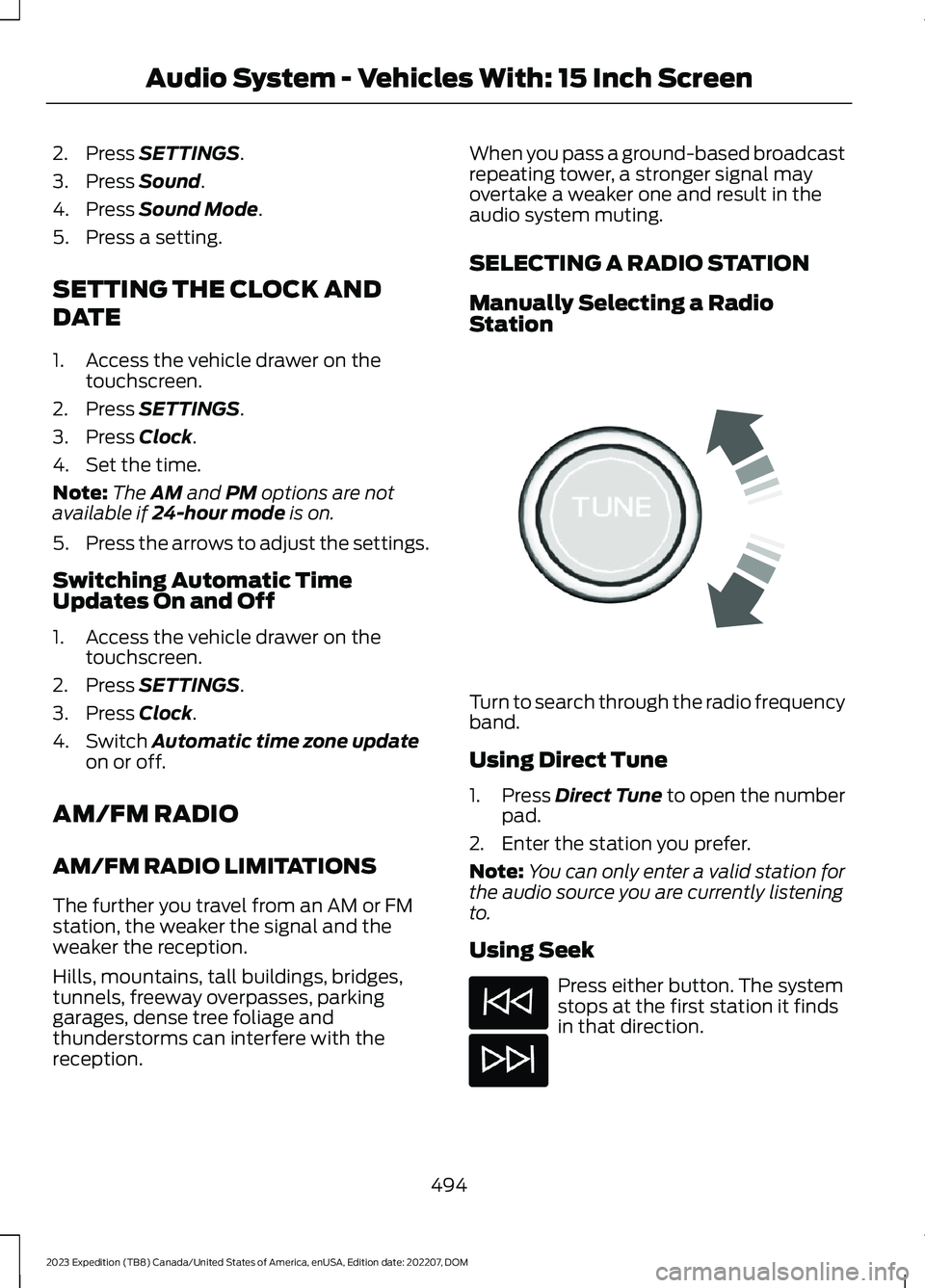
Turn to search through the radio frequencyband.
Using Direct Tune
1.Press Direct Tune to open the numberpad.
2.Enter the station you prefer.
Note:You can only enter a valid station forthe audio source you are currently listeningto.
Using Seek
Press either button. The systemstops at the first station it findsin that direction.
494
2023 Expedition (TB8) Canada/United States of America, enUSA, Edition date: 202207, DOMAudio System - Vehicles With: 15 Inch ScreenE270235
Page 604 of 658
General Operation
•Voice Command Control: Certainfunctions within the SYNC® systemmay be accomplished using voicecommands. Using voice commandswhile driving helps you to operate thesystem without removing your handsfrom the wheel or eyes from the road.
•Prolonged Views of Screen: Do notaccess any function requiring aprolonged view of the screen while youare driving. Pull over in a safe and legalmanner before attempting to access afunction of the system requiringprolonged attention.
•Volume Setting: Do not raise thevolume excessively. Keep the volumeat a level where you can still hearoutside traffic and emergency signalswhile driving. Driving while unable tohear these sounds could cause anaccident.
•Navigation Features: Any navigationfeatures included in the system areintended to provide turn by turninstructions to get you to a desireddestination. Please make certain allpersons using this system carefullyread and follow instructions and safetyinformation fully.
•Distraction Hazard: Any navigationfeatures may require manual(non-verbal) setup. Attempting toperform such set-up or insert datawhile driving can distract your attentionand could cause an accident or otherserious injury. Stop the vehicle in a safeand legal manner before attemptingthese operations.
•Let Your Judgment Prevail: Anynavigation features are provided onlyas an aid. Make your driving decisionsbased on your observations of localconditions and existing trafficregulations. Any such feature is not a
substitute for your personal judgment.Any route suggestions made by thissystem should never replace any localtraffic regulations or your personaljudgment or knowledge of safe drivingpractices.
•Route Safety: Do not follow the routesuggestions if doing so would result inan unsafe or illegal maneuver, if youwould be placed in an unsafe situation,or if you would be directed into an areathat you consider unsafe. The driver isultimately responsible for the safeoperation of the vehicle and therefore,must evaluate whether it is safe tofollow the suggested directions.
•Potential Map Inaccuracy: Mapsused by this system may be inaccuratebecause of changes in roads, trafficcontrols or driving conditions. Alwaysuse good judgment and common sensewhen following the suggested routes.
•Emergency Services: Do not rely onany navigation features included in thesystem to route you to emergencyservices. Ask local authorities or anemergency services operator for theselocations. Not all emergency servicessuch as police, fire stations, hospitalsand clinics are likely to be contained inthe map database for such navigationfeatures.
600
2023 Expedition (TB8) Canada/United States of America, enUSA, Edition date: 202207, DOMCustomer Information
Page 640 of 658
Checking the Engine Oil Level.......................414Engine Oil Capacity andSpecification...................................................415Engine Oil Dipstick Overview.........................414Resetting the Intelligent Oil LifeMonitor..............................................................415Engine Oil Pressure Gauge........................136Engine Specifications................................463Entering a Parallel Parking Space..........273Entering a Perpendicular ParkingSpace.............................................................274Evasive Steering Assist..............................336Evasive Steering Assist Limitations............336Switching Evasive Steering Assist On andOff......................................................................336What Is Evasive Steering Assist...................336Event Data.........................................................27Exiting a Parking Space.............................274Export Unique Options..............................622Extending the Remote StartDuration.........................................................145Exterior Bulbs................................................423Changing a License Plate Lamp Bulb........427Changing a Rear Lamp Bulb..........................425Changing a Rear Turn Signal LampBulb....................................................................426Changing a Reversing Lamp Bulb................427Changing a Stoplamp Bulb...........................426Exterior Bulb Specification Chart................423Removing a Rear Lamp Assembly..............425Exterior Lamps................................................117Exterior Lamp Indicators...................................119Exterior Lamps On Audible Warning............119Switching the Daytime Running Lamps Onand Off................................................................117Switching the Spot Lamps On andOff........................................................................119Using the Front Fog Lamps.............................118Using the Turn Signal Lamps...........................117Exterior Lighting Control.............................115Exterior Lighting.............................................115Autolamps..............................................................116Automatic High Beam Control.......................121Automatic High Beam Control –Troubleshooting.............................................124Exterior Lamps......................................................117Exterior Zone Lighting........................................119Headlamps.............................................................115
Headlamps – Troubleshooting......................115Exterior Mirrors..............................................130Auto-Dimming Exterior Mirror.........................131Exterior Zone Lighting..................................119Exterior Zone Lighting Settings......................121Using the Exterior Zone Lighting....................119What Is Exterior Zone Lighting.......................119
F
Fastening and Unfastening theSeatbelts........................................................49Feature Bar....................................................500Flat TireSee: Changing a Flat Tire...............................456Floor Mats.......................................................392Folding the Exterior Mirrors - VehiclesWith: Manual Folding Mirrors................130Folding the Exterior Mirrors - VehiclesWith: Power Folding Mirrors....................131Foot PedalsSee: Adjusting the Pedals...............................108Ford Assistant..............................................504Ford Assistant – Frequently AskedQuestions........................................................505Ford Assistant Settings..................................504Using Ford Assistant........................................504Ford Power-UpSee: Software Update Settings - VehiclesWith: 12 Inch Screen.....................................532See: Software Update Settings - VehiclesWith: 15 Inch Screen.....................................533See: Vehicle Software Updates....................532Ford Protect...................................................537Four-Wheel Drive Driving Hints..............222Driving In Sand....................................................222Driving on Hilly or Sloping Terrain................223Driving on Snow and Ice..................................224Driving Through Mud and Water..................223Four-Wheel Drive.........................................219Four-Wheel Drive Driving Hints....................222Four-Wheel Drive Modes.................................221Four-Wheel Drive – Troubleshooting.........224Four-Wheel Drive Indicators....................222Four-Wheel Drive Limitations.................220Four-Wheel Drive Modes...........................221Four-Wheel Drive Auto....................................222Four-Wheel Drive High.....................................222
636
2023 Expedition (TB8) Canada/United States of America, enUSA, Edition date: 202207, DOMIndex