CD player FORD EXPEDITION EL 2016 User Guide
[x] Cancel search | Manufacturer: FORD, Model Year: 2016, Model line: EXPEDITION EL, Model: FORD EXPEDITION EL 2016Pages: 421, PDF Size: 7.39 MB
Page 357 of 421
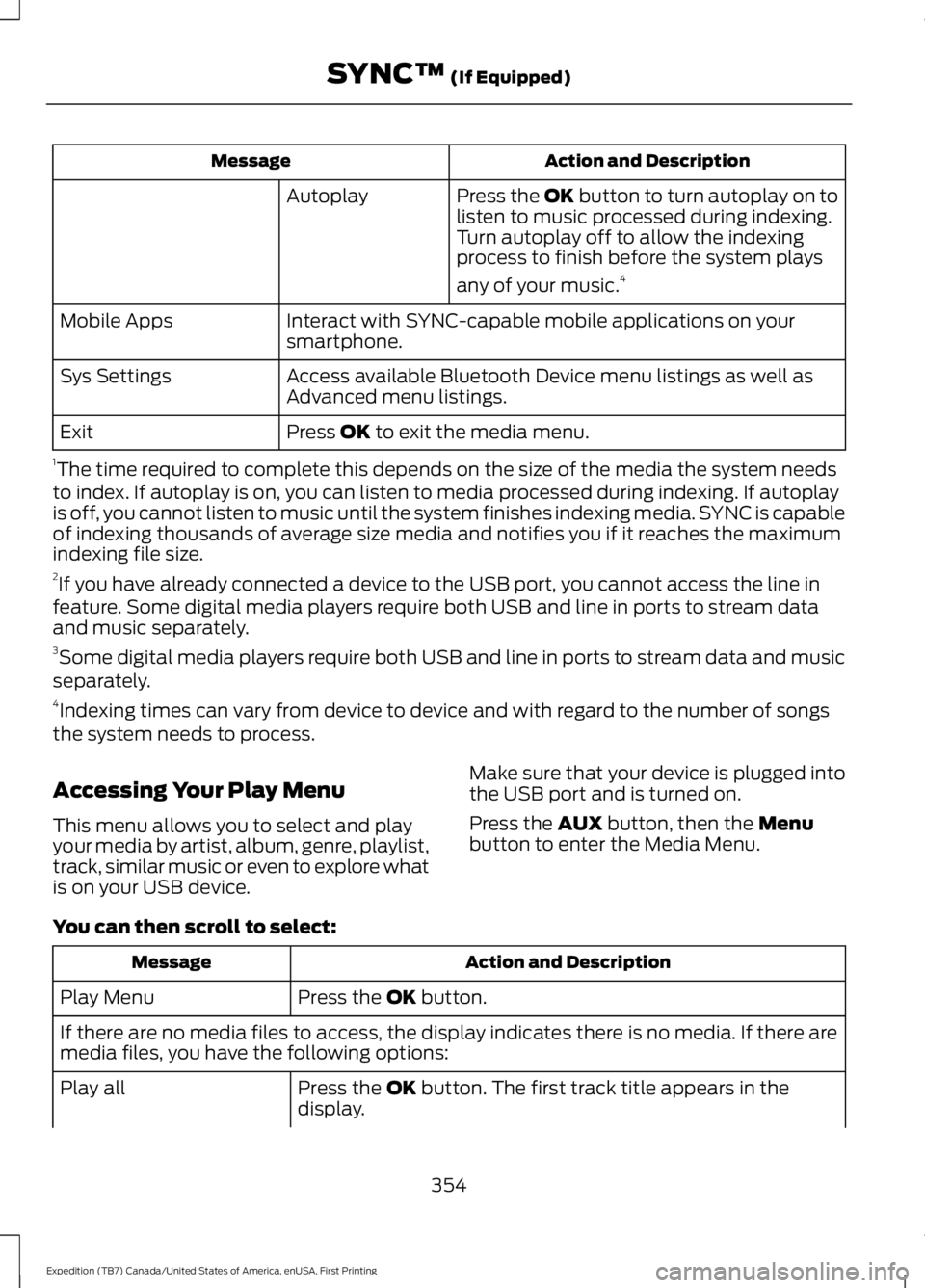
Action and DescriptionMessage
Press the OK button to turn autoplay on tolisten to music processed during indexing.Turn autoplay off to allow the indexingprocess to finish before the system plays
any of your music.4
Autoplay
Interact with SYNC-capable mobile applications on yoursmartphone.Mobile Apps
Access available Bluetooth Device menu listings as well asAdvanced menu listings.Sys Settings
Press OK to exit the media menu.Exit
1The time required to complete this depends on the size of the media the system needsto index. If autoplay is on, you can listen to media processed during indexing. If autoplayis off, you cannot listen to music until the system finishes indexing media. SYNC is capableof indexing thousands of average size media and notifies you if it reaches the maximumindexing file size.2If you have already connected a device to the USB port, you cannot access the line infeature. Some digital media players require both USB and line in ports to stream dataand music separately.3Some digital media players require both USB and line in ports to stream data and musicseparately.4Indexing times can vary from device to device and with regard to the number of songsthe system needs to process.
Accessing Your Play Menu
This menu allows you to select and playyour media by artist, album, genre, playlist,track, similar music or even to explore whatis on your USB device.
Make sure that your device is plugged intothe USB port and is turned on.
Press the AUX button, then the Menubutton to enter the Media Menu.
You can then scroll to select:
Action and DescriptionMessage
Press the OK button.Play Menu
If there are no media files to access, the display indicates there is no media. If there aremedia files, you have the following options:
Press the OK button. The first track title appears in thedisplay.Play all
354
Expedition (TB7) Canada/United States of America, enUSA, First Printing
SYNC™ (If Equipped)
Page 418 of 421
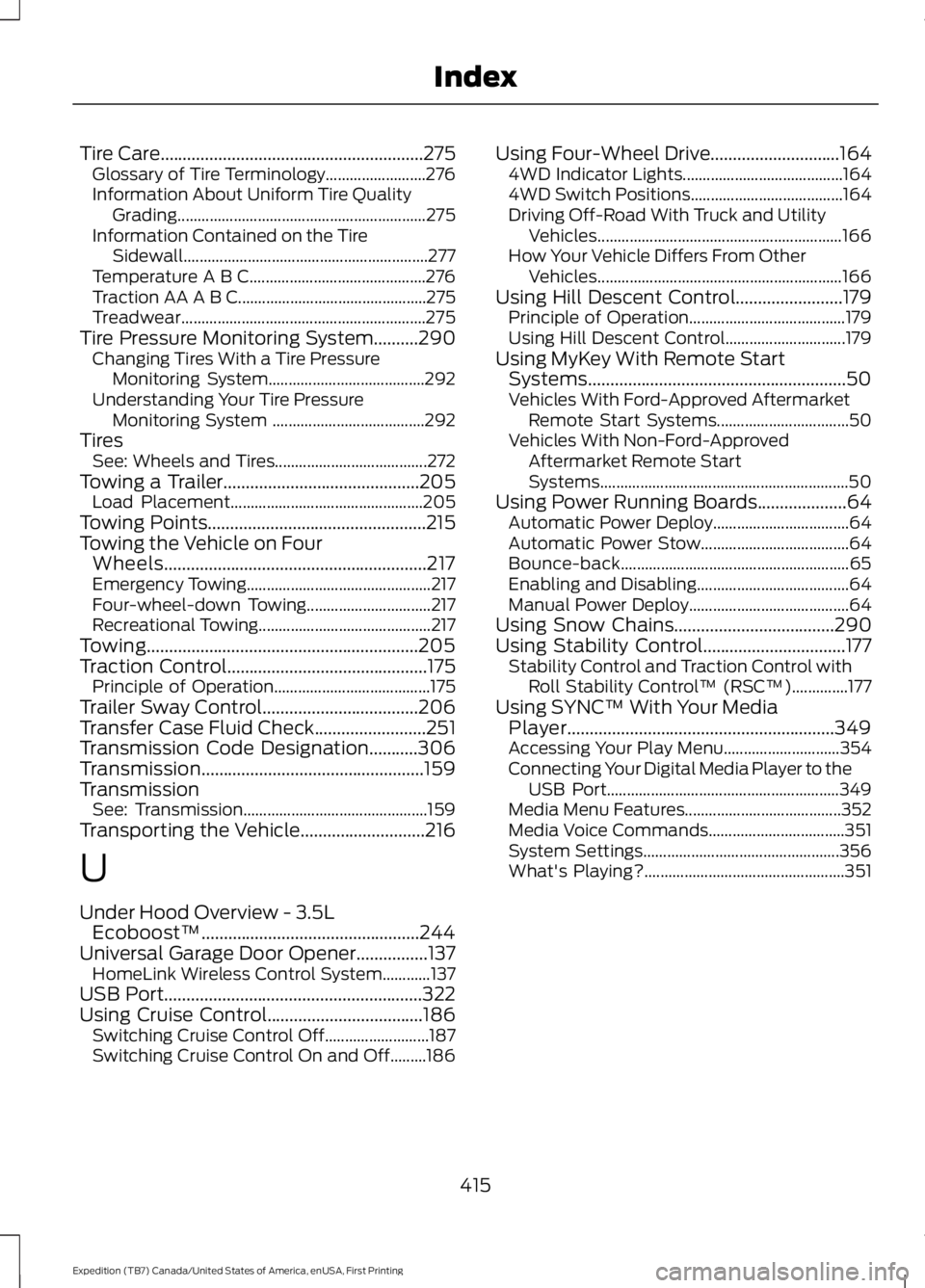
Tire Care...........................................................275Glossary of Tire Terminology.........................276Information About Uniform Tire QualityGrading..............................................................275Information Contained on the TireSidewall.............................................................277Temperature A B C............................................276Traction AA A B C...............................................275Treadwear.............................................................275Tire Pressure Monitoring System..........290Changing Tires With a Tire PressureMonitoring System.......................................292Understanding Your Tire PressureMonitoring System ......................................292TiresSee: Wheels and Tires......................................272Towing a Trailer............................................205Load Placement................................................205Towing Points.................................................215Towing the Vehicle on FourWheels...........................................................217Emergency Towing..............................................217Four-wheel-down Towing...............................217Recreational Towing...........................................217Towing.............................................................205Traction Control.............................................175Principle of Operation.......................................175Trailer Sway Control...................................206Transfer Case Fluid Check.........................251Transmission Code Designation...........306Transmission..................................................159TransmissionSee: Transmission..............................................159Transporting the Vehicle............................216
U
Under Hood Overview - 3.5LEcoboost™.................................................244Universal Garage Door Opener................137HomeLink Wireless Control System............137USB Port..........................................................322Using Cruise Control...................................186Switching Cruise Control Off..........................187Switching Cruise Control On and Off.........186
Using Four-Wheel Drive.............................1644WD Indicator Lights........................................1644WD Switch Positions......................................164Driving Off-Road With Truck and UtilityVehicles.............................................................166How Your Vehicle Differs From OtherVehicles.............................................................166Using Hill Descent Control........................179Principle of Operation.......................................179Using Hill Descent Control..............................179Using MyKey With Remote StartSystems..........................................................50Vehicles With Ford-Approved AftermarketRemote Start Systems.................................50Vehicles With Non-Ford-ApprovedAftermarket Remote StartSystems..............................................................50Using Power Running Boards....................64Automatic Power Deploy..................................64Automatic Power Stow.....................................64Bounce-back.........................................................65Enabling and Disabling......................................64Manual Power Deploy........................................64Using Snow Chains....................................290Using Stability Control................................177Stability Control and Traction Control withRoll Stability Control™ (RSC™)..............177Using SYNC™ With Your MediaPlayer............................................................349Accessing Your Play Menu.............................354Connecting Your Digital Media Player to theUSB Port..........................................................349Media Menu Features.......................................352Media Voice Commands..................................351System Settings.................................................356What's Playing?..................................................351
415
Expedition (TB7) Canada/United States of America, enUSA, First Printing
Index