coolant temperature FORD EXPEDITION EL 2017 User Guide
[x] Cancel search | Manufacturer: FORD, Model Year: 2017, Model line: EXPEDITION EL, Model: FORD EXPEDITION EL 2017Pages: 500, PDF Size: 6.13 MB
Page 253 of 500
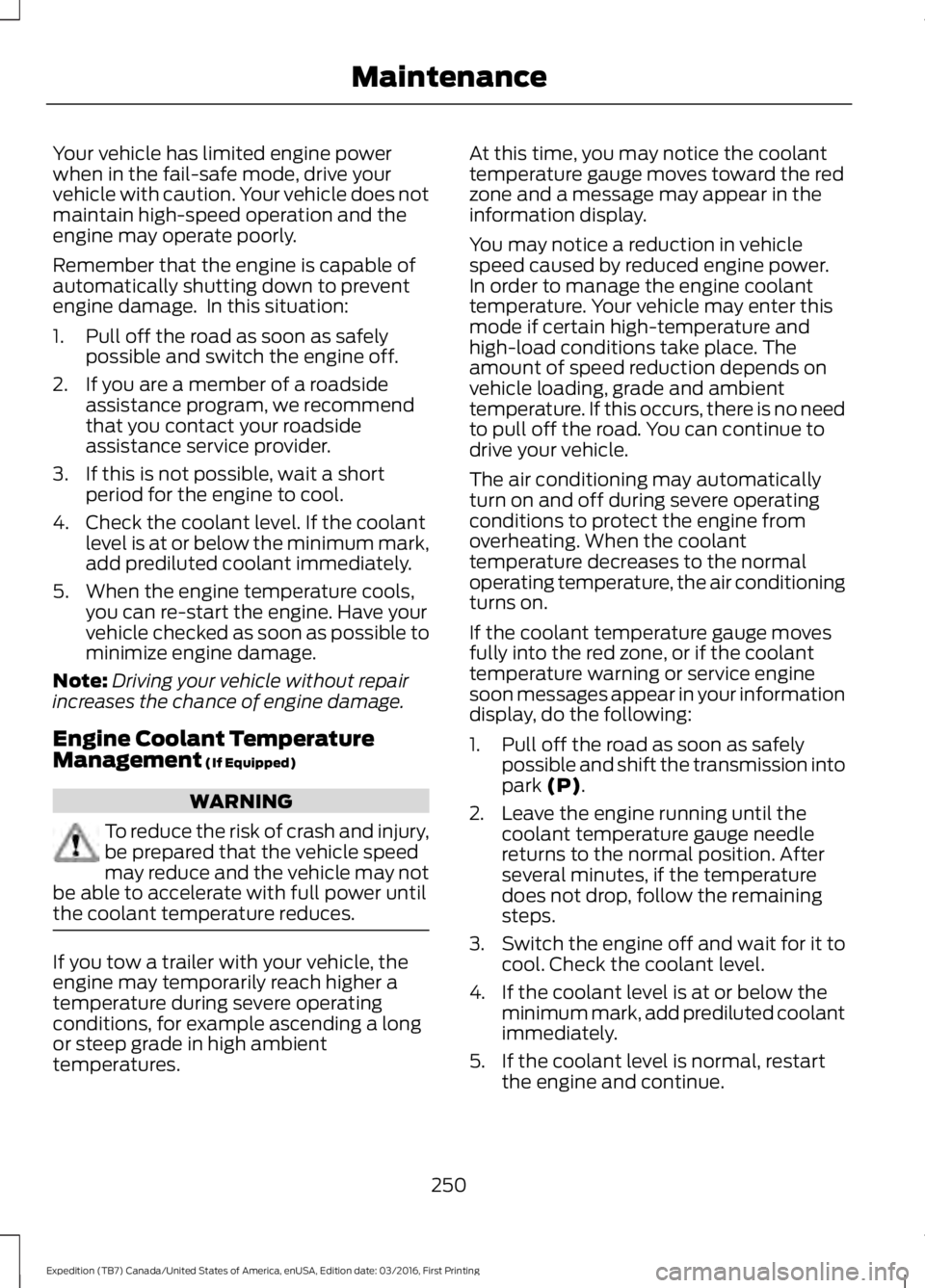
Your vehicle has limited engine powerwhen in the fail-safe mode, drive yourvehicle with caution. Your vehicle does notmaintain high-speed operation and theengine may operate poorly.
Remember that the engine is capable ofautomatically shutting down to preventengine damage. In this situation:
1. Pull off the road as soon as safelypossible and switch the engine off.
2. If you are a member of a roadsideassistance program, we recommendthat you contact your roadsideassistance service provider.
3. If this is not possible, wait a shortperiod for the engine to cool.
4. Check the coolant level. If the coolantlevel is at or below the minimum mark,add prediluted coolant immediately.
5. When the engine temperature cools,you can re-start the engine. Have yourvehicle checked as soon as possible tominimize engine damage.
Note:Driving your vehicle without repairincreases the chance of engine damage.
Engine Coolant TemperatureManagement (If Equipped)
WARNING
To reduce the risk of crash and injury,be prepared that the vehicle speedmay reduce and the vehicle may notbe able to accelerate with full power untilthe coolant temperature reduces.
If you tow a trailer with your vehicle, theengine may temporarily reach higher atemperature during severe operatingconditions, for example ascending a longor steep grade in high ambienttemperatures.
At this time, you may notice the coolanttemperature gauge moves toward the redzone and a message may appear in theinformation display.
You may notice a reduction in vehiclespeed caused by reduced engine power.In order to manage the engine coolanttemperature. Your vehicle may enter thismode if certain high-temperature andhigh-load conditions take place. Theamount of speed reduction depends onvehicle loading, grade and ambienttemperature. If this occurs, there is no needto pull off the road. You can continue todrive your vehicle.
The air conditioning may automaticallyturn on and off during severe operatingconditions to protect the engine fromoverheating. When the coolanttemperature decreases to the normaloperating temperature, the air conditioningturns on.
If the coolant temperature gauge movesfully into the red zone, or if the coolanttemperature warning or service enginesoon messages appear in your informationdisplay, do the following:
1. Pull off the road as soon as safelypossible and shift the transmission intopark (P).
2. Leave the engine running until thecoolant temperature gauge needlereturns to the normal position. Afterseveral minutes, if the temperaturedoes not drop, follow the remainingsteps.
3.Switch the engine off and wait for it tocool. Check the coolant level.
4. If the coolant level is at or below theminimum mark, add prediluted coolantimmediately.
5. If the coolant level is normal, restartthe engine and continue.
250
Expedition (TB7) Canada/United States of America, enUSA, Edition date: 03/2016, First Printing
Maintenance
Page 274 of 500
•Touch-up exposed or primed metal toprevent rust.
•Cover chrome and stainless steel partswith a thick coat of auto wax to preventdiscoloration. Re-wax as necessarywhen you wash your vehicle.
•Lubricate all hood, door and luggagecompartment hinges and latches witha light grade oil.
•Cover interior trim to prevent fading.
•Keep all rubber parts free from oil andsolvents.
Engine
•Change the engine oil and filter prior tostorage because used engine oilcontains contaminates which maycause engine damage.
•Start the engine every 15 days for aminimum of 15 minutes. Run at fast idlewith the climate controls set to defrostuntil the engine reaches normaloperating temperature.
•With your foot on the brake, shiftthrough all the gears while the engineis running.
•We recommend that you change theengine oil before you use your vehicleagain.
Fuel system
•Fill the fuel tank with high-quality fueluntil the first automatic shutoff of thefuel pump nozzle.
Cooling system
•Protect against freezing temperatures.
•When removing your vehicle fromstorage, check coolant fluid level.Confirm that there are no coolingsystem leaks and that fluid is at therecommended level.
Battery
•Check and recharge as necessary. Keepconnections clean.
•If storing your vehicle for more than 30days without recharging the battery,we recommend that you disconnectthe battery cables to maintain batterycharge for quick starting.
Note:It is necessary to reset memoryfeatures if battery cables are disconnected.
Brakes
•Make sure the brakes and parking brakerelease fully.
Tires
•Maintain recommended air pressure.
Miscellaneous
•Make sure all linkages, cables, leversand pins under your vehicle are coveredwith grease to prevent rust.
•Move vehicles at least 25 ft (7.5 m)every 15 days to lubricate working partsand prevent corrosion.
Removing Vehicle From Storage
When your vehicle is ready to come out ofstorage, do the following:
•Wash your vehicle to remove any dirtor grease film build-up on windowsurfaces.
•Check windshield wipers for anydeterioration.
•Check under the hood for any foreignmaterial that may have collectedduring storage such as mice or squirrelnests.
•Check the exhaust for any foreignmaterial that may have collectedduring storage.
271
Expedition (TB7) Canada/United States of America, enUSA, Edition date: 03/2016, First Printing
Vehicle Care
Page 492 of 500
Cruise controlSee: Using Cruise Control................................187Customer Assistance.................................226
D
Data Recording..................................................9Event Data Recording..........................................10Service Data Recording........................................9Daytime Running Lamps.............................75Type 1 - Conventional(Non-Configurable)........................................75Type 2 - Configurable..........................................75Digital Radio...................................................318HD Radio Reception and StationTroubleshooting.............................................319Direction Indicators........................................76Lane Change..........................................................76Doors and Locks.............................................52Drive Control..................................................194Driver Select Suspension................................194Driver and Passenger Airbags....................37Children and Airbags..........................................38Proper Driver and Front Passenger SeatingAdjustment........................................................38Driving Aids.....................................................189Driving Hints...................................................218Driving Through Water................................219DRLSee: Daytime Running Lamps.........................75
E
Economical Driving......................................218Emission Control System..........................156On-Board Diagnostics (OBD-II)....................157Readiness for Inspection and Maintenance(I/M) Testing....................................................157End User License Agreement.................462VEHICLE SOFTWARE END USER LICENSEAGREEMENT (EULA) .................................462Engine Block Heater....................................148Using the Engine Block Heater......................149Engine Coolant Check................................247Adding Coolant...................................................247Coolant Change.................................................249Engine Coolant TemperatureManagement..................................................250
Fail-Safe Cooling...............................................249Recycled Coolant..............................................248Severe Climates.................................................249Engine ImmobilizerSee: Passive Anti-Theft System......................61Engine Oil Check..........................................245Adding Engine Oil..............................................245Engine Oil Dipstick......................................245Engine Specifications................................304Drivebelt Routing...............................................304Entertainment..............................................386AM/FM Radio......................................................387Apps.......................................................................395Bluetooth Stereo or USB................................394CD (If equipped)................................................393HD Radio™ Information (IfAvailable)........................................................390SIRIUS® Satellite Radio (IfActivated).......................................................388Sources.................................................................386Supported Media Players, Formats andMetadata Information................................395USB Ports.............................................................395Environment......................................................15Essential Towing Checks..........................207Before Towing a Trailer.....................................213Hitches...................................................................207Launching or Retrieving a Boat or PersonalWatercraft (PWC).........................................214Safety Chains......................................................209Trailer Brakes........................................................210Trailer Lamps........................................................213Trailer Towing Connector (Vehicles with aTrailer Towing Package and 7–PinConnector)......................................................207When Towing a Trailer.......................................213Event Data RecordingSee: Data Recording..............................................9Export Unique Options..................................13Exterior Mirrors...............................................80Auto-Dimming Feature.......................................81Blind Spot Monitor...............................................81Fold-Away Exterior Mirrors..............................80Heated Exterior Mirrors.......................................81Memory Mirrors......................................................81Power Exterior Mirrors........................................80Power-Folding Mirrors.......................................80Signal Indicator Mirrors.......................................81
489
Expedition (TB7) Canada/United States of America, enUSA, Edition date: 03/2016, First Printing
Index
Page 499 of 500
Media Voice Commands................................349USB 2......................................................................354Voice Commands for Audio Sources.........354Using SYNC™ With Your Phone............328Accessing Features through the PhoneMenu..................................................................333Accessing Your Phone Settings...................336Bluetooth Devices..............................................337Making Calls.........................................................332Pairing a Phone for the First Time...............329Pairing Subsequent Phones..........................330Phone Options during an Active Call.........332Phone Voice Commands................................330Receiving Calls....................................................332System Settings.................................................338Text Messaging...................................................334Using Traction Control................................176Switching the System Off ...............................176System Indicator Lights andMessages..........................................................176Using Voice Recognition...........................326Audio Voice Commands.................................380Climate Voice Commands..............................381Initiating a Voice Session................................326Mobile App Voice Commands......................383Navigation Voice Commands.......................382Phone Voice Commands.................................381SiriusXM Traffic and Travel Link VoiceCommands.....................................................384System Interaction and Feedback...............327Voice Settings Commands............................384Utilizing the Mediation/ArbitrationProgram (Canada Only)........................229
V
Vehicle Care...................................................264General Information.........................................264Vehicle Certification Label.......................307Vehicle Identification Number...............306Vehicle Storage.............................................270Battery.....................................................................271Body........................................................................270Brakes......................................................................271Cooling system.....................................................271Engine......................................................................271Fuel system...........................................................271General..................................................................270
Miscellaneous.......................................................271Removing Vehicle From Storage...................271Tires..........................................................................271VentilationSee: Climate Control...........................................112VINSee: Vehicle Identification Number...........306Voice Control...................................................68Type One.................................................................68Type Two.................................................................69
W
Warning Lamps and Indicators.................874X2............................................................................894X4 Auto.................................................................894X4 HIGH................................................................904X4 LOW................................................................90Anti-Lock Braking System.................................87Battery......................................................................87Brake System.........................................................87Cruise Control........................................................87Direction Indicator................................................87Door Ajar..................................................................87Engine Coolant Temperature...........................87Engine Oil................................................................88Fasten Safety Belt...............................................88Front Airbag...........................................................88Front Fog Lamps..................................................88High Beam..............................................................88Hill Descent............................................................88Liftgate Ajar............................................................88Low Fuel Level......................................................88Low Tire Pressure Warning..............................88Low Washer Fluid................................................88Parking Lamps......................................................88Powertrain Fault...................................................88Service Engine Soon...........................................89Stability Control System...................................89Stability Control System Off...........................89Transmission Tow/Haul....................................89Washer Fluid Check....................................252WashersSee: Cleaning the Exterior..............................265See: Wipers and Washers...................................71Waxing.............................................................266Wheel NutsSee: Changing a Road Wheel........................297
496
Expedition (TB7) Canada/United States of America, enUSA, Edition date: 03/2016, First Printing
Index