ignition FORD EXPLORER 1997 2.G Owner's Manual
[x] Cancel search | Manufacturer: FORD, Model Year: 1997, Model line: EXPLORER, Model: FORD EXPLORER 1997 2.GPages: 236, PDF Size: 2.43 MB
Page 65 of 236
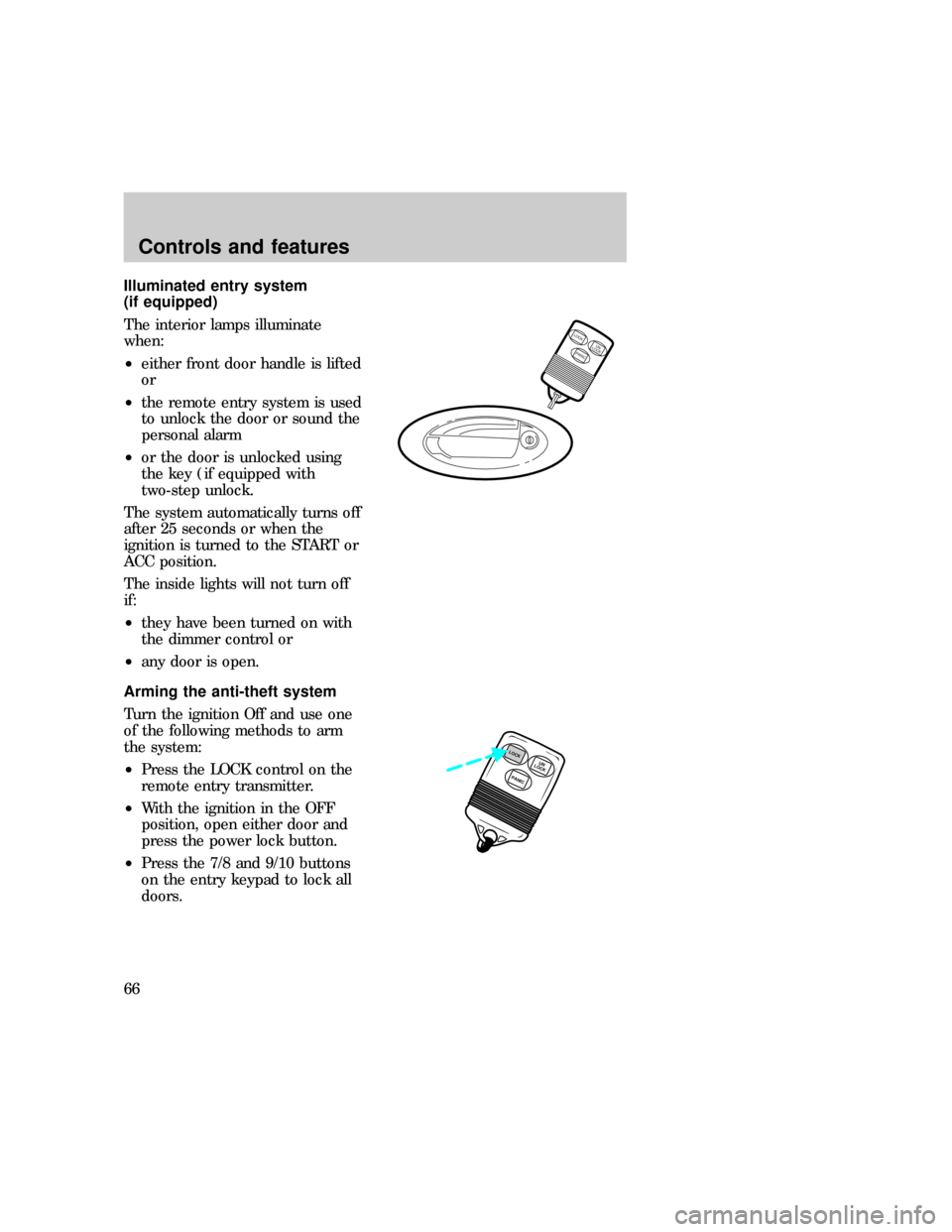
Illuminated entry system
(if equipped)
The interior lamps illuminate
when:
²either front door handle is lifted
or
²the remote entry system is used
to unlock the door or sound the
personal alarm
²or the door is unlocked using
the key (if equipped with
two-step unlock.
The system automatically turns off
after 25 seconds or when the
ignition is turned to the START or
ACC position.
The inside lights will not turn off
if:
²they have been turned on with
the dimmer control or
²any door is open.
Arming the anti-theft system
Turn the ignition Off and use one
of the following methods to arm
the system:
²Press the LOCK control on the
remote entry transmitter.
²With the ignition in the OFF
position, open either door and
press the power lock button.
²Press the 7/8 and 9/10 buttons
on the entry keypad to lock all
doors.
LOCKUN
LOCK
PANIC
PANICUN
LOCKLOCK
uno_anti-theft_arming
uno_anti-theft_identifying
Controls and features
66
Page 67 of 236
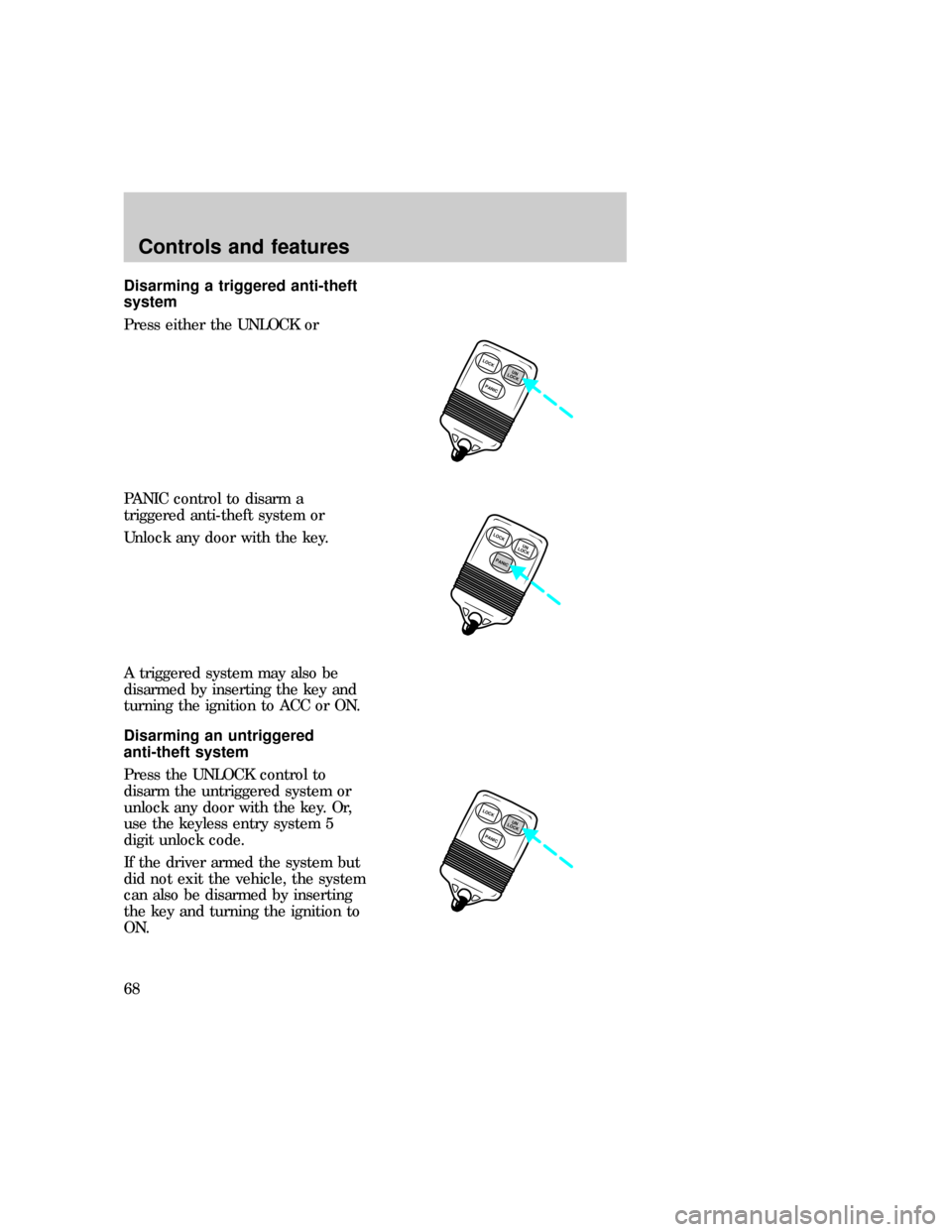
Disarming a triggered anti-theft
system
Press either the UNLOCK or
PANIC control to disarm a
triggered anti-theft system or
Unlock any door with the key.
A triggered system may also be
disarmed by inserting the key and
turning the ignition to ACC or ON.
Disarming an untriggered
anti-theft system
Press the UNLOCK control to
disarm the untriggered system or
unlock any door with the key. Or,
use the keyless entry system 5
digit unlock code.
If the driver armed the system but
did not exit the vehicle, the system
can also be disarmed by inserting
the key and turning the ignition to
ON.
LOCK
PANICUN
LOCK
LOCK
PANICUN
LOCK
LOCK
PANICUN
LOCK
uno_anti-theft_disar_untrig
uno_remote_entry
Controls and features
68
Page 68 of 236
REMOTE ENTRY SYSTEM
(IF EQUIPPED)
The remote entry system allows
you to lock or unlock all vehicle
doors without a key. The remote
entry system features only operate
with the ignition in the Off
position.
It also arms and disarms the
anti-theft system (if equipped).
(For more information on the
anti-theft system, refer to
Anti-theft systemin this chapter.)
The remote entry features only
operate with the ignition in the
OFF position.
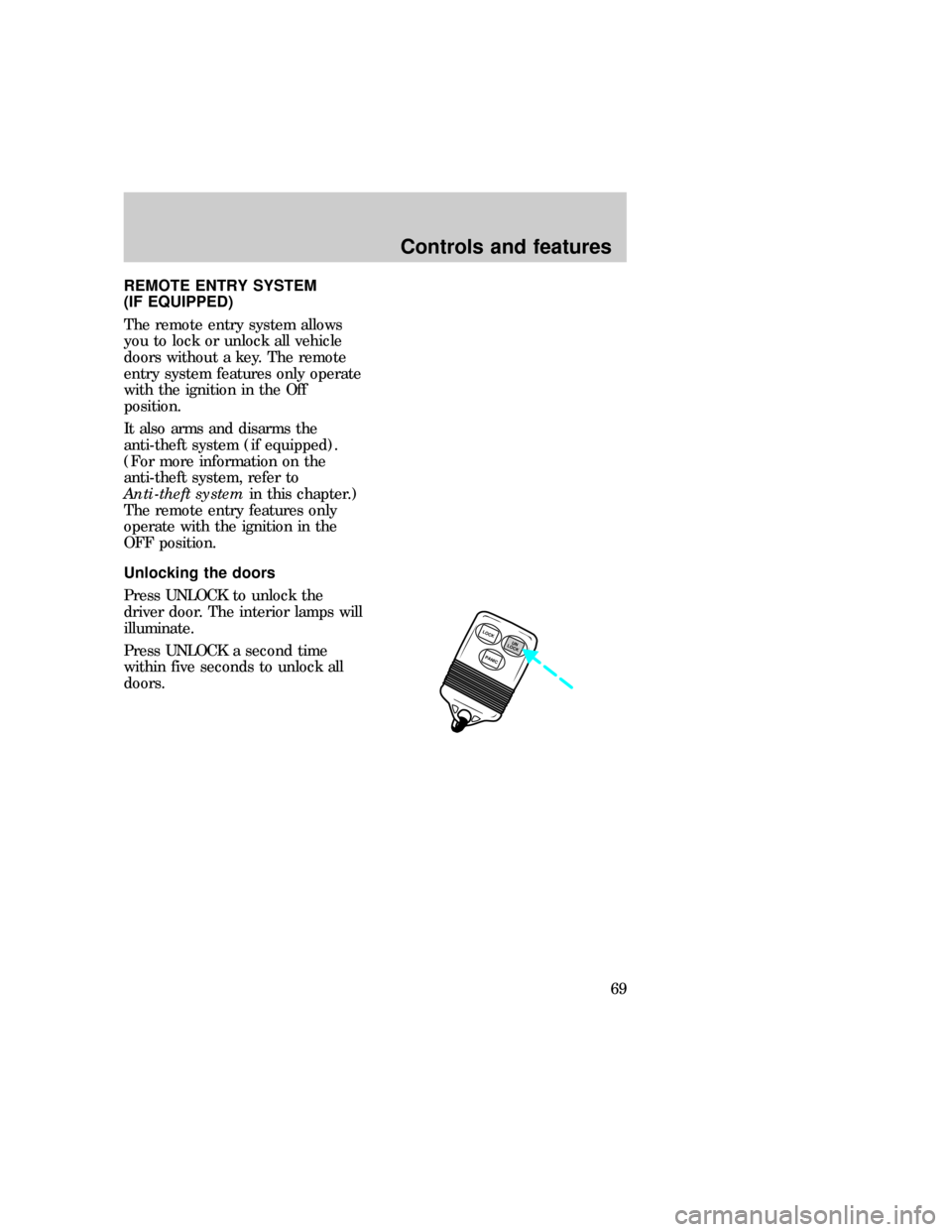
Unlocking the doors
Press UNLOCK to unlock the
driver door. The interior lamps will
illuminate.
Press UNLOCK a second time
within five seconds to unlock all
doors.
LOCK
PANICUN
LOCK
com_remote_unlocking.01
uno_remote_locking
Controls and features
69
Page 69 of 236
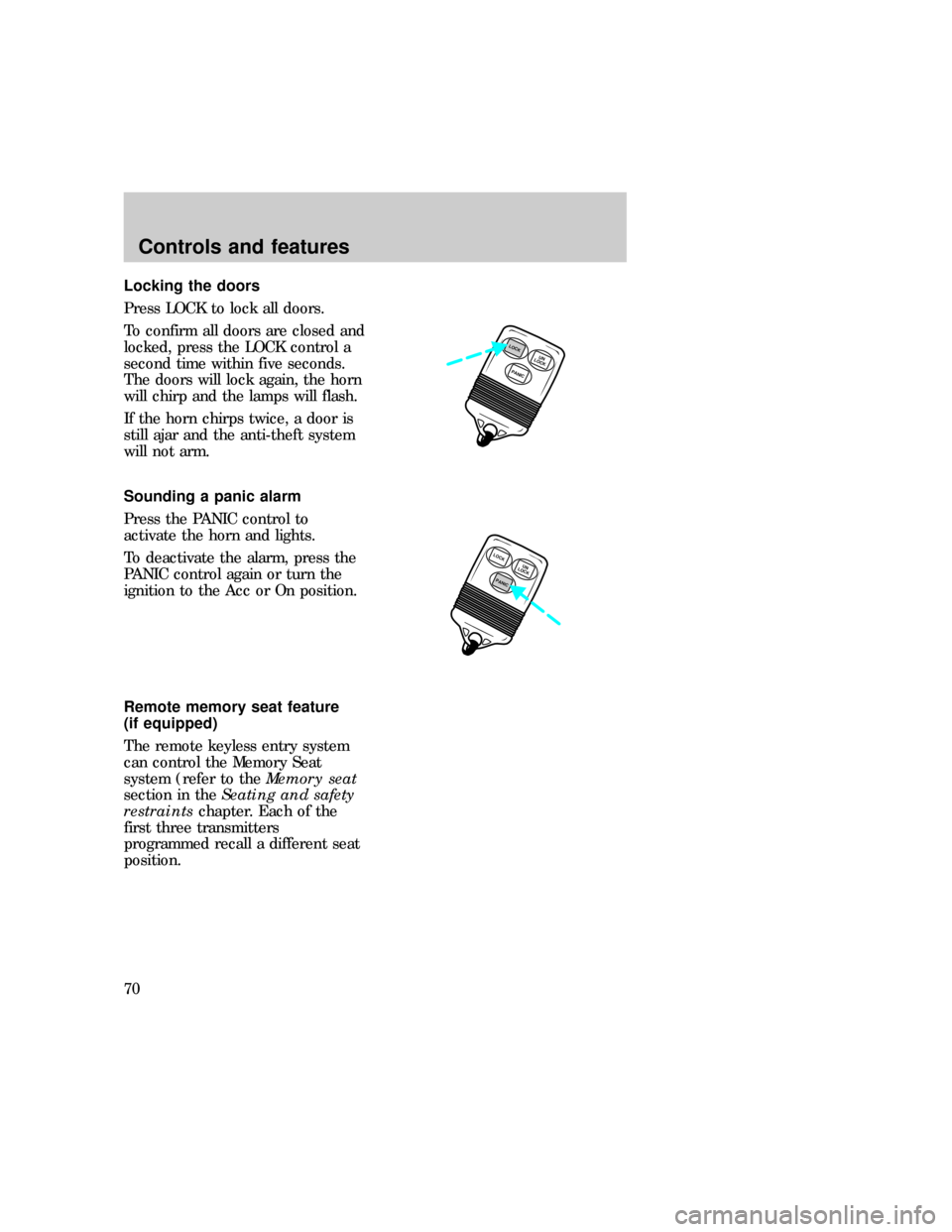
Locking the doors
Press LOCK to lock all doors.
To confirm all doors are closed and
locked, press the LOCK control a
second time within five seconds.
The doors will lock again, the horn
will chirp and the lamps will flash.
If the horn chirps twice, a door is
still ajar and the anti-theft system
will not arm.
Sounding a panic alarm
Press the PANIC control to
activate the horn and lights.
To deactivate the alarm, press the
PANIC control again or turn the
ignition to the Acc or On position.
Remote memory seat feature
(if equipped)
The remote keyless entry system
can control the Memory Seat
system (refer to theMemory seat
section in theSeating and safety
restraintschapter. Each of the
first three transmitters
programmed recall a different seat
position.
PANICUN
LOCKLOCK
LOCK
PANICUN
LOCK
uno_remote_panic
uno_remote_memory_seat
Controls and features
70
Page 70 of 236
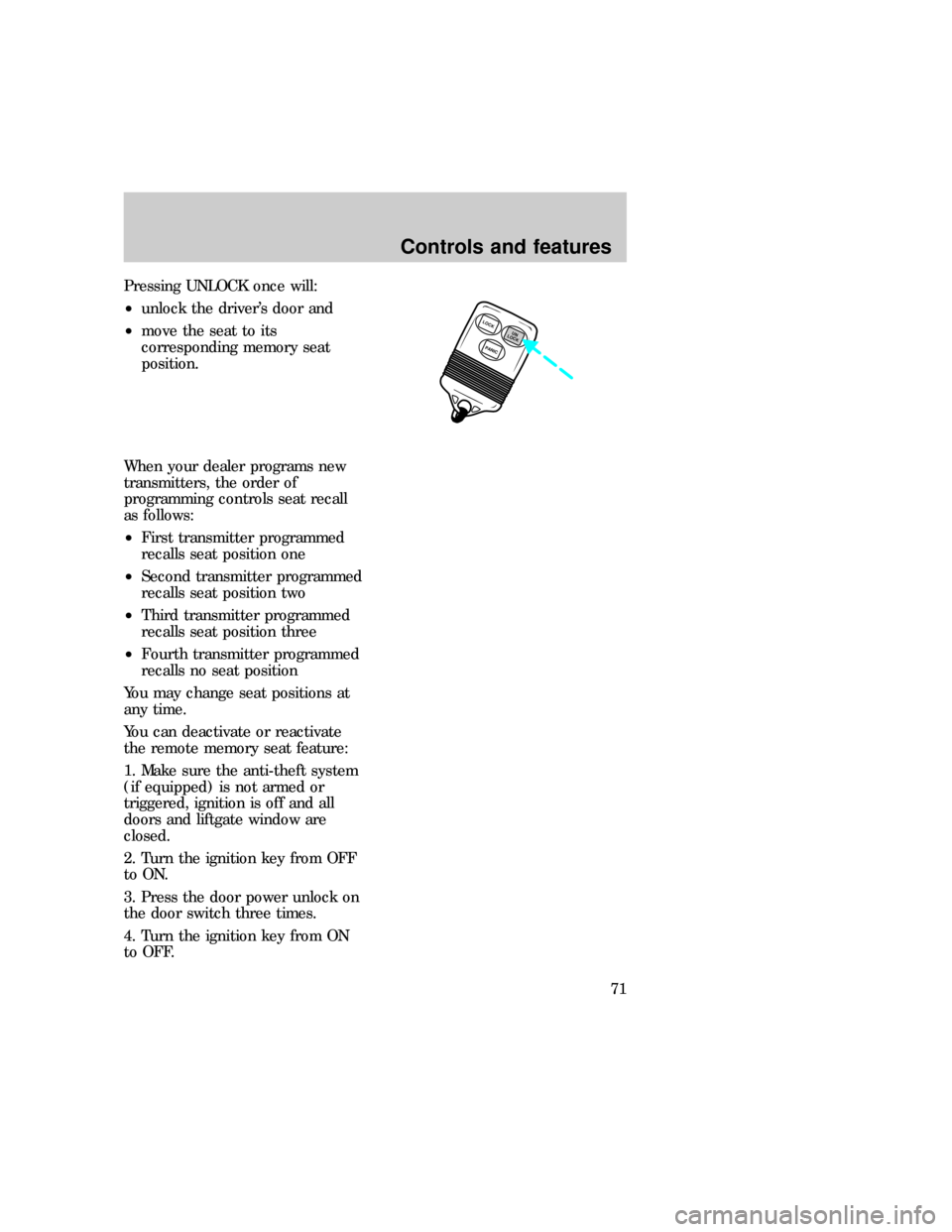
Pressing UNLOCK once will:
²unlock the driver's door and
²move the seat to its
corresponding memory seat
position.
When your dealer programs new
transmitters, the order of
programming controls seat recall
as follows:
²First transmitter programmed
recalls seat position one
²Second transmitter programmed
recalls seat position two
²Third transmitter programmed
recalls seat position three
²Fourth transmitter programmed
recalls no seat position
You may change seat positions at
any time.
You can deactivate or reactivate
the remote memory seat feature:
1. Make sure the anti-theft system
(if equipped) is not armed or
triggered, ignition is off and all
doors and liftgate window are
closed.
2. Turn the ignition key from OFF
to ON.
3. Press the door power unlock on
the door switch three times.
4. Turn the ignition key from ON
to OFF.
LOCK
PANICUN
LOCK
Controls and features
71
Page 71 of 236

5. Press the door power unlock
switch three times.
6. Turn the ignition key back to
ON within 30 seconds of step two.
7. The horn should chirp once. If
not, wait 30 seconds and repeat
steps one through six.
8. Press the door power unlock
switch twice.
9. Press the door power lock
switch.
10. The horn will chirp twice if the
remote memory seat feature was
deactivated, three times (two short
chirps followed by a long chirp) if
the remote memory seat feature
was activated.
11. Turn the ignition key to OFF.
12. The horn will chirp once to
confirm that you activated or
deactivated the remote memory
seat feature.
To reactivate the system, simply
repeat the instruction for
deactivating. By reentering the
code that deactivates the remote
memory seat, the keyless entry
system reinstates the feature.
The memory seat function will
continue to work from the door
switch even when deactivated at
the remote keyless entry module.
Replacing the batteries
The transmitter is powered by two
coin-type three-volt lithium
batteries. A decrease in operating
range can be caused by:
uno_remote_batteries
Controls and features
72
Page 75 of 236
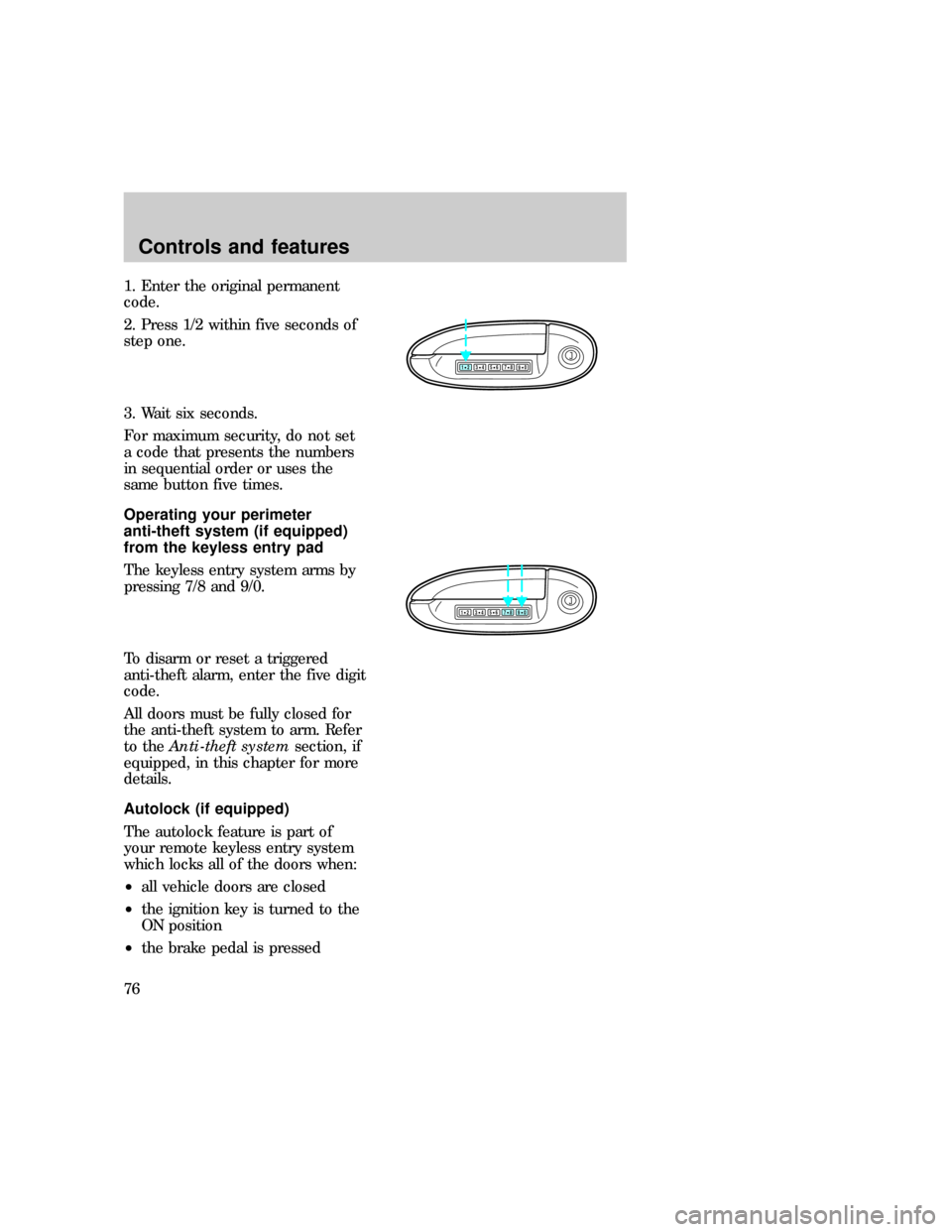
1. Enter the original permanent
code.
2. Press 1/2 within five seconds of
step one.
3. Wait six seconds.
For maximum security, do not set
a code that presents the numbers
in sequential order or uses the
same button five times.
Operating your perimeter
anti-theft system (if equipped)
from the keyless entry pad
The keyless entry system arms by
pressing 7/8 and 9/0.
To disarm or reset a triggered
anti-theft alarm, enter the five digit
code.
All doors must be fully closed for
the anti-theft system to arm. Refer
to theAnti-theft systemsection, if
equipped, in this chapter for more
details.
Autolock (if equipped)
The autolock feature is part of
your remote keyless entry system
which locks all of the doors when:
²all vehicle doors are closed
²the ignition key is turned to the
ON position
²the brake pedal is pressed
123
45678
90
123
45678
90
com_keyless_perimeter.01
uno_keyless_autolock
Controls and features
76
Page 87 of 236
Conditions of operation
If......Then.....
The driver's safety belt is not
buckled before the ignition key
is turned to On. .The safety belt indicator illuminates
for 1-2 minutes and the warning
chime sounds for 4- 8 seconds.
The driver's safety belt is
buckled while the indicator
light is illuminated and the
reminder chime is sounding . .
.The safety belt indicator light and
reminder chime turn off.
The driver's safety belt is
buckled before the ignition key
is turned to On. . .The safety belt indicator light and
reminder chime remain off.
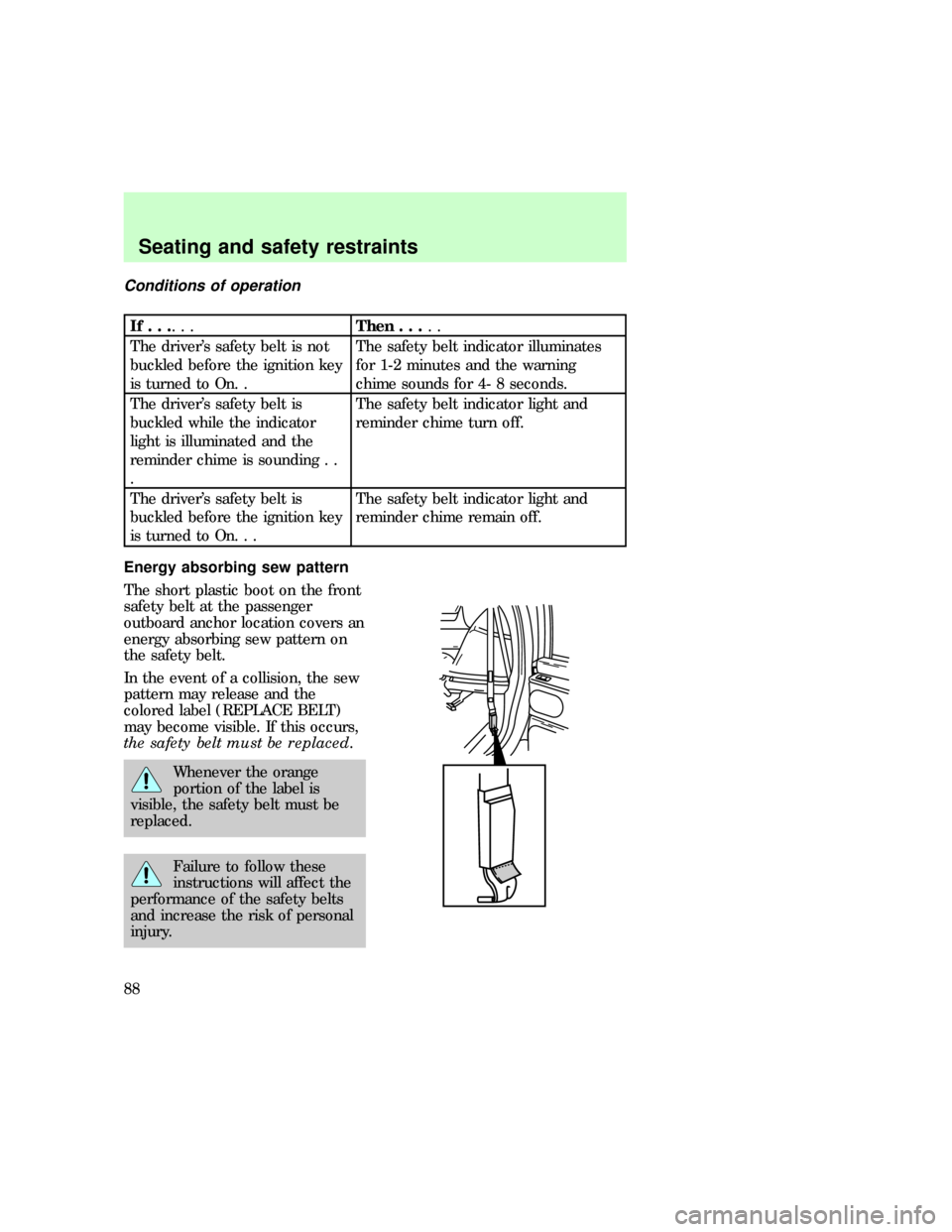
Energy absorbing sew pattern
The short plastic boot on the front
safety belt at the passenger
outboard anchor location covers an
energy absorbing sew pattern on
the safety belt.
In the event of a collision, the sew
pattern may release and the
colored label (REPLACE BELT)
may become visible. If this occurs,
the safety belt must be replaced.
Whenever the orange
portion of the label is
visible, the safety belt must be
replaced.
Failure to follow these
instructions will affect the
performance of the safety belts
and increase the risk of personal
injury.
uno_sbelt_maint
uno_sbelt_extension
Seating and safety restraints
88
Page 92 of 236

The diagnostic module monitors its
own internal circuits and the
supplemental air bag electrical
system readiness (including the
impact sensors), the system wiring,
the air bag system readiness light,
the air bag back up power and the
air bag ignitors.
Determining if the system is
operational
The SRS uses a readiness light in
the instrument cluster or a tone to
indicate the condition of the
system. Refer to theAir bag
readinesssection in the
Instrumentationchapter. Routine
maintenance of the air bag is not
required.
A difficulty with the system is
indicated by one or more of the
following:
²The readiness light will either
flash or stay lit.
²The readiness light will not
illuminate immediately after
ignition is turned on.
²A group of five beeps will be
heard. The tone pattern will
repeat periodically until the
problem and light are repaired.
If any of these things happen, even
intermittently, have the SRS
serviced at your dealership or by a
qualified technician immediately.
Unless serviced, the system may
not function properly in the event
of a collision.
uno_determing_operational
com_disposal.01
Seating and safety restraints
93
Page 111 of 236
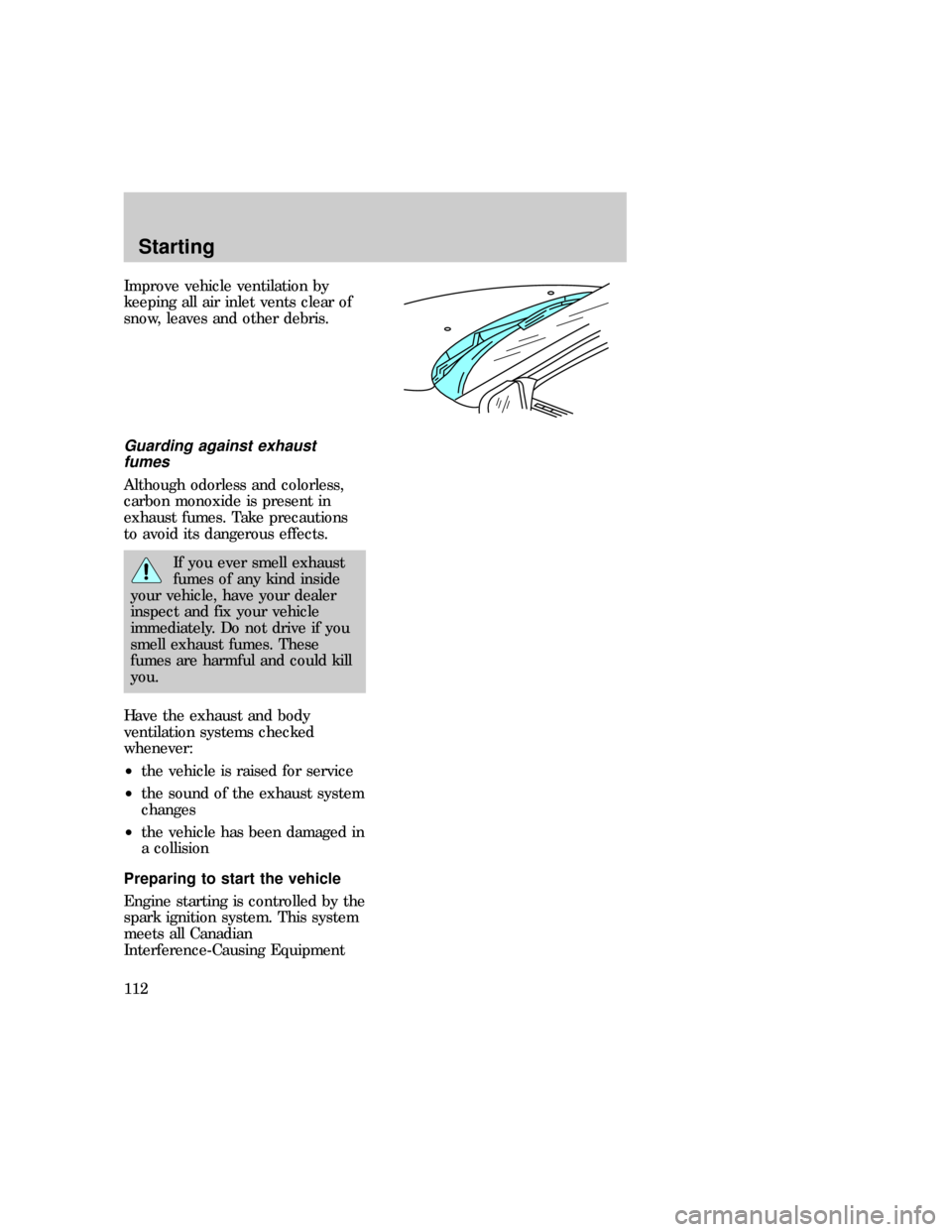
Improve vehicle ventilation by
keeping all air inlet vents clear of
snow, leaves and other debris.
Guarding against exhaust
fumes
Although odorless and colorless,
carbon monoxide is present in
exhaust fumes. Take precautions
to avoid its dangerous effects.
If you ever smell exhaust
fumes of any kind inside
your vehicle, have your dealer
inspect and fix your vehicle
immediately. Do not drive if you
smell exhaust fumes. These
fumes are harmful and could kill
you.
Have the exhaust and body
ventilation systems checked
whenever:
²the vehicle is raised for service
²the sound of the exhaust system
changes
²the vehicle has been damaged in
a collision
Preparing to start the vehicle
Engine starting is controlled by the
spark ignition system. This system
meets all Canadian
Interference-Causing Equipment
com_guarding_exhaust.01
uno_preparing_start
Starting
112