display FORD EXPLORER 1998 2.G User Guide
[x] Cancel search | Manufacturer: FORD, Model Year: 1998, Model line: EXPLORER, Model: FORD EXPLORER 1998 2.GPages: 210, PDF Size: 1.65 MB
Page 30 of 210
²FLOOR-Allows for maximum heating by distributing outside air
through the floor ducts. However, the air cannot be cooled below the
outside temperature because the air conditioning does not operate in
this mode.
²FLR²DEF-Distributes outside air through the windshield defroster
ducts and the floor ducts. Heating and air conditioning capabilities are
provided in this mode. The air will be heated or cooled based on the
temperature selection. For added customer comfort, the air
distributed through the floor ducts will be slightly warmer than the air
sent to the windshield defroster ducts. If the temperature is about
10ÉC (50ÉF) or higher, the air conditioner will automatically
dehumidify the air to prevent fogging.
²DEF
-Distributes outside air through the windshield defroster
ducts. It can be used to clear ice or fog from the windshield. If the
outside air temperature is about 10ÉC (50ÉF) or higher, the air
conditioner will automatically dehumidify the air to prevent fogging.
²OFF-Outside air is shut out and the fan will not operate. For short
periods of time only, use this mode to prevent undesirable odors from
entering the vehicle.
Rear fan off
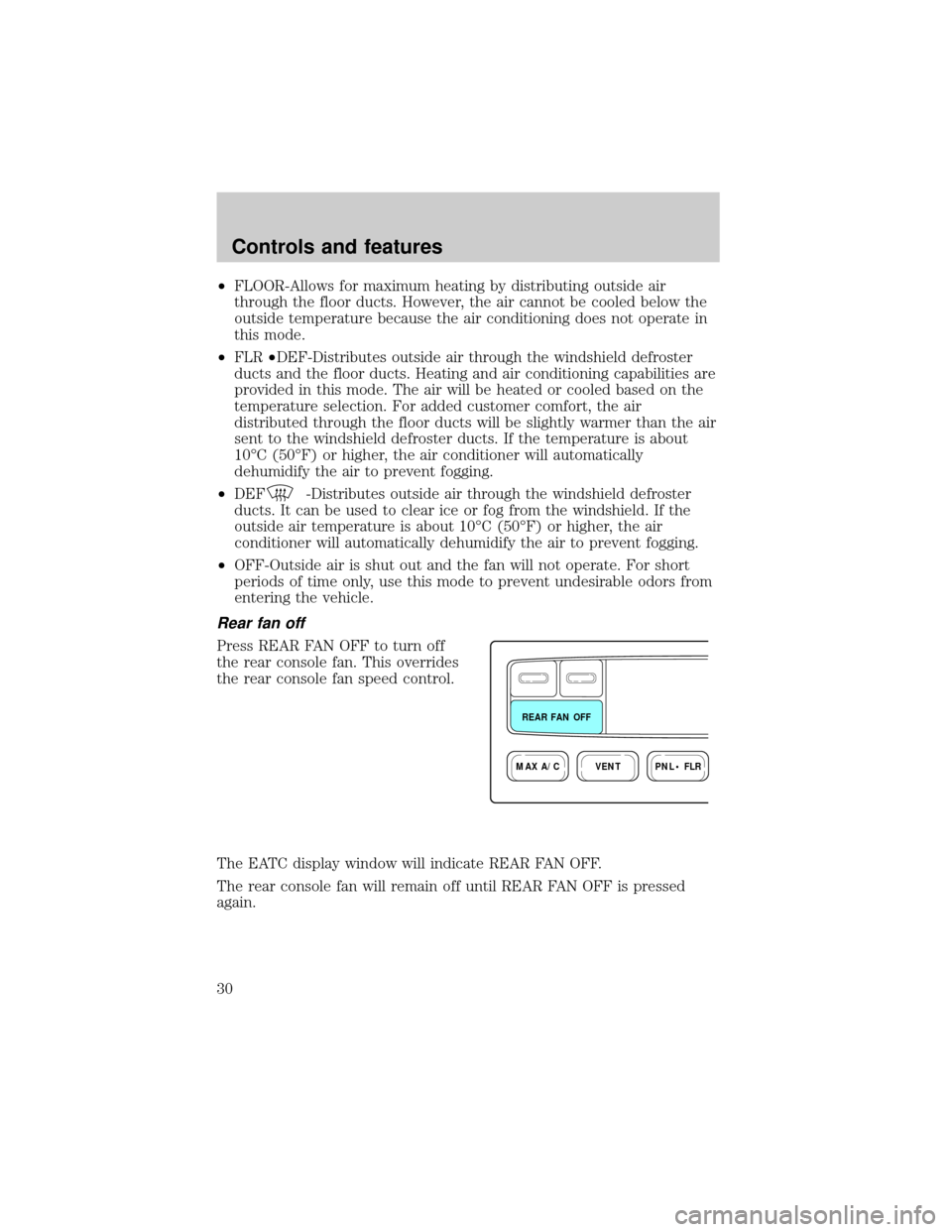
Press REAR FAN OFF to turn off
the rear console fan. This overrides
the rear console fan speed control.
The EATC display window will indicate REAR FAN OFF.
The rear console fan will remain off until REAR FAN OFF is pressed
again.
VENTPNL • FLRMAX A/C
REAR FAN OFF
Controls and features
30
Page 44 of 210
OVERHEAD CONSOLE (IF EQUIPPED)
The appearance of your vehicle's overhead console will vary according to
your option package. All overhead consoles show the outside
temperature and compass display.
Storage compartment (if equipped)
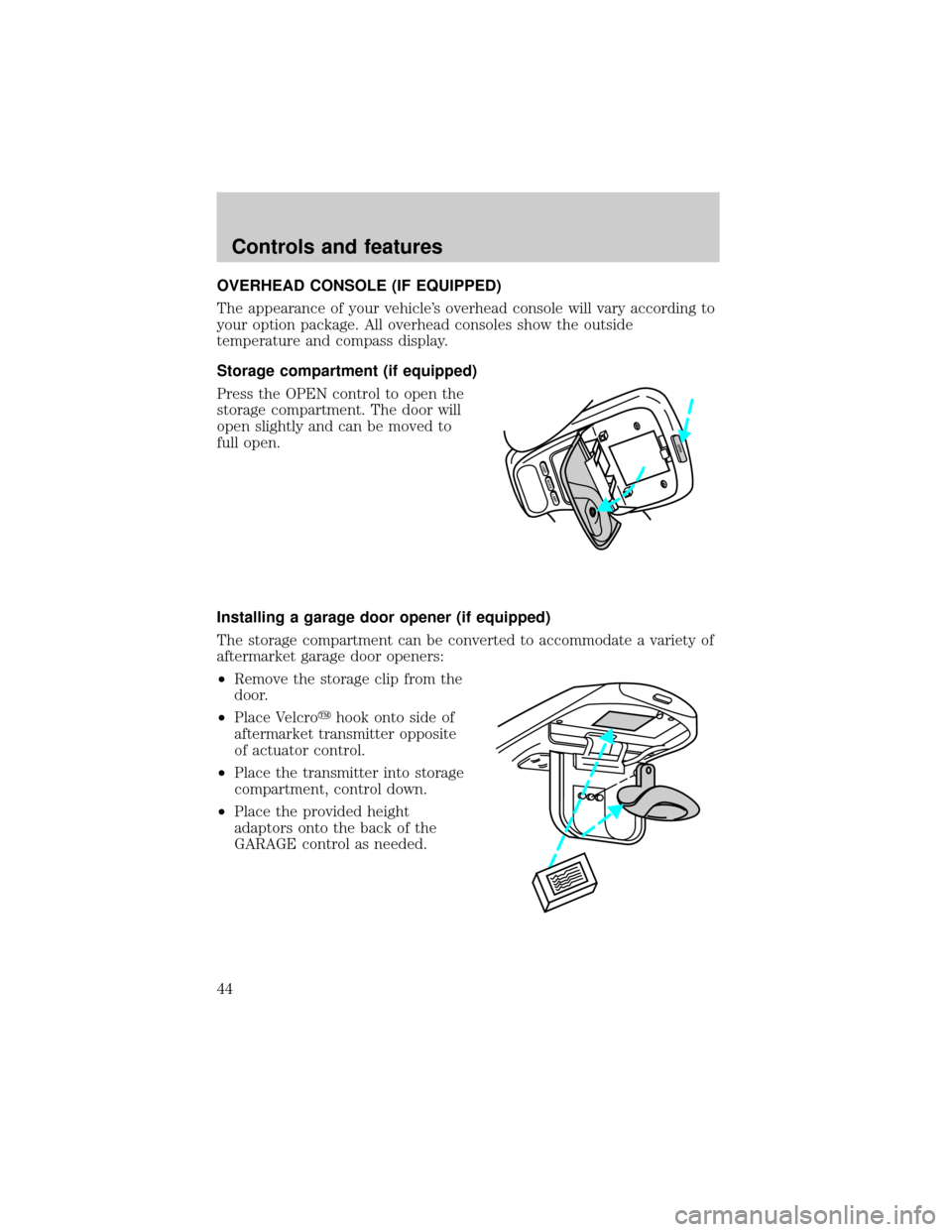
Press the OPEN control to open the
storage compartment. The door will
open slightly and can be moved to
full open.
Installing a garage door opener (if equipped)
The storage compartment can be converted to accommodate a variety of
aftermarket garage door openers:
²Remove the storage clip from the
door.
²Place Velcroyhook onto side of
aftermarket transmitter opposite
of actuator control.
²Place the transmitter into storage
compartment, control down.
²Place the provided height
adaptors onto the back of the
GARAGE control as needed.
MODELAMP
LAMP
OPEN
Controls and features
44
Page 45 of 210
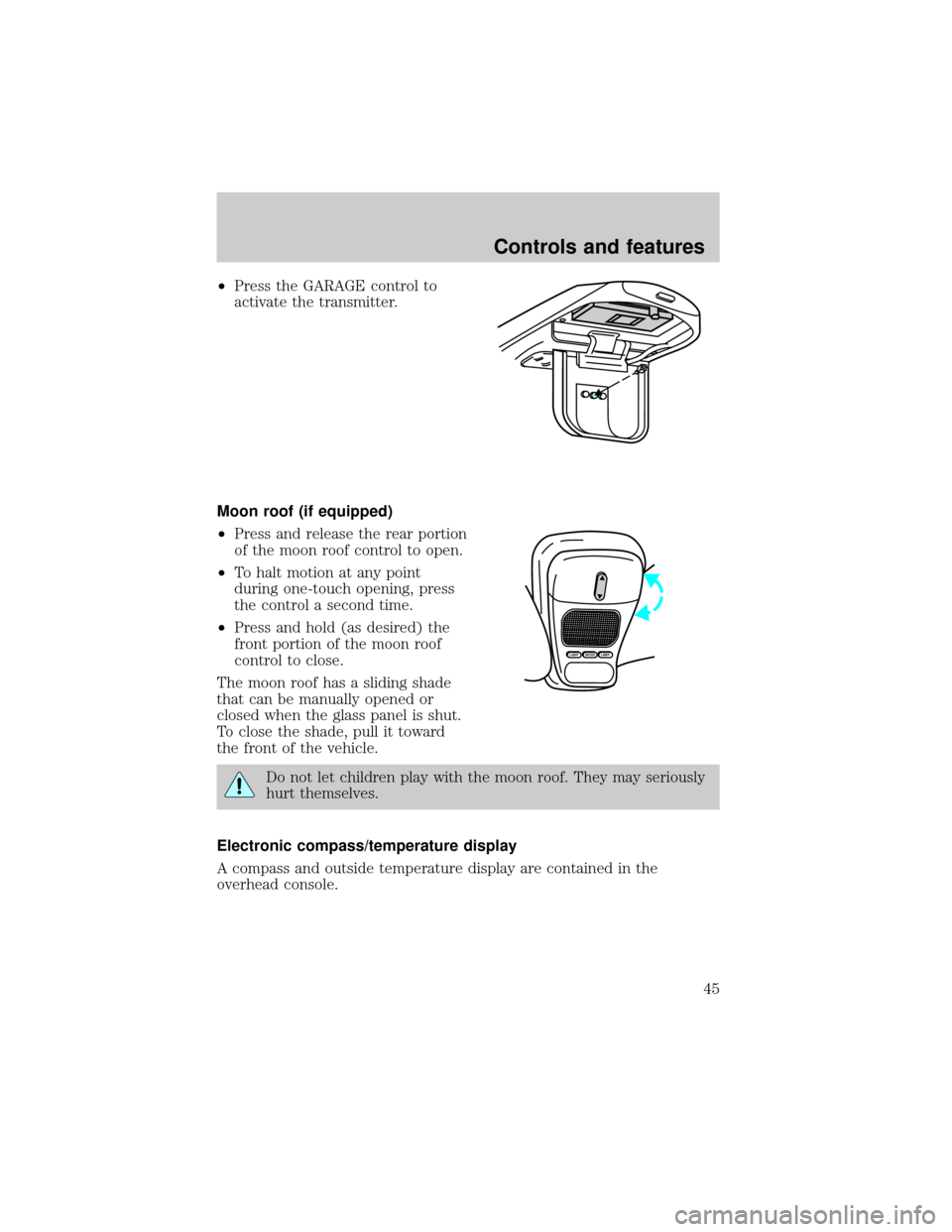
²Press the GARAGE control to
activate the transmitter.
Moon roof (if equipped)
²Press and release the rear portion
of the moon roof control to open.
²To halt motion at any point
during one-touch opening, press
the control a second time.
²Press and hold (as desired) the
front portion of the moon roof
control to close.
The moon roof has a sliding shade
that can be manually opened or
closed when the glass panel is shut.
To close the shade, pull it toward
the front of the vehicle.
Do not let children play with the moon roof. They may seriously
hurt themselves.
Electronic compass/temperature display
A compass and outside temperature display are contained in the
overhead console.
MODELAMPLAMP
Controls and features
45
Page 46 of 210
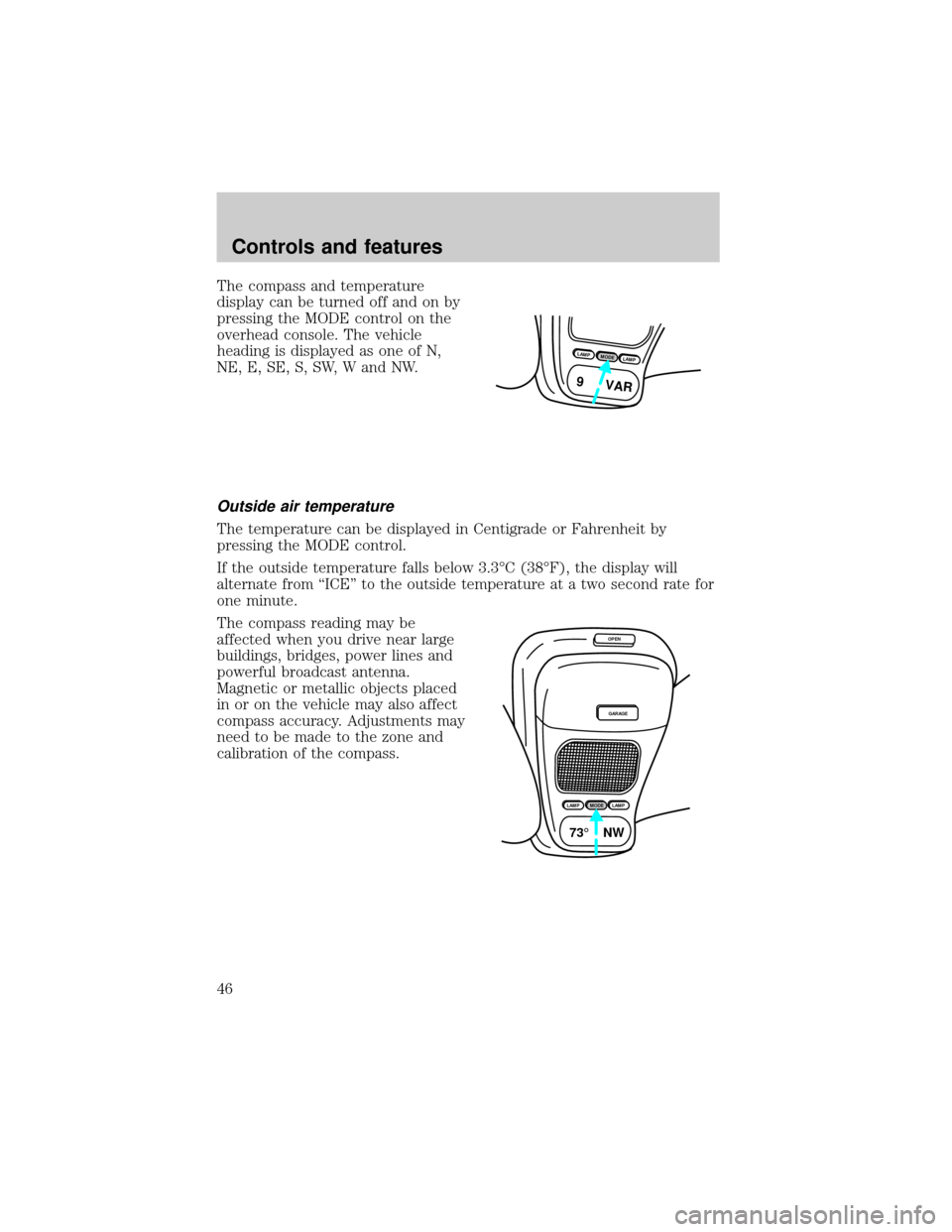
The compass and temperature
display can be turned off and on by
pressing the MODE control on the
overhead console. The vehicle
heading is displayed as one of N,
NE, E, SE, S, SW, W and NW.
Outside air temperature
The temperature can be displayed in Centigrade or Fahrenheit by
pressing the MODE control.
If the outside temperature falls below 3.3ÉC (38ÉF), the display will
alternate from ``ICE'' to the outside temperature at a two second rate for
one minute.
The compass reading may be
affected when you drive near large
buildings, bridges, power lines and
powerful broadcast antenna.
Magnetic or metallic objects placed
in or on the vehicle may also affect
compass accuracy. Adjustments may
need to be made to the zone and
calibration of the compass.
LAMPMODELAMP
9 VAR
OPEN
GARAGE
LAMPMODELAMP
73¡ NW
Controls and features
46
Page 47 of 210
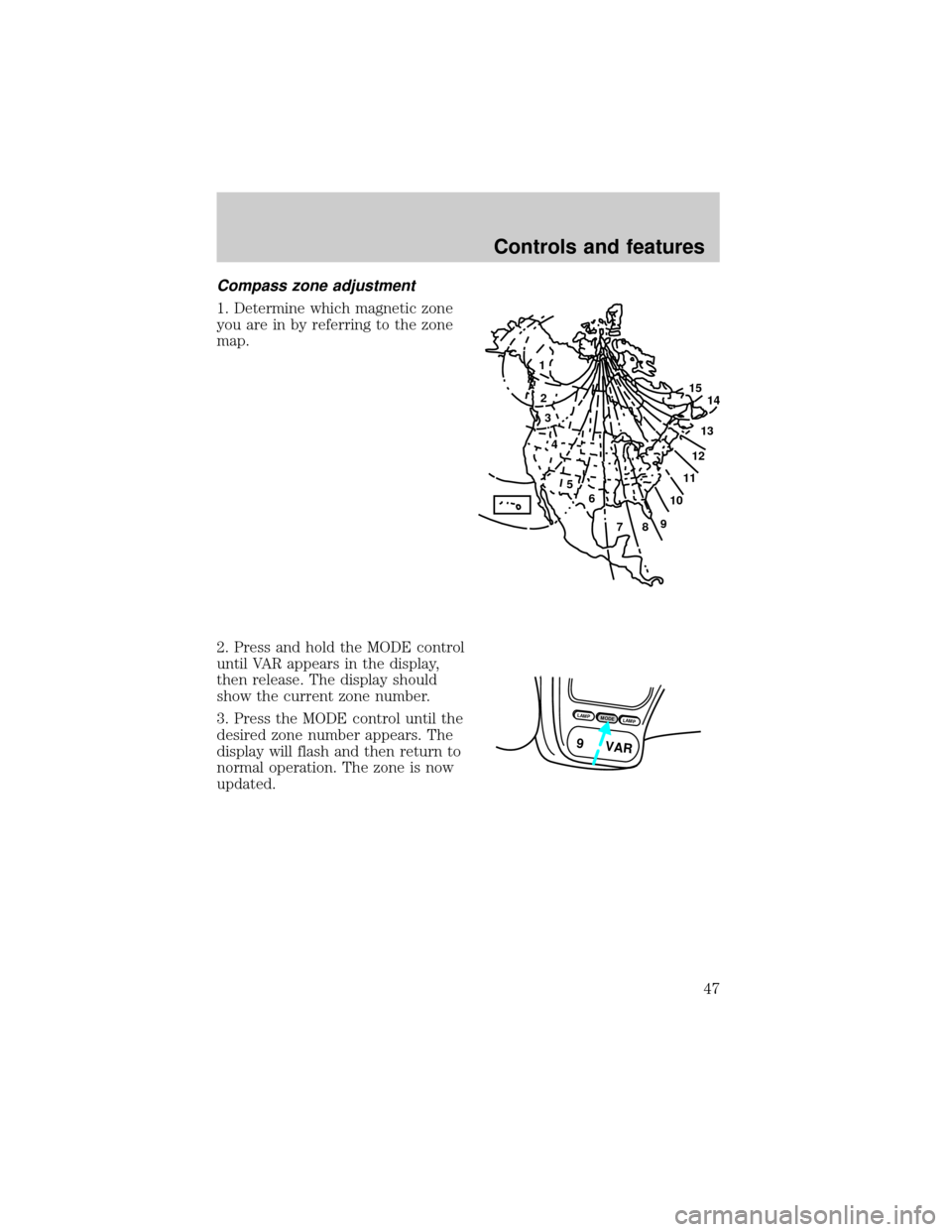
Compass zone adjustment
1. Determine which magnetic zone
you are in by referring to the zone
map.
2. Press and hold the MODE control
until VAR appears in the display,
then release. The display should
show the current zone number.
3. Press the MODE control until the
desired zone number appears. The
display will flash and then return to
normal operation. The zone is now
updated.
1
2
3
4
5
6
7891011121314 15
LAMPMODELAMP
9 VAR
Controls and features
47
Page 48 of 210
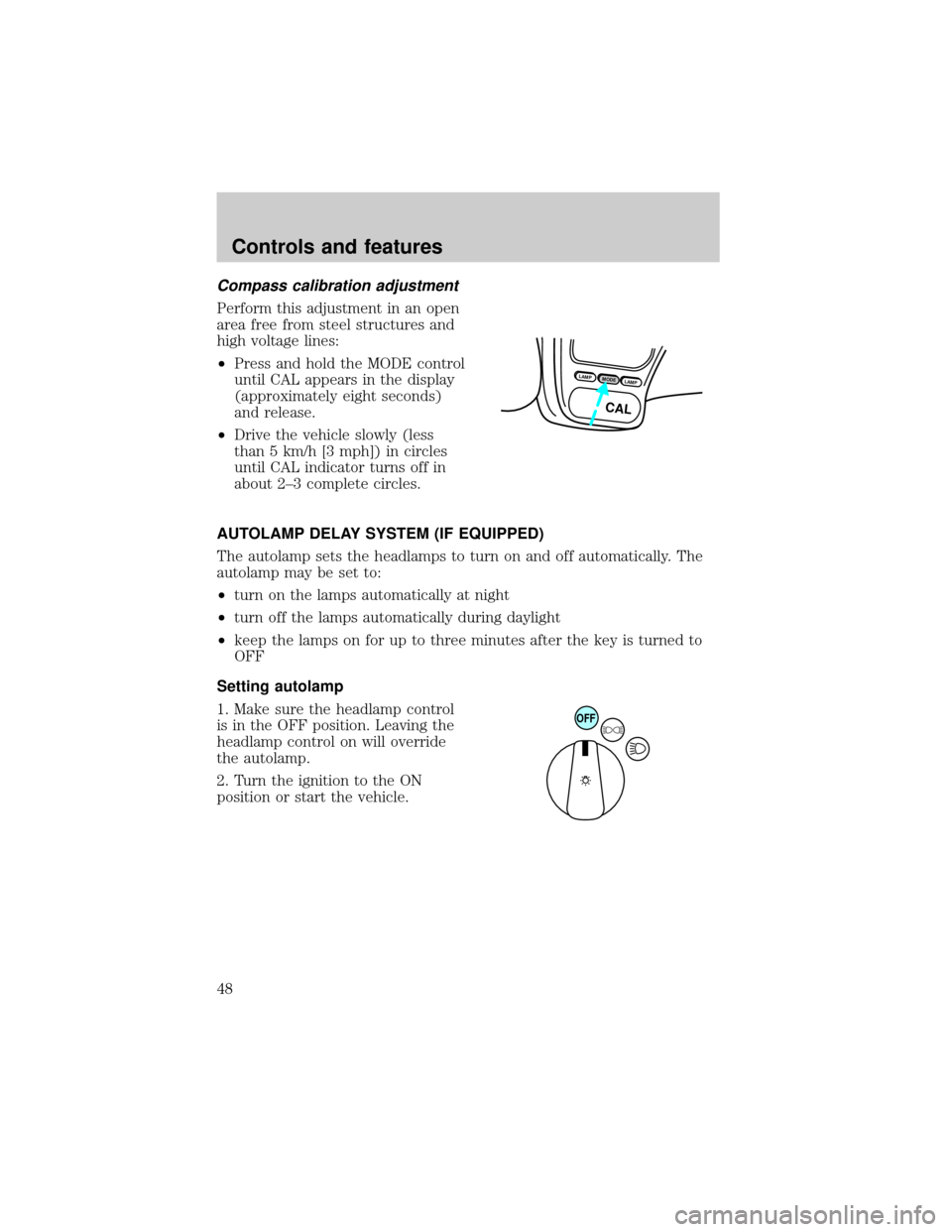
Compass calibration adjustment
Perform this adjustment in an open
area free from steel structures and
high voltage lines:
²Press and hold the MODE control
until CAL appears in the display
(approximately eight seconds)
and release.
²Drive the vehicle slowly (less
than 5 km/h [3 mph]) in circles
until CAL indicator turns off in
about 2±3 complete circles.
AUTOLAMP DELAY SYSTEM (IF EQUIPPED)
The autolamp sets the headlamps to turn on and off automatically. The
autolamp may be set to:
²turn on the lamps automatically at night
²turn off the lamps automatically during daylight
²keep the lamps on for up to three minutes after the key is turned to
OFF
Setting autolamp
1. Make sure the headlamp control
is in the OFF position. Leaving the
headlamp control on will override
the autolamp.
2. Turn the ignition to the ON
position or start the vehicle.
LAMPMODELAMP
CAL
OFF
Controls and features
48
Page 109 of 210

N (Neutral)
With the gearshift in N (Neutral),
the vehicle can be started and is
free to roll. Hold the brake pedal
down while in this gear.
(Overdrive)
The normal driving position for the
best fuel economy. Transmission
operates in gears one through four.
(Overdrive) can be deactivated
by pressing the transmission control
switch on the end of the gearshift
lever.
The transmission control indicator
light (TCIL) will illuminate on the
instrument cluster.
Drive± Not shown on the display. Activate by pressing the transmission
control switch on the end of the gearshift lever with the gearshift in the
position. The TCIL will illuminate on the instrument cluster.
Transmission operates in gears one through three.
(Drive) provides
more engine braking than
(Overdrive) and is useful when:
²driving with a heavy load
²towing a trailer up or down steep hills
²additional engine braking is desired. If towing a trailer, refer to
Driving while you towin theTowing a trailerchapter.
O/D
ON/OFF
O/ D
OFF
Driving
109
Page 112 of 210
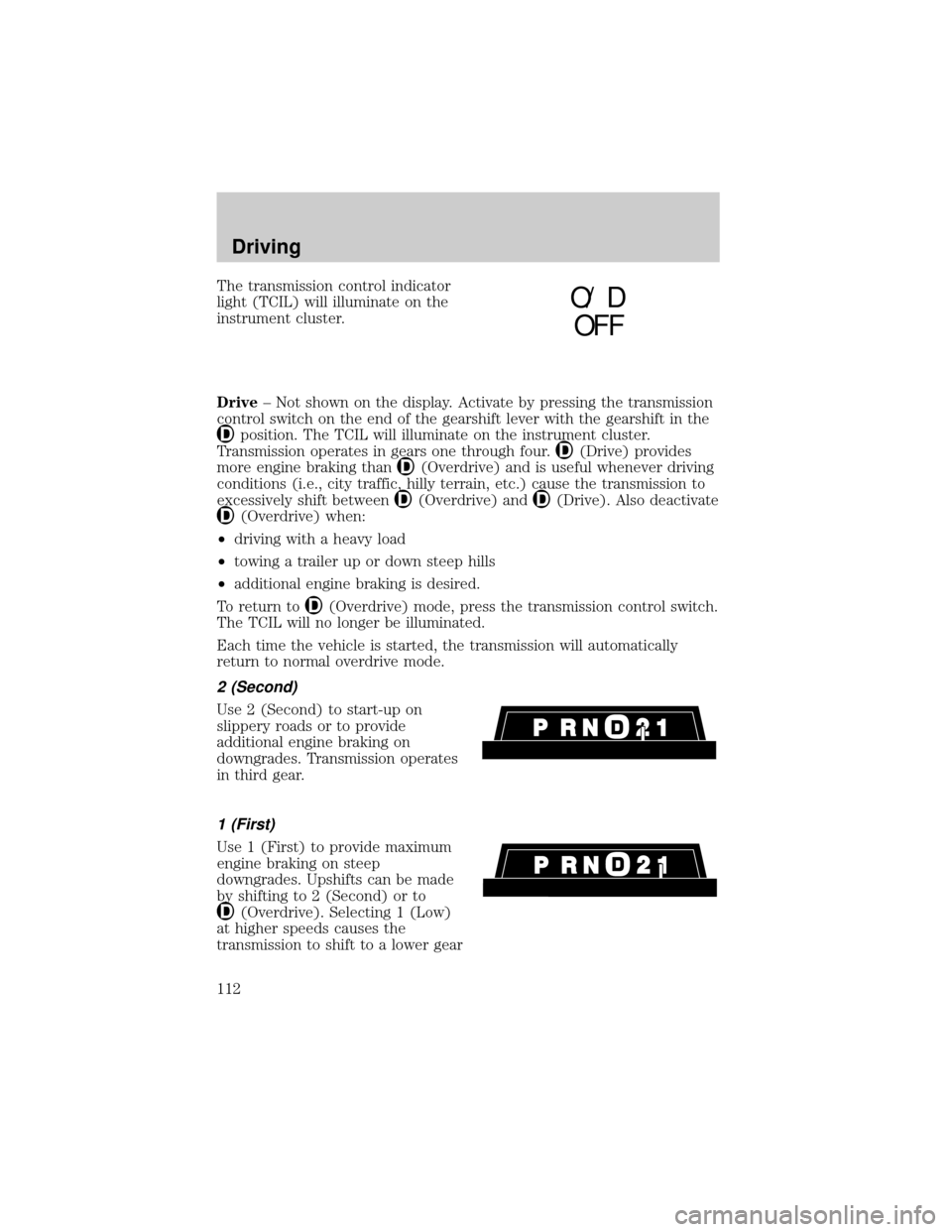
The transmission control indicator
light (TCIL) will illuminate on the
instrument cluster.
Drive± Not shown on the display. Activate by pressing the transmission
control switch on the end of the gearshift lever with the gearshift in the
position. The TCIL will illuminate on the instrument cluster.
Transmission operates in gears one through four.
(Drive) provides
more engine braking than
(Overdrive) and is useful whenever driving
conditions (i.e., city traffic, hilly terrain, etc.) cause the transmission to
excessively shift between
(Overdrive) and(Drive). Also deactivate
(Overdrive) when:
²driving with a heavy load
²towing a trailer up or down steep hills
²additional engine braking is desired.
To return to
(Overdrive) mode, press the transmission control switch.
The TCIL will no longer be illuminated.
Each time the vehicle is started, the transmission will automatically
return to normal overdrive mode.
2 (Second)
Use 2 (Second) to start-up on
slippery roads or to provide
additional engine braking on
downgrades. Transmission operates
in third gear.
1 (First)
Use 1 (First) to provide maximum
engine braking on steep
downgrades. Upshifts can be made
by shifting to 2 (Second) or to
(Overdrive). Selecting 1 (Low)
at higher speeds causes the
transmission to shift to a lower gear
O/ D
OFF
Driving
112
Page 208 of 210

Overhead console
compass/temperature display ..44
storage compartment ...............44
Panic alarm feature, remote
entry system ................................60
Parking brake ............................105
Power door locks ........................51
Power steering
fluid, checking and adding ....169
Rear window
washer .......................................42
Recreational towing, all wheels
on the ground ...........................133
Refill capacities for fluids ........198
Relays ........................................136
Remote entry system .................58
illuminated entry ......................63
locking/unlocking doors ...........59
replacement/additional
transmitters ..........................62,63
replacing the batteries .............62
Reporting safety defects ..........205
Safety restraints
automatic locking mode
(retractor) ............................78,79
extension assembly ..................80
for children ...............................86
lap and shoulder belts ........77,78
maintenance ..............................81
proper use .................................76
warning light and chime .........11,
80,81
Safety seats for children
attaching with tether straps ....91
automatic locking mode
(retractor) .................................88
tether anchorage hardware .....91
Seats ............................................72
adjusting the seat, power ........72
folding rear seats ......................75
lumbar support .........................74
rear seat access ........................74Servicing your vehicle ..............156
precautions when servicing ...156
Snowplowing .................................3
Special notice
utility-type vehicles ....................3
Speed control ..............................36
canceling a set speed ...............39
indicator light ...........................40
resuming a set speed ...............40
tap up/tap down .......................38
turning off .................................36
Speedometer ...............................12
Starting your vehicle ...........99,102
Storage compartments
overhead storage
compartment .............................44
Tachometer
mechanical cluster ...................14
Tilt steering wheel ......................41
Tires ....................................177,178
checking the pressure ............178
replacing ..................................180
rotating ....................................179
snow tires and chains ............181
treadwear ................................177
Traction-lok rear axle ........124,175
Trailer towing ............................126
tips ...........................................132
Transaxle
fluid, checking and adding
(manual) .................................173
Transfer case
fluid checking .........................174
Transmission .............................170
automatic operation .......107,108,
109,110,111,112
fluid, checking and adding
(automatic) .............................170
Trip odometer .............................14
Turn signal
lever ...........................................35
Vehicle dimensions ...................202
Index
208