radio FORD EXPLORER 1999 2.G User Guide
[x] Cancel search | Manufacturer: FORD, Model Year: 1999, Model line: EXPLORER, Model: FORD EXPLORER 1999 2.GPages: 264, PDF Size: 1.83 MB
Page 50 of 264
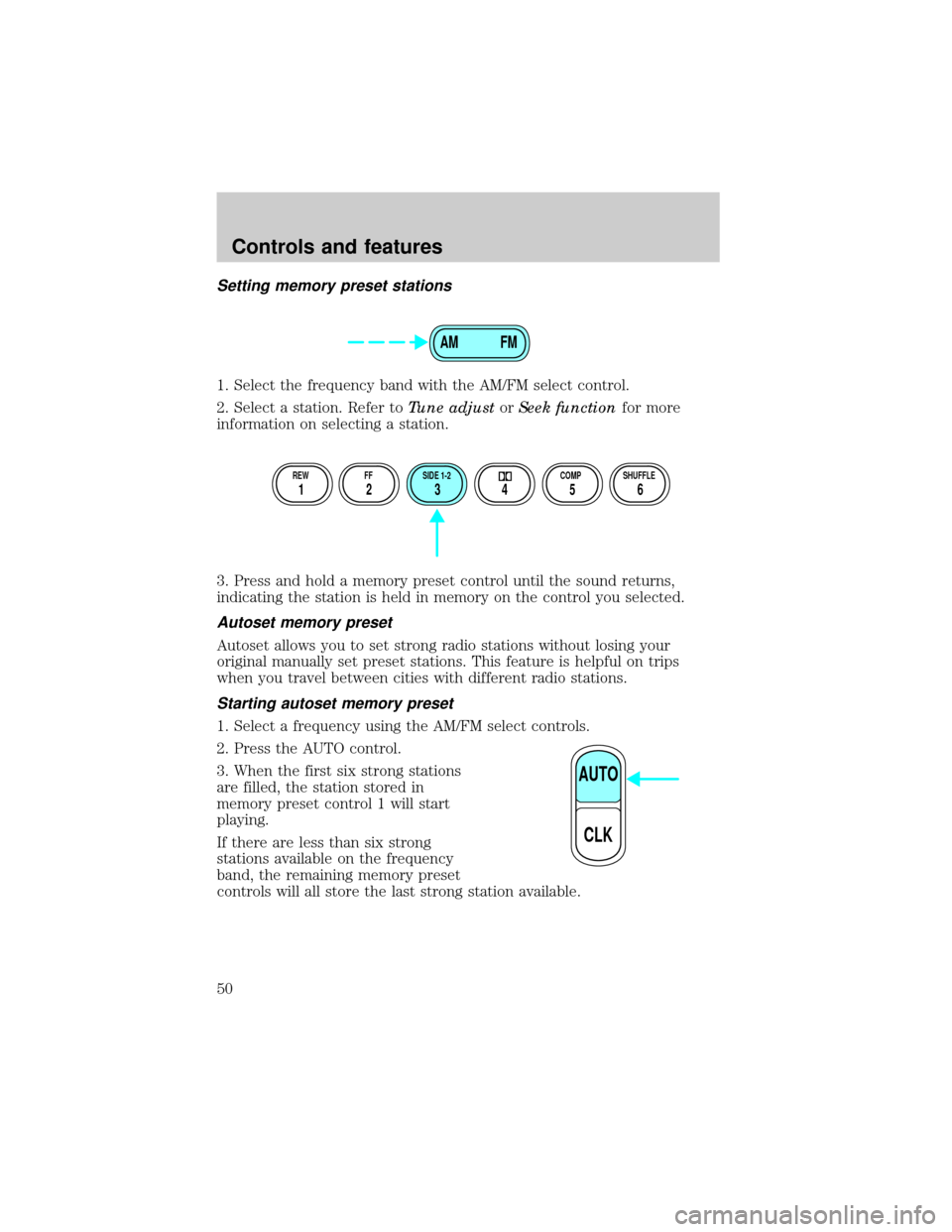
Setting memory preset stations
1. Select the frequency band with the AM/FM select control.
2. Select a station. Refer toTune adjustorSeek functionfor more
information on selecting a station.
3. Press and hold a memory preset control until the sound returns,
indicating the station is held in memory on the control you selected.
Autoset memory preset
Autoset allows you to set strong radio stations without losing your
original manually set preset stations. This feature is helpful on trips
when you travel between cities with different radio stations.
Starting autoset memory preset
1. Select a frequency using the AM/FM select controls.
2. Press the AUTO control.
3. When the first six strong stations
are filled, the station stored in
memory preset control 1 will start
playing.
If there are less than six strong
stations available on the frequency
band, the remaining memory preset
controls will all store the last strong station available.
AM FM
REW FF SIDE 1-2 COMP SHUFFLE
12 3456
AUTO
CLK
Controls and features
50
Page 52 of 264
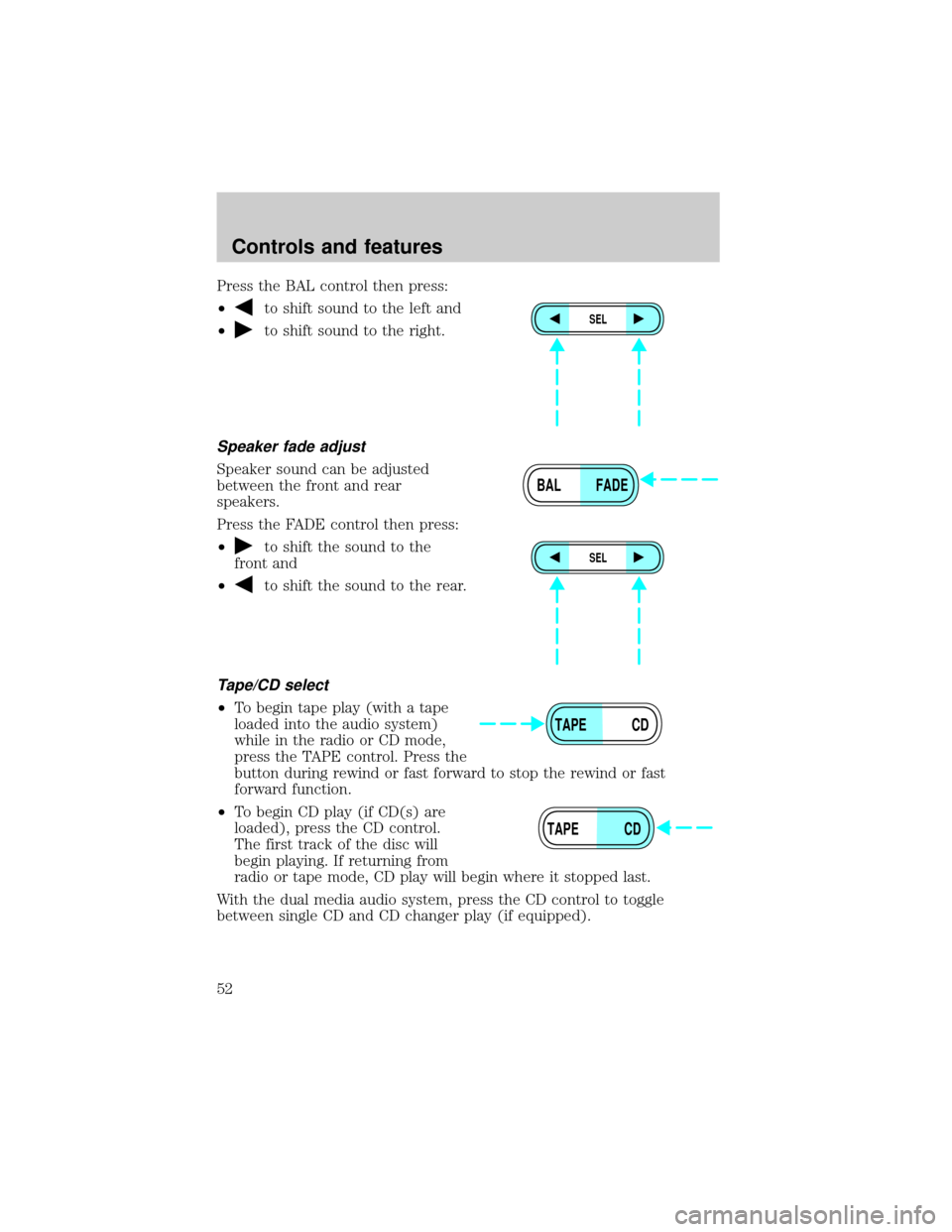
Press the BAL control then press:
²
to shift sound to the left and
²
to shift sound to the right.
Speaker fade adjust
Speaker sound can be adjusted
between the front and rear
speakers.
Press the FADE control then press:
²
to shift the sound to the
front and
²
to shift the sound to the rear.
Tape/CD select
²To begin tape play (with a tape
loaded into the audio system)
while in the radio or CD mode,
press the TAPE control. Press the
button during rewind or fast forward to stop the rewind or fast
forward function.
²To begin CD play (if CD(s) are
loaded), press the CD control.
The first track of the disc will
begin playing. If returning from
radio or tape mode, CD play will begin where it stopped last.
With the dual media audio system, press the CD control to toggle
between single CD and CD changer play (if equipped).
SEL
BAL FADE
SEL
TAPE CD
TAPE CD
Controls and features
52
Page 53 of 264
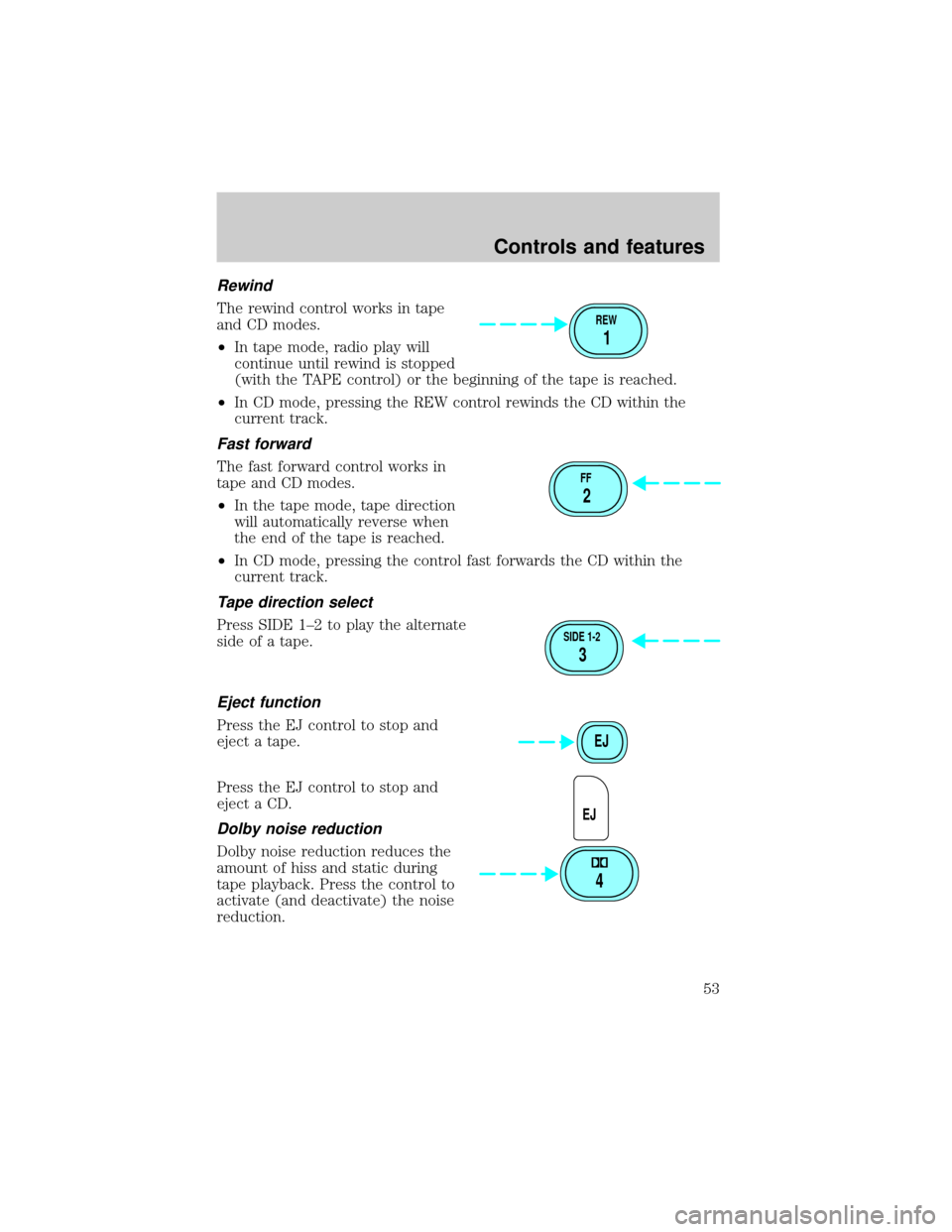
Rewind
The rewind control works in tape
and CD modes.
²In tape mode, radio play will
continue until rewind is stopped
(with the TAPE control) or the beginning of the tape is reached.
²In CD mode, pressing the REW control rewinds the CD within the
current track.
Fast forward
The fast forward control works in
tape and CD modes.
²In the tape mode, tape direction
will automatically reverse when
the end of the tape is reached.
²In CD mode, pressing the control fast forwards the CD within the
current track.
Tape direction select
Press SIDE 1±2 to play the alternate
side of a tape.
Eject function
Press the EJ control to stop and
eject a tape.
Press the EJ control to stop and
eject a CD.
Dolby noise reduction
Dolby noise reduction reduces the
amount of hiss and static during
tape playback. Press the control to
activate (and deactivate) the noise
reduction.
REW
1
FF
2
SIDE 1-2
3
EJ
EJ
4
Controls and features
53
Page 55 of 264
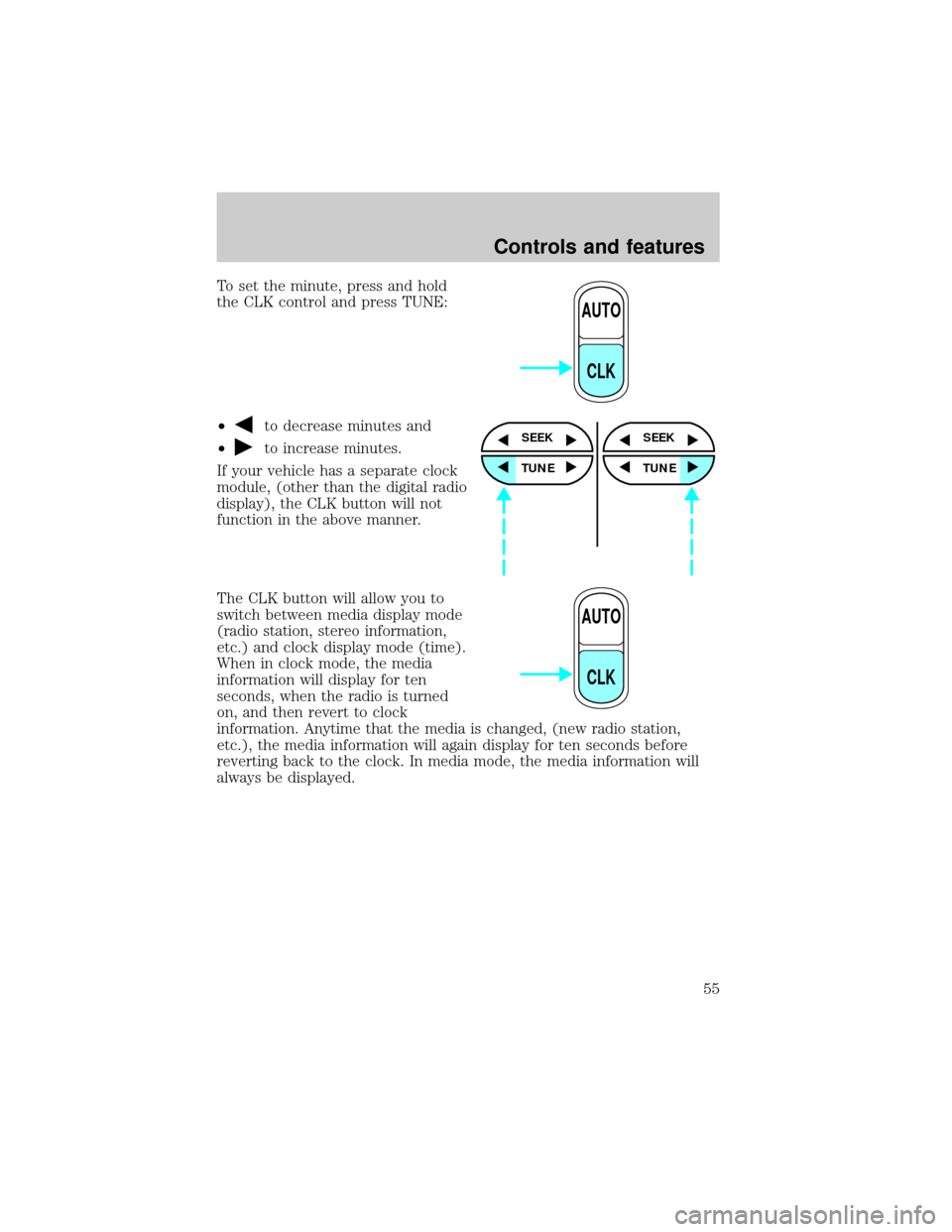
To set the minute, press and hold
the CLK control and press TUNE:
²
to decrease minutes and
²
to increase minutes.
If your vehicle has a separate clock
module, (other than the digital radio
display), the CLK button will not
function in the above manner.
The CLK button will allow you to
switch between media display mode
(radio station, stereo information,
etc.) and clock display mode (time).
When in clock mode, the media
information will display for ten
seconds, when the radio is turned
on, and then revert to clock
information. Anytime that the media is changed, (new radio station,
etc.), the media information will again display for ten seconds before
reverting back to the clock. In media mode, the media information will
always be displayed.
AUTO
CLK
SEEK
TUNE
SEEK
TUNE
AUTO
CLK
Controls and features
55
Page 56 of 264
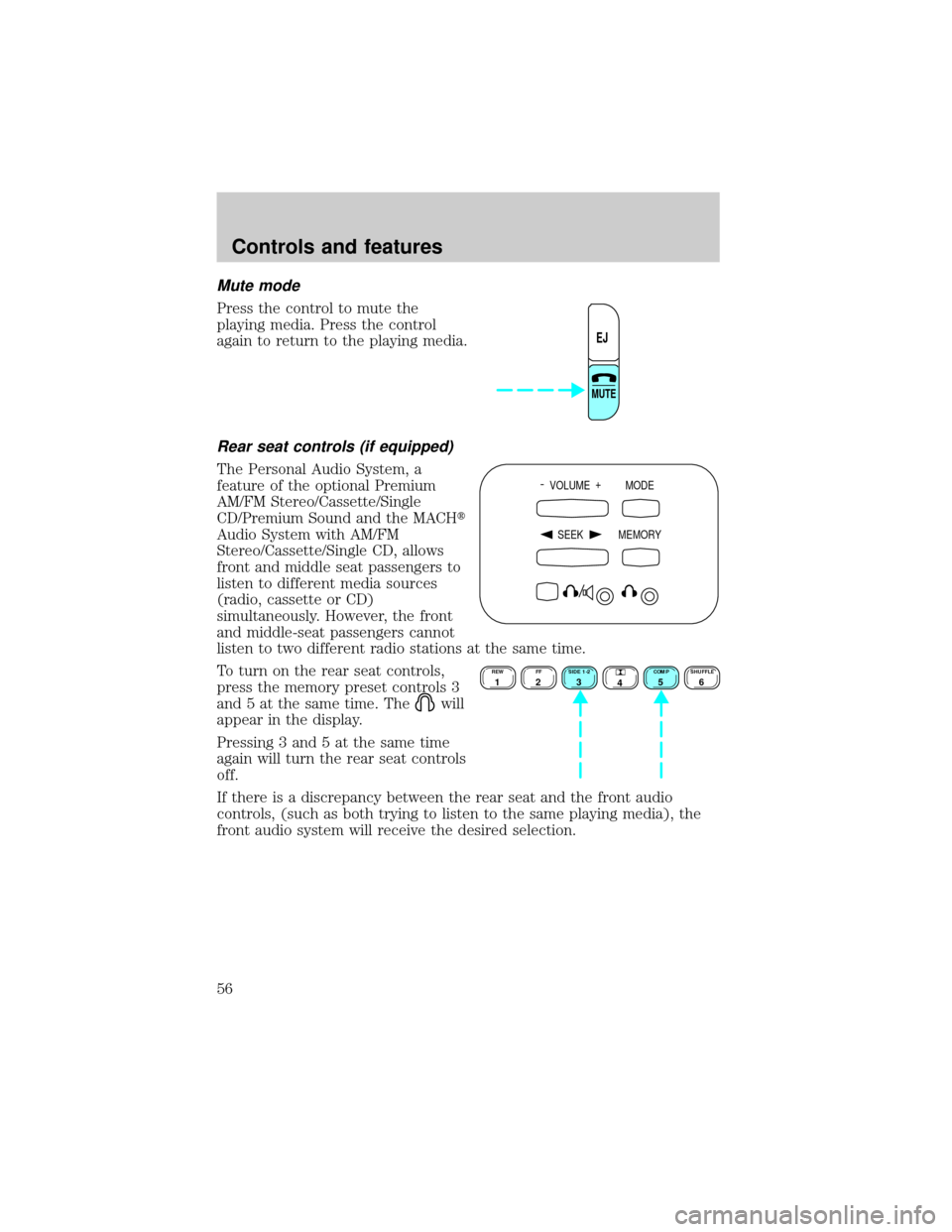
Mute mode
Press the control to mute the
playing media. Press the control
again to return to the playing media.
Rear seat controls (if equipped)
The Personal Audio System, a
feature of the optional Premium
AM/FM Stereo/Cassette/Single
CD/Premium Sound and the MACHt
Audio System with AM/FM
Stereo/Cassette/Single CD, allows
front and middle seat passengers to
listen to different media sources
(radio, cassette or CD)
simultaneously. However, the front
and middle-seat passengers cannot
listen to two different radio stations at the same time.
To turn on the rear seat controls,
press the memory preset controls 3
and 5 at the same time. The
will
appear in the display.
Pressing 3 and 5 at the same time
again will turn the rear seat controls
off.
If there is a discrepancy between the rear seat and the front audio
controls, (such as both trying to listen to the same playing media), the
front audio system will receive the desired selection.
EJ
MUTE
- VOLUME +
MODE
SEEK MEMORY
REW1FF2SIDE 1-23
4COMP5SHUFFLE6
Controls and features
56
Page 57 of 264
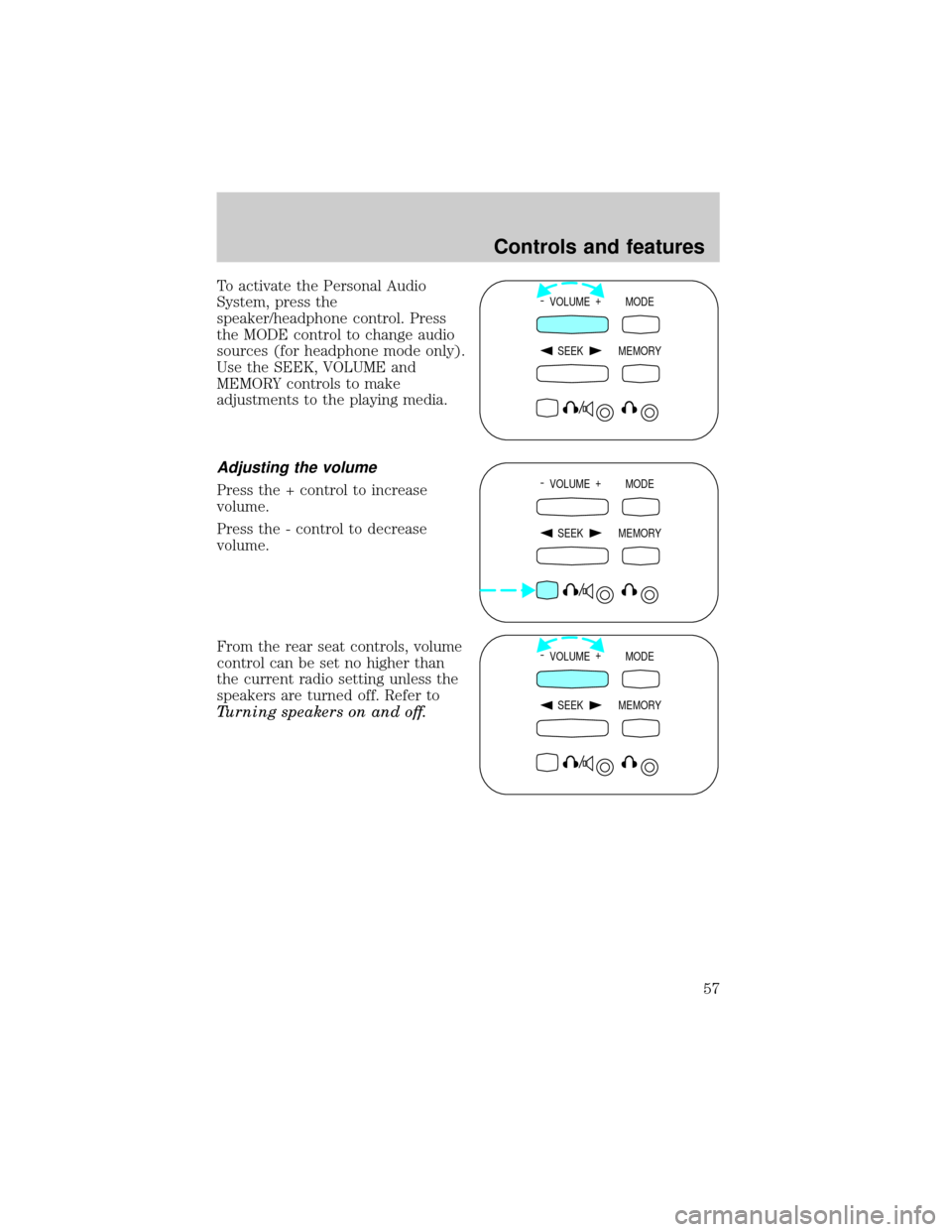
To activate the Personal Audio
System, press the
speaker/headphone control. Press
the MODE control to change audio
sources (for headphone mode only).
Use the SEEK, VOLUME and
MEMORY controls to make
adjustments to the playing media.
Adjusting the volume
Press the + control to increase
volume.
Press the - control to decrease
volume.
From the rear seat controls, volume
control can be set no higher than
the current radio setting unless the
speakers are turned off. Refer to
Turning speakers on and off.
- VOLUME +
MODE
SEEK MEMORY
- VOLUME +
MODE
SEEK MEMORY
- VOLUME +
MODE
SEEK MEMORY
Controls and features
57
Page 59 of 264
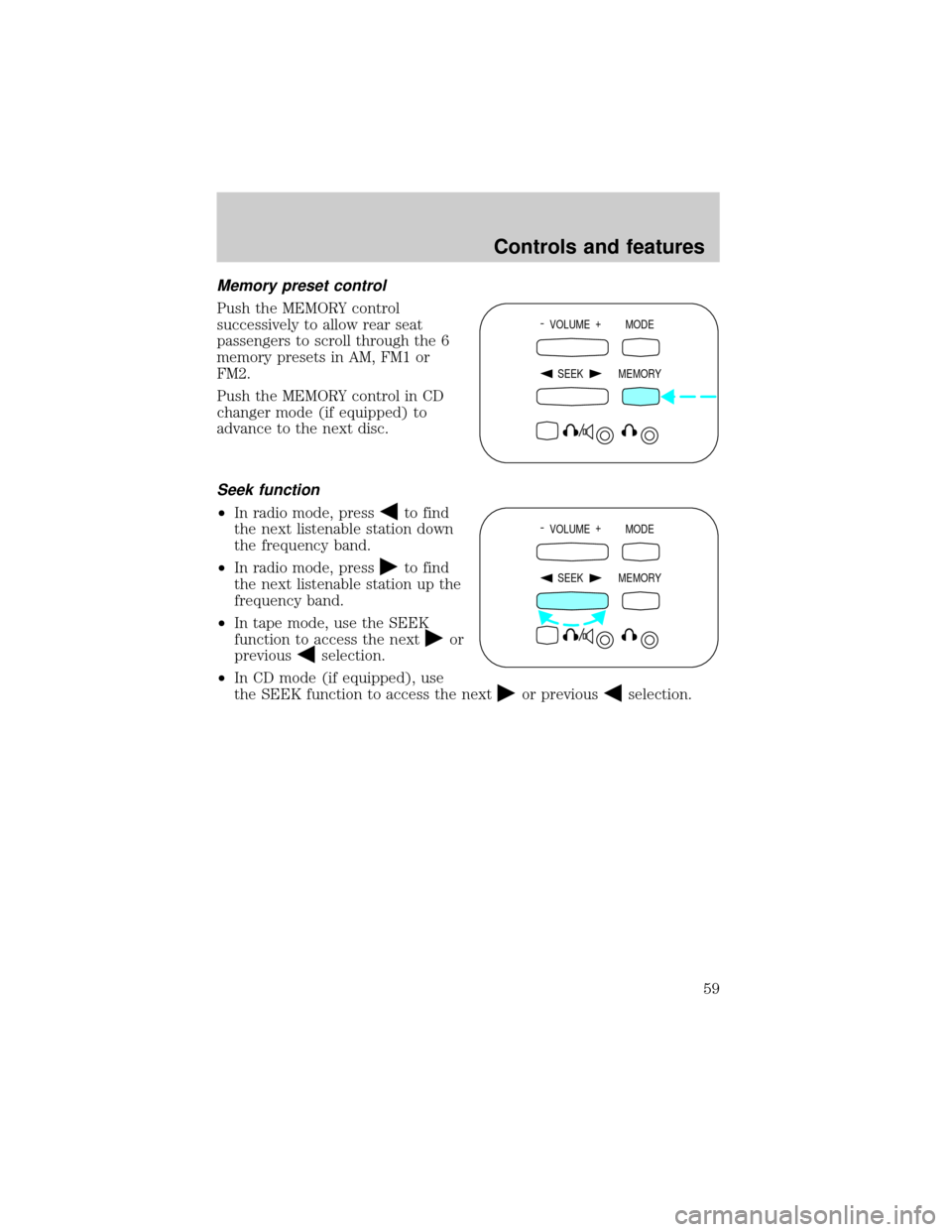
Memory preset control
Push the MEMORY control
successively to allow rear seat
passengers to scroll through the 6
memory presets in AM, FM1 or
FM2.
Push the MEMORY control in CD
changer mode (if equipped) to
advance to the next disc.
Seek function
²In radio mode, pressto find
the next listenable station down
the frequency band.
²In radio mode, press
to find
the next listenable station up the
frequency band.
²In tape mode, use the SEEK
function to access the next
or
previous
selection.
²In CD mode (if equipped), use
the SEEK function to access the next
or previousselection.
- VOLUME +
MODE
SEEK MEMORY
- VOLUME +
MODE
SEEK MEMORY
Controls and features
59
Page 61 of 264
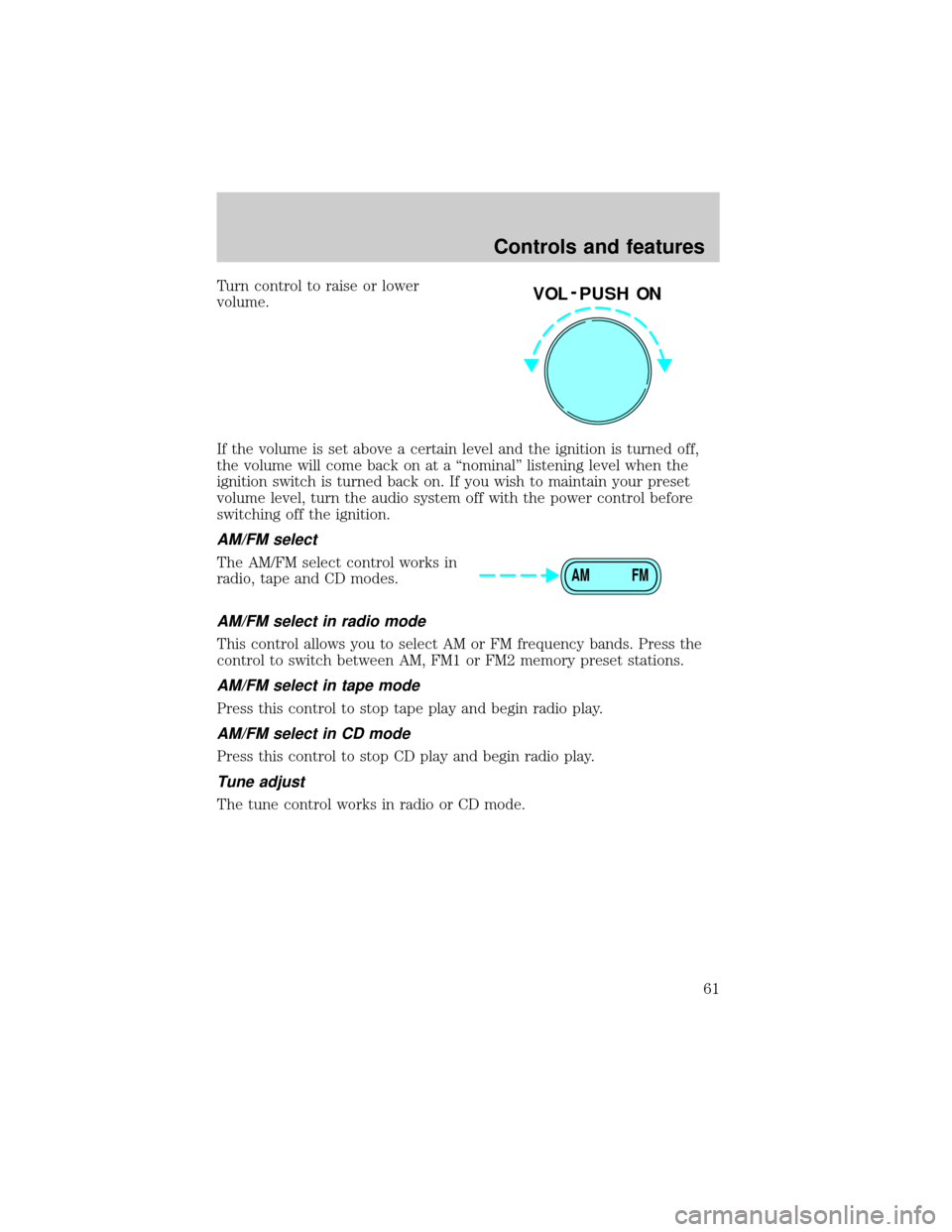
Turn control to raise or lower
volume.
If the volume is set above a certain level and the ignition is turned off,
the volume will come back on at a ªnominalº listening level when the
ignition switch is turned back on. If you wish to maintain your preset
volume level, turn the audio system off with the power control before
switching off the ignition.
AM/FM select
The AM/FM select control works in
radio, tape and CD modes.
AM/FM select in radio mode
This control allows you to select AM or FM frequency bands. Press the
control to switch between AM, FM1 or FM2 memory preset stations.
AM/FM select in tape mode
Press this control to stop tape play and begin radio play.
AM/FM select in CD mode
Press this control to stop CD play and begin radio play.
Tune adjust
The tune control works in radio or CD mode.
VOL - PUSH ON
AM FM
Controls and features
61
Page 62 of 264
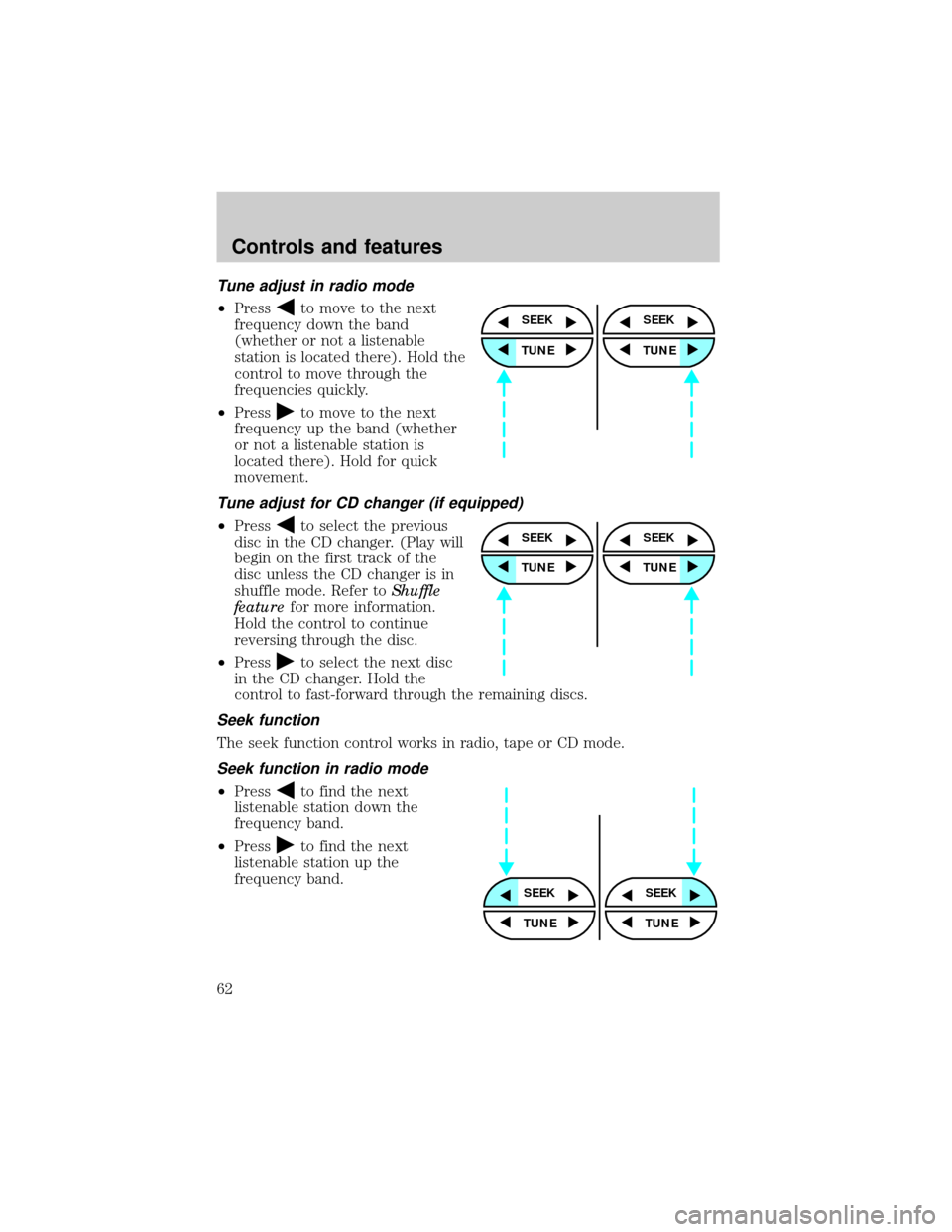
Tune adjust in radio mode
²Pressto move to the next
frequency down the band
(whether or not a listenable
station is located there). Hold the
control to move through the
frequencies quickly.
²Press
to move to the next
frequency up the band (whether
or not a listenable station is
located there). Hold for quick
movement.
Tune adjust for CD changer (if equipped)
²Pressto select the previous
disc in the CD changer. (Play will
begin on the first track of the
disc unless the CD changer is in
shuffle mode. Refer toShuffle
featurefor more information.
Hold the control to continue
reversing through the disc.
²Press
to select the next disc
in the CD changer. Hold the
control to fast-forward through the remaining discs.
Seek function
The seek function control works in radio, tape or CD mode.
Seek function in radio mode
²Pressto find the next
listenable station down the
frequency band.
²Press
to find the next
listenable station up the
frequency band.
SEEK
TUNE
SEEK
TUNE
SEEK
TUNE
SEEK
TUNE
SEEKSEEK
TUNE TUNE
Controls and features
62
Page 63 of 264
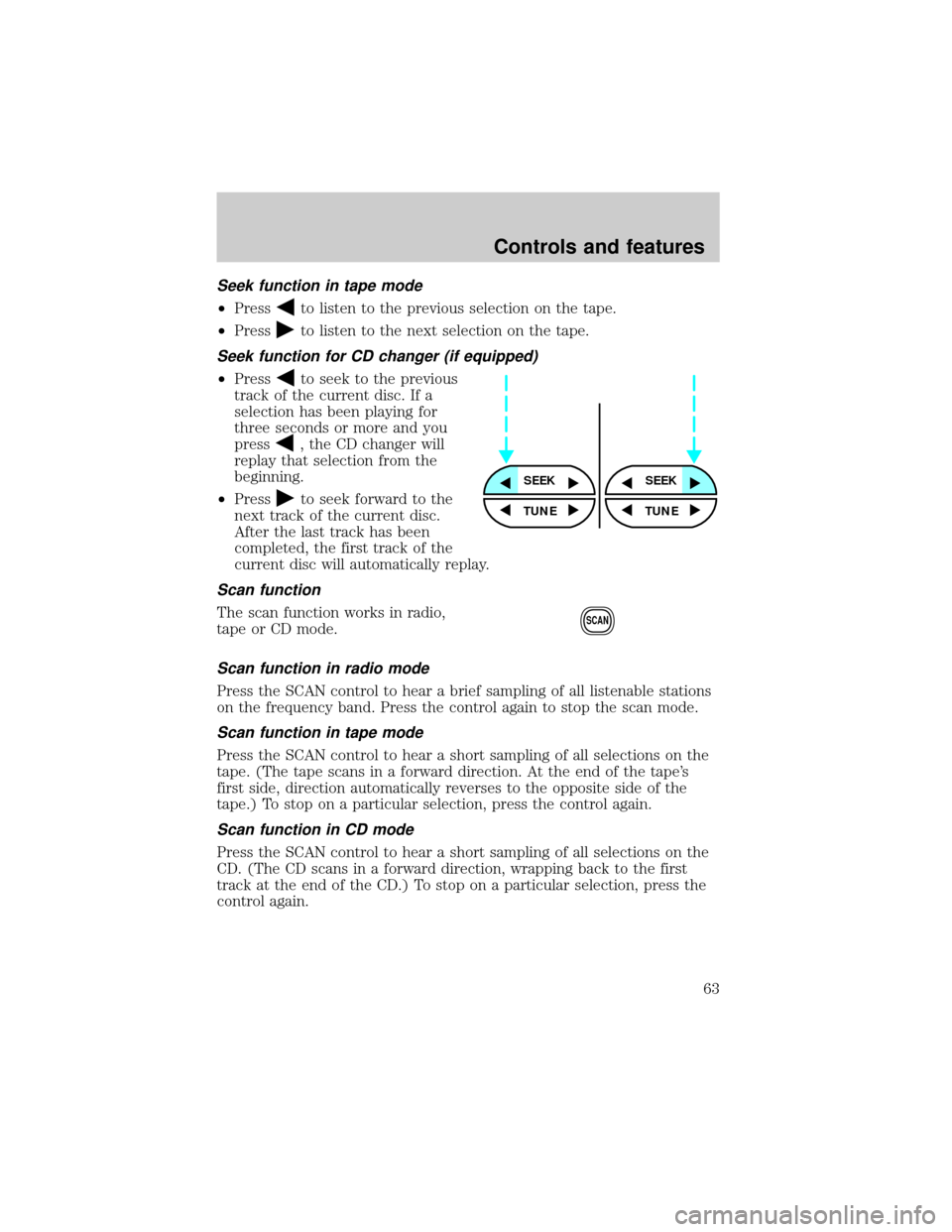
Seek function in tape mode
²Pressto listen to the previous selection on the tape.
²Press
to listen to the next selection on the tape.
Seek function for CD changer (if equipped)
²Pressto seek to the previous
track of the current disc. If a
selection has been playing for
three seconds or more and you
press
, the CD changer will
replay that selection from the
beginning.
²Press
to seek forward to the
next track of the current disc.
After the last track has been
completed, the first track of the
current disc will automatically replay.
Scan function
The scan function works in radio,
tape or CD mode.
Scan function in radio mode
Press the SCAN control to hear a brief sampling of all listenable stations
on the frequency band. Press the control again to stop the scan mode.
Scan function in tape mode
Press the SCAN control to hear a short sampling of all selections on the
tape. (The tape scans in a forward direction. At the end of the tape's
first side, direction automatically reverses to the opposite side of the
tape.) To stop on a particular selection, press the control again.
Scan function in CD mode
Press the SCAN control to hear a short sampling of all selections on the
CD. (The CD scans in a forward direction, wrapping back to the first
track at the end of the CD.) To stop on a particular selection, press the
control again.
SEEKSEEK
TUNE TUNE
SCAN
Controls and features
63