door lock FORD EXPLORER 2000 2.G User Guide
[x] Cancel search | Manufacturer: FORD, Model Year: 2000, Model line: EXPLORER, Model: FORD EXPLORER 2000 2.GPages: 296, PDF Size: 2.17 MB
Page 112 of 296
Illuminated entry
The interior lamps illuminate when the remote entry system is used to
unlock the door(s) or sound the personal alarm.
The system automatically turns off after 25 seconds or when the ignition
is turned to the RUN or ACC position. The dome lamp control (if
equipped) mustnotbe set to the OFF position for the illuminated entry
system to operate.
The inside lights will not turn off if:
²they have been turned on with the dimmer control or
²any door is open.
The battery saver will shut off the interior lamps 45 minutes after the
ignition has been turned to the OFF position.
Keyless entry system (if equipped)
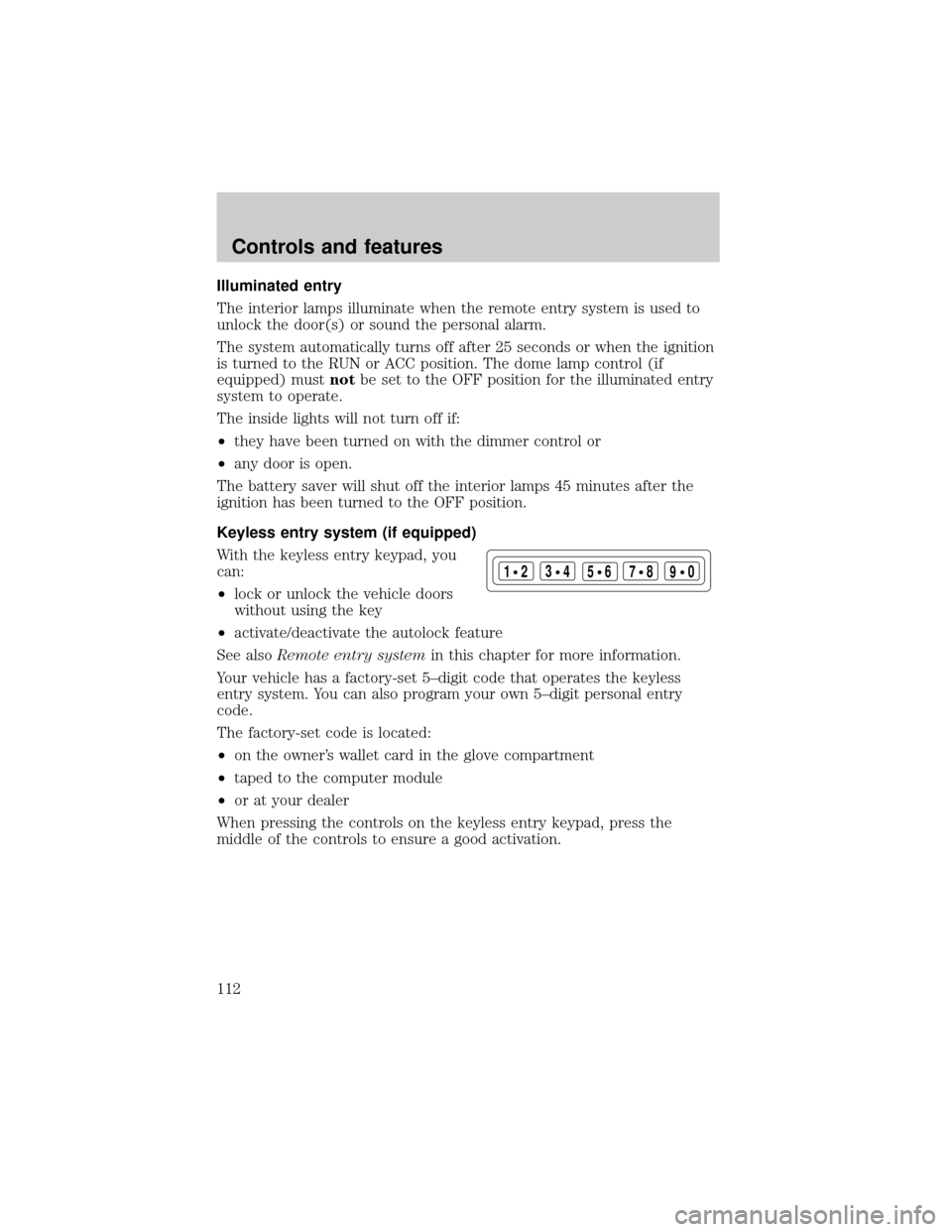
With the keyless entry keypad, you
can:
²lock or unlock the vehicle doors
without using the key
²activate/deactivate the autolock feature
See alsoRemote entry systemin this chapter for more information.
Your vehicle has a factory-set 5±digit code that operates the keyless
entry system. You can also program your own 5±digit personal entry
code.
The factory-set code is located:
²on the owner's wallet card in the glove compartment
²taped to the computer module
²or at your dealer
When pressing the controls on the keyless entry keypad, press the
middle of the controls to ensure a good activation.
123
45678
90
Controls and features
112
Page 113 of 296
Programming your own personal entry code
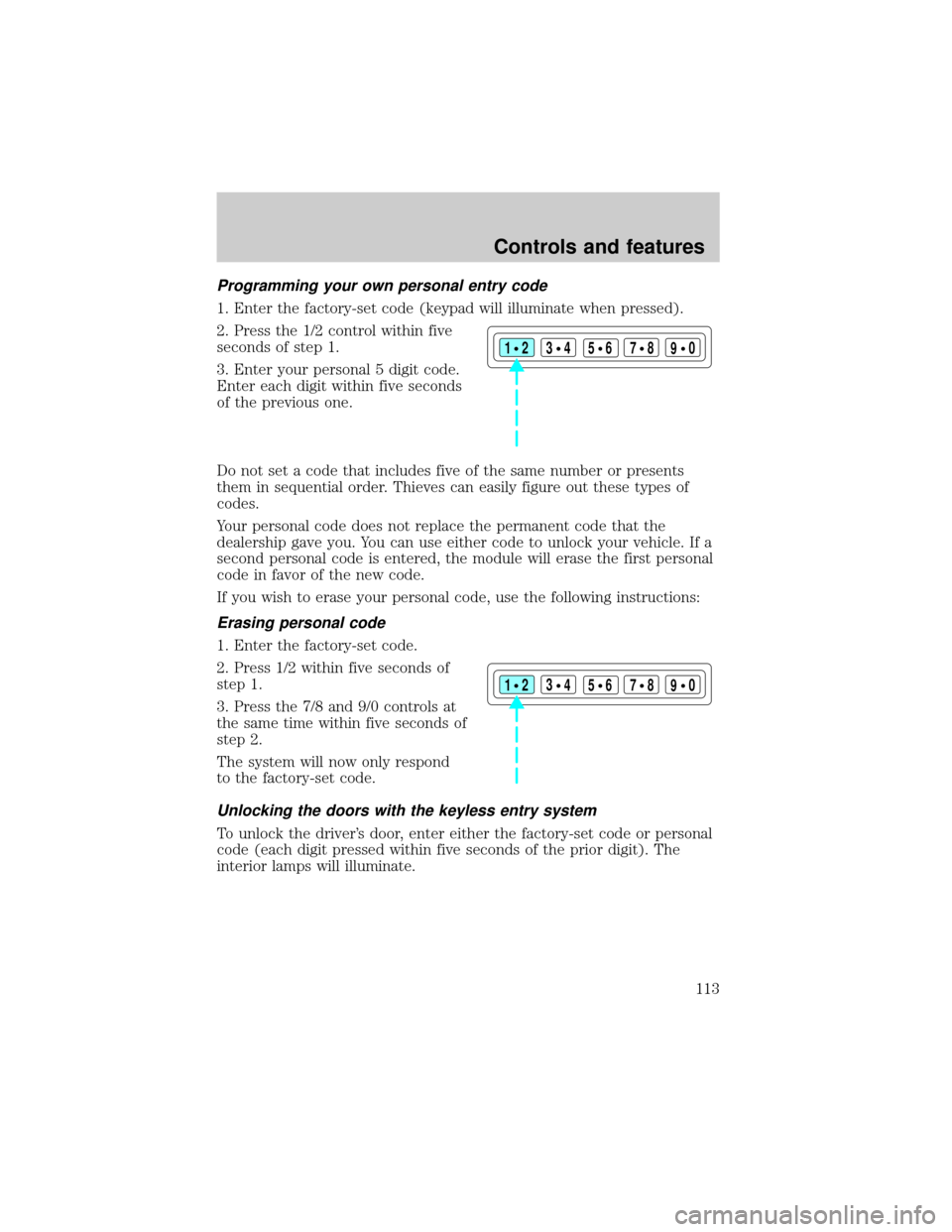
1. Enter the factory-set code (keypad will illuminate when pressed).
2. Press the 1/2 control within five
seconds of step 1.
3. Enter your personal 5 digit code.
Enter each digit within five seconds
of the previous one.
Do not set a code that includes five of the same number or presents
them in sequential order. Thieves can easily figure out these types of
codes.
Your personal code does not replace the permanent code that the
dealership gave you. You can use either code to unlock your vehicle. If a
second personal code is entered, the module will erase the first personal
code in favor of the new code.
If you wish to erase your personal code, use the following instructions:
Erasing personal code
1. Enter the factory-set code.
2. Press 1/2 within five seconds of
step 1.
3. Press the 7/8 and 9/0 controls at
the same time within five seconds of
step 2.
The system will now only respond
to the factory-set code.
Unlocking the doors with the keyless entry system
To unlock the driver's door, enter either the factory-set code or personal
code (each digit pressed within five seconds of the prior digit). The
interior lamps will illuminate.
123
45678
90
123
45678
90
Controls and features
113
Page 114 of 296
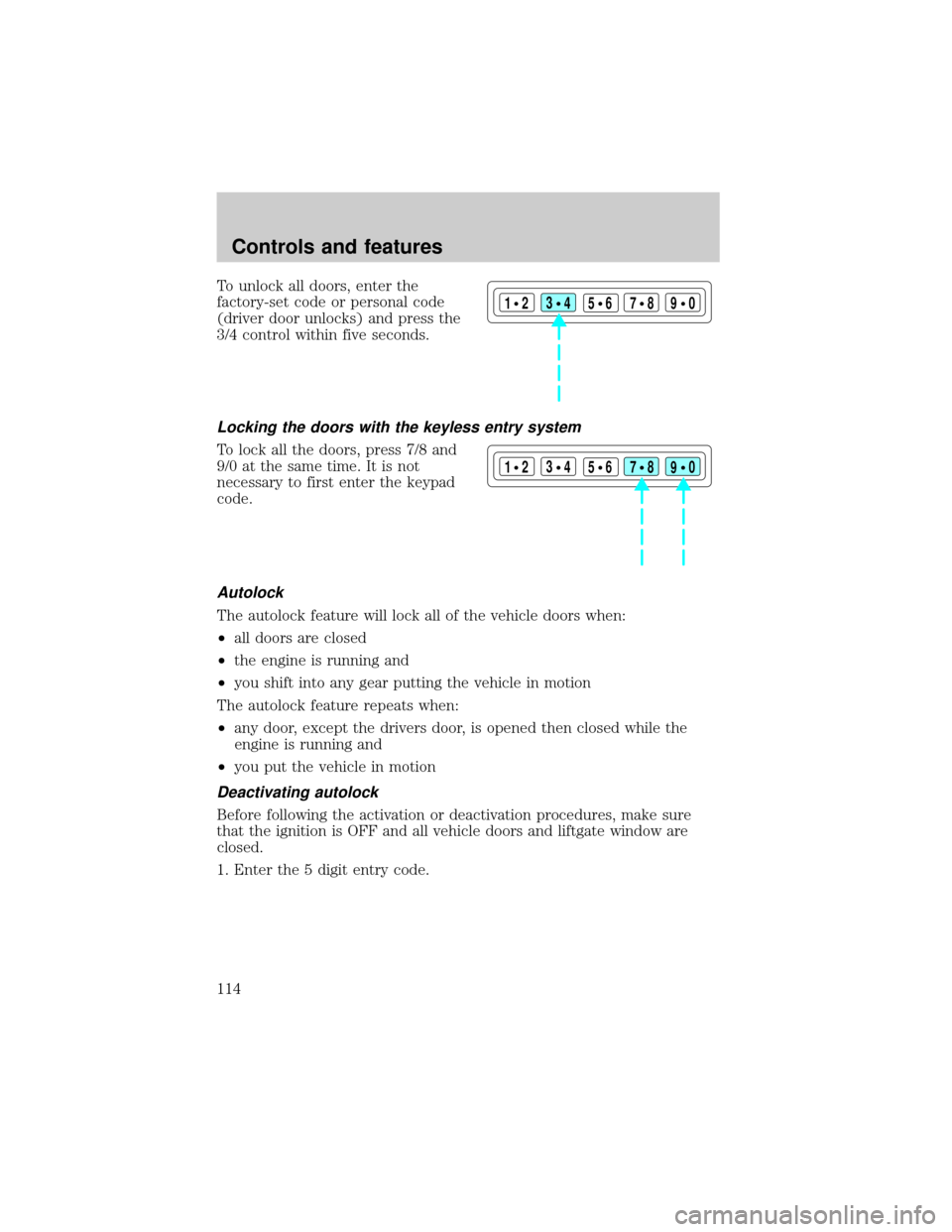
To unlock all doors, enter the
factory-set code or personal code
(driver door unlocks) and press the
3/4 control within five seconds.
Locking the doors with the keyless entry system
To lock all the doors, press 7/8 and
9/0 at the same time. It is not
necessary to first enter the keypad
code.
Autolock
The autolock feature will lock all of the vehicle doors when:
²all doors are closed
²the engine is running and
²you shift into any gear putting the vehicle in motion
The autolock feature repeats when:
²any door, except the drivers door, is opened then closed while the
engine is running and
²you put the vehicle in motion
Deactivating autolock
Before following the activation or deactivation procedures, make sure
that the ignition is OFF and all vehicle doors and liftgate window are
closed.
1. Enter the 5 digit entry code.
123
45678
90
123
45678
90
Controls and features
114
Page 115 of 296
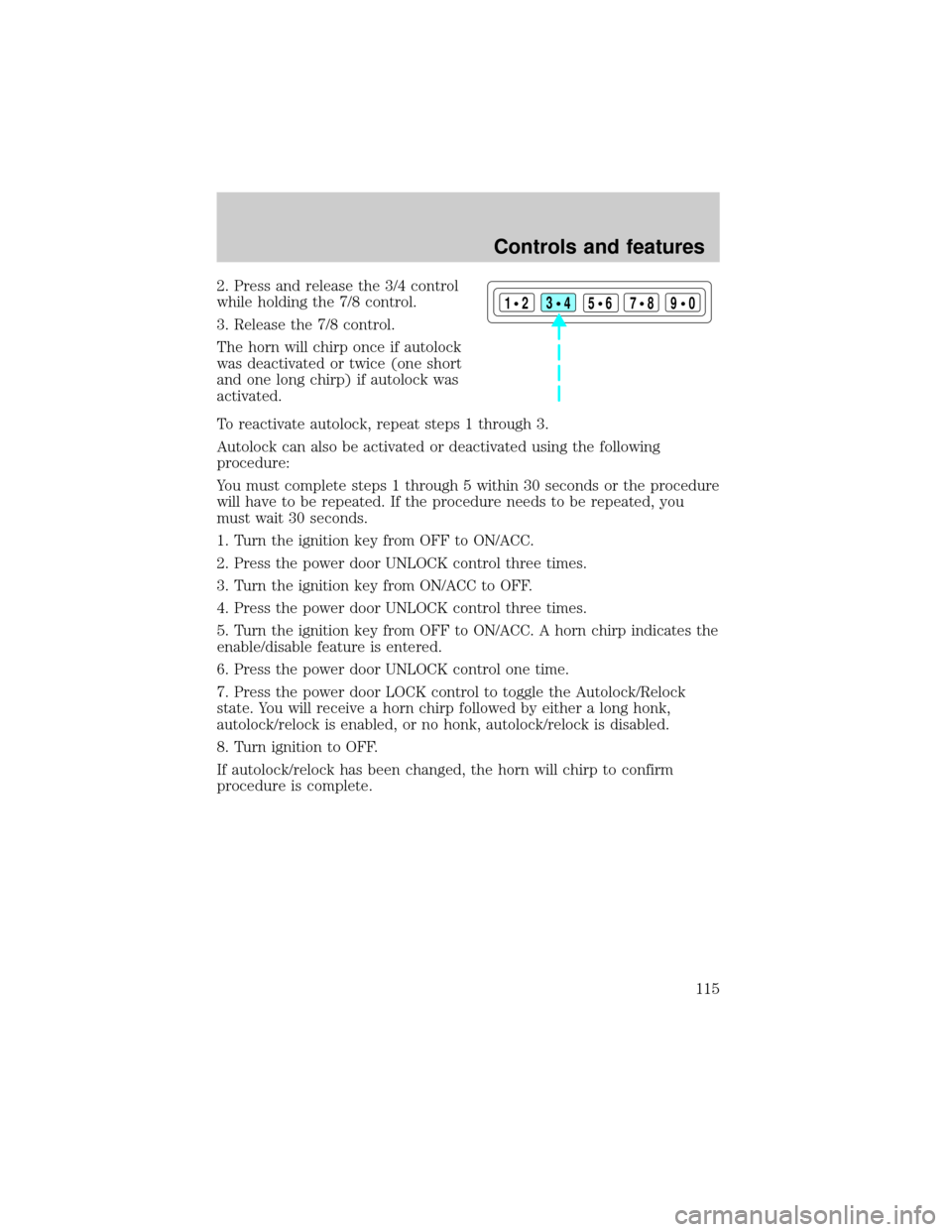
2. Press and release the 3/4 control
while holding the 7/8 control.
3. Release the 7/8 control.
The horn will chirp once if autolock
was deactivated or twice (one short
and one long chirp) if autolock was
activated.
To reactivate autolock, repeat steps 1 through 3.
Autolock can also be activated or deactivated using the following
procedure:
You must complete steps 1 through 5 within 30 seconds or the procedure
will have to be repeated. If the procedure needs to be repeated, you
must wait 30 seconds.
1. Turn the ignition key from OFF to ON/ACC.
2. Press the power door UNLOCK control three times.
3. Turn the ignition key from ON/ACC to OFF.
4. Press the power door UNLOCK control three times.
5. Turn the ignition key from OFF to ON/ACC. A horn chirp indicates the
enable/disable feature is entered.
6. Press the power door UNLOCK control one time.
7. Press the power door LOCK control to toggle the Autolock/Relock
state. You will receive a horn chirp followed by either a long honk,
autolock/relock is enabled, or no honk, autolock/relock is disabled.
8. Turn ignition to OFF.
If autolock/relock has been changed, the horn will chirp to confirm
procedure is complete.
123
45678
90
Controls and features
115
Page 122 of 296
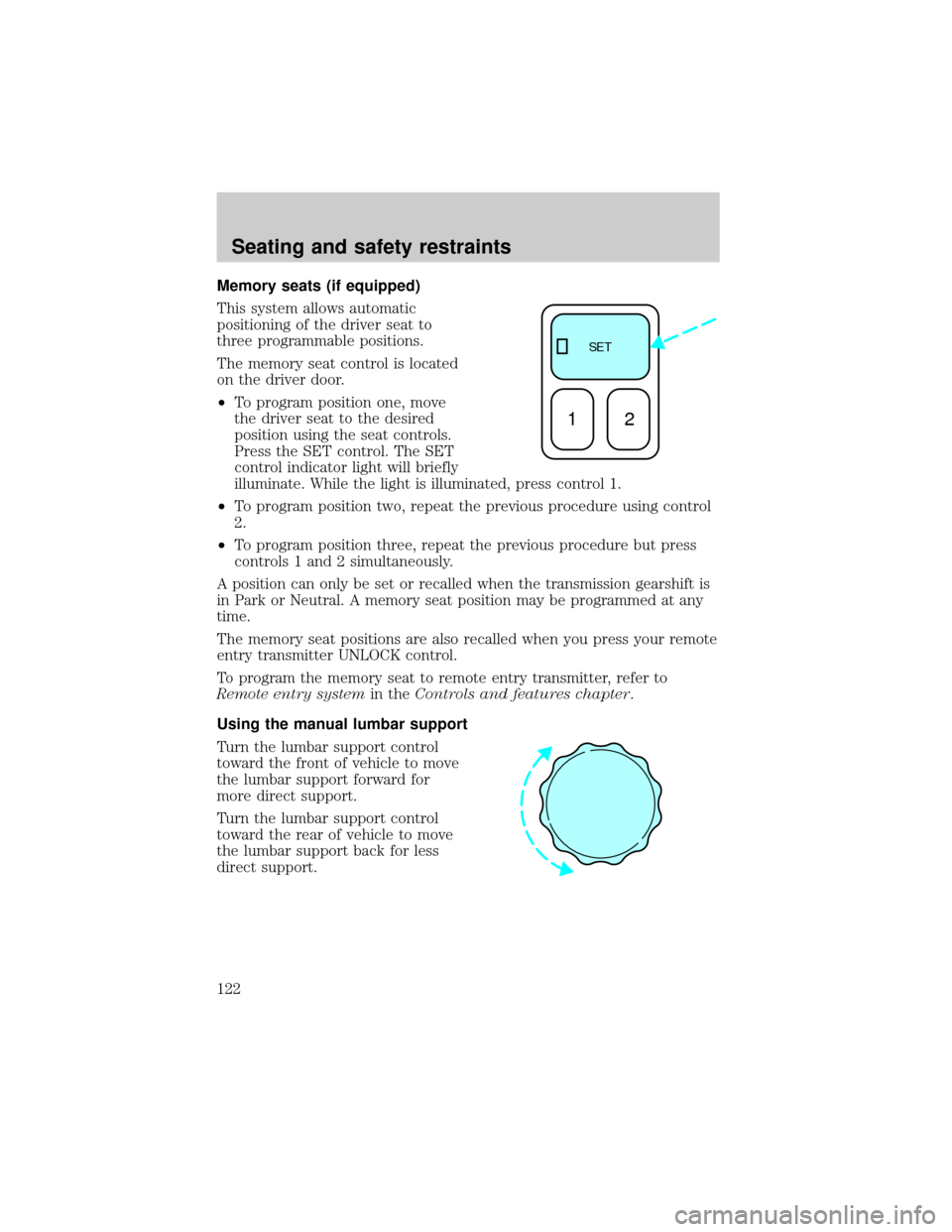
Memory seats (if equipped)
This system allows automatic
positioning of the driver seat to
three programmable positions.
The memory seat control is located
on the driver door.
²To program position one, move
the driver seat to the desired
position using the seat controls.
Press the SET control. The SET
control indicator light will briefly
illuminate. While the light is illuminated, press control 1.
²To program position two, repeat the previous procedure using control
2.
²To program position three, repeat the previous procedure but press
controls 1 and 2 simultaneously.
A position can only be set or recalled when the transmission gearshift is
in Park or Neutral. A memory seat position may be programmed at any
time.
The memory seat positions are also recalled when you press your remote
entry transmitter UNLOCK control.
To program the memory seat to remote entry transmitter, refer to
Remote entry systemin theControls and features chapter.
Using the manual lumbar support
Turn the lumbar support control
toward the front of vehicle to move
the lumbar support forward for
more direct support.
Turn the lumbar support control
toward the rear of vehicle to move
the lumbar support back for less
direct support.
SE T
12
Seating and safety restraints
122
Page 194 of 296
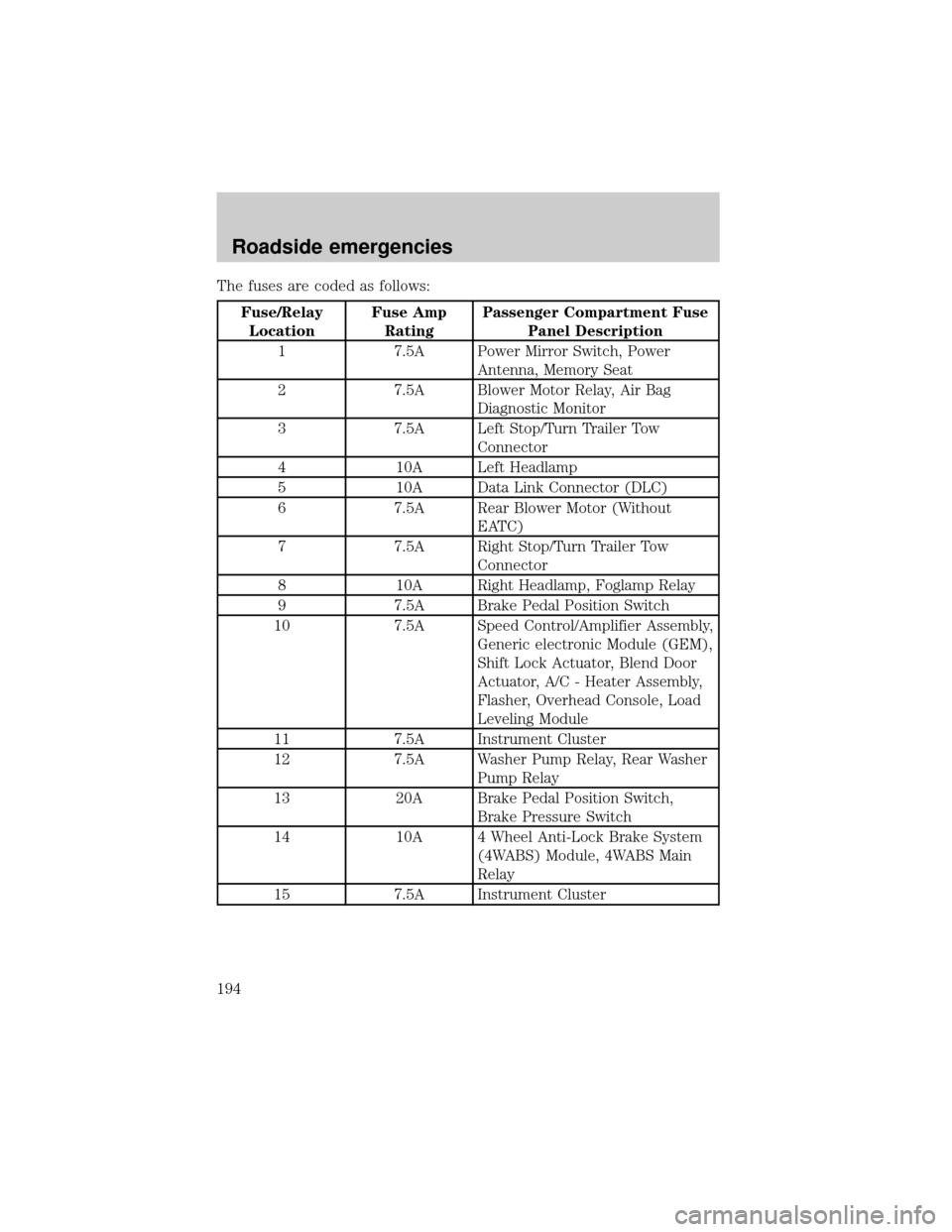
The fuses are coded as follows:
Fuse/Relay
LocationFuse Amp
RatingPassenger Compartment Fuse
Panel Description
1 7.5A Power Mirror Switch, Power
Antenna, Memory Seat
2 7.5A Blower Motor Relay, Air Bag
Diagnostic Monitor
3 7.5A Left Stop/Turn Trailer Tow
Connector
4 10A Left Headlamp
5 10A Data Link Connector (DLC)
6 7.5A Rear Blower Motor (Without
EATC)
7 7.5A Right Stop/Turn Trailer Tow
Connector
8 10A Right Headlamp, Foglamp Relay
9 7.5A Brake Pedal Position Switch
10 7.5A Speed Control/Amplifier Assembly,
Generic electronic Module (GEM),
Shift Lock Actuator, Blend Door
Actuator, A/C - Heater Assembly,
Flasher, Overhead Console, Load
Leveling Module
11 7.5A Instrument Cluster
12 7.5A Washer Pump Relay, Rear Washer
Pump Relay
13 20A Brake Pedal Position Switch,
Brake Pressure Switch
14 10A 4 Wheel Anti-Lock Brake System
(4WABS) Module, 4WABS Main
Relay
15 7.5A Instrument Cluster
Roadside emergencies
194
Page 274 of 296
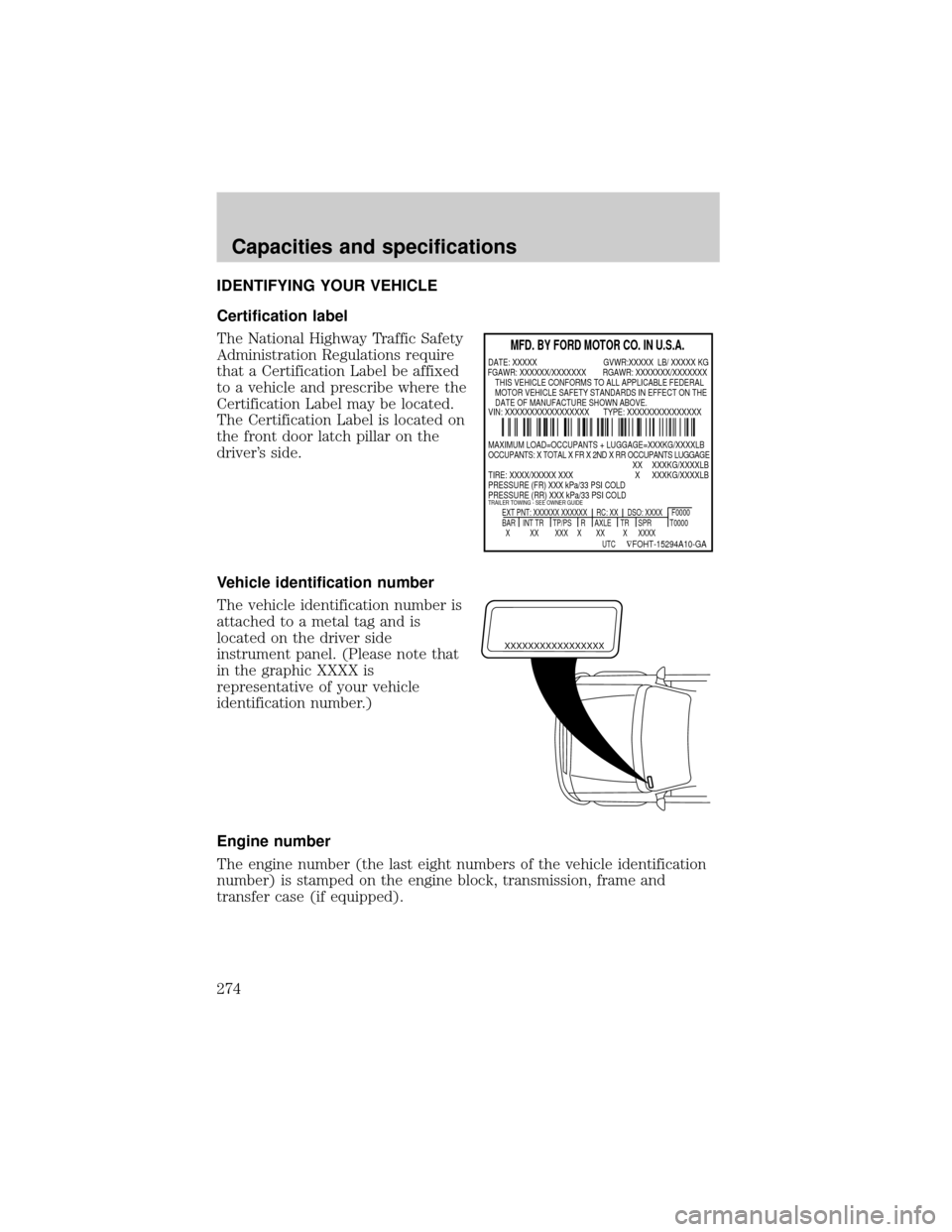
IDENTIFYING YOUR VEHICLE
Certification label
The National Highway Traffic Safety
Administration Regulations require
that a Certification Label be affixed
to a vehicle and prescribe where the
Certification Label may be located.
The Certification Label is located on
the front door latch pillar on the
driver's side.
Vehicle identification number
The vehicle identification number is
attached to a metal tag and is
located on the driver side
instrument panel. (Please note that
in the graphic XXXX is
representative of your vehicle
identification number.)
Engine number
The engine number (the last eight numbers of the vehicle identification
number) is stamped on the engine block, transmission, frame and
transfer case (if equipped).
MFD. BY FORD MOTOR CO. IN U.S.A.
EXT PNT: XXXXXX XXXXXX RC: XX DSO: XXXX F0000
BAR INT TR TP/PS R AXLE TR SPR T0000
X XX XXX X XX X XXXX
UTC
ÑFOHT-15294A10-GA
MAXIMUM LOAD=OCCUPANTS + LUGGAGE=XXXKG/XXXXLB
OCCUPANTS: X TOTAL X FR X 2ND X RR OCCUPANTS LUGGAGE
XX XXXKG/XXXXLB
TIRE: XXXX/XXXXX XXX X XXXKG/XXXXLB
PRESSURE (FR) XXX kPa/33 PSI COLD
PRESSURE (RR) XXX kPa/33 PSI COLD
TRAILER TOWING - SEE OWNER GUIDE
DATE: XXXXX GVWR:XXXXX LB/ XXXXX KG
VIN: XXXXXXXXXXXXXXXXX TYPE: XXXXXXXXXXXXXXX FGAWR: XXXXXX/XXXXXXX RGAWR: XXXXXXX/XXXXXXX
THIS VEHICLE CONFORMS TO ALL APPLICABLE FEDERAL
MOTOR VEHICLE SAFETY STANDARDS IN EFFECT ON THE
DATE OF MANUFACTURE SHOWN ABOVE.
XXXXXXXXXXXXXXXXX
Capacities and specifications
274
Page 284 of 296

Travel equipment
Automatic headlamps with daytime running lights (DRL)
Daytime running lights (DRL)
Factory luggage rack adaptors
Fog lights
Framed luggage covers
Heavy-duty battery
Home link visor
Inside mirror, electrochromic compass (with and without temperature
display)
Luggage/cargo basket
Neutral towing transfer case kit (Explorer 4.0L only)
Removable luggage rack
Removable luggage rack adapters
Running boards
Soft luggage cover
Speed control
Track rider bars (for luggage rack)
Trailer hitch (Class III)
Trailer hitch bars and balls
Trailer hitch mount bike carrier
Trailer hitch wiring adaptor
Trailer lamp wiring
Protection and appearance equipment
Air bag anti-theft locks
Car/truck covers
Cargo liners, interior
Carpet floor mats
Cleaners, waxes and polishes
Door edge guards
Customer assistance
284
Page 285 of 296

Front end covers (full and sport)
Hood deflectors
Locking gas cap
Lubricants and oils
Molded splash guards
Molded vinyl floor mats
Rear air deflectors
Rear decklid spoilers
Side window air deflectors
Touch-up paint
Universal floor mats
For maximum vehicle performance, keep the following information in
mind when adding accessories or equipment to your vehicle:
²When adding accessories, equipment, passengers and luggage to your
vehicle, do not exceed the total weight capacity of the vehicle or of
the front or rear axle (GVWR or GAWR as indicated on the Safety
compliance certification label). Consult your dealer for specific weight
information.
²The Federal Communications Commission (FCC) and Canadian Radio
Telecommunications Commission (CRTC) regulate the use of mobile
communications systems - such as two-way radios, telephones and
theft alarms - that are equipped with radio transmitters. Any such
equipment installed in your vehicle should comply with FCC or CRTC
regulations and should be installed only by a qualified service
technician.
²Mobile communications systems may harm the operation of your
vehicle, particularly if they are not properly designed for automotive
use or are not properly installed. When operated, such systems may
cause the engine to stumble or stall or cause the transmission to be
damaged or operate improperly. In addition, such systems may be
damaged or their performance may be affected by operating your
vehicle. (Citizens band [CB] transceivers, garage door openers and
other transmitters with outputs of five watts or less will not ordinarily
affect your vehicle's operation.)
²Ford cannot assume responsibility for any adverse effects or damage
that may result from the use of such equipment.
Customer assistance
285
Page 289 of 296

Certification Label ....................274
Child safety restraints ..............143
child safety belts ....................143
Child safety seats ......................144
in front seat ............................146
in rear seat ..............................146
tether anchorage hardware ...148
Cleaning your vehicle ...............259
engine compartment ..............260
exterior ............................260, 262
exterior lamps .........................263
instrument cluster lens ..........264
instrument panel ....................263
interior .............................263±264
mirrors .....................................265
plastic parts ............................262
safety belts ..............................264
washing ....................................259
waxing .....................................259
wheels ......................................262
windows ..................................265
wiper blades ............................263
woodtone trim ........................265
Climate control (see Air
conditioning or Heating) ............22
Clock ..........................41, 47, 57, 70
Clutch
fluid ..........................................222
operation while driving ..........166
recommended shift speeds ....167
Compass, electronic ....................92
calibration .................................94
set zone adjustment .................93
Console ......................................103
overhead ....................................90
rear ..........................................104
Controls
power seat ...............................120steering column ........................89
Coolant
checking and adding ..............223
refill capacities ................227, 266
specifications ..................269, 272
Cruise control
(see Speed control) ....................82
Customer Assistance ................189
Ford accessories for your
vehicle .....................................282
Ford Extended Service Plan...275
Getting assistance outside
the U.S. and Canada ..............281
Getting roadside assistance ...189
Getting the service
you need .................................275
Ordering additional owner's
literature .................................286
The Dispute Settlement
Board .......................................278
Utilizing the
Mediation/Arbitration
Program ...................................281
D
Daytime running lamps
(see Lamps) ................................21
Defrost
rear window ..............................33
Dipstick
automatic transmission
fluid ..................................229, 231
engine oil .................................217
Doors
door ajar warning .....................12
lubricant specifications ..........269
Driveline universal joint
and slip yoke .............................235
Index
289