CD player FORD EXPLORER 2016 5.G Owner's Manual
[x] Cancel search | Manufacturer: FORD, Model Year: 2016, Model line: EXPLORER, Model: FORD EXPLORER 2016 5.GPages: 541, PDF Size: 6.51 MB
Page 444 of 541
To adjust the Sound Settings, select:
Menu Item
Options
Sound Settings
Then any of the following:
Bass
Midrange
Treble
Set Balance and Fade
Occupancy Mode
EQ Mode
Speed Compensated Volume
Note: Your vehicle may not have all these
sound settings.
CD Voice Commands If you are listening to a CD, press
the voice button on the steering
wheel controls. When prompted,
say any of the following commands. If you are not listening to a CD, press
the voice button and, after the tone,
say: Voice command
CD Player
When listening to a CD you can say
many commands. Following are a few
examples of what you can say. Voice command
Play
Pause
Next Track
Previous Track
Help
* This applies to WMA or MP3 files only.
SD Card Slot and USB Port
The SD card slot and USB port are located
in the Media Hub. See Media Hub (page
367).
SD Card
Note: Your SD card slot is spring-loaded.
To remove the SD card, press the card in
and the system ejects it. Do not attempt to
pull the card to remove it as this could cause
damage.
Note: The navigation system also uses this
card slot. See
Navigation (page 466).
441
Explorer (TUB), enUSA, First Printing MyFord Touch
™
(If Equipped)E142599
Page 446 of 541
Action and Description
Message
This feature allows you to choose music similar to what is currently
playing.
Similar Music
Touch this button to see disc information, for example current
track, artist name, album and genre.
More Info
Touch this button to view and adjust various media settings.
Options
Sound
You can adjust the settings for: Action and Description
Message
Bass
Sound Settings
Midrange
Treble
Set Balance and Fade
DSP
EQ Mode
Speed Compensated Volume
Allows you to select more settings, which is under Media Player.
See Settings (page 416).
Media Player
Settings
Displays software and firmware information about the currently
connected media device.
Device Information
Indexes your device when you connect it for the first time and
each time the content changes (for example adding or removing
tracks) to make sure you have the latest voice commands avail-
able for all media on the device.
Update Media Index
Note: Your vehicle may not have all these sound settings.
Browse
This feature allows you to view the
contents of the device. It also allows you
to search by categories, for example genre,
artist or album. If you want to view song information, for
example Title, Artist, File, Folder, Album,
and Genre, touch the on-screen album art.
443
Explorer (TUB), enUSA, First Printing MyFord Touch
™
(If Equipped)
Page 448 of 541
Supported Media Players, Formats
and Metadata Information
SYNC is capable of hosting nearly any
digital media player, including iPod,
Zune
™, plays from device players, and
most USB drives. Supported audio formats
include MP3, WMA, WAV and AAC.
It is also able to organize your indexed
media from your playing device by
metadata tags. Metadata tags, which are
descriptive software identifiers embedded
in the media files, provide information
about the file.
If your indexed media files contain no
information embedded in these metadata
tags, SYNC may classify the empty
metadata tags as unknown. Bluetooth Audio The system allows you to stream
audio over your vehicle's
speakers from your connected,
Bluetooth-enabled cell phone.
To access, press the lower left corner
on the touchscreen, then select: Message
BT Stereo
Bluetooth Audio Voice Commands The voice system allows you to
control your media with a simple
voice command. For example to
change songs, press the voice button and
follow the system prompts.
PHONE 445
Explorer (TUB), enUSA, First Printing MyFord Touch
™ (If Equipped)E142611 E142599 A
B
C
D
E
F
E161968
Page 512 of 541
Website
http://www.microsoft.com/exporting/
TRADEMARKS: This EULA does not grant
you any rights in connection with any
trademarks or service marks of FORD
MOTOR COMPANY, MS, Microsoft
Corporation, third party software or service
providers, their affiliates or suppliers.
PRODUCT SUPPORT: Product support
for the SOFTWARE is not provided by MS,
its parent corporation Microsoft
Corporation, or their affiliates or
subsidiaries. For product support, please
refer to FORD MOTOR COMPANY
instructions provided in the documentation
for the DEVICE. Should you have any
questions concerning this EULA, or if you
desire to contact FORD MOTOR
COMPANY for any other reason, please
refer to the address provided in the
documentation for the DEVICE.
No Liability for Certain Damages:
EXCEPT AS PROHIBITED BY LAW, FORD
MOTOR COMPANY, ANY THIRD PARTY
SOFTWARE OR SERVICES SUPPLIERS,
MS, MICROSOFT CORPORATION AND
THEIR AFFILIATES SHALL HAVE NO
LIABILITY FOR ANY INDIRECT, SPECIAL,
CONSEQUENTIAL OR INCIDENTAL
DAMAGES ARISING FROM OR IN
CONNECTION WITH THE USE OR
PERFORMANCE OF THE SOFTWARE. THIS
LIMITATION SHALL APPLY EVEN IF ANY
REMEDY FAILS OF ITS ESSENTIAL
PURPOSE. IN NO EVENT SHALL MS,
MICROSOFT CORPORATION AND/OR
THEIR AFFILIATES BE LIABLE FOR ANY
AMOUNT IN EXCESS OF U.S. TWO
HUNDRED FIFTY DOLLARS (U.S.
$250.00). •
THERE ARE NO WARRANTIES OTHER
THAN THOSE THAT MAY EXPRESSLY
BE PROVIDED FOR YOUR NEW
VEHICLE.
Adobe
Contains Adobe® [Flash® Player] or
[AIR®] technology by Adobe Systems
Incorporated. This [Licensee Product]
contains [Adobe® Flash® Player]
[Adobe® AIR®] software under license
from Adobe Systems Incorporated,
Copyright ©1995-2009 Adobe
Macromedia Software LLC. All rights
reserved. Adobe, Flash and AIR are
trademarks of Adobe Systems
Incorporated.
End User Notice
Microsoft® Windows® Mobile for
Automotive Important Safety
Information
This system Ford SYNC contains software
that is licensed to Manufacturer FORD
MOTOR COMPANY by an affiliate of
Microsoft Corporation pursuant to a license
agreement. Any removal, reproduction,
reverse engineering or other unauthorized
use of the software from this system in
violation of the license agreement is strictly
prohibited and may subject you to legal
action.
Read and follow instructions:
Before
using your Windows Automotive- based
system, read and follow all instructions
and safety information provided in this end
user manual ("User's Guide"). Not
following precautions found in this User's
Guide can lead to an accident or other
serious consequences.
509
Explorer (TUB), enUSA, First Printing Appendices
Page 533 of 541
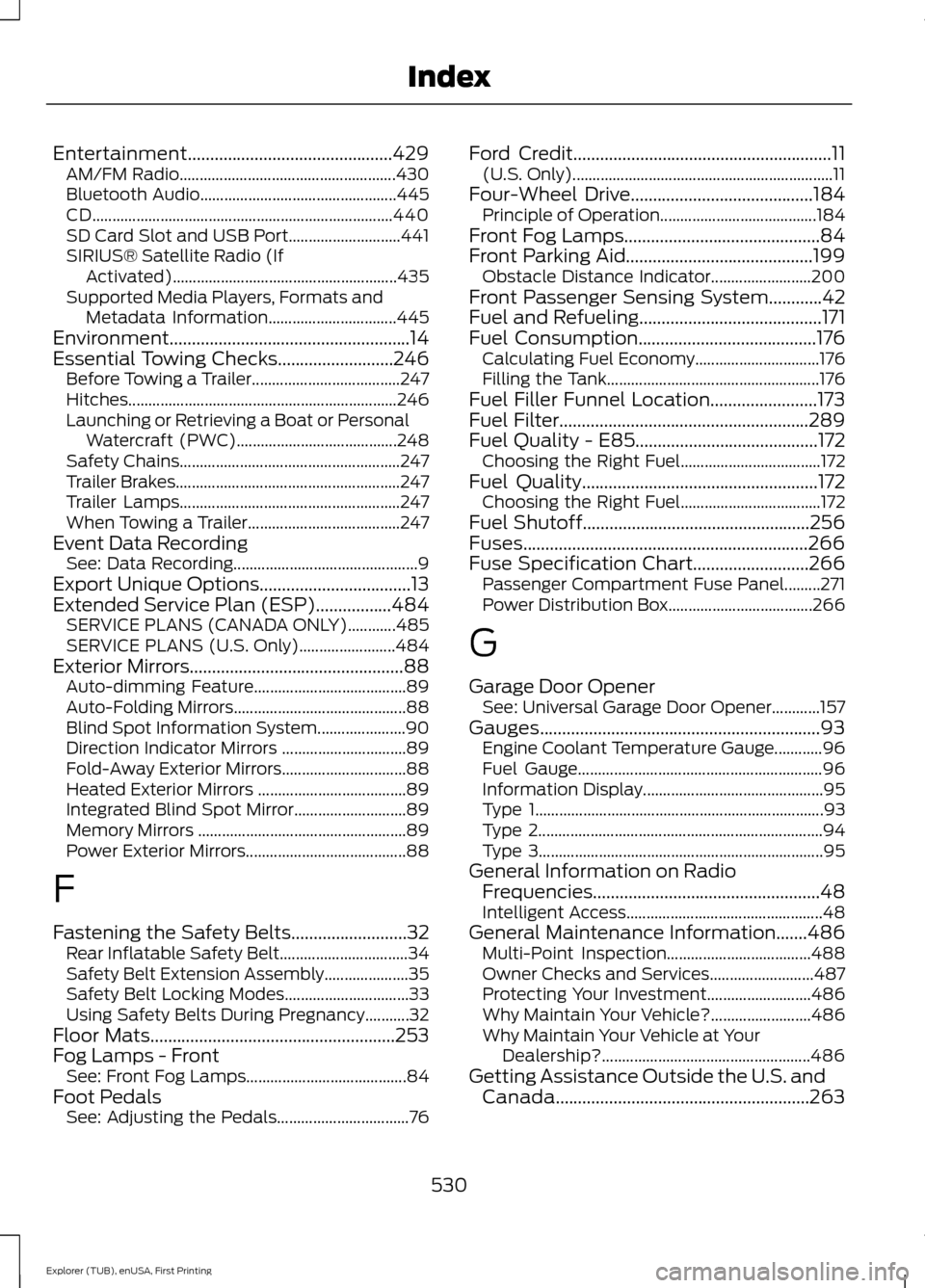
Entertainment..............................................429
AM/FM Radio...................................................... 430
Bluetooth Audio................................................. 445
CD........................................................................\
... 440
SD Card Slot and USB Port............................ 441
SIRIUS® Satellite Radio (If Activated)........................................................ 435
Supported Media Players, Formats and Metadata Information................................ 445
Environment......................................................14
Essential Towing Checks..........................246 Before Towing a Trailer..................................... 247
Hitches................................................................... 246
Launching or Retrieving a Boat or Personal Watercraft (PWC)........................................ 248
Safety Chains....................................................... 247
Trailer Brakes........................................................ 247
Trailer Lamps....................................................... 247
When Towing a Trailer...................................... 247
Event Data Recording See: Data Recording.............................................. 9
Export Unique Options..................................13
Extended Service Plan (ESP).................484 SERVICE PLANS (CANADA ONLY)............485
SERVICE PLANS (U.S. Only)........................ 484
Exterior Mirrors................................................88
Auto-dimming Feature...................................... 89
Auto-Folding Mirrors........................................... 88
Blind Spot Information System...................... 90
Direction Indicator Mirrors ............................... 89
Fold-Away Exterior Mirrors............................... 88
Heated Exterior Mirrors ..................................... 89
Integrated Blind Spot Mirror............................ 89
Memory Mirrors .................................................... 89
Power Exterior Mirrors........................................ 88
F
Fastening the Safety Belts..........................32 Rear Inflatable Safety Belt................................ 34
Safety Belt Extension Assembly..................... 35
Safety Belt Locking Modes............................... 33
Using Safety Belts During Pregnancy...........32
Floor Mats
.......................................................253
Fog Lamps - Front See: Front Fog Lamps........................................ 84
Foot Pedals See: Adjusting the Pedals................................. 76Ford Credit
..........................................................11
(U.S. Only)................................................................. 11
Four-Wheel Drive
.........................................184
Principle of Operation.......................................184
Front Fog Lamps............................................84
Front Parking Aid
..........................................199
Obstacle Distance Indicator......................... 200
Front Passenger Sensing System............42
Fuel and Refueling.........................................171
Fuel Consumption
........................................176
Calculating Fuel Economy............................... 176
Filling the Tank..................................................... 176
Fuel Filler Funnel Location........................173
Fuel Filter........................................................289
Fuel Quality - E85.........................................172 Choosing the Right Fuel................................... 172
Fuel Quality.....................................................172 Choosing the Right Fuel................................... 172
Fuel Shutoff...................................................256
Fuses................................................................266
Fuse Specification Chart..........................266 Passenger Compartment Fuse Panel.........271
Power Distribution Box.................................... 266
G
Garage Door Opener See: Universal Garage Door Opener............157
Gauges...............................................................93 Engine Coolant Temperature Gauge............96
Fuel Gauge............................................................. 96
Information Display............................................. 95
Type 1........................................................................\
93
Type 2....................................................................... 94
Type 3....................................................................... 95
General Information on Radio Frequencies...................................................48
Intelligent Access................................................. 48
General Maintenance Information
.......486
Multi-Point Inspection.................................... 488
Owner Checks and Services.......................... 487
Protecting Your Investment.......................... 486
Why Maintain Your Vehicle?......................... 486
Why Maintain Your Vehicle at Your Dealership?.................................................... 486
Getting Assistance Outside the U.S. and Canada.........................................................263
530
Explorer (TUB), enUSA, First Printing Index
Page 539 of 541
Tire Care...........................................................310
Glossary of Tire Terminology........................... 311
Information About Uniform Tire Quality Grading.............................................................. 310
Information Contained on the Tire Sidewall............................................................. 312
Temperature A B C.............................................. 311
Traction AA A B C............................................... 310
Treadwear............................................................. 310
Tire Pressure Monitoring System...........325 Changing Tires With a Tire Pressure
Monitoring System....................................... 326
Understanding Your Tire Pressure Monitoring System ...................................... 326
Tires See: Wheels and Tires..................................... 307
Towing a Trailer.............................................243 Load Placement................................................. 243
Towing the Vehicle on Four Wheels - 2.3L EcoBoost™
.......................................249
Emergency Towing............................................ 249
Recreational Towing......................................... 249
Towing the Vehicle on Four Wheels - 3.5L Duratec/3.5L Ecoboost™
...........250
Emergency Towing............................................ 250
Recreational Towing......................................... 250
Towing..............................................................243
Traction Control............................................192 Principle of Operation....................................... 192
Trailer Sway Control...................................244
Transmission Code Designation............340
Transmission.................................................180
Transmission See: Transmission.............................................. 180
Transporting the Vehicle
...........................248
U
Under Hood Overview - 2.3L EcoBoost™.................................................278
Under Hood Overview - 3.5L Duratec.........................................................279
Under Hood Overview - 3.5L Ecoboost™.................................................280
Universal Garage Door Opener................157 HomeLink Wireless Control System............157
USB Port..........................................................367 Using Adaptive Cruise Control.................214
Automatic Cancellation.................................... 217
Blocked Sensor.................................................... 218
Canceling the Set Speed................................. 216
Changing the Set Speed................................... 217
Detection Issues.................................................. 217
Following a Vehicle............................................ 215
Hilly Condition Usage......................................... 217
Overriding the System...................................... 216
Resuming the Set Speed.................................. 217
Setting the Adaptive Cruise Speed..............215
Setting the Gap Distance................................ 215
Switching Adaptive Cruise Control Off........................................................................\
217
Switching Adaptive Cruise Control On........................................................................\
214
Switching to Normal Cruise Control............219
System Not Available........................................ 218
Using Cruise Control....................................213 Switching Cruise Control Off.......................... 214
Switching Cruise Control On........................... 213
Using Four-Wheel Drive.............................184 Driving In Special Conditions With
Four-Wheel Drive (4WD)........................... 185
How Your Vehicle Differs From Other Vehicles............................................................. 185
Using Hill Descent Control........................196 Principle of operation....................................... 196
Using hill descent control............................... 196
Using MyKey With Remote Start Systems..........................................................58
Using Snow Chains.....................................324
Using Stability Control...............................194 AdvanceTrac® with Roll Stability Control ™
(RSC®).............................................................. 194
Using Summer Tires...................................323
Using SYNC™ With Your Media Player............................................................389
Accessing Your USB Song Library...............393
Bluetooth Devices and System Settings............................................................ 395
Connecting Your Digital Media Player to the USB Port.......................................................... 389
Media Menu Features...................................... 393
Media Voice Commands................................ 390
USB 2..................................................................... 395
Voice Commands for Audio Sources.........395
536
Explorer (TUB), enUSA, First Printing Index