remote start FORD EXPLORER 2018 Owner's Manual
[x] Cancel search | Manufacturer: FORD, Model Year: 2018, Model line: EXPLORER, Model: FORD EXPLORER 2018Pages: 571, PDF Size: 7.3 MB
Page 430 of 571
Restricted features
Editing Wi-Fi settings.
Wi-Fi
Editing the list of wireless networks.
Connecting to a new Wi-Fi network.
Viewing received text messages.
Text Messages
Using the keyboard to enter a destination.
Navigation
Adding or editing Navigation Favorites entries or Avoid
Areas.
Creating a SYNC Owner Account
Why do I need a SYNC owner account?
• Essential for keeping up with the latest
software and connected features.
• Access to customer support for any
questions you may have.
• Maintain account permissions.
Visit the website to sign up and register. Website
www.owner.ford.com
www.syncmyride.ca
www.syncmaroute.ca
SYNC Connect with Ford Pass
With a SYNC Connect-equipped vehicle,
you can use Ford Pass to track your
vehicle ’s location and remotely access
vehicle features such as start, lock and
unlock and vehicle status including fuel
level and approximate mileage. You can
also schedule specific times to remotely
start your vehicle so it’ s ready to hit the
road as soon as you are. Ford Pass is
available through a free download via the
Apple App Store® or Google Play ™.
Message and data rates may apply.
Services may be limited by mobile phone
network coverage area. Updating Your System
You can choose to download the update
onto a USB drive or use Wi-Fi to deliver
automatic updates.
USB Updates
To use the USB update you need to log
into your owner account and visit the SYNC
software update page.
Website
www.owner.ford.com
www.syncmyride.ca
www.syncmaroute.ca
The website notifies you if an update is
available. You can then select to download
the update.
You will need an empty USB drive. Please
check the website for minimum
requirements. Once you have inserted the
USB drive into your computer, choose to
start the download. Follow the instructions
provided to download the files to the USB
drive.
The installation of most files occurs in the
background, and does not interrupt your
use of the system. Navigation updates
cannot be installed in the background,
because the files are too large.
427
Explorer (TUB) Canada/United States of America, enUSA, Edition date: 201711, Fourth-Printing SYNC™ 3
Page 452 of 571
Driver temperature: Touch up
or down to adjust the
temperature.
A
Heated steering wheel:
B
Note:
This feature only
functions when you switch the
engine on.
Touch this icon to switch the
heated steering wheel on and
off. It takes about 5 minutes to
warm the steering wheel to 74°F
(23°C) in temperatures as low
as -4°F (-20°C). The wheel
maintains an approximate
temperature of 90°F (32°C) and
operates independently from the
heated seats and other
climate-control functions. The
heating element is in between
the leather covering and foam
core to help provide maximum
heat without adversely affecting
the feel of the steering wheel.
Note: The heated steering wheel
may remain on after remote
starting the vehicle, based on
your remote start settings. The
heated steering wheel may also
turn on when you start your
vehicle, if it was on when you
switched your vehicle off.
Note:
For steering wheels with
wood trim, the heating feature
will not heat the wheel between
the 10 o'clock and 2 o'clock
positions.
Defrost:
A pop up appears on
the screen to display the defrost
options.
C MAX Defrost: Touch the button
to maximize defrosting. Air flows
through the windshield vents,
the fan automatically adjusts to
the highest speed and the driver
and passenger temperatures are
set to HI. You can use this setting
to defog or clear a thin covering
of ice from the windshield. The
heated rear window also
automatically turns on when you
select MAX Defrost.
Defrost:
Distributes air through
the windshield defroster vents
and demister vents.
Heated rear window: Turns the
heated rear window on and off.
See
Heated Windows and
Mirrors (page 141).
AUTO:
Touch the button to
switch on automatic operation.
Select the desired temperature
using the temperature control.
The system adjusts fan speed,
air distribution, air conditioning
operation, and selects outside
air or recirculated air to heat or
cool the vehicle in order to
maintain the desired
temperature.
D
Power:
Touch the button to
switch the system on and off.
Switching off the climate control
system prevents outside air from
entering the vehicle.
E
DUAL:
This button lights up
when the passenger controls are
active. To switch the off and link
the passenger temperature to
the driver temperature, touch the
DUAL button.
F
449
Explorer (TUB) Canada/United States of America, enUSA, Edition date: 201711, Fourth-Printing SYNC™ 3
Page 496 of 571
Personal Profiles
Possible cause and solution
Issue
The keyfob being used is not linked to a
profile.
The wrong keyfob is being used.
A button other than unlock or remote start
is being pressed on a linked keyfob.
The Personal Profile was deleted.
Personal Profiles is turned off.
My preset positions recall but my profile
does not.
The vehicle is in motion.
My profile recalls but my preset positions
do not. The preset positions are the same as the
Guest or previously active profile.
Unlink and relink your keyfob in the
Personal Profiles menu. You may need to
see your authorized dealer.
I lost a keyfob.
Keyfobs had been erased and reprogramed.
This could happen if you let dealership add
a new keyfob to replace lost one.
I lost all profiles.
Master Reset had been performed without
your acknowledgement.
493
Explorer (TUB) Canada/United States of America, enUSA, Edition date: 201711, Fourth-Printing SYNC™ 3
Page 498 of 571
For a complete listing of the accessories
that are available for your vehicle, please
contact your authorized dealer or visit the
online store web site:
Web Address (United States)
www.Accessories.Ford.com Web Address (Canada)
www.Accessories.Ford.ca
Ford Motor Company will repair or replace
any properly authorized dealer-installed
Ford Original Accessory found to be
defective in factory-supplied materials or
workmanship during the warranty period,
as well as any component damaged by the
defective accessories.
Ford Motor Company will warrant your
Ford Original Accessory through the
warranty that provides the greatest
benefit:
• 24 months, unlimited mileage.
• The remainder of your new vehicle
limited warranty.
Contact an authorized dealer for details
and a copy of the warranty.
Exterior Style
• Bumper protector.
• Hood deflectors.
• Running boards.
• Side window deflectors*.
• Splash guards.
Interior Style
• Ambient lighting.
• Cargo area protector.
• Floor mats. •
Rear console.
• Seat covers*.
Lifestyle
• Ash cup or smoker's package.
• Camping tent*.
• Car covers*.
• Cargo organization and management.
• Rear seat entertainment*.
• Roof crossbars.
• Roof racks and carriers*.
• Trailer hitch balls.
• Trailer hitch drawbars and towing
accessories.
Peace of Mind
• Cargo shade.
• In-vehicle safe*.
• Keyless entry keypad.
• Parking sensors*.
• Remote start.
• Roadside assistance kits*.
• Vehicle security systems.
• Wheel locks.
*Ford Licensed Accessories. The accessory
manufacturer designs, develops and
therefore warrants Ford Licensed
Accessories, and does not design or test
these accessories to Ford Motor Company
engineering requirements. Contact an
authorized Ford dealer for the
manufacturer ’s limited warranty details,
and request a copy of the Ford Licensed
Accessories product limited warranty from
the accessory manufacturer.
495
Explorer (TUB) Canada/United States of America, enUSA, Edition date: 201711, Fourth-Printing Accessories
Page 564 of 571
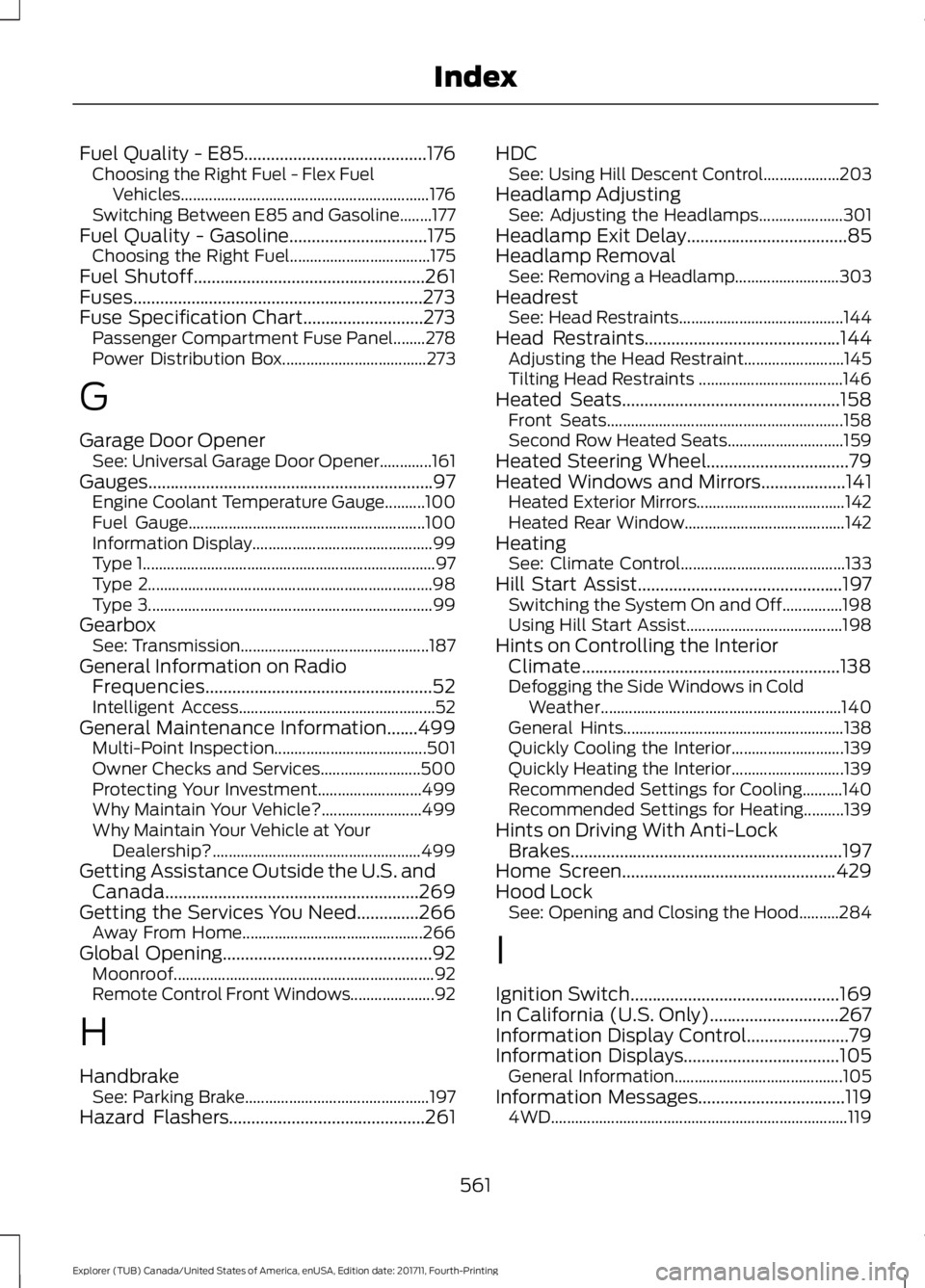
Fuel Quality - E85.........................................176
Choosing the Right Fuel - Flex Fuel
Vehicles.............................................................. 176
Switching Between E85 and Gasoline........177
Fuel Quality - Gasoline...............................175 Choosing the Right Fuel................................... 175
Fuel Shutoff....................................................261
Fuses.................................................................273
Fuse Specification Chart...........................273 Passenger Compartment Fuse Panel........278
Power Distribution Box.................................... 273
G
Garage Door Opener See: Universal Garage Door Opener.............161
Gauges................................................................97 Engine Coolant Temperature Gauge..........100
Fuel Gauge........................................................... 100
Information Display............................................. 99
Type 1........................................................................\
. 97
Type 2....................................................................... 98
Type 3....................................................................... 99
Gearbox See: Transmission............................................... 187
General Information on Radio Frequencies...................................................52
Intelligent Access................................................. 52
General Maintenance Information.......499 Multi-Point Inspection...................................... 501
Owner Checks and Services......................... 500
Protecting Your Investment.......................... 499
Why Maintain Your Vehicle?......................... 499
Why Maintain Your Vehicle at Your Dealership?.................................................... 499
Getting Assistance Outside the U.S. and Canada.........................................................269
Getting the Services You Need..............266 Away From Home............................................. 266
Global Opening
...............................................92
Moonroof................................................................. 92
Remote Control Front Windows..................... 92
H
Handbrake See: Parking Brake.............................................. 197
Hazard Flashers
............................................261 HDC
See: Using Hill Descent Control................... 203
Headlamp Adjusting See: Adjusting the Headlamps..................... 301
Headlamp Exit Delay
....................................85
Headlamp Removal See: Removing a Headlamp.......................... 303
Headrest See: Head Restraints......................................... 144
Head Restraints
............................................144
Adjusting the Head Restraint......................... 145
Tilting Head Restraints .................................... 146
Heated Seats.................................................158 Front Seats........................................................... 158
Second Row Heated Seats............................. 159
Heated Steering Wheel................................79
Heated Windows and Mirrors...................141 Heated Exterior Mirrors..................................... 142
Heated Rear Window........................................ 142
Heating See: Climate Control......................................... 133
Hill Start Assist..............................................197 Switching the System On and Off...............198
Using Hill Start Assist....................................... 198
Hints on Controlling the Interior Climate..........................................................138
Defogging the Side Windows in Cold Weather............................................................ 140
General Hints....................................................... 138
Quickly Cooling the Interior............................ 139
Quickly Heating the Interior............................ 139
Recommended Settings for Cooling..........140
Recommended Settings for Heating..........139
Hints on Driving With Anti-Lock Brakes
.............................................................197
Home Screen................................................429
Hood Lock See: Opening and Closing the Hood..........284
I
Ignition Switch
...............................................169
In California (U.S. Only).............................267
Information Display Control.......................79
Information Displays
...................................105
General Information.......................................... 105
Information Messages
.................................119
4WD........................................................................\
.. 119
561
Explorer (TUB) Canada/United States of America, enUSA, Edition date: 201711, Fourth-Printing Index
Page 565 of 571
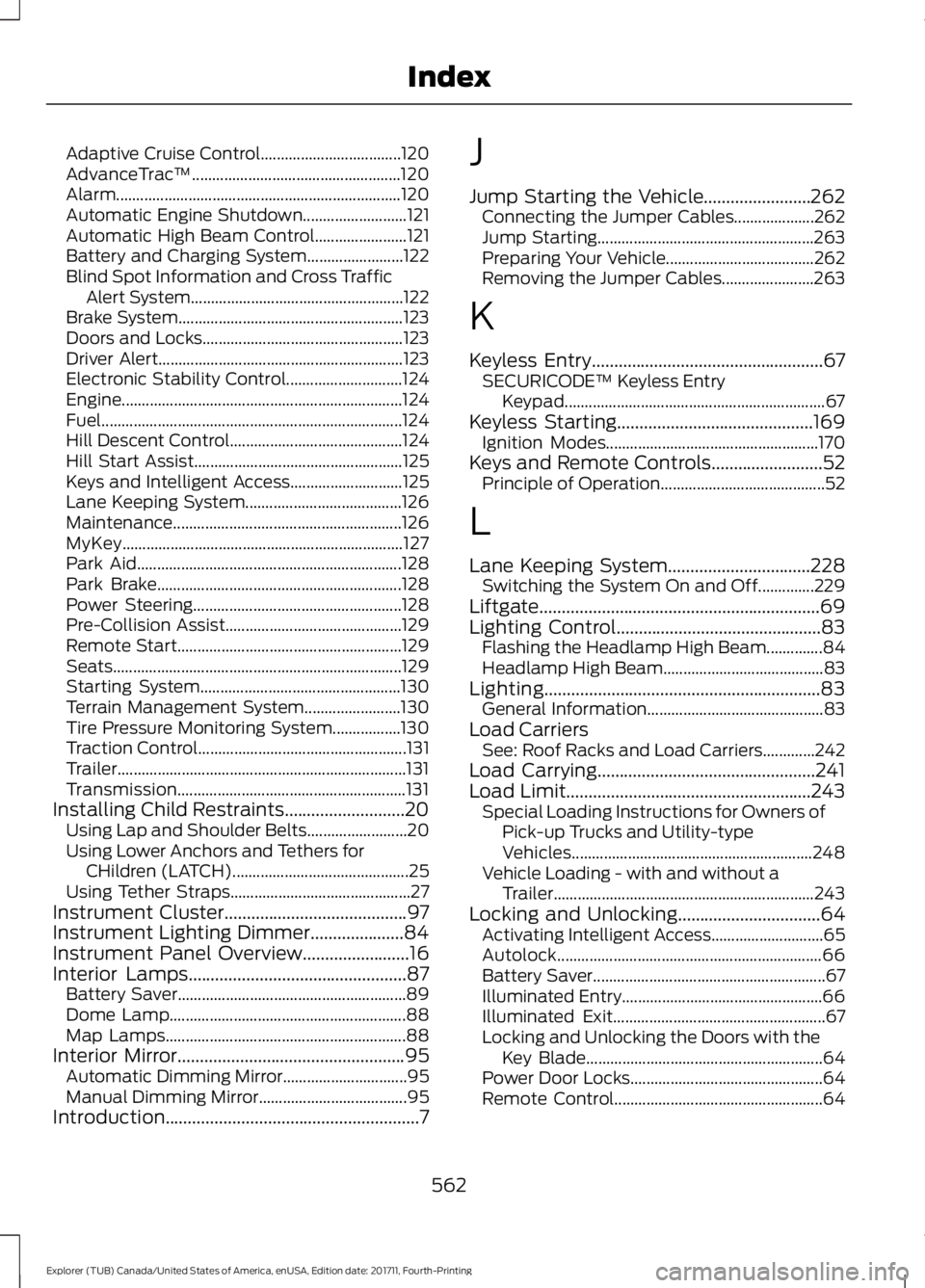
Adaptive Cruise Control...................................
120
AdvanceTrac ™.................................................... 120
Alarm....................................................................... 120
Automatic Engine Shutdown.......................... 121
Automatic High Beam Control....................... 121
Battery and Charging System........................ 122
Blind Spot Information and Cross Traffic Alert System..................................................... 122
Brake System........................................................ 123
Doors and Locks.................................................. 123
Driver Alert............................................................. 123
Electronic Stability Control............................. 124
Engine...................................................................... 124
Fuel........................................................................\
... 124
Hill Descent Control........................................... 124
Hill Start Assist.................................................... 125
Keys and Intelligent Access............................ 125
Lane Keeping System....................................... 126
Maintenance......................................................... 126
MyKey...................................................................... 127
Park Aid.................................................................. 128
Park Brake............................................................. 128
Power Steering.................................................... 128
Pre-Collision Assist............................................ 129
Remote Start........................................................ 129
Seats........................................................................\
129
Starting System.................................................. 130
Terrain Management System........................ 130
Tire Pressure Monitoring System.................130
Traction Control.................................................... 131
Trailer........................................................................\
131
Transmission......................................................... 131
Installing Child Restraints...........................20 Using Lap and Shoulder Belts......................... 20
Using Lower Anchors and Tethers for CHildren (LATCH)............................................ 25
Using Tether Straps............................................. 27
Instrument Cluster.........................................97
Instrument Lighting Dimmer.....................84
Instrument Panel Overview........................16
Interior Lamps
.................................................87
Battery Saver......................................................... 89
Dome Lamp........................................................... 88
Map Lamps............................................................ 88
Interior Mirror
...................................................95
Automatic Dimming Mirror............................... 95
Manual Dimming Mirror..................................... 95
Introduction.........................................................7 J
Jump Starting the Vehicle........................262
Connecting the Jumper Cables.................... 262
Jump Starting...................................................... 263
Preparing Your Vehicle..................................... 262
Removing the Jumper Cables....................... 263
K
Keyless Entry
....................................................67
SECURICODE™ Keyless Entry
Keypad................................................................. 67
Keyless Starting
............................................169
Ignition Modes..................................................... 170
Keys and Remote Controls.........................52 Principle of Operation......................................... 52
L
Lane Keeping System................................228 Switching the System On and Off..............229
Liftgate...............................................................69
Lighting Control
..............................................83
Flashing the Headlamp High Beam..............84
Headlamp High Beam........................................ 83
Lighting..............................................................83 General Information............................................ 83
Load Carriers See: Roof Racks and Load Carriers.............242
Load Carrying.................................................241
Load Limit.......................................................243 Special Loading Instructions for Owners of
Pick-up Trucks and Utility-type
Vehicles............................................................ 248
Vehicle Loading - with and without a Trailer................................................................. 243
Locking and Unlocking
................................64
Activating Intelligent Access............................ 65
Autolock.................................................................. 66
Battery Saver.......................................................... 67
Illuminated Entry.................................................. 66
Illuminated Exit..................................................... 67
Locking and Unlocking the Doors with the Key Blade........................................................... 64
Power Door Locks................................................ 64
Remote Control.................................................... 64
562
Explorer (TUB) Canada/United States of America, enUSA, Edition date: 201711, Fourth-Printing Index
Page 567 of 571
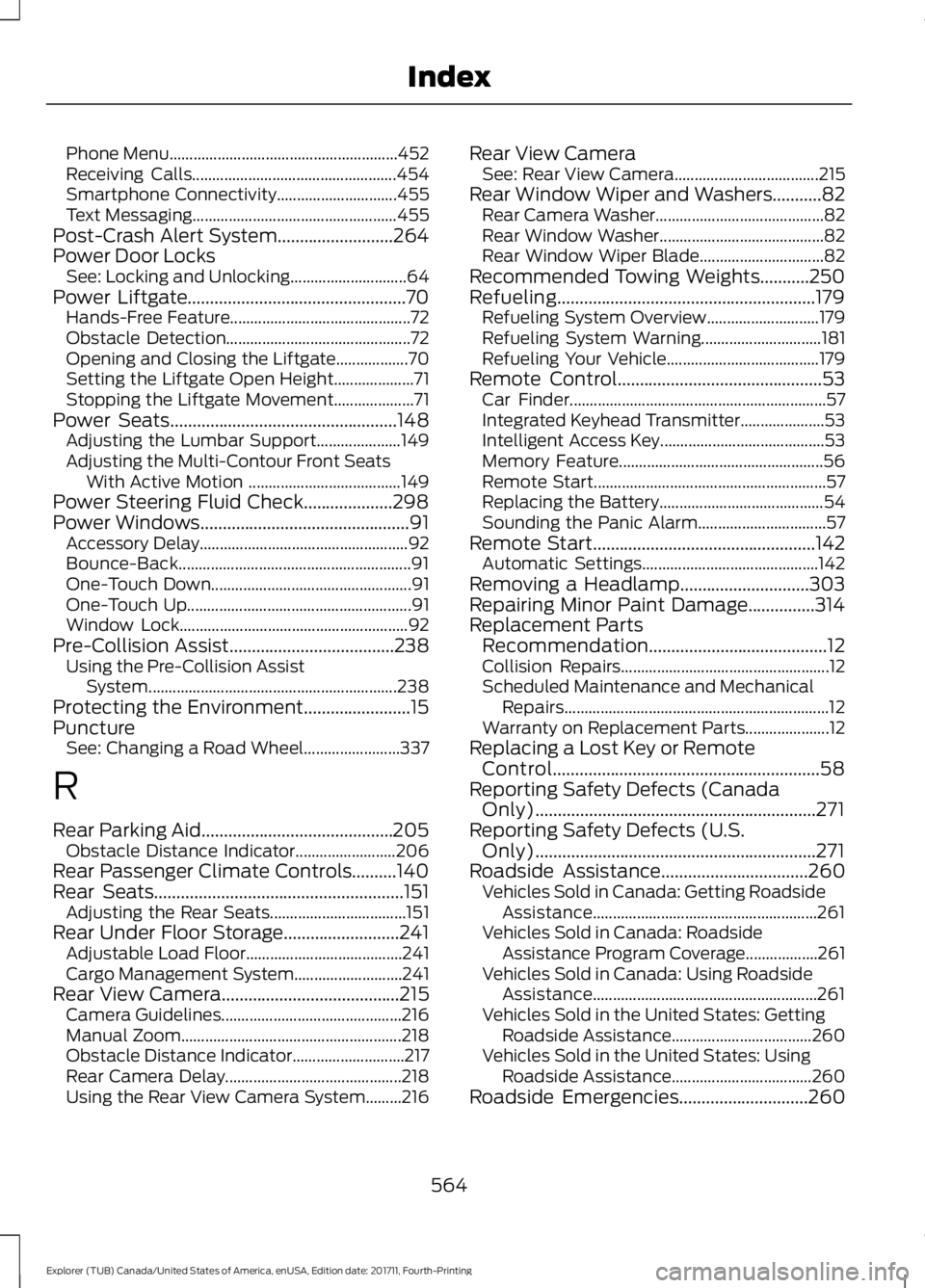
Phone Menu.........................................................
452
Receiving Calls................................................... 454
Smartphone Connectivity.............................. 455
Text Messaging................................................... 455
Post-Crash Alert System..........................264
Power Door Locks See: Locking and Unlocking............................. 64
Power Liftgate.................................................70 Hands-Free Feature............................................. 72
Obstacle Detection.............................................. 72
Opening and Closing the Liftgate.................. 70
Setting the Liftgate Open Height.................... 71
Stopping the Liftgate Movement.................... 71
Power Seats
...................................................148
Adjusting the Lumbar Support..................... 149
Adjusting the Multi-Contour Front Seats With Active Motion ...................................... 149
Power Steering Fluid Check....................298
Power Windows...............................................91 Accessory Delay.................................................... 92
Bounce-Back.......................................................... 91
One-Touch Down.................................................. 91
One-Touch Up........................................................ 91
Window Lock......................................................... 92
Pre-Collision Assist
.....................................238
Using the Pre-Collision Assist
System.............................................................. 238
Protecting the Environment........................15
Puncture See: Changing a Road Wheel........................ 337
R
Rear Parking Aid...........................................205 Obstacle Distance Indicator......................... 206
Rear Passenger Climate Controls..........140
Rear Seats........................................................151 Adjusting the Rear Seats.................................. 151
Rear Under Floor Storage..........................241 Adjustable Load Floor....................................... 241
Cargo Management System........................... 241
Rear View Camera
........................................215
Camera Guidelines............................................. 216
Manual Zoom....................................................... 218
Obstacle Distance Indicator............................ 217
Rear Camera Delay............................................ 218
Using the Rear View Camera System.........216 Rear View Camera
See: Rear View Camera.................................... 215
Rear Window Wiper and Washers...........82 Rear Camera Washer.......................................... 82
Rear Window Washer......................................... 82
Rear Window Wiper Blade............................... 82
Recommended Towing Weights...........250
Refueling..........................................................179 Refueling System Overview............................ 179
Refueling System Warning.............................. 181
Refueling Your Vehicle...................................... 179
Remote Control..............................................53 Car Finder................................................................ 57
Integrated Keyhead Transmitter..................... 53
Intelligent Access Key......................................... 53
Memory Feature................................................... 56
Remote Start.......................................................... 57
Replacing the Battery......................................... 54
Sounding the Panic Alarm................................ 57
Remote Start
..................................................142
Automatic Settings............................................ 142
Removing a Headlamp
.............................303
Repairing Minor Paint Damage...............314
Replacement Parts Recommendation........................................12
Collision Repairs.................................................... 12
Scheduled Maintenance and Mechanical Repairs.................................................................. 12
Warranty on Replacement Parts..................... 12
Replacing a Lost Key or Remote Control............................................................58
Reporting Safety Defects (Canada Only)...............................................................271
Reporting Safety Defects (U.S. Only)...............................................................271
Roadside Assistance
.................................260
Vehicles Sold in Canada: Getting Roadside
Assistance........................................................ 261
Vehicles Sold in Canada: Roadside Assistance Program Coverage.................. 261
Vehicles Sold in Canada: Using Roadside Assistance........................................................ 261
Vehicles Sold in the United States: Getting Roadside Assistance................................... 260
Vehicles Sold in the United States: Using Roadside Assistance................................... 260
Roadside Emergencies
.............................260
564
Explorer (TUB) Canada/United States of America, enUSA, Edition date: 201711, Fourth-Printing Index
Page 570 of 571
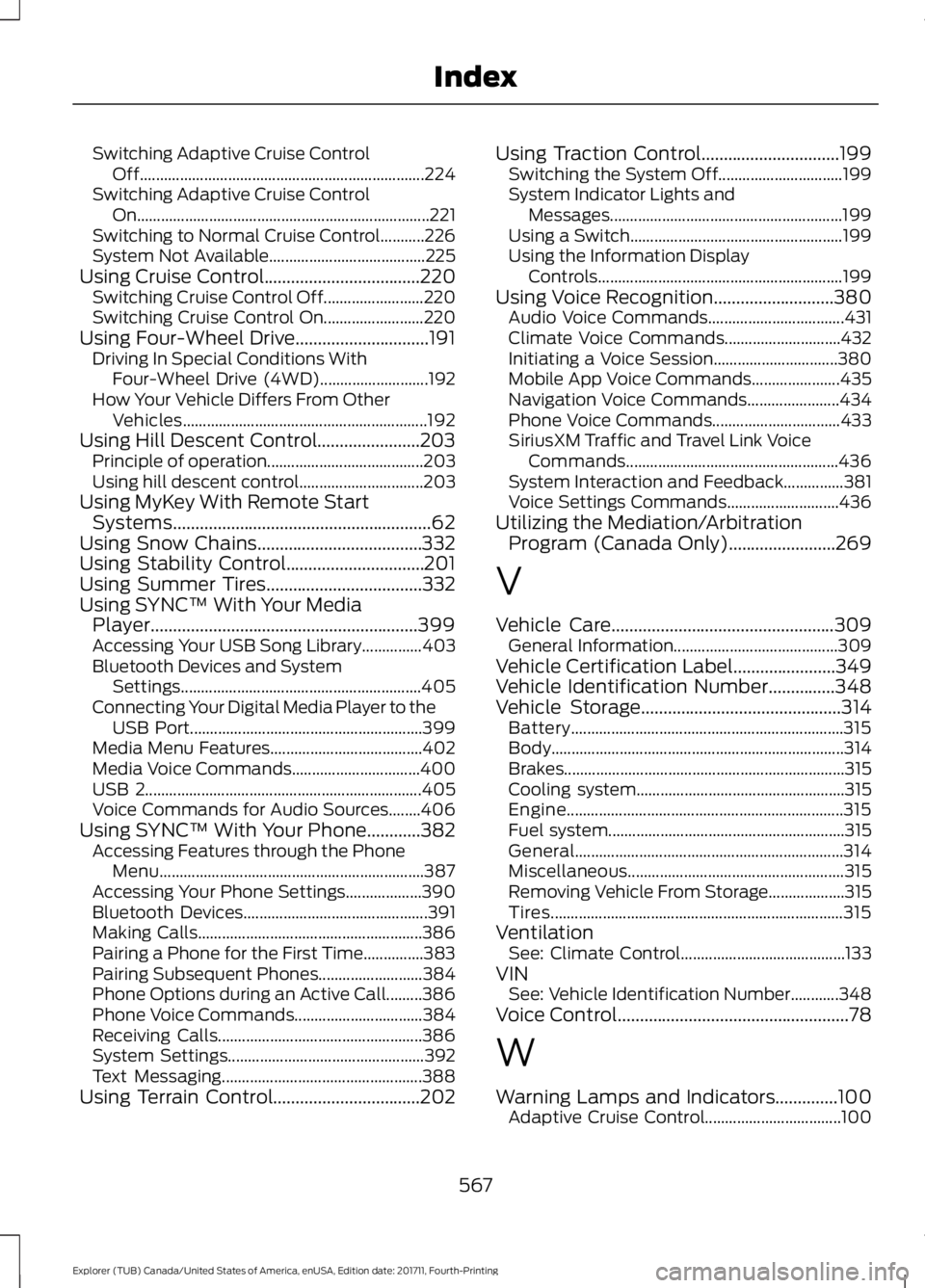
Switching Adaptive Cruise Control
Off....................................................................... 224
Switching Adaptive Cruise Control On........................................................................\
. 221
Switching to Normal Cruise Control...........226
System Not Available....................................... 225
Using Cruise Control...................................220 Switching Cruise Control Off......................... 220
Switching Cruise Control On......................... 220
Using Four-Wheel Drive..............................191 Driving In Special Conditions With
Four-Wheel Drive (4WD)........................... 192
How Your Vehicle Differs From Other Vehicles............................................................. 192
Using Hill Descent Control.......................203 Principle of operation....................................... 203
Using hill descent control............................... 203
Using MyKey With Remote Start Systems..........................................................62
Using Snow Chains.....................................332
Using Stability Control...............................201
Using Summer Tires...................................332
Using SYNC™ With Your Media Player............................................................399
Accessing Your USB Song Library...............403
Bluetooth Devices and System Settings............................................................ 405
Connecting Your Digital Media Player to the USB Port.......................................................... 399
Media Menu Features...................................... 402
Media Voice Commands................................ 400
USB 2..................................................................... 405
Voice Commands for Audio Sources........406
Using SYNC™ With Your Phone............382 Accessing Features through the Phone
Menu.................................................................. 387
Accessing Your Phone Settings................... 390
Bluetooth Devices.............................................. 391
Making Calls........................................................ 386
Pairing a Phone for the First Time...............383
Pairing Subsequent Phones.......................... 384
Phone Options during an Active Call.........386
Phone Voice Commands................................ 384
Receiving Calls................................................... 386
System Settings................................................. 392
Text Messaging.................................................. 388
Using Terrain Control.................................202 Using Traction Control...............................199
Switching the System Off............................... 199
System Indicator Lights and Messages.......................................................... 199
Using a Switch..................................................... 199
Using the Information Display Controls............................................................. 199
Using Voice Recognition...........................380 Audio Voice Commands.................................. 431
Climate Voice Commands............................. 432
Initiating a Voice Session............................... 380
Mobile App Voice Commands...................... 435
Navigation Voice Commands....................... 434
Phone Voice Commands................................ 433
SiriusXM Traffic and Travel Link Voice Commands..................................................... 436
System Interaction and Feedback...............381
Voice Settings Commands............................ 436
Utilizing the Mediation/Arbitration Program (Canada Only)........................269
V
Vehicle Care
..................................................309
General Information......................................... 309
Vehicle Certification Label.......................349
Vehicle Identification Number
...............348
Vehicle Storage.............................................314
Battery.................................................................... 315
Body........................................................................\
. 314
Brakes...................................................................... 315
Cooling system.................................................... 315
Engine..................................................................... 315
Fuel system........................................................... 315
General................................................................... 314
Miscellaneous...................................................... 315
Removing Vehicle From Storage................... 315
Tires........................................................................\
. 315
Ventilation See: Climate Control......................................... 133
VIN See: Vehicle Identification Number............348
Voice Control
....................................................78
W
Warning Lamps and Indicators..............100 Adaptive Cruise Control.................................. 100
567
Explorer (TUB) Canada/United States of America, enUSA, Edition date: 201711, Fourth-Printing Index